
Retool built the internal-tools category, but its per-builder pricing, closed-source code, and self-hosting complexity send plenty of teams looking for something else.
If you're hitting those walls, Appsmith leads for open-source developers, ToolJet for AI-native building, and Superblocks for governed enterprise apps.
I tested the leading Retool alternatives and shortlisted the 9 best across pricing at scale, code ownership, self-hosting, AI building, and governance. Here's the ranked list, honest pricing, and who each is built for.
9 best Retool alternatives: TL;DR
- Appsmith: Best open-source, developer-first alternative.
- ToolJet: Best for AI-native building with per-builder-only pricing.
- Superblocks: Best for governed enterprise internal apps.
- Budibase: Best for small teams that want free self-hosting.
- Bubble: Best for customer-facing web and mobile apps.
- Microsoft Power Apps: Best for Microsoft-stack shops.
- Glide: Best for spreadsheet-to-app builds.
- UI Bakery: Best for cheaper Retool-style building at scale.
- WeWeb: Best for custom front-ends over an existing backend.
Why look for Retool alternatives?
Retool is a capable platform, and for engineering teams with the budget, it works well. It supports app generation from prompts, agents, and a deep component library. Still, five recurring pain points push teams to look elsewhere.
- Pricing that compounds: Retool charges per builder and separately per end user, so a widely used internal tool adds end-user cost on top of builder seats. Business runs at $50 per builder monthly on an annual billing plan, and SSO sits behind that tier.
- Limited code extensibility: The component library is broad, but customization is shallow, with styling limited to inline CSS or JavaScript. Users report building too many custom components from scratch.
- Closed-source code: Retool's codebase is entirely closed, so your security team can't audit it the way they can with open-source platforms. Apps also can't be exported as code, which locks you in.
- Self-hosting complexity: A full on-premises deployment is challenging to set up and costly to keep running, since you own the infrastructure and operations.
- Uneven observability coverage: Retool ships native log forwarding for Datadog and Splunk, but New Relic requires custom container log setup, and event-driven streaming relies on Kafka as the primary supported broker.
Which Retool alternative should you choose?
Here's the quick version before the deep dives.
- Choose Appsmith if you want open-source transparency and free self-hosting, though non-engineers will find its JavaScript-everything approach a barrier.
- Choose ToolJet if you want open-source, per-builder-only pricing, and a first-class AI agent layer; it's less ideal if you want a large template library.
- Choose Superblocks if you need governed enterprise apps with code export, though it's focused on internal tools with customer-facing products outside its scope.
- Choose Budibase if you're a small team wanting free self-hosting, or if it's less suited to complex custom logic.
- Choose Bubble if you're building customer-facing web or mobile apps, though its workload-unit pricing can get unpredictable.
- Choose Microsoft Power Apps if you're already invested in the Microsoft 365 and Azure stack, though value drops sharply outside it.
- Choose Glide if your data already lives in spreadsheets and you want mobile-responsive apps fast, though complex logic will push you elsewhere.
- Choose UI Bakery if you want Retool's model at a lower cost, with Python support, though its community is smaller than that of the open-source leaders.
- Choose WeWeb if you already run a backend and want a polished custom front end, though you'll need the backend separately.
- Stick with Retool if you're an engineering team with a budget that needs a mature component library and native mobile apps, and per-user cost isn't a constraint
9 best Retool alternatives: at a glance
Pricing correct as of July 2026. Verify with vendor.
1. Appsmith
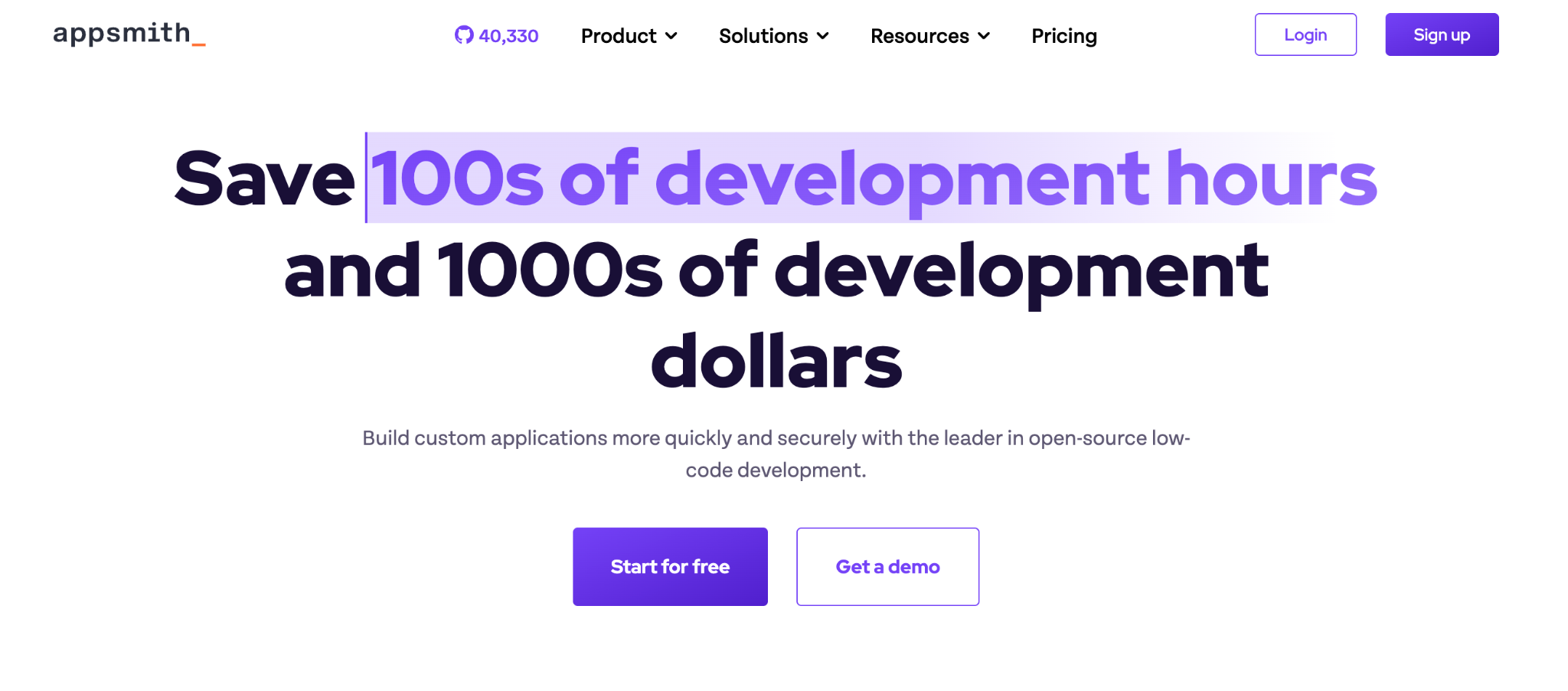
Appsmith is the strongest open-source Retool alternative for developers who want full code transparency and free self-hosting.
Its entire codebase is on GitHub with 38K+ stars, so your security team can audit every line. For teams that want Retool-style building with flat, predictable pricing, it's the natural first stop.
Key features
- Complete code transparency: Audit the entire codebase and see exactly how data flows.
- Git-native development: Direct integration with GitHub, GitLab, and Bitbucket for real version control.
- Free self-hosting: The community edition deploys on your own infrastructure at no cost.
Pros
- ✅ Open-source with a large, active community.
- ✅ Unlimited users on the self-hosted community edition.
- ✅ Audit logs and access control on cheaper plans than Retool.
Cons
- ❌ Client-side JavaScript only, with no built-in server-side runner.
- ❌ Non-engineers struggle since everything routes through JavaScript.
Best for
- Engineering teams that want open-source control.
- Organizations needing to self-host for compliance or cost.
Pricing
Free community edition for unlimited self-hosted users. Cloud is free for up to 5 users, with paid plans starting at $15/user/month. See Appsmith's pricing.
2. ToolJet
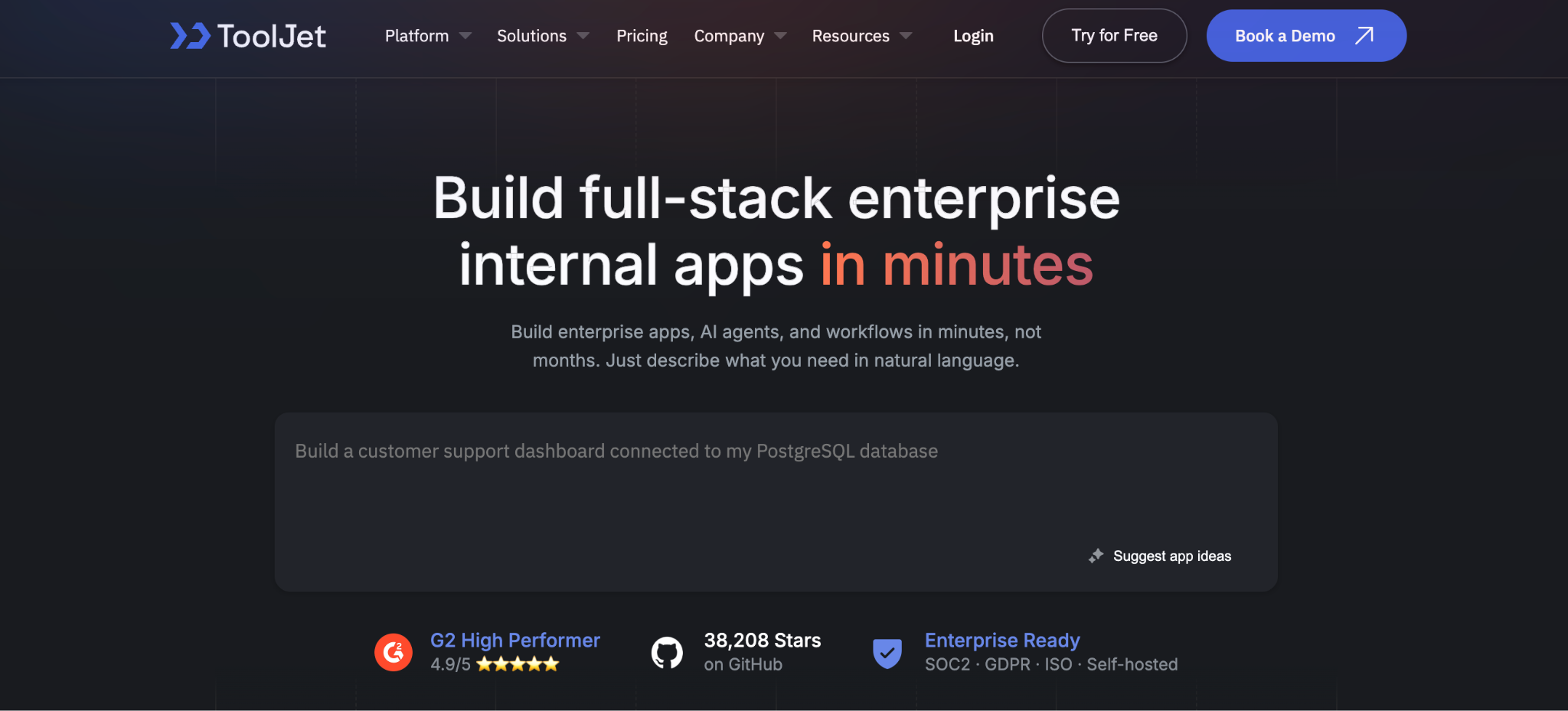
ToolJet is the best open-source Retool alternative for AI-native building with per-builder-only pricing.
It bills per builder with no charge for end users, which keeps costs predictable as adoption grows. Its AI agent layer treats agentic workflows as a first-class capability, and it supports air-gapped deployment for regulated teams.
Key features
- No end-user fees: Per-builder pricing that stays flat as usage grows.
- AI agent layer: Agentic workflows are built in as a first-class capability.
- Air-gapped deployment: Viable for regulated and government environments.
Pros
- ✅ Open-source with 38K+ GitHub stars.
- ✅ No per-end-user charges, cheaper at scale.
- ✅ Broad database connectors and Python support.
Cons
- ❌ Fewer templates than Retool out of the box.
- ❌ Newer than Appsmith, with a smaller community.
Best for
- Teams wanting open-source with predictable pricing.
- Regulated industries needing air-gapped deployment.
Pricing
Free and open-source to self-host. Paid cloud plans start at $99/builder monthly, with custom enterprise pricing. See ToolJet's pricing.
3. Superblocks
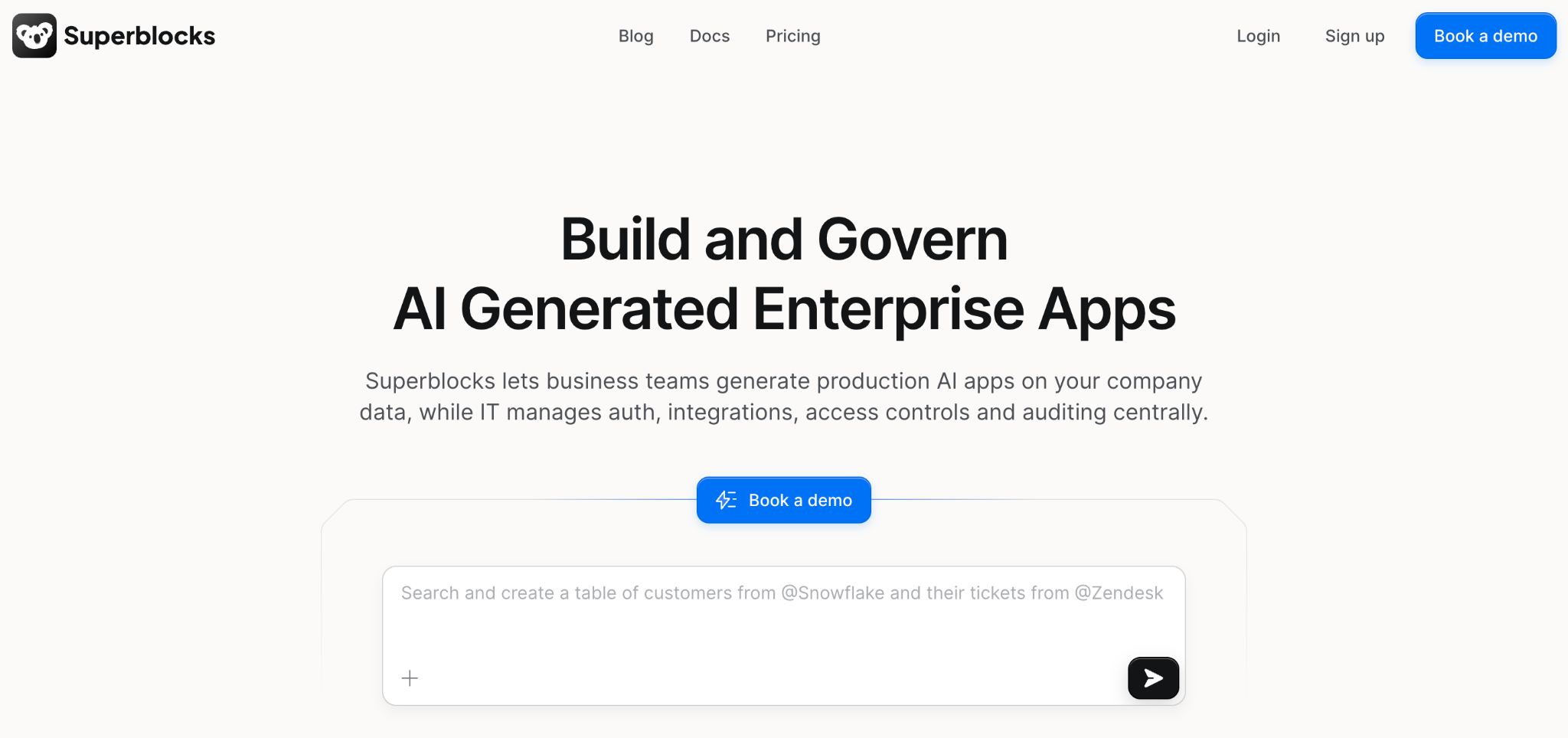
Superblocks is the best Retool alternative for enterprises that need to build governed internal apps with AI, visual tools, or code.
Superblocks generates apps you can export as clean React code, giving teams full ownership of what they build. Business teams build with their Clark AI, while IT maintains centralized governance.
Built on a SOC 2 and HIPAA-aligned foundation, its on-premise agent keeps data in your VPC while the control plane runs in the cloud. Every generated app inherits your organization's security policies.
Key features
- 🤖 Flexible modalities: Build with AI, a visual editor, or code, and swap between them at any time.
- 🔧 True code export: Apps export as React to modify, extend, or host elsewhere.
- 🛡️ Hybrid deployment: The on-premises agent secures data in your VPC while the control plane runs in the cloud.
Pros
- ✅ Prompt-to-app building with no vendor lock-in.
- ✅ Governance, RBAC, and audit logs built in.
- ✅ Streaming support for Kafka and Kinesis, plus Datadog, Splunk, and New Relic across broad integrations.
Cons
- ❌ No native mobile app development.
- ❌ Focused on internal tools, with customer-facing products out of scope.
Best for
- Enterprises needing governance and security controls.
- Teams that want AI building without vendor lock-in.
Pricing
Superblocks Teams starts at $125 per AI Builder/month, with Enterprise using custom pricing based on creators, users, and deployment model. See Superblocks pricing or book a demo.
In practice, Virgin Voyages runs 15+ production apps across seven departments on Superblocks under IT governance, with no dedicated frontend engineers.
4. Budibase
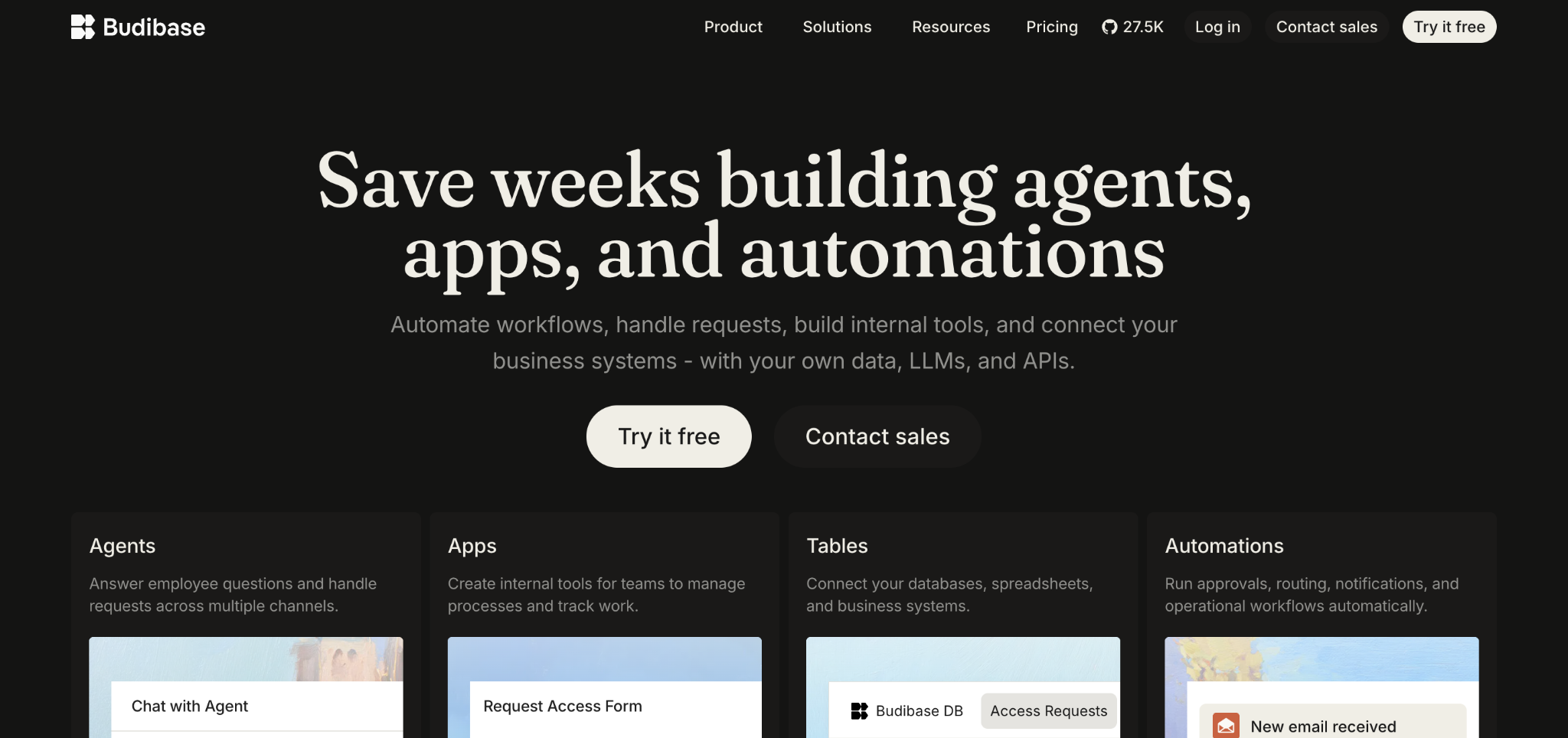
Budibase is the best Retool alternative for small teams that want free self-hosting with minimal setup.
It pairs a clean visual builder with auto-generated CRUD and a built-in database. Self-hosting is free for up to 20 users, more generous than Retool's 5, and setup is a single Docker container.
Key features
- Built-in database: A bundled database for quick starts, plus external connectors.
- Generous free self-hosting: 20 users free self-hosted versus Retool's 5.
- Simple setup: Single-container deployment that's faster to stand up.
Pros
- ✅ Open-source with community plugins and templates.
- ✅ SSO and app embedding on the free plan.
- ✅ Recently added AI features for workflows.
Cons
- ❌ Fewer templates than Retool out of the box.
- ❌ No native streaming-platform integrations.
Best for
- Small teams building forms and simple dashboards.
- Organizations wanting data sovereignty on a budget.
Pricing
Free for up to 5 cloud users or 20 self-hosted users. Paid plans start at $23 per creator, billed monthly. See Budibase's pricing.
5. Bubble
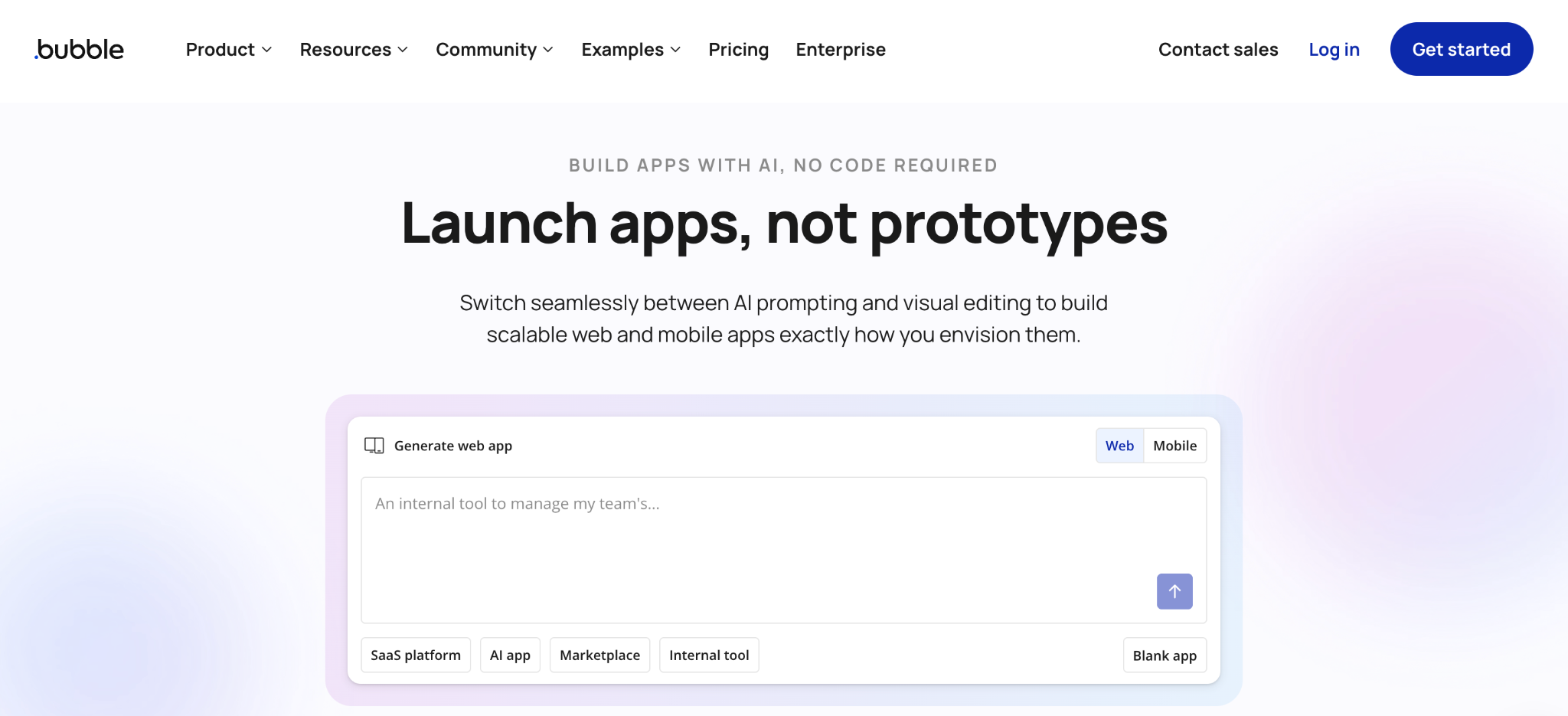
Bubble is the best Retool alternative for customer-facing web and mobile apps, which fall outside Retool's internal-tools focus.
It's a no-code platform with an AI app generator, built-in user authentication, and payment processing. Bubble handles the full customer-facing stack: UI, hosting, database, and user management in one place.
Key features
- Customer-facing focus: Clean UIs, auth, and payments for public products.
- Visual programming: Trigger-action workflows through drag-and-drop.
- Native mobile: Publishes iOS and Android apps.
Pros
- ✅ Purpose-built for customer-facing apps.
- ✅ Large plugin marketplace.
- ✅ Hosting, database, and user management in one place.
Cons
- ❌ Steep learning curve for a no-code tool.
- ❌ Workload-unit pricing makes costs hard to predict.
Best for
- Founders building public-facing products.
- Teams that want no-code with native mobile output.
Pricing
Free development tier, with Web & Mobile paid plans starting at $69/month, billed monthly. See Bubble's pricing.
6. Microsoft Power Apps
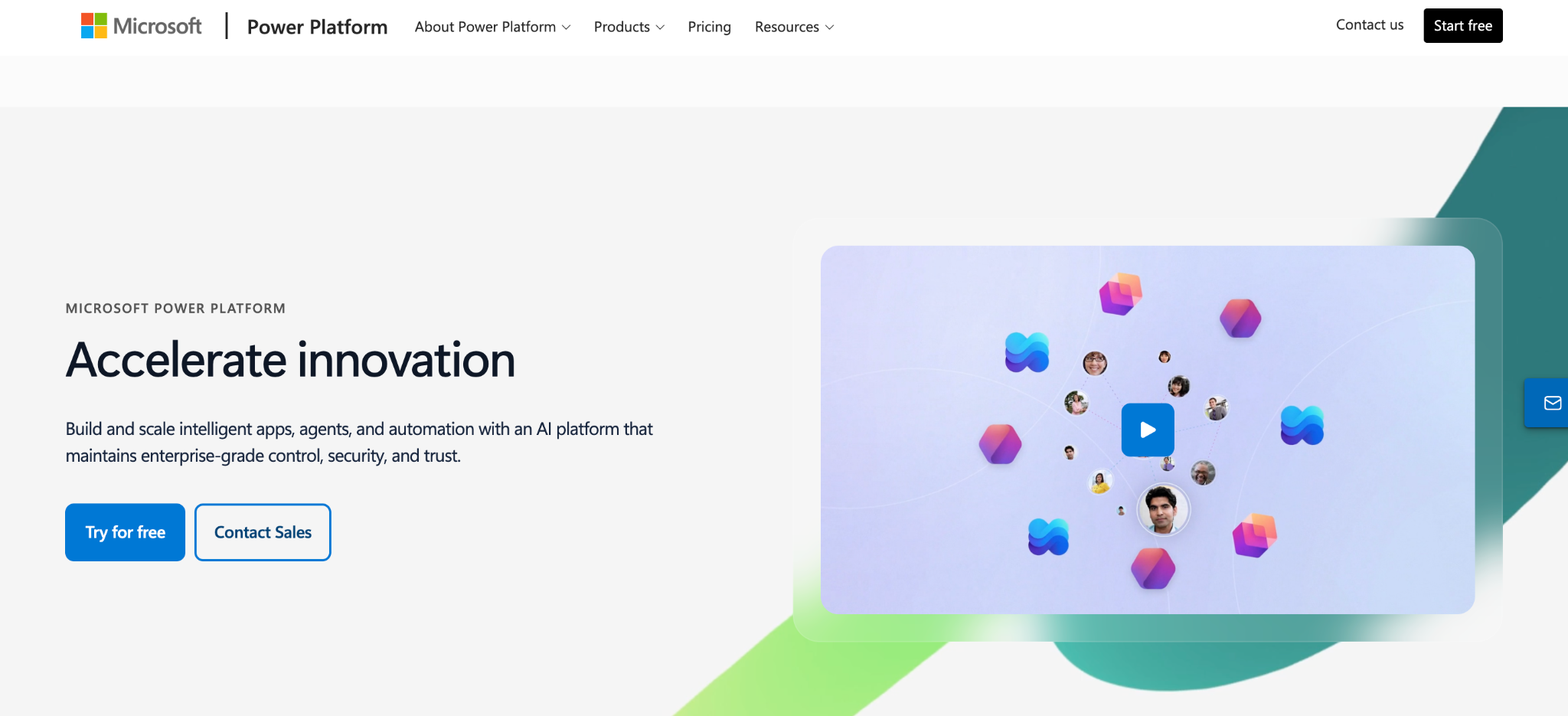
Microsoft Power Apps is the best Retool alternative for organizations already invested in the Microsoft stack.
It connects natively to Microsoft 365, Azure, and Dataverse, so teams already in that stack get a low-friction entry point. Its value drops sharply outside the Microsoft world.
Key features
- Microsoft integration: Native connection to 365, Azure, and Dataverse.
- Prebuilt connectors: Components for common business apps.
- Accessible entry: Lower starting cost for Microsoft-centric teams.
Pros
- ✅ Cost-effective for Microsoft-centric orgs.
- ✅ Familiar to teams already in the Microsoft stack.
- ✅ Strong governance through Azure AD.
Cons
- ❌ Value drops sharply outside the Microsoft stack.
- ❌ Complex apps hit governance and licensing snags.
Best for
- Organizations running Microsoft 365 and Azure.
- Teams building straightforward internal business apps.
Pricing
The premium plan is $20 per user monthly, with per-app options. See Power Apps pricing.
7. Glide
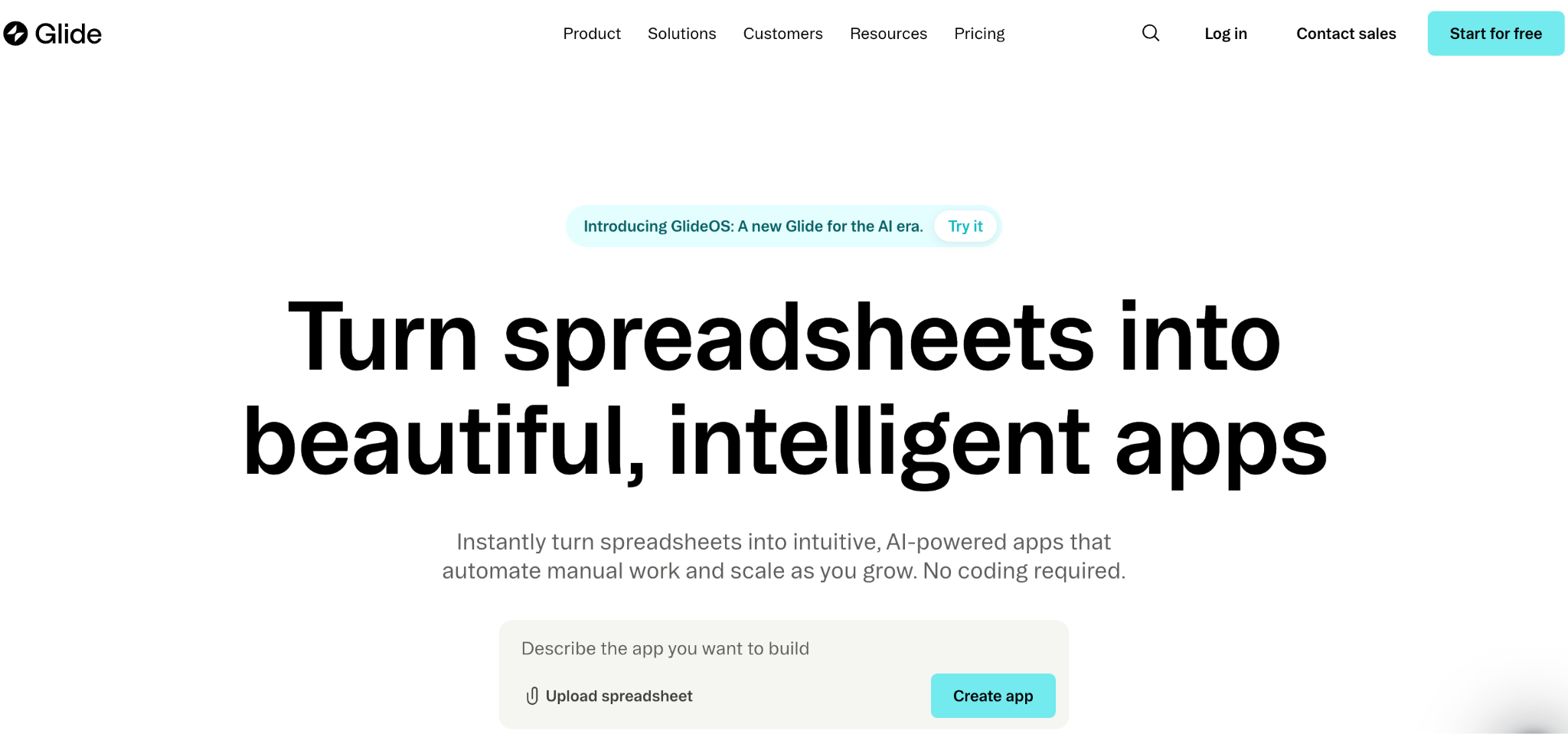
Glide is the best Retool alternative for quickly turning spreadsheet data into mobile-responsive apps.
It converts data from Google Sheets or Excel directly into a working app, which makes it the quickest path for teams whose data already lives in spreadsheets.
Key features
- Spreadsheet-to-app: Direct conversion from Sheets or Excel.
- Mobile-responsive: Apps work cleanly on mobile out of the box.
- Quick setup: Minimal configuration for a working app.
Pros
- ✅ Fastest path from spreadsheet to app.
- ✅ Approachable for non-technical builders.
- ✅ Clean mobile-responsive output.
Cons
- ❌ Limited for complex logic or large datasets.
- ❌ Less extensible than code-friendly alternatives.
Best for
- Teams whose data already lives in spreadsheets.
- Non-technical builders needing quick mobile apps.
Pricing
Free tier available, with paid plans from $25/month for individuals and $249/month for businesses. See Glide's pricing.
8. UI Bakery
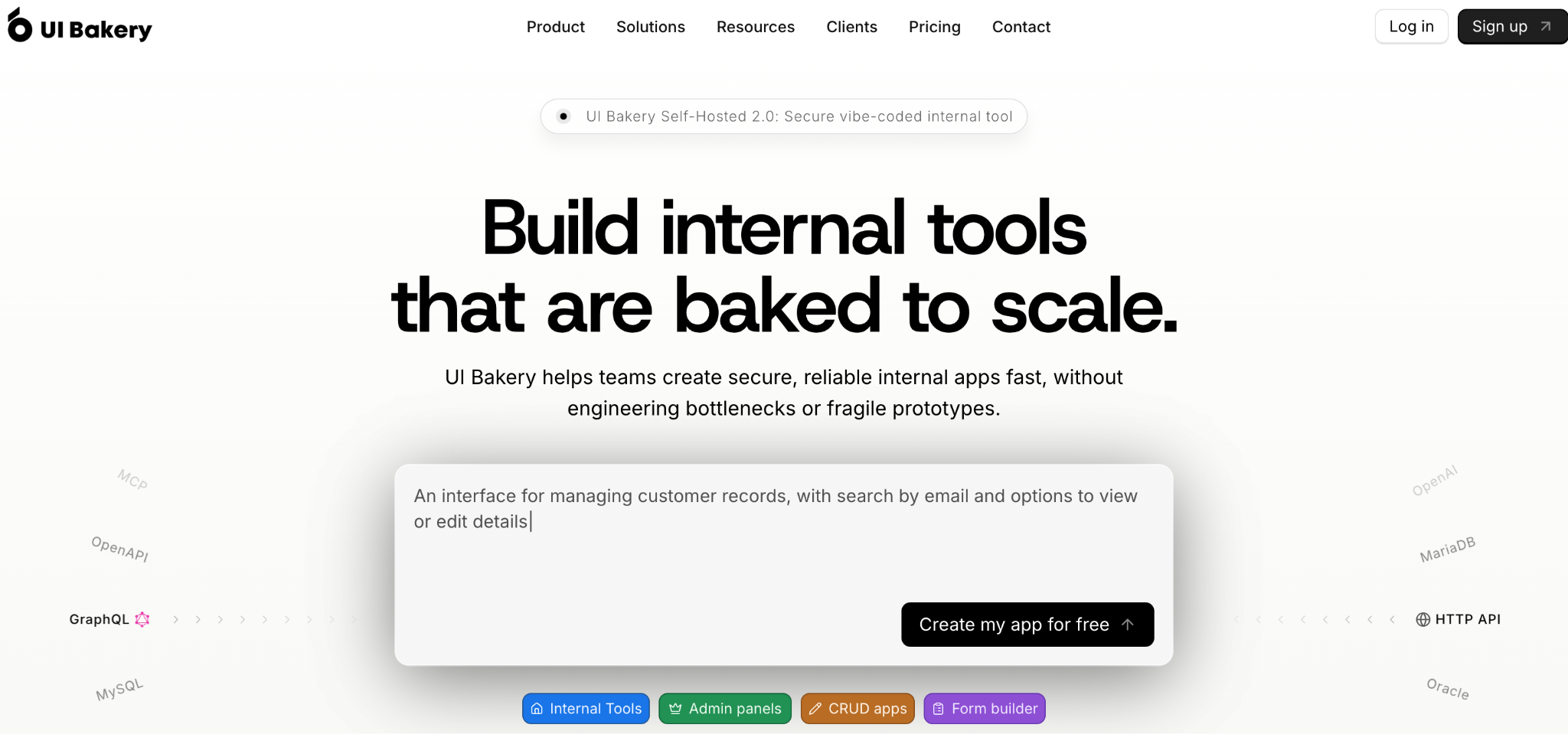
UI Bakery is the best Retool alternative for teams that want Retool-style building at a lower cost with Python support.
It offers a familiar drag-and-drop experience plus an AI agent that generates full apps, and it's less expensive than Retool at scale.
Key features
- AI app generation: Describe an app and get a working multi-page result.
- Python support: Server-side logic in Python and JavaScript.
- Scheduled workflows: Automate recurring tasks and system events.
Pros
- ✅ Cheaper than Retool at scale.
- ✅ Python support for backend logic.
- ✅ Git-based version control.
Cons
- ❌ Smaller community than the open-source leaders.
- ❌ Not open-source.
Best for
- Teams seeking Retool's model at a lower cost.
- Builders who need Python support.
Pricing
Free tier available, with paid plans starting at $25/month for the Builder plan. See UI Bakery's pricing.
9. WeWeb
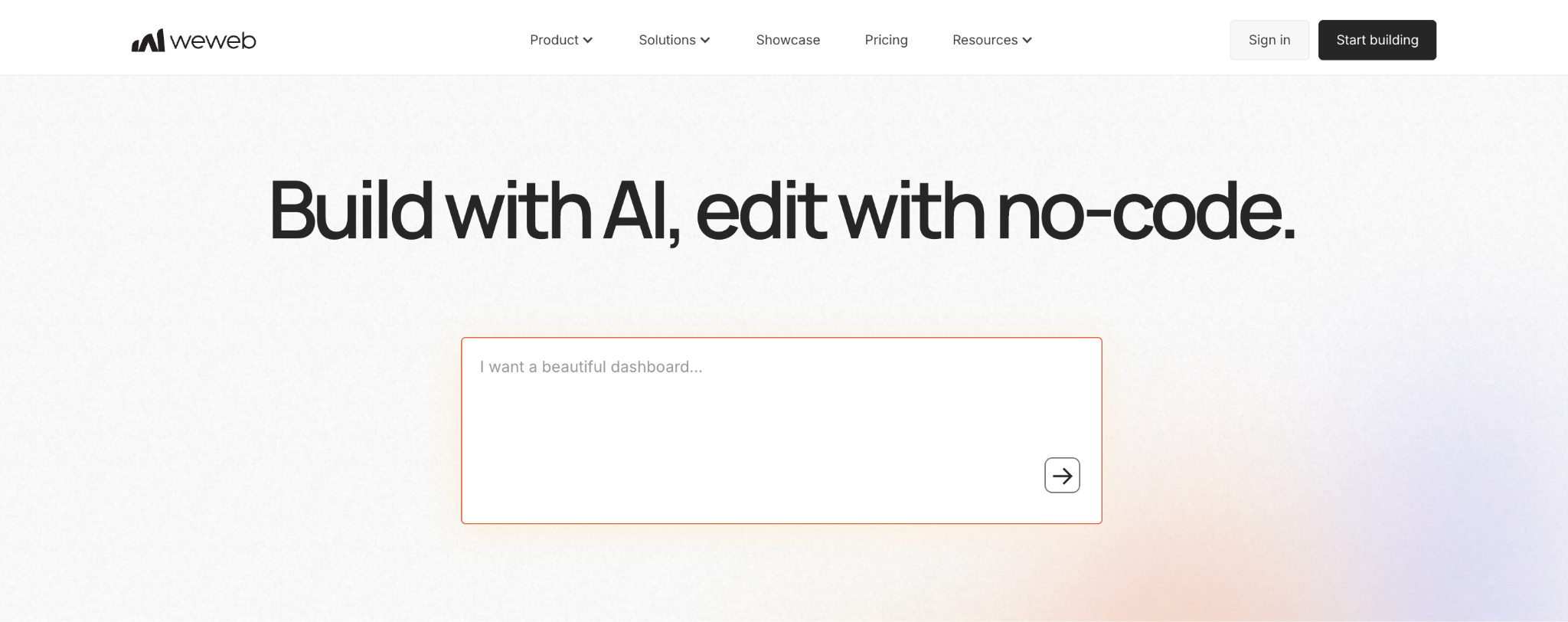
WeWeb is the best Retool alternative when you want a polished custom front-end built on top of a backend you already run.
It's a visual front-end builder that exports a standard Vue.js app and connects to Xano, Supabase, or any REST or GraphQL API. WeWeb focuses on the interface layer and leaves the backend to your existing stack.
Key features
- Front-end focus: A visual builder for responsive, production-grade interfaces.
- Backend-agnostic: Connects to Xano, Supabase, or any REST or GraphQL API.
- Code export: Exports a standard Vue.js SPA to host anywhere.
Pros
- ✅ Strong design control for polished, custom UIs.
- ✅ No lock-in, since the front end and data stay separate.
- ✅ Code export and self-hosting on paid plans.
Cons
- ❌ Needs a separate backend, so it's not a full internal-tool builder on its own.
- ❌ SPA output means server-side rendering isn't available for SEO.
Best for
- Teams that already run a backend and want a better front-end.
- Builders who want design control with code export.
Pricing
Free tier for building and previewing, with paid seat plans starting at $25/month, plus hosting. See WeWeb's pricing.
How to evaluate Retool alternatives
The right choice comes down to matching a platform to your real constraints. Five questions to work through:
- Who is building? Some tools need developers fluent in JavaScript; others let business users build with AI or visually. Be honest about who will keep your apps running day-to-day.
- Do you need code ownership? If avoiding lock-in matters, prioritize platforms that let you export standard code or self-host, so the code stays yours.
- How does pricing scale? Per-builder-plus-per-end-user models get expensive fast. Model your cost based on real user counts, including end users alongside builder seats.
- Open-source or managed? Open source gives you transparency, free self-hosting, and ownership of operations. Managed platforms trade that control for less operational overhead.
- What governance do you need? Regulated teams need RBAC, audit logs, SSO, and deployment control in the base tier, so you don't pay extra for compliance essentials.
Stop overpaying for internal tools
Retool defined this category, but its pricing model and closed platform push many teams toward alternatives that fit how they work in practice. The open-source options win on transparency and cost, while managed platforms compete on AI building and governance.
If you need governed enterprise apps built with AI, visual tools, or code that you can modify, extend, or host anywhere, Superblocks is worth a look.
For a head-to-head look at how Superblocks compares to Retool specifically, see our Superblocks vs. Retool breakdown.
Want to try building a governed app yourself? Start with the Superblocks Quickstart Guide.
Book a demo to see Clark AI generating governed apps in your own environment.
Frequently asked questions
What is the best Retool alternative?
The best Retool alternative depends on your use case. Appsmith leads for open-source developers, ToolJet for AI-native building, and Superblocks for governed enterprise apps. Most teams pick based on code ownership, pricing, and who's building.
Is there a free alternative to Retool?
Yes, several Retool alternatives are free to self-host. Appsmith and ToolJet are open-source and free to self-host with unlimited users, and Budibase is free for up to 20 self-hosted users. These avoid Retool's per-builder pricing entirely if you can handle hosting.
Why do teams switch from Retool?
Teams switch from Retool primarily due to cost and lock-in. Its per-builder-plus-per-end-user pricing compounds as adoption grows; SSO sits behind the Business tier; the code is closed-source; and apps can't be exported, so teams look for cheaper, more open options.
What is the best open-source Retool alternative?
The best open-source Retool alternative is Appsmith for developer-first control, or ToolJet for AI-native building with per-builder-only pricing. Both are free to self-host with full code transparency, letting security teams audit the codebase Retool keeps closed.
Which Retool alternative is best for enterprises?
The best Retool alternative for enterprises is one with built-in governance. Superblocks fit enterprises needing RBAC, audit logs, and hybrid deployment with code export, while Microsoft Power Apps suits Microsoft-centric organizations already running Azure and 365.

