
Appsmith vs Retool comparisons usually weigh cost and features, then skip the question that actually stalls enterprise rollouts: who's accountable once business teams start shipping their own AI apps.
The short version: Appsmith is the open-source, self-hostable builder; Retool is the broad, managed platform that covers the most use cases out of the box, and Superblocks was built for governed AI app-building from day one, the direction the other two keep adding on piece by piece.
That governance question is why I didn't just read the docs. I built the same internal tool in all three, wiring it to a Postgres database, adding role-based access, and pushing each to a self-hosted deployment to see where the difference actually shows up.
Appsmith gave me the deepest control over infrastructure. Retool got me to a working first draft the fastest. Superblocks took the least cleanup between AI output and production.
Below, I compare the three on the things that decide the pick: AI building, what they cost, how they handle data and deployment, how far you can push the code, and who each one actually fits.
Appsmith vs Retool vs Superblocks: what's the difference?
Appsmith is an open-source low-code platform you self-host for full control over data, cost, and the codebase itself.
Retool is a proprietary, managed platform with the broadest feature set, from web and mobile apps to workflows and a built-in database.
Superblocks is a platform for AI app-building with governance built in, where business teams create apps with Clark and IT configures the guardrails once.
Choose Appsmith if: you want an open-source builder you can self-host and extend without paying per developer seat.
Choose Retool if: you want to go from idea to a polished internal tool fast, with deep integrations and a template library.
Choose Superblocks if: you want AI-native building with governance, React and Python code export, and lightweight self-hosting.
Meet Appsmith: features and highlights
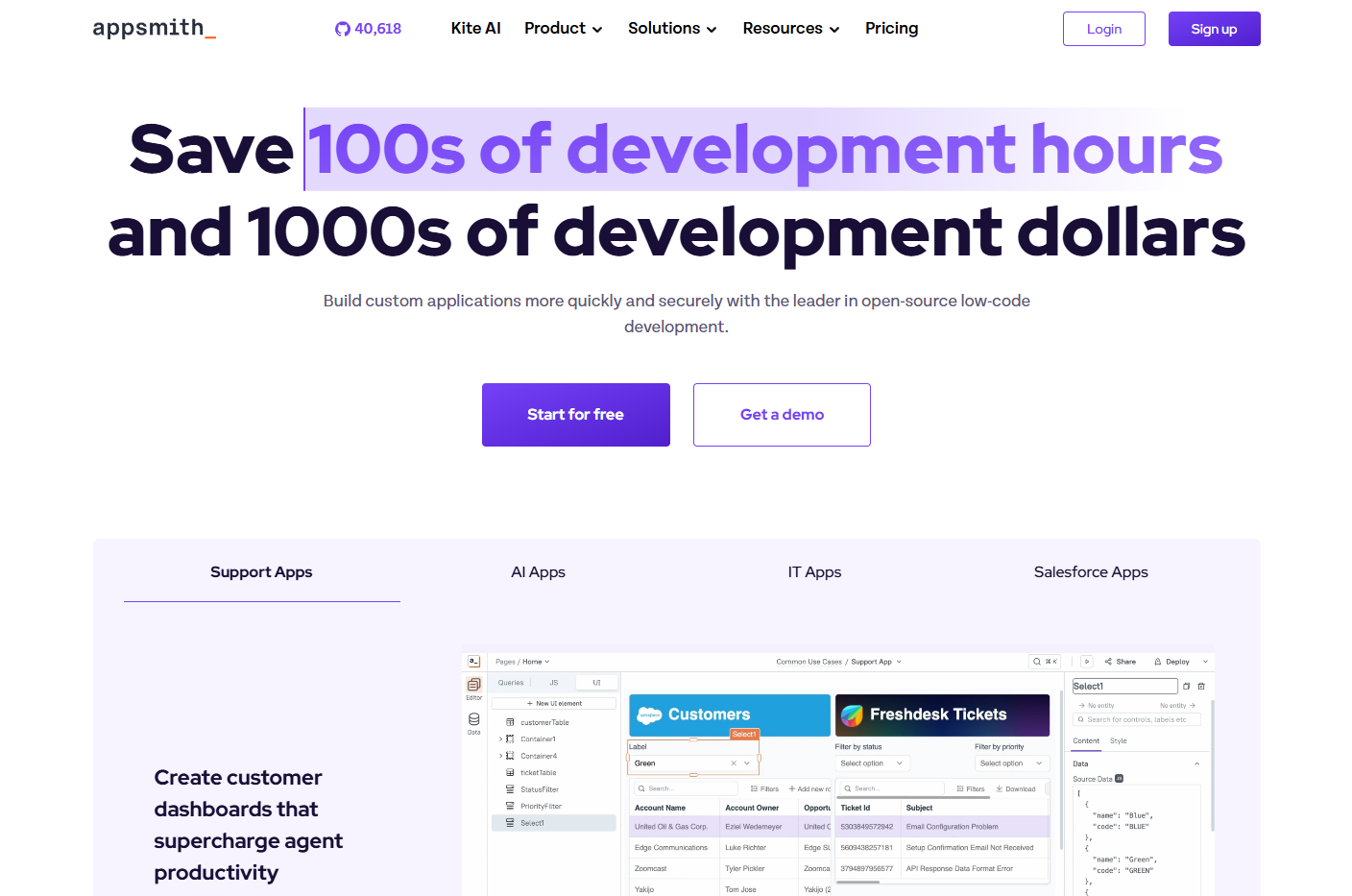
Appsmith is an open-source low-code platform for building internal dashboards, admin panels, and CRUD apps on top of your own data. The whole appeal is transparency: you can read the codebase yourself, host it on your own infrastructure, and contribute back.
That openness shapes how it prices and extends. Appsmith bills per end-user, not per developer, so adding builders doesn't raise the bill on its paid tiers, and the Custom Widget Co-pilot generates React components from a plain-language prompt.
That reach has a ceiling, though. App logic runs as client-side JavaScript in the browser, which users report slows heavier apps.
Meet Retool: features and highlights
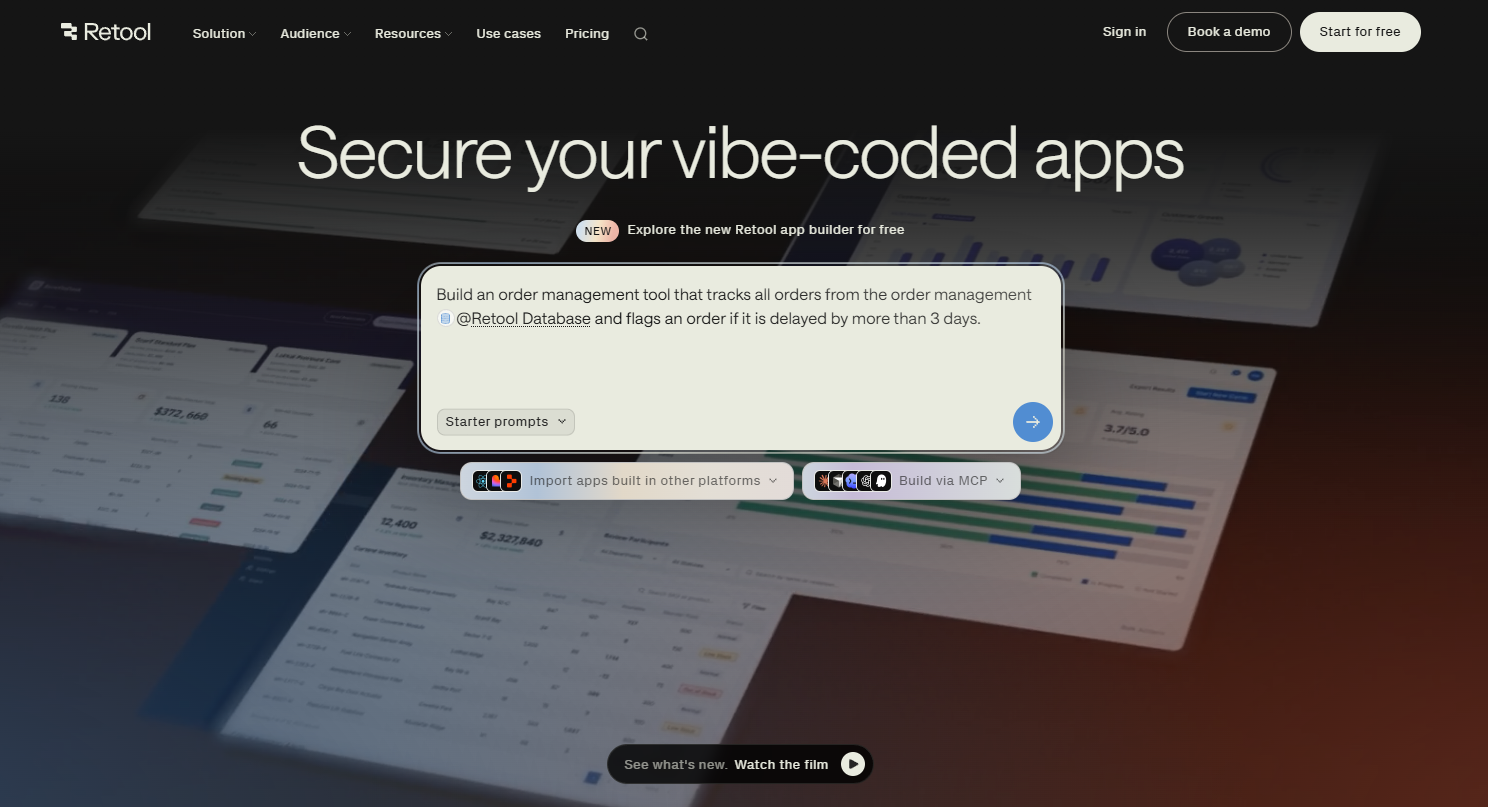
Retool is the proprietary, venture-backed platform teams tend to reach for first when speed matters. Founded in 2017, it carries the broadest offering of the three: web apps, mobile apps, workflows, embedded external apps, and a managed Postgres database.
Where Retool pulls ahead is coverage and finish. It connects to a broad library of databases and SaaS tools, offers a deep set of templates, and in 2026 rebuilt its app builder to be AI-native, with autonomous Agents on top.
All that breadth comes with a catch. Dedicated support is reserved for the Enterprise tier.
Meet Superblocks: features and highlights
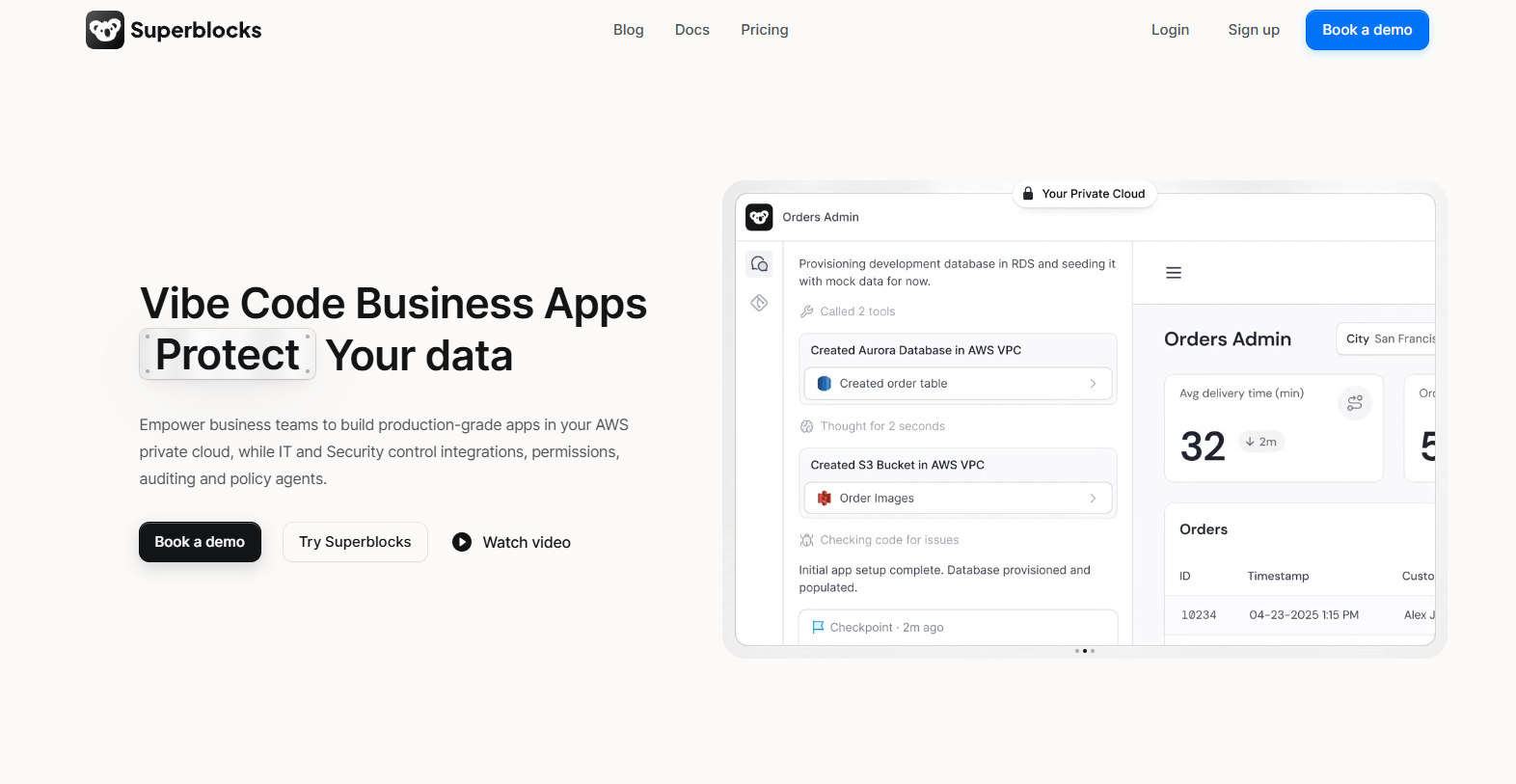
Superblocks is built around Clark, an AI agent that generates secure internal apps on top of private data. Business teams describe an app in plain language, and IT sets the guardrails once.
What sets it apart is what you're left with after the AI writes the app. Clark writes semantic React, Python, JS, or SQL that you can review, edit, and export as standard React to host anywhere.
That output doesn't run unchecked, either. Every build stays inside deterministic guardrails, with audit logs recording what shipped.
The infrastructure backs that up. It also offers observability that can forward telemetry to tools like Datadog, Splunk, or New Relic, plus a lightweight on-premises agent, a middle path between Appsmith's full self-host and Retool's Enterprise-only self-hosting.
Appsmith vs Retool vs Superblocks: at a glance
Pricing correct as of July 2026. Verify with vendor.
Appsmith vs Retool vs Superblocks: Feature-by-feature comparison
AI-native building
All three build with AI now, but they got there in a very different order.
Appsmith bolts AI onto the edges, with a copilot that writes custom widgets from a prompt rather than a full app.
Retool rebuilt its whole app builder around AI in 2026, generating working apps from a description, though that AI sits on a pre-AI foundation.
Superblocks was designed AI-first around Clark, which generates governed apps in React, Python, and SQL inside guardrails IT sets once.
Winner: Superblocks. It generates governed apps from scratch instead of bolting AI onto a pre-AI core.
Pricing and value
Pricing is where these three stop looking alike.
Appsmith is the cheapest to scale, billing per end-user so adding builders doesn't add to the bill, and its open-source edition self-hosts free.
Retool starts lower but climbs differently. It charges per builder and per user, so the bill grows as teams grow, and Agents add usage-based cost on top.
Superblocks flips the shape. It opens higher, at $100 per month billed annually, but stays flat as usage spreads, since one plan covers building and governance.
Winner: Appsmith on raw entry cost, Superblocks on total value once a team scales.
Data and integrations
On raw connector count, Retool is out in front, and the numbers back it up.
Retool ships a broad set of native integrations plus a managed Postgres database, so the common data sources connect without extra setup.
Appsmith covers common databases and any REST or GraphQL API, with the community adding more, though the library is smaller.
Superblocks connects to any database or API and adds native streaming from Kafka and Amazon Kinesis, though it ships no built-in database.
Winner: Retool, for the largest connector library and a hosted database the others lack.
Deployment and governance
The three differ most on where apps actually run and who has visibility into them once they do.
Appsmith self-hosts anywhere via Docker but relies on a full on-premise deployment, with the upkeep that brings.
Retool offers self-hosting mainly on its Enterprise tier and can stream audit logs to external tools like Datadog, so full control sits behind the top plan.
Superblocks keeps data in-network through a lightweight on-premise agent and pairs hybrid deployment with audit logs and governance, without the upkeep of a full on-prem stack.
Winner: Superblocks, for hybrid deployment plus the governance layer IT teams ask for.
Extensibility and code control
You hit the real ceiling the day the visual editor stops being enough and you reach for code.
Appsmith and Retool both lean on client-side JavaScript for in-app logic, with custom components confined to a sandboxed iframe.
Superblocks runs frontend JavaScript, Node, and Python, and lets you export apps as standard React, so you own the code instead of being locked into one platform's runtime.
Winner: Superblocks. It runs full-language logic and hands you React you can walk away with.
What real users say
Feedback below is drawn from G2, Reddit, and developer forums.
Appsmith
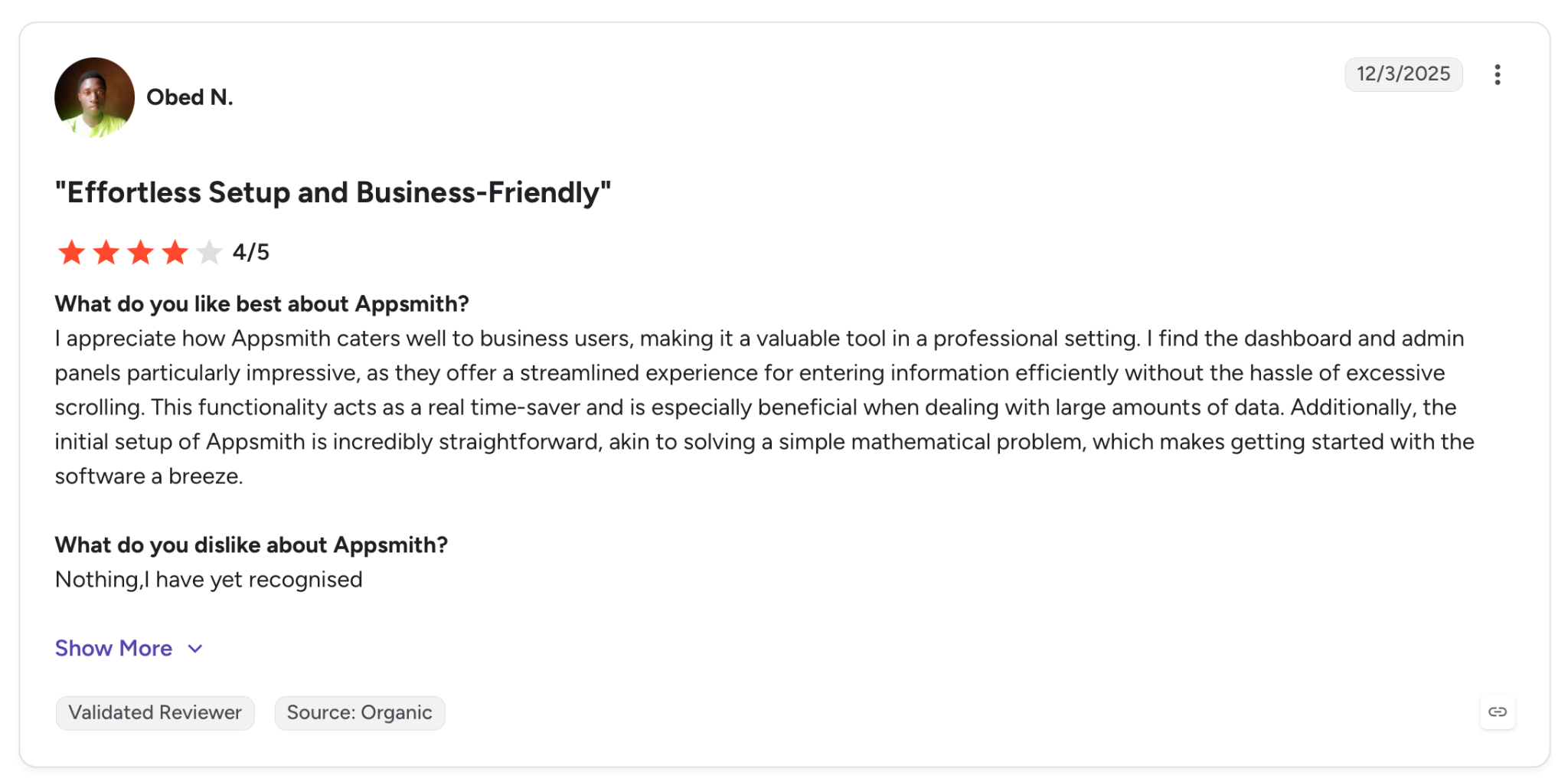
"I find the dashboard and admin panels particularly impressive, as they offer a streamlined experience for entering information efficiently without the hassle of excessive scrolling." Obed N., G2
Pros: Users highlight the polished dashboards and admin panels and how efficiently the builder handles data-entry layouts without endless scrolling.
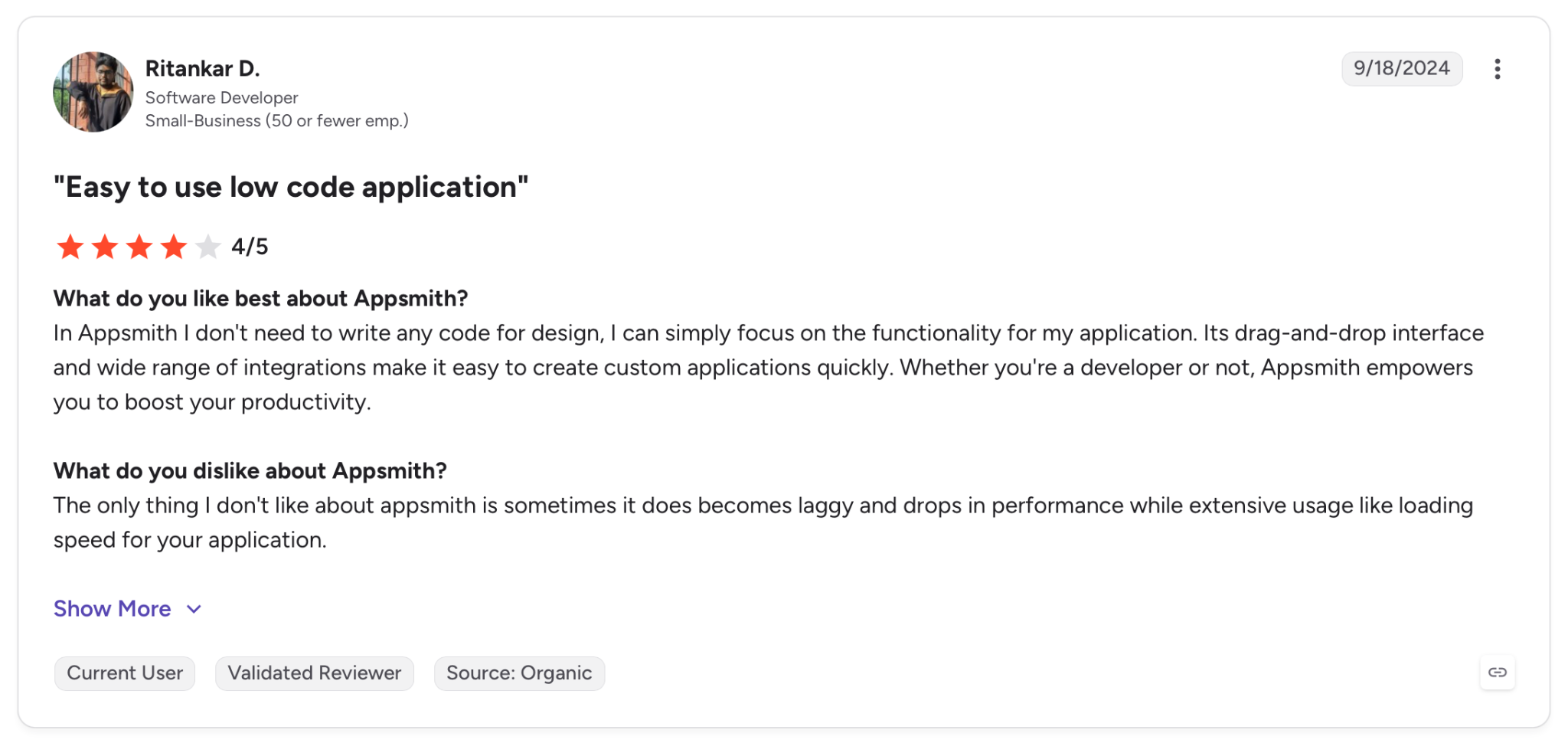
"The only thing I don't like about Appsmith is sometimes it does become laggy and drops in performance during extensive usage, like loading speed for your application." Ritankar D., G2
Cons: Reviewers note lag and slower load speeds on heavier apps under extended use.
Retool
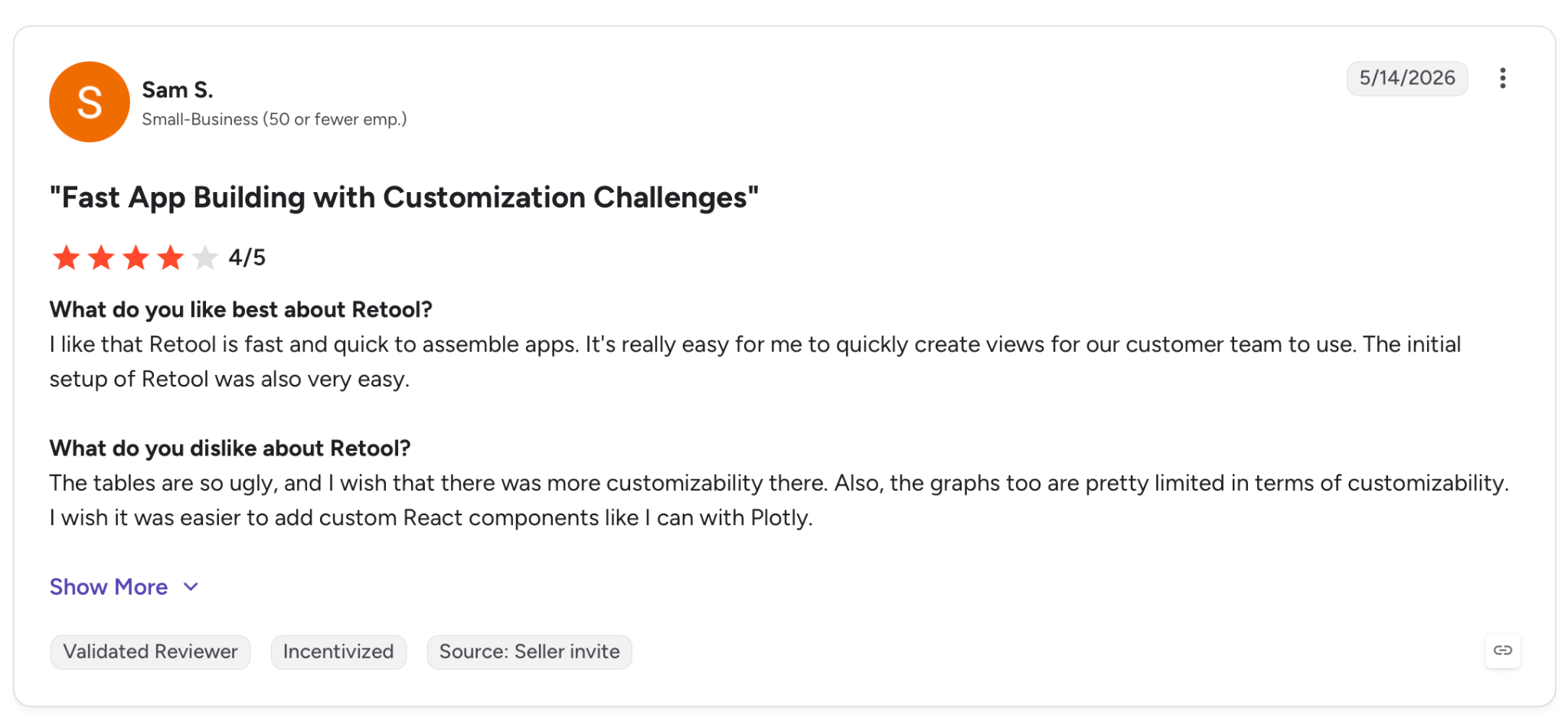
"I like that Retool is fast and quick to assemble apps. It's really easy for me to quickly create views for our customer team to use. The initial setup of Retool was also very easy." Sam S., G2
Pros: Users praise the speed of assembling apps and an easy initial setup that gets internal views in front of teams fast.
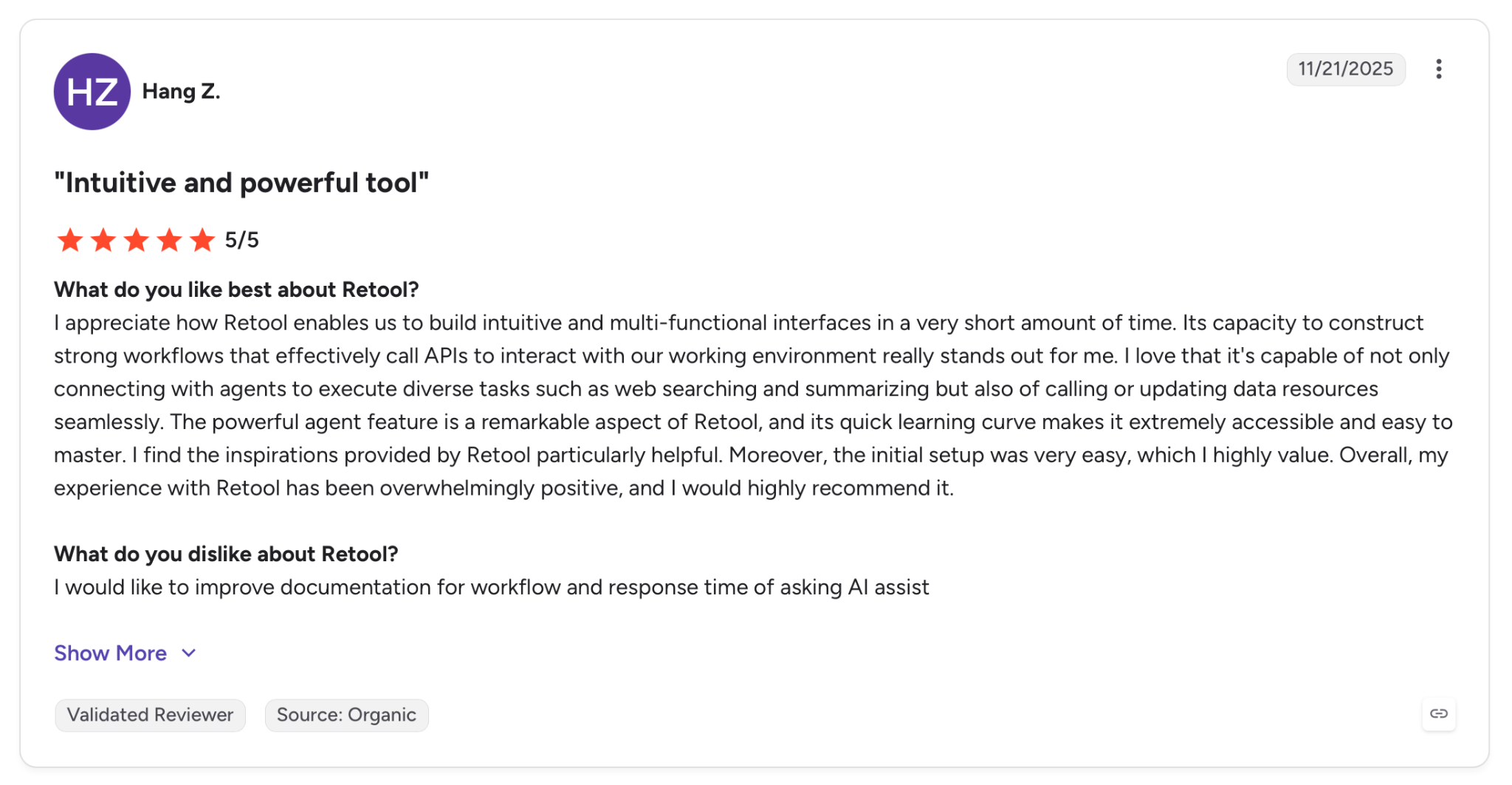
"I would like to improve documentation for workflow and response time of asking AI assist." Hang Z., G2
Cons: Some point to thin workflow documentation and slow AI-assist response times.
Superblocks
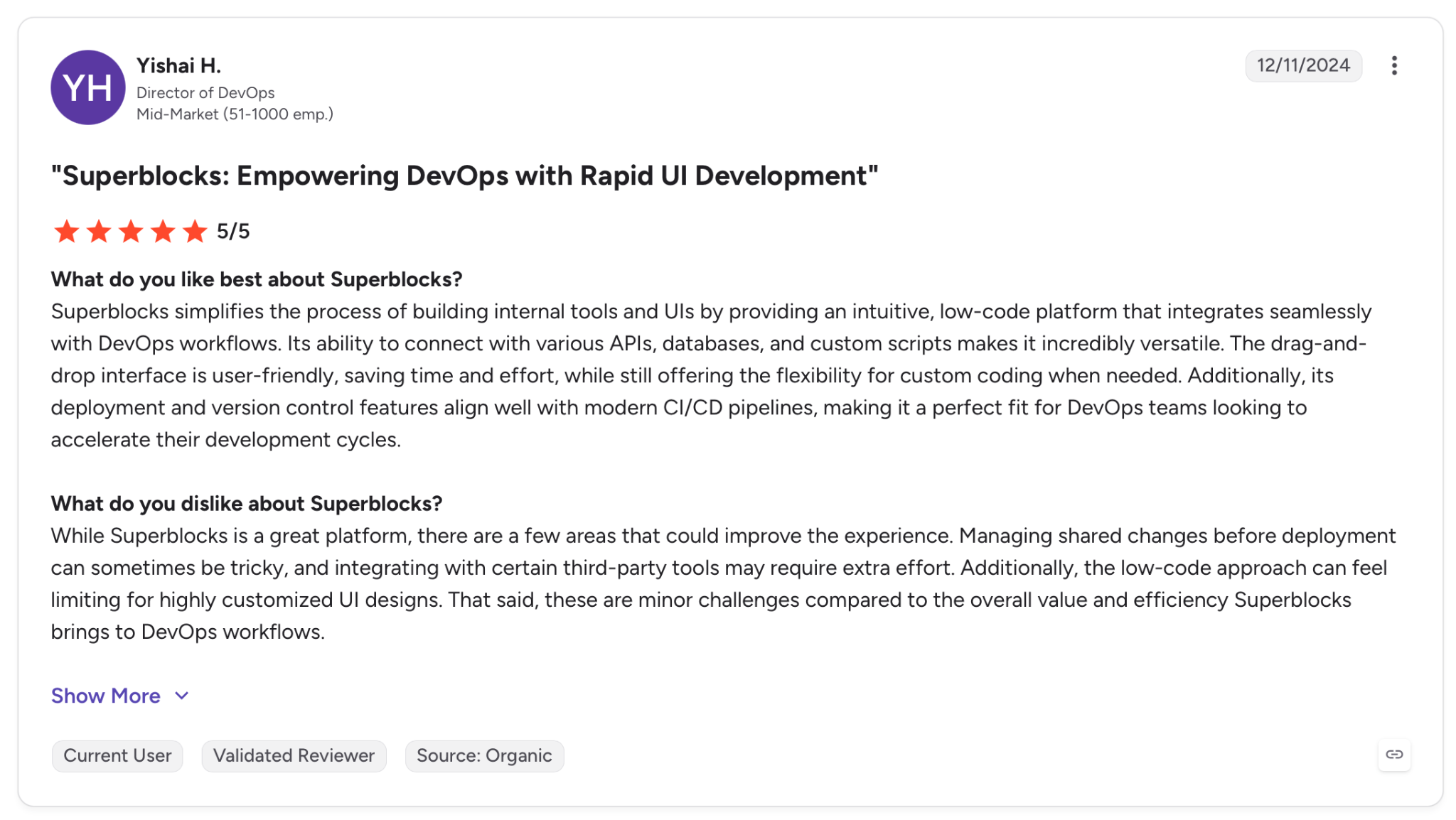
"Superblocks simplifies the process of building internal tools and UIs by providing an intuitive, low-code platform that integrates seamlessly with DevOps workflows." Yishai H., G2
Pros: Users value the intuitive low-code builder and how cleanly it slots into existing DevOps workflows.
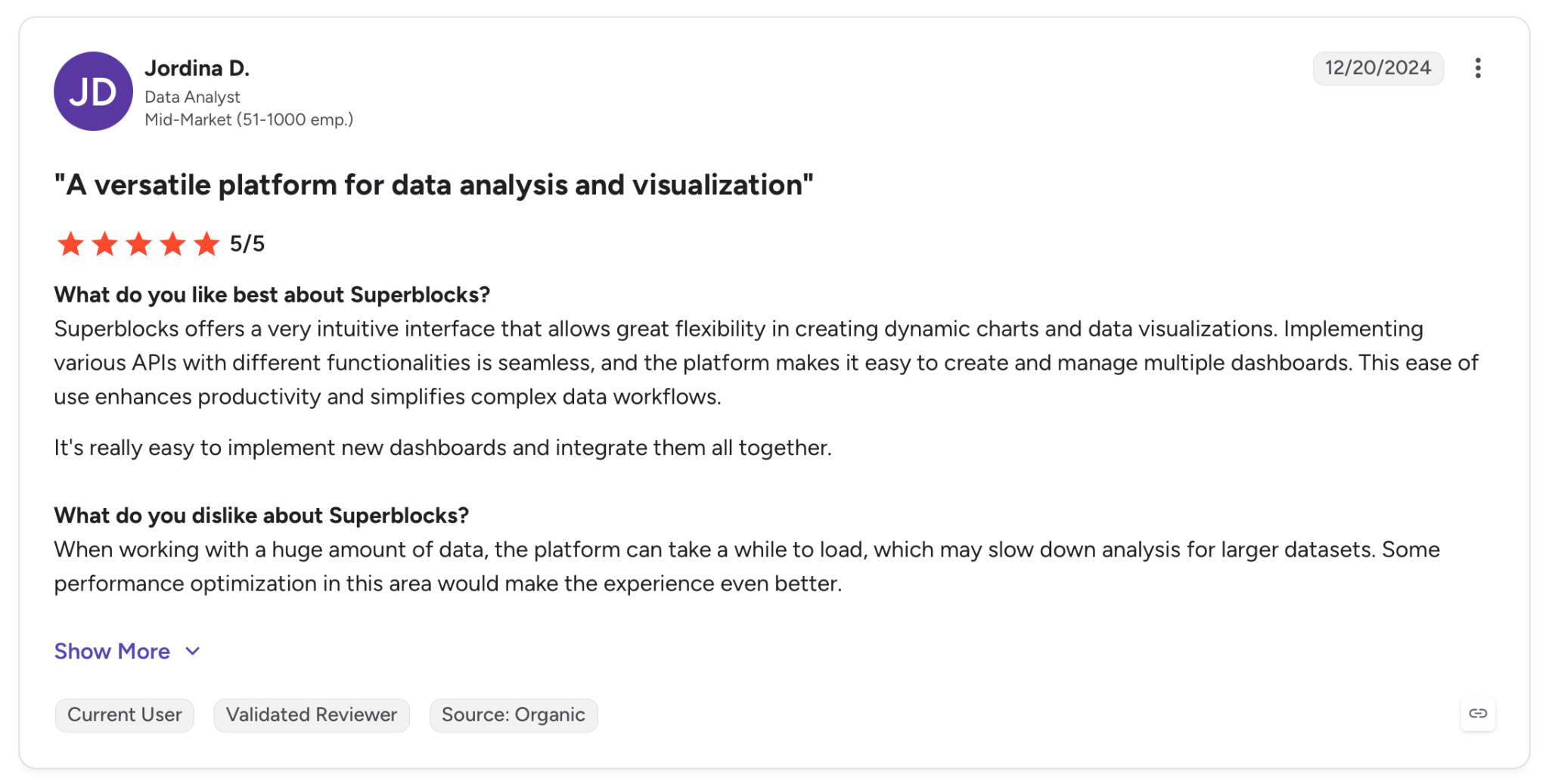
"When working with a huge amount of data, the platform can take a while to load, which may slow down analysis for larger datasets." Jordina D., G2
Cons: A few flag slower load times on very large datasets.
The pattern across all three: users like how fast each one gets a tool standing, and the friction shows up later. Appsmith gets flagged on performance, Retool on documentation and AI response, Superblocks on large datasets.
Which tool should you choose?
The three overlap on the basics and diverge on what happens after you ship the first tool. Pick based on how far past a first prototype your apps actually need to go.
Choose Appsmith if you:
- Want an open-source platform you can self-host and inspect when you need to.
- Need to avoid per-developer seat costs as your builder team grows.
Choose Retool if you:
- Want to go from idea to a usable tool in an afternoon, with the deepest integration and template library.
- Rely on a built-in database and a broad web, mobile, and workflow toolkit.
Choose Superblocks if you:
- Have business teams who want to build with AI, and IT that needs to set the rules once and move on.
- Care about React and Python export, observability, and self-hosting that doesn't need a platform team.
My verdict
For open-source control without a big bill, I'd self-host Appsmith. Retool is still the quickest way to a working tool, the one I'd hand someone who just needs something usable this week. And once real production data and non-technical builders enter the picture, Superblocks is the one I'd trust to keep that governed.
Where low-code needs a governance layer
Appsmith, Retool, and Superblocks all shorten the road from idea to internal tool. The harder question shows up once the whole company starts building, not just the dev team: who governs what gets shipped, and on what data.
That question is why ungoverned AI building repeats the shadow-IT problem, at higher velocity. When business teams adopt AI builders without IT visibility, the old pattern comes back: ungoverned apps touch sensitive data, with no audit trail and no system of record.
Superblocks answers it by letting IT see every app, who built it, and what it connects to, all in one place. Business teams build with Clark; IT configures the guardrails once, then checks who built what, what data it touched, and when it last ran.
Matthews Real Estate is one example of that in practice. They turned down an $850K vendor quote and built the replacement in-house, with 800+ agents on it daily while IT kept full visibility.
If your question is which low-code tool ships internal tools fastest, the comparison above answers it. For teams asking how to let more people build safely, that's the problem Superblocks is set up to handle.
Superblocks publishes a Quickstart Guide and offers a demo if you want to try governed AI building firsthand.
Frequently asked questions
Is Appsmith or Retool better?
Appsmith is better for open-source, self-hosted control and lower cost at scale, while Retool is better for speed, integrations, and a built-in database. Appsmith bills per end-user. Retool charges per builder and per user.
Is Appsmith a good open-source alternative to Retool?
Yes, Appsmith is the leading open-source alternative to Retool. It offers a similar drag-and-drop builder with a readable codebase and free self-hosting, trading some polish and performance for full control.
Can you self-host Appsmith, Retool, and Superblocks?
Yes, all three self-host, but on different terms. Appsmith self-hosts free on its open-source edition, Retool only on Enterprise plans, and Superblocks through a lightweight on-premise agent that keeps data in your VPC.
Which is cheapest, Appsmith, Retool, or Superblocks?
Appsmith is the cheapest to scale, since its open-source edition is free and paid plans bill by the people using the apps rather than the people making them. Retool and Superblocks cost more as builder seats and usage grow.
How is Superblocks different from Appsmith and Retool?
Superblocks is AI-native and governed, not low-code retrofitted with AI. Clark generates React and Python apps inside IT guardrails, with audit logs and code export that go further than what Appsmith or Retool currently offer.

