
The best AI coding tools for 2026 differ on where your code goes, what the plan costs, and which admin controls come with it.
I assessed 25 AI coding tools against vendor documentation, current pricing pages, and enterprise admin docs, then settled on the 15 below because each one fills a distinct job. I rechecked prices and free tiers in October 2026.
Several widely repeated claims are out of date. Google's Gemini Code Assist IDE extensions for individuals stopped serving requests on June 18, 2026. SpaceX completed its acquisition of Cursor's parent company on August 14, 2026. Windsurf is now Devin Desktop, and Qodo offers no permanent free tier.
I also scored governance, SSO, audit logging, and deployment path, because those decide whether IT approves a tool.
Superblocks is on this list and ranks first for one job: governed AI app building for IT-approved teams. I held it to the same criteria as every other pick and listed its limits too.
15 best AI coding tools: TL;DR
Here's the shortlist, with what each tool does best:
- Superblocks: Best for governed internal apps built with AI.
- GitHub Copilot: Best for teams already on GitHub.
- Claude Code: Best for agentic work across large codebases.
- Cursor: Best AI-native editor for professional developers.
- OpenAI Codex: Best for delegating coding tasks to a cloud agent.
- Gemini Code Assist: Best for teams building on Google Cloud.
- Qodo: Best for AI code review and test quality.
- Windsurf (Devin Desktop): Best for developers who want an agentic IDE.
- Replit: Best for building and hosting in the browser.
- Kiro: Best for spec-driven development on AWS.
- Google Antigravity: Best free agent-first IDE.
- v0: Best for generating UI on Vercel.
- Lovable: Best for prototyping full-stack web apps from prompts.
- Bolt: Best for quick in-browser app prototypes.
- Aider: Best open-source terminal pair programmer.
This list covers agents, IDEs, and app builders. For the assistant-only cut, see our GitHub Copilot alternatives guide.
How I evaluated these AI coding tools
I scored every tool on capability first, then on enterprise readiness. The ranking follows these criteria, weighted toward teams that need IT sign-off.
Here are the six criteria:
- Capability: What the tool does, from completions and multi-file edits to agents and full app generation.
- Governance: Admin controls, policy settings, and whether AI output stays inside rules IT sets.
- SSO and audit logging: Whether identity and activity records exist, and on which plan.
- Deployment path: Cloud-only, VPC, single-tenant, on-premises, and air-gapped options.
- Code and data handling: Who owns the output, whether your code trains models, and how portable the result is.
- Real cost: Price per month at the tier that includes the controls you need.
Where I could not confirm an enterprise control, I say so. Check each vendor's terms on code ownership and training use before you roll anything out.
15 best AI coding tools: quick comparison
Here's how the 15 compare:
Prices are monthly-billed and were checked in October 2026. Verify them with each vendor before you buy.
Enterprise controls at a glance
I list only controls confirmed on current vendor pages. "Not confirmed" means I found no mention of the control, so ask the vendor.
I left out Gemini Code Assist and Antigravity because Google does not publish those details on the pages I checked, so confirm enterprise terms with Google. Our guides to AI code guardrails and AI code governance tools cover what to require.
What each AI coding tool gives away for free
Free tiers changed this year, and many older lists still show retired plans.
1. Superblocks: Best for governed internal apps built with AI
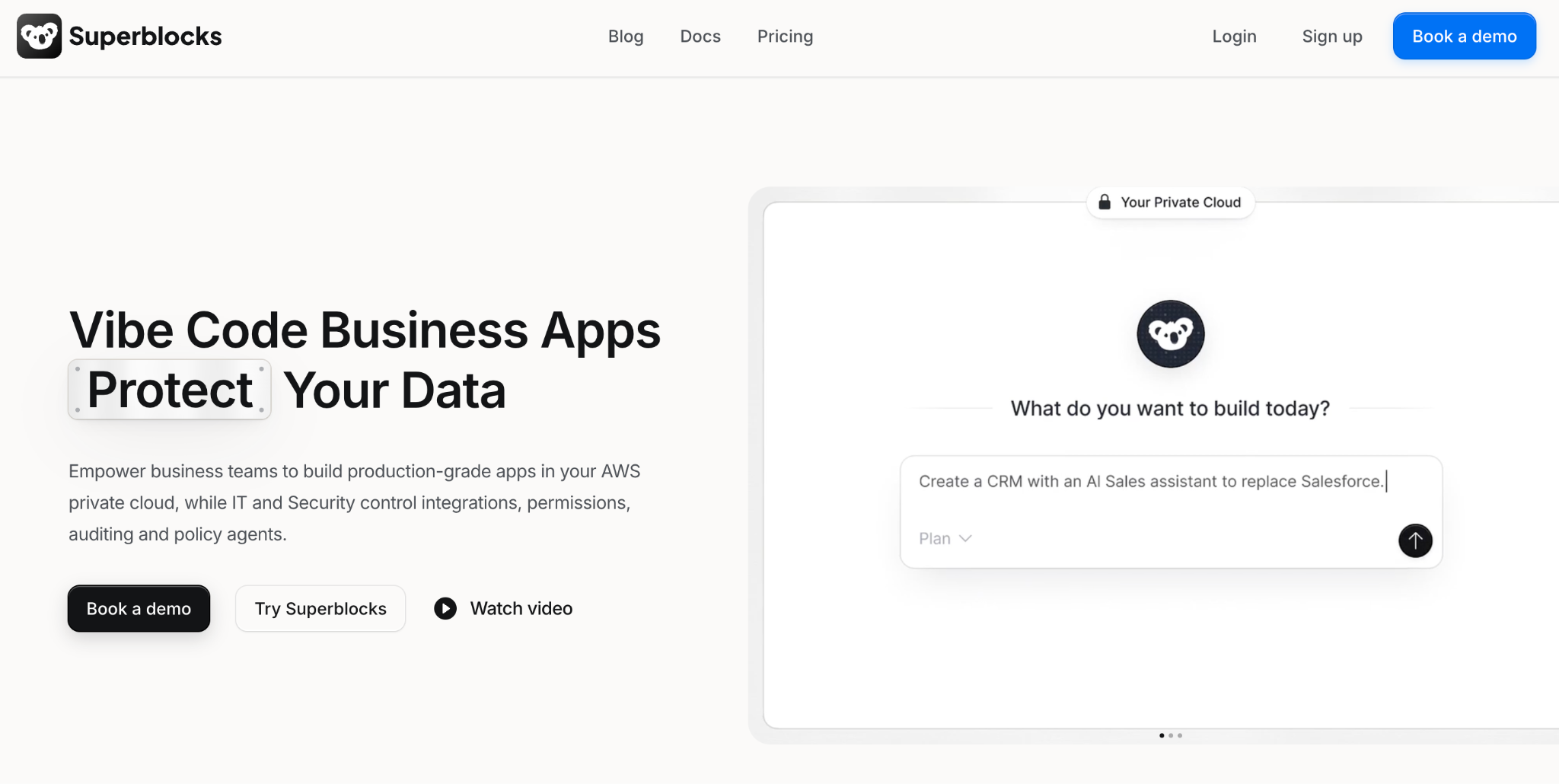
What it does: Superblocks is a governed enterprise vibe coding platform for building internal apps and workflows. Builders describe an app to Clark, the Superblocks AI agent, then refine it visually or in code.
Best for: IT and platform teams that want business teams building with AI inside rules IT controls.
Enterprise check: Superblocks is SOC 2 Type II certified and HIPAA compliant, according to its Trust Center. Enterprise adds source control with GitHub, GitLab, Bitbucket, or Azure DevOps. Deployment runs in the Superblocks cloud, in a hybrid setup that keeps the data plane in your own AWS, GCP, or Azure account, or fully in your AWS account with Cloud-Prem.
Key features
- Inherited permissions: Superblocks inherits existing access controls and enforces row-level permissions, so builders and end users see only the data they are meant to see.
- Central controls: Teams includes RBAC. Enterprise adds SSO, audit logs, and the Admin MCP.
- Pre-publish review: Enterprise includes security agents and scans for apps before they ship.
Pros
✅ Inherited permissions keep generated apps inside the access each builder already has.
✅ Existing data sources such as Postgres, Snowflake, and Databricks connect with no data migration.
✅ Admin audit trail records activity on AI-built apps for IT on Enterprise.
Cons
❌ Internal apps only, so you still need an in-repo assistant like Copilot or Cursor.
❌ Key controls need Enterprise, which adds SSO, audit logs, and VPC deployment, while Teams caps at 15 builders.
What users say
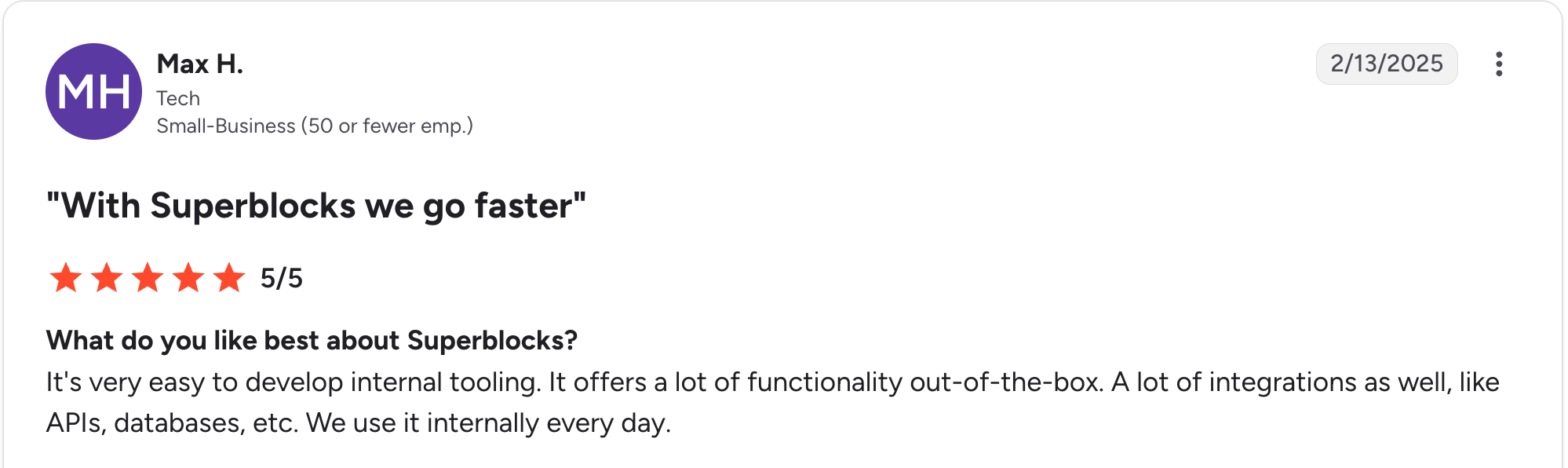
“It's very easy to develop internal tooling. It offers a lot of functionality out of the box.” Max H, G2

“There are some backend limitations, and components lack reusability across applications; also, it's still lacking diversity in its components offering.” Oscar C, G2
Pricing
Teams is the entry plan at $125/month billed monthly. It includes up to 15 builders, 100 Governed Agent Units per month, and one hosted app. Each extra app costs $10/month. Enterprise is custom-priced. See the Superblocks pricing page.
Bottom line
Choose Superblocks when business teams need to build with AI and IT needs to keep control. For help inside your own repository, start with the next four picks.
At Matthews Real Estate, a marketing manager with no coding background built an app after the company turned down an $850,000 vendor quote, according to Superblocks.
2. GitHub Copilot: Best for teams already on GitHub
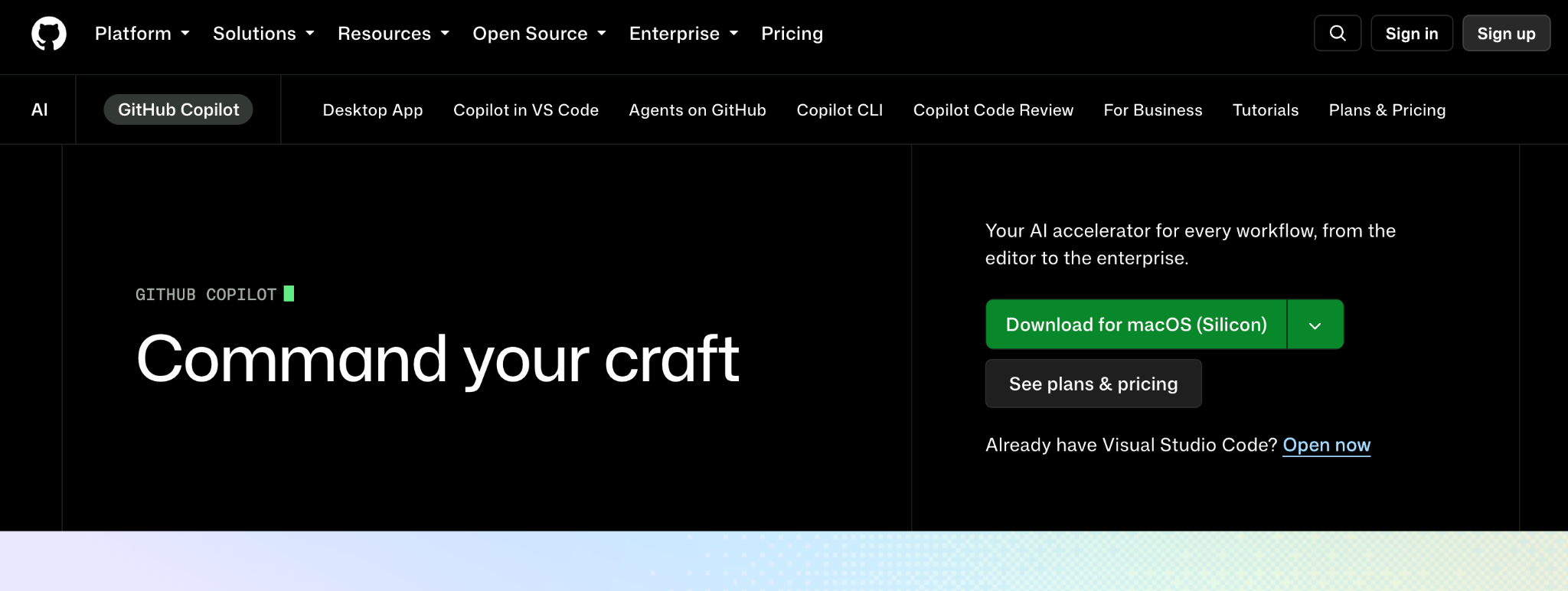
What it does: Copilot adds inline suggestions, chat, and agent mode inside supported editors, plus a command-line tool.
Best for: Organizations already standardized on GitHub that want the lowest-friction rollout.
Enterprise check: Business and Enterprise add policy management, audit logs, and IP indemnity for unmodified suggestions when Copilot's filtering is on. GitHub says it does not use Copilot Business or Enterprise data to train its models. Enterprise requires GitHub Enterprise Cloud.
Key features
- Editor and CLI coverage: Works in supported editors and from the command line.
- Cloud agent: Paid plans can assign tasks to an agent that works in the cloud.
- Org policies: Admins set which features, agents, and models users can access.
Pros
✅ Low entry price for individuals at $10/month.
✅ Familiar admin model for teams already managing GitHub.
✅ Free tier for evaluation, with 2,000 completions and 50 chat requests monthly.
Cons
❌ Credit-based agent usage means costs vary with heavy agent work.
❌ Enterprise adds cost because it requires GitHub Enterprise Cloud.
What users say
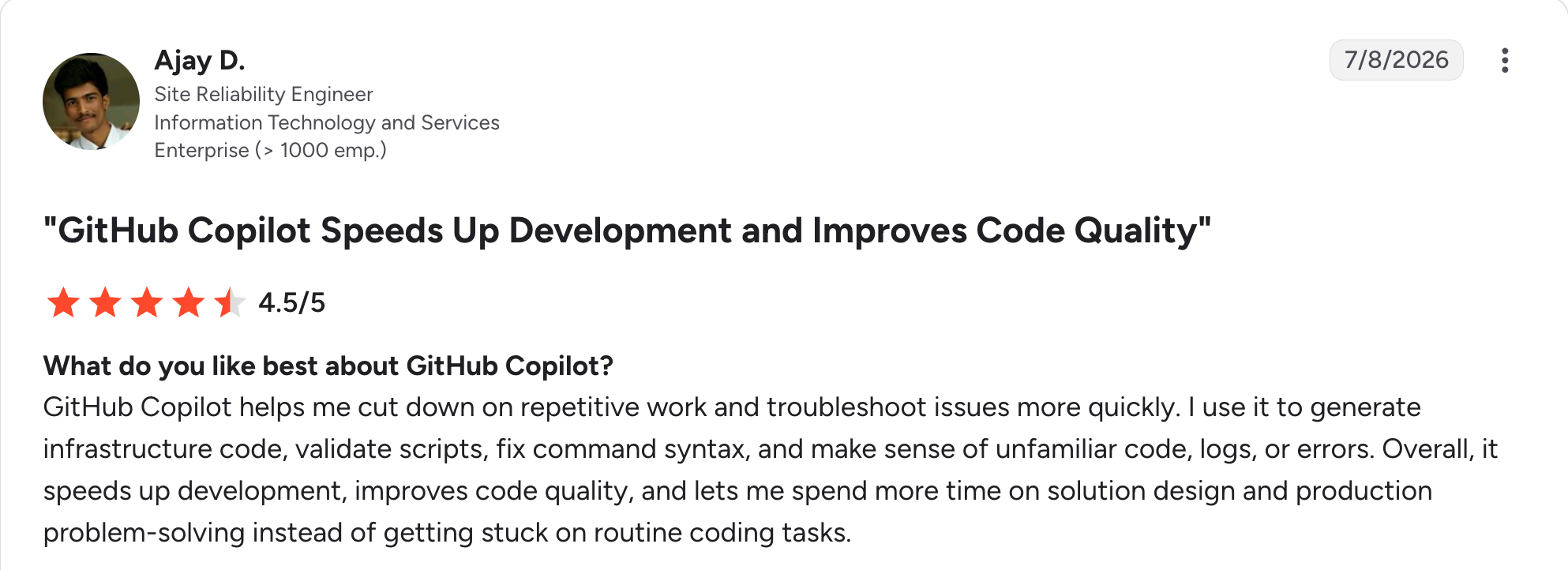
“GitHub Copilot helps me cut down on repetitive work and troubleshoot issues more quickly.” Ajay D, G2

“Sometimes the answers feel a bit too generic, almost like they’re pulled from the web, and they don’t fully address my specific problem.” Vaibhav M, G2
Pricing
Copilot Free costs nothing. Pro is $10/month. Pro+ is $39/month. Max is $100/month. Business is $19/user/month. Enterprise is $39/user/month. Paid plans include monthly AI credits. See the GitHub Copilot plans page.
Bottom line
Copilot is a practical default for GitHub-centered teams. Add a governance layer if business teams also build apps outside the repository.
3. Claude Code: Best for agentic work across large codebases
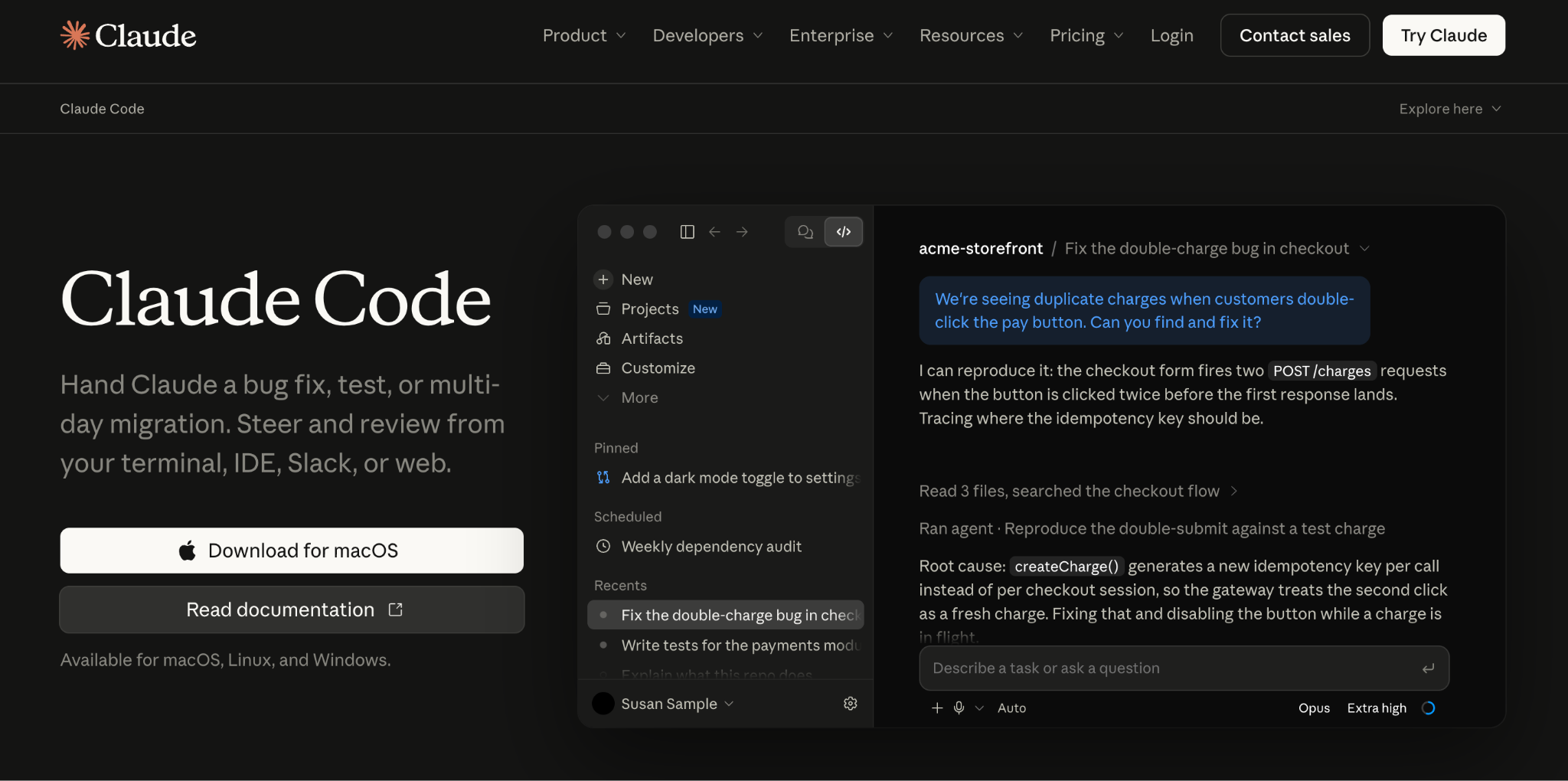
What it does: Claude Code is Anthropic's coding agent. It reads a codebase, edits files, and runs commands from the terminal, VS Code, JetBrains, the web, and the desktop app.
Best for: Engineering teams working in large, existing codebases.
Enterprise check: Team seats include SSO and server-managed settings for organization-wide Claude Code configuration. Enterprise adds SCIM, audit logs, the Compliance API, custom data retention, and a HIPAA-ready configuration. Claude Code also runs through Amazon Bedrock, Google Cloud, and Microsoft Foundry.
Key features
- Project-wide edits: Reads the codebase, edits files across it, and runs commands.
- MCP connections: Connects to external tools and data through the Model Context Protocol.
- Managed permissions: Admins set what Claude Code may do, and local settings cannot override them.
Pros
✅ Large-codebase fit for refactors, migrations, and cross-file changes.
✅ Enterprise identity and audit controls through SSO, SCIM, and audit logs.
✅ Included in paid plans, from Pro through Team and Enterprise seats.
Cons
❌ No free plan, since Claude Free does not include Claude Code.
❌ Terminal-first design suits developers more than business users.
What users say
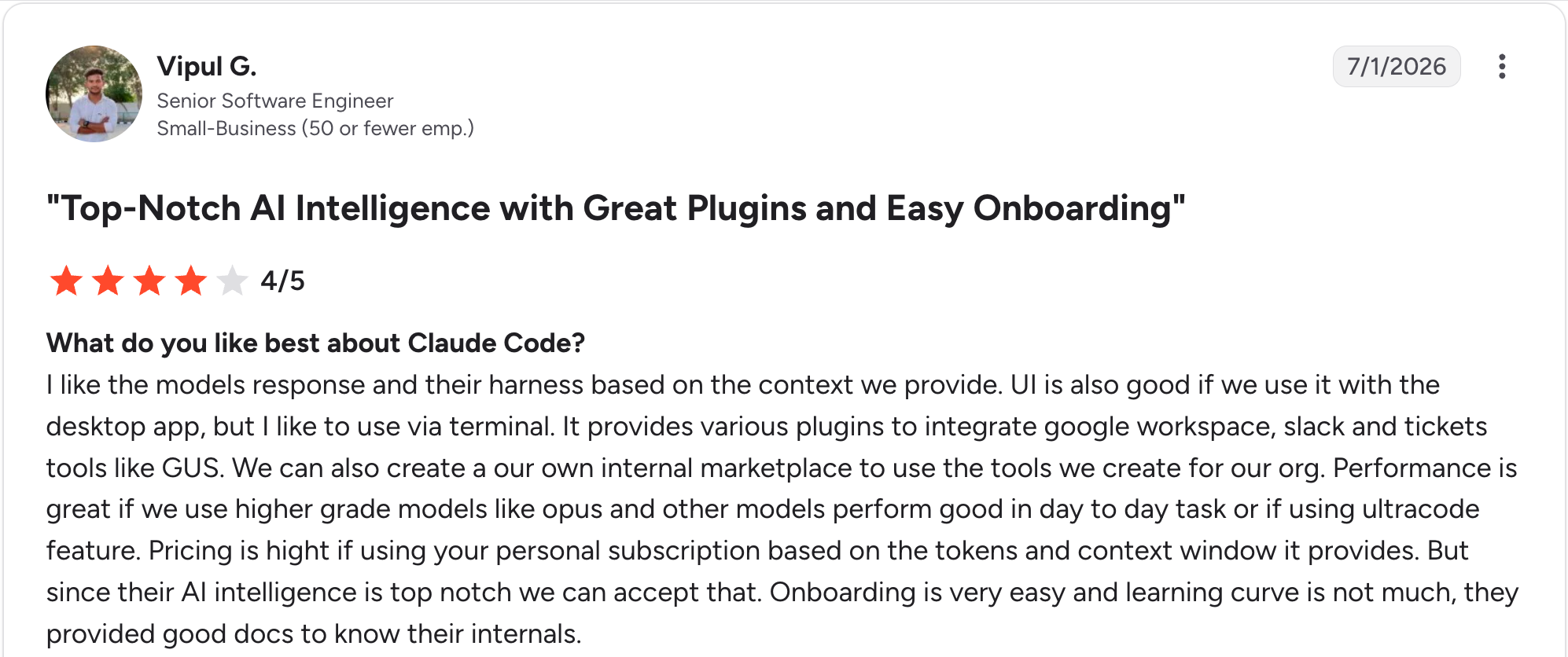
"I like the model's response and their harness based on the context we provide." Vipul G, G2

"It does give a bit less depth to the thinking of the model, at least how I have seen it configured." Chukwudi I, G2
Pricing
Claude Code comes with paid Claude plans. Pro is $20/month. Max starts at $100/month. Team Standard seats are $25/seat/month. Team Premium seats are $125/seat/month. Enterprise is $20/seat/month plus usage at API rates, billed annually. See the Claude pricing page.
Bottom line
Claude Code is my pick for work inside large existing codebases. Our Claude Code alternatives guide compares other options.
4. Cursor: Best AI-native editor for professional developers
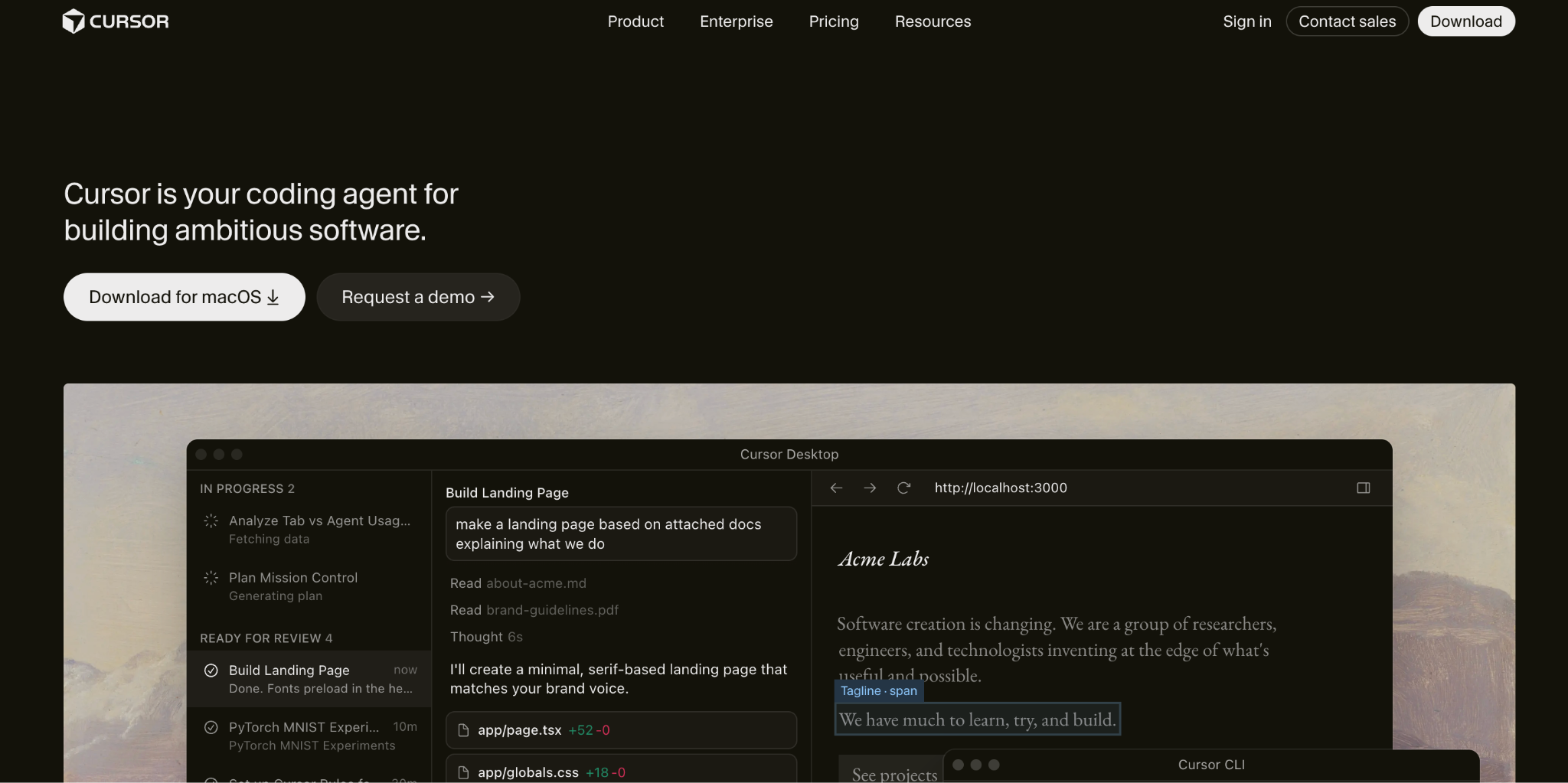
What it does: Cursor is an AI code editor with multi-step agents, cloud agents, and Tab completions.
Best for: Professional developers who want AI built into the editor.
Enterprise check: Teams adds SAML/OIDC SSO and team-wide privacy mode. Enterprise adds SCIM, audit logs, pooled usage, and access controls for repositories, models, and MCP.
With privacy mode on, Cursor says code data is not used for training by Cursor or its model providers. SpaceX completed its acquisition of Cursor's parent company on August 14, 2026, so refresh your vendor review.
Key features
- Agents: Handle multi-step coding work, and cloud agents run tasks remotely.
- Tab completions: Predict edits as you type, with unlimited use on paid plans.
- Team controls: Teams add a shared marketplace for internal rules, skills, and plugins, plus usage analytics.
Pros
✅ Unlimited Tab completions on paid plans.
✅ Free Hobby tier with no credit card.
✅ Layered team controls with SSO on Teams and audit logs on Enterprise.
Cons
❌ New ownership means vendor-risk reviews need a refresh.
❌ Usage-based limits mean heavy users can exceed included usage and pay on-demand rates.
What users say
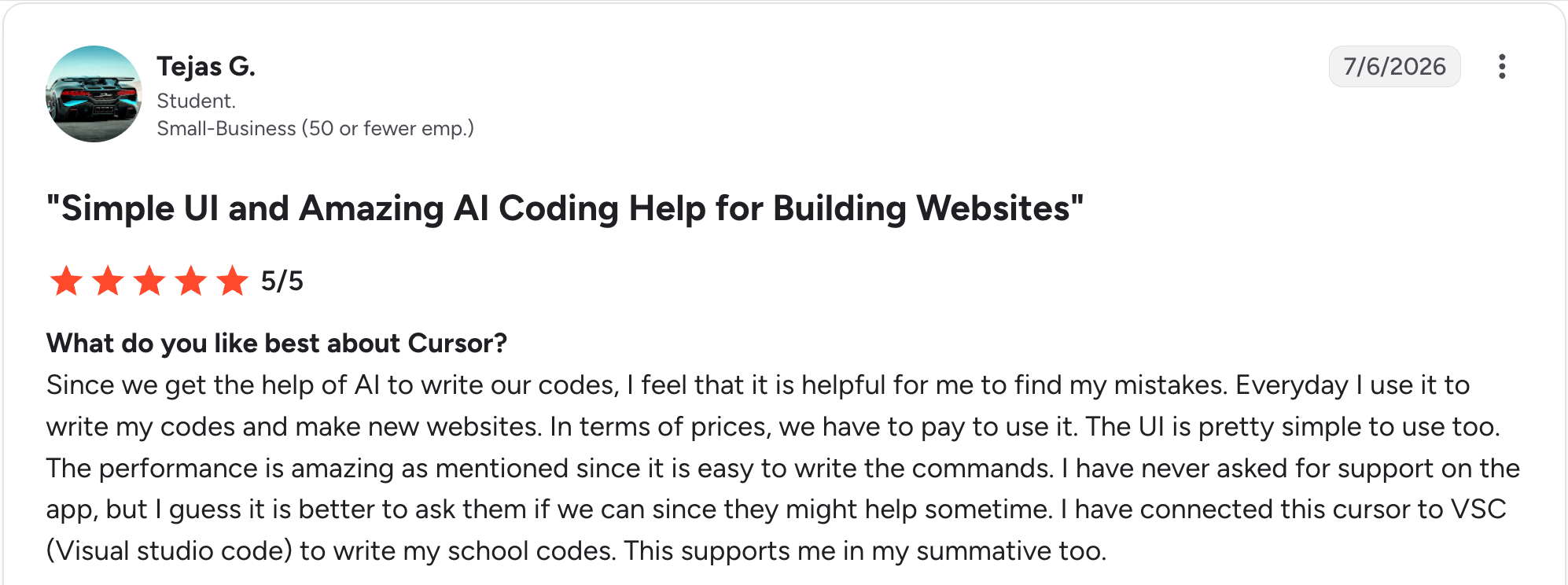
"The performance is amazing, as mentioned, since it is easy to write the commands." Tejas G, G2

“Sometimes I ask for one change, and it starts touching three other things that didn't need changing.” Divya D, G2
Pricing
Cursor has a free Hobby plan. Pro is $20/month. Pro Plus is $60/month. Ultra is $200/month. Teams Standard is $40/user/month. Teams Premium is $120/user/month. Enterprise is custom-priced. See the Cursor pricing page.
Bottom line
Choose Cursor if you want AI built into your editor. To compare other editors, see our Cursor alternatives.
5. OpenAI Codex: Best for delegating coding tasks to a cloud agent
What it does: Codex is OpenAI's coding agent. It runs in ChatGPT, in the cloud, in an IDE extension, in the CLI, and in desktop and mobile apps.
Best for: Developers who want to hand off well-defined tasks and review the results.
Enterprise check: Business adds SAML SSO and MFA. Enterprise and Edu add SCIM, enterprise key management, audit logs, and data residency controls.
Key features
- Cloud tasks: Keep running after you close your laptop.
- Parallel agents: Run many agents at once and review pull requests automatically.
- Plugins: Connect Codex to other tools.
Pros
✅ Included in ChatGPT plans, including Free for quick coding tasks.
✅ Several surfaces across ChatGPT, the editor, and the terminal.
✅ Enterprise controls on Enterprise and Edu plans.
Cons
❌ Usage limits apply per five-hour window on Plus and Business, and weekly limits may also apply.
❌ It works best on well-scoped tasks and can lose context on large or loosely-defined jobs, per reviewers.
What users say
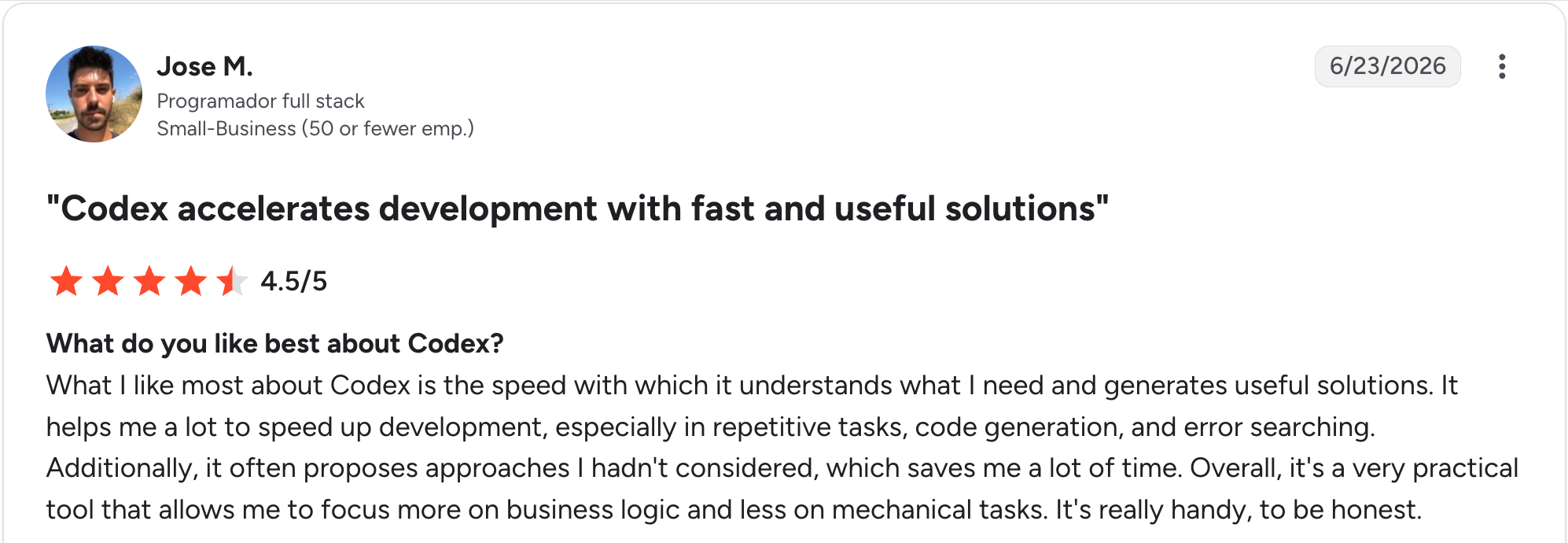
"What I like most about Codex is the speed with which it understands what I need and generates useful solutions." Jose M, G2

“Sometimes it becomes heavy on the system and the performance drops.” Chaitanya V, G2
Pricing
Codex is included with ChatGPT plans. Free and Go cover limited use, and Go is $8/month. Plus is $20/month. Pro starts at $100/month. Business is $25/user/month billed monthly. Enterprise and Edu require a sales quote. See the Codex pricing page.
Bottom line
Codex fits teams that already use ChatGPT and want to delegate tasks. Check usage limits against your workload.
6. Gemini Code Assist: Best for teams building on Google Cloud
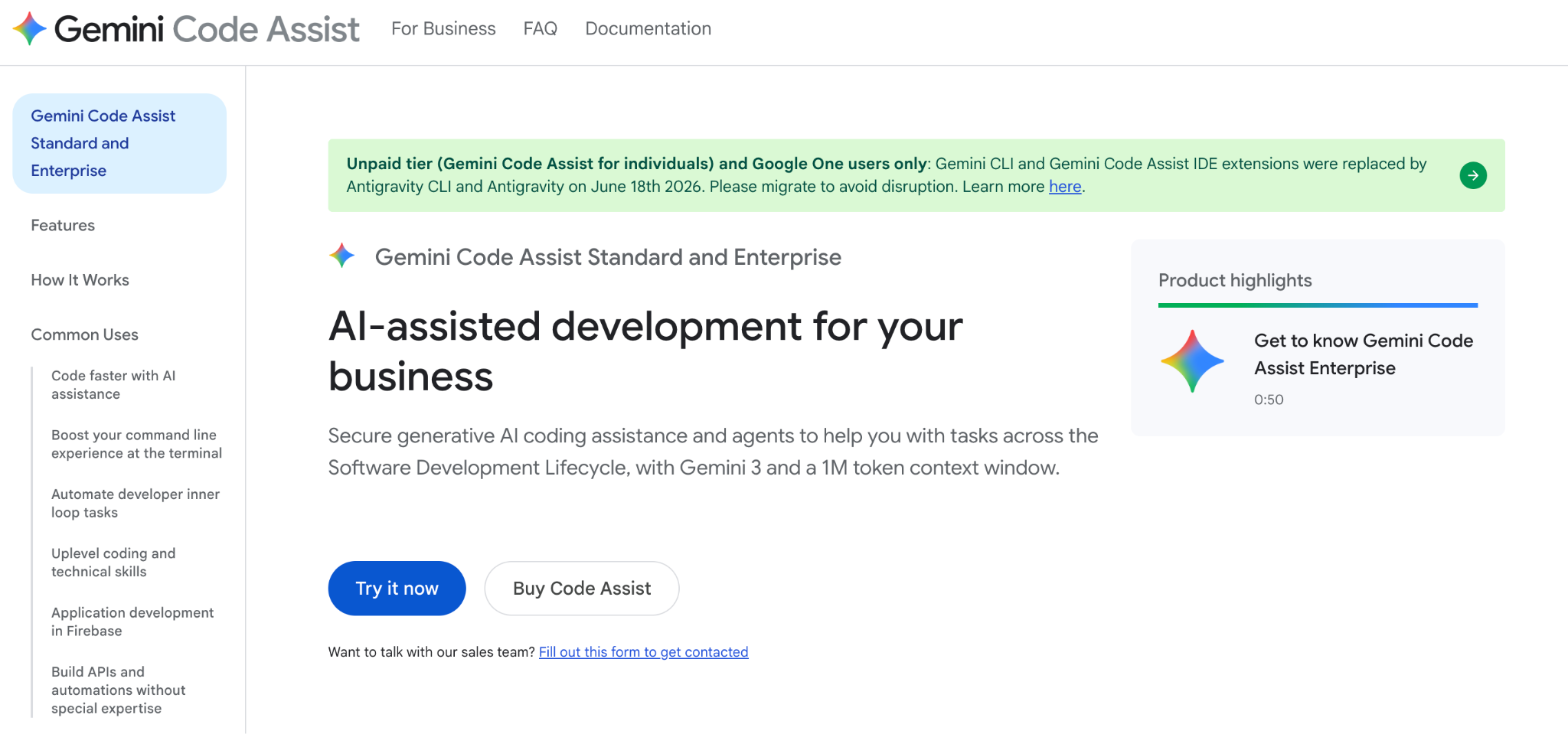
What it does: Gemini Code Assist brings Gemini models into VS Code, JetBrains IDEs, and Google Cloud services, with inline completion, chat, and an agent mode in preview.
Best for: Teams already building on Google Cloud.
Enterprise check: Google's IP indemnification covers licensed users, and the product page lists customization with private codebases. A banner says Antigravity replaced the IDE extensions and Gemini CLI on June 18 for unpaid-tier and Google One users. Confirm identity, audit, and plan details with Google.
Key features
- IDE completions and chat: Work inside VS Code and JetBrains IDEs.
- Google Cloud integrations: Connect to Firebase, Apigee, and Application Integration.
- Gemini CLI: Adds terminal-based code understanding and file edits.
Pros
✅ Google Cloud fit for teams already on those services.
✅ IP indemnification for licensed users.
✅ Monthly billing option with no annual commitment required.
Cons
❌ Retired individuals tier, which stopped serving requests on June 18, 2026.
❌ Preview features include agent mode, so test it before you rely on it.
What users say
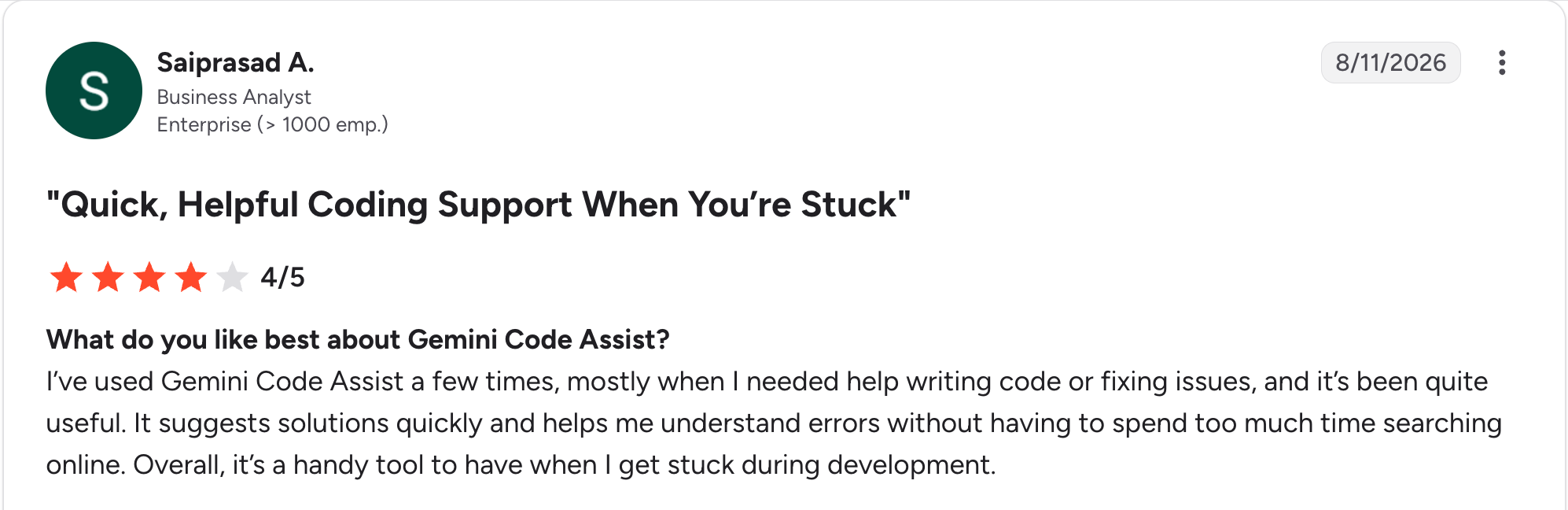
“I’ve used Gemini Code Assist a few times, mostly when I needed help writing code or fixing issues, and it’s been quite useful.” Saiprasad A, G2

“At times, Gemini Code Assist needs some manual optimization for more complex or niche architectures, which can be a bit of a hassle.” Vaibhav M, G2
Pricing
Gemini Code Assist sells two business tiers. Standard is $22.80/user/month billed monthly. Enterprise is $54/user/month billed monthly. See the Gemini Code Assist pricing page.
Bottom line
Choose it if your team builds on Google Cloud. Individuals who relied on the old free tier should look at Antigravity.
7. Qodo: Best for AI code review and test quality
What it does: Qodo is an AI code review and governance platform. It reviews pull requests with cross-repository context and enforces coding standards.
Best for: Teams with high pull-request volume across many repositories.
Enterprise check: SSO/SAML, audit logs, bring-your-own-key, and single-tenant SaaS, on-premises, or air-gapped deployment come with Enterprise. Qodo is a review layer, so pair it with a code generator.
Key features
- PR review: Specialized agents review pull requests for bugs, rule violations, and requirement gaps.
- IDE and CLI tools: Validate code in VS Code, JetBrains, and Visual Studio, and give coding agents a CLI quality check.
- Git provider coverage: Works with GitHub, GitLab, Bitbucket, and Azure DevOps.
Pros
✅ Deployment flexibility from SaaS through air-gapped.
✅ Review focus means code generation comes from other tools.
✅ Governance features include SSO and audit logs on Enterprise.
Cons
❌ No permanent free tier, only a 14-day trial.
❌ Metered credits mean overage is billed at the same per-credit rate.
What users say
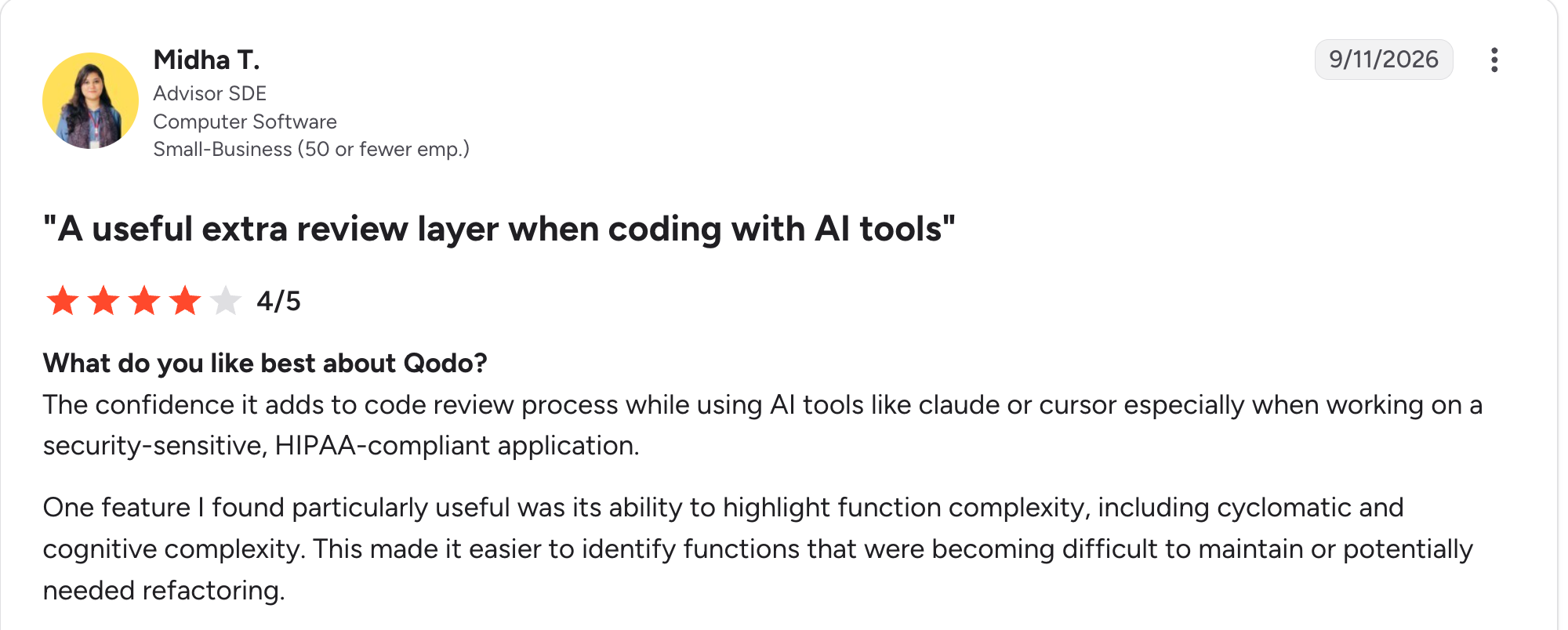
“The confidence it adds to [the] code review process while using AI tools like [Claude] or [Cursor], especially when working on a security-sensitive, HIPAA-compliant application.” Midha T, G2

“Sometimes, it will be necessary to involve the developer in question in order to understand whether the problem indicated by the tool is actually critical.” Balaji S, G2
Pricing
Qodo has no permanent free tier, only a 14-day free trial with no credit card. Pro Team is billed monthly with no commitment. The 2,500-credit pack is $30/month. The 5,000-credit pack is $60/month. The 20,000-credit pack is $240/month. Enterprise is custom-priced. See the Qodo pricing page.
Bottom line
Choose Qodo when review quality is your bottleneck. Pair it with a generator such as Copilot or Claude Code.
8. Devin Desktop: Best for developers who want an agentic IDE
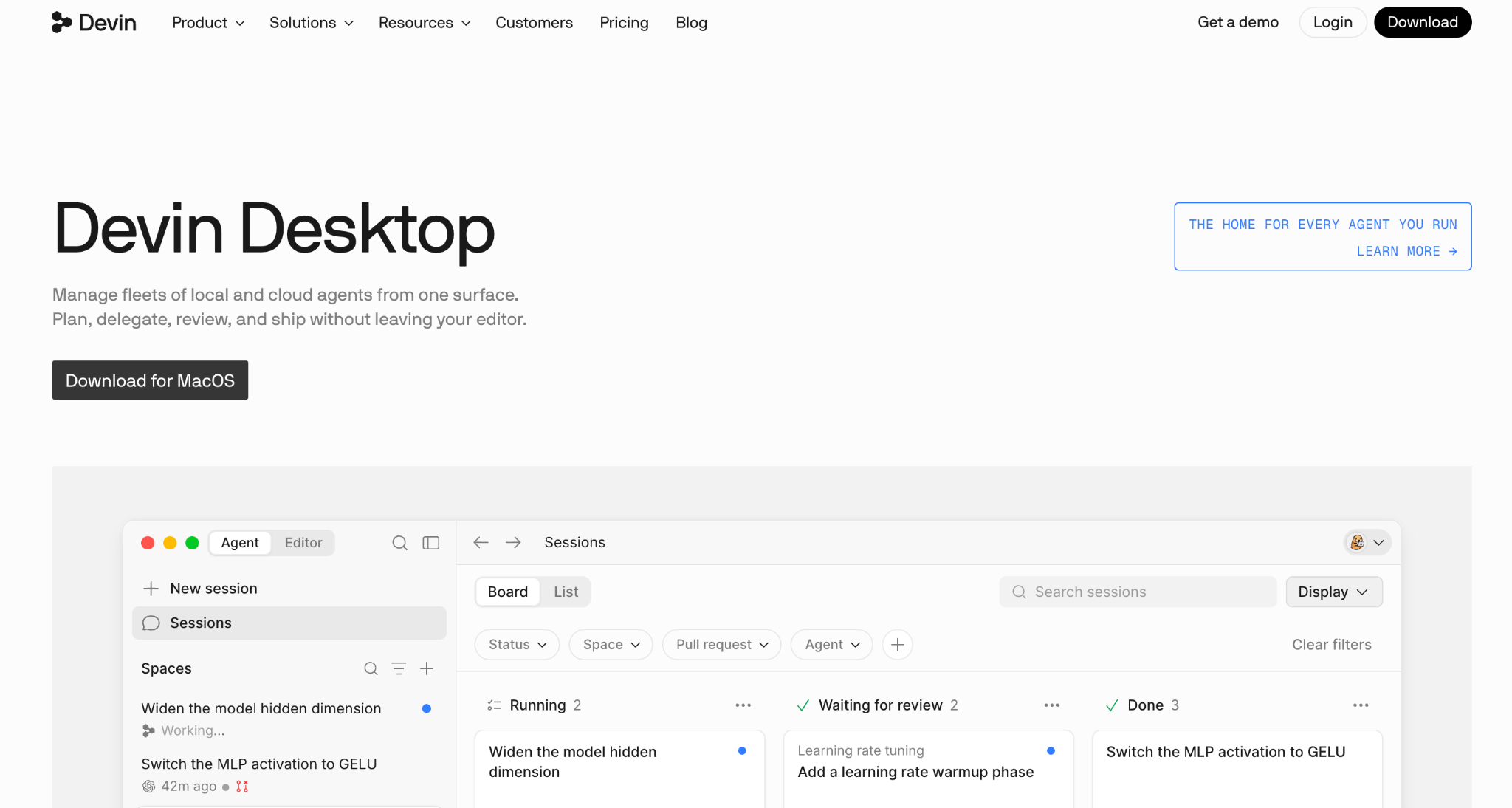
What it does: Windsurf became Devin Desktop on June 2, 2026. It is an AI IDE with Devin built in, and its Devin Local agent replaced Cascade.
Best for: Developers who want an agentic IDE with VS Code-compatible keybindings.
Enterprise check: On Enterprise, you get SAML/OIDC SSO, centralized admin controls, and an option to deploy in your own virtual private cloud. I could not confirm audit logging, so ask the vendor. The old windsurf.com pricing page now redirects to devin.ai, so confirm plan names before you buy.
Key features
- Devin Local agent: Rewritten in Rust, it replaced Cascade as the primary local agent.
- Agent Command Center: Manages several agents from one view.
- Cloud delegation: Hands tasks to cloud agents.
Pros
✅ Free plan with unlimited Tab completions and inline edits.
✅ Editor compatibility carries over your Windsurf and VS Code keybindings and workflows.
✅ Enterprise identity controls through SAML/OIDC SSO.
Cons
❌ Recent rebrand means older reviews still use the Windsurf name.
❌ Quota-based free plan limits agent use to a light allowance.
What users say
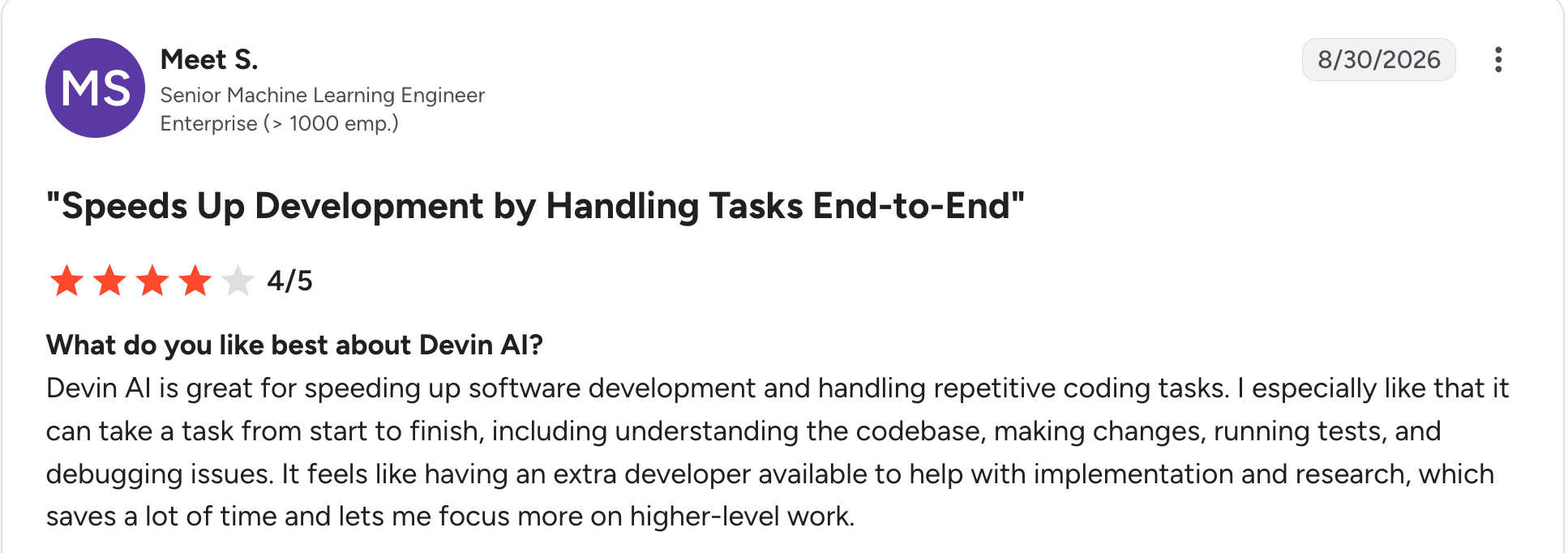
"Devin AI is great for speeding up software development and handling repetitive coding tasks." Meet S, G2

“Sometimes this Devin AI makes changes beyond the scope of the task.” Vyankatesh C, G2
Pricing
Devin Desktop has a free plan with a light agent quota. Pro is $20/month. Max is $200/month. Teams is $80/month plus $40/month per full developer seat. Enterprise is custom-priced. See the Devin pricing page.
Bottom line
Windsurf is a capable agentic IDE under its new name. Check current plan names before you standardize, or compare options in our Windsurf alternatives guide.
9. Replit: Best for building and hosting in the browser
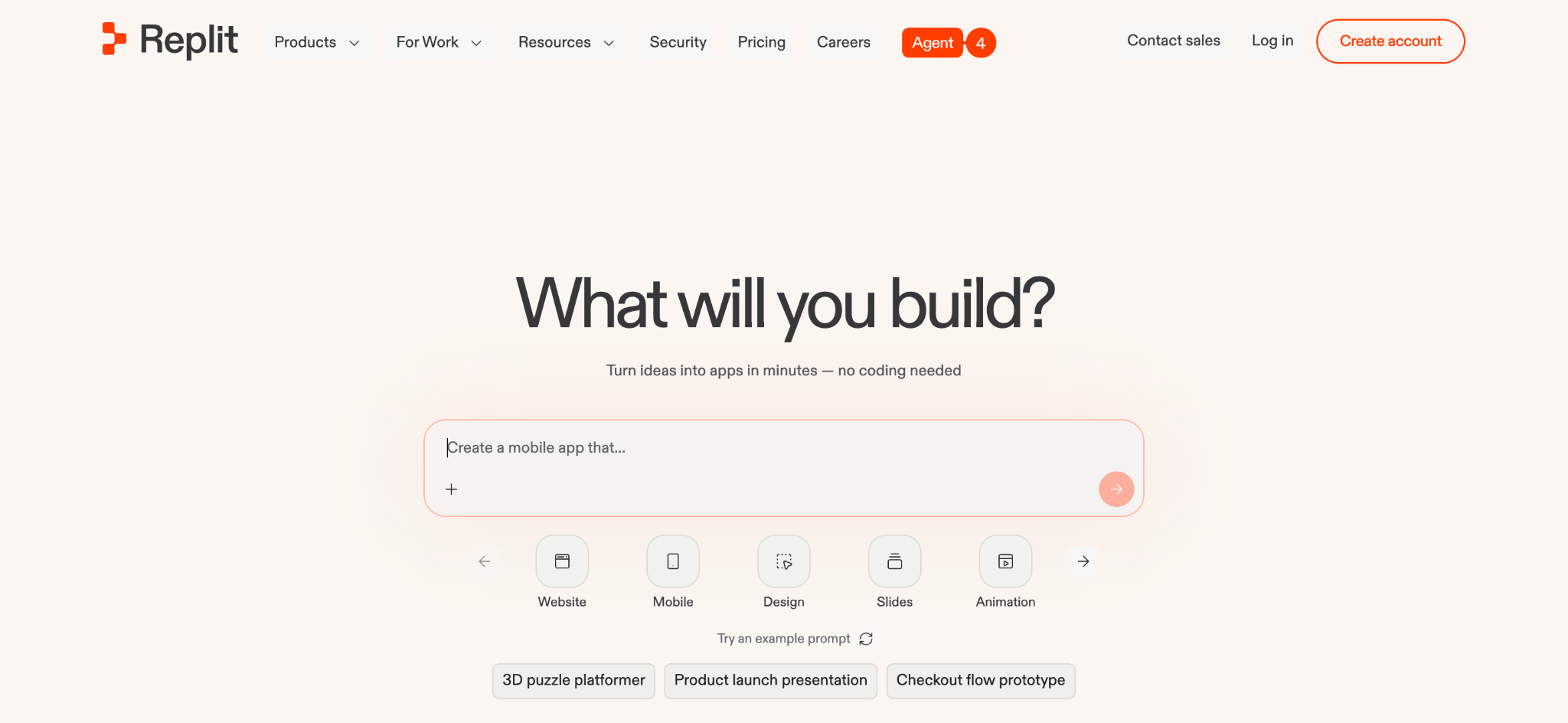
What it does: Replit is a browser-based platform where an AI Agent plans, builds, tests, and deploys full-stack apps.
Best for: Small teams and builders who want one place to code and host.
Enterprise check: The Enterprise plan covers SAML/OIDC SSO, SCIM, role-based access control, audit logging, a Security Center, single-tenant deployment, VPC peering, and privacy controls.
Key features
- Agent building: Plans, builds, tests, and debugs apps, and coordinates parallel tasks.
- Built-in hosting: Publishes apps without a separate deployment setup.
- Security scanning: Runs SAST and SCA checks before publishing.
Pros
✅ Single workspace for building, testing, and publishing.
✅ Full enterprise tier with single-tenant and VPC peering options.
✅ Free Starter plan for testing, with one published app.
Cons
❌ Credit-based billing can add up with heavy Agent use.
❌ Governance depends on Enterprise, because SSO, SCIM, and audit logs come with that plan.
What users say
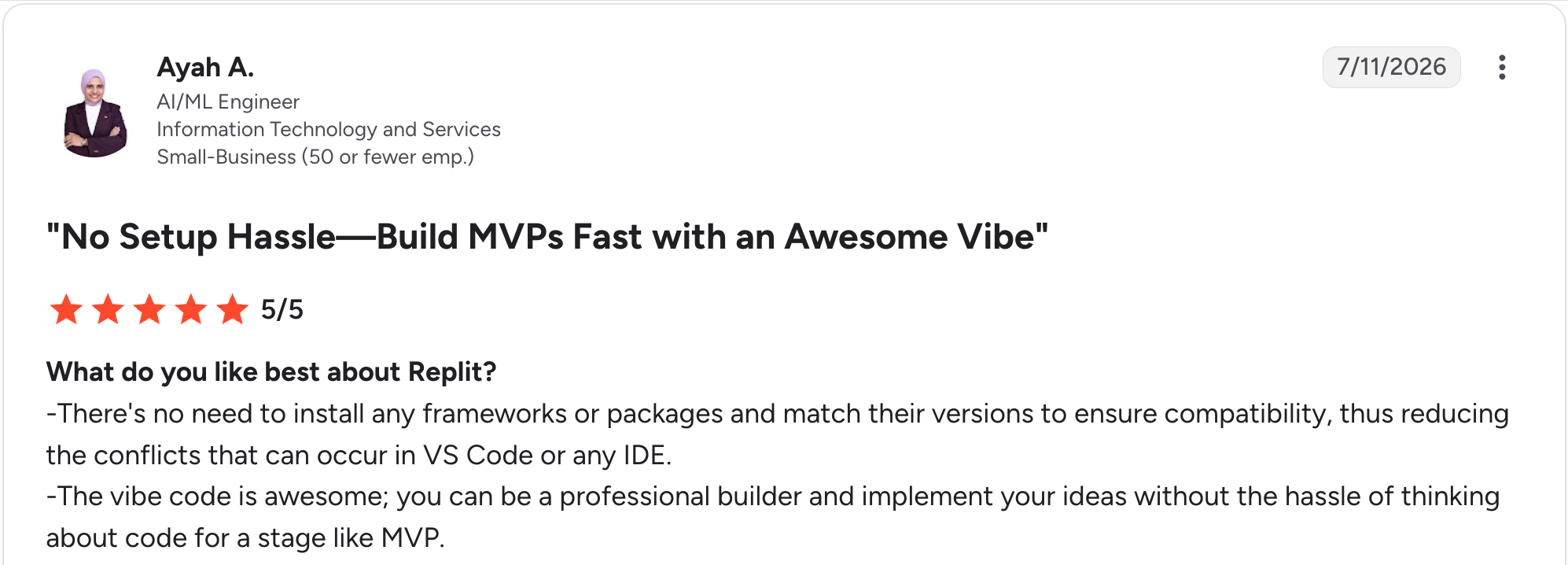
"There's no need to install any frameworks or packages and match their versions to ensure compatibility, thus reducing the conflicts that can occur in VS Code or any IDE." Ayah A, G2

“There were occasional bugs while I was creating the website and app, and my app failed a couple of times.” Ashwini R, G2
Pricing
Starter is free with a daily Agent allowance and one published app. Core is $20/month. Pro is $100/month for up to 15 builders. Enterprise pricing is custom. See the Replit pricing page.
Bottom line
Replit works well for prototypes and small teams. For more options, read our guide to AI development platforms.
10. Kiro: Best for spec-driven development on AWS
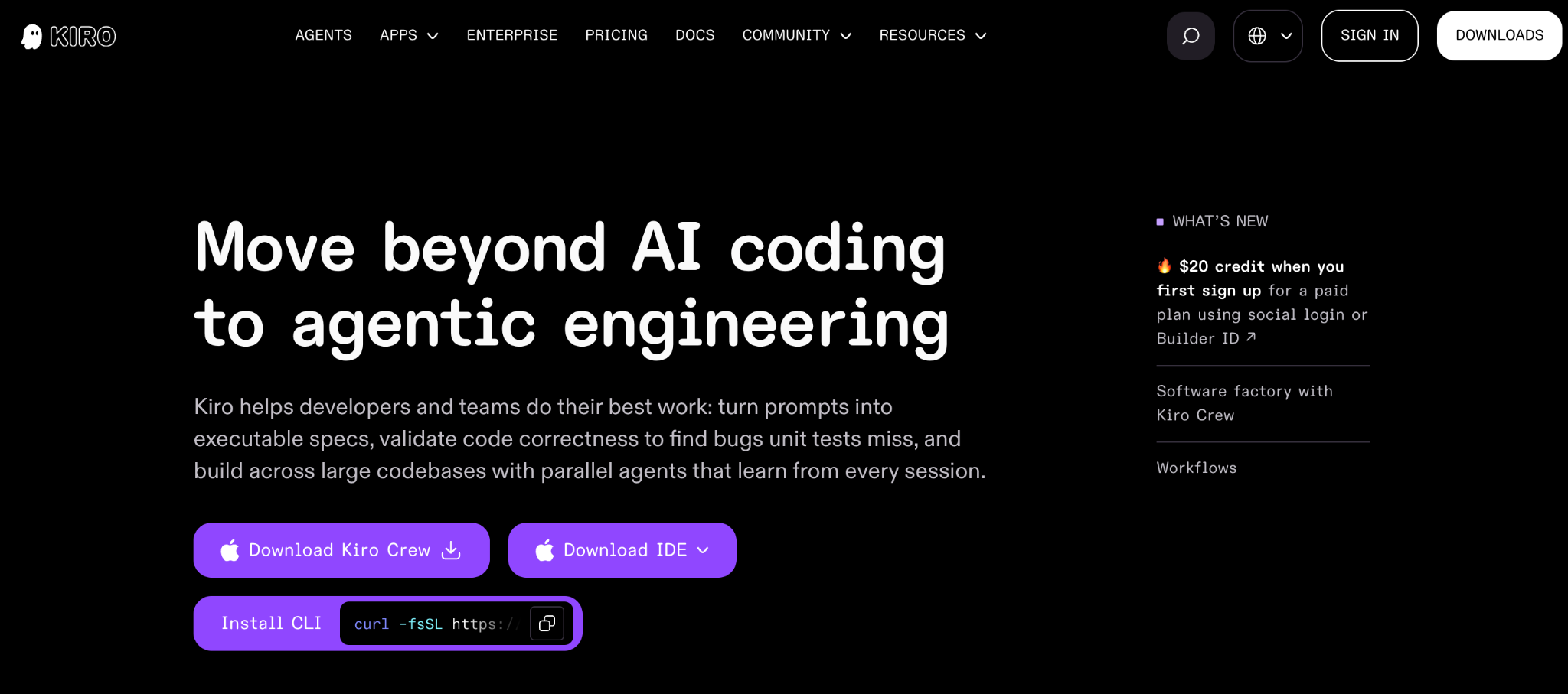
What it does: Kiro is AWS's spec-driven agentic IDE. It turns a prompt into requirements, a design, and a task list before it writes code.
Best for: Teams on AWS that want more structure than prompt-by-prompt coding.
Enterprise check: Enterprise includes SAML/SCIM single sign-on through AWS IAM Identity Center, usage analytics, and an organizational management dashboard. Enterprise is for organizations with more than 500 users or custom requirements. I could not confirm audit logging, so ask AWS.
Key features
- Spec-driven workflow: Requirements, design, and tasks come before code.
- Parallel agents: Implement the tasks side by side.
- Open standards: Supports MCP, AGENTS.md, and the Agent Client Protocol.
Pros
✅ Structured workflow produces specs before code.
✅ AWS backing, since AWS builds and operates Kiro.
✅ Published credit tiers from Free through Power.
Cons
❌ Monthly credit expiry means unused credits do not roll over.
❌ Credit-metered usage means complex spec work uses more credits.
What users say
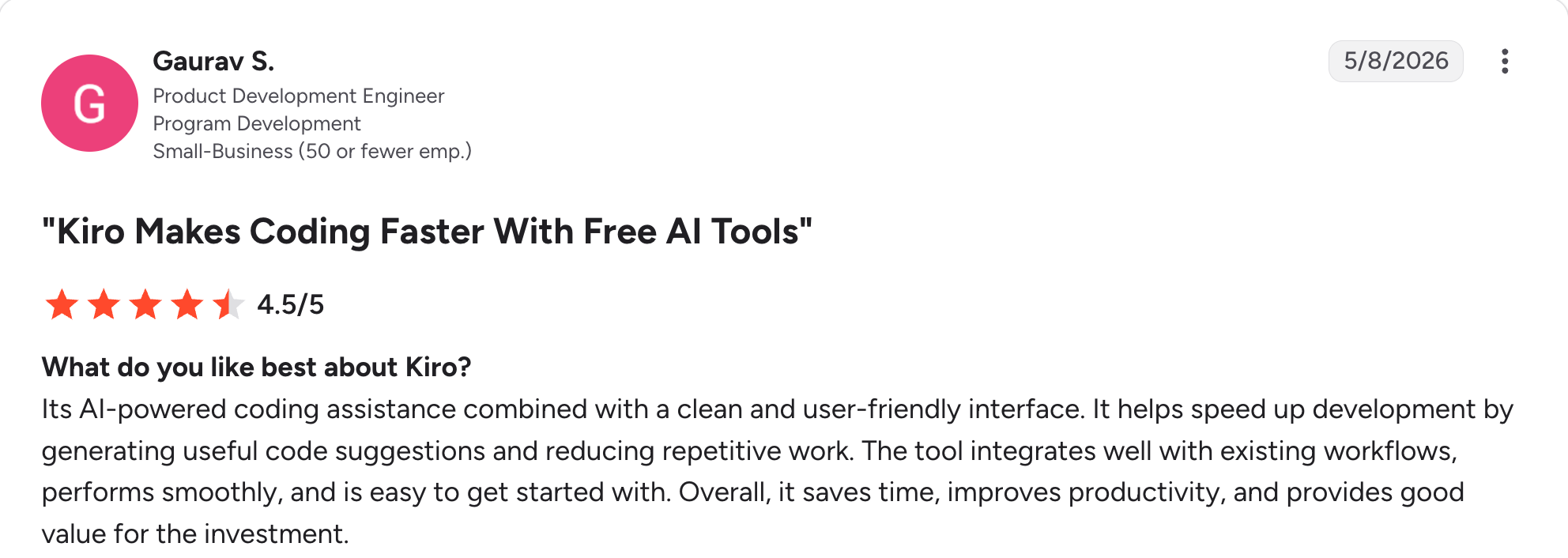
“[It's] AI-powered coding assistance combined with a clean and user-friendly interface.” Gaurav S, G2

“It loses my session, and there’s no option to restore it. Also, the previous “Continue” feature isn’t in the IDE.” Tank S, G2
Pricing
Kiro has a free plan with 50 credits per month. Pro is $20/month for 1,000 credits. Pro+ is $40/month for 2,000 credits. Pro Max is $100/month for 5,000 credits. Power is $200/month for 10,000 credits. Enterprise is quoted through sales. See the Kiro pricing page.
Bottom line
Kiro is worth a look for AWS shops that want specs before code. Size your plan to real usage, because unused monthly credits expire.
11. Google Antigravity: Best free agent-first IDE
What it does: Antigravity is Google's agentic development platform. It includes an IDE with an agent manager, a CLI, an SDK, and a command center for running several agents.
Best for: Individual developers who want a capable free option, including former users of the Gemini Code Assist individual tier.
Enterprise check: Organizations buy access through Google Cloud, with consumption-based API pricing or Gemini Enterprise seats. Google lists spend caps and centralized admin controls. Confirm SSO and audit details with Google.
Key features
- Agent-first IDE: Includes an agent manager and understands your codebase.
- Antigravity CLI: Runs coding agents and background subagents from the terminal.
- Free individual tier: Includes unlimited Tab completions and Command requests, with basic weekly agent limits.
Pros
✅ Free to start for individual developers.
✅ IDE, CLI, and SDK options for different workflows.
✅ Migration path from Gemini CLI to Antigravity CLI.
Cons
❌ Unpublished weekly limits, because Google describes the free quota only as basic.
❌ Unconfirmed enterprise details for SSO and audit logging.
What users say

"One nice thing I've noticed is that even if one model hits the limit, I can switch to another model and ask it to just continue from where the previous model stopped.” Verified User, Reddit

“When credits end, it ends the task in the middle and asks you to change model; if you can't, it leaves your work in the middle.” Verified User, Reddit
Pricing
Antigravity is free for individuals at $0/month, with basic weekly limits. Google AI Pro is $19.99/month. Google AI Ultra is $99.99/month for the 5x tier and $199.99/month for the 20x tier. Organizations pay through Google Cloud with consumption-based API pricing. Gemini Enterprise seats start at $30/seat/month. See the Google AI plans page.
Bottom line
Start here if you want a free agentic IDE. Watch the weekly limits as your usage grows.
12. v0: Best for generating UI on Vercel

What it does: v0 by Vercel builds full-stack web apps from prompts, Figma designs, and templates, then publishes them with one-click deployment on Vercel.
Best for: Frontend work and prototyping on Vercel.
Enterprise check: Business opts out of model training by default. Enterprise adds SAML SSO, role-based access control, a guarantee that your data is never used for training, and support SLAs. The pricing page does not list audit logs.
Key features
- Text-to-UI: Describe an interface and get working code.
- Figma input: Create UIs from wireframes or mockups, and clone pages from Figma files.
- Vercel deploys: Publish to production in one click, or push code to GitHub.
Pros
✅ Standard stack output uses Next.js, Tailwind, and shadcn/ui.
✅ Designer handoff lets designers and developers start from the same Figma file.
✅ GitHub push puts the code in your own repository.
Cons
❌ Credit-based usage means heavy teams buy extra credits.
❌ No listed audit logs on the pricing page, so ask Vercel.
What users say
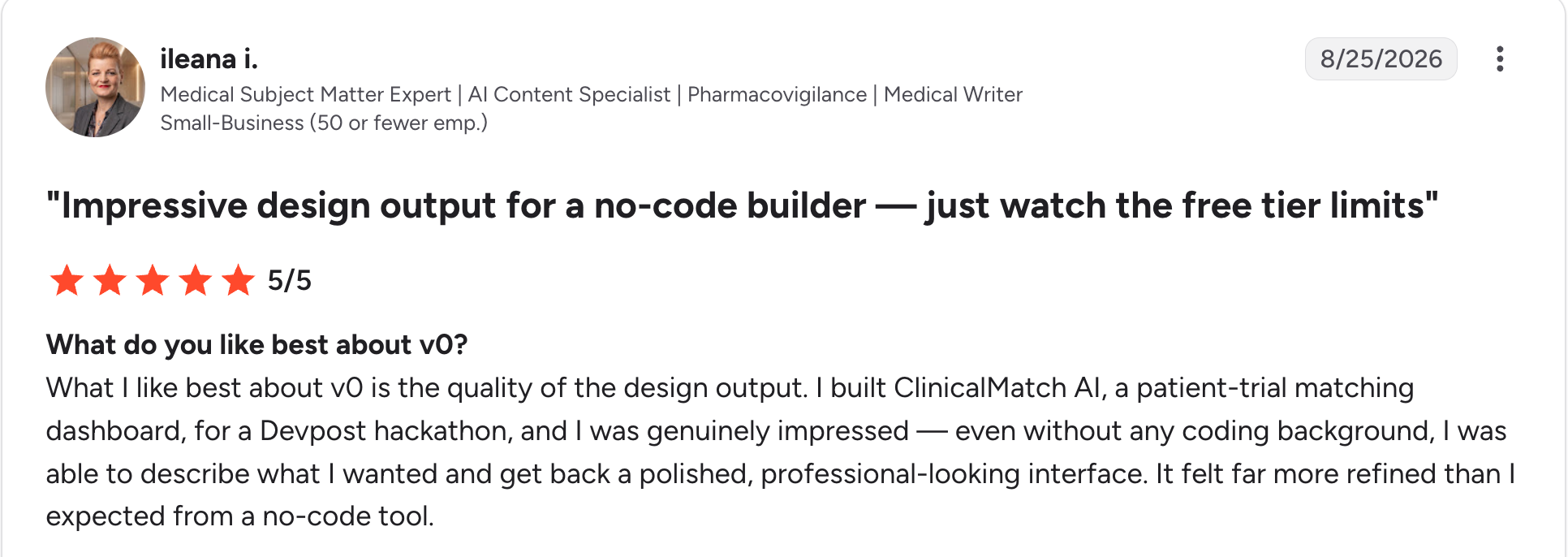
"What I like best about v0 is the quality of the design output." Ileana I, G2

“It lacks the capability to handle the logic of an application and debugging.” Bhuvan A, G2
Pricing
v0 has a free plan capped at 7 messages per day. Plus is $30/user/month. Business is $100/user/month. Both paid plans include $30 in monthly credits per user. Enterprise requires a sales quote. See the v0 pricing page.
Bottom line
v0 generates frontend code and connects to your own databases and APIs. Compare other tools in our v0 alternatives guide.
13. Lovable: Best for prototyping full-stack web apps from prompts
What it does: Lovable is a full-stack AI development platform. It builds, edits, and deploys web apps from natural-language prompts, with a backend, database, and authentication.
Best for: Founders and product teams validating an idea quickly.
Enterprise check: Business adds role-based access, SSO, a security center, and excludes workspace data from AI training by default. Enterprise adds audit logs, SCIM, and scheduled security scans. The Free plan has no SSO or audit logs.
Key features
- Prompt-to-app: Generates the frontend, backend, database, and authentication.
- Git sync: Syncs the codebase to GitHub, GitLab, or Bitbucket.
- Code editing: Lets paid plans edit and download the generated code.
Pros
✅ Built-in backend means a prototype can store data and sign users in.
✅ Portable code moves to your own repository through Git sync.
✅ Governance tiers add SSO on Business and audit logs on Enterprise.
Cons
❌ Credit-metered building caps the free plan at 30 build credits per month.
❌ Free plan gaps include no code editing, downloads, or custom domains.
What users say
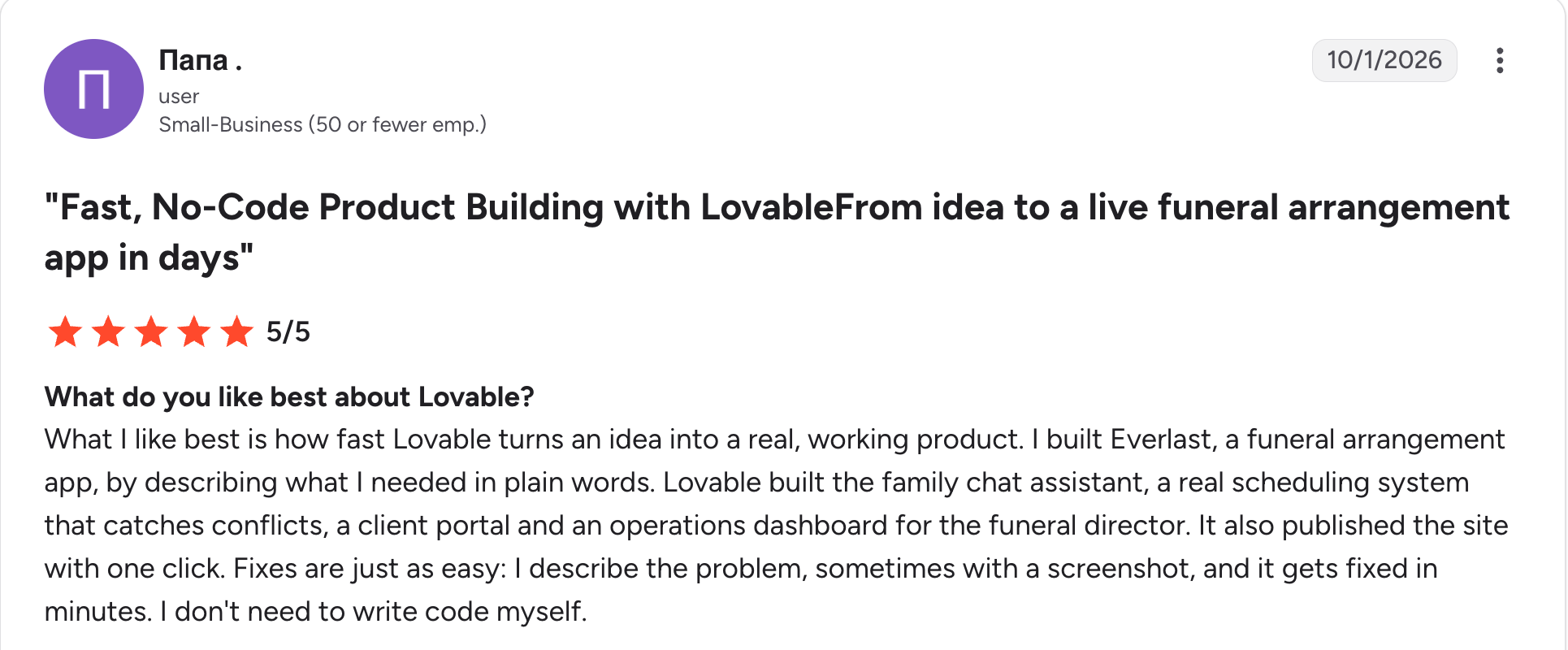
“What I like best is how fast Lovable turns an idea into a real, working product.” Папа, G2

“The main downside for me is that credit use can be unpredictable.” Fady N, G2
Pricing
Lovable has a free plan with 5 daily build credits, capped at 30 per month. Pro is $25/month for 100 credits. Business is $50/month for 100 credits. Higher credit tiers cost more. Enterprise is quoted by sales. See the Lovable pricing page.
Bottom line
Lovable is a prototyping tool, and its governance features start at Business. For governed internal apps, see our vibe coding tools roundup.
14. Bolt: Best for quick in-browser app prototypes
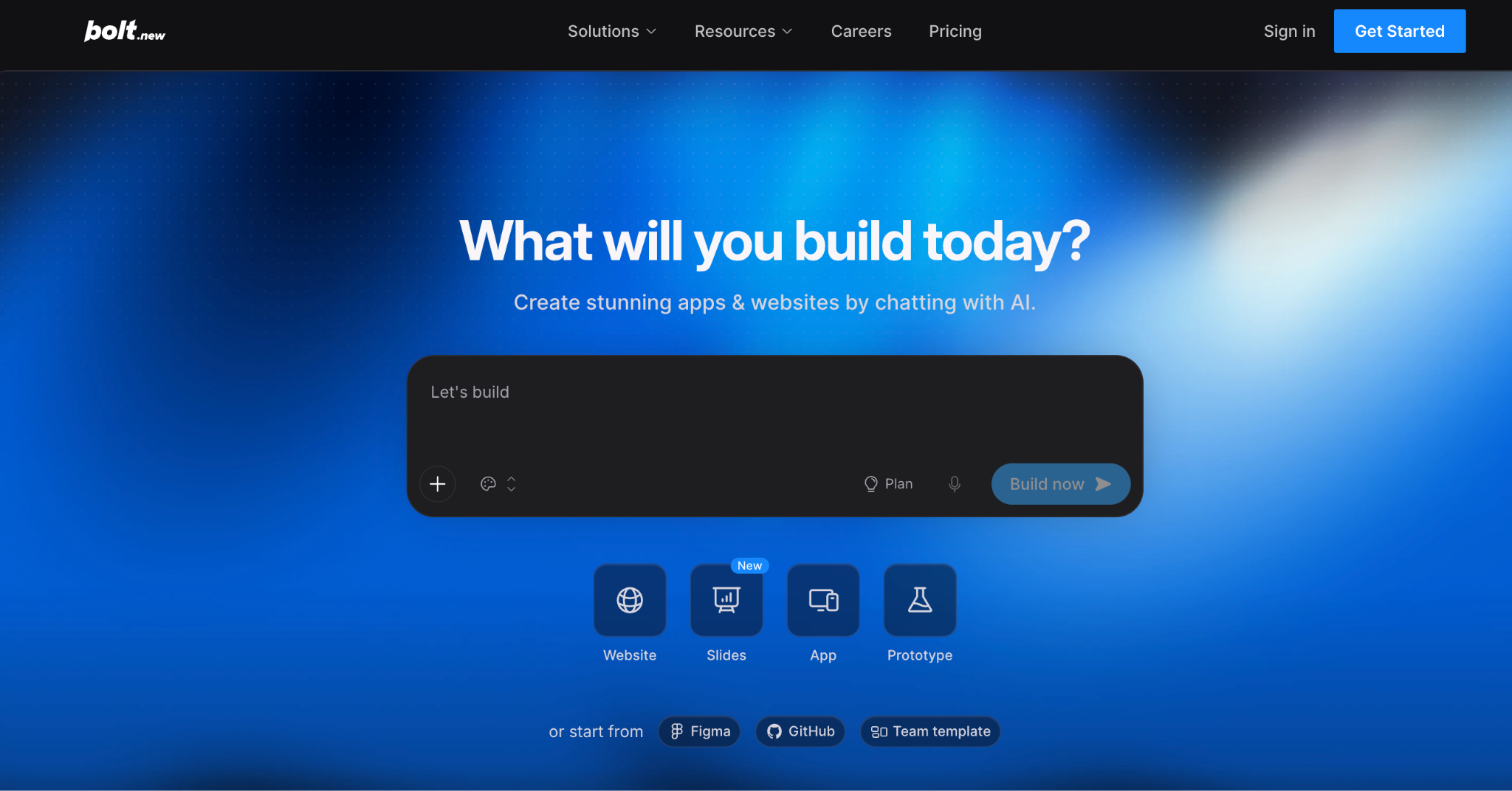
What it does: Bolt is an AI builder for websites, apps, and prototypes that you drive by chatting. Bolt Cloud adds hosting, databases, and user authentication.
Best for: Individuals who want to test a concept in the browser without local setup.
Enterprise check: Teams adds centralized billing, team access management, and admin controls, while Enterprise adds SSO, audit logs, compliance support, and custom SLAs.
Key features
- Chat-driven builds: Create apps and websites by describing them.
- Bolt Cloud: Provides hosting, databases, user authentication, and SEO tools.
- Framework support: Runs any JavaScript framework in the browser, with Node.js on the backend.
Pros
✅ No local setup on supported browsers.
✅ Wide JavaScript support across frameworks.
✅ Free tier with about 1M tokens monthly.
Cons
❌ Token-metered usage caps the free plan at 300K tokens per day.
❌ Node.js-only backend, so Python and PHP are not supported.
What users say
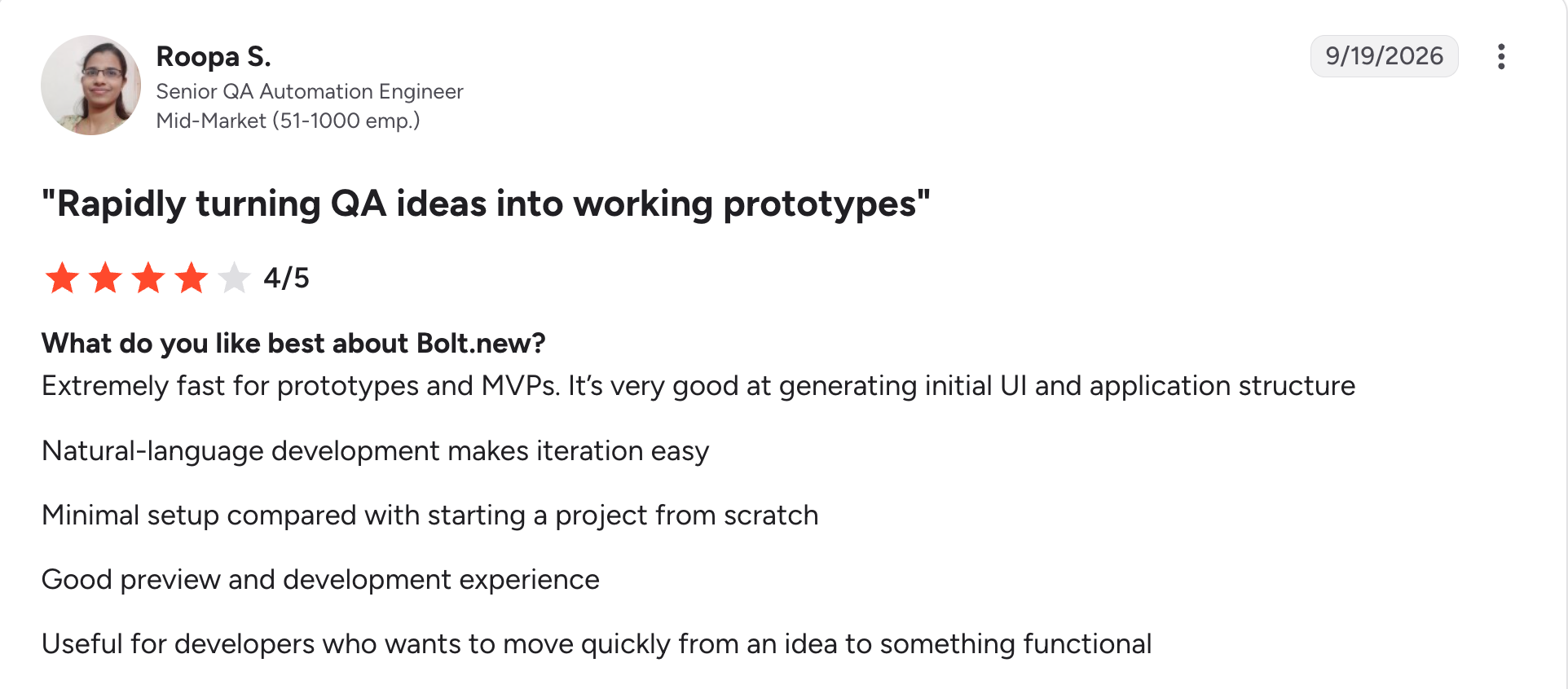
"Extremely fast for prototypes and MVPs. It’s very good at generating initial UI and application structure." Roopa S, G2

“Sometimes the AI doesn’t get things right on the first try, so I have to explain the same thing again or fix a few things myself.” Vinod M, G2
Pricing
Bolt has a free plan with 1M tokens per month and a 300K daily cap. Pro is $25/month and starts at 10M tokens. Teams is $30/member/month. Enterprise is custom-priced. See the Bolt pricing page.
Bottom line
Bolt is for fast concept validation. Move to a governed platform once real company data is involved.
15. Aider: Best open-source terminal pair programmer
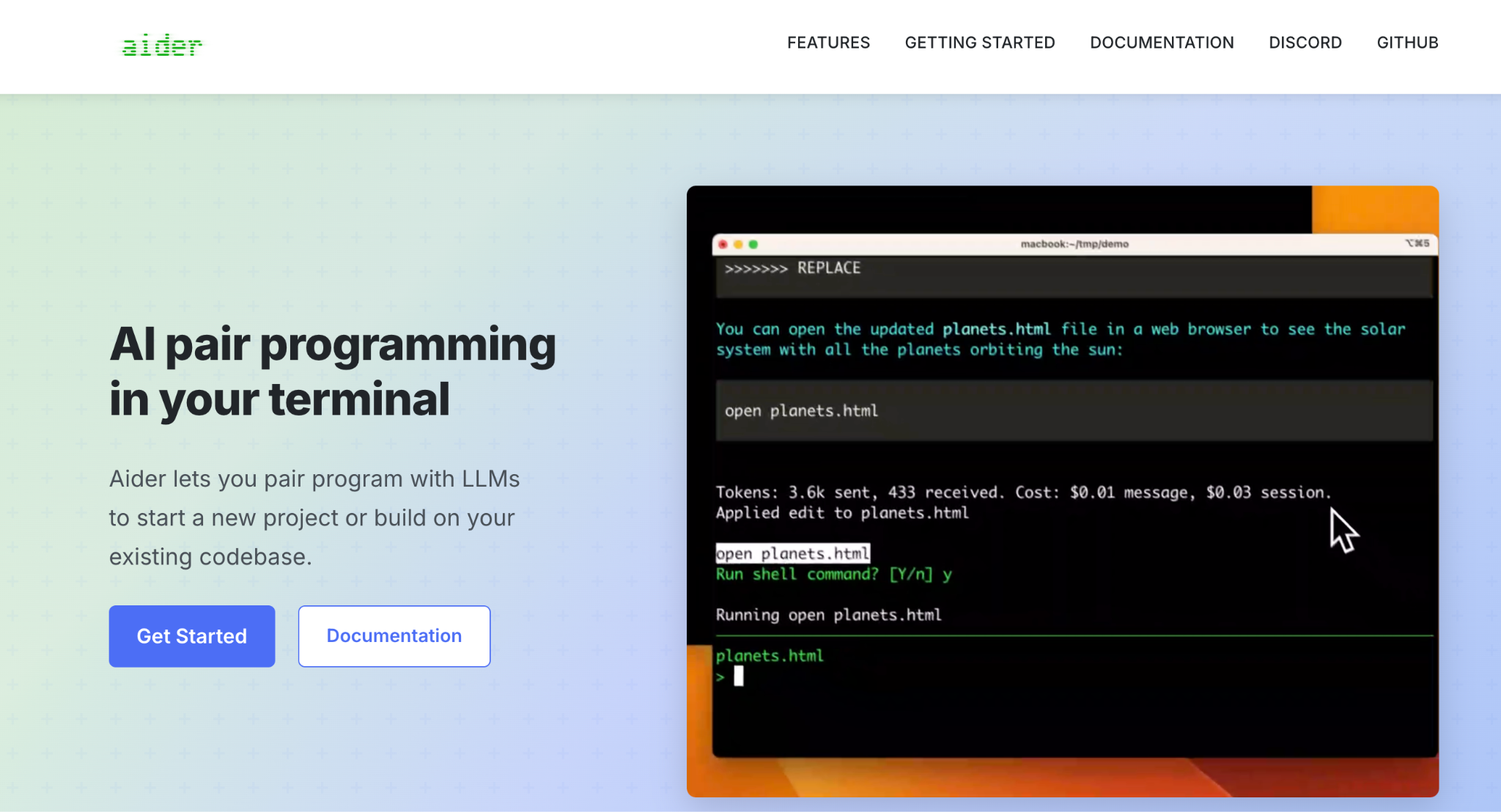
What it does: Aider is an open-source command-line tool that pairs you with an LLM to edit code in your local git repository.
Best for: Developers who want full control, local models, or bring-your-own-key flexibility.
Enterprise check: Aider has no vendor admin console, SSO, or audit logs. You run it locally, and your chosen model provider's terms govern data handling.
Key features
- Codebase map: Builds a map of your whole codebase to handle larger projects.
- Git-native edits: Commits changes with descriptive messages you can review and undo.
- Any model: Connects to hosted APIs or local models.
Pros
✅ Free and open source under the Apache-2.0 license.
✅ Local control over where your code goes, set by the model provider you choose.
✅ Wide adoption, with 44K GitHub stars and 6.8M PyPI installs on its site.
Cons
❌ No central admin controls, so IT cannot manage seats or policies.
❌ Self-managed costs because you pay your model provider for API usage.
What users say

“Tried them all. Aider is powerful and efficient, especially prompt caching with Sonnet or combining o3-mini high when Sonnet in architect mode.” Verified User, Reddit

“The most frustrating thing about Aider is that [sometimes] it [works] and [sometimes] it doesn't and when it does, you don't know why.” Verified User, Reddit
Pricing
Aider is free software. You pay your model provider for API usage, and local models carry no API fee. See the Aider site.
Bottom line
Aider suits individual developers who want control. Organizations need to add their own governance around it.
Which AI coding tool should you choose?
Match the tool to the job first, since these 15 solve different problems.
Choose Superblocks if you:
- Need business teams building internal apps with AI, with IT governance built in.
- Want SSO, audit logs, and a VPC deployment path.
Choose GitHub Copilot, Claude Code, Cursor, Codex, or Windsurf if you:
- Are a developer team that wants AI inside your own repositories.
- Can set your own review and approval process.
Choose Gemini Code Assist, Kiro, or Antigravity if you:
- Are tied to Google Cloud or AWS, or want a capable free option.
Choose Qodo if you:
- Have a review bottleneck and need on-prem or air-gapped options.
Choose Replit, v0, Lovable, or Bolt if you:
- Want fast prototypes and do not yet have sensitive data involved.
Choose Aider if you:
- Want an open-source terminal tool and will run your own governance.
Skip AI coding tools for now if:
- You cannot yet state where generated code may run, or who approves it.
Final verdict
The best AI coding tools for developer teams working inside their own repositories are GitHub Copilot, Claude Code, Cursor, and Codex, and the right one depends on your stack and your admin requirements.
For business teams building internal apps with AI under IT control, Superblocks is my pick, with the limits listed above.
Wherever you land, check the free tier, the ownership terms, and the enterprise controls against current vendor pages. Gemini Code Assist, Windsurf, Cursor, Qodo, and ChatGPT Pro all changed in the past six months.
Get started with the Superblocks Quickstart Guide to see how a governed internal app comes together.
Or book a demo to see how Superblocks fits into your AI coding program.
Frequently asked questions
What are the best AI coding tools in 2026?
The best AI coding tools in 2026 include GitHub Copilot, Claude Code, Cursor, and OpenAI Codex for developers, and Superblocks for governed internal apps. The right pick depends on whether you need in-repo help, app building, or enterprise controls.
Which AI coding tools are free?
GitHub Copilot, Cursor, Windsurf, Replit, Kiro, Google Antigravity, v0, Lovable, and Bolt all offer free plans, and Codex is included on ChatGPT Free. Aider is free software, but you pay your model provider. Gemini Code Assist's individual tier stopped serving requests on June 18, 2026, and Claude Code has no free plan.
Which AI coding tool is best for enterprise teams?
The best AI coding tool for enterprise teams depends on the job. For developer teams, GitHub Copilot, Claude Code, Cursor, and Codex each offer SSO and audit logs on business or enterprise tiers. For governed internal apps, Superblocks adds RBAC on Teams, plus SSO, audit logs, and VPC deployment on Enterprise.
Who owns Cursor now?
SpaceX owns Cursor. It completed its acquisition of Cursor's parent company, Anysphere, on August 14, 2026, in a deal reported at $60 billion. Enterprise buyers should refresh their vendor-risk review for data handling and model availability.
What tool builds internal apps with AI under IT governance?
Superblocks builds internal apps with AI under IT governance, applying RBAC in Teams, SSO, and audit logs in Enterprise. Developer assistants like Copilot and Cursor remain the right choice for writing code inside your own repositories.
At Virgin Voyages, non-technical teams now build their own AI apps, with IT governance fully intact. The result: 15+ production apps, seven departments onboard, and zero dedicated frontend engineers.
At Matthews, a marketing manager with zero coding background built an app that auto-generates offering memorandums, cutting turnaround from days to hours. See how the brokerage is putting AI builders on every team, with full governance intact.


Stay tuned for updates
Get the latest Superblocks news and internal tooling market insights.
Request early access
Step 1 of 2
Request early access
Step 2 of 2

You’ve been added to the waitlist!
Book a demo to skip the waitlist
Thank you for your interest!
A member of our team will be in touch soon to schedule a demo.
production apps built
days to build them
semi-technical builders
traditional developers
high-impact solutions shipped
training to get builders productive
SQL experience required
See the full Virgin Voyages customer story, including the apps they built and how their teams use them.

"Those tools are great for proof of concept. But they don't connect well to existing enterprise data sources, and they don't have the governance guardrails that IT requires for production use."
Table of Contents
%20(1).avif)

Multiple authors
How to Detect Shadow AI: 7 Methods That Work (2026)
Your employees are using AI tools you never approved. Shadow AI detection helps you find unsanctioned AI, govern it safely, and prevent data leaks.
%20(1).png)
%20(1).png)