
Pick an AI development platform this year, and you are choosing based on what happens after the first working screen. Every demo looks fine. The second change is where you find out whether the tool keeps your structure intact or rewrites half of it behind your back.
I ran all 12 through the same job. Build a small internal app, wire it to a live table, then change it twice and see what survives.
I compared them on how fast they got to something usable, how the output held up, what governance existed for a team setting, and what the entry-paid tier costs. Pricing comes straight from each vendor's page.
Some are code-first editors, some turn a prompt into a full app, and a couple target teams where IT has to sign off. Here is the ranked list, what each one suits, honest pros and cons, and current monthly pricing.
The 12 best AI development platforms: TL;DR
- Cursor: Best for professional developers who want AI inside their editor.
- Claude Code: Best for terminal-first, repo-level agentic work.
- Lovable: Best for non-technical founders building a full app from chat.
- Bolt: Best for fast in-browser prototypes.
- Replit: Best for building and hosting in one environment.
- Superblocks: Best for enterprise teams that need governed internal apps.
- Retool: Best for established internal-tool teams wiring many data sources.
- v0 by Vercel: Best for UI and component prototyping.
- OpenAI Codex: Best for delegating backend tasks you review later.
- Devin: Best for large codebases that need context across many files.
- Kilo Code: Best for open-source, model-flexible coding in your own IDE.
- Google Antigravity: Best for running several agents in parallel.
How I researched and tested these AI development platforms
I built the same internal request tracker in each platform, connected it to a Postgres table, then added a role filter and an export, since the second and third changes are where weaker tools start to crack.
Alongside my own runs, I read recent user reviews on G2, Reddit, and Trustpilot, and I noted where a tool never made sense for the job.
- Build speed: How quickly each one goes from prompt to a screen you can actually click.
- Output quality: Whether the app survives the second change or needs a rebuild.
- Governance: What a team gets for access control, audit, and review before shipping.
- Pricing: The monthly cost at the entry paid tier, credits included.
Running the build twice separated the platforms that demo well from the ones that keep working once the app has live data and a second change behind it.
The 12 best AI development platforms: quick comparison
Pricing is correct as of August 2026. Verify with each vendor.
1. Cursor: Best for professional developers
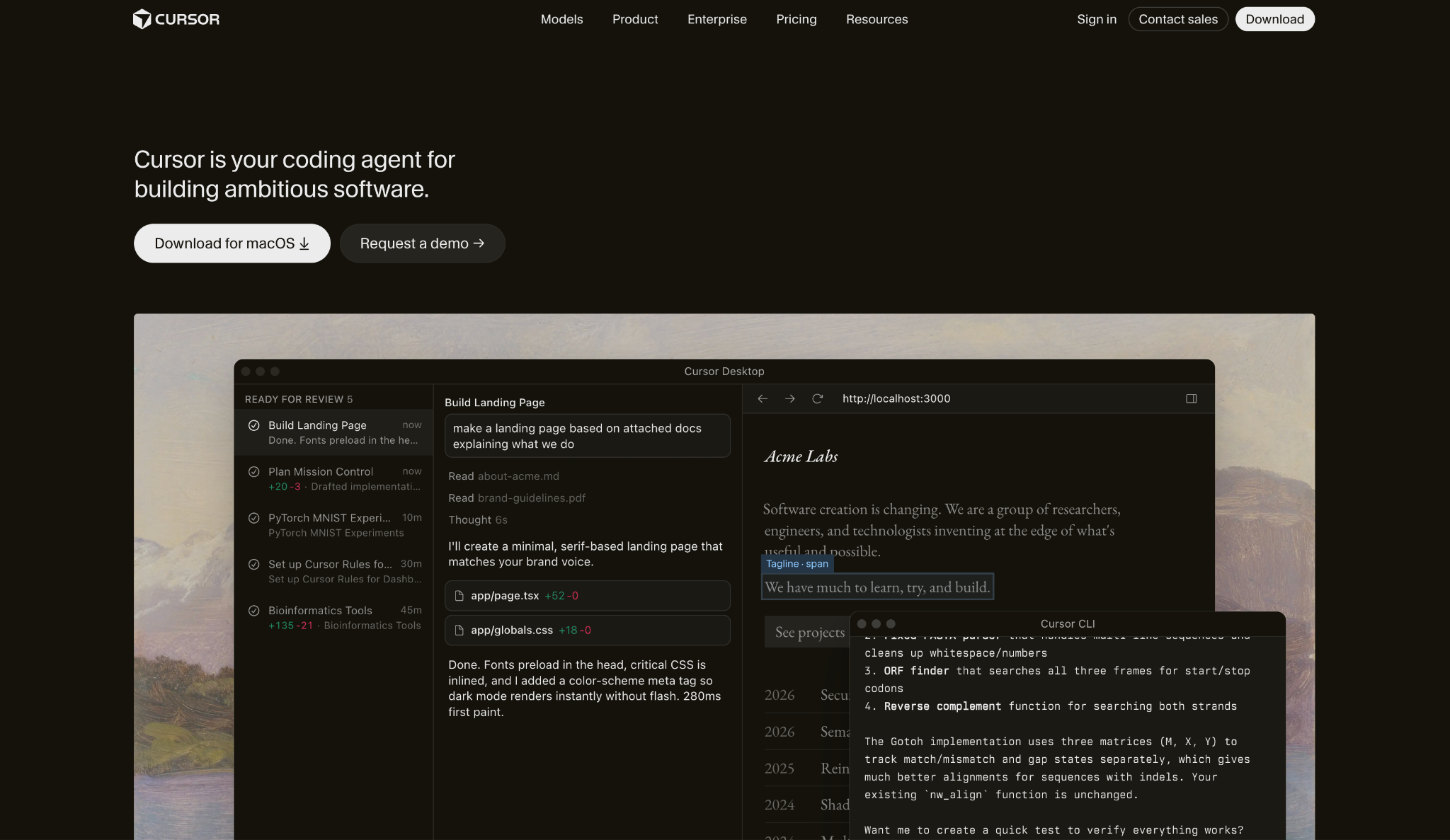
What it does: Cursor is an AI-native editor built on VS Code that folds AI into normal coding, from autocomplete to multi-file agent edits.
Best for: Professional developers who want AI to move faster but still read and approve every change themselves.
My request-tracker came together in Cursor faster than anywhere else, and it still let me own the code. The agent handled the role filter across three files without losing context.
That's the direction the 2026 version pushes even harder, with parallel agents that make it feel like an agent workspace with an editor inside.
Key Features
- Agent mode: Runs multi-step, multi-file changes from a single instruction.
- Codebase awareness: Reads the whole workspace so every request has full context.
- Bugbot: Flags bugs from humans or AI on each GitHub change.
Pros and Cons
Pros:
✅ Sits inside a VS Code workflow you already know, without changing environments.
✅ Mature feature set proven on production teams.
✅ Strong agent mode for coordinated edits over multiple files.
Cons:
❌ The interface gets busy, with AI actions scattered across views.
❌ Credit costs climb once you step outside Auto mode.
What Users Say
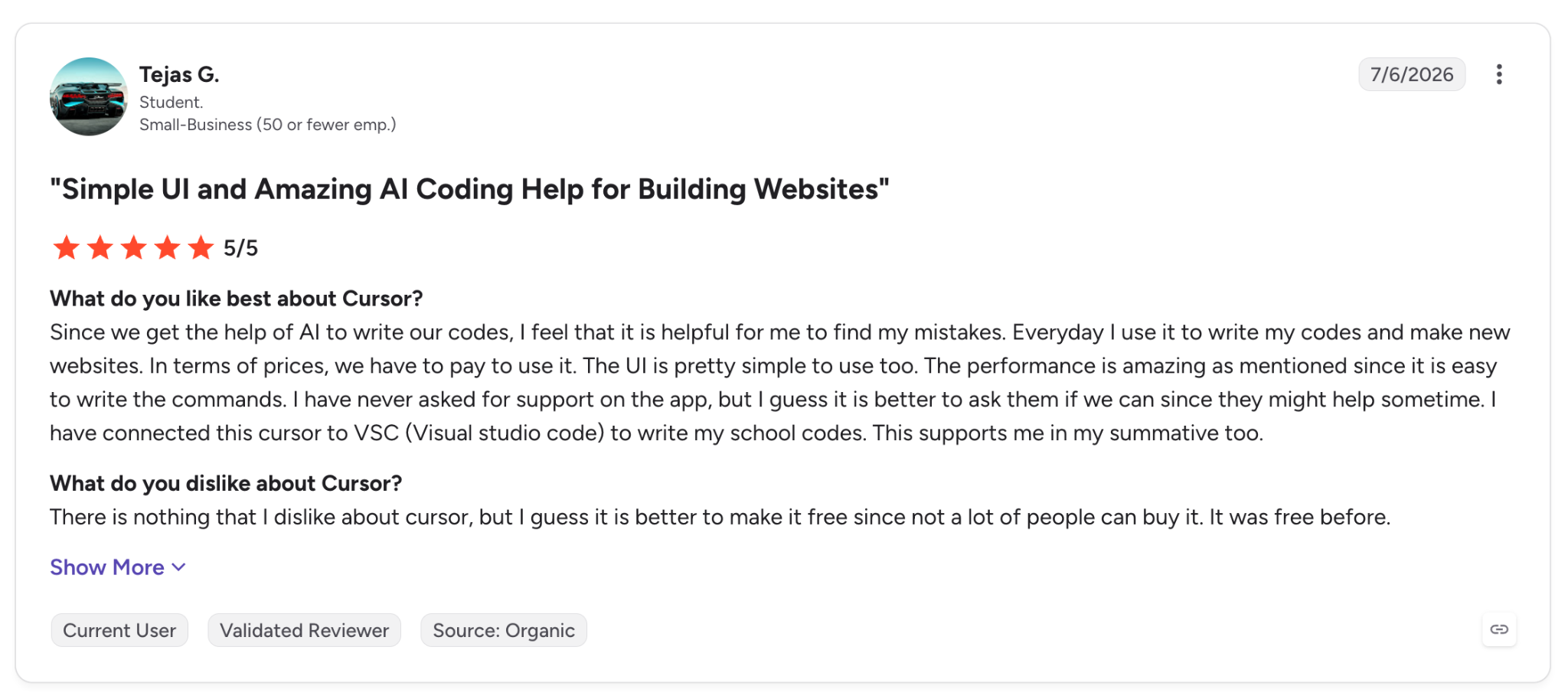
"Since we get the help of AI to write our code, I feel that it is helpful for me to find my mistakes." — Tejas G., G2
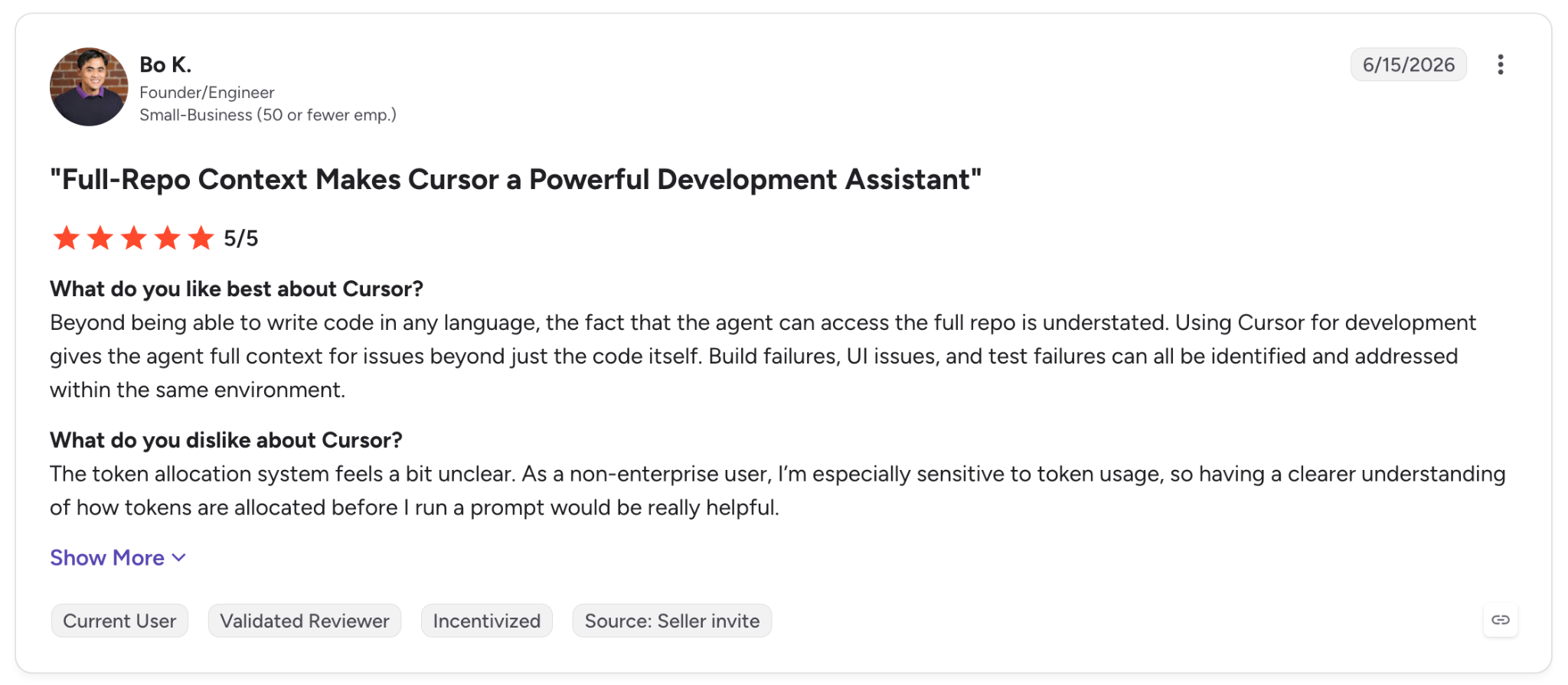
"As a non-enterprise user, I’m especially sensitive to token usage, so having a clearer understanding of how tokens are allocated before I run a prompt would be really helpful." — Bo K., G2
Pricing
Cursor Pro is $20/month, Pro+ is $60/month, and Ultra is $200/month for heavier usage, with Teams at $40/user/month. See Cursor's pricing page.
Bottom Line
If you write code for a living and want AI in your current editor, Cursor carries the least risk. If you'd rather describe an app than write the code yourself, a full app platform fits better.
2. Claude Code: Best for terminal-first agentic work
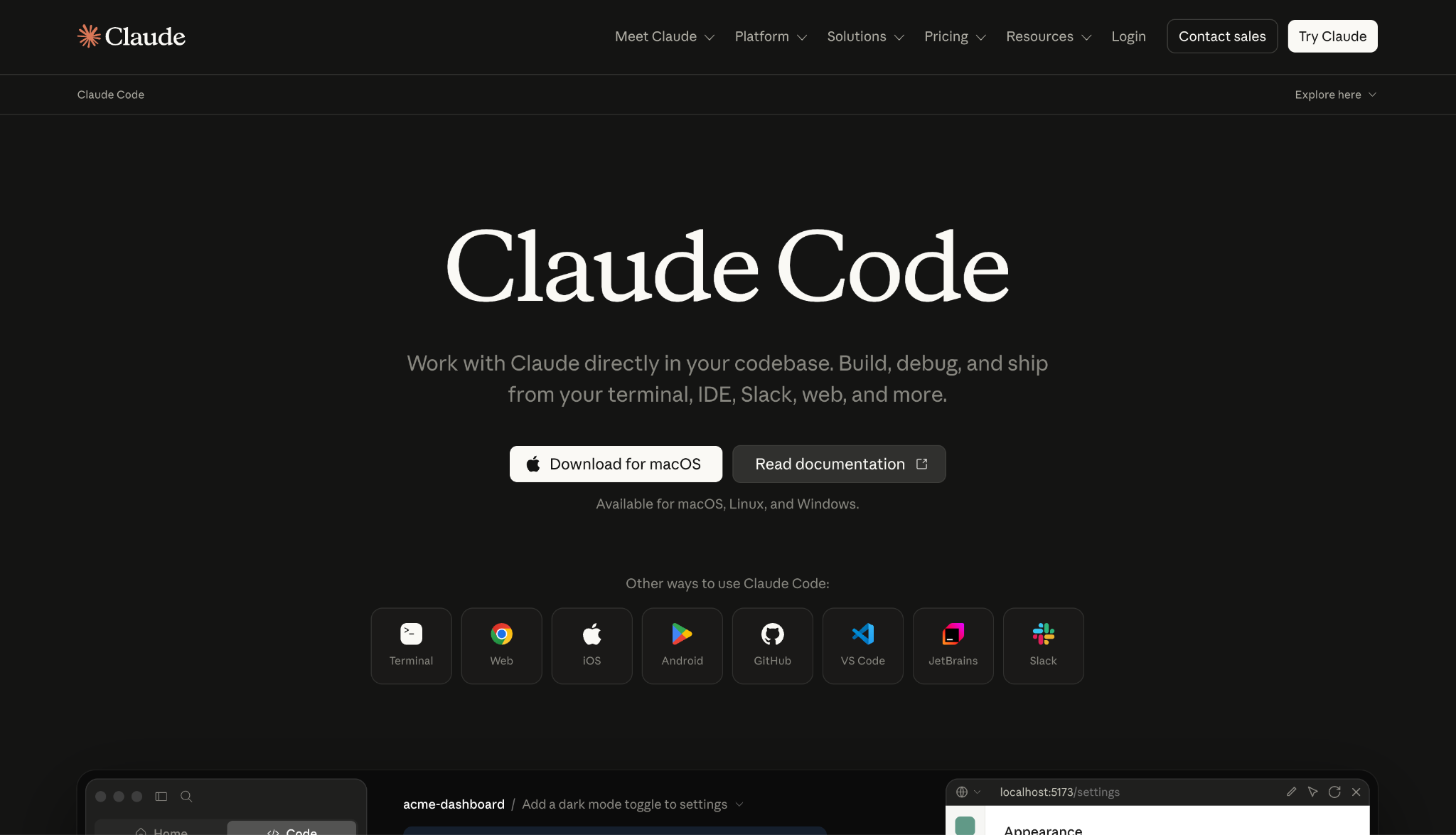
What it does: Claude Code is Anthropic's terminal-based coding agent, built for repo-level work with skills, MCP, and memory.
Best for: Developers who live in the terminal and want an agent that reasons across a whole codebase.
With Claude Code, I never left the terminal. Plan mode showed its reasoning on the same build before it touched a file, which let me catch a wrong assumption on the role filter early.
That kind of visibility is why developers trust it on bigger changes, and it tracks with how fast Claude Code has climbed in daily VS Code installs.
Key Features
- Repo-level context: Handles work over many files with verification loops.
- Skills and MCP: Extends into custom workflows and outside tools.
- Plan mode: Lays out its reasoning before making edits.
Pros and Cons
Pros:
✅ Excellent on heavier, multi-file features.
✅ Recovers cleanly when a step goes wrong.
✅ Deep workflow tooling for long-lived projects.
Cons:
❌ The terminal-first approach carries a learning curve for non-developers.
❌ Token costs spike on heavy agent runs.
What Users Say
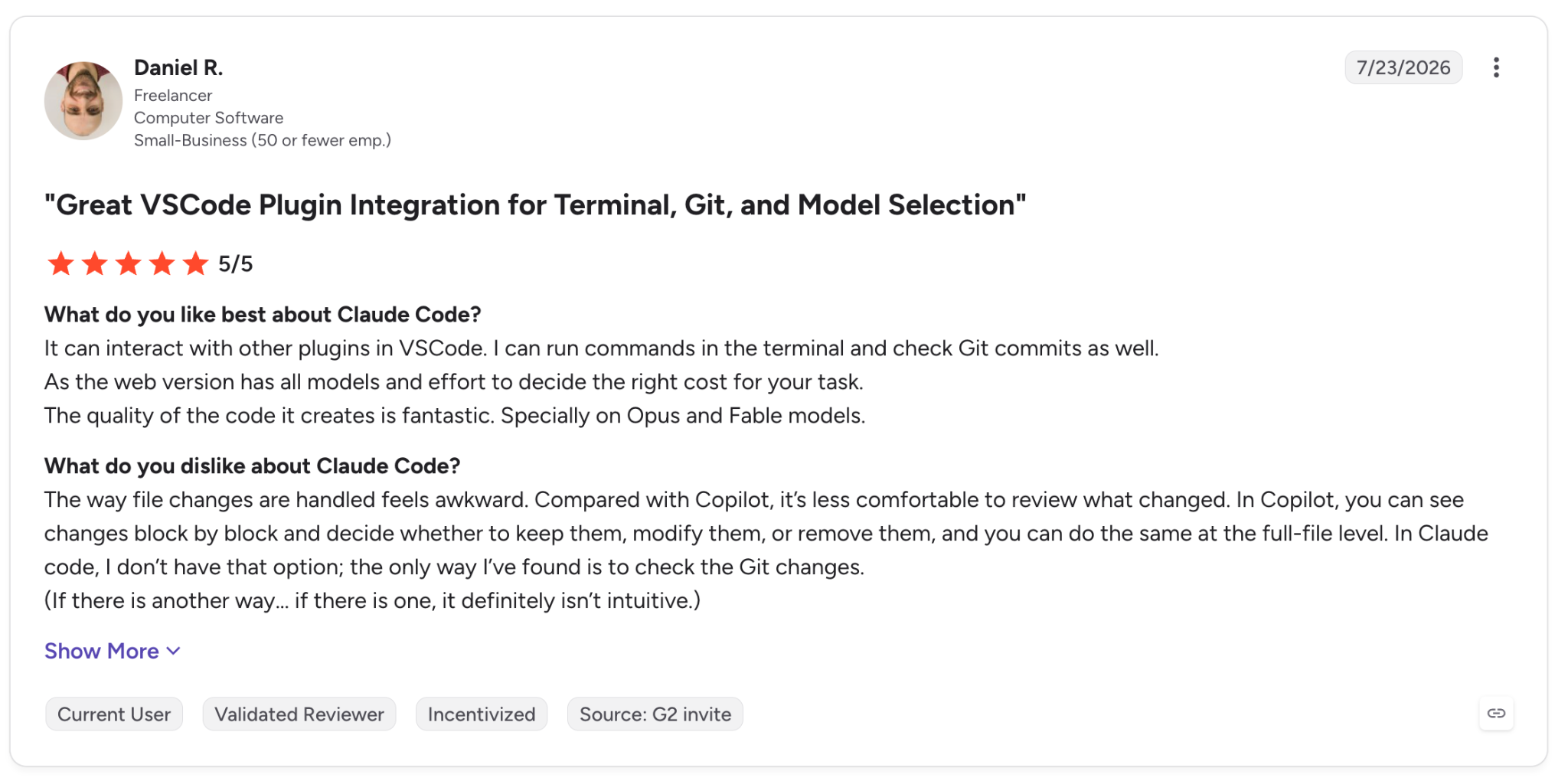
"It can interact with other plugins in VSCode. I can run commands in the terminal and check Git commits as well." — Daniel R., G2
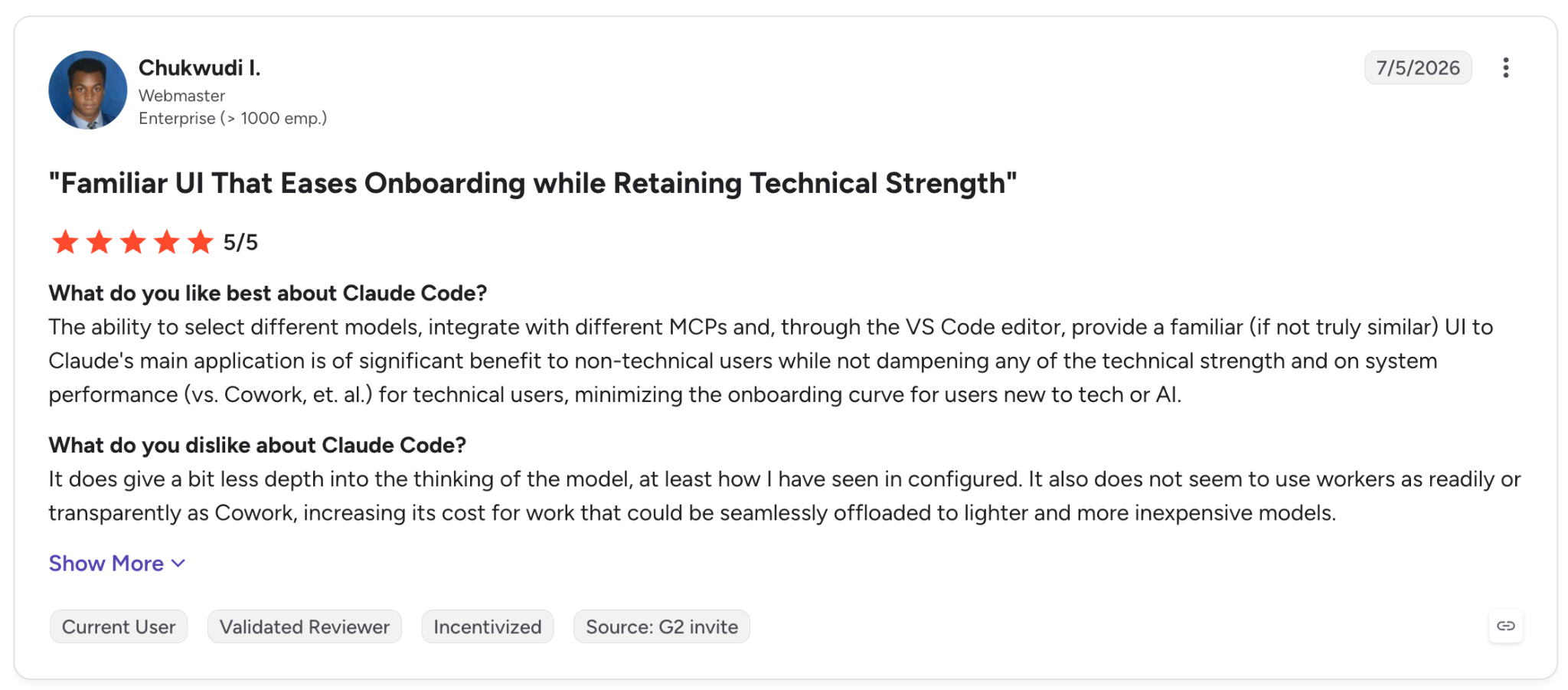
"It does give a bit less depth into the thinking of the model, at least as I have seen it configured." — Chukwudi I., G2
Pricing
Claude Code is included in Claude Pro at $17/month billed annually, or $20 monthly, and on Max plans from $100/month for higher usage. See Anthropic's pricing.
Bottom Line
For repo-level work you plan to keep building on, few tools match it. The trade is comfort. If you work faster with a visual editor, this one will feel spare.
3. Lovable: Best for non-technical founders
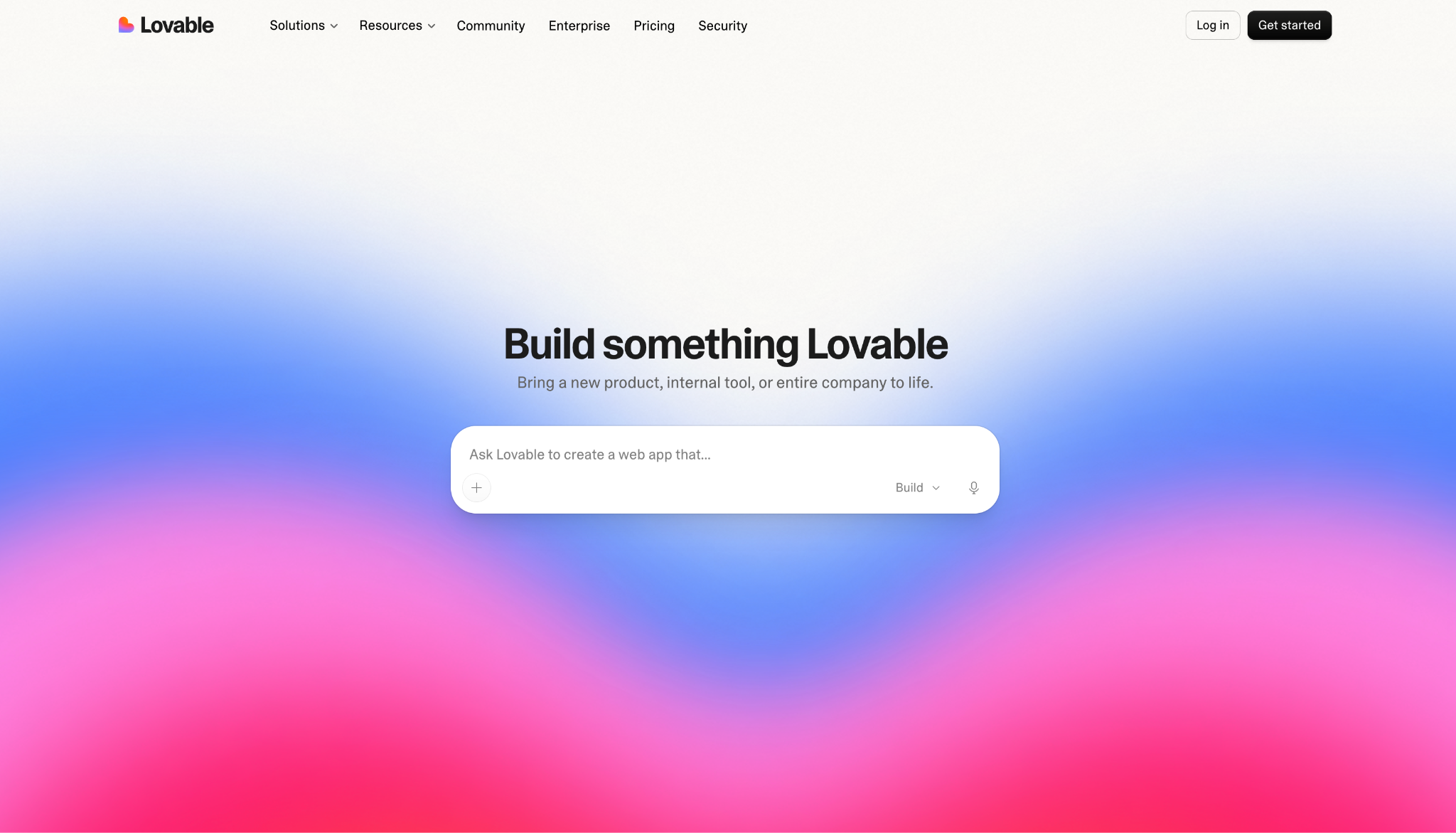
What it does: Lovable turns a chat conversation into a full-stack app, handling database, auth, and deployment for you.
Best for: Non-technical founders and product people who want a working app from a plain description.
Lovable produced the first output I'd demo without a disclaimer. Of every no-code builder I ran the tracker through, it was the cleanest.
It wired up Supabase, pushed to GitHub, and gave the prototype a working backend and a repo I could keep building on, instead of a demo that ends when you close the tab.
Key Features
- Chat-to-app: Builds full-stack apps from plain-English conversation.
- Product integrations: Connects Supabase, auth, storage, and GitHub sync.
- Code ownership: Exports to GitHub so the code stays yours.
Pros and Cons
Pros:
✅ The cleanest output among the no-code builders, with the least cleanup before you'd show it.
✅ Quick from idea to a demo you can click.
✅ Working integrations for backend and data.
Cons:
❌ Auth edge cases and heavier logic still trip it up.
❌ Credit-based pricing turns unpredictable on bigger apps.
What Users Say
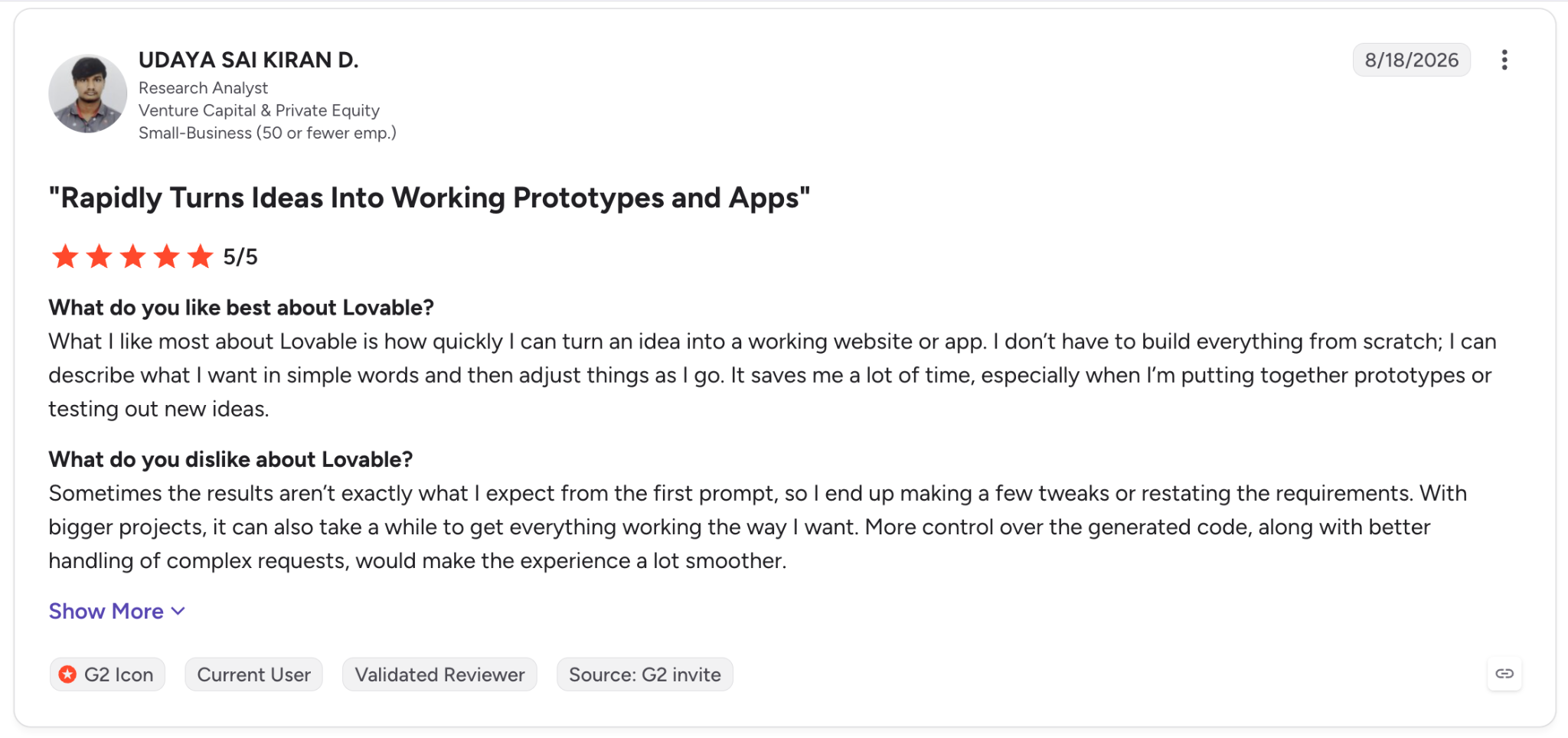
"What I like most about Lovable is how quickly I can turn an idea into a working website or app." — Udaya Sai Kiran D., G2
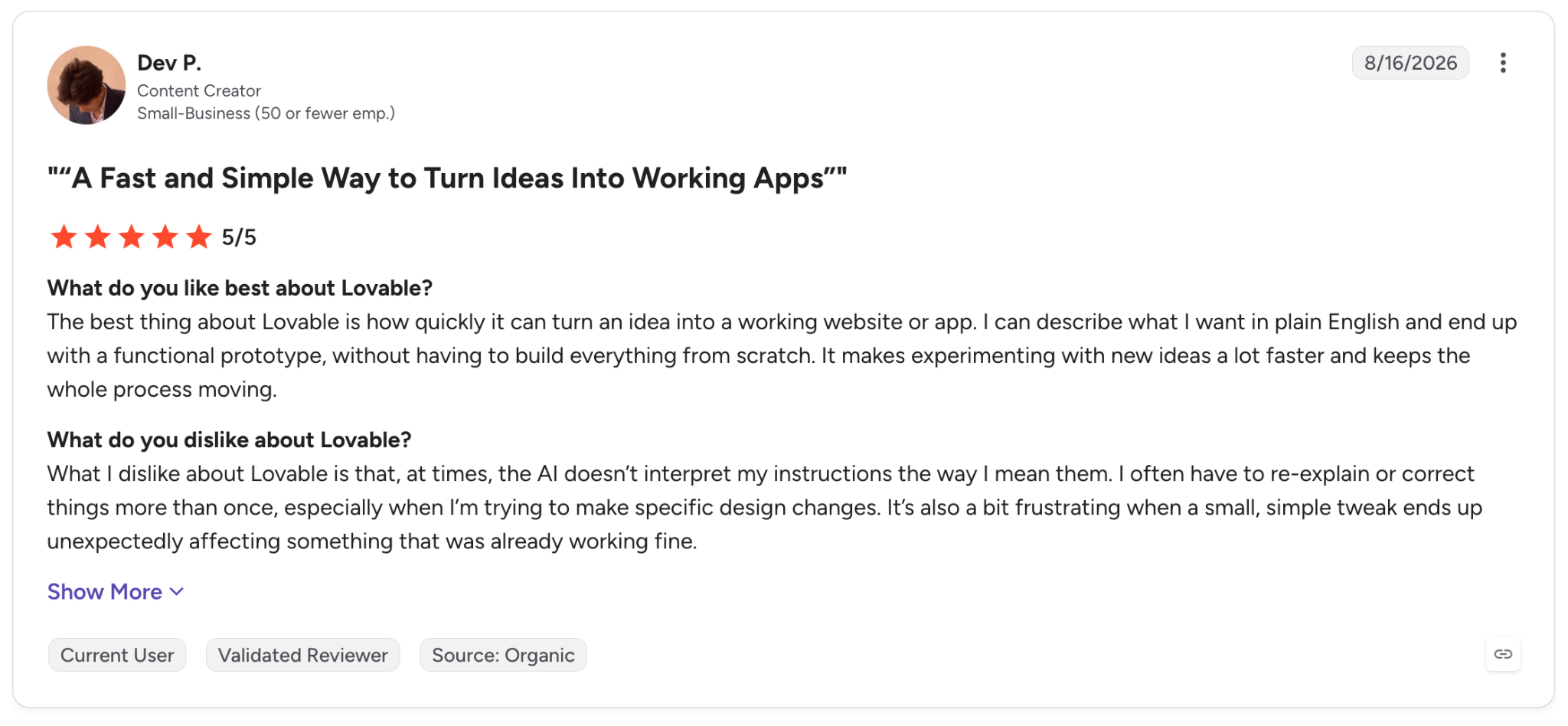
"What I dislike about Lovable is that, at times, the AI doesn’t interpret my instructions the way I mean them." — Dev P., G2
Pricing
Lovable Pro is $25/month for higher limits and private projects, Business is $50/month, and Enterprise runs on custom pricing, with a free tier below them. See Lovable's pricing.
Bottom Line
To validate an idea fast with nothing but a description, no other no-code builder here got me to a clean demo as quickly. Just don't ask it to ship a full production SaaS on its own.
4. Bolt: Best for fast in-browser prototypes
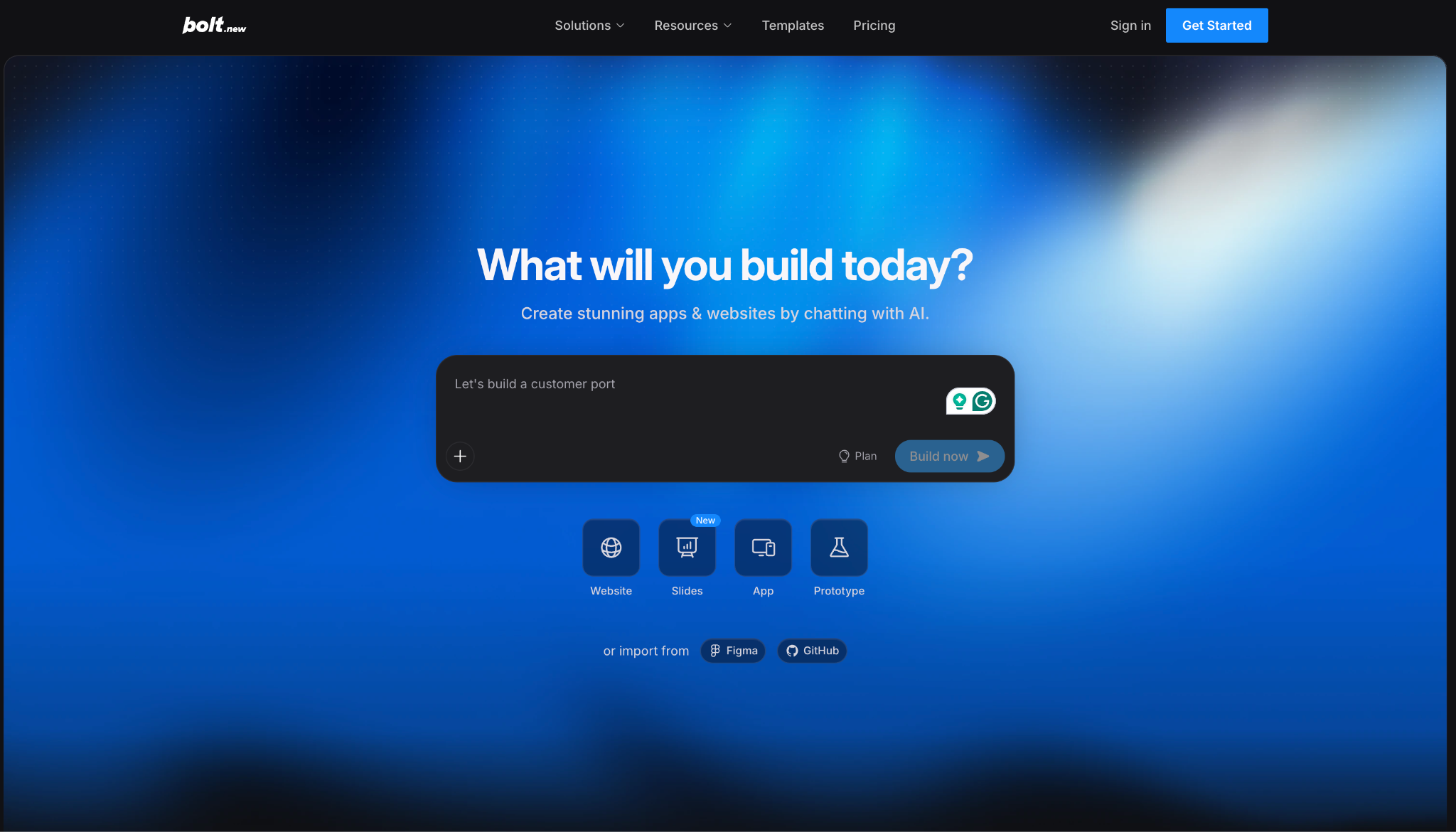
What it does: Bolt is an in-browser AI agent from StackBlitz that builds full-stack web and mobile apps from a chat prompt.
Best for: Developers and non-developers who want a working prototype with almost no setup.
Speed is Bolt's main advantage. Everything runs in the browser, so I had a clickable tracker running before I'd usually finish setting up the environment, and sharing it took one URL.
That combination, no setup and one-click sharing, is why it fits hackathons, MVPs, and anything built on standard patterns.
Key Features
- Chat-driven builds: Generates full JavaScript projects from a description.
- Live environment: Runs on WebContainers with instant preview.
- Flexible deployment: Pushes to GitHub or Netlify with little effort.
Pros and Cons
Pros:
✅ Zero-setup collaboration through a shared URL.
✅ Fast prototype-to-preview loop.
✅ Figma import and database connectors.
Cons:
❌ JavaScript frameworks only, no Python or Go backends.
❌ Token metering can push you onto a higher plan mid-build.
What Users Say
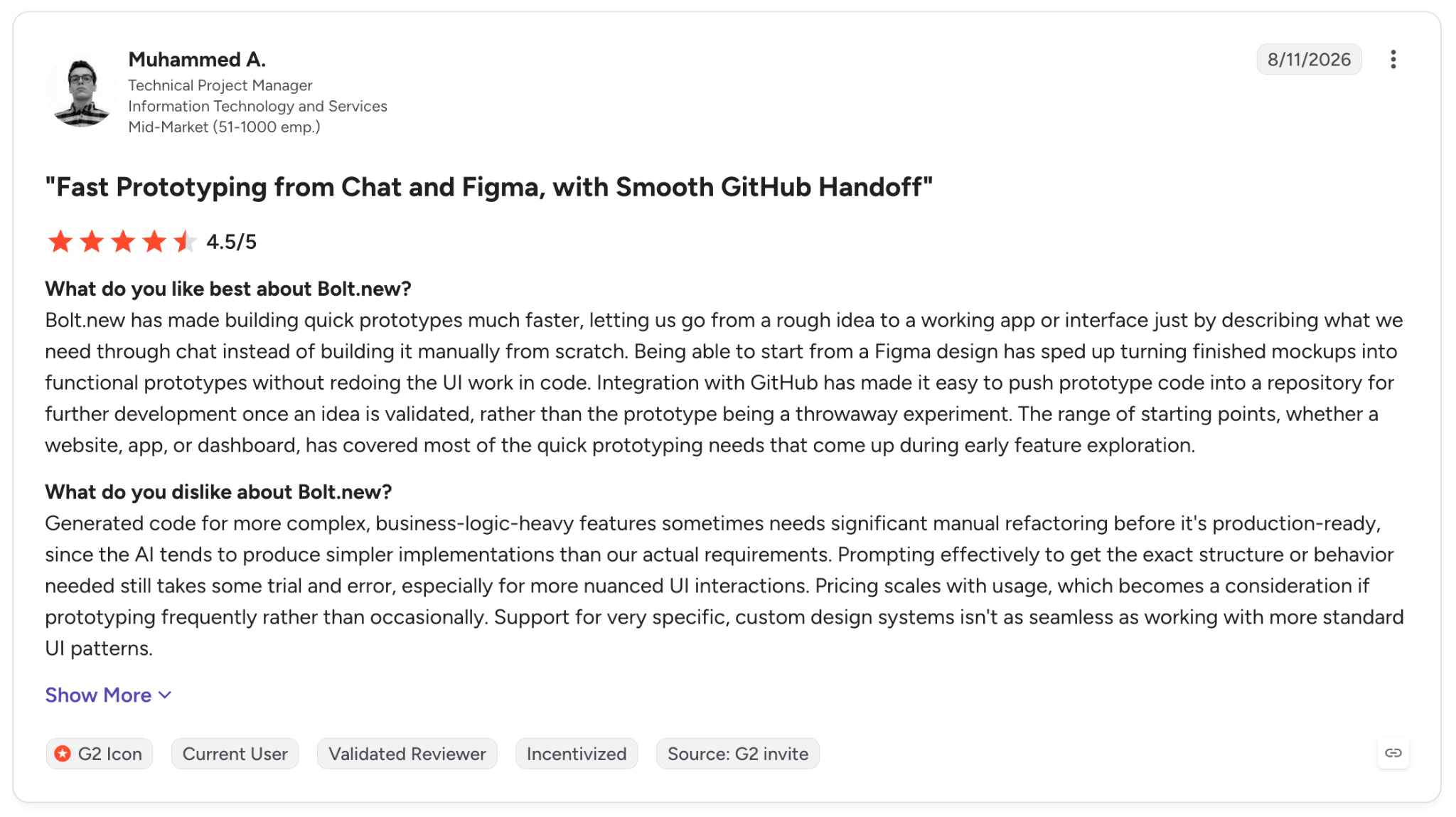
"Bolt.new has made building quick prototypes much faster, letting us go from a rough idea to a working app or interface just by describing what we need through chat." — Muhammed A., G2
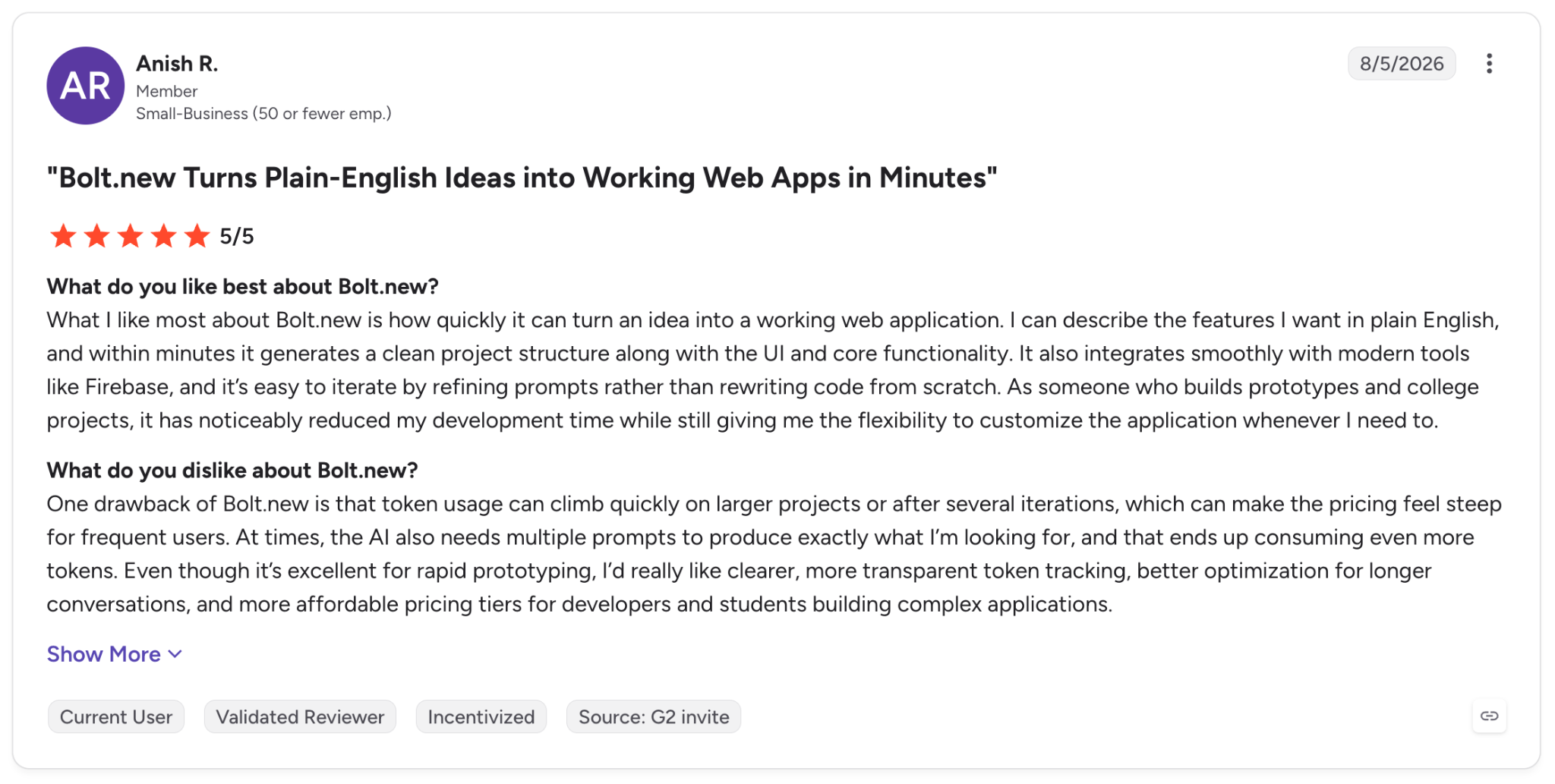
"One drawback of Bolt.new is that token usage can climb quickly on larger projects or after several iterations, which can make the pricing feel steep for frequent users." — Anish R., G2
Pricing
Bolt Pro is $25/month for 10 million tokens, with no daily cap, and Teams is $30/month per member, with a free tier below both. See Bolt's pricing.
Bottom Line
When you need a working prototype today, and the app follows a common shape, Bolt delivers. Point it at a heavy custom backend and its performance drops.
5. Replit: Best for all-in-one building and hosting
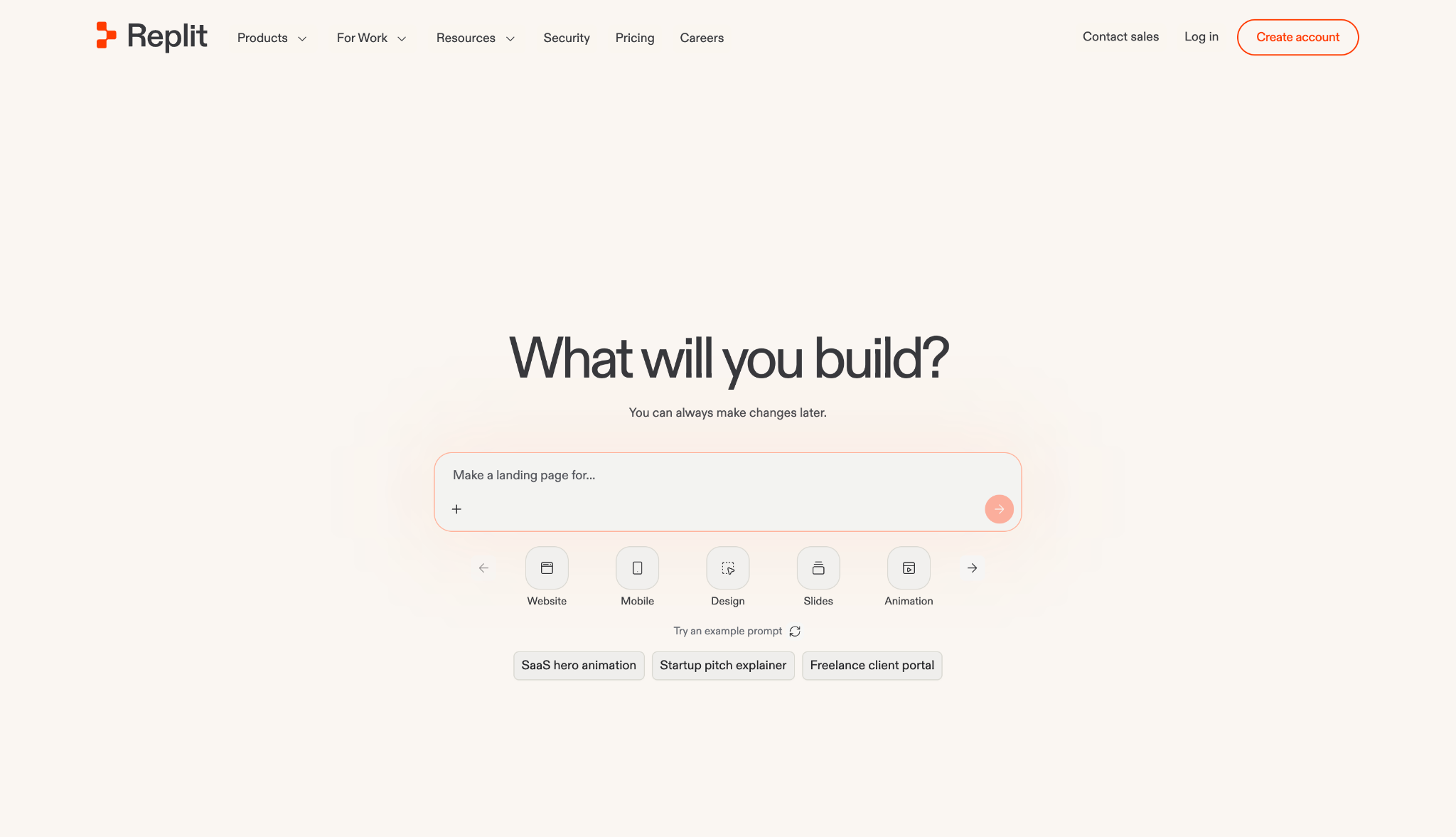
What it does: Replit is a cloud IDE with an AI agent and built-in hosting, so you build, run, and deploy in one place.
Best for: Builders who want a single, approachable environment from first line to live app.
Replit was the only environment that took me from prompt to a hosted URL without a single handoff. The agent generated the tracker inside the same browser IDE that then hosted it, with no separate deploy step.
It's a good place to learn while shipping, though the per-prompt billing was higher than I expected on a longer run.
Key Features
- Agent builds: Generates apps from a description inside the IDE.
- Built-in hosting: One-click deploy from the same environment.
- Collaborative IDE: Real-time coding in the browser.
Pros and Cons
Pros:
✅ Everything from build to host in one place.
✅ Approachable for newer builders.
✅ Strong collaboration features.
Cons:
❌ Effort-based pricing makes costs hard to predict.
❌ Automated UI testing can inflate agent usage.
What Users Say
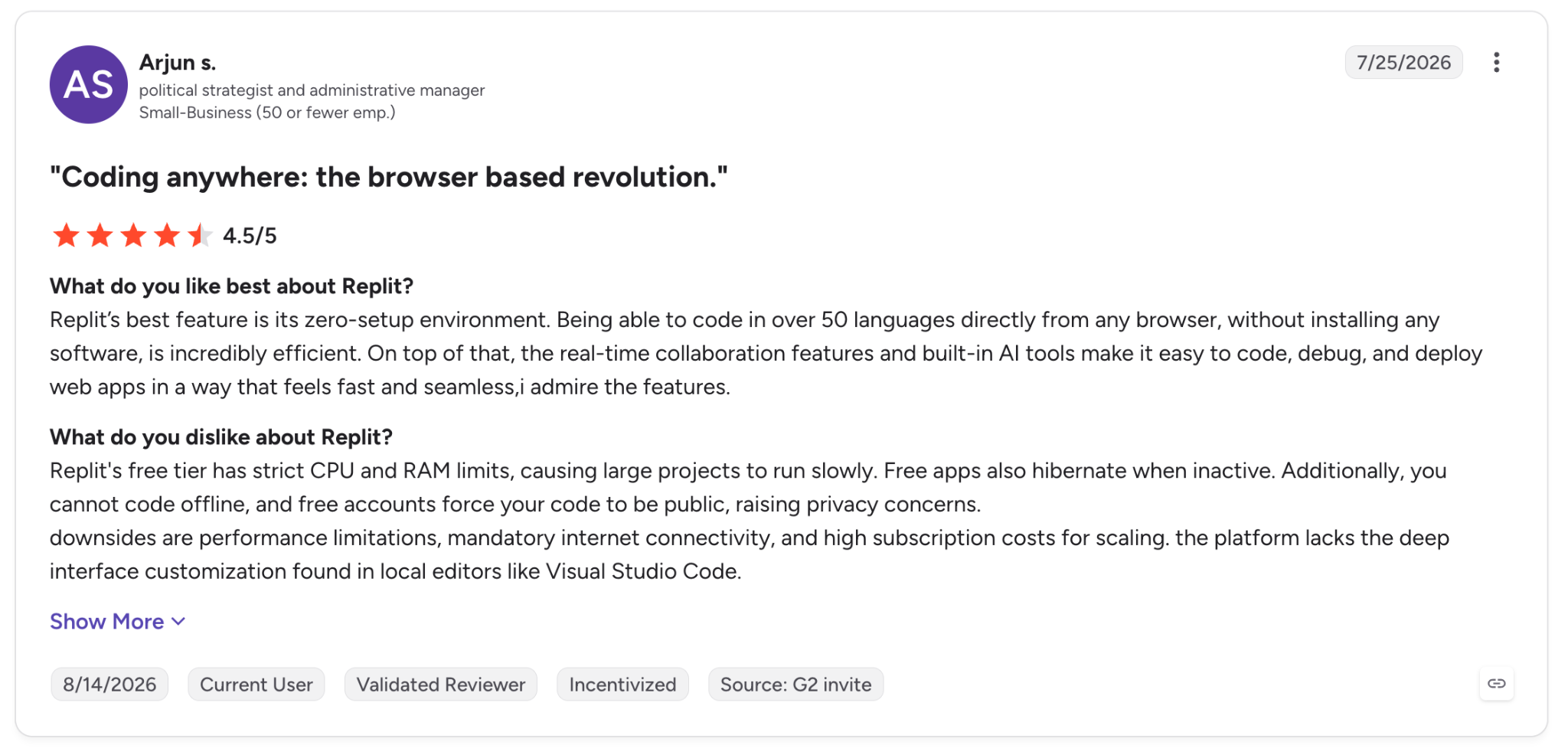
"Being able to code in over 50 languages directly from any browser, without installing any software, is incredibly efficient." — Arjun S., G2
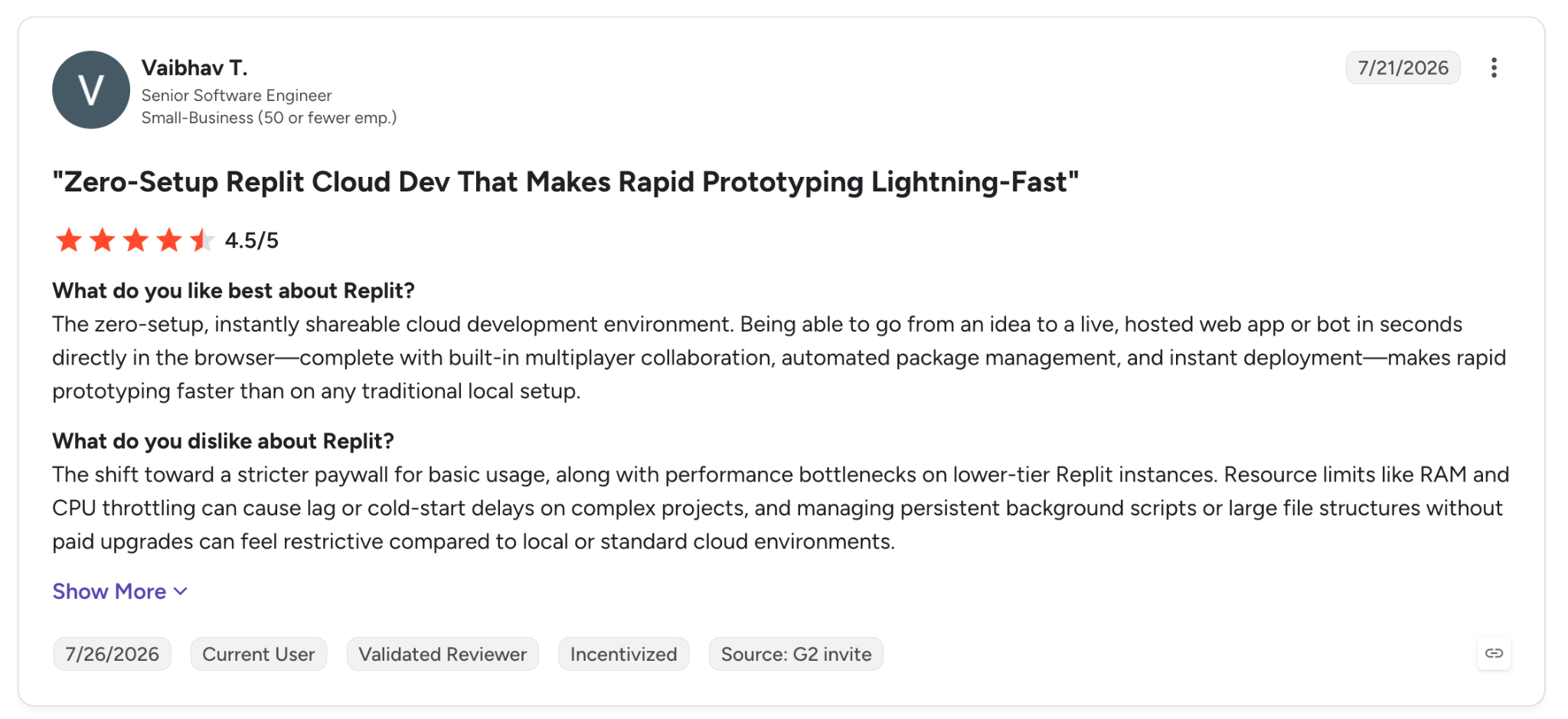
"The shift toward a stricter paywall for basic usage, along with performance bottlenecks on lower-tier Replit instances." — Vaibhav T., G2
Pricing
Replit Core is $20/month ($18 billed annually), and Pro is $100/month, both with monthly credits for agent usage, with a free Starter tier below them. See Replit's pricing.
Bottom Line
As a single environment for building and hosting together, Replit is hard to match. Keep an eye on agent costs when a build runs long.
6. Superblocks: Best for governed internal apps
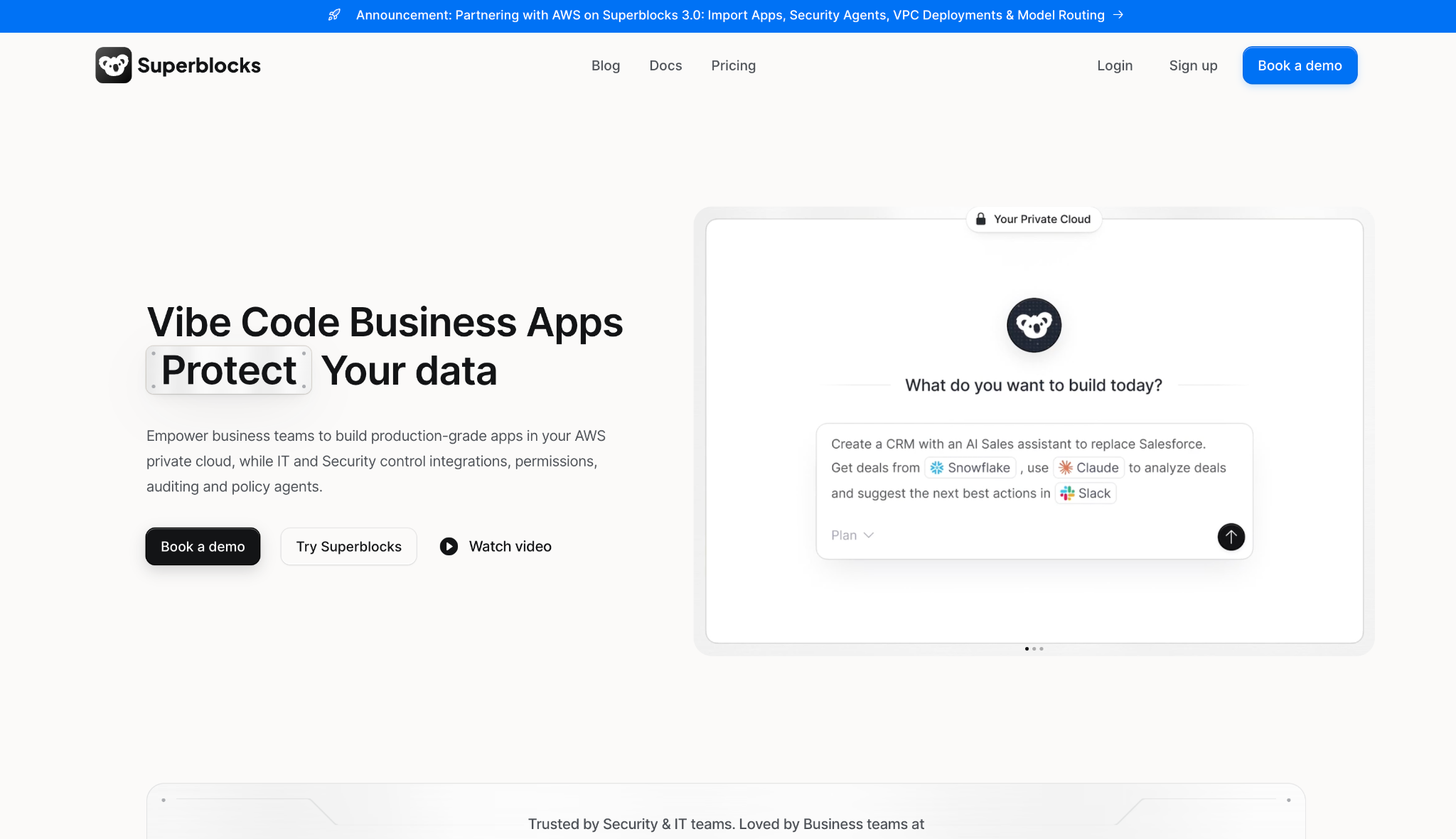
What it does: Superblocks is AI app building for the enterprise, where Clark by Superblocks turns prompts into internal apps that enforce access controls and log every action from the first screen.
Best for: Enterprise teams where business units need internal apps quickly, but IT has to keep control of access and data.
Superblocks was the one platform in this test where the governance was switched on from the first screen. Clark inspected my Postgres schema, generated the tracker against my live data, and stayed inside what my role could see the whole time.
And when I exported the app as React to edit in Cursor, the changes synced back, so enterprise controls didn't prevent me from editing the code.
Key Features
- Clark by Superblocks: Turns prompts into internal apps that enforce access controls and log every action by default.
- Multimodal editing: Refine by prompt, visual editor, or code, all kept in sync.
- React code export: You keep the code and edit it in your IDE, with changes syncing back, no lock-in.
Pros and Cons
Pros:
✅ Governance is baked into every generated app, not added after launch.
✅ React export means you keep the code, with a working path from prototype to production.
✅ Superblocks claims Clark hits 10x the velocity of a traditional internal-app build; in my run, it generated the tracker in one pass against my live schema.
✅ A stateless agent moves data between your API and database without routing through Superblocks' cloud.
Cons:
❌ Made for internal enterprise apps, so consumer products and general coding sit outside its scope.
❌ Clark is newer than legacy builders and has a smaller template library today.
What Users Say
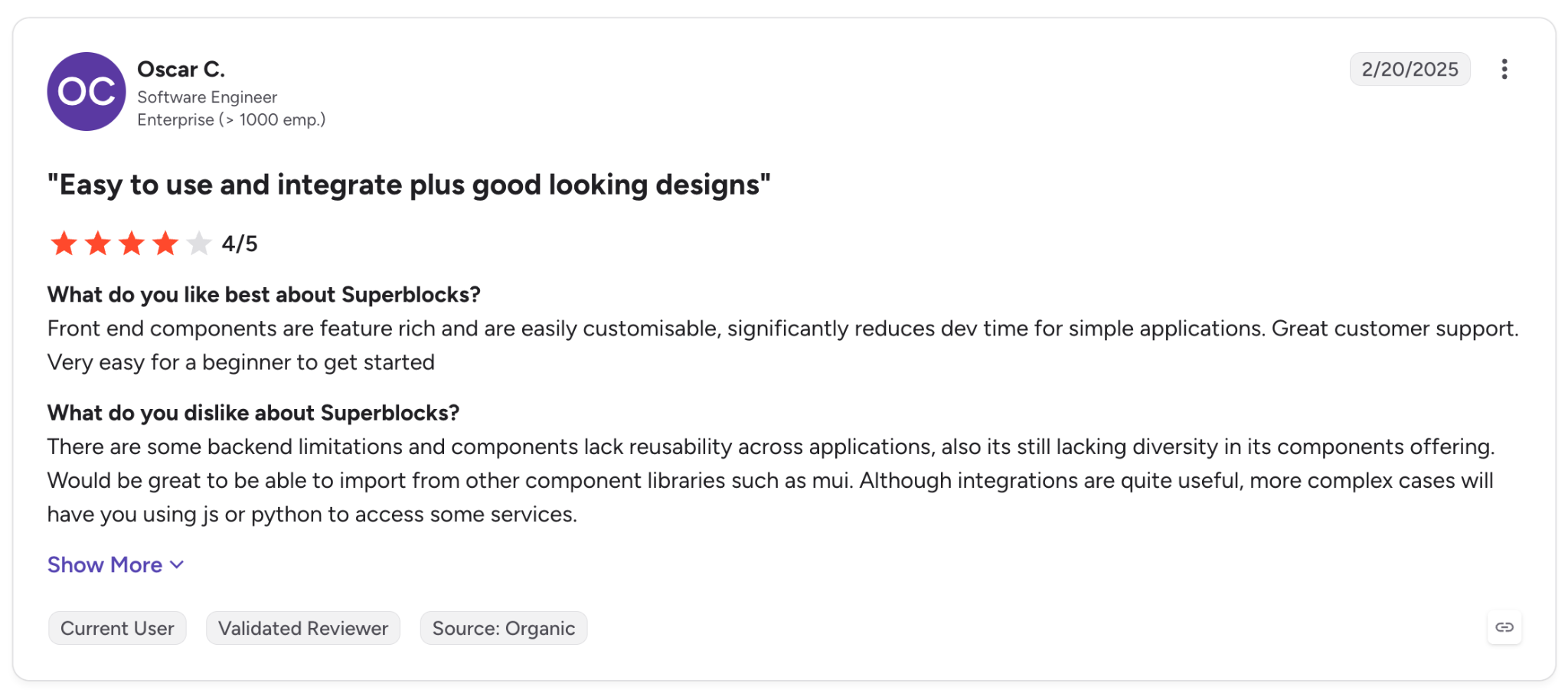
"Front-end components are feature-rich and are easily customisable, significantly reducing dev time for simple applications." — Oscar C., G2
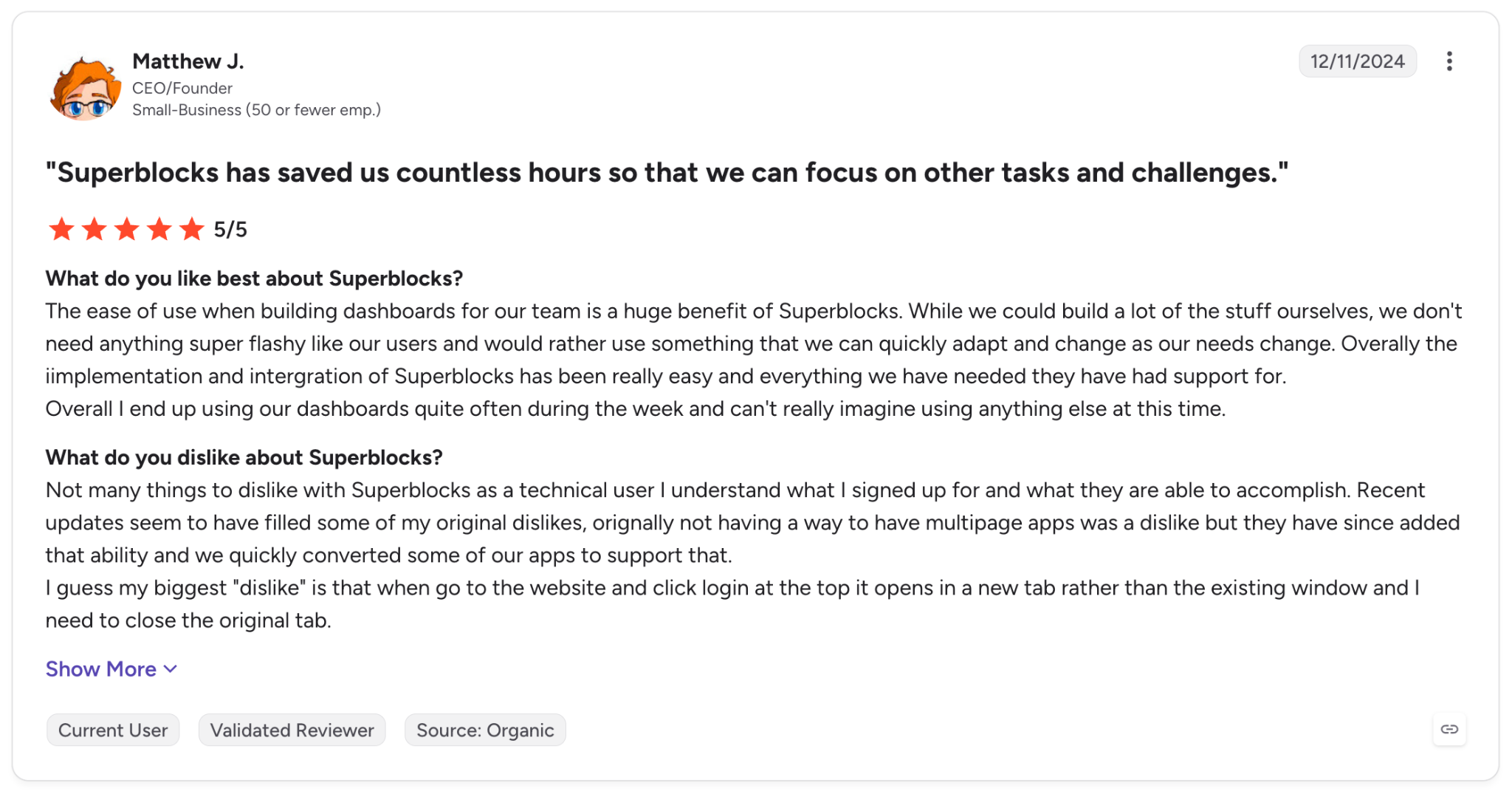
"I guess my biggest "dislike" is that when I go to the website and click login at the top, it opens in a new tab rather than the existing window." — Matthew J., G2
Pricing
Superblocks Teams starts at $125 per month, billed monthly, and includes 100 Governed Agent Units. Enterprise runs on custom pricing with advanced security, VPC deployment, and dedicated support. See Superblocks pricing or book a demo.
Bottom Line
For an operationally demanding company that needs internal apps without handing IT a governance headache, Superblocks is the one tool in this test made for that exact job. A solo founder building a public SaaS is not the target user.
Superblocks points to customers like Matthews whose non-technical staff shipped production apps used by 800+ agents while IT kept oversight the whole way. Ungoverned AI app-building is today's version of unsanctioned software, and a governed platform is how a company keeps a lid on it.
7. Retool: Best for internal-tool teams
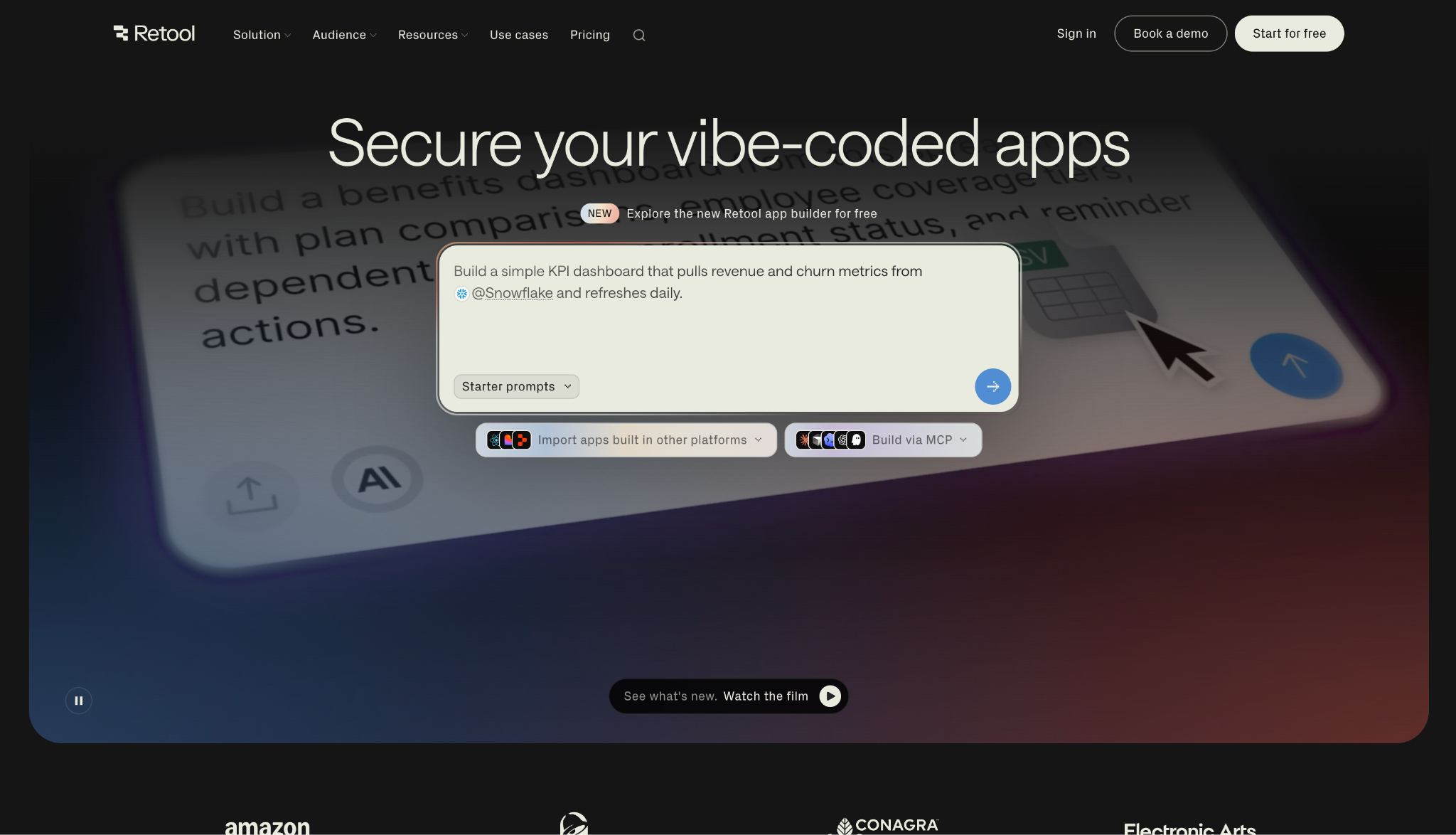
What it does: Retool is a mature platform for building internal web and mobile apps, pairing a drag-and-drop editor with AI scaffolding and deep data connectors.
Best for: Teams that already run several internal tools and need to connect many databases, APIs, and services.
Newer tools try to infer your data; Retool connects to it directly. I pointed it at Postgres, dropped in a table and a form, and had the tracker running against live records in minutes.
That speed comes from a connector library Retool has been building since 2020, and it's wider than what newer tools ship. Then the invoice arrives, and the per-builder-plus-per-user math climbs fast as the team grows.
Key Features
- Data connectors: Hooks into most databases, APIs, and SaaS tools out of the box.
- Drag-and-drop editor: Assembles internal UIs from prebuilt components fast.
- AI scaffolding: Generates app structure and queries you then refine.
Pros and Cons
Pros:
✅ Deep connector library for almost any data source.
✅ Proven at scale on large internal-tool deployments.
✅ Rich component set for assembling dense admin UIs.
Cons:
❌ Per-builder and per-user pricing climbs quickly for bigger teams.
❌ Governance and export are lighter than a platform designed around them.
❌ The component-heavy model has a steeper start than prompt-first tools.
What Users Say
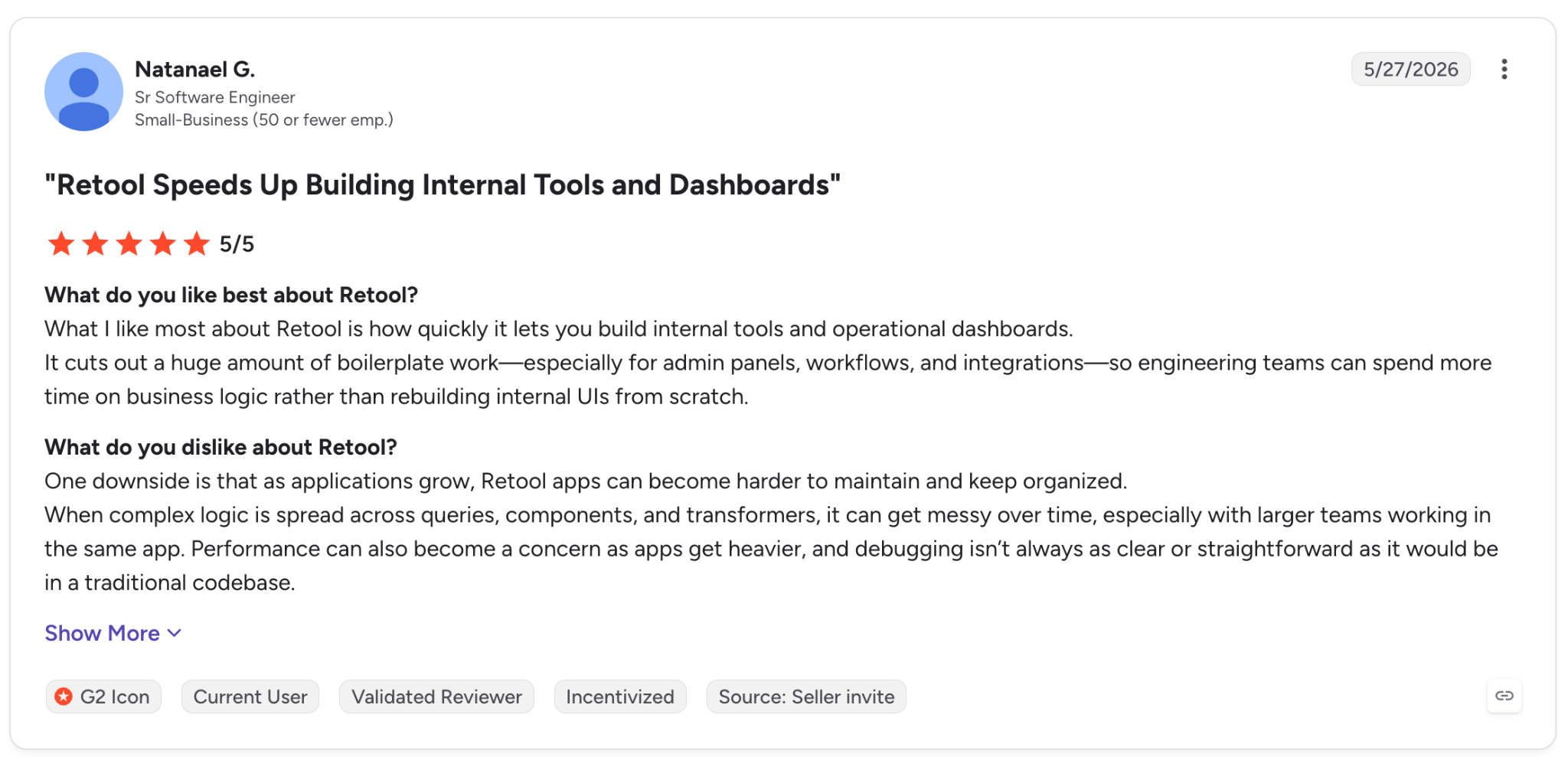
"What I like most about Retool is how quickly it lets you build internal tools and operational dashboards." — Natanael G., G2
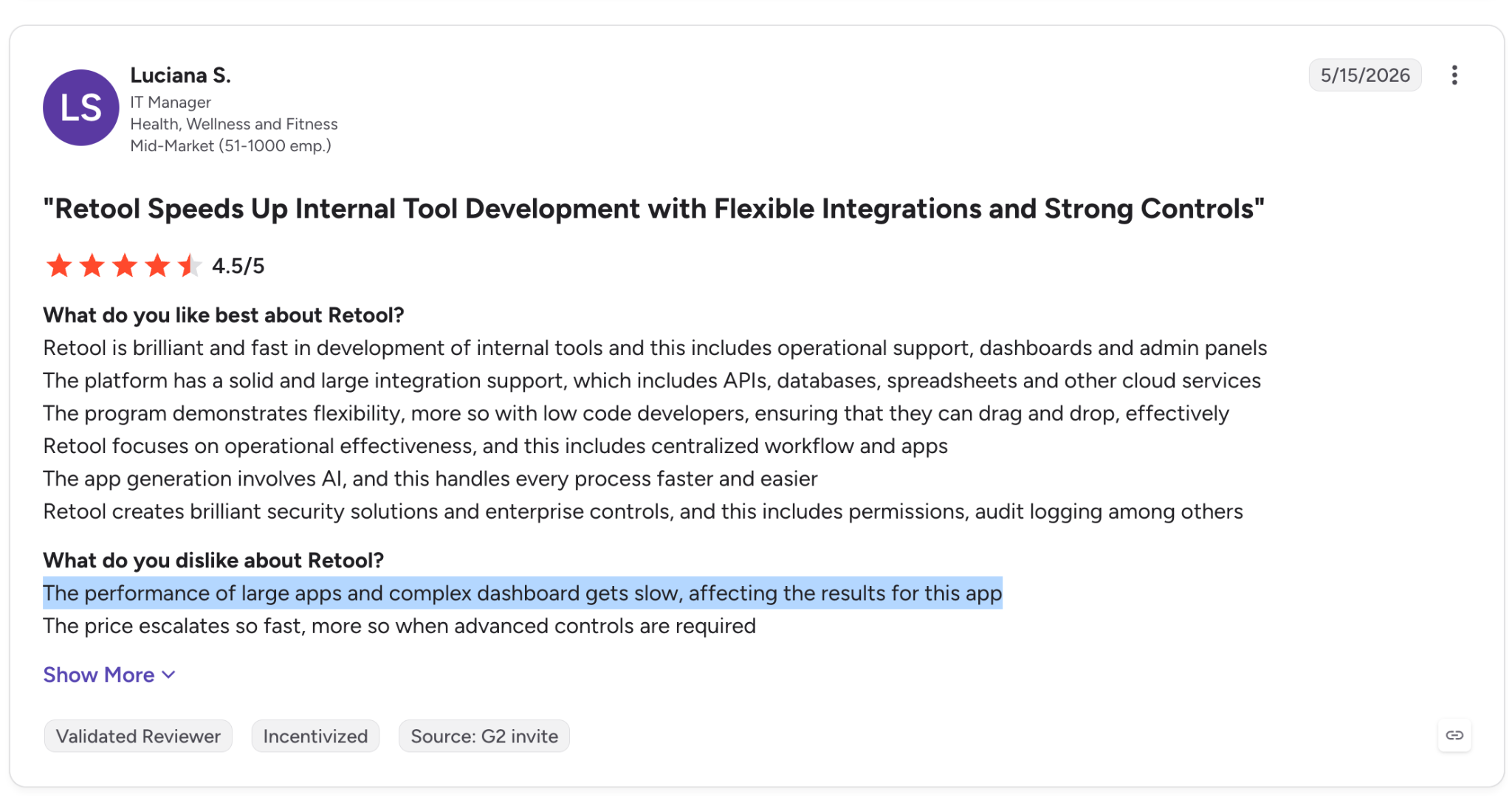
"The performance of large apps and complex dashboards gets slow, affecting the results for this app." — Luciana S., G2
Pricing
Retool's Team plan is $10 per builder/month plus $5 per internal user/month, and Business runs $50 per builder plus $15 per user, with a free tier below both. See Retool's pricing.
Bottom Line
For a team already living in internal tools and juggling many data sources, Retool's maturity pays off. Groups that want governed generation with clean code export will reach its limit sooner.
8. v0 by Vercel: Best for UI and component prototyping
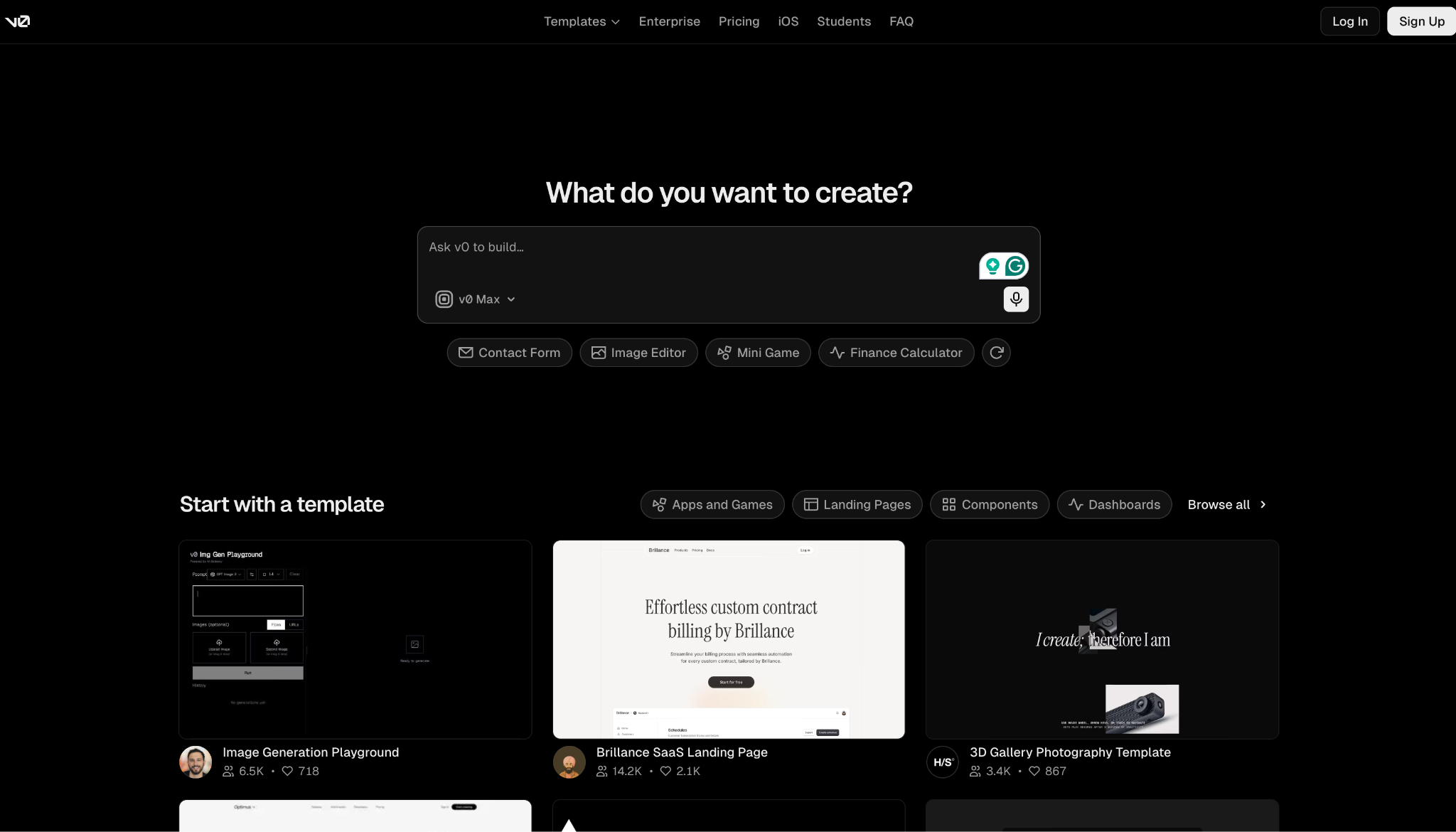
What it does: v0 is Vercel's generative UI tool that turns prompts or images into production-ready React, Tailwind, and shadcn/ui code.
Best for: Frontend developers, designers, and PMs who need to prototype interfaces quickly.
For the front end of the tracker, v0 gave me the starting code I changed the least: typed React, Tailwind classes in place, components already split.
It clicks fastest if you already write React and want a technical, editable interface, and pushing it live through Vercel was the smoothest deploy in the group. Scope is where it stops, though. It handles the UI and hands the business logic back to you.
Key Features
- UI generation: Produces React with Tailwind and shadcn/ui components.
- Live blocks: Renders components in a preview you can refine.
- Figma and image input: Turns designs or screenshots into UI code.
Pros and Cons
Pros:
✅ Consistent, on-brand output through a custom design system.
✅ Smoothest deploy flow of the tools here.
✅ Editable code with element-level control.
Cons:
❌ JavaScript frameworks only, with limited backend support.
❌ Prototyping-first, so heavier logic needs manual work.
What Users Say
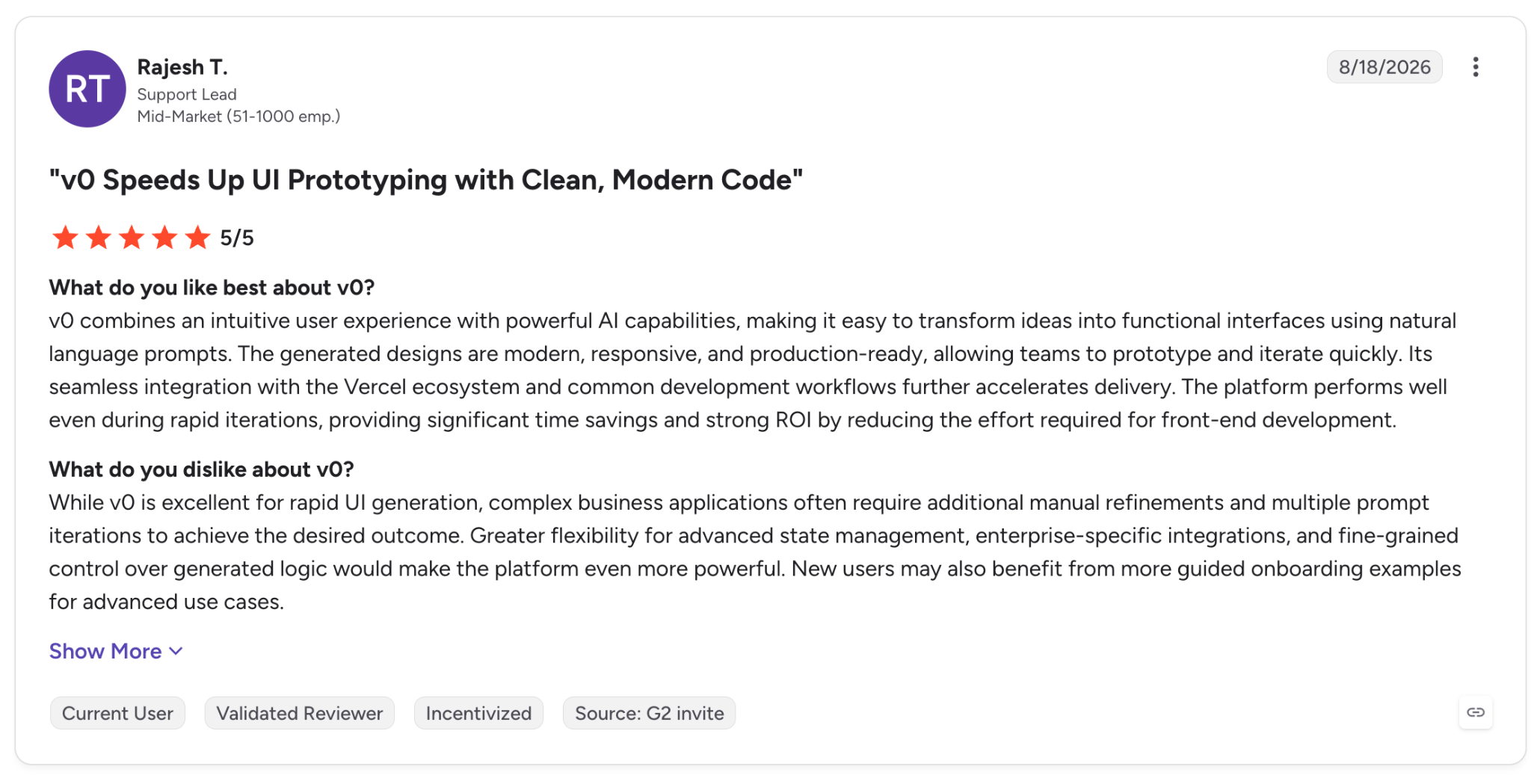
"v0 combines an intuitive user experience with powerful AI capabilities, making it easy to transform ideas into functional interfaces using natural language prompts." — Rajesh T., G2
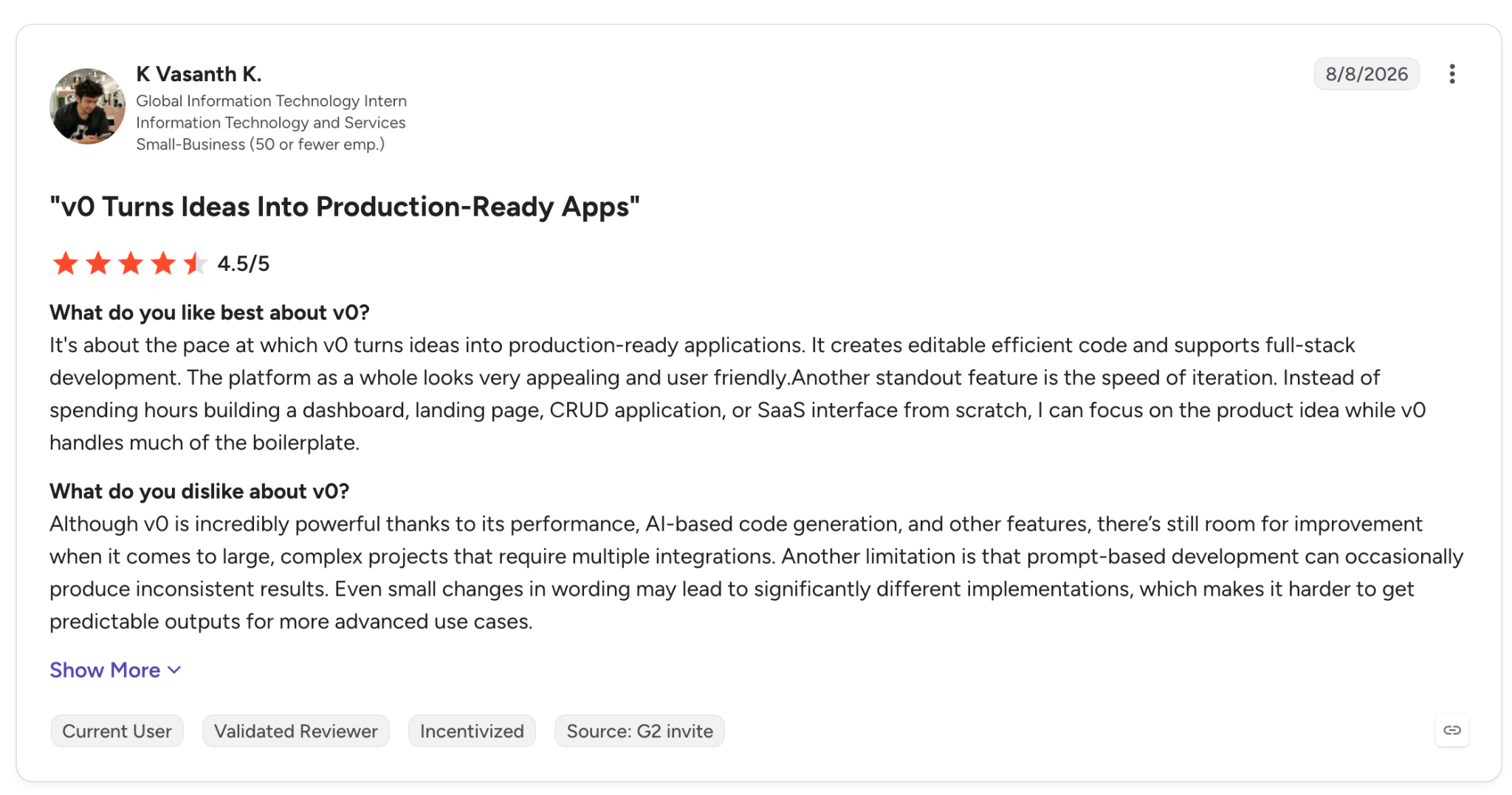
"There’s still room for improvement when it comes to large, complex projects that require multiple integrations." — K Vasanth K., G2
Pricing
v0 Plus is $30/user/month for higher credits, and Business is $100/user/month for larger teams, with a free tier below them. See v0's pricing.
Bottom Line
For fast, designer-friendly frontend work, reach for v0. Full apps with server-side logic still need a developer in the loop.
9. OpenAI Codex: Best for delegated backend work
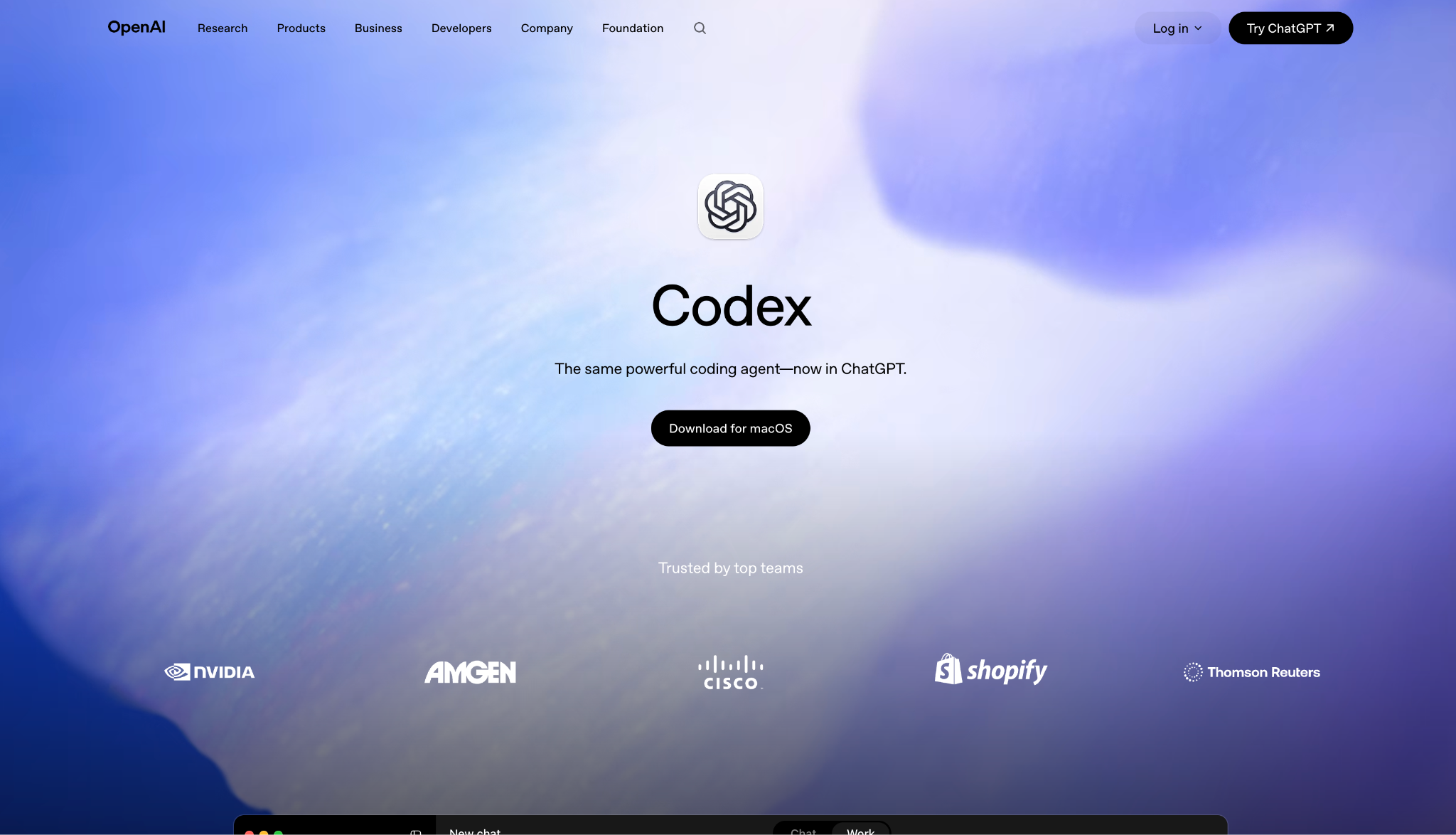
What it does: OpenAI Codex is a cloud coding agent you hand tasks to, working in a sandbox and returning a diff with logs and test results.
Best for: Developers who want to delegate backend tasks and review the outcome later.
I gave Codex the export feature as a background task and kept working elsewhere while it ran. It came back with a diff, logs, and test evidence, which is what makes it usable as a background job instead of something you sit and watch.
By 2026, it had grown from a coding agent into something you kick off and leave running, which is exactly how I used it: I handed off the export task and came back to a finished diff.
Key Features
- Delegated tasks: Works on its own in a sandbox, then reports back.
- Multi-surface: Available on web, VS Code, CLI, and iOS.
- Test citations: Returns diffs with logs and test evidence.
Pros and Cons
Pros:
✅ Strong at delegated backend work.
✅ Runs in the background while you do other things.
✅ Bundled into ChatGPT plans you may already pay for.
Cons:
❌ Token-based credits make heavy use expensive.
❌ Less suited to live interactive coding than Cursor.
What Users Say
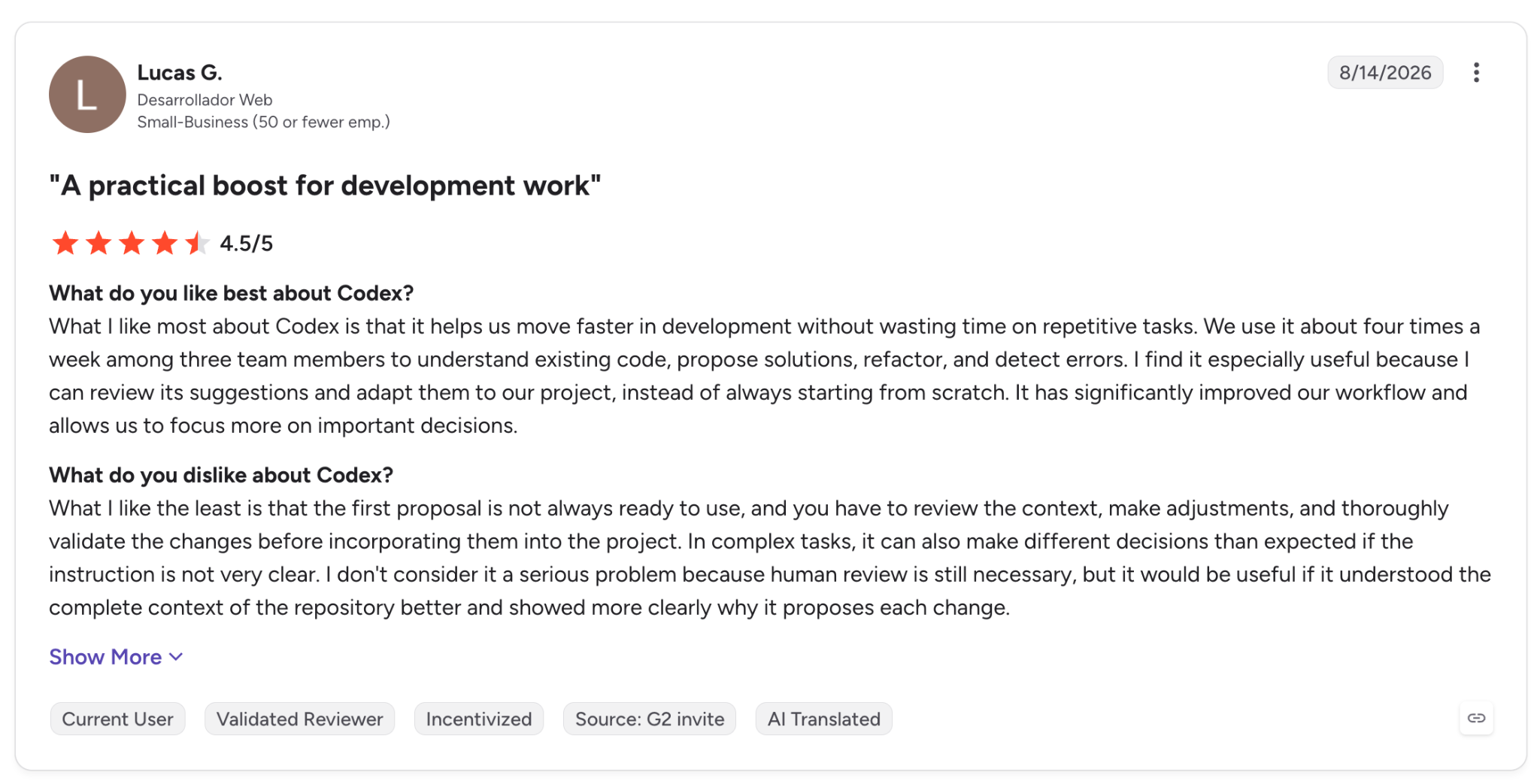
"What I like most about Codex is that it helps us move faster in development without wasting time on repetitive tasks." — Lucas G., G2
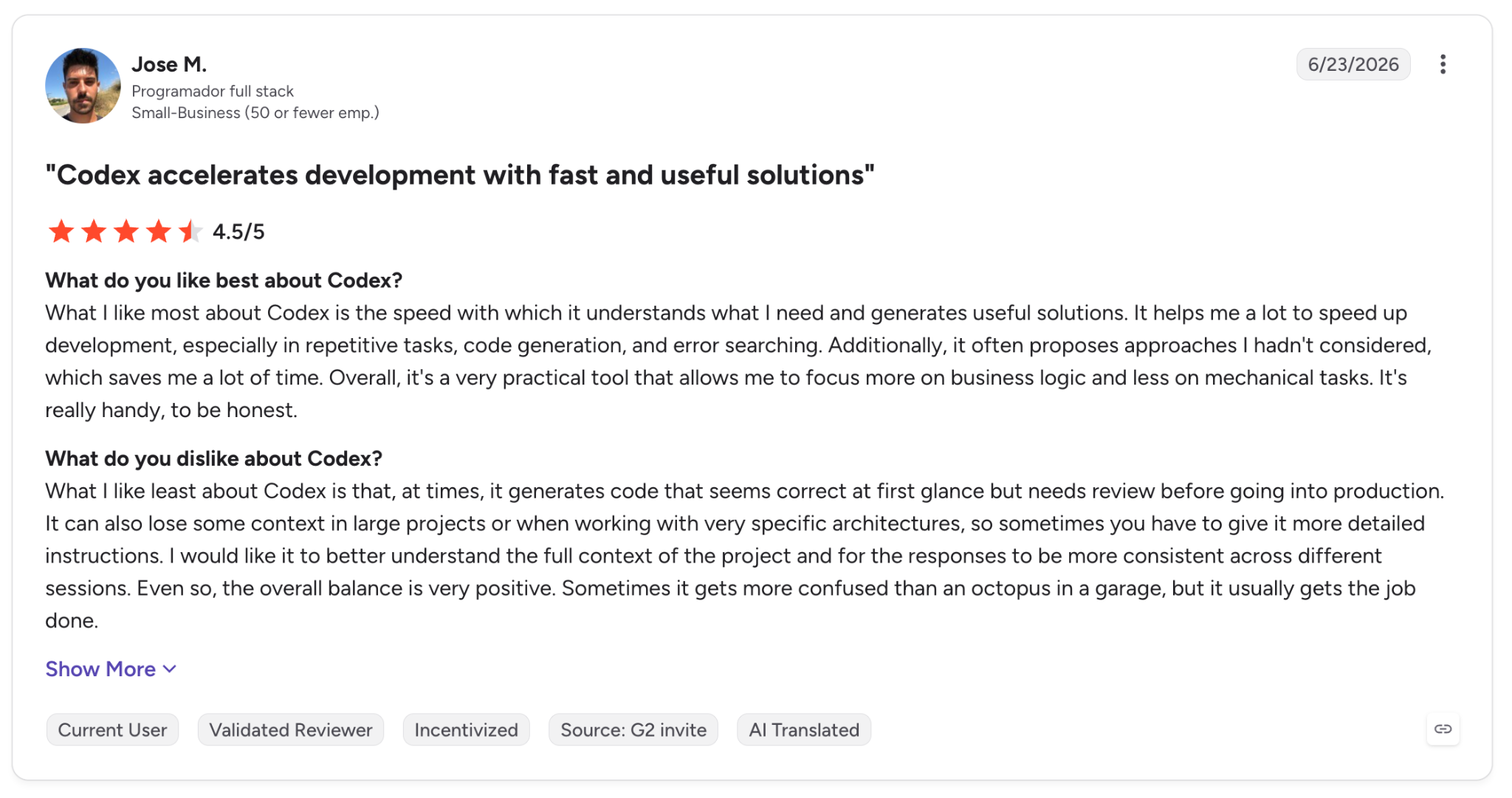
"What I like least about Codex is that, at times, it generates code that seems correct at first glance but needs review before going into production." — Jose M., G2
Pricing
Codex is included in ChatGPT Plus at $20/month, with Go at $8/month for lighter use and Pro from $100/month for heavier runs. See OpenAI's Codex pricing.
Bottom Line
If you already pay for ChatGPT and want to hand off backend tasks, Codex fits with no extra setup. For live, hands-on editing, keep Cursor next to it.
10. Devin: Best for large codebases
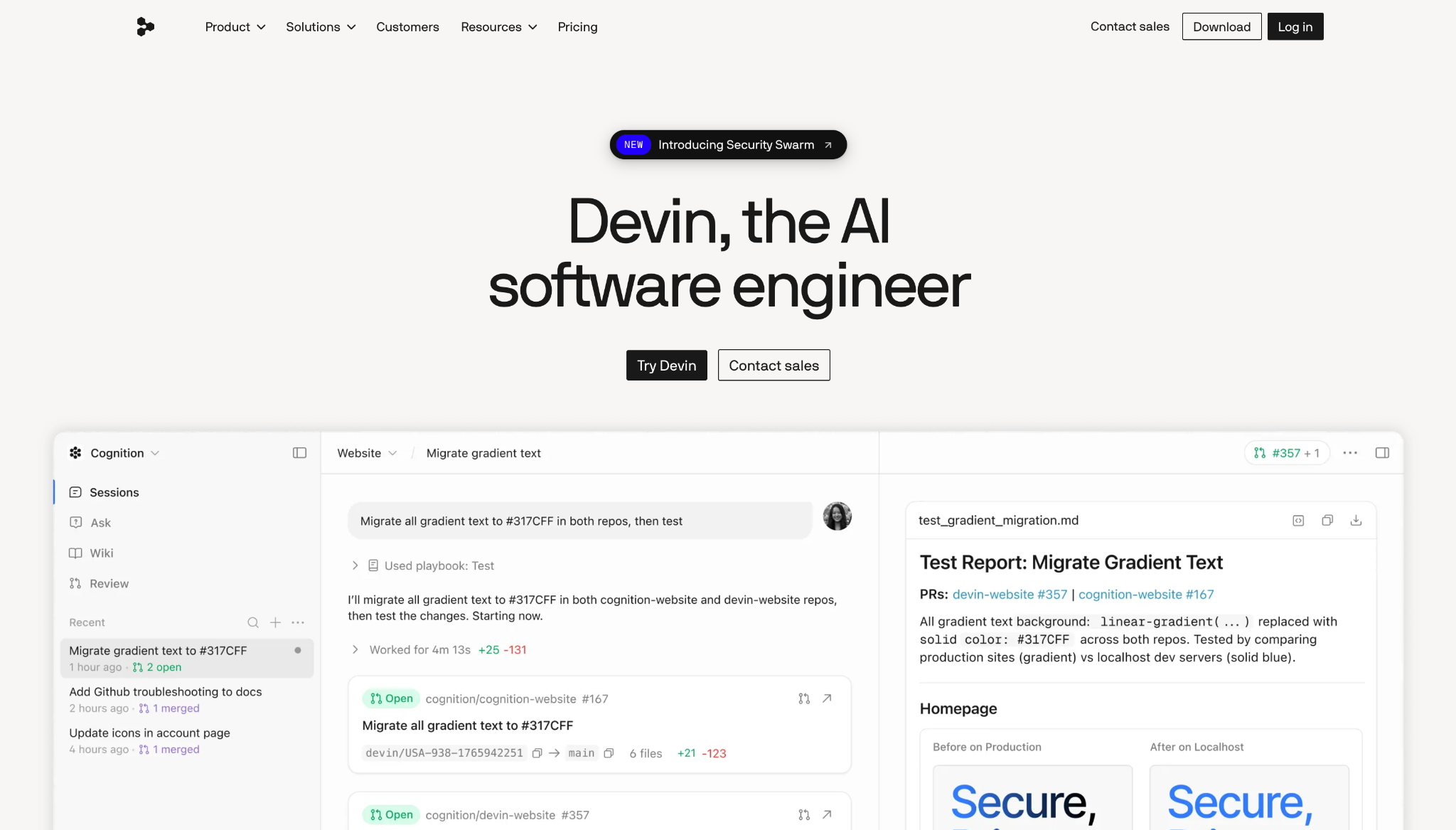
What it does: Devin Desktop is Cognition's local AI coding editor, rebranded from Windsurf (which Cognition acquired) on June 2, 2026, and made for agentic work across big repositories.
Best for: Developers working in large codebases who need context that spans many files.
On a bigger repo, Devin held context that lighter tools lose track of, and that's its core strength. It carries over Windsurf's Cascade agent and adds an Agent Command Center, so you can run several tasks side by side from one account.
Two caveats pull it back. The rebrand left the docs half-updated, and the full agent power still favors developers who already know their way around.
Key Features
- Cascade agent: Applies coordinated updates over many files.
- Agent Command Center: Runs multiple work surfaces in parallel.
- Devin Cloud pairing: Connects to remote autonomous agents.
Pros and Cons
Pros:
✅ Strong context handling over large repositories.
✅ Parallel work surfaces for juggling tasks.
✅ Generous free tier to start.
Cons:
❌ The June 2026 rebrand from Windsurf left some documentation churn.
❌ Full agent power still favors experienced developers.
What Users Say
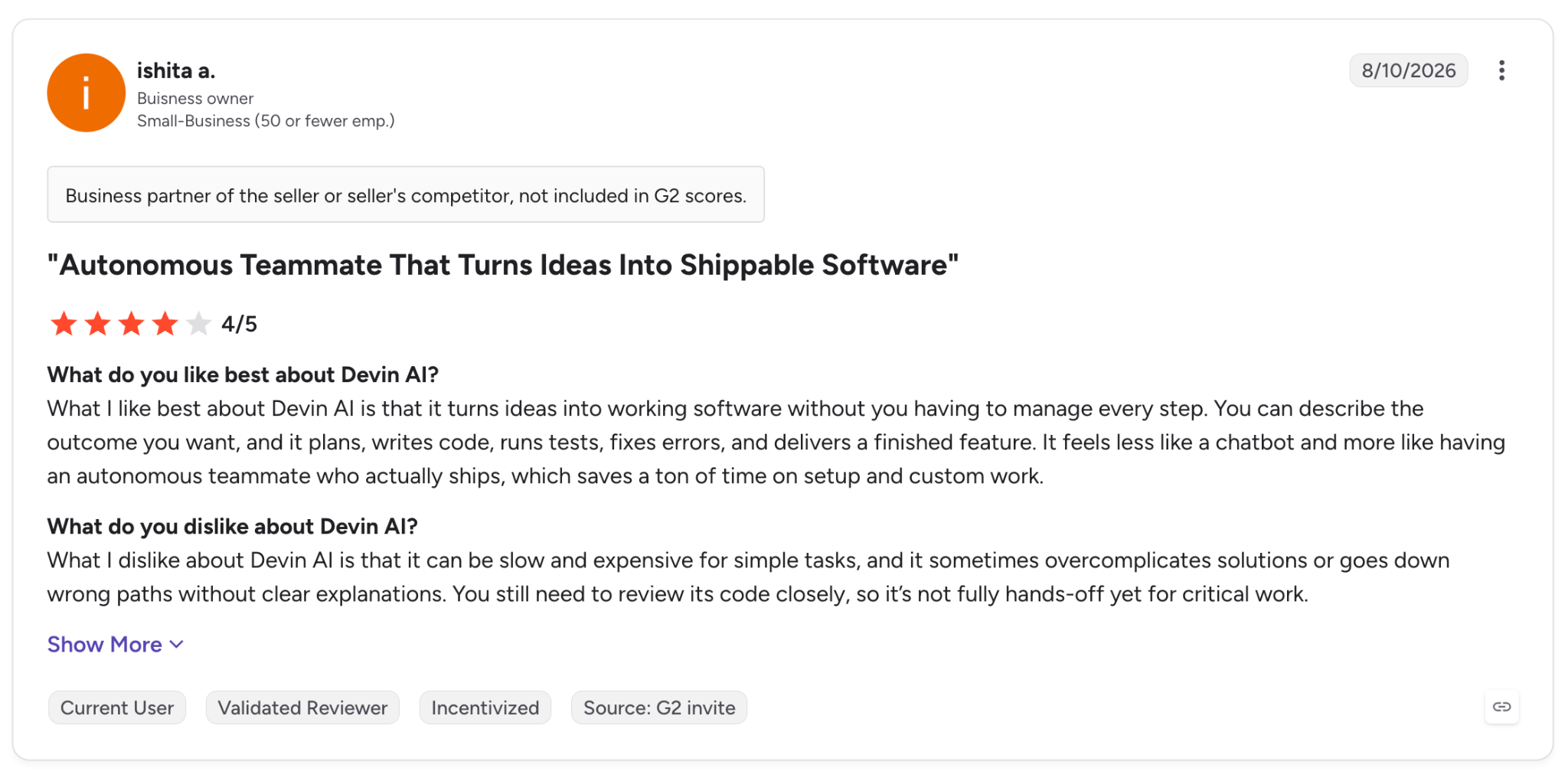
"What I like best about Devin AI is that it turns ideas into working software without you having to manage every step." — Ishita A., G2
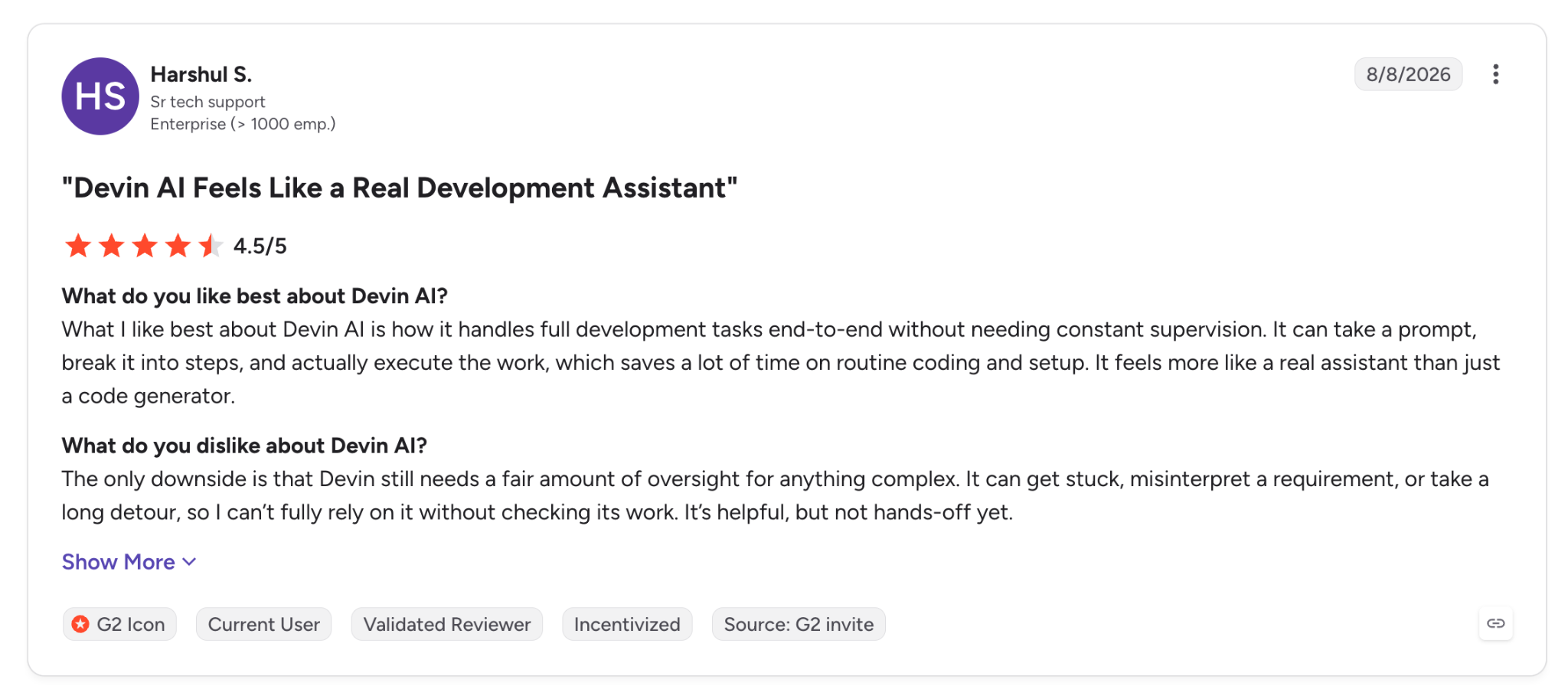
"The only downside is that Devin still needs a fair amount of oversight for anything complex." — Harshul S., G2
Pricing
Devin Pro is $20/month, and Max is $200/month for significantly higher quotas, with a free tier below them. See Devin's pricing.
Bottom Line
For large-codebase work that needs agentic help, Devin handles it well. Builders newer to this will likely find simpler tools easier to start with.
11. Kilo Code: Best for open-source, model-flexible coding
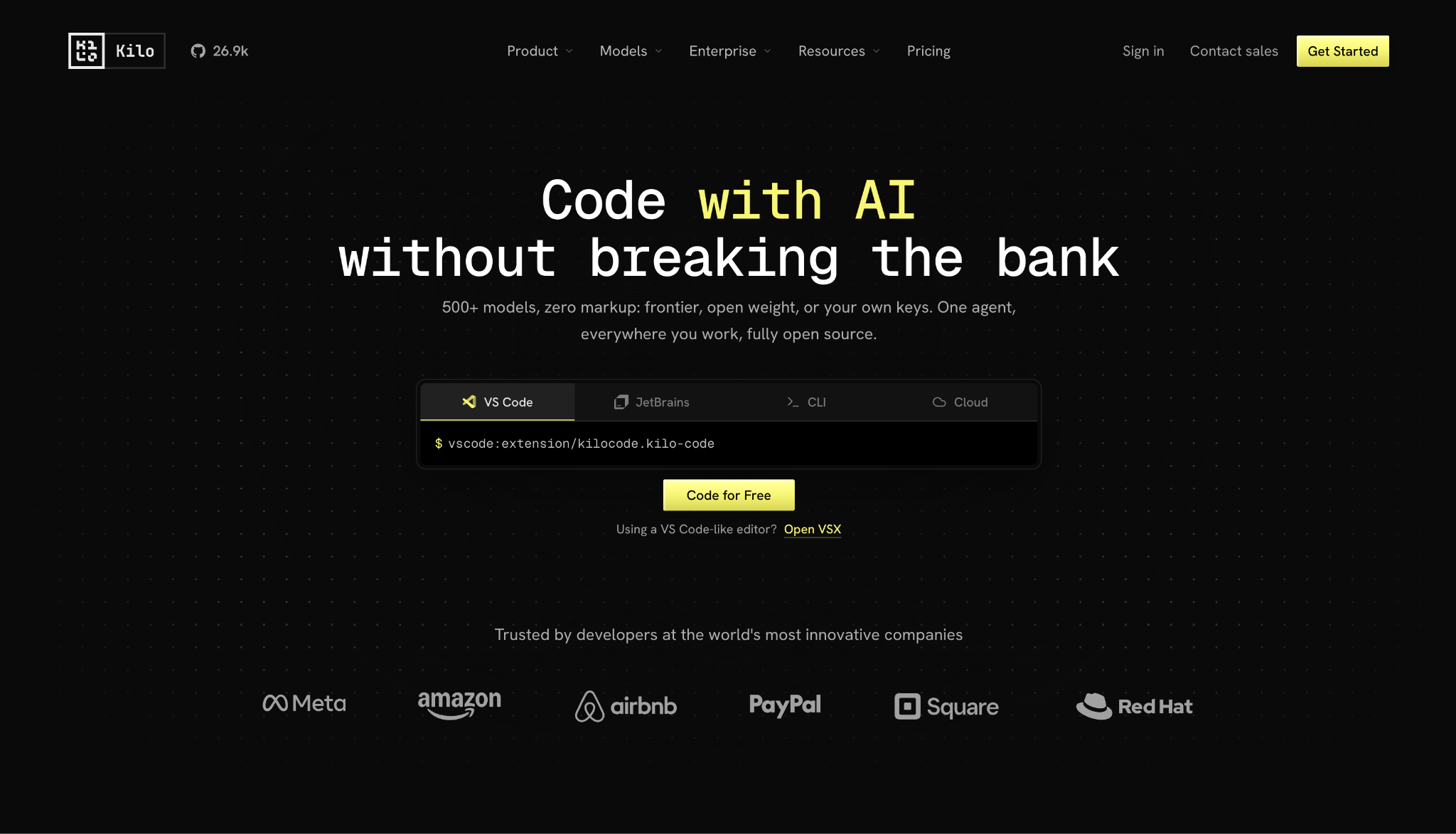
What it does: Kilo Code is an open-source AI coding agent for VS Code, JetBrains, and a CLI, giving you 500+ models with pay-as-you-go, zero-markup pricing.
Best for: Developers who want agent capabilities and model choice inside their existing editor.
Kilo Code let me swap models mid-task without leaving VS Code, and that's its whole appeal.
It descends from Cline through Roo Code, and it's grown fast since a $8 million seed round. In my run, its Orchestrator mode broke the build into a planner, a coder, and a debugger, each its own subagent.
Polish is where it wobbles, though. It's younger and buggier than Cline or Cursor, and the modes stack up faster than the docs explain them.
Key Features
- 500+ models: Switch between Claude, GPT, Gemini, and open models at list prices.
- Orchestrator mode: Splits big tasks into planner, coder, and debugger subagents.
- Full transparency: Open-source with published prompt logs.
Pros and Cons
Pros:
✅ Model freedom with zero markup on inference.
✅ Runs in the IDE you already use, no editor switch.
✅ Open source, so every prompt is inspectable.
Cons:
❌ Younger and buggier than Cline or Cursor, with feature sprawl.
❌ BYOK costs can spike on orchestrator runs.
What Users Say
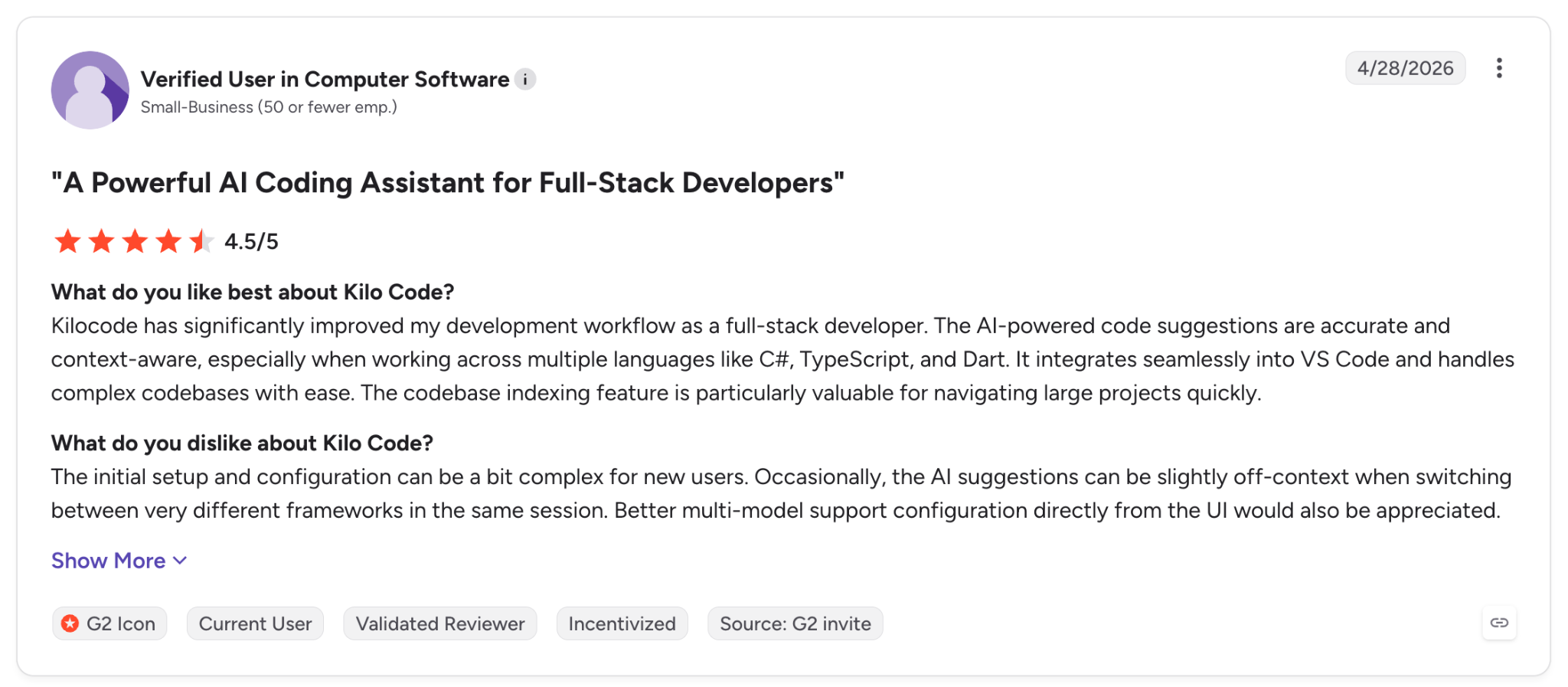
"Kilocode has significantly improved my development workflow as a full-stack developer." — Verified User, G2
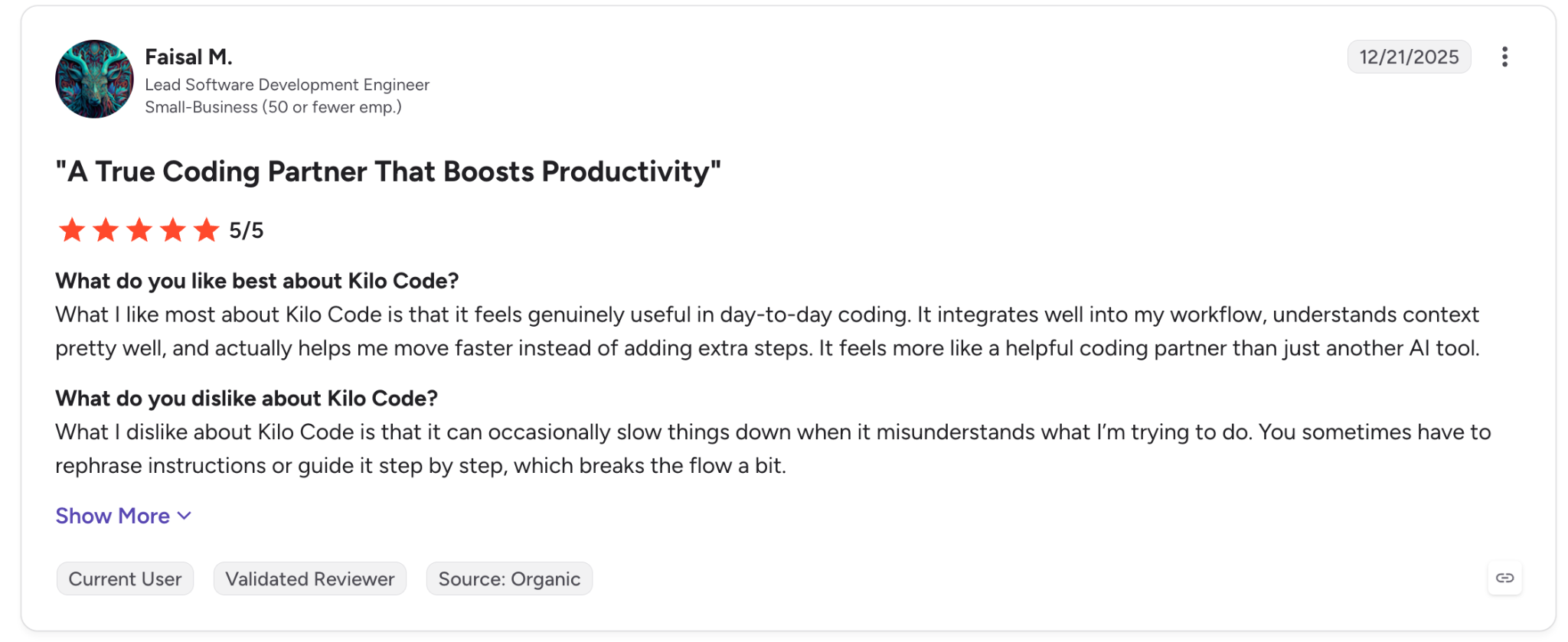
"What I dislike about Kilo Code is that it can occasionally slow things down when it misunderstands what I’m trying to do." — Faisal M., G2
Pricing
Kilo Code's Teams plan is $15/user/month, with custom Enterprise pricing above it; the extension itself is free and open source, with bring-your-own-key billing at provider rates. See Kilo's pricing.
Bottom Line
Developers who want model flexibility and open-source transparency in their own editor will get a lot out of Kilo Code. Anyone new to agentic coding may find its many modes overwhelming.
12. Google Antigravity: Best for parallel multi-agent workflows
What it does: Google Antigravity is Google's agent-first coding platform built on VS Code, running several AI agents in parallel with browser testing.
Best for: Developers on large, multi-file projects who want to parallelize the work.
The manager view is Antigravity's main distinguishing feature. I had one agent planning while another wrote code and a third ran tests, and nothing else here handles three to five parallel tasks as cleanly.
The weak point is the quota system. Google keeps changing it, and threads in the Antigravity subreddit fill with people who hit a wall mid-project.
Key Features
- Parallel agents: Runs multiple agents on different tasks at once.
- Browser testing: Native Chrome integration to test running apps.
- Auditable artifacts: Each mission produces logs, screenshots, and recordings.
Pros and Cons
Pros:
✅ Unmatched for parallel, multi-agent workflows.
✅ Built-in browser testing for frontend work.
✅ Multi-model support including Gemini and Claude.
Cons:
❌ Opaque credit system with unpredictable costs.
❌ Quota limits have tightened repeatedly since launch.
What Users Say
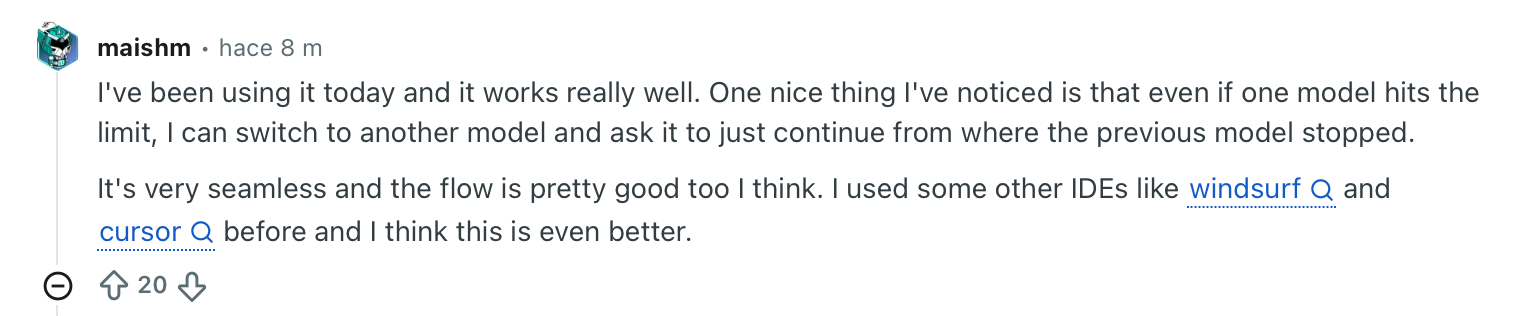
"I've been using it today, and it works really well. One nice thing I've noticed is that even if one model hits the limit, I can switch to another model and ask it to just continue from where the previous model stopped." — Verified User, Reddit

"It's cool and all, and Gemini 3.5 Flash is just stupid fast, but if you want heavy assistance in coding, Claude Pro is the better option; their models just deliver way more reliably. Antigravity is good for quick fixes or small projects." — Verified User, Reddit
Pricing
Google Antigravity is free for Individuals, with higher limits through Google AI Pro at $20/month and a new Google AI Ultra tier at $100/month. See Antigravity's site.
Bottom Line
For parallel multi-agent building, nothing else here swings as big as Antigravity. Just don't lean on it alone while the pricing keeps moving.
Which AI development platform should you choose?
The right platform comes down to who is building and what happens after the first working screen.
Choose Cursor, Claude Code, or Codex if you:
- Write code professionally and want output you can ship.
- Value control and quality over the fastest possible demo.
Choose Lovable, Bolt, or Replit if you:
- Are non-technical and want a working app from a description.
- Are validating an idea and can live with rough edges.
Choose Superblocks if you:
- Build internal apps at a company where IT needs governance and control.
- Want AI speed with role-based permissions and audit trails switched on by default.
Choose Retool if you:
- Already run internal tools and need to connect many data sources.
- Want a mature component library over prompt-first generation.
Choose v0 by Vercel if you:
- Are prototyping frontend UI and components with a design system.
- Deploy to Vercel and want the shortest path to live.
Choose Devin, Kilo Code, or Antigravity if you:
- Work in large codebases or want parallel, model-flexible agents.
- Are comfortable managing agentic tools with moving quotas.
Skip this category if you:
- Have a simple need a no-code form builder already covers.
Final verdict
For professional developers, Cursor and Claude Code lead on quality, and they are the tools I reached for again and again. Non-technical founders get the cleanest result from Lovable and the quickest from Bolt.
If you are building internal tools inside a company, Superblocks answers the governance question the consumer builders leave open, and Retool covers teams already deep in connectors.
The right pick comes down to two things: who's writing the app, and what it has to survive after the demo: more data, more users, a second developer.
For a closer look at governed enterprise building versus a consumer builder, see AI app builder vs. platform. To try building a governed app yourself, book a demo and watch Clark generate one in your own environment.
Frequently Asked Questions
What is the best AI development platform in 2026?
The best AI development platform in 2026 depends on who you are. Cursor and Claude Code lead for professional developers, Lovable and Bolt for non-technical founders, and Superblocks for governed internal apps. The deciding factor is usually what happens after the demo.
What is the difference between an AI app builder and an AI development platform?
An AI app builder turns a prompt into a working app fast, aimed at prototypes and individuals. An AI development platform adds an enterprise layer on top of that speed, with access control, audit logging, and a path to production. The categories overlap, but their focus differs.
Are AI development platforms good enough for production?
Yes, AI development platforms produce production-ready output when paired with human review. Plenty of AI-generated code still ships with bugs, so pairing a tool like Cursor, Claude Code, or a governed platform like Superblocks with a human pass is the safer route to production.
How much do AI development platforms cost?
AI development platforms usually run $15 to $30 a month at the entry paid tier, though enterprise-focused ones cost more. Cursor is $20/month, Lovable and Bolt are $25/month, v0 is $30/user/month, Retool starts at $10/builder, Kilo Code is $15/user/month, and Superblocks Teams starts at $125/month.
What is the best AI development platform for enterprises?
The best AI development platform for enterprises has governance baked in. Superblocks fits companies that need internal apps with governance and audit logs, while Cursor and Claude Code suit enterprise engineering teams that need code quality and editor control.
At Virgin Voyages, non-technical teams now build their own AI apps, with IT governance fully intact. The result: 15+ production apps, seven departments onboard, and zero dedicated frontend engineers.
At Matthews, a marketing manager with zero coding background built an app that auto-generates offering memorandums, cutting turnaround from days to hours. See how the brokerage is putting AI builders on every team, with full governance intact.


Stay tuned for updates
Get the latest Superblocks news and internal tooling market insights.
Request early access
Step 1 of 2
Request early access
Step 2 of 2

You’ve been added to the waitlist!
Book a demo to skip the waitlist
Thank you for your interest!
A member of our team will be in touch soon to schedule a demo.
production apps built
days to build them
semi-technical builders
traditional developers
high-impact solutions shipped
training to get builders productive
SQL experience required
See the full Virgin Voyages customer story, including the apps they built and how their teams use them.

"Those tools are great for proof of concept. But they don't connect well to existing enterprise data sources, and they don't have the governance guardrails that IT requires for production use."
Table of Contents
%20(1).png)

Multiple authors
12 AI Agent Deployment Best Practices [2026]
AI agent deployment best practices that move an agent from offline evals to full traffic in stages, with scoped tools and a way to revoke it mid-task.
%20(1).png)
%20(1).png)