
Start with three v0 alternatives. Lovable if you want the prototype to come back with hosting and payments already attached, and Bolt.new if you want it running in a browser tab within seconds of the prompt.
And Superblocks if the app has to touch data your security team already owns.
I ran the same build through all 12. An internal ticket queue reading from a Postgres table, with one role that can close a ticket and one role that can only look at it.
v0 handed me a working screen in about a minute. The rest of the afternoon went into seeing how each tool handled that screen once it needed a database, a login, and someone accountable for access.
Below is what each one does well, where it stops, and who it's for.
12 best v0 alternatives: TL;DR
- Superblocks: Best for internal apps that have to run on governed company data
- Lovable: Best for shipping a public product with hosting and payments included
- Bolt.new: Best for getting a full-stack prototype live in one sitting
- Replit: Best for a hosted workspace where the app and its database live together
- Emergent: Best for web and mobile out of the same conversation
- Cursor: Best for moving a generated prototype into your own repository
- Claude Code: Best for developers who'd rather stay in the terminal
- Builder.io: Best for changes that have to arrive as a reviewable pull request
- Magic Patterns: Best for UI that has to match an existing design system
- UI Bakery: Best for admin panels over a database you already run
- Retool: Best for operations teams with a long backlog of small tools
- Glide: Best for turning a spreadsheet into software an ops team can use
Why look for a v0 alternative?
Plenty of articles on this keyword still describe v0 as a frontend generator. That stopped being true.
v0 now calls itself a "collaborative AI assistant to design, iterate, and scale full-stack applications for the web," and it plans tasks, connects to databases, pushes to GitHub, and deploys in one click.
So the reasons to leave have changed too.
The free tier is a demo. v0's free plan gives you $5 of monthly credit and caps you at 7 messages a day. That's enough to see whether you like it. It isn't enough to finish the ticket queue I was building.
You buy credit, not seats. The Plus tier costs $30 per user per month and includes $30 of that plus $2 a day on login. Business is $100 per user per month with the same $30 allowance. A team that iterates hard hits the credit ceiling before it hits any feature limit.
The app runs on Vercel's stack. One-click deploy is what it's known for, and it works as advertised. It becomes a problem the day your security team says the app has to run inside your own cloud, next to the database it reads.
Governance is a separate job. v0's work is to get an application running. Once your blocker becomes who can see which rows, which service account the query runs as, and where that gets logged, you've walked into a different problem than the one v0 is shaped around.
Which v0 alternative should you choose?
- Choose Superblocks if the app reads from Postgres, Snowflake, or Salesforce and IT needs to own auth, permissions, and the audit trail. It's more platform than a solo builder needs.
- Choose Lovable if you're shipping something customers pay for and you'd rather not assemble hosting, auth, and billing yourself. Credits are the constraint, not seats.
- Choose Bolt.new if you want the fastest path from a sentence to a running app with a database behind it. Heavy iteration uses up tokens quickly.
- Choose Replit if you want the app, its database, and its monitoring in one hosted place. The $20 plan includes $20 of model credit, so a busy week costs more.
- Choose Emergent if you need a web app and a mobile app from the same prompt. The jump between the $20 tier and the $200 tier is large.
- Choose Cursor if a developer is taking the prototype the rest of the way in their own repository. You bring your own hosting, database, and auth.
- Choose Claude Code if your team works in the terminal and wants an agent that edits files and runs commands directly. Its live preview lives in the desktop and web apps, not the terminal itself.
- Choose Builder.io if every change has to go through the review process your engineers already use. It expects an existing repo and design system.
- Choose Magic Patterns if the output has to look like your product before anyone writes code. It gives you the screen; the backend is still on you.
- Choose UI Bakery if you want an admin panel on a database you already run, with the option to self-host. Role controls and audit logs sit one tier up.
- Choose Retool if your ops team has twenty small tools to build and you want one place for all of them. Pricing splits across builders and viewers.
- Choose Glide if the data already lives in a spreadsheet and the people who need the app aren't developers. Published app counts are capped per tier.
- Stick with v0 if you're a frontend developer on the Vercel stack shipping web apps, and nobody outside your team needs to govern the data. It generates production-ready frontend on that stack, which is what it's built for.
12 best v0 alternatives: at a glance
Starting prices as of September 2026, billed monthly.
1. Superblocks
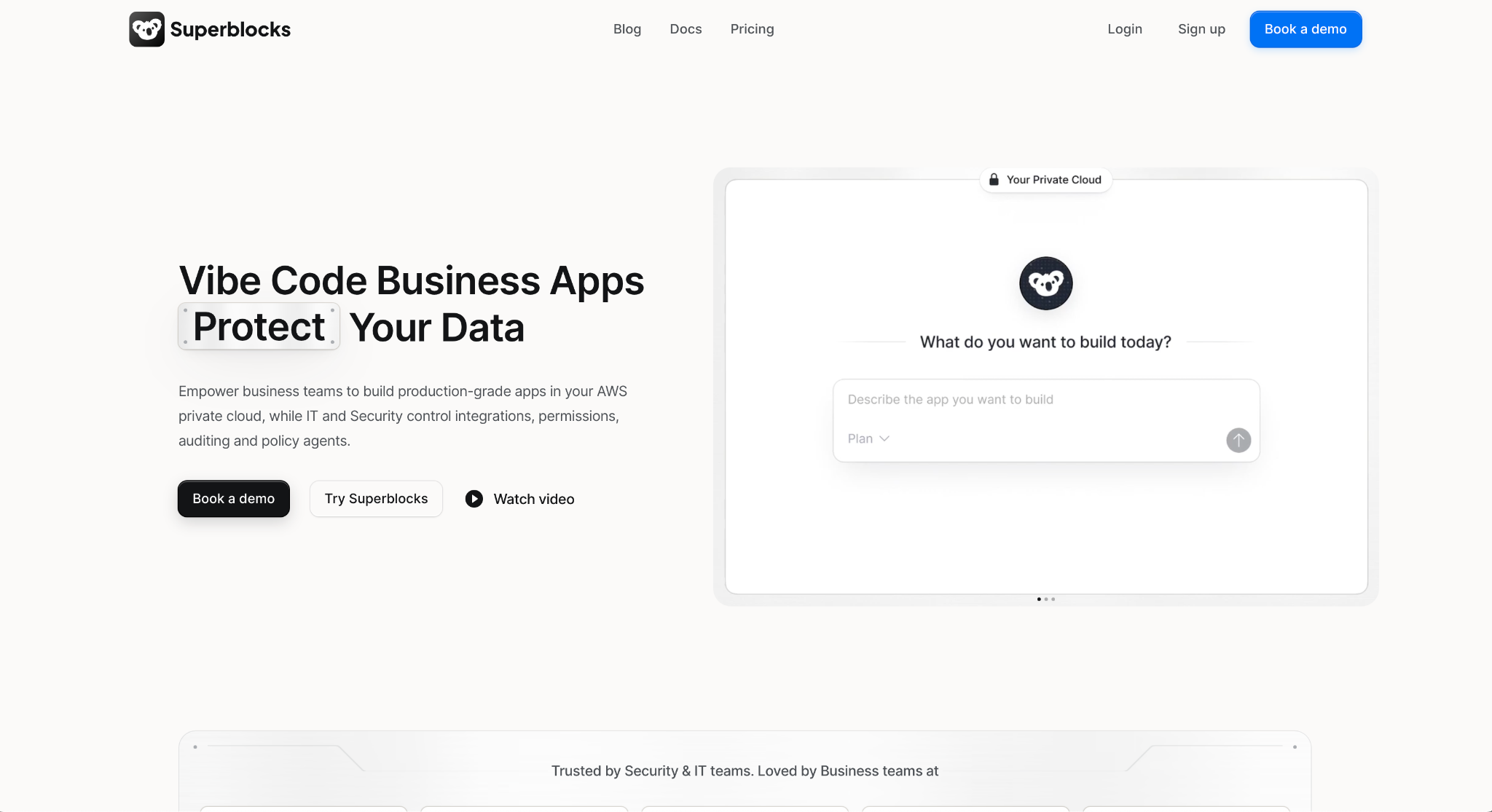
The ticket queue finally turned into something shippable when I moved it to Superblocks. Clark, its AI agent, builds on private enterprise data, and the platform sits between the app and that data.
It enforces API authentication, inherits your access controls, and logs every interaction.
I pointed Clark at a Postgres integration, described the queue in plan mode, then switched to build and let it generate. Row-level permissions did what I'd been faking everywhere else: the viewer role saw tickets and no close button.
"App development within Superblocks is very straightforward, reminiscent of the best parts of developing Windows desktop applications in Visual Basic or Delphi: just drag, drop, and link actions to functions and queries." — Zach McCormick, Product Hunt
Key features
- Clark on your own data: Tag an integration, describe the app in plan mode, then build and publish it
- Integration control layer: Authentication, access inheritance, secret handling, and auditing happen once, centrally
- Row-level permissions: Builders and end users only see the rows they're supposed to, enforced at the data layer
- Your AWS private cloud: Run it on your inference in Bedrock, your IAM roles, and your own databases
Pros
✅ Imports from Claude, Lovable, Replit, and plain code, so a prototype made elsewhere isn't thrown away
✅ Admins manage users and access across development, staging, and production from one place
✅ On Enterprise, every database query and API call is centrally audited, which is what a security review checks first
✅ Live visibility into app usage, permissions, and vulnerabilities
Cons
❌ The flat $125 a month sits above every per-seat tool here, so it pays off only once several people build on it
❌ Teams includes 100 Governed Agent Units a month, which is still a cap you can hit
❌ A solo builder ends up paying for governance they don't need
❌ SSO/SAML, audit logs, and VPC deployment are Enterprise-only, so Teams gets you role-based access but not the audit trail
Best for
- Teams whose internal apps read from Postgres, Snowflake, or Salesforce
- Companies where IT owns auth, permissions, and the audit trail
Pricing
Teams costs $125 per month billed monthly, with 100 Governed Agent Units, one hosted app, up to 15 builders, and role-based access control. Enterprise is custom and adds SSO/SAML, audit logs, and VPC or hybrid deployment.
2. Lovable
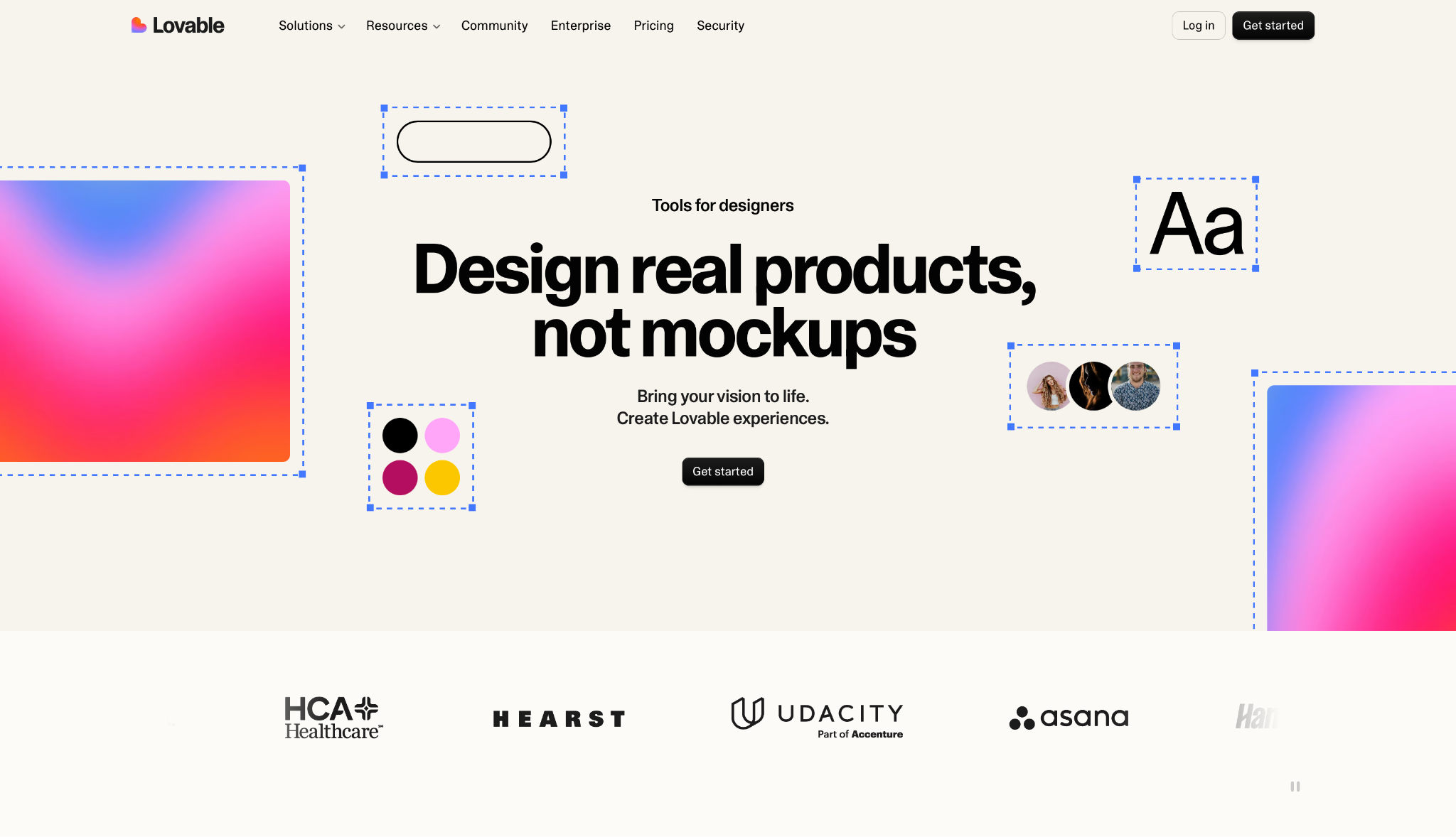
Lovable covers more of the surrounding infrastructure than anything else on this list. It handles hosting, SSL, and backend infrastructure, and the payments layer covers local payments, currency conversion, and tax compliance in 200+ countries.
One prompt got me a ticket queue with a working login, which none of the pure UI tools managed. That same end-to-end reach shows up in compliance, where automatic security scans and audit logs come with the plans that include them.
"What I like most about Lovable is how quickly it lets me turn complex product ideas into working software without losing the ability to think seriously about architecture." — Orçun, G2
Key features
- End-to-end infrastructure: Hosting, SSL, authentication, and backend come with the app instead of arriving as a to-do list afterward
- Payments in 200+ countries: Local payment methods, currency conversion, and tax compliance handled for you
- Security and compliance: Automatic scans and audit logs, with SSO, role-based access, and a security center on Business
- Design systems and connectors: Reusable styles across projects, plus connections to the stack your team already uses
Pros
✅ The only tool here that ships hosting, auth, and billing with the app, so you get a product and not just a screen
✅ Credits roll over, and you can top up on demand, so a heavy week doesn't strand you mid-build
✅ Unlimited collaborators even on the free plan, so extra reviewers cost nothing
Cons
❌ Pro includes 100 credits a month, and a long debugging session uses them up faster than expected
❌ SSO, role-based access, and the security center sit on Business at $50 a month, not Pro
Where the math gets awkward is a heavy debugging week, when 100 credits vanish faster than you'd budget for. Our Lovable alternatives breakdown digs into how the credit model behaves under load.
Best for
- Solo founders and small teams shipping a paid product
- Projects that need billing and tax handling on day one
Pricing
Free includes 5 lovable.app domains and unlimited collaborators. Pro is $25 per month with 100 credits, and Business is $50 per month.
3. Bolt.new
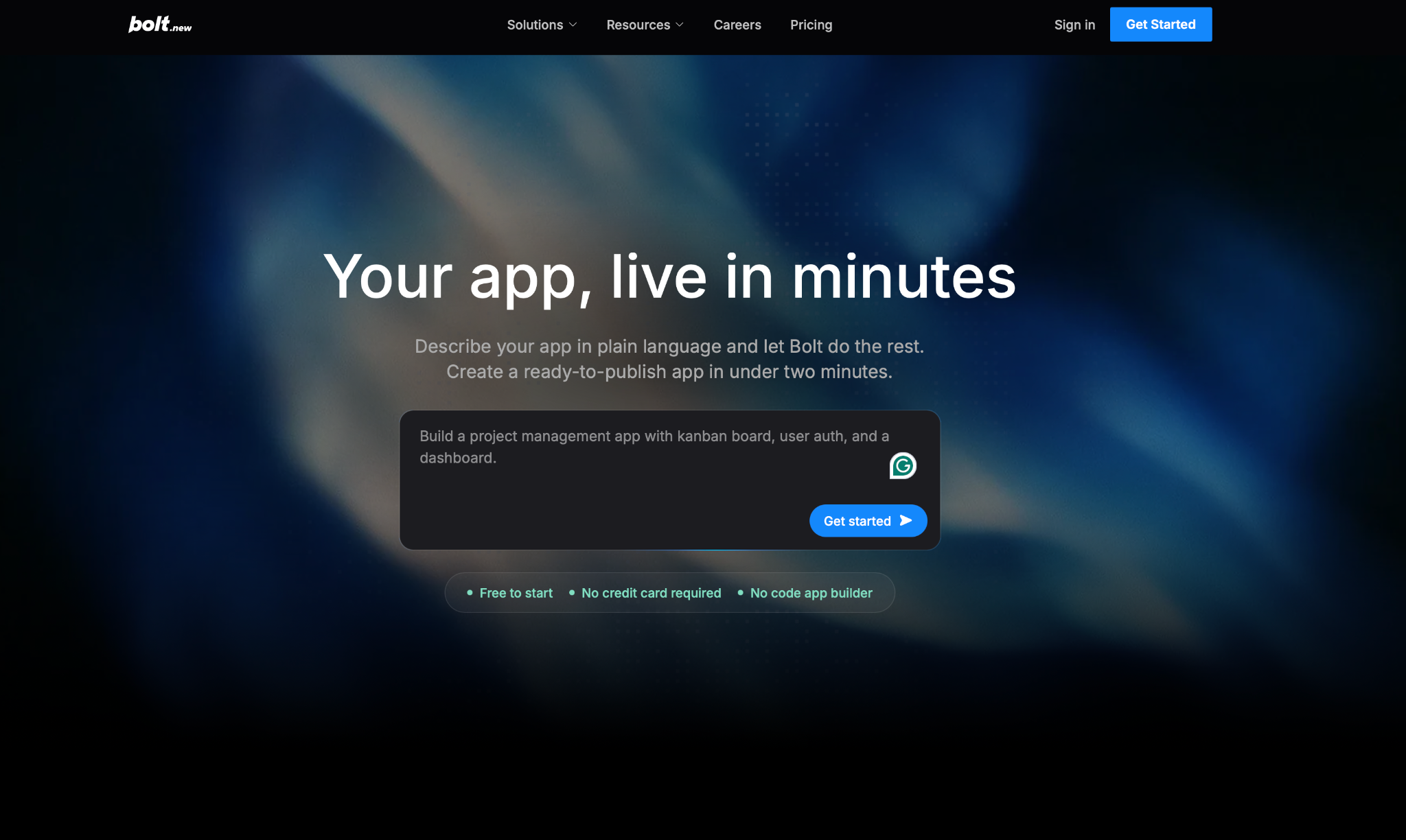
Bolt's main selling point is speed, and it delivers. You describe what you want, or start from a Figma file or a GitHub repo, and it builds and runs the app in the browser without a local setup.
My ticket queue was live and clickable before I'd finished writing the prompt for the next tool. Hosting with analytics and custom domains, user management and authentication, and unlimited databases all came with it.
"The biggest value for me is how much it compresses the gap between an idea and something a client can actually click." — Alvaro A., G2
Key features
- Browser-based full-stack builds: The app runs where you build it, so there's no local environment to configure first
- Start from Figma or GitHub: Bring a design or an existing repo in rather than beginning from a blank prompt
- Hosting, auth, and databases: Custom domains, analytics, user management, and unlimited databases included
- SEO handled from day one: Optimization baked in so a public project can rank without a separate pass
Pros
✅ Fastest first result of anything I tried, v0 included
✅ Unused tokens roll over to the next month, which softens an uneven workload
✅ The free plan's 1M monthly tokens is enough to put it through a full evaluation
Cons
❌ Pro starts at 10M tokens a month, and each round of "no, not like that" spends them
❌ Teams is $30 per member per month, so the flat-rate math disappears as the team grows
Everything comes back to token burn here. We pulled that thread further in our Bolt.new alternatives comparison.
Best for
- Weekend prototypes where the backend matters as much as the screen
- Teams turning a Figma file into something clickable fast
Pricing
Free gives 300K tokens daily and 1M monthly. Pro is $25 per month with 10M tokens, and Teams is $30 per member per month.
4. Replit
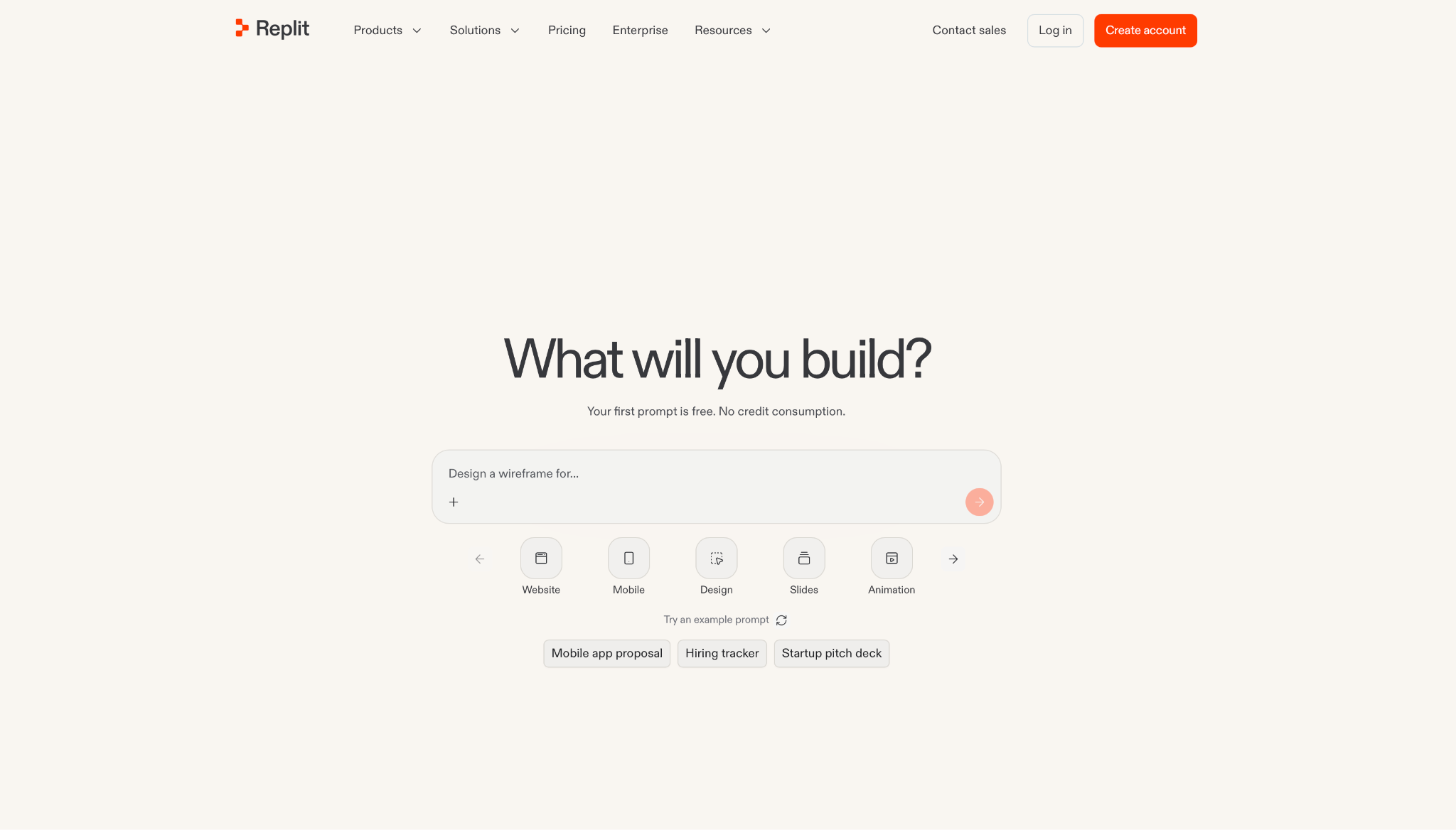
With Replit, the app and everything it depends on live in one hosted place. Its Agent "writes production-ready code, evolves it, and stays out of your way," and authentication, database, hosting, and monitoring come with zero setup.
Replit was the only tool in my test that let me roll the ticket table back after I broke it, using database rollback, which goes up to 28 days on the higher tiers. Without it, I'd have lost the test setup entirely.
Key features
- Replit Agent: Describe the project and publish it, with Replit Agent handling code generation and iteration
- Bundled services: Authentication, database, hosting, and monitoring arrive configured instead of as separate signups
- 100+ integrations: Connect OpenAI, Stripe, Google Workspace, and others in minutes
- Database rollback: Restore the database up to 28 days back when a change goes wrong
Pros
✅ One place to build, run, host, and watch the app, so you're not moving between an editor, a host, and a monitoring tool
✅ Rollback lets you undo a bad migration in about two minutes
✅ Works in the browser, so a Chromebook or a borrowed laptop is enough
Cons
❌ Core is $20 a month and includes $20 toward the top-tier models, so a busy week bills past the sticker
❌ The next tier up is Pro at $100 a month, which is a wide jump to cross
❌ The hosted workspace is convenient until compliance asks where the data sits
Before you commit, price out a busy week, because the $20 model credit runs down fast once the agent is doing serious work. Our Replit alternatives guide shows how it compounds.
Best for
- Teams that want the app and its database in one hosted workspace
- Builders who want monitoring without wiring it up
Pricing
Core is $20 per month with $20 of model credit. Pro is $100 per month with $100 of credit, and Enterprise is custom.
5. Emergent
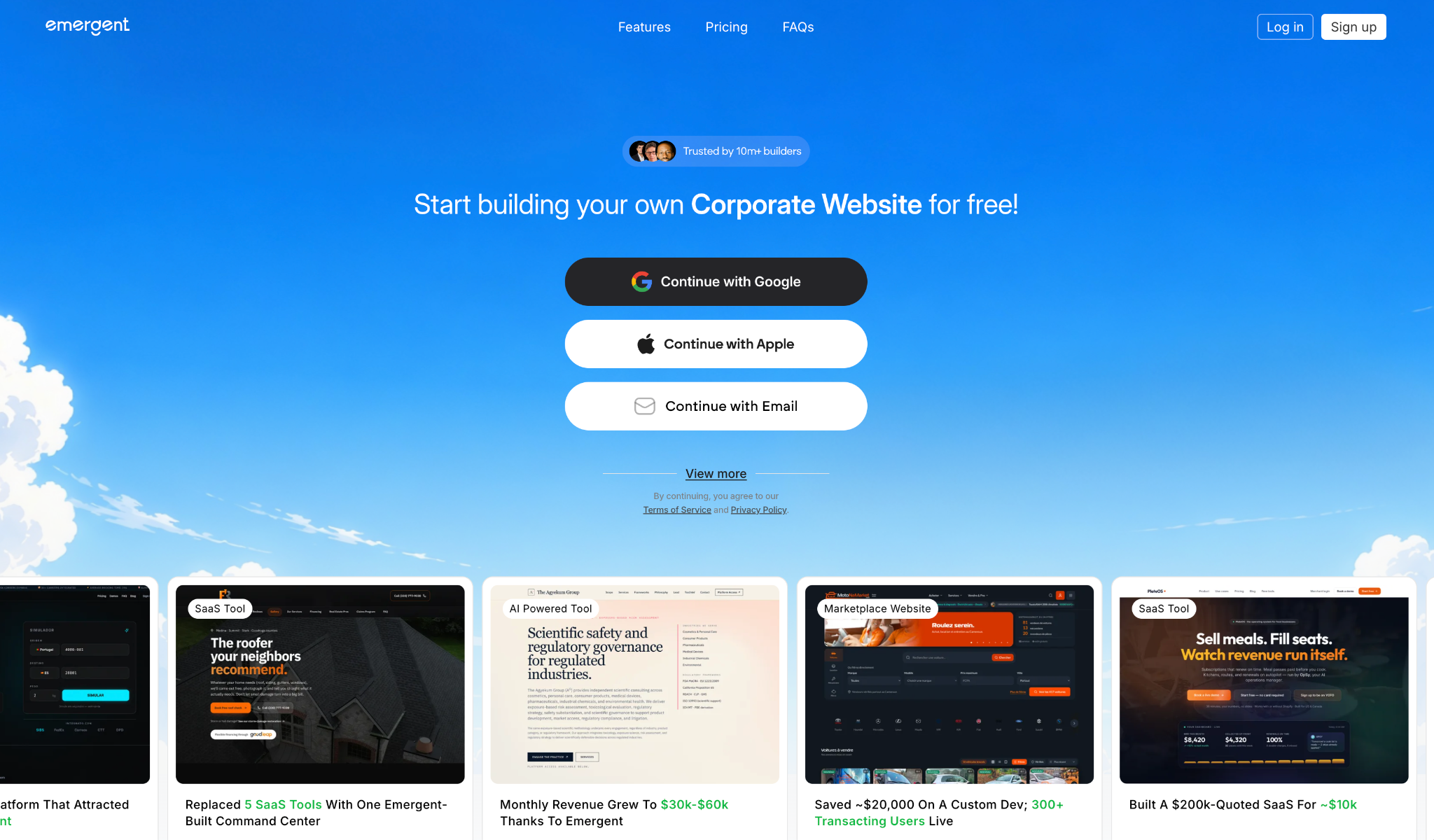
Ask Emergent for an app, and you get both a web and a mobile version from the one prompt, which none of the other tools managed. You own all the code it generates, and you can download it, modify it, or host it anywhere.
Asking for the same queue got me a web version plus a mobile layout without a second prompt. One-click LLM integration and private project hosting come standard, and GitHub export means the code isn't locked in.
"One of the best vibe coding apps out there, with one of the lowest pricing ranges." — Himanshu J., G2
Key features
- Web and mobile together: One prompt produces both experiences instead of two separate builds
- One-click LLM integration: Wire a model into the app without assembling an API layer first
- Full code ownership: Download, modify, and host anywhere, with GitHub integration to move it out
- SSO and RBAC: Single sign-on and role-based access control available on the higher tiers
Pros
✅ The mobile output is a full second app, not a responsive afterthought
✅ Code ownership is stated plainly, which few tools on this list do outright
✅ The free plan's 10 monthly credits are enough to build one small app end to end
Cons
❌ Standard gives 100 credits for $20, and one build like the ticket queue takes a noticeable chunk of them
❌ Custom agents, a 1M context window, and ultra thinking sit on Pro at $200 a month
❌ Live co-editing and coworking are features that only matter once the team is already large
Its weak spot is the tier ladder. Standard is $20, Pro is $200, and there's nothing to land on in between.
Best for
- Products that need a web app and a mobile app in parallel
- Teams that want to leave with their code
Pricing
Free includes 10 monthly credits. Standard is $20 per month with 100 credits, Pro is $200 per month with 750, and Business and Enterprise are custom.
6. Cursor
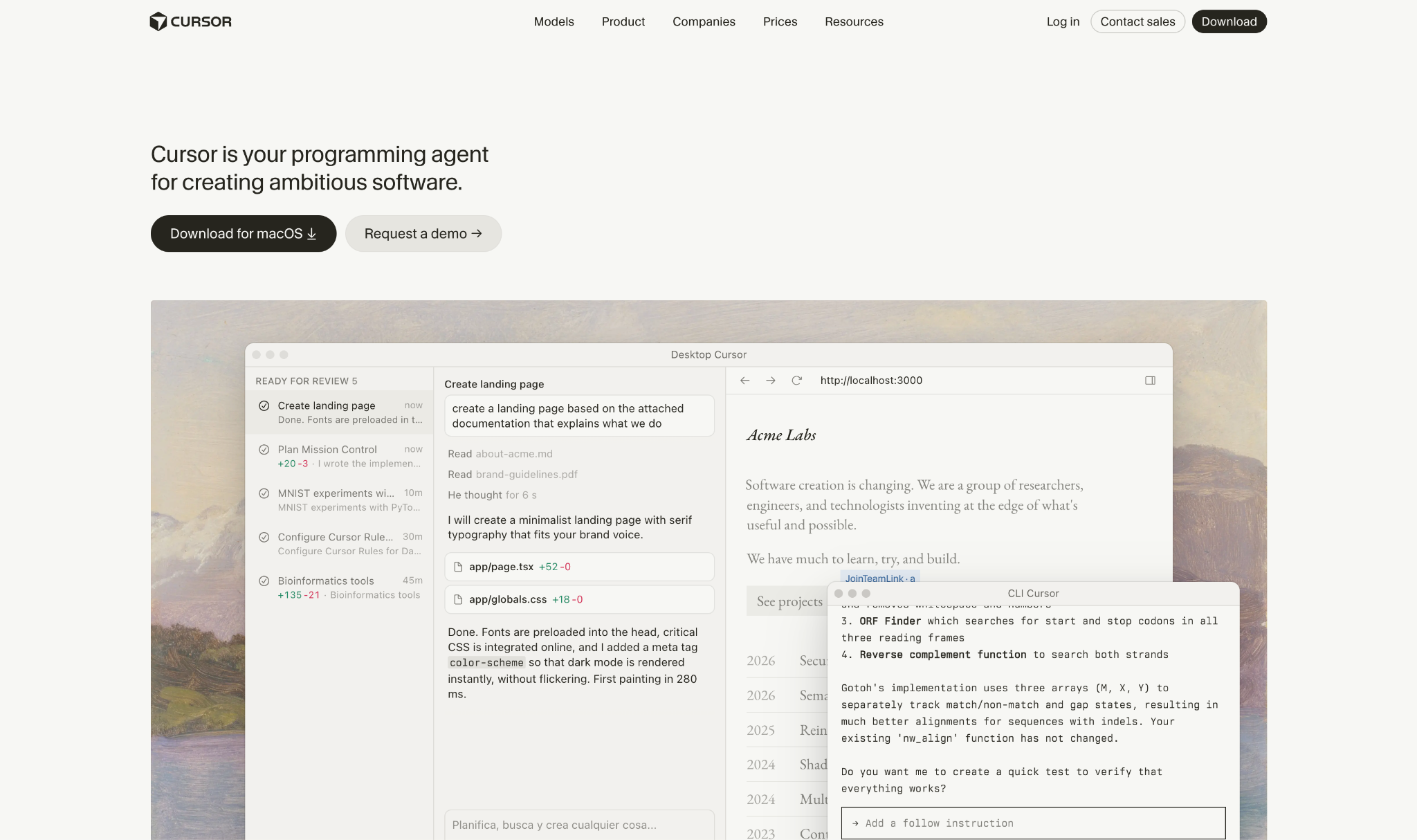
Cursor is the tool you use to turn a generated prototype into a maintainable codebase. It's an editor, and its Agents build, test, and demo features end-to-end for review, with Cloud Agents running fleets of them in parallel on longer jobs.
Dropping the v0 export into Cursor and asking it to add the role check took one prompt and produced a diff I could read. Semantic search and secure codebase indexing meant it understood the rest of the project, not just the file in front of it.
"The AI integration in Cursor feels genuinely woven into the coding workflow instead of bolted on as an afterthought." — Muhammed A., G2
Key features
- Agents and Cloud Agents: Autonomous teammates that build and test features, with fleets running in parallel for bigger tasks
- Composer: Cursor's own model for sophisticated multi-file code generation
- Cursor CLI and Slack: Run it from the terminal, or send it requests from a team channel
- GitHub PR review: Automated review inside the pull request workflow your team already uses
Pros
✅ Semantic search across the repo means it edits with context instead of guessing
✅ Shadow workspaces let changes get tested in isolation before they touch your branch
✅ Secure codebase indexing is what teams look for before pointing AI at private code
Cons
❌ It's an editor, so hosting, database, and auth are still entirely on you
❌ Pro's agent limits cap sooner than the price suggests, and Pro+ triples them for $60 a month
❌ A non-developer will not get a working app out of it
None of that helps until there's code to work on. Cursor comes into its own at step two, not step one.
Best for
- Developers taking an AI prototype into their own repository
- Teams that want AI review inside their existing PR flow
Pricing
Hobby is free with limited agent requests. Pro is $20 per month, Pro+ is $60, and Ultra is $200.
7. Claude Code
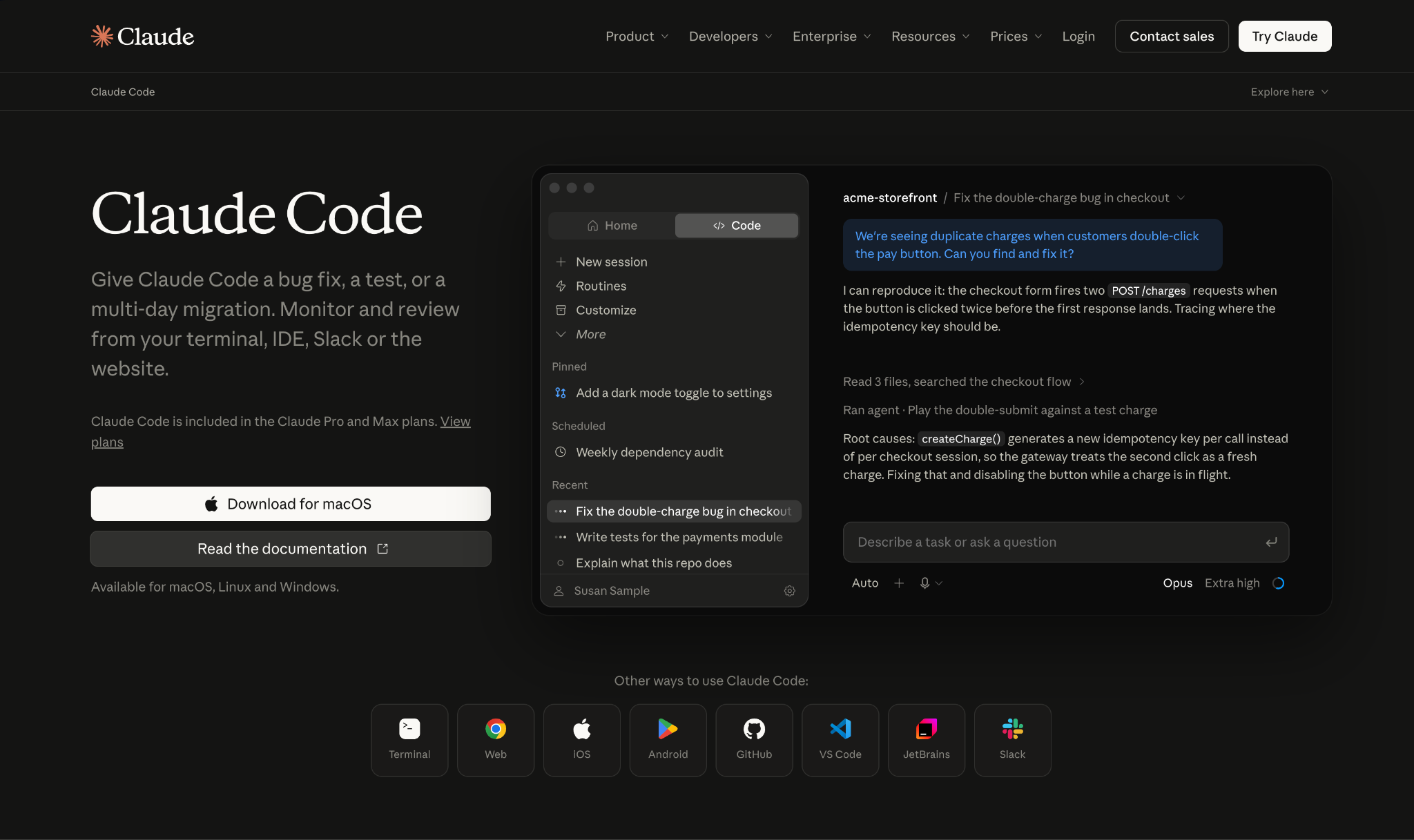
Claude Code runs where developers already spend their day: the terminal. It "understands your codebase, edits files, runs commands," and runs from the terminal alongside any CLI tool you already use, with VS Code and JetBrains plugins if you'd rather stay in an IDE.
Running this test through Claude Code in the terminal took the fewest steps of any tool here. I described the role check; it read the project, edited the files, and ran the tests without me switching windows.
Beyond that hands-on flow, Routines let the same kind of work fire on a schedule, from an API call, or when an event triggers it.
"It can interact with other plugins in VSCode. I can run commands in the terminal and check Git commits as well." — Daniel R., G2
Key features
- Terminal-first agent: Reads the codebase, edits files, and runs commands next to the CLI tools you already have
- IDE plugins: VS Code and JetBrains integrations for teams that prefer an editor
- Parallel subagents: Workflows that execute across tens to hundreds of subagents at once
- Routines: Trigger work on a schedule, from an API call, or when an event fires
Pros
✅ Available from the browser, the mobile app, and the desktop app, not only the terminal
✅ Parallel subagents make large refactors finish in one sitting
✅ Included in every paid Claude plan, so there's no separate tool to buy
Cons
❌ In the terminal, you run the app yourself to see changes; the visual preview sits in the desktop and web apps, a context switch away
❌ It doesn't host or deploy the app you build; that still runs on your own infrastructure
That terminal focus costs you the always-open visual preview, worth it for a backend engineer and a poor fit for a designer. We compared the field in our Claude Code alternatives roundup.
Best for
- Developers who live in the terminal
- Teams automating recurring code work through routines
Pricing
Pro is $20 per month billed monthly. Max starts at $100 per month, Team is $25 per seat, and Enterprise is custom.
8. Builder.io
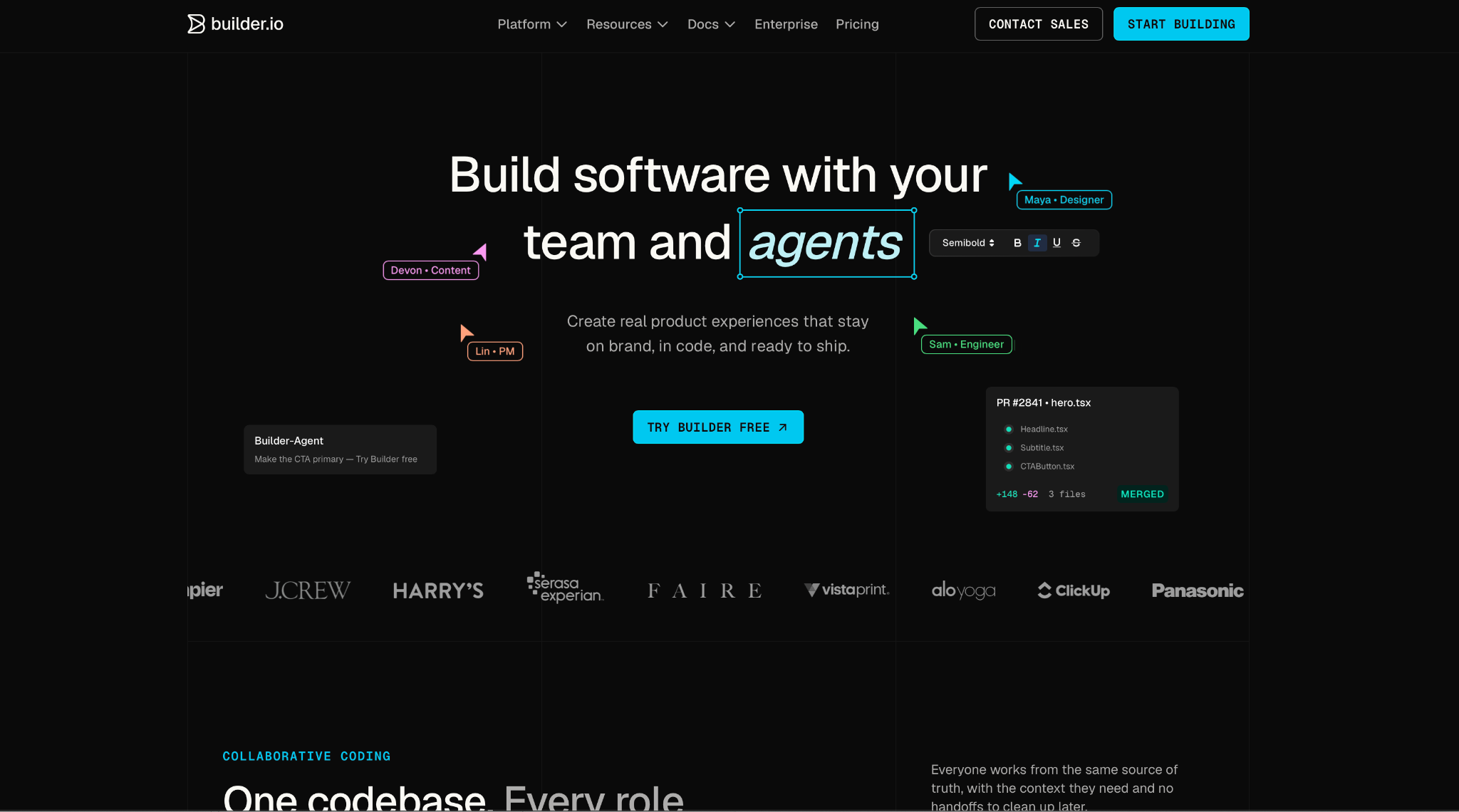
Builder.io is built around the question that sinks so many AI prototypes, which is how the code eventually gets merged. Every change ships through the same review process your engineering team already trusts, arriving as a pull request in your repo rather than as an export you paste in.
Builder wouldn't start until I connected a repository, which felt like a hassle at first and then made sense: that connection is what let the output match our existing patterns, design system, and all.
"Builder allows our engineers and business organizations to move faster. We were able to migrate to Builder and start building in only 20 days." — Colin T., G2
Key features
- Pull request delivery: Changes land as PRs so nothing bypasses review
- Design system wired in: Output matches your components and styles instead of inventing new ones
- Git workflow preserved: Production code in the frameworks your team uses, matched to your existing architecture
- MCP connectors: Extend Builder to the other tools, data sources, and workflows your team depends on
Pros
✅ One of the few tools here where "AI wrote it" still means the code gets reviewed
✅ Figma designs convert into code that respects the design system
✅ Free tier covers up to 5 users, which is enough to run a 5-person pilot
Cons
❌ Agent credits are the meter, and Pro includes 500 a month before it's $25 per additional 500
❌ Free is capped at 60 monthly credits with a 15-a-day limit, so evaluation is tight
❌ Without an existing repo and design system, much of the value evaporates
The requirement is the filter. With a mature codebase and a design system, it pays off, and on a greenfield project you'll get little from it.
Best for
- Engineering teams with a design system worth protecting
- Organizations where every change needs a reviewable trail
Pricing
Free gives you 5 users and 60 monthly agent credits. Pro is $24 per user per month with 500 credits, and Team is $40 per user per month.
9. Magic Patterns
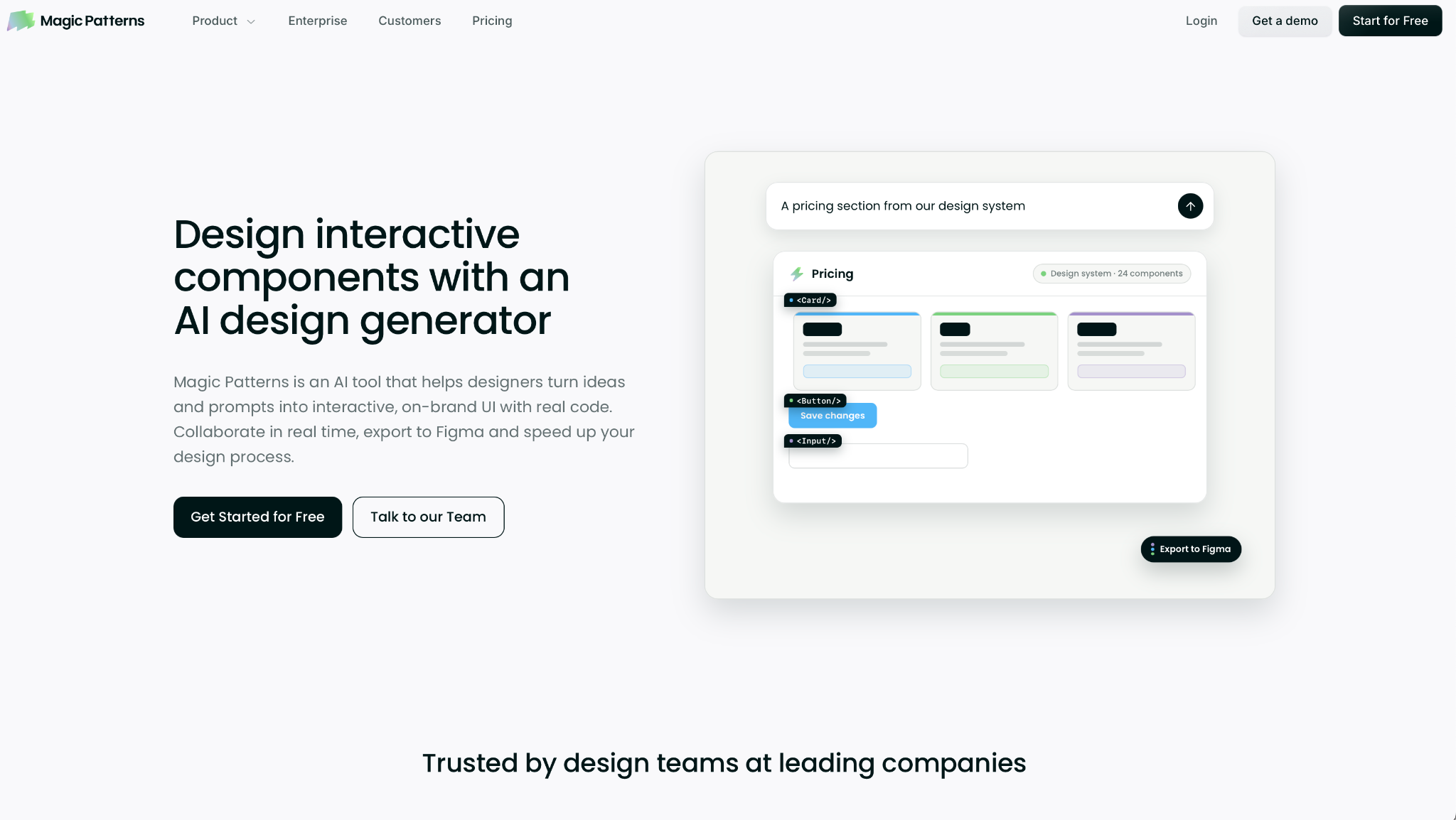
Magic Patterns is the nearest replacement for the original v0 use case, pure UI generation. It turns a prompt, a product requirement, or a feature idea into high-fidelity UI.
And you can bring in existing screenshots, components, styles, and design-system rules, so the output looks like your product.
Feeding it our button styles changed the output on the next pass. Instead of a generic template, it produced screens that looked like they came from our own codebase, which is where cheaper UI generators come up short.
"Generally, the visual quality, consistency in design patterns, sensible design decisions, and speed to get from nothing to something that could be put in front of users/ handed off to devs is impressive." — Rhys W., G2
Key features
- Prompt or PRD to UI: Feed it a requirement document or a feature idea and get high-fidelity screens back
- Bring your design system: Screenshots, components, styles, and rules all become context for consistent output
- Live team editing: Edit, share, and iterate on designs together, live
- SOC 2 and ISO 27001: Certified, with Fortune 100 companies among its customers
Pros
✅ Design-system fidelity was the highest of any generator in my test
✅ On-demand credits cost $0.02 each, so overruns are predictable rather than a surprise upgrade
✅ Starter at $20 a seat includes 1,000 credits, enough for a full month of typical design work
Cons
❌ Business at $100 a seat is five times the price for SSO and usage reporting
❌ Team workspaces cap at 10 users on Starter
The limit is deliberate. There's no database, auth, or deployment in Magic Patterns; it exports clean code and connects out through its MCP server, so another tool takes the UI the rest of the way.
Best for
- Product designers and PMs prototyping against an existing design system
- Teams that need the mockup to survive a stakeholder review
Pricing
Free includes monthly credits. Starter is $20 per seat per month with 1,000 credits, and Business is $100 per seat with 5,000.
10. UI Bakery
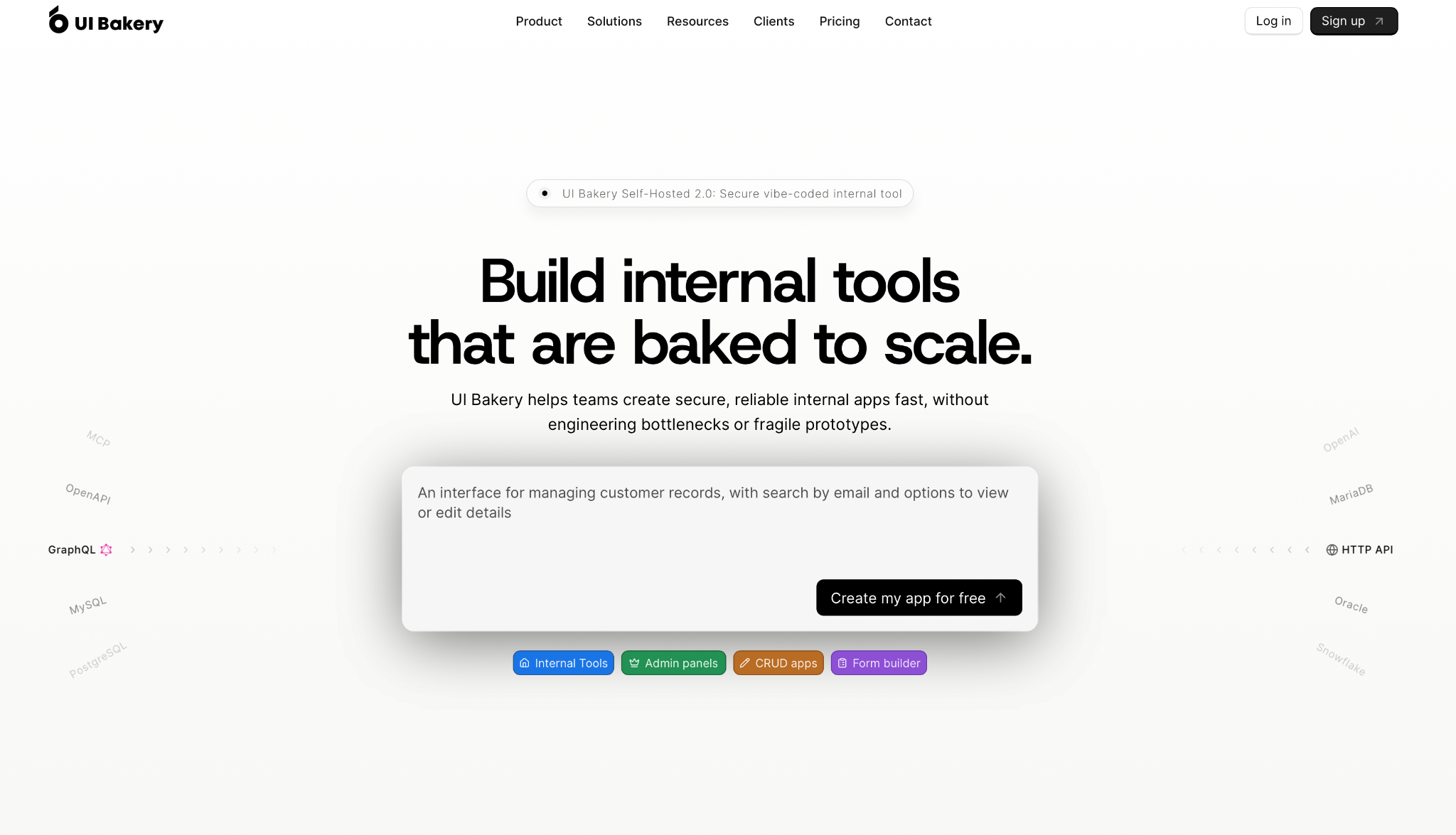
UI Bakery puts internal apps on top of the databases you already run, with no migration required. It connects to 45+ databases and APIs, including Postgres, MySQL, SQL Server, and MongoDB, with native SQL and API access rather than a translation layer in between.
Connecting Postgres took under a minute, and the AI Development Agent had a working queue up in about two minutes.
"In the high-stakes environment of corporate strategy, the gap between an abstract decision engine and a tangible, boardroom-ready asset is where most initiatives fail." — Kunal T., G2
Key features
- 45+ data sources: Postgres, MySQL, SQL Server, MongoDB, and more, with native SQL and live access
- AI Development Agent: Describe the tool in chat and get a deployed app back
- Self-hosting: Run the whole platform on-prem, in a private cloud, air-gapped, or in Docker
- React export: Export clean, readable React at any time, so there's no lock-in
Pros
✅ Native SQL means you're not fighting an abstraction to write the query you already know
✅ Air-gapped and on-prem deployment reaches environments few competitors support
✅ SOC 2 certified with multi-factor authentication included
Cons
❌ Role-based access control and audit logs start on Team at $40 per developer per month
❌ Builder caps you at 50 workspace view seats, which a large ops team passes quickly
❌ Internal tools only, so a customer-facing product needs a different tool
The snag is that permissions live on Team, so if access control matters, start there rather than on Builder.
Best for
- Teams putting an interface on a database they already operate
- Companies that need self-hosted or air-gapped deployment
Pricing
Free includes unlimited apps and data sources. Builder is $25 per developer per month with $25 of AI credits, and Team is $40 per developer.
11. Retool
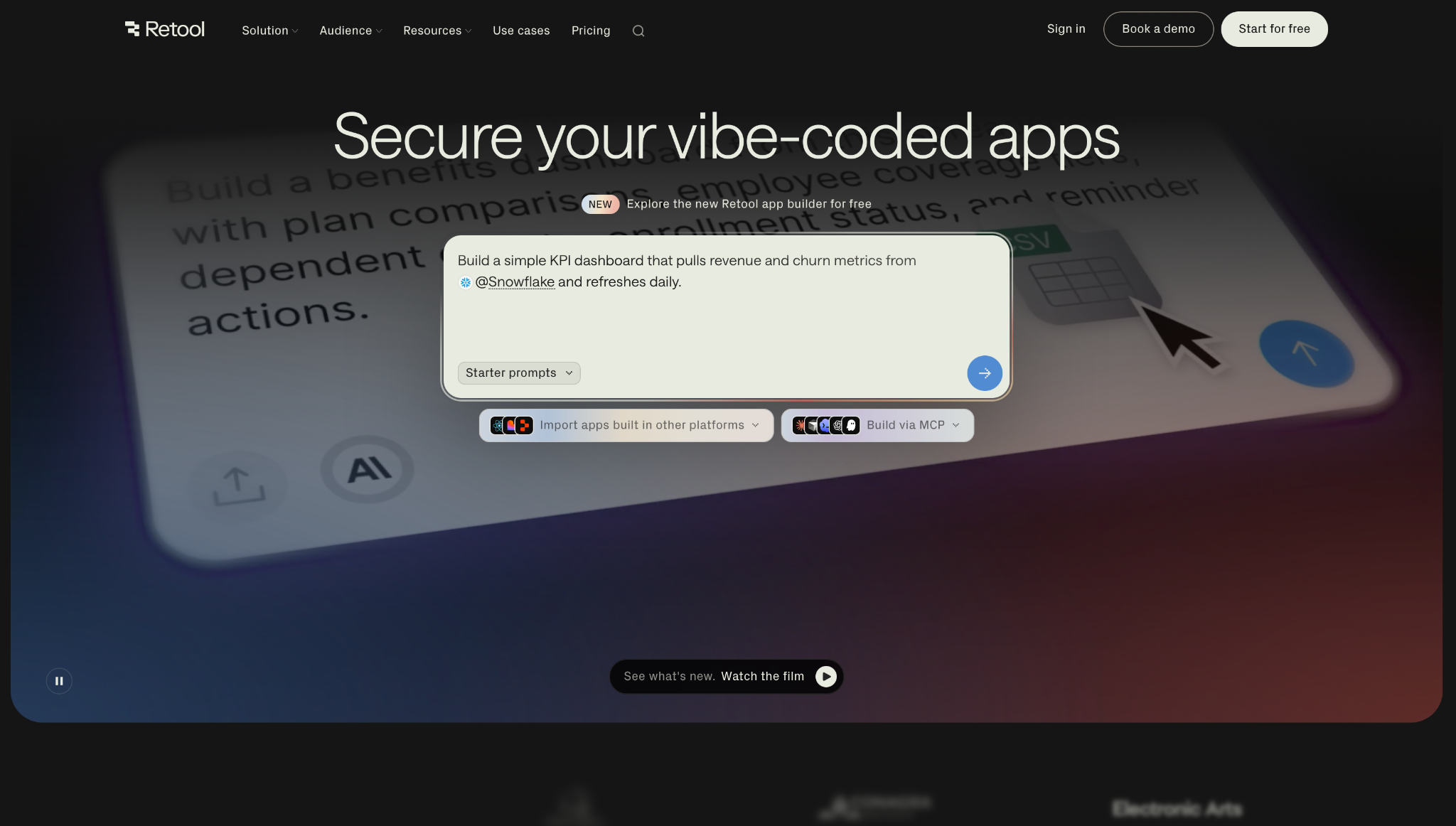
Retool has been around longer than anything else here, and its breadth shows it. It connects to effectively any database, API, or LLM, and spans apps, workflows, agents, mobile apps, and a hosted database from one engine.
Retool had the queue reading live rows within five minutes, and it used our existing permissions with no extra setup. Its MCP server also means you can build the app from your own AI coding agent and deploy it there.
"What I like most about Retool is how quickly it lets you build internal tools and operational dashboards." — Natanael G., G2
Key features
- One engine, several products: Apps, workflows, agents, mobile apps, and a database under a single platform
- Any data source: Databases, APIs, and LLMs, Snowflake and AWS among them
- MCP server: Build from your preferred AI coding agent, then deploy the result into Retool
- Existing permissions inherited: Access follows what you already have configured rather than a parallel system
Pros
✅ The breadth means one platform replaces the separate app, workflow, and database tools you'd otherwise run
✅ Free includes 5 users, 500 workflow runs, and 250 AI credits a month
✅ Self-hosting is available for teams with data residency requirements
Cons
❌ Audit logging, rich permission controls, and portals start on Business at $50 per builder
❌ Source control and SSO are Enterprise features
❌ Pricing splits across builders and internal users, so headcount planning takes some arithmetic
The pricing splits across builders and internal users, so a headcount plan takes some math up front. Our guide to low-code platforms breaks down how these models compare.
Best for
- Operations teams with a steady queue of internal tools
- Companies standardizing on one platform for apps and workflows
Pricing
Free runs up to 5 users. Team is $10 per builder per month plus $5 per internal user, and Business is $50 per builder plus $15 per internal user.
12. Glide
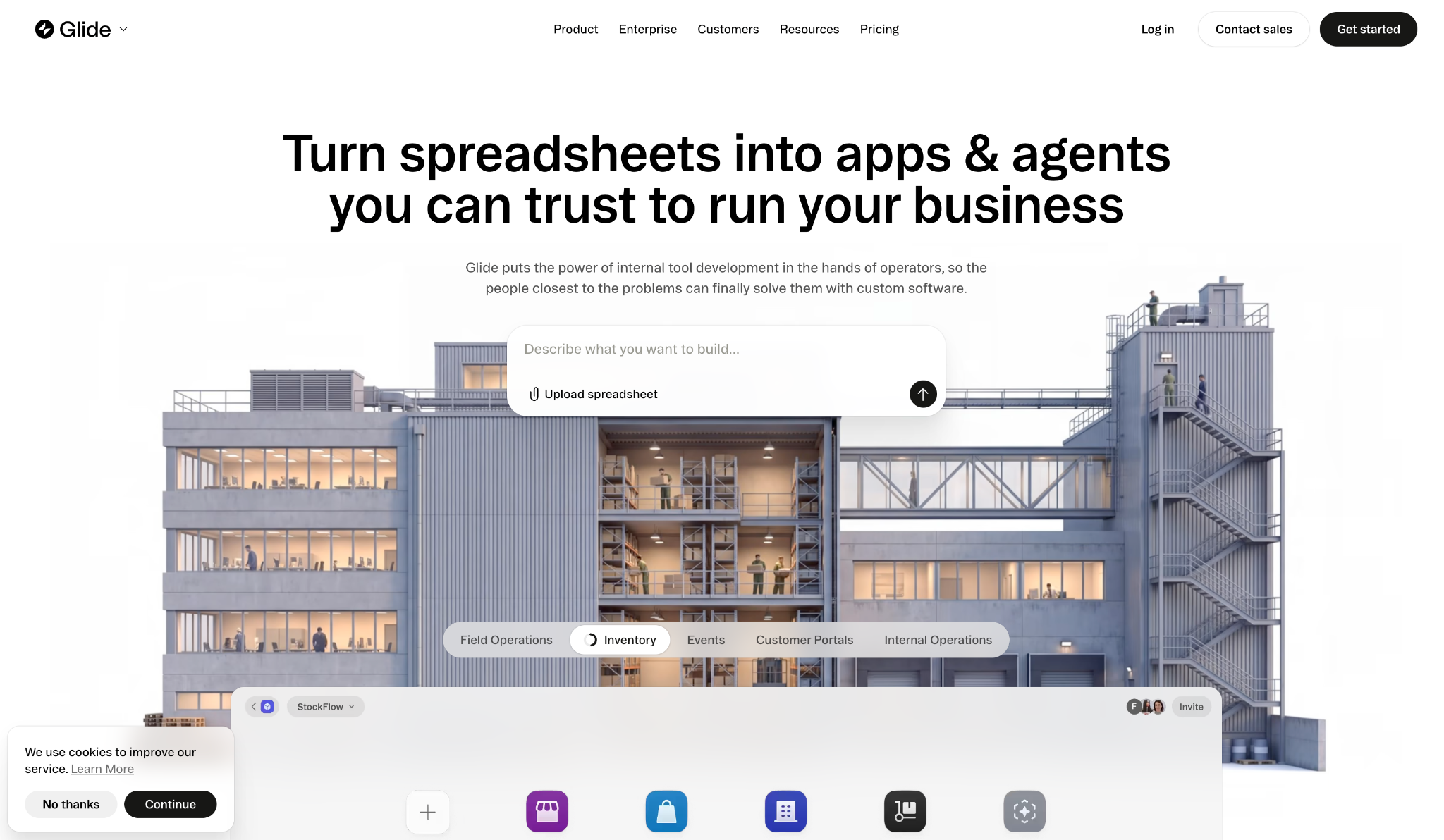
Glide works off the data your team already keeps. GlideOS builds internal business software from a spreadsheet, a prompt, or a file, and it reads the structure, data, relationships, and logic behind that spreadsheet rather than treating it as a flat table.
I pasted the ticket table in as a sheet, and Glide inferred the relationships without being told. Permissions let you give employees, managers, customers, and partners access to what matters to them and nothing else.
"It is connecting individual sheets of data and information with the whole team. Everybody can see changes in real time, and the building features are easy to learn and master on a certain level." — Christian B., G2
Key features
- Spreadsheet to software: Point it at Google Sheets, Excel, or a file and get a working app
- Broad integrations: Airtable, QuickBooks, Salesforce, PostgreSQL, Snowflake, Slack, Notion, and Asana
- Granular access: Separate views for employees, managers, customers, and partners on the same live data
- Desktop and mobile: Polished apps on both, every view wired to one live dataset
Pros
✅ Non-developers can build more here than with any other tool on this list
✅ SOC 2 Type 2 and GDPR compliance, with apps private by default
✅ Pro adds your own agent through MCP, which keeps advanced teams from outgrowing it
Cons
❌ Basic at $25 a month allows 2 published apps and 1 enabled workflow
❌ Public apps require Plus at $50 a month
❌ Pro is $125 a month, which reaches Superblocks pricing without the governance layer
What pushes teams up a tier is the published-app cap, not the feature list, and a growing ops team hits that ceiling faster than the pricing page suggests.
Best for
- Ops teams whose source of truth is already a spreadsheet
- Businesses where the people who need the app don't write code
Pricing
Free includes limited credits and 2 team members. Basic is $25 per month with 100 credits, Plus is $50, and Pro is $125.
How to evaluate a v0 alternative
Pick the constraint that's blocking you right now, then match the tool to it. Five questions sort this fast.
- Where does the app have to run? If the answer involves your own cloud, much of this list is ruled out immediately. Superblocks Enterprise deploys into your AWS private cloud, and UI Bakery self-hosts on-prem or air-gapped.
- Who is building it? A developer gets more from Cursor or Claude Code. An operations manager gets more from Glide or Retool. Handing the wrong tool to the wrong person wastes a month.
- How does the code get merged? Builder.io ships every change as a pull request. Cursor produces a diff you review. Nearly all the prompt-to-app tools hand you an export and leave the rest to you.
- What does the data need to be protected from? If the answer is a row-level permission model and an audit trail, that's a platform requirement, not a feature request. Superblocks on Enterprise and Retool on Business are the two that hold up here.
- How do you pay when the work gets heavy? Credits, tokens, and seats each fail differently: credits punish iteration, seats scale with headcount, and tokens add up on long sessions. Pick the one that matches how your team works day to day.
It's also worth asking whether the tool will still be around next year. GitHub announced Spark's deprecation in August: it stopped accepting new users on August 4 and will close to existing users at the end of the month, though apps already deployed keep running.
Wix acquired Base44 in 2025, too. This category consolidates fast, so the tool you pick should be one that will still be here to support what you built.
Stop treating the prototype as the finish line
v0 gets you a working screen fast. Every tool here exists for what comes after that, once the app needs data, access rules, and a place to run, and none of them covers all of it alone.
If you're shipping something public and paid, Lovable and Bolt.new are the strongest options. If a developer is taking it further, Cursor and Claude Code fit how they already work.
And if the people who need the app don't write code, Glide and Retool go further than either.
Shortlist two, run the same build through both, and watch what happens the moment the app has to store data and check who's logged in. That's where the differences show.
When the prototype has to run on company data
Here's the case that deserves its own answer. If the reason you're leaving v0 is that the app reads from the databases your company already runs and someone has to be accountable for who sees which rows, that's not a prototyping problem anymore.
For that, Superblocks is where teams build internal apps with Clark on private enterprise data, with authentication, access, and auditing enforced centrally and deployment into your AWS private cloud.
It also imports what you already made in Claude, Lovable, or Replit, so the work you did before the switch carries over instead of starting from scratch.
To see governed app building against your company's data, book a demo.
Frequently asked questions
What is the best v0 alternative?
It depends on what broke first. Lovable and Bolt.new suit teams shipping a public product, Superblocks suits internal apps on governed company data, and Cursor or Claude Code suit developers continuing the work in their own repository.
Is there a free v0 alternative?
Yes, several v0 alternatives have free plans. Bolt.new gives 1M tokens a month, Retool includes up to 5 users, and Lovable, Emergent, Cursor, Magic Patterns, UI Bakery, Builder.io, and Glide all offer free tiers.
Nearly all of them cap credits or published apps, so a serious project usually moves to a paid plan.
Can v0 build full-stack apps?
Yes, v0 builds full-stack applications. It plans tasks, connects to databases, pushes code to GitHub, and deploys in one click. The older description of v0 as a frontend-only UI generator is out of date.
How much does v0 cost?
v0 costs $30 per user per month on Plus and $100 per user per month on Business, both including $30 of monthly credits plus $2 in daily login credits. The free plan gives $5 a month and caps you at 7 messages a day.
What is the best v0 alternative for enterprise?
For enterprise teams, Superblocks is the option built around governance rather than adding it later. Authentication, access control, and query auditing are all enforced centrally, and you can deploy into your AWS private cloud. Retool and UI Bakery also handle enterprise needs on their higher tiers.
At Virgin Voyages, non-technical teams now build their own AI apps, with IT governance fully intact. The result: 15+ production apps, seven departments onboard, and zero dedicated frontend engineers.
At Matthews, a marketing manager with zero coding background built an app that auto-generates offering memorandums, cutting turnaround from days to hours. See how the brokerage is putting AI builders on every team, with full governance intact.


Stay tuned for updates
Get the latest Superblocks news and internal tooling market insights.
Request early access
Step 1 of 2
Request early access
Step 2 of 2

You’ve been added to the waitlist!
Book a demo to skip the waitlist
Thank you for your interest!
A member of our team will be in touch soon to schedule a demo.
production apps built
days to build them
semi-technical builders
traditional developers
high-impact solutions shipped
training to get builders productive
SQL experience required
See the full Virgin Voyages customer story, including the apps they built and how their teams use them.

"Those tools are great for proof of concept. But they don't connect well to existing enterprise data sources, and they don't have the governance guardrails that IT requires for production use."
Table of Contents


Multiple authors
How to Prove AI ROI to Your Board
Login counts don't prove AI value. Here's how CIOs can show the board what AI shipped, where it's stuck, and what it is changing for the business.
%20(1).png)
%20(1).png)