
Claude Code is the benchmark for terminal-native AI coding. Its real cost of $100 to $200 a month for heavy use, tight rate limits, and single-model lock-in send plenty of developers looking for a Claude Code alternative.
If you're hitting those walls, the strongest options right now are Cursor for an IDE experience, Codex CLI for benchmark-topping terminal work, and Cline for open-source model freedom.
I compared nine Claude Code alternatives across the factors that drive a switch, from pricing model and model flexibility to autonomy and interface. I grouped them by how you like to work, whether that's a terminal agent, an AI IDE, or an open-source tool you point at any model.
Here's the ranked list, what each does well, honest pros and cons, pricing, and who it fits. Most developers end up matching the alternative to their specific constraint, whether that's budget, model choice, or interface.
9 best Claude Code alternatives: TL;DR
Here's the shortlist, with what each one does best:
- Cursor: Best all-round AI IDE alternative
- OpenAI Codex CLI: Best terminal agent for benchmark performance
- Cline: Best open-source, model-agnostic agent
- Windsurf (now Devin Desktop): Best AI IDE with a real free tier
- Aider: Best git-native terminal pair programmer
- OpenCode: Best provider-agnostic open-source CLI
- GitHub Copilot: Best for GitHub-native teams
- Antigravity CLI: Best free option from Google
- Amazon Q Developer: Best for AWS-centric teams
Why look for a Claude Code alternative?
Claude Code sets the bar for autonomous terminal coding, with deep reasoning, a large context window, and strong agentic workflows. For many developers, it's worth the price. A few recurring pain points drive the search for alternatives.
Cost that adds up fast. The $20 Pro plan gives roughly 45 messages per five-hour window, which heavy users burn through before lunch. Real full-time use pushes people to the $100 or $200 Max tiers. Our Claude Code pricing breakdown has the full numbers.
Tight rate limits. Even Max subscribers report hitting weekly limits within a couple of days of full-time coding, and Anthropic acknowledged in early 2026 that quotas were being exhausted too quickly.
Single-model lock-in. Claude Code runs only on Anthropic's models. If you want to route tasks to GPT, Gemini, or a local model to cut cost or match a task, you need a different tool.
Terminal-only comfort level. Its terminal-first design suits many developers and not all. Some want a visual IDE with diff review over a command-line agent.
Which Claude Code alternative should you choose?
Here's the quick version before the deep dives:
- Choose Cursor if you want a polished AI IDE with model choice, though it costs $20/month, while some open-source tools are free.
- Choose Codex CLI if you want top terminal-benchmark performance, less ideal if you're committed to non-OpenAI models.
- Choose Cline or OpenCode if you want open-source model freedom with bring-your-own-key pricing, accepting some setup and self-management.
- Choose Antigravity CLI if you want a free option and Google's models are enough for your work.
- Stick with Claude Code if you want the deepest reasoning on large repos, the official Anthropic workflow, and if the cost fits your budget.
9 best Claude Code alternatives: at a glance
Here's how the nine compare at a glance:
Pricing correct as of August 2026. Verify with vendor.
The 9 best Claude Code alternatives
1. Cursor
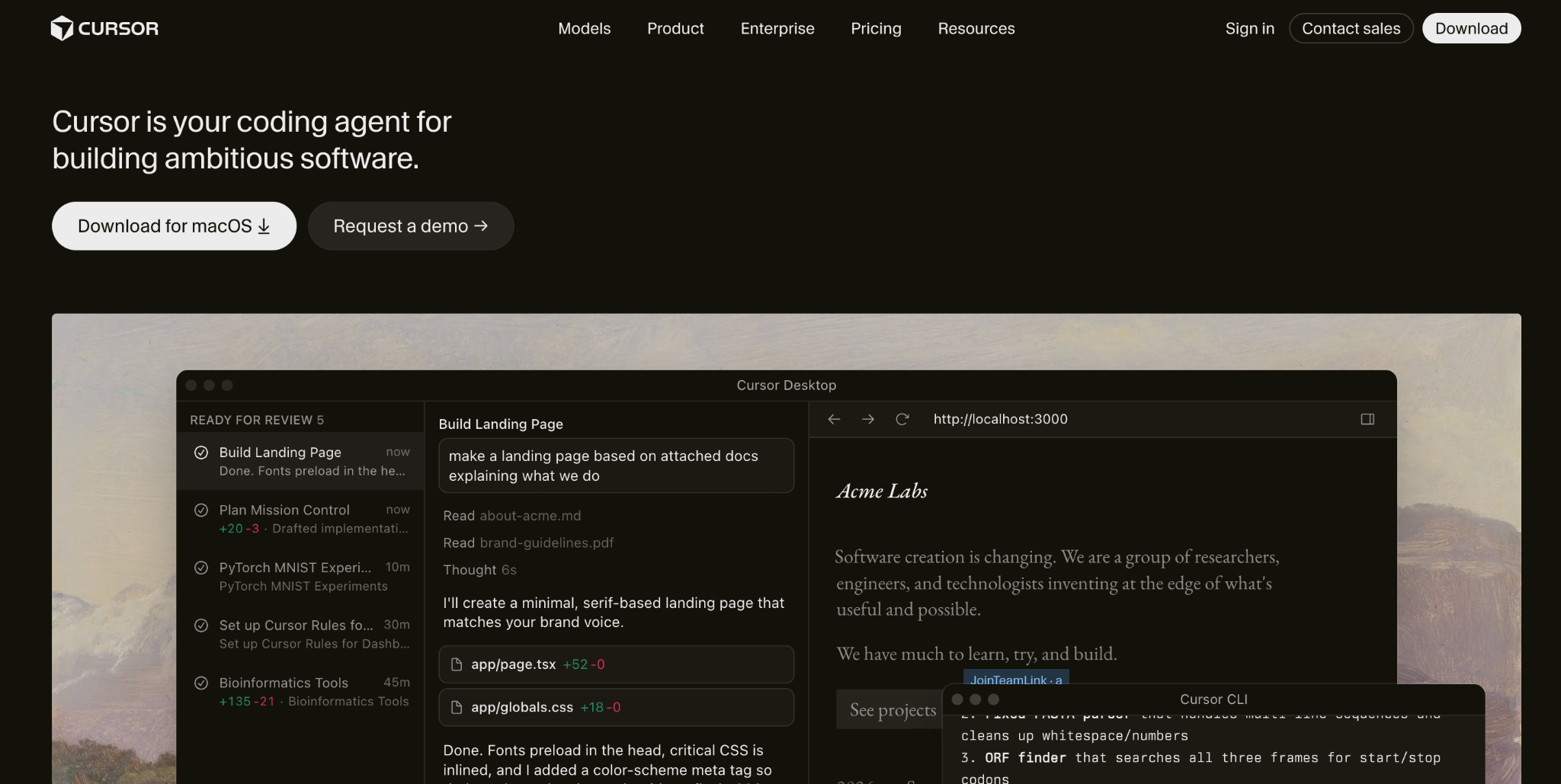
Cursor is an AI-first visual IDE, an all-round Claude Code alternative for developers who want agentic power without leaving a familiar editor.
It's an AI-first fork of VS Code with agent mode, codebase-wide context, and per-request model routing across Claude, GPT, and Gemini. Claude Code runs in the terminal, while Cursor gives you visual diffs and a familiar editor.
Key features
- Agent mode: Handles multi-step, multi-file changes from one instruction.
- Model routing: Switch between frontier models per request.
- Codebase awareness: Reads your whole workspace for context.
Pros
- ✅ Familiar VS Code environment with visual diff review
- ✅ Model flexibility that Claude Code lacks
- ✅ Mature, widely adopted across production teams
Cons
- ❌ Credit costs climb once you leave Auto mode
- ❌ Less hands-off autonomy than Claude Code on big refactors
Best for
- Developers who want an AI IDE over a terminal agent
- Teams wanting per-task model choice
Pricing
Cursor is free on the Hobby tier. Paid plans start at $20/month for Pro, $60/month for Pro+, and $200/month for Ultra. See Cursor's pricing. For a side-by-side, our Cursor competitors guide compares the field.
2. OpenAI Codex CLI
OpenAI Codex CLI is a terminal-native coding agent that leads the field on benchmark scores, and is a strong Claude Code alternative for performance-focused work.
It's an open-source, sandboxed terminal agent tuned for OpenAI models, and it tops the Terminal-Bench leaderboard with GPT-5.5. Developers who want Claude Code's terminal workflow with OpenAI's models get the closest match here.
Key features
- Benchmark-leading: Tops Terminal-Bench with GPT-5.5.
- Sandboxed execution: Runs tasks in an isolated environment.
- Multi-surface: Works via CLI, IDE, and cloud.
Pros
- ✅ Highest terminal-benchmark scores in 2026
- ✅ Open-source and sandboxed
- ✅ Bundled into ChatGPT plans you may already have
Cons
- ❌ Tuned for OpenAI models, so less model-agnostic
- ❌ Usage-based credits climb on heavy runs
Best for
- Developers who want peak benchmark performance
- Teams already using OpenAI models
Pricing
Codex comes bundled with ChatGPT Plus at $20 a month. Higher ChatGPT tiers cost $100 and $200 a month. See OpenAI's Codex pricing.
3. Cline
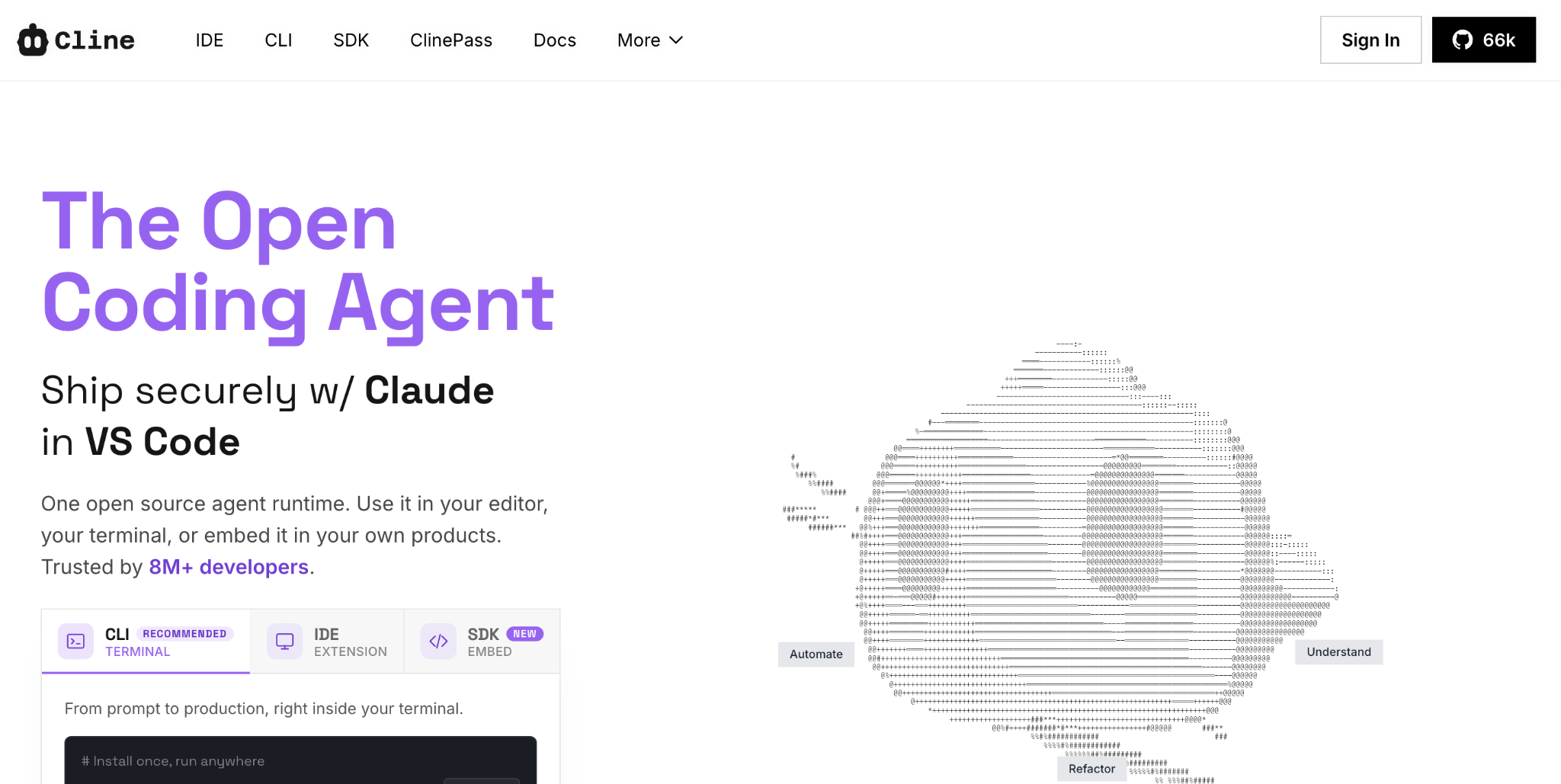
Cline is an open-source, model-agnostic coding agent, a Claude Code alternative for developers who want to bring their own API key and keep full control.
It runs across IDE, CLI, and SDK, pointing at any model you supply, from Claude to GPT to a local Ollama model. You pay only for token usage, which makes it the best value per dollar for developers comfortable managing their own keys.
Key features
- Model-agnostic: Bring any API key or run local models.
- Multi-surface: Works across IDE, CLI, and SDK.
- MCP support: Connects external tools through MCP servers.
Pros
- ✅ Free and open-source, pay only for model usage
- ✅ Full model freedom, including local models
- ✅ Active, fast-growing community
Cons
- ❌ Setup and key management fall on you
- ❌ No managed service or official support
Best for
- Developers who want model freedom and BYOK value
- Teams that can self-manage tooling
Pricing
Cline is free and open-source. You pay your model provider per token for whatever you use. See Cline's site.
4. Windsurf (now Devin Desktop)
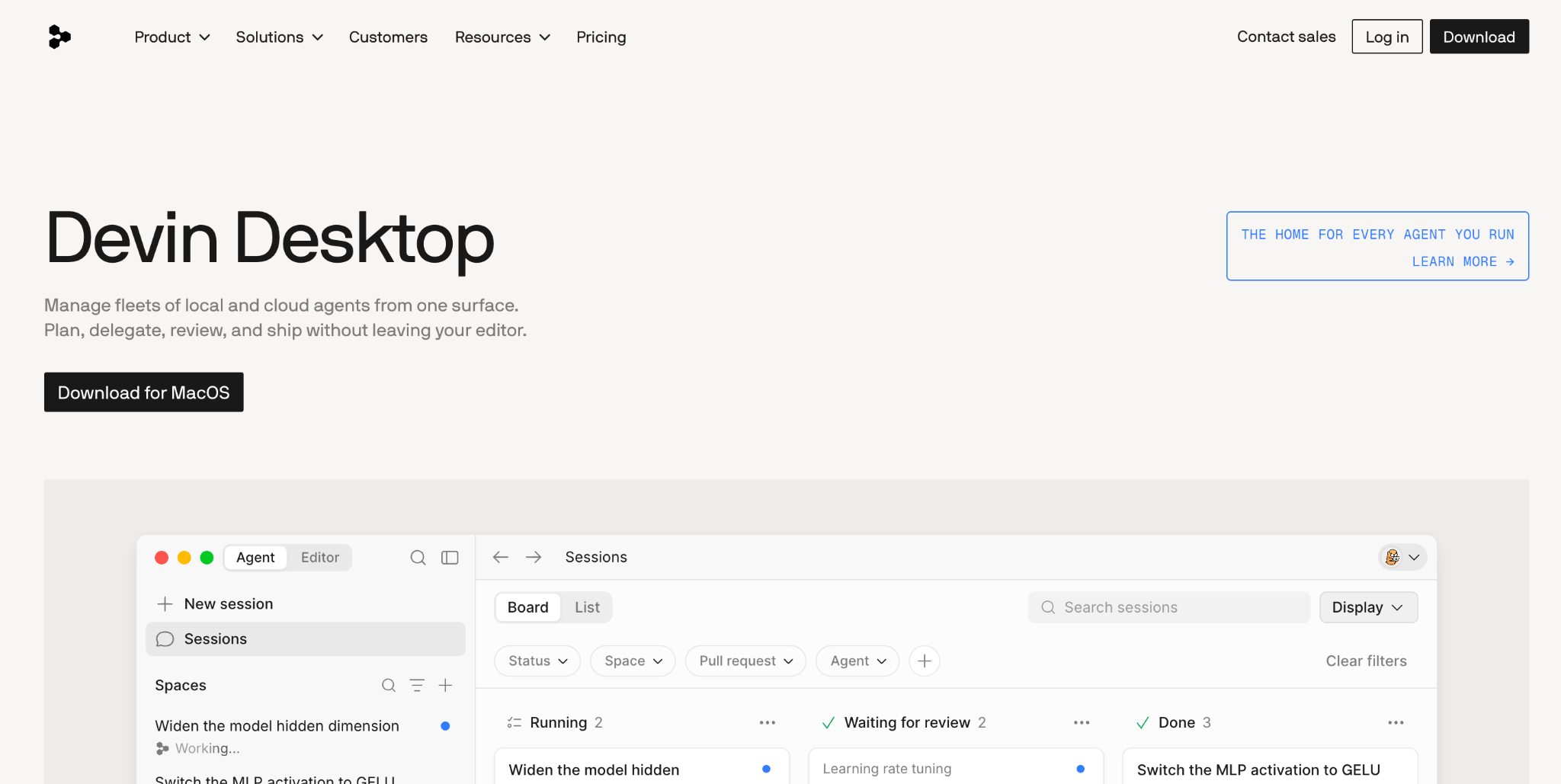
Windsurf, now Devin Desktop, is an agent-first AI IDE, and a Claude Code alternative worth a look for its genuinely usable free tier.
Cognition rebranded Windsurf as Devin Desktop in June 2026. Its Devin Local agent, a Rust rewrite of the former Cascade engine, handles autonomous multi-file edits with codebase indexing. Its free tier supports sustained daily use, whereas Cursor offers only a trial.
Key features
- Devin Local agent: Autonomous multi-file edits, replacing the retired Cascade engine.
- Agent Command Center: A Kanban board for managing local and cloud agents.
- Free tier: Codebase indexing and agent mode at no cost.
Pros
- ✅ Free tier more generous than Cursor's trial
- ✅ Beginner-friendly visual IDE
- ✅ Coherent multi-file editing
Cons
- ❌ The June 2026 rebrand to Devin Desktop and Cascade's retirement caused documentation churn
- ❌ More supervised than a fully autonomous agent
Best for
- Developers who want an AI IDE with no upfront cost
- Newcomers to agentic coding
Pricing
Windsurf, now Devin Desktop, is free with a daily and weekly quota. Paid plans start at $20 a month for Pro, which now includes access to the Devin Cloud agent, with Max at $200 a month. See Devin Desktop pricing.
5. Aider
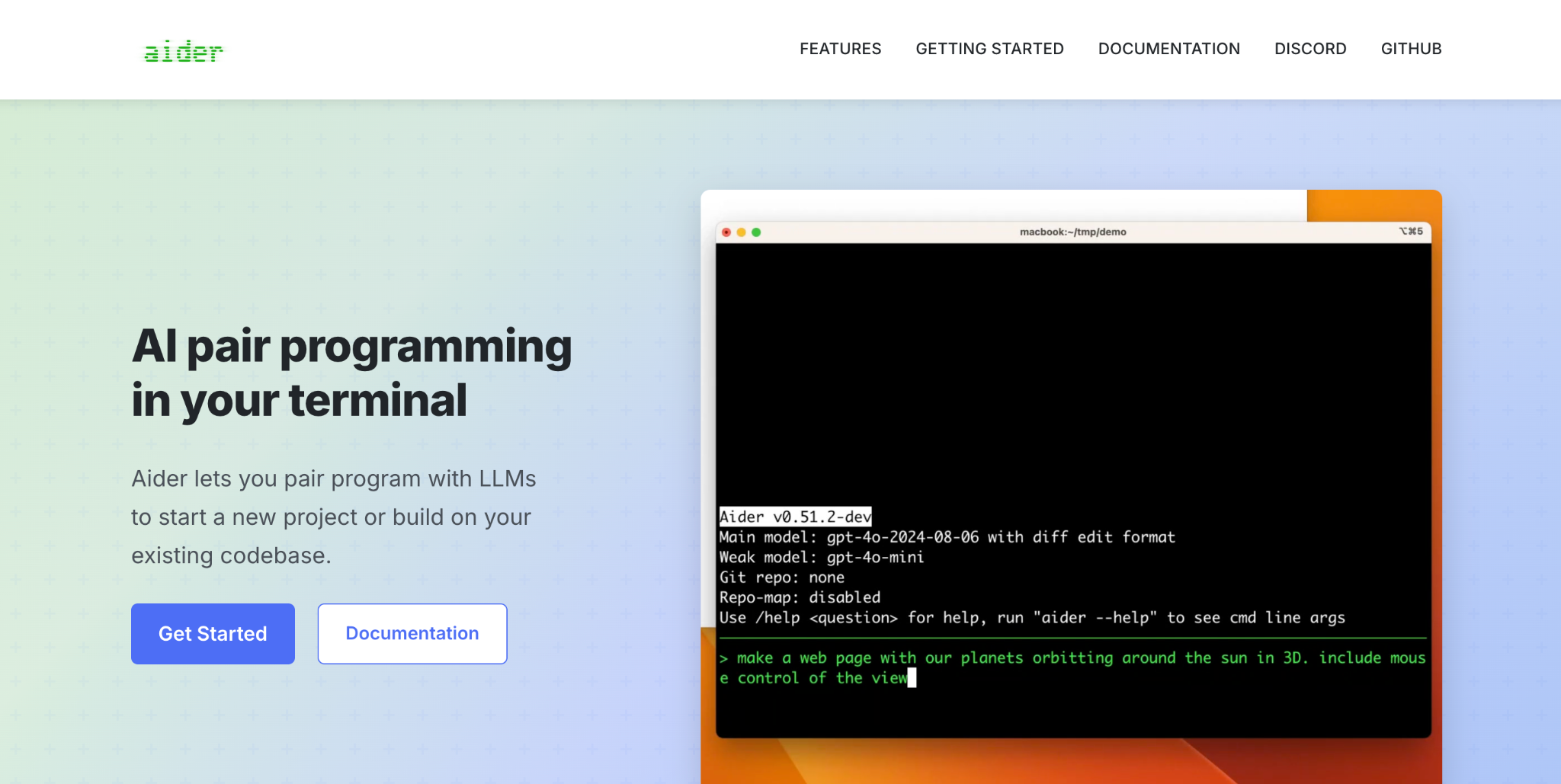
Aider is an open-source terminal tool built around git, a Claude Code alternative suited to developers who want every change committed as they pair with the model.
The original AI CLI coding tool stages every change as a descriptive git commit automatically, and connects to Claude, GPT, DeepSeek, or local models per run. It's the standard-setter for terminal editing with clean version control.
Key features
- Git-native: Auto-commits each change with a descriptive message.
- Model flexibility: Point it at any provider per run.
- Lightweight: Minimal, fast terminal workflow.
Pros
- ✅ Free and open-source with huge adoption
- ✅ Deep git integration few tools match
- ✅ Works with any model, including local
Cons
- ❌ Terminal-only, with no visual interface
- ❌ Less autonomous than agentic tools like Claude Code
Best for
- Developers who want git-native terminal editing
- Users who value a lightweight, proven tool
Pricing
Aider is free and open-source. You pay your model provider per token for whatever you use. See Aider's site.
6. OpenCode
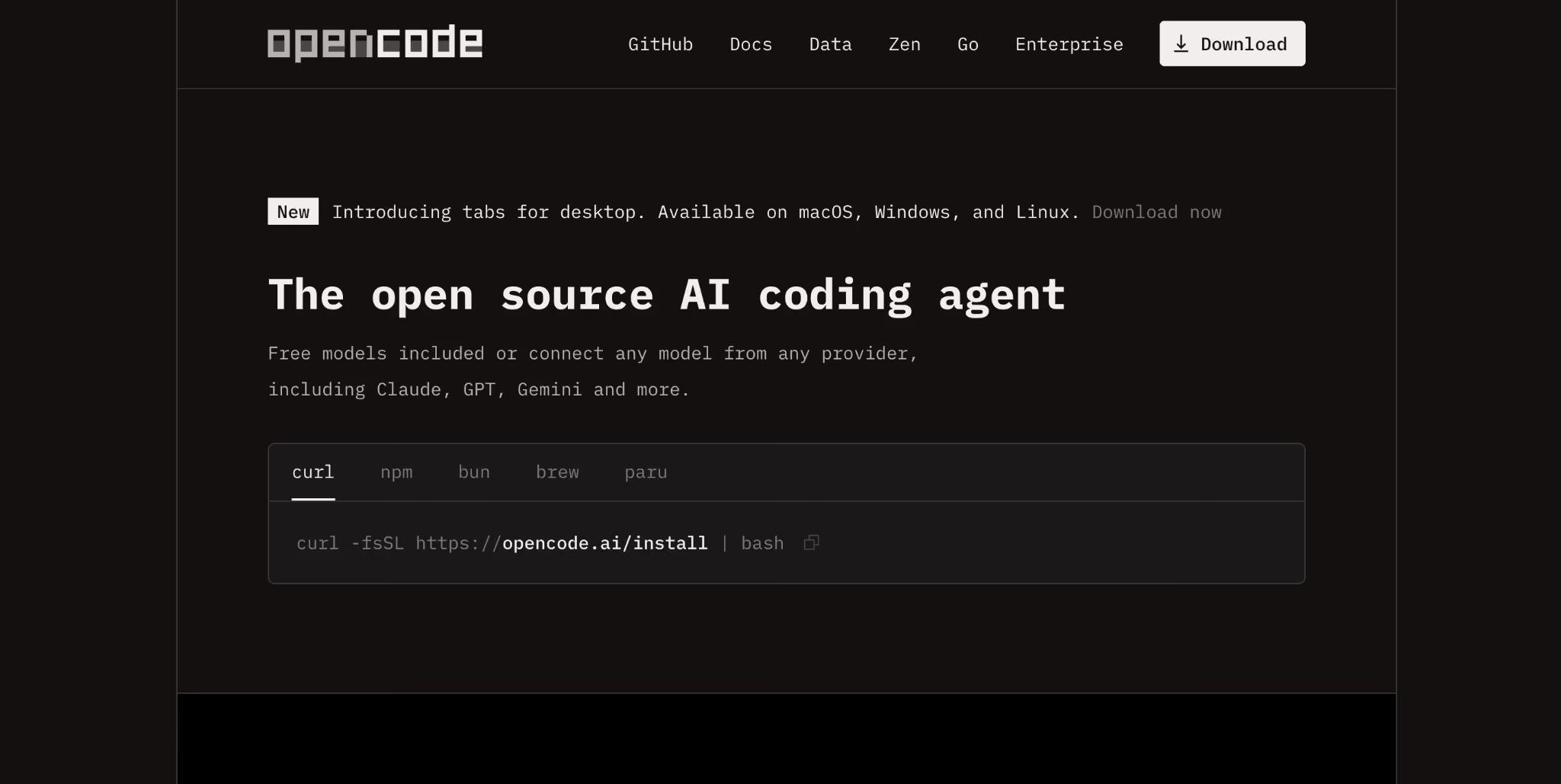
OpenCode is a provider-agnostic, open-source terminal coding agent built as an alternative to Claude Code for developers who want to bring their own model.
The most-starred open-source coding agent routes 75+ providers through a bring-your-own-key model, with local model support, LSP, multi-session work, and a desktop app. No single vendor owns it, unlike much of the field.
Key features
- 75+ providers: Route any model through one agent.
- Local models: Run open models at full fidelity.
- Multi-session: Handle parallel work in the terminal.
Pros
- ✅ Broadest provider flexibility of any agent
- ✅ Free, open-source, and independent
- ✅ Local and offline model support
Cons
- ❌ Output quality depends on the model you supply
- ❌ Setup and tuning fall on you
Best for
- Developers who want maximum model freedom
- Privacy-first teams running local models
Pricing
OpenCode is free and open-source with bring-your-own-key access. Its optional Go gateway costs $5 for the first month, then $10 a month for 17 curated open-weight models. See OpenCode's site.
7. GitHub Copilot
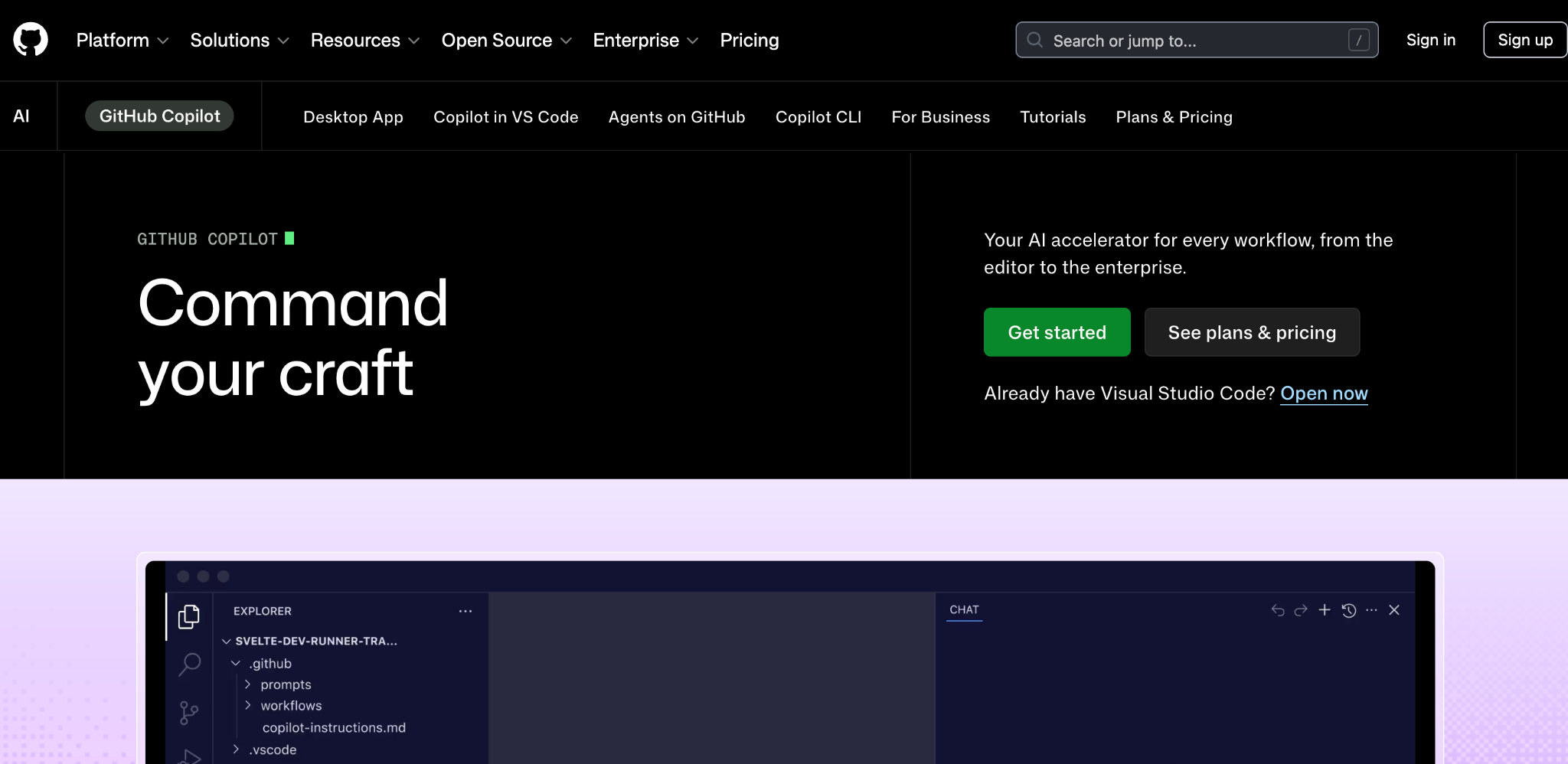
GitHub Copilot is a deeply GitHub-integrated coding assistant, a natural Claude Code alternative for teams that live inside pull requests and Actions.
It layers AI across your editor, CLI, and GitHub itself, with agent mode, a model picker spanning Claude, GPT, and Gemini, and native PR and code-review features. Its price and reach make it a low-friction default.
Key features
- GitHub-native: PR reviews, CLI, and cloud agents in one credit pool.
- Model picker: Choose across Claude, GPT, and Gemini.
- Broad IDE support: Works across six editors.
Pros
- ✅ Low $10 entry price
- ✅ Deep GitHub integration
- ✅ Wide editor coverage
Cons
- ❌ Agent mode is shallower than Claude Code on complex refactors
- ❌ No terminal-native multi-agent orchestration
Best for
- Teams standardized on GitHub
- Developers who want AI inside their current editor
Pricing
GitHub Copilot is free for individuals. Paid plans start at $10 per month for Pro, with Pro+ at $39 per month and Max at $100 per month. Teams pay $19 a user for Business and $39 a user for Enterprise. See Copilot's pricing. Our GitHub Copilot alternatives guide covers the wider field.
8. Antigravity CLI
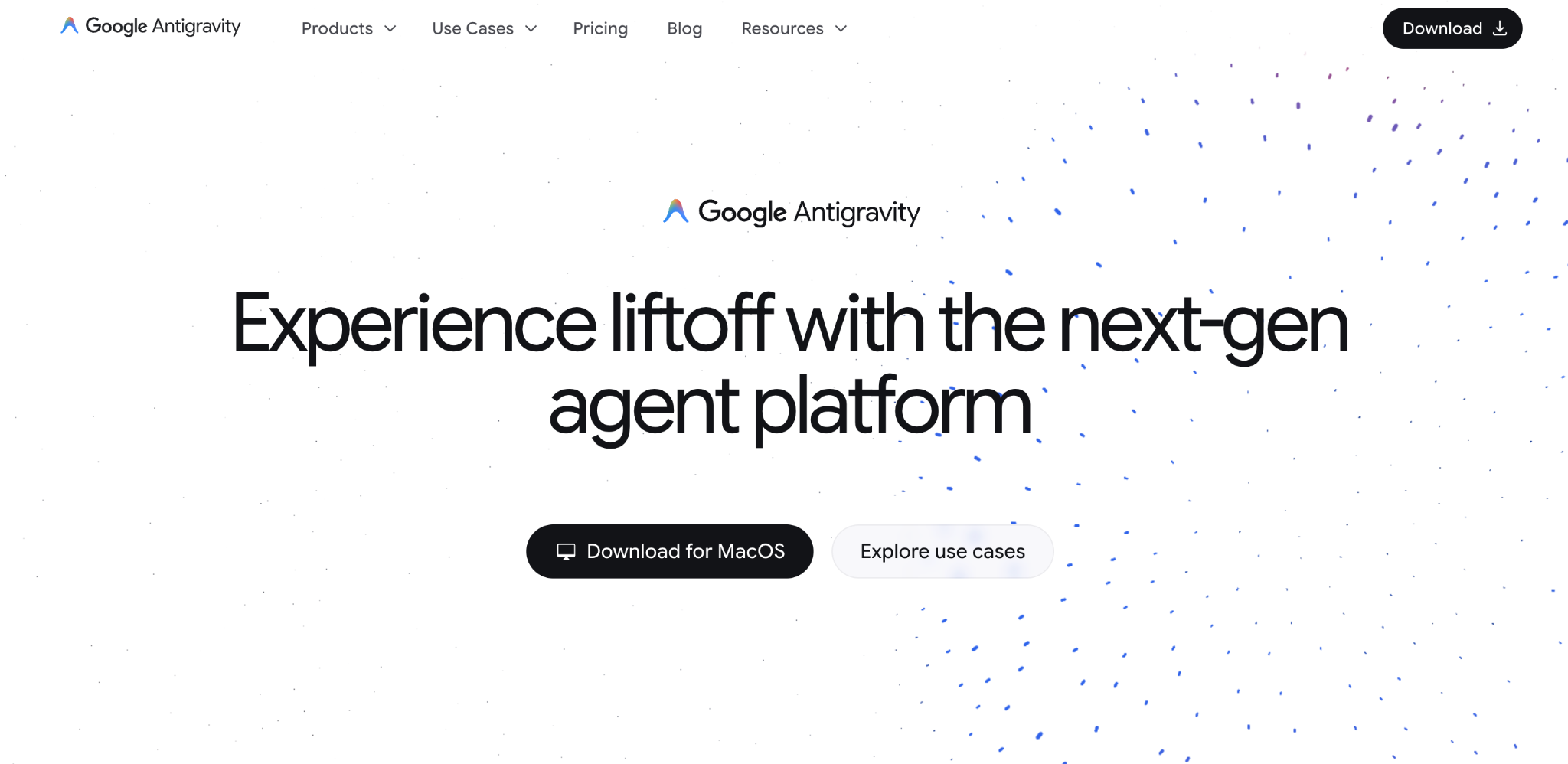
Antigravity CLI is a free, open terminal coding agent, a Claude Code alternative for developers who want a capable option at no cost.
Google's terminal agent, which replaced the Gemini CLI in June 2026, runs a managed mix of Gemini 3 models. Its free quota, reduced from Gemini CLI's, still gives a no-key path for lighter coding.
Key features
- Free access: No-card free quota on a personal Google account.
- Gemini 3 models: Managed model mix out of the box.
- Shared engine: Runs on the same core as the Antigravity desktop app.
Pros
- ✅ Free entry point with no card required
- ✅ No key management to start
- ✅ Backed by Google's model stack
Cons
- ❌ Free quota was cut sharply from Gemini CLI's 1,000 daily requests
- ❌ Closed-source, unlike the open CLIs here
Best for
- Developers wanting zero-cost coding
- Teams where Gemini models suffice
Pricing
Antigravity CLI is free with a daily quota. Higher quotas come with Google AI Pro at $20 a month. See Antigravity's site.
9. Amazon Q Developer
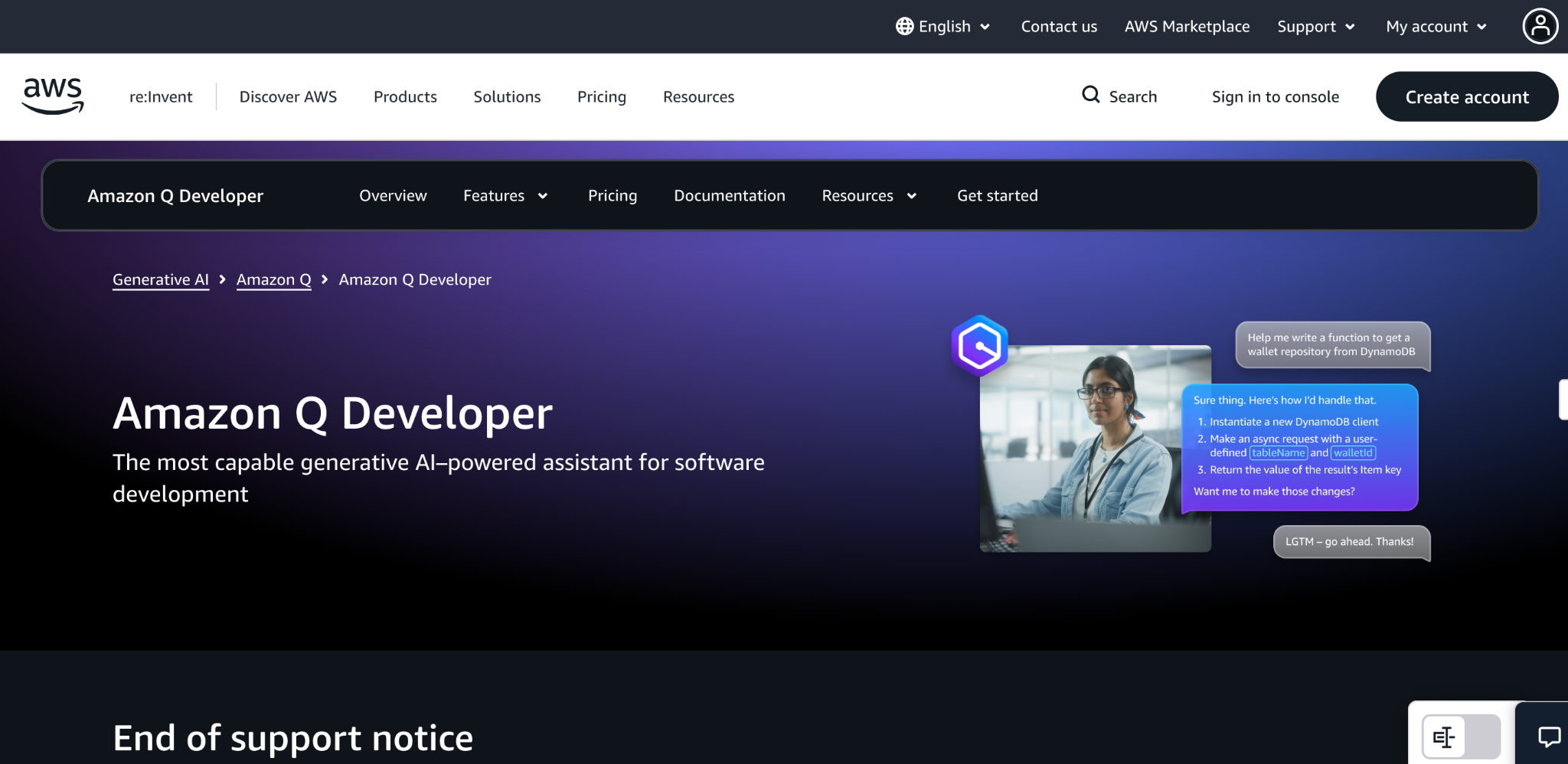
Amazon Q Developer is an AWS-native coding assistant, a fitting alternative to Claude Code for teams whose infrastructure already runs on AWS.
It's an AI coding assistant with deep AWS integration, agentic capabilities, and security scanning, spanning IDE and CLI. Teams whose infrastructure lives on AWS get coding help folded into that stack.
Key features
- AWS-native: Deep integration with AWS services and docs.
- Security scanning: Flags vulnerabilities in generated code.
- Agentic features: Multi-step task handling across IDE and CLI.
Pros
- ✅ Strong fit for AWS-centric teams
- ✅ Built-in security scanning
- ✅ Generous free tier
Cons
- ❌ Most valuable inside the AWS stack
- ❌ Less model flexibility than open-source agents
Best for
- Teams building primarily on AWS
- Developers wanting security scanning built in
Pricing
Amazon Q Developer is free on its base tier. The Pro plan costs $19 a user per month. See AWS's pricing.
How to choose a Claude Code alternative
The right pick comes down to your main constraint. A few questions to work through:
- Terminal or IDE? For a command-line agent, look at Codex CLI, Aider, or OpenCode. For a visual editor, Cursor or Windsurf is a better fit.
- How much does model freedom matter? Open-source tools like Cline and OpenCode let you route any model, while Claude Code and Codex commit you to one vendor's stack.
- What's your real budget? Account for token costs on heavy agentic work, on top of the subscription price. Open-source BYOK tools can be cheaper or pricier depending on usage.
- Do you need a free option? Cline, Aider, OpenCode, and Windsurf's free tier cost only model usage, and Antigravity CLI offers a no-key free quota.
- What's your stack? GitHub teams gain from Copilot, and AWS teams from Amazon Q, where native integration reduces friction.
Final verdict
For most developers leaving Claude Code, Cursor is the strongest all-round alternative, pairing a polished IDE with model flexibility. For terminal work, Codex CLI leads on benchmarks, Cline and OpenCode win on open-source model freedom, and Aider stays the git-native favorite.
If a free option matters most, Windsurf's free tier and Antigravity CLI are the places to start. The best choice matches your specific constraint, whether that's cost, models, or interface. No single universal replacement exists.
When your need is building governed internal apps
Here's a specific case worth naming. If you're evaluating Claude Code alternatives because non-technical teammates want to build internal tools, a need distinct from wanting another coding agent, that's a different job. Coding agents assume a developer at the keyboard.
For that use case, Superblocks is the governed enterprise vibe coding platform, built on a SOC 2 and HIPAA-aligned foundation, where business teams build internal apps with AI inside guardrails IT sets once, with RBAC, audit logs, and code export.
You can even edit a Superblocks app's code in your IDE. Shadow AI is the new shadow IT, and governing what business teams build is how you get ahead of it. For the broader category, see our guides to the best enterprise vibe coding tools and Bolt alternatives.
To try governed app building for yourself, start with the Superblocks Quickstart Guide.
Or book a demo to see Clark AI generating governed apps in your own environment.
Frequently asked questions
What is the best Claude Code alternative?
The best Claude Code alternative depends on your constraints. Cursor leads for an AI IDE, Codex CLI for terminal benchmarks, and Cline or OpenCode for open-source model freedom. Most developers pick based on interface, budget, and model flexibility.
Is there a free Claude Code alternative?
Yes, several Claude Code alternatives are free. Cline, Aider, and OpenCode are open-source and free to install, though you pay per token for the model you use. Antigravity CLI offers a no-key free quota, and Windsurf includes a free tier with agent mode.
Why do developers switch from Claude Code?
Developers switch from Claude Code primarily due to cost and lock-in. Real full-time use runs $100 to $200 monthly, rate limits deplete fast, and it runs only on Anthropic's models. Alternatives offer lower prices, model freedom, or a visual IDE instead of a terminal.
What is the best open-source Claude Code alternative?
The best open-source alternatives to Claude Code are Cline, Aider, and OpenCode. All three are free, model-agnostic, and let you bring your own key or run local models. OpenCode leads on provider breadth with 75+ options, while Aider is the git-native favorite.
Can a Claude Code alternative use Claude models?
Yes, most model-agnostic alternatives can use Claude models. Cline, Aider, and OpenCode let you point them at a Claude API key, so you keep Claude's reasoning while gaining a different interface or pricing model. Cursor and Copilot also include Claude in their model pickers.
At Virgin Voyages, non-technical teams now build their own AI apps, with IT governance fully intact. The result: 15+ production apps, seven departments onboard, and zero dedicated frontend engineers.
At Matthews, a marketing manager with zero coding background built an app that auto-generates offering memorandums, cutting turnaround from days to hours. See how the brokerage is putting AI builders on every team, with full governance intact.


Stay tuned for updates
Get the latest Superblocks news and internal tooling market insights.
Request early access
Step 1 of 2
Request early access
Step 2 of 2

You’ve been added to the waitlist!
Book a demo to skip the waitlist
Thank you for your interest!
A member of our team will be in touch soon to schedule a demo.
production apps built
days to build them
semi-technical builders
traditional developers
high-impact solutions shipped
training to get builders productive
SQL experience required
See the full Virgin Voyages customer story, including the apps they built and how their teams use them.

"Those tools are great for proof of concept. But they don't connect well to existing enterprise data sources, and they don't have the governance guardrails that IT requires for production use."
Table of Contents
%20(1).png)

Multiple authors
What Is Enterprise AI Deployment? A Complete Guide for 2026
Enterprise AI deployment is the process of moving AI from pilot to production at scale. Here's why most projects stall and how to actually ship.
%20(1).png)
%20(1).png)