I read the docs, pricing pages, and changelogs of 11 secure code review tools and their critical G2 reviews, and ranked them on coverage, workflow, noise, compliance, and price. SonarQube ranked first.
A secure code review checks source code for vulnerabilities, leaked secrets, and risky dependencies before it ships. That check carries more weight now that vibe coding tools generate code for people outside engineering.
The 11 best secure code review tools in 2026: TL;DR
- SonarQube: Best for teams that want one quality gate covering bugs, vulnerabilities, and secrets.
- Snyk: Best for developers who want security fixes inside the IDE and pull request.
- Semgrep: Best for AppSec teams that write their own detection rules.
- Checkmarx One: Best for enterprises that need self-hosted or air-gapped scanning.
- Veracode: Best for regulated organizations that need a portfolio view across many apps and EU or US Federal hosting.
- Aikido Security: Best for small teams that want code, dependency, and cloud alerts in one list.
- Mend.io: Best for organizations whose biggest risk comes from open-source dependencies.
- Codacy: Best for cloud-hosted teams that want quality and security checks on the same pull request.
- CodeRabbit: Best for AI pull request review with security scanners bundled in.
- Qodo: Best for turning review standards into rules across many repos.
- GitHub Copilot code review: Best for GitHub teams already paying for Copilot.
How I researched these secure code review tools
I went through each tool's product pages, documentation, pricing page, and 2026 release notes. Then I read G2 reviews, mostly from 2025 and 2026, and pulled one positive and one critical quote per tool.
Prices come from official pricing pages only, and I list the monthly-billed price first.
Five criteria drove the ranking:
- Coverage: Which risks each tool finds (static application security testing, or SAST, plus dependencies, secrets, infrastructure as code (IaC), and containers) and whether it traces data across files.
- Workflow: Where it runs (IDE, pull request, CI pipeline), and which Git hosts it supports.
- Noise control: How it handles false positives, with reachability analysis or AI triage.
- Deployment and compliance: SaaS, self-hosted, or air-gapped options, plus SOC 2 and ISO 27001 status.
- Pricing: What the entry plan costs and which features need Enterprise.
Scoring the tools on those criteria split them into two types. Static analysis platforms like SonarQube, Snyk, and Checkmarx trace data flow and block merges, while AI reviewers like CodeRabbit and Qodo read intent and business logic.
I'd pair one of each. Scanners rank above AI reviewers because they can block a merge, and within each type the five criteria set the order.
Superblocks, the company behind this blog, works at the app platform layer (permissions, secrets, and audit logs for AI-made apps), so I cover it in the section on reviewing AI-generated code.
Secure code review tools compared side by side
Pricing is correct as of November 2026. Verify with each vendor.
1. SonarQube: Best for teams that want one quality gate covering bugs, vulnerabilities, and secrets
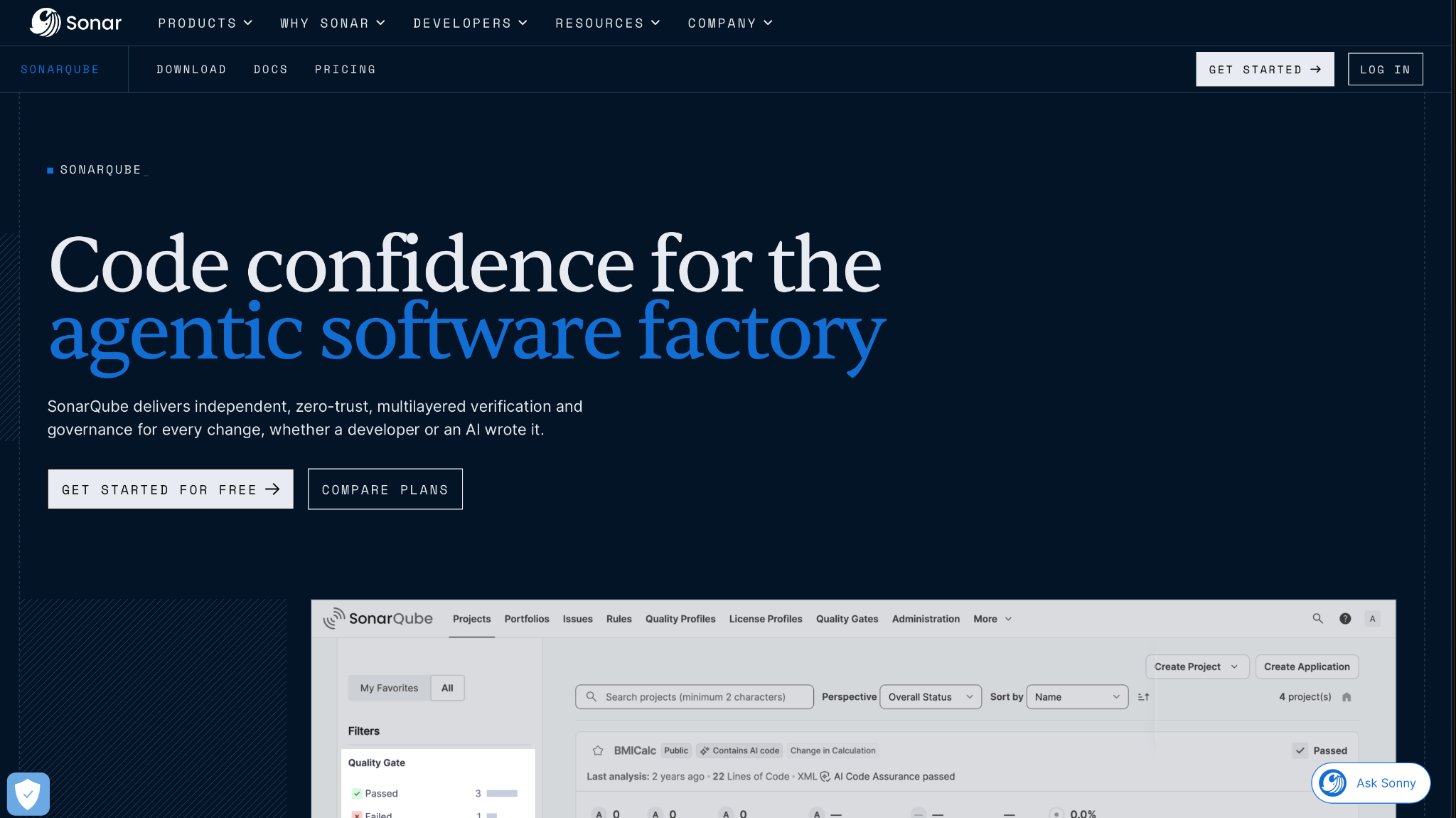
What it does: SonarQube is Sonar's code quality and security platform. It finds bugs, vulnerabilities, secrets, and IaC misconfigurations, and comes as SonarQube Cloud (SaaS) or SonarQube Server (self-managed).
Best for: Any team that wants a merge to fail when new code adds bugs or vulnerabilities.
Where it runs: SonarQube for IDE (VS Code, JetBrains IDEs, Visual Studio, Eclipse, Cursor, Windsurf); pull request decoration on GitHub, GitLab, Bitbucket, and Azure DevOps; and CI tools such as Jenkins and Azure Pipelines.
Languages: More than 30 on SonarQube Cloud (docs), and more than 20 languages and IaC formats in the free Community Build (docs).
SonarQube's 2026.5 release added two AI agents for security work. The Hunter Agent hunts for broken access control and business-logic flaws, and the Remediation Agent runs in your own Kubernetes or Docker with your own LLM key (What's new in 2026.5).
Sonar sells both agents as add-ons to a SonarQube Server Enterprise or Data Center license, so budget for them on top of the edition itself.
If coding agents write part of your code, Sonar also ships a "Sonar way for Agentic AI" quality gate, with tighter checks on security and new dependencies for that code.
Key features
- Quality gates: Block a merge when new code adds vulnerabilities, bugs, or uncovered lines.
- AI CodeFix: Suggests fixes for flagged issues in Java, JavaScript, TypeScript, Python, C#, C++, HTML, and CSS.
- Remediation Agent: Opens verified fixes in GitHub, GitLab, or Azure DevOps, with SonarQube re-checking each one.
- SonarQube MCP server: Lets Cursor, Claude Code, and Copilot query issues and quality gates.
Pros and cons
Pros:
✅ Free to start, with an open-source Community Build and a Cloud plan for private projects up to 50k lines of code.
✅ Pull request decoration on all four major Git hosts, on both Cloud and Server.
✅ Self-hosting through SonarQube Server, with ISO 27001:2022 and SOC 2 Type II across all products (Trust Center).
Cons:
❌ The free Cloud plan analyzes the main branch and pull requests that target it, with 5 members and no AI CodeFix (plan docs).
❌ SonarQube Server charges extra for software composition analysis (SCA), Advanced SAST, and the new agents, on top of an Enterprise or Data Center edition.
❌ Community Build lacks branch and pull request analysis, which the Developer edition adds.
What users say
One reviewer says it flags every pull request without anyone having to ask. Another, running the free version on a self-hosted server, wants at least some PR and branch analysis, which only paid Server editions add.
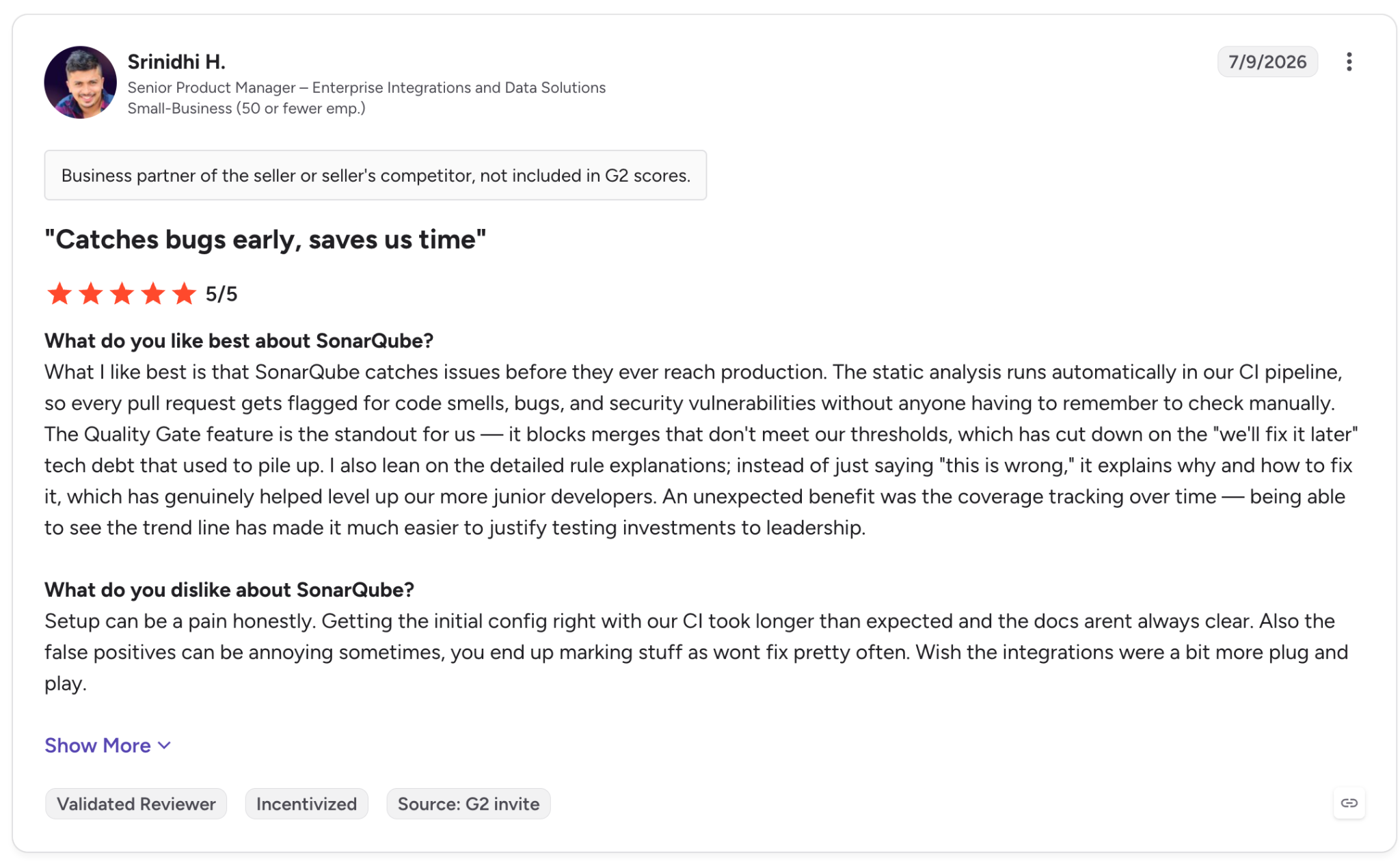
"[E]very pull request gets flagged for code smells, bugs, and security vulnerabilities without anyone having to remember to check manually." (Srinidhi H., G2)
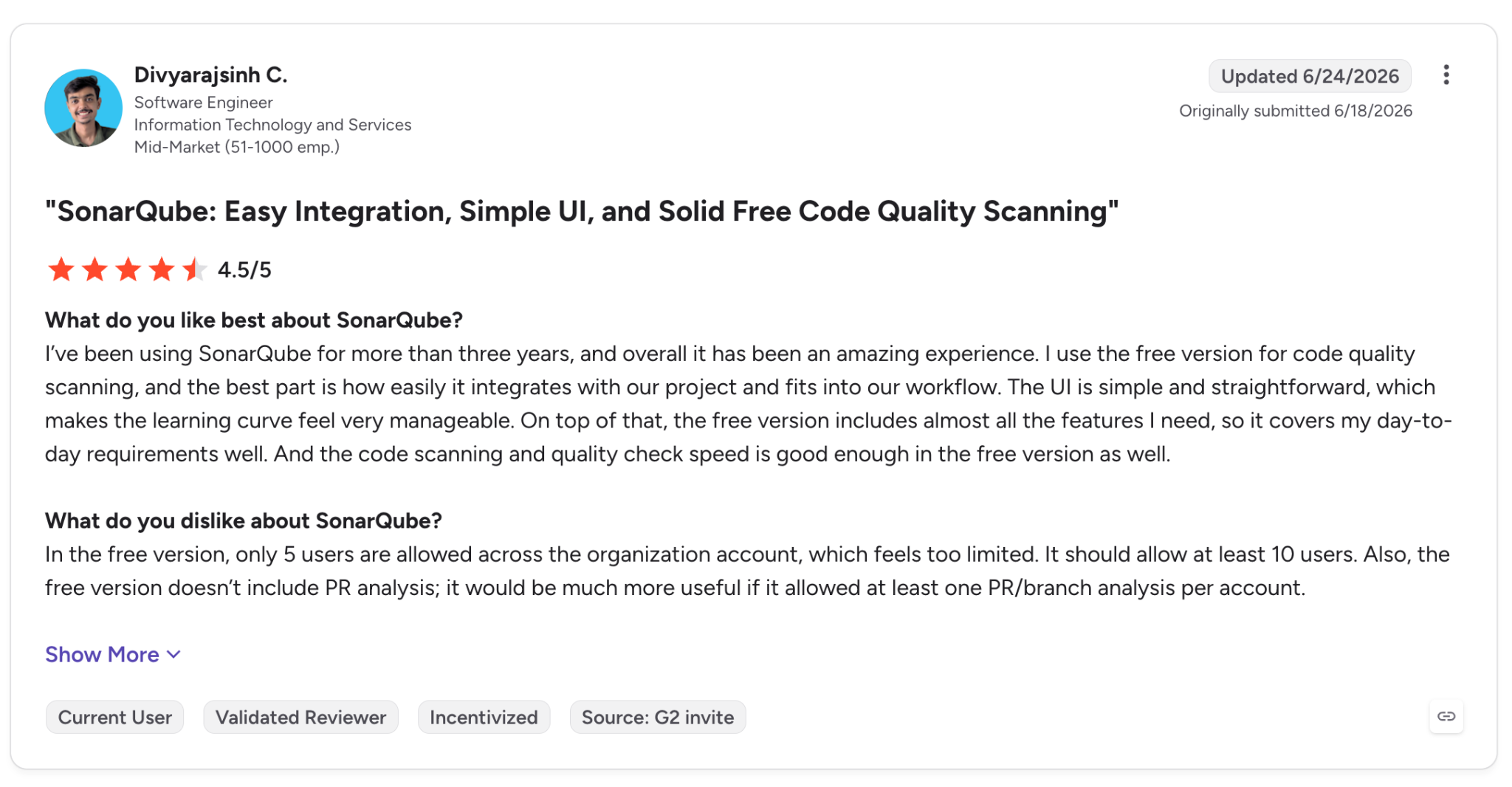
"Also, the free version doesn't include PR analysis; it would be much more useful if it allowed at least one PR/branch analysis per account." (Divyarajsinh C., G2)
Pricing
SonarQube Cloud Team starts at $34/month billed monthly for 100k lines of code, and you can raise the allowance up to 1.9M lines. The Free plan is $0 for private projects up to 50k lines, and public open-source projects are free.
Enterprise is billed annually through sales. SonarQube Server editions are priced per instance, per year, by lines of code. See SonarQube pricing.
Bottom line
If you want one gate that every pull request has to pass, SonarQube is where I'd start. Dependency scanning on Server means an Enterprise license, so budget for it from the start.
2. Snyk: Best for developers who want security fixes inside the IDE and pull request
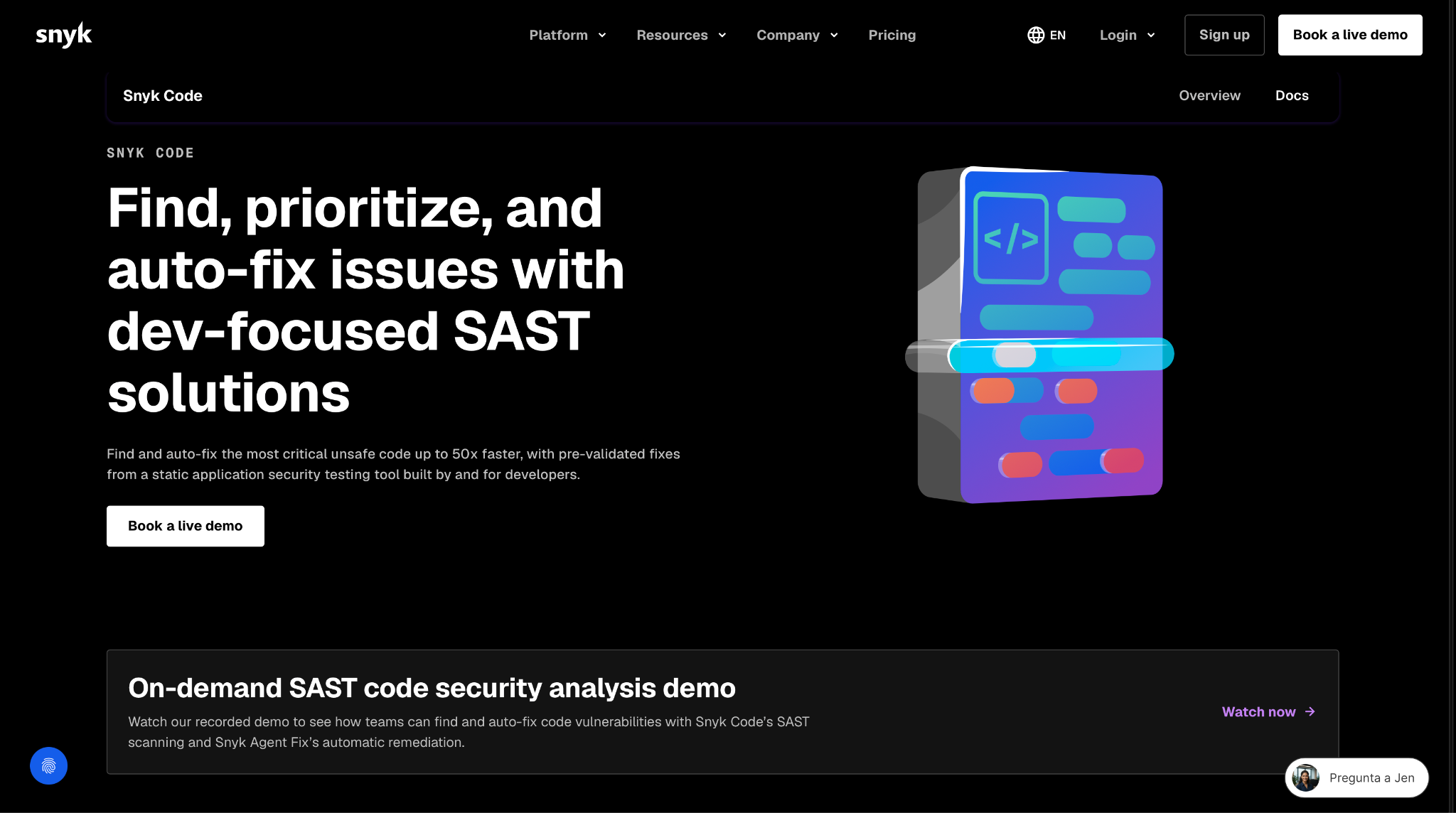
What it does: Snyk Code is the SAST engine inside the Snyk platform, which also covers open-source dependencies, containers, IaC, and secrets.
Best for: Developers who fix security issues in the editor, before code review.
Where it runs: VS Code, JetBrains IDEs, Visual Studio 2022, and Eclipse (plus Cursor and Windsurf through the VS Code extension); pull request checks on GitHub, GitLab, Bitbucket, and Azure Repos; and CI tools including GitHub Actions, Jenkins, and CircleCI.
Languages: 16 language groups in Snyk Code, including Apex, COBOL, Rust, and Swift (language support).
Agent Fix is the reason I'd look at Snyk. It writes a patch and re-runs the scan engine to confirm the vulnerability is gone before you accept it (docs). Since August 2026, that works on pull requests too (What's new).
Snyk's product list has also changed. It pulled code quality checks from its IDE plugins in July 2025 (announcement) and lists Snyk Code Quality as retired in its August 2026 notes.
Secrets coverage expanded at the same time. In July 2026, Snyk Secrets became generally available (GA) across the CLI, source control (SCM), and IDE (What's new).
Key features
- Agent Fix: One-click fixes, each re-checked by the scan engine before you accept it.
- Pull request checks: Inline comments and fix suggestions on new issues.
- Snyk Secrets: Hardcoded credential detection, generally available since July 2026.
- Evo MCP Server: Brings Snyk scans into Cursor, Claude Code, and Codex.
Pros and cons
Pros:
✅ A Free plan with 100 Snyk Code tests a month lets you try it on one of your own repos.
✅ Each fix is re-scanned before it reaches your branch, so a bad patch is less likely to get merged.
✅ ISO 27001 and SOC 2 Type II, with US, EU, and Australian hosting available on Enterprise.
Cons:
❌ Snyk Code skips files over 1MB (technical specs).
❌ Regional hosting and data residency require Enterprise.
❌ GitLab and Azure Repos pull requests don't show the Data Flow section that GitHub pull requests include.
What users say
A .NET lead values seeing the full path of a vulnerability, while another reviewer reports that alert volume forces manual validation.
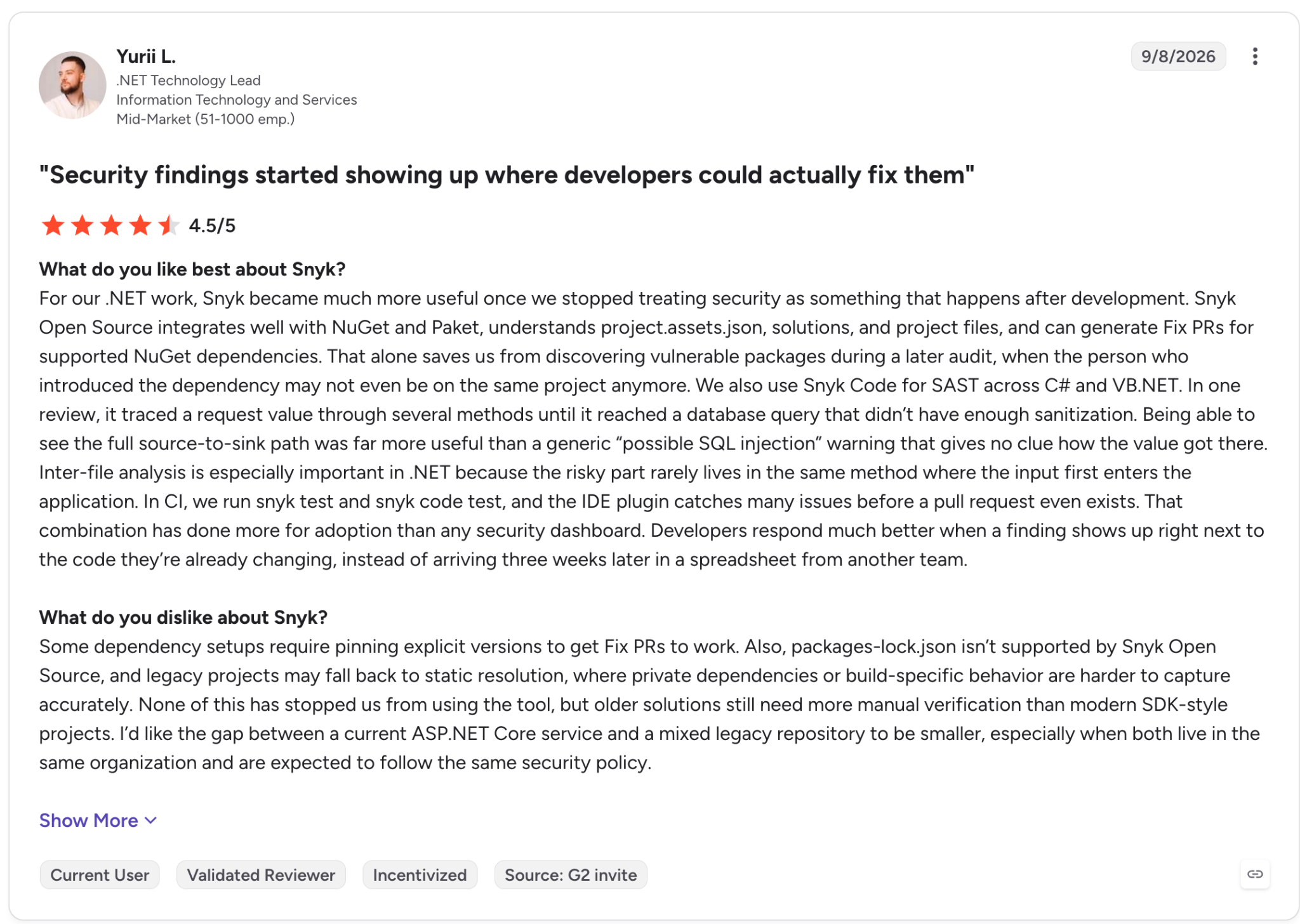
"Being able to see the full source-to-sink path was far more useful than a generic 'possible SQL injection' warning that gives no clue how the value got there." (Yurii L., G2)
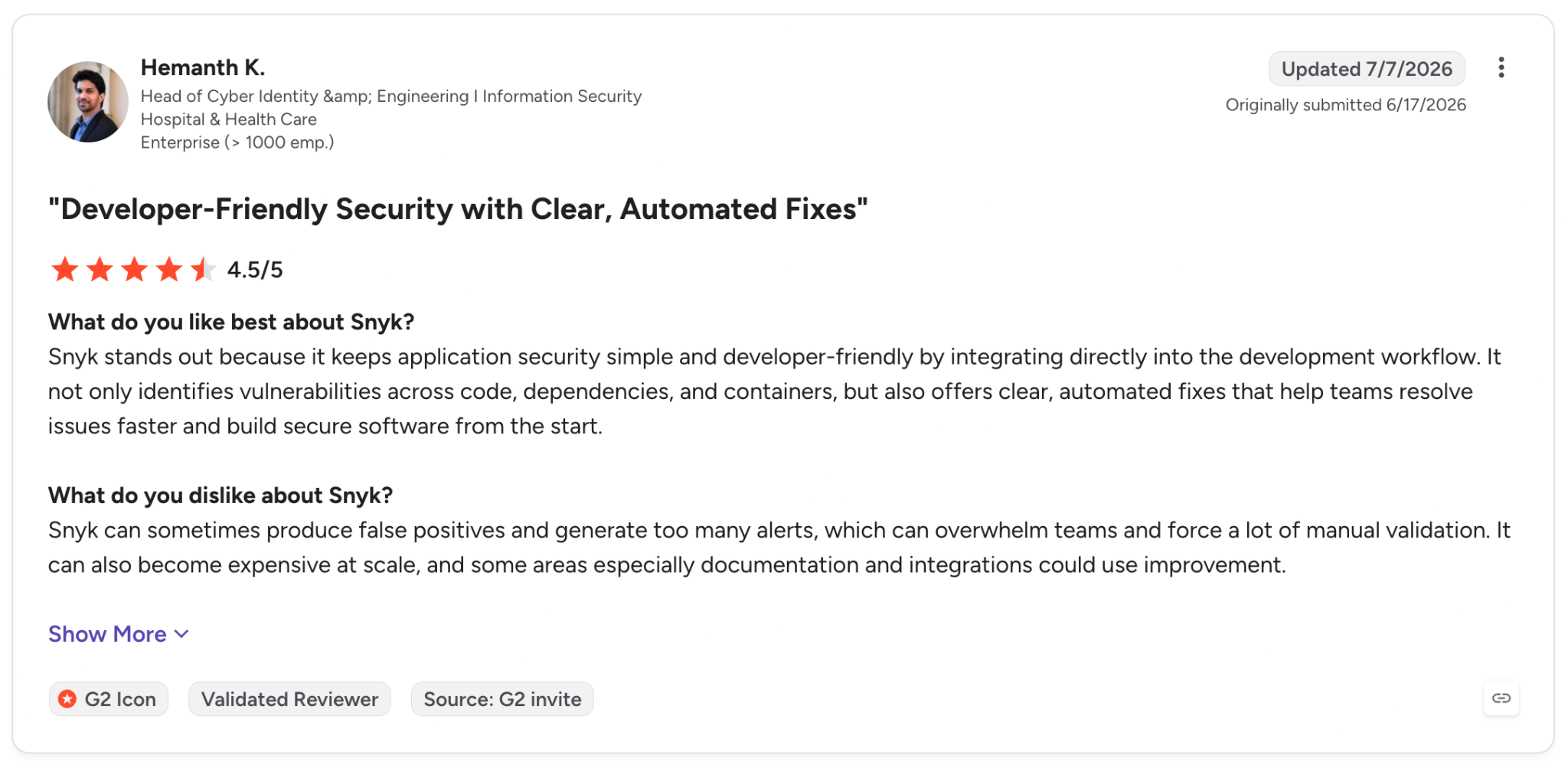
"Snyk can sometimes produce false positives and generate too many alerts, which can overwhelm teams and force a lot of manual validation." (Hemanth K., G2)
Pricing
Team starts at $25/month billed monthly, for up to 10 developers, with 100 projects and 1,000 Snyk Code tests a month. Free is $0 with 100 Snyk Code tests a month.
Enterprise is custom and runs on prepaid credits at $1 per credit. Open-source maintainers can apply for free access. See Snyk plans.
Bottom line
I'd pick Snyk for a developer-led team that wants the fix next to the flagged line. Add a second tool if you also need code quality checks.
3. Semgrep: Best for AppSec teams that write their own detection rules
What it does: Semgrep runs SAST (Semgrep Code), dependency scanning with reachability (Supply Chain), and secrets detection with validation (Secrets), on top of an open-source engine.
Best for: Security engineers who want to write rules that look like the code they're matching.
Where it runs: VS Code and IntelliJ extensions; pre-commit hooks; PR and MR (merge request) comments on GitHub, GitLab, Bitbucket, and Azure DevOps; and sample configs for GitHub Actions, GitLab CI/CD, Jenkins, and more.
Languages: 35+ for Semgrep Code (supported languages).
When scans run in your CI, "your source code stays in the environment," and Semgrep only receives scan metadata and results (FAQ).
March 2026 brought Semgrep Multimodal, which pairs rules with AI to find insecure direct object references (IDORs), broken authorization, and business-logic flaws (press release).
In June, Semgrep added Guardian, which scans the files a coding agent like Cursor or Claude Code touches as it writes them (Semgrep blog).
These AI additions come with a privacy trade-off. Managed Scans and Multimodal need code access, and AI features call outside model providers, so check which ones you turn on before any of your code leaves your CI.
Semgrep ships two free versions, and I'd test the hosted one. The open-source Community Edition is limited to single-function analysis, while the hosted Free edition includes cross-file analysis with Pro rules (pricing).
Key features
- Custom rules: Patterns that mirror the target code you're matching.
- Semgrep Multimodal: Adds AI detection and triage on top of rules.
- Semgrep Guardian: Scans AI-written code inside coding agents as it's being written.
- Autofix (public beta): Opens fix PRs for flagged issues.
Pros and cons
Pros:
✅ The Community Edition engine is open source under LGPL 2.1.
✅ The hosted Free edition includes cross-file analysis with Pro rules for up to 10 contributors and 10 private repos.
✅ Code stays in your environment when scans run in CI (FAQ), and Semgrep is SOC 2 Type II (SOC 2 docs).
Cons:
❌ The standalone Community Edition is limited to single-function analysis (CE docs).
❌ Secrets isn't included in the Free edition.
❌ The data Semgrep does keep (scan metadata and results) is stored in a single region, AWS US, per Semgrep's FAQ.
What users say
Its speed in CI draws praise, and one reviewer notes it misses patterns that span files.
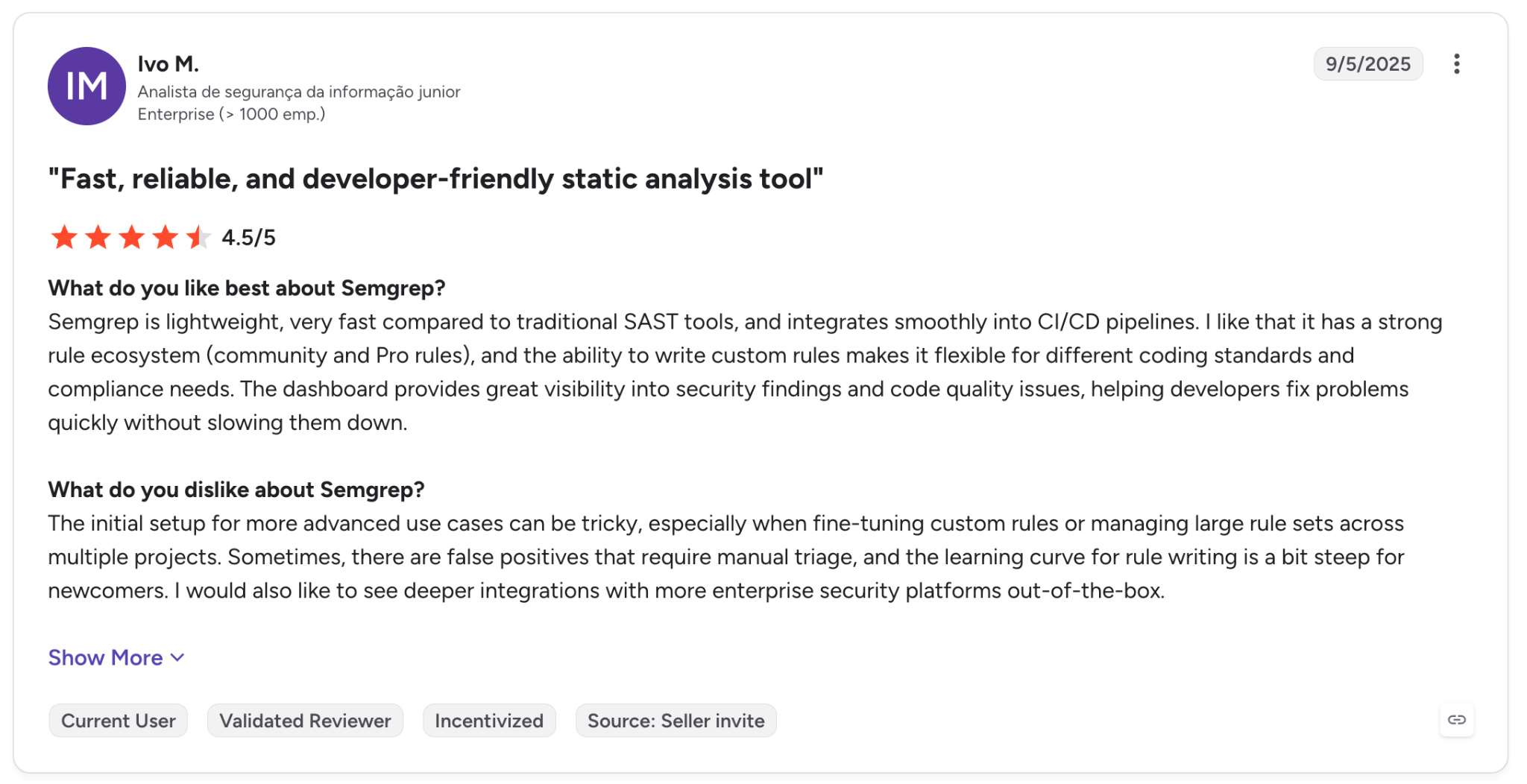
"Semgrep is lightweight, very fast compared to traditional SAST tools, and integrates smoothly into CI/CD pipelines." (Ivo M., G2)
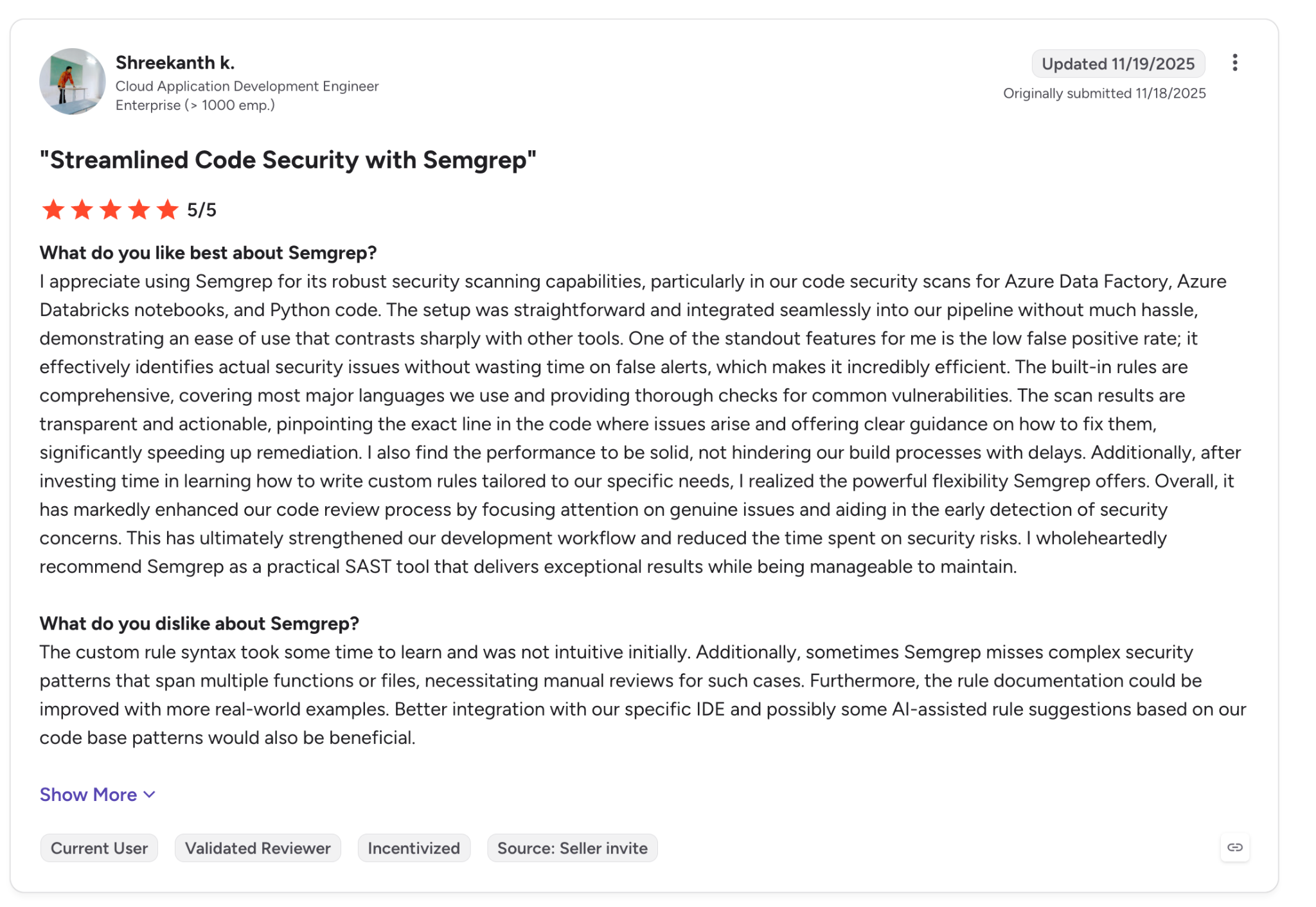
"[S]ometimes Semgrep misses [...] security patterns that span multiple functions or files, necessitating manual reviews for such cases." (Shreekanth k., G2)
Pricing
Teams starts at $30/month per contributor for Semgrep Code, with Supply Chain at $30 and Secrets at $15 per contributor a month. Free is $0 for up to 10 contributors and 10 private repos.
Enterprise is custom, with unlimited repos and on-prem SCM support. Semgrep's page shows no annual pricing. See Semgrep pricing.
Bottom line
Semgrep is for a security team with time to write and tune rules. Do that work on the hosted Free edition, since it includes the cross-file analysis that CE leaves out.
4. Checkmarx One: Best for enterprises that need self-hosted or air-gapped scanning
What it does: Checkmarx One is an application security platform covering SAST, SCA, secrets, IaC, containers, API security, and DAST, which tests the running application.
Best for: Large enterprises choosing between SaaS, self-hosted, and air-gapped deployment.
Where it runs: IDE plugins for Eclipse, JetBrains, Visual Studio, VS Code, Cursor, Windsurf, and Kiro; pull request comments on GitHub, GitLab, Bitbucket, and Azure DevOps; and native CI plugins for Jenkins, TeamCity, GitHub Actions, and Azure DevOps.
Languages: About 30 for SAST (supported languages), including COBOL, RPG, and Rust.
If your code has to stay on your own infrastructure, shortlist Checkmarx first. Its pricing page lists air-gapped deployment as an option.
For developers, Checkmarx's Developer Assist agent, launched in August 2025 (press release), scans code as it's written in AI-native IDEs and also works in AI coding CLIs such as Claude Code (docs).
Before you sign, check the license terms. They cap Contributing Developer licenses at 15 million lines of code scanned per 90 days, multiplied by the number of licenses purchased (license terms), so very large monorepos should calculate their usage against it.
Key features
- Developer Assist: Finds and fixes issues in human- and AI-generated code inside the IDE.
- Triage and Remediation Assist: Triages alerts and writes fixes meant to keep app logic intact.
- Checkmarx Fusion (early access): Combines Checkmarx engines with Anthropic models, which Checkmarx says finds more vulnerabilities (press release).
- Malicious package protection: Flags harmful open-source packages before they enter a build.
Pros and cons
Pros:
✅ On-prem and air-gapped options for code that has to stay on your own infrastructure.
✅ SOC 2 Type II and ISO 27001, and Checkmarx One for Government got FedRAMP Moderate in July 2026.
✅ SAST, SCA, DAST, and container scanning in one platform.
Cons:
❌ The full platform is sales-led, with a demo booked through Checkmarx, and the only self-serve option is a 30-day Developer Assist trial.
❌ AI agents are paid add-ons, and the credit-based ones (Fusion, Triage Assist, Remediation Assist) pause when your prepaid credits run out.
❌ License terms cap scanning at 15M lines per 90 days per Contributing Developer license.
What users say
Both reviewers agree it catches issues that matter. They split on speed.
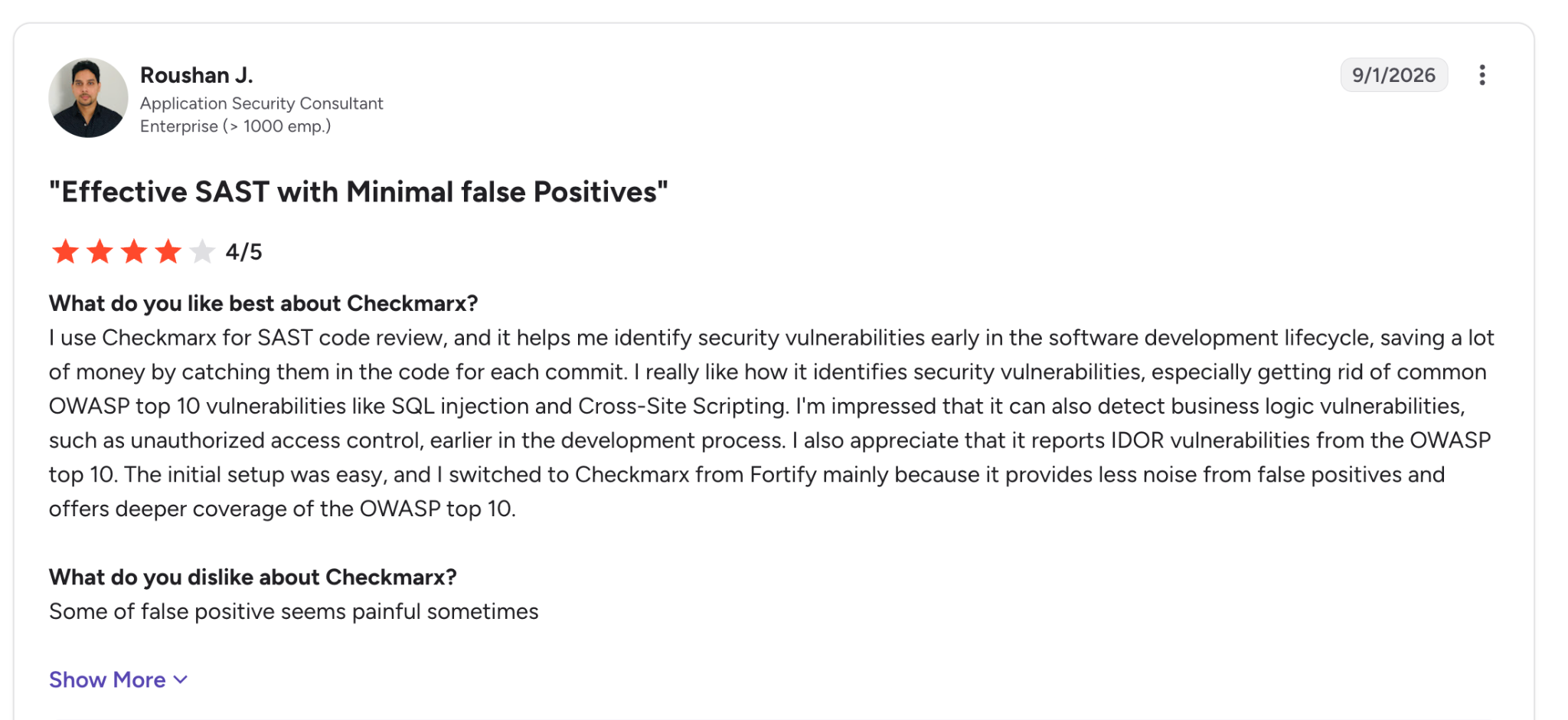
"I use Checkmarx for SAST code review, and it helps me identify security vulnerabilities early in the software development lifecycle, saving a lot of money by catching them in the code for each commit." (Roushan J., G2)
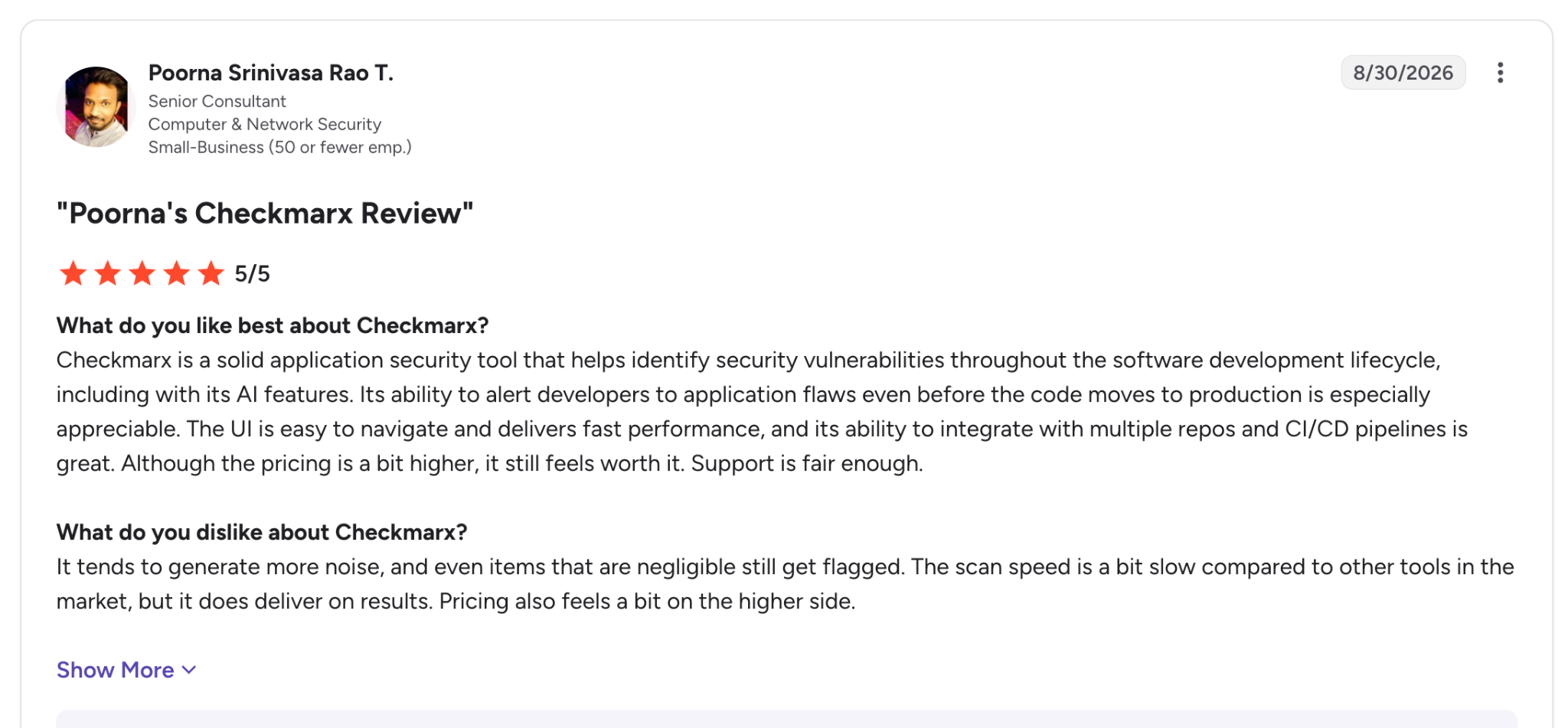
"The scan speed is a bit slow compared to other tools in the market, but it does deliver on results." (Poorna Srinivasa Rao T., G2)
Pricing
Checkmarx publishes no list prices. Quotes depend on the modules you choose, your deployment model, and the number of developers in scope.
The packages are Essentials, Professional, and Enterprise, and Fusion, Triage Assist, and Remediation Assist draw on prepaid Checkmarx Credits. See Checkmarx pricing.
Bottom line
Buy Checkmarx if you have strict data rules and a security team with a formal AppSec program. It has no self-serve plan for the full platform, so a 10-person startup goes through a sales demo and a custom quote.
5. Veracode: Best for regulated organizations that need a portfolio view across multiple apps
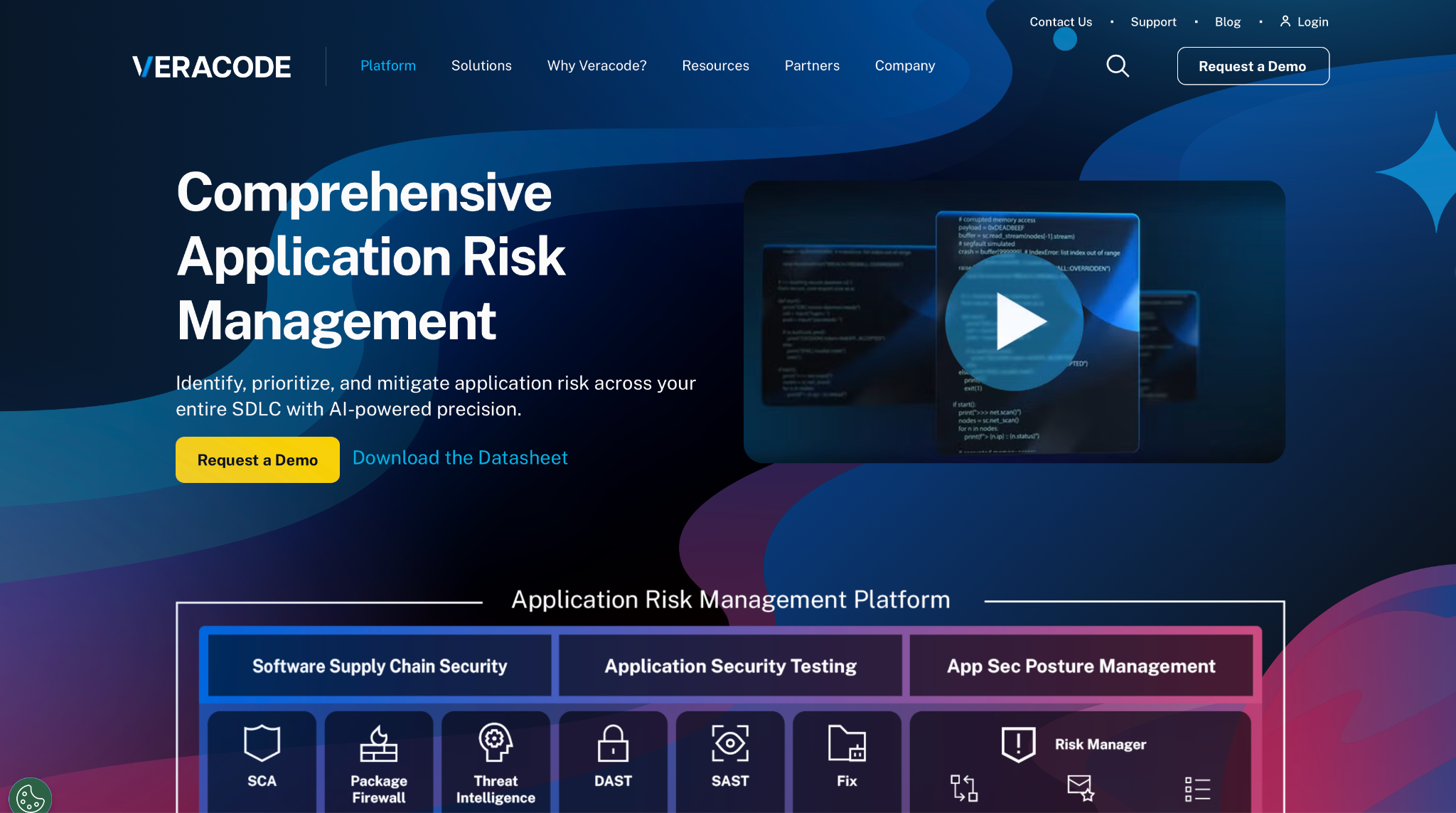
What it does: Veracode is a cloud application security platform with SAST, DAST, SCA, container and IaC scanning, and AI remediation through Veracode Fix.
Best for: Regulated companies with FedRAMP requirements and many apps to track.
Where it runs: Veracode Scan for VS Code, JetBrains, Visual Studio, and Eclipse; repository workflow apps for GitHub, GitLab, and Azure DevOps; and CI tools including Jenkins and TeamCity.
Languages: 33 language and platform rows in Veracode's support table (docs).
Veracode scans packaged applications, and the package format depends on your language (packaging guide). Java, .NET, and Android are uploaded as debug builds, while JavaScript, TypeScript, Python, and PHP are uploaded as zipped source.
Scan time adds a second constraint. Each Pipeline Scan stops at 60 minutes, which large apps can reach.
Veracode Fix generates patches for SAST flaws across 11 languages (datasheet), and the SCA version that fixes vulnerable dependencies reached Limited Availability in September 2026 (Fix updates).
Key features
- Veracode Fix: Suggested patches in the IDE, CLI, and CI/CD.
- Package Firewall: Blocks malicious and typosquatted packages at install time across npm, PyPI, Maven, NuGet, Go, RubyGems, and Cargo.
- Repository workflow apps: Run SAST, SCA, IaC, and secrets scans on pushes and pull requests.
- Risk Manager: Pinpoints the owner and root cause of each security issue and deduplicates results across tools.
Pros and cons
Pros:
✅ FedRAMP Moderate authorization and a SOC 2 Type II report (certifications).
✅ EU and US Federal regions for data residency.
✅ Package Firewall stops malicious packages before they reach a build.
Cons:
❌ Packaging rules differ by language, and compiled stacks such as Java and .NET need debug builds before you scan.
❌ The GitLab connection requires GitLab Premium or Ultimate.
❌ Veracode's GitHub workflow app supports only github.com, so GitHub Enterprise Server requires contacting Veracode.
What users say
A full-stack engineer likes seeing every app and scan type together, and an IT reviewer flags per-app licensing in a December 2024 review.
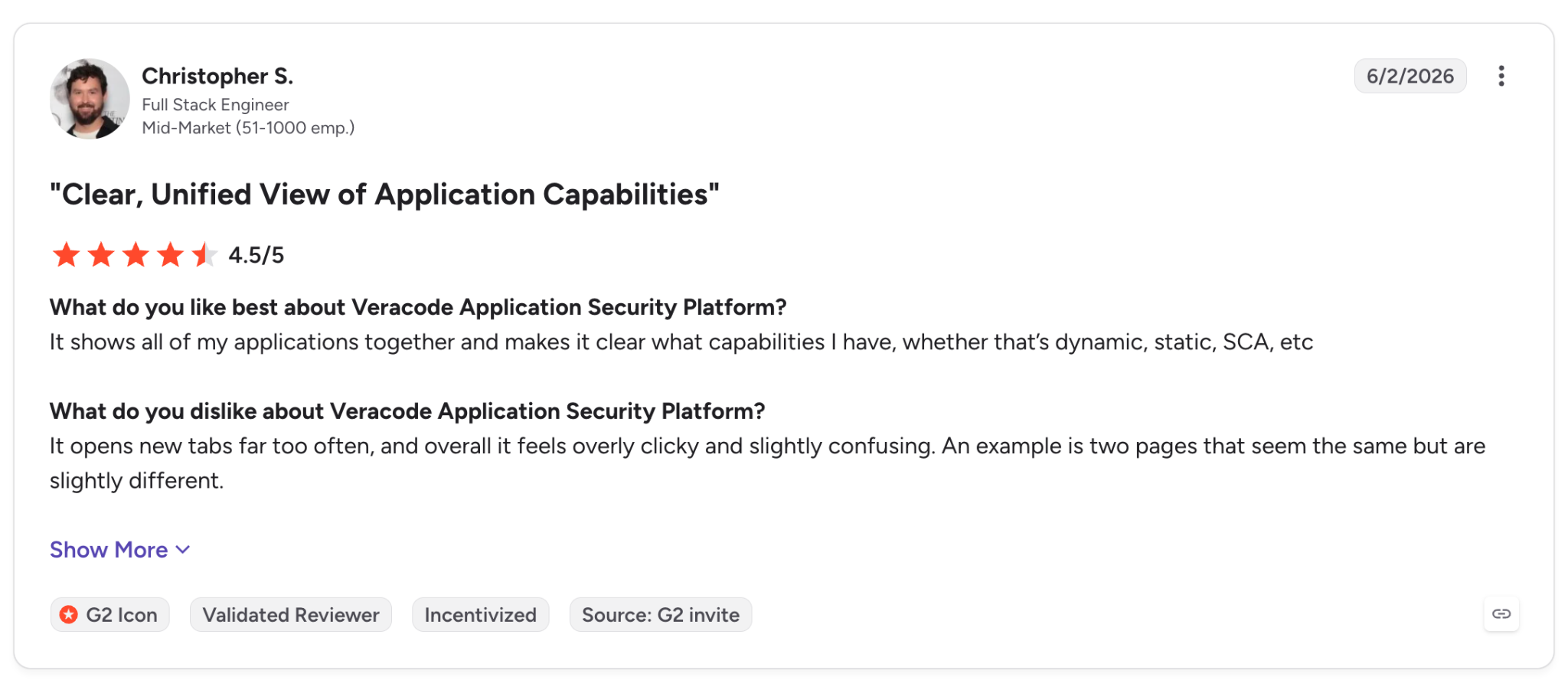
"It shows all of my applications together and makes it clear what capabilities I have." (Christopher S., G2)
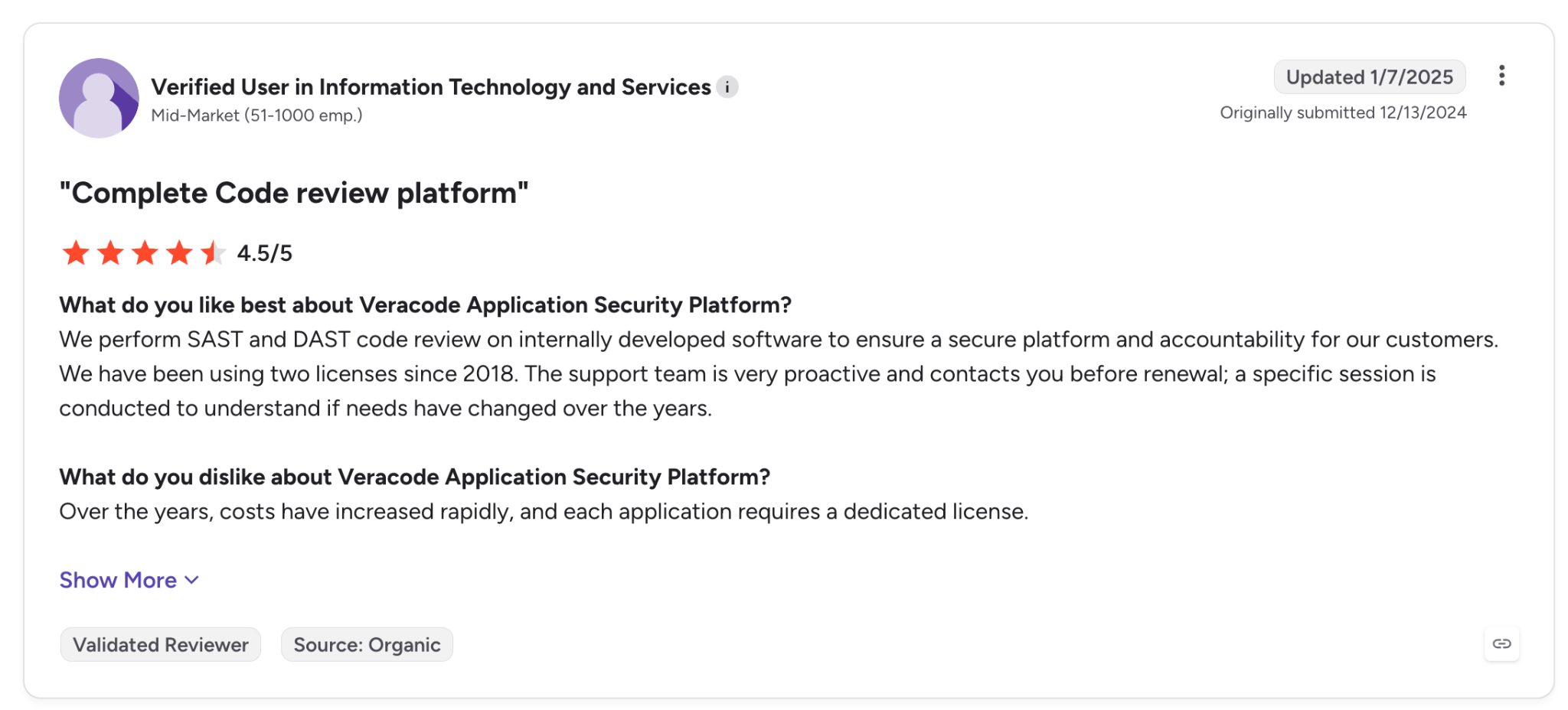
"Over the years, costs have increased rapidly, and each application requires a dedicated license." (Verified User in IT and Services, G2)
Pricing
Veracode has no public pricing page, and its pricing URL redirects to the platform page. You get a quote through Veracode's contact page, and Veracode also links to an AWS Marketplace listing from its AWS page.
Bottom line
Veracode belongs on a compliance team's shortlist for its FedRAMP Moderate authorization, US Federal region, and portfolio view. Teams that would rather skip the packaging step can scan source code directly with Snyk or Semgrep.
6. Aikido Security: Best for small teams that want code, dependency, and cloud alerts in one list
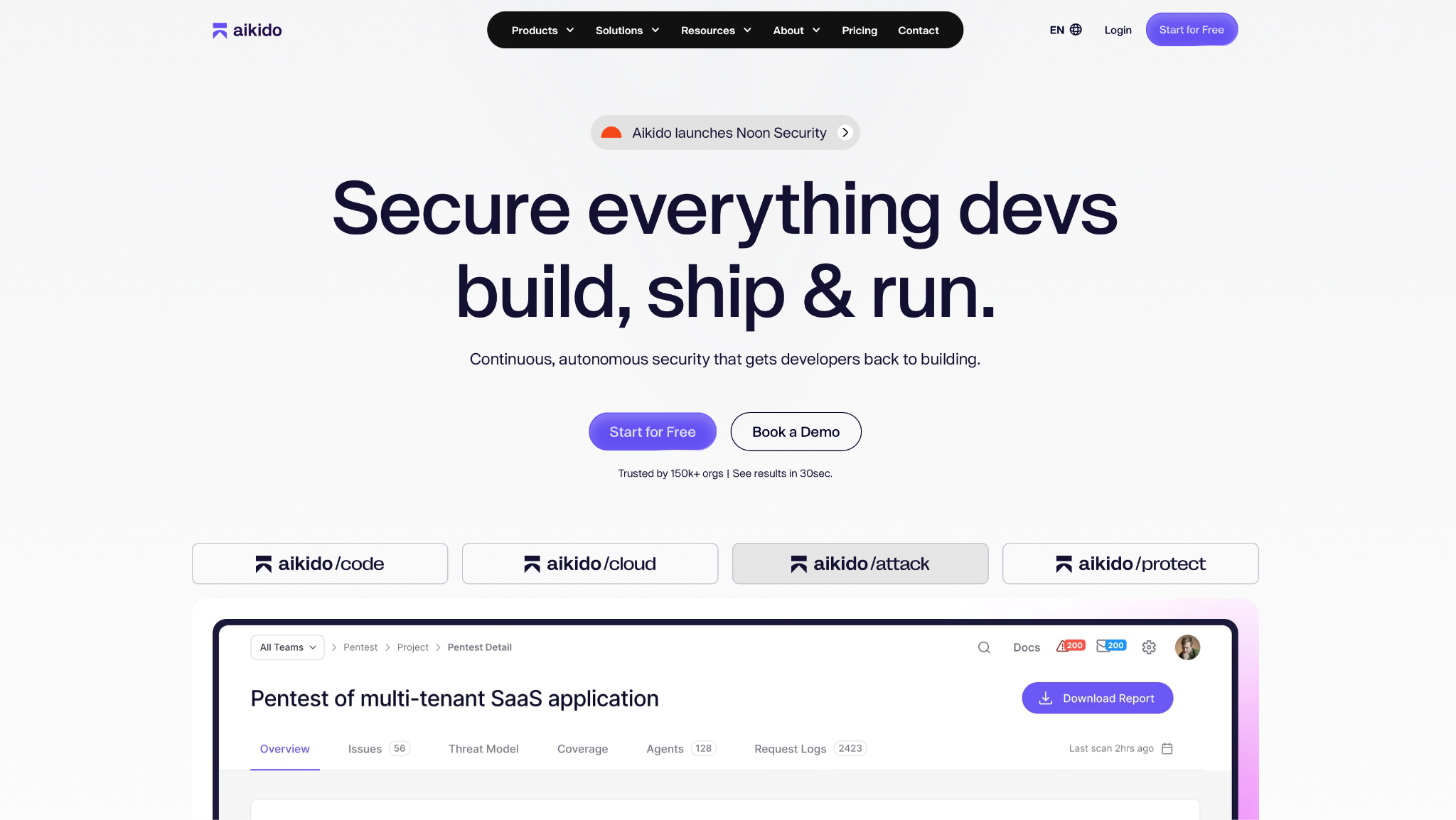
What it does: Aikido Security puts SAST, SCA, secrets, IaC, containers, DAST, and cloud posture checks in one platform. It also ships Deep Review, an AI pull request reviewer.
Best for: Startups and mid-size teams with no dedicated AppSec staff.
Where it runs: IDE plugins for VS Code, JetBrains, Visual Studio, Cursor, Windsurf, Kiro, and Eclipse; GitHub, GitLab, Bitbucket, and Azure DevOps (cloud and self-hosted versions); and a local scanner for CI that keeps code on your machines.
Languages: 19 for SAST (supported languages).
Aikido groups related alerts and auto-ignores some, which shortens the list a small team reviews.
Teams that can't send code out can use the local scanner, which analyzes source code "without sending any code to Aikido" (docs), with guides for GitHub Actions, Jenkins, and Azure DevOps Server.
Deep Review, added in Q3 2026, checks code beyond the changed lines for security and quality bugs and posts a status check. Each review costs a credit, and reviews are skipped once credits run out (docs).
Key features
- Deep Review: Agentic PR review for security and quality bugs beyond the diff.
- AutoFix PRs: Fix pull requests for GitHub, GitLab (cloud and self-managed), Bitbucket, and Azure DevOps.
- Local scanner: On-prem scanning for teams that can't send code out.
- Aikido Infinite: AI pentesting of each release, with a fix PR and retest (announcement).
Pros and cons
Pros:
✅ A free Developer plan with 2 users and 10 repos.
✅ Hosted scans clone each repo into a fresh container that's wiped after analysis (help center).
✅ ISO 27001:2022, SOC 2 Type II, and FedRAMP Moderate, per its Trust Center.
Cons:
❌ Free IDE scans cover JavaScript and secrets only, according to the pricing page.
❌ Paid plans are flat fees for 10 users, so a 3-person team pays the same as a 10-person one.
❌ Local deployment of the platform requires Enterprise.
What users say
A team lead likes how it reduces the number of alerts, while a solo developer, still evaluating it across 9 repos, reports that some fixes miss the context.
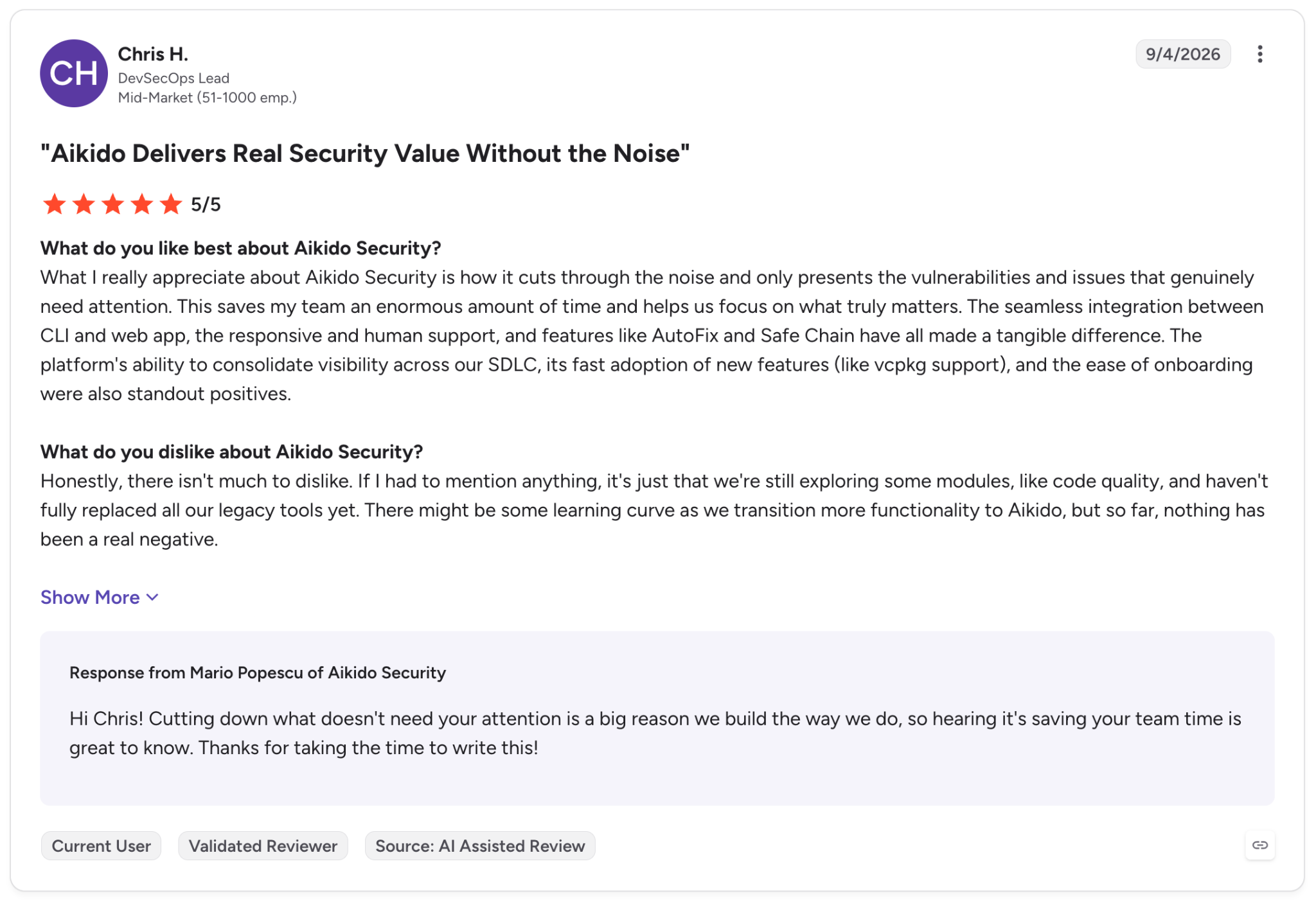
"What I really appreciate about Aikido Security is how it cuts through the noise." (Chris H., G2)
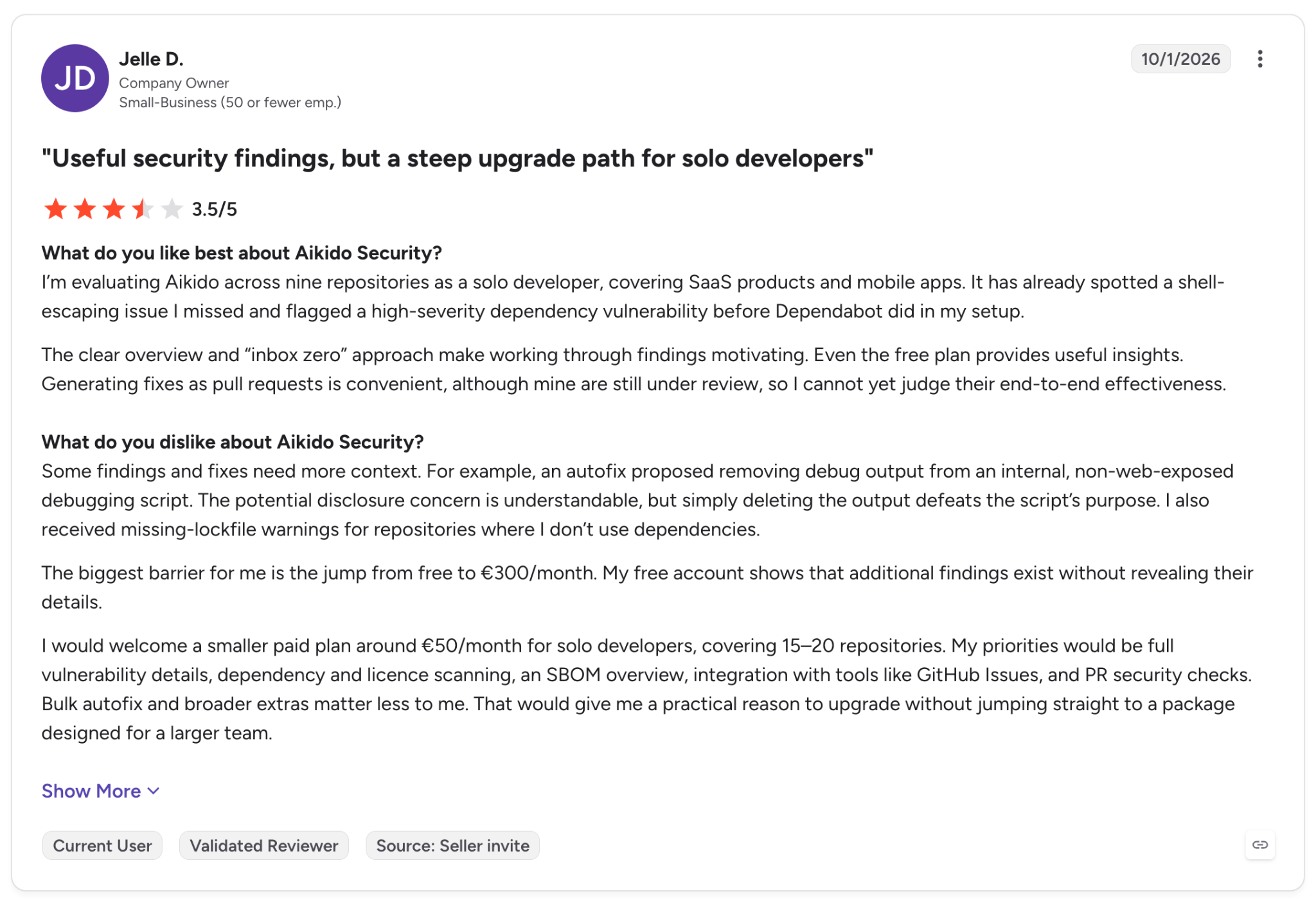
"Some [...] fixes need more context." (Jelle D., G2)
Pricing
Basic is $350/month billed monthly for 10 users, Pro is $700/month, and Advanced is $1,050/month. Billed annually, each drops 10% (Basic is $3,780 a year). Visitors in Europe see euro prices (€300/month for Basic).
The Developer plan is free forever for 2 users, and Enterprise is custom. See Aikido pricing.
The pricing page contradicts itself on the free tier. One card lists 10 AI AutoFixes a month, and a note says the free plan excludes AutoFix.
Bottom line
If one person handles security part-time, I'd choose Aikido. Teams under 10 people pay the 10-user rate, so compare the paid plans against the free Developer plan first. For air-gapped deployment, Checkmarx is the stronger option on this list.
7. Mend.io: Best for organizations whose biggest risk comes from open-source dependencies
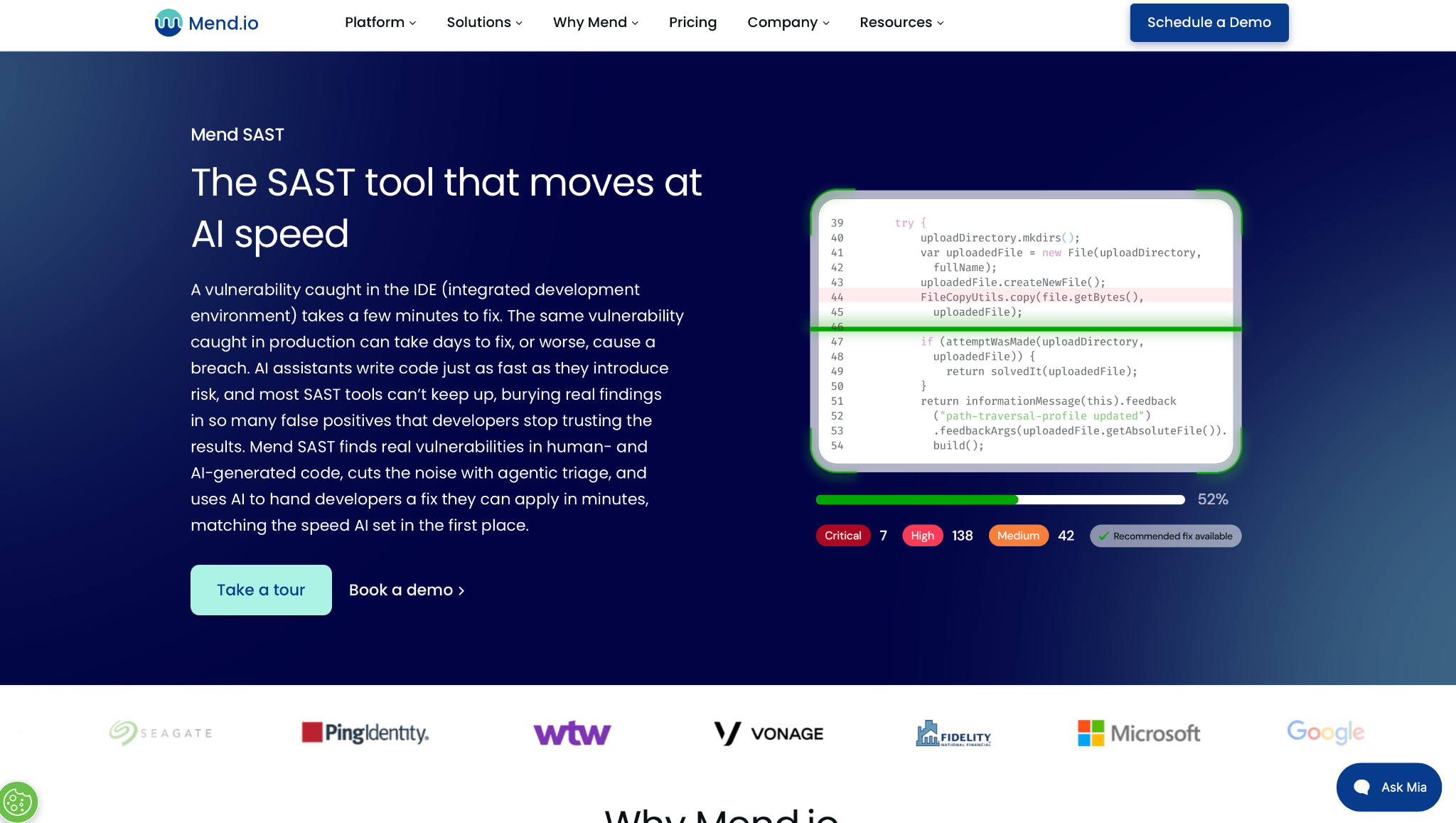
What it does: Mend.io is an application security platform centered on SCA with reachability. It adds SAST, container scanning, and Mend Renovate, which opens dependency update PRs on its own.
Best for: Organizations with large open-source footprints that want vulnerable packages patched through pull requests.
Where it runs: Mend for VS Code (also on Open VSX for Cursor, Windsurf, and Kiro) and Mend for JetBrains; pull requests on GitHub, GitLab, Bitbucket, and Azure DevOps; and CI tools such as Jenkins, CircleCI, and GitHub Actions.
Languages: 30+ for SAST, per Mend's SAST page, with 26 language pages in its docs.
Mend only pings developers about a pull request when it adds new issues (docs), so existing issues don't reappear in new reviews.
On the SAST side, Mend rolled out its second-generation engines language by language through 2026, with Swift and PHP arriving in October. In June, Mend added AI-based SAST triage that marks likely false positives (release notes).
Some languages, including Apex, COBOL, and iOS Objective-C, still run only on the first-generation engine, so they miss Gen 2 features such as AI-based remediation suggestions (docs).
Key features
- Reachability SCA: Shows whether your code calls a vulnerable function at all.
- Mend Renovate: Opens dependency update PRs for you, with a free open-source Community edition.
- MCP for coding agents: Coding agents call the Mend MCP server to check new code and libraries.
- AI SAST triage: Explains each flagged issue and marks likely false positives.
Pros and cons
Pros:
✅ Renovate is open source, with a free Community edition.
✅ Alerts only for new issues on pull requests.
✅ SOC 2 Type II and ISO 27001, audited yearly (Trust page).
Cons:
❌ No monthly plan and no free trial on the pricing page.
❌ MCP and agentic features need a signed addendum to your Mend contract.
❌ Mend's Developer Platform isn't supported for India-hosted organizations.
What users say
Reviewers praise its dependency checks at the Git level, though the GitHub setup frustrated one IT reviewer.
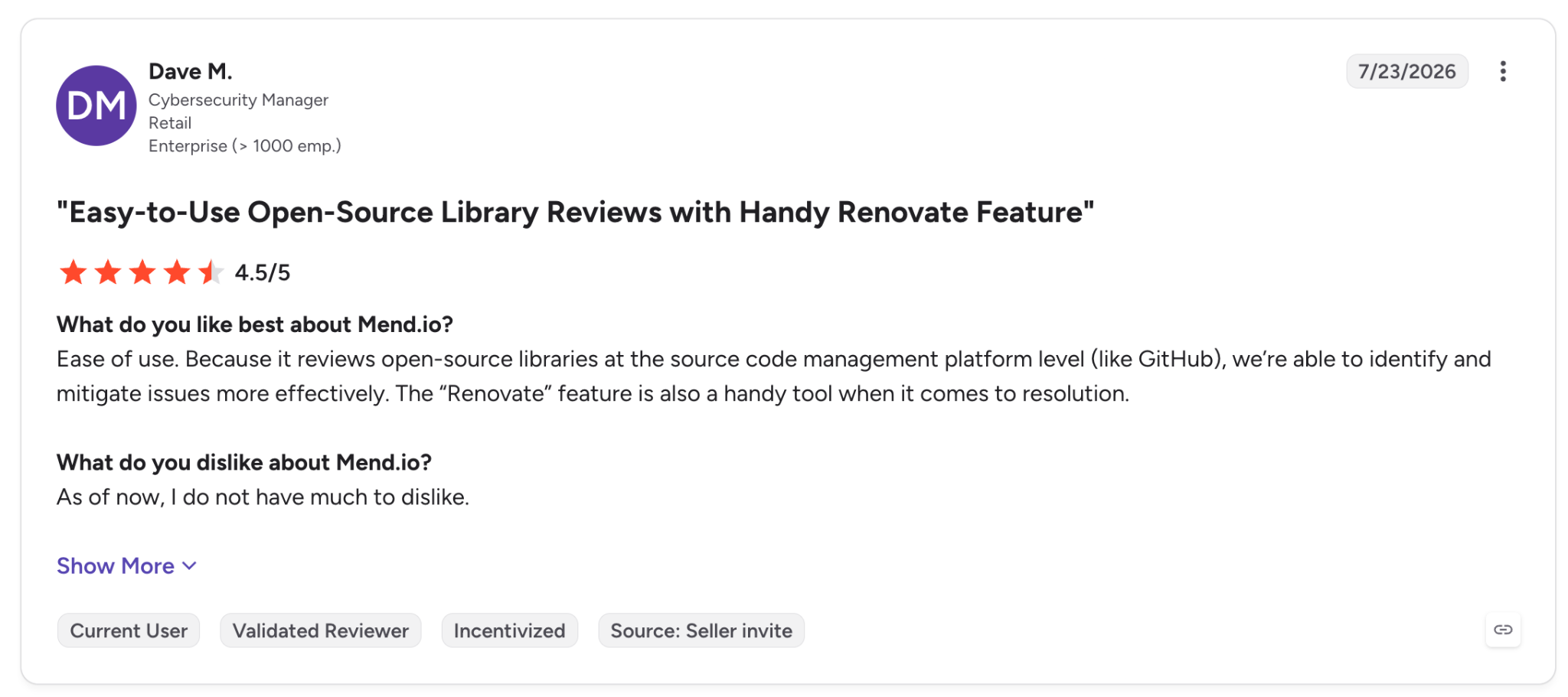
"Because it reviews open-source libraries at the source code management platform level (like GitHub), we're able to identify and mitigate issues more effectively." (Dave M., G2)
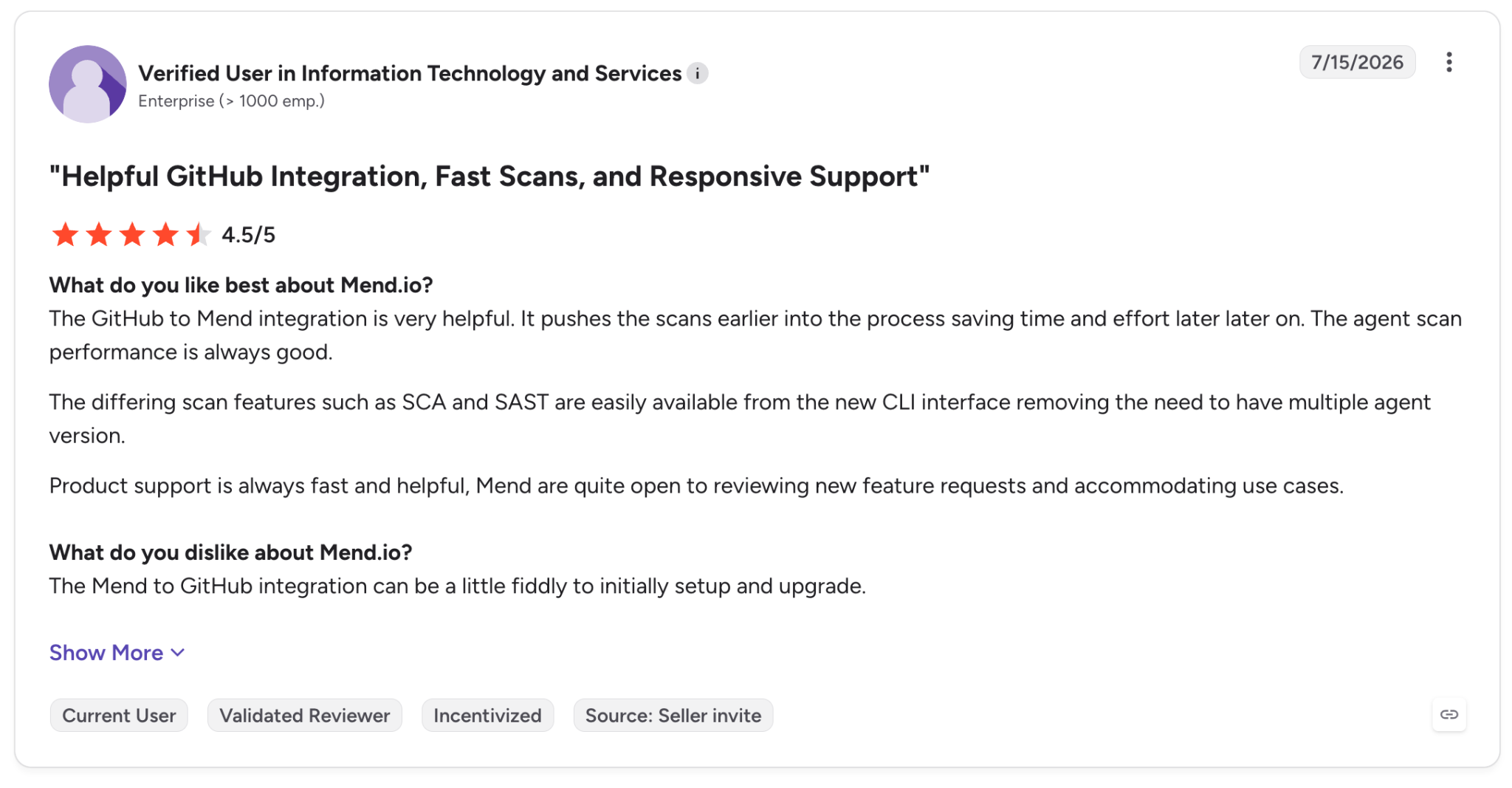
"The Mend to GitHub [connection] can be a little fiddly to initially setup and upgrade." (Verified User in Information Technology and Services, G2)
Pricing
Mend AppSec costs up to $1,000 per developer per year, billed annually, with no monthly option shown. Mend AI is up to $300 per developer per year, and Mend Renovate Enterprise is up to $250.
The page lists DAST and API Security as add-ons. See Mend pricing.
Bottom line
If the bulk of your exposure comes from packages you didn't write, I'd evaluate Mend first. Mend also does SAST, but SonarQube and Semgrep include SAST on their free tiers, so a team that mainly needs SAST can start there.
8. Codacy: Best for cloud-hosted teams that want quality and security checks on the same pull request
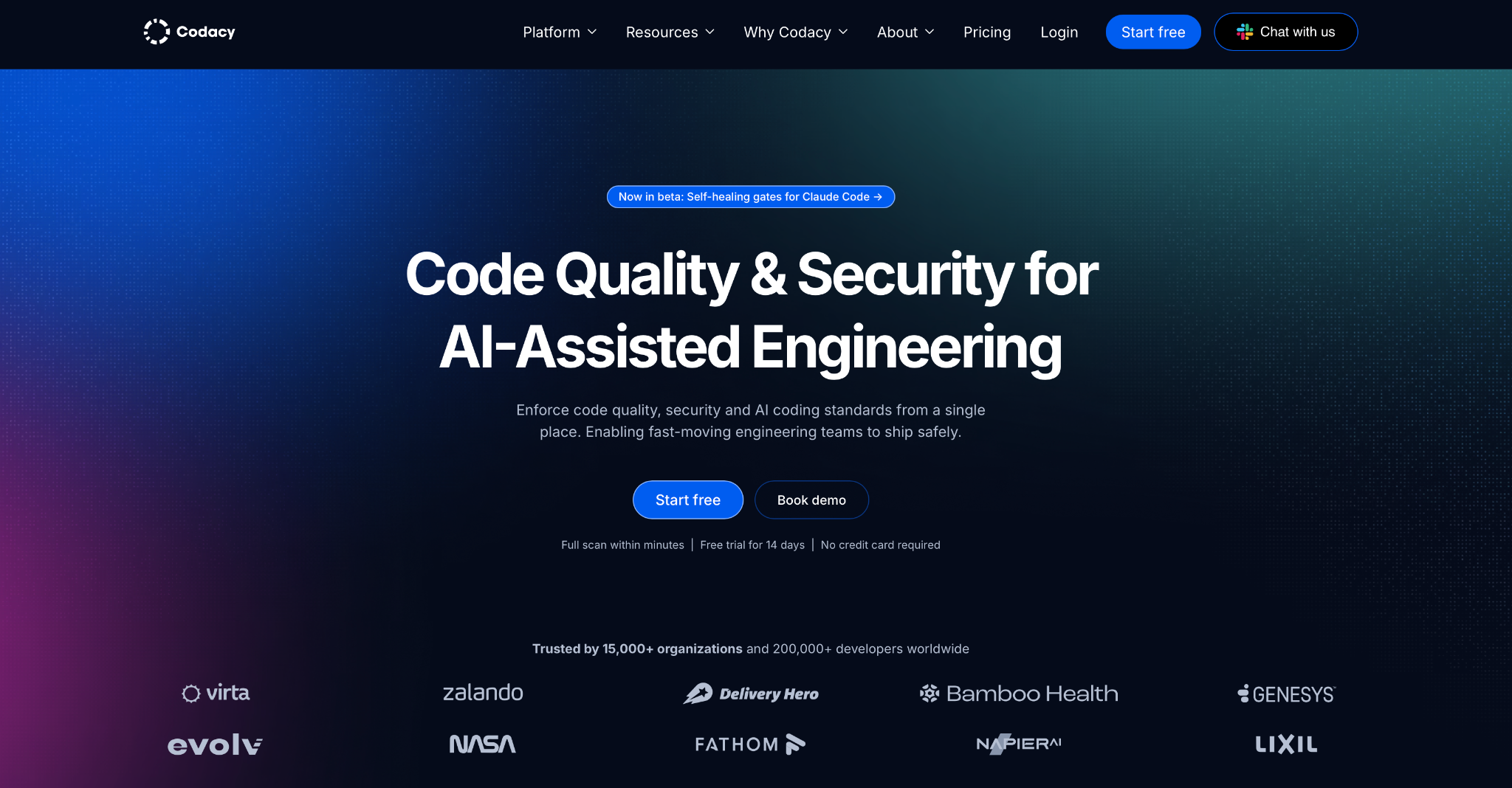
What it does: Codacy checks code quality and security (SAST, secrets, IaC, SCA) on each pull request, using engines like Opengrep, Trivy, and Checkov.
Best for: A cloud-only shop that wants style, coverage, and security in one PR check.
Where it runs: GitHub, GitLab, and Bitbucket Cloud on Codacy Cloud; IDE Guardrails for VS Code, Cursor, Windsurf, and JetBrains; and CLIs for CI.
Languages: 49, per Codacy's pricing FAQ.
Codacy uses open-source scanners and reports them in one dashboard and one PR check. Its main rule engine changed in February 2026, when Codacy moved from Semgrep to Opengrep (release note).
For AI-written code, Guardrails runs scans locally over MCP while an AI assistant writes, so it can flag insecure patterns before the commit (docs).
New customers can't connect self-hosted Git. Codacy Cloud connects to cloud-hosted Git only. Codacy Self-hosted supports GitHub Enterprise Server, GitLab Self-Managed, and Bitbucket Data Center (platform docs), but it "is no longer available for new customers" (docs).
Key features
- Guardrails: Local scans of AI-generated code in the IDE.
- AI Reviewer: GitHub PR review that uses the diff, related files, Codacy data, and the linked Jira ticket when the Jira connection is on.
- Quality gates: Block a merge when a pull request adds issues or lowers coverage.
- AI Risk Hub: Org-wide inventory of the AI services your code calls and the keys it uses (Business plan).
Pros and cons
Pros:
✅ Free for open-source projects, and the IDE plugin is free.
✅ Codacy says per-developer plans have no usage limits.
✅ SOC 2 Type II (Trust Center).
Cons:
❌ Codacy Cloud has no on-prem Git support, and Self-hosted no longer takes sign-ups. Azure Repos support is on a waitlist.
❌ AI Reviewer is limited to GitHub (docs).
❌ False-positive detection and SSO/SAML are Business-plan options.
What users say
Missing null checks are what one developer says it catches, while an admin wants easier seat management.
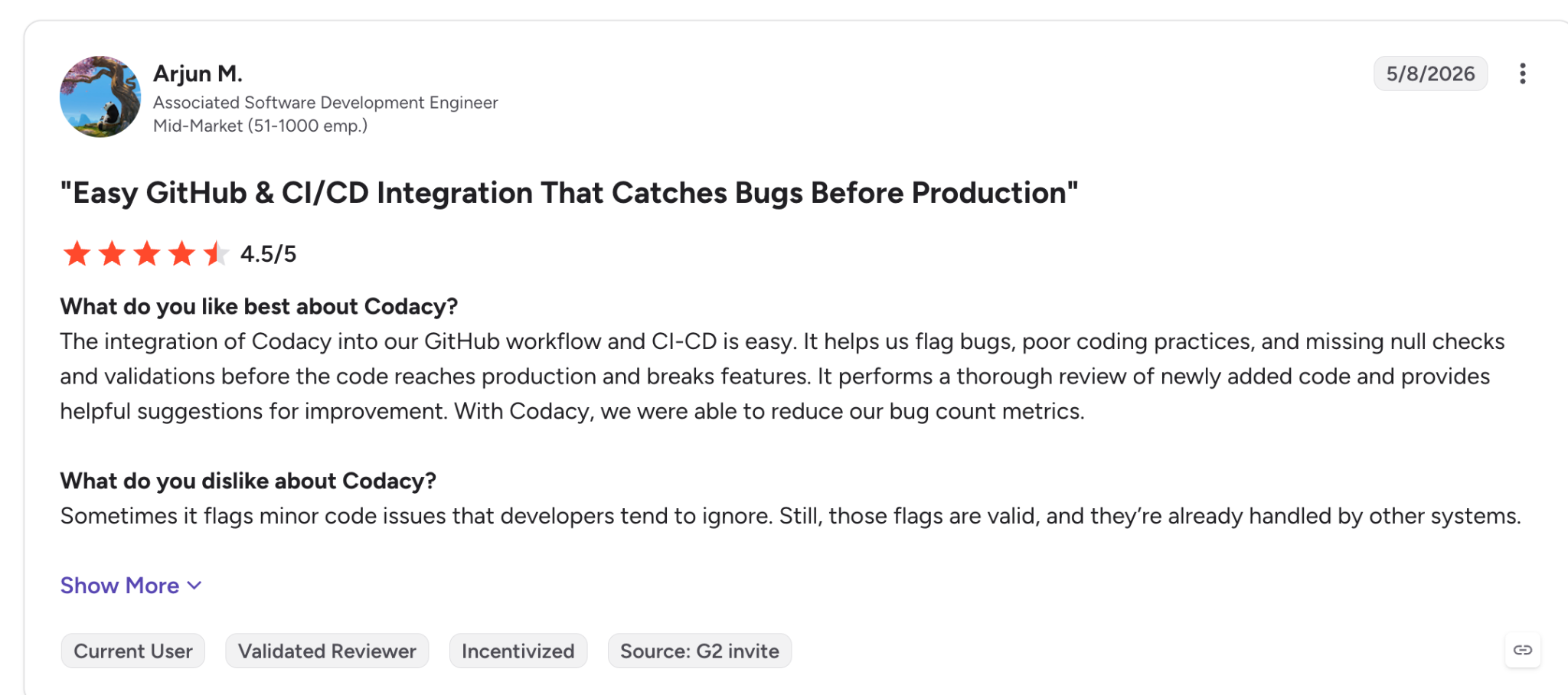
"It helps us flag bugs, poor coding practices, and missing null checks and validations before the code reaches production and breaks features." (Arjun M., G2)
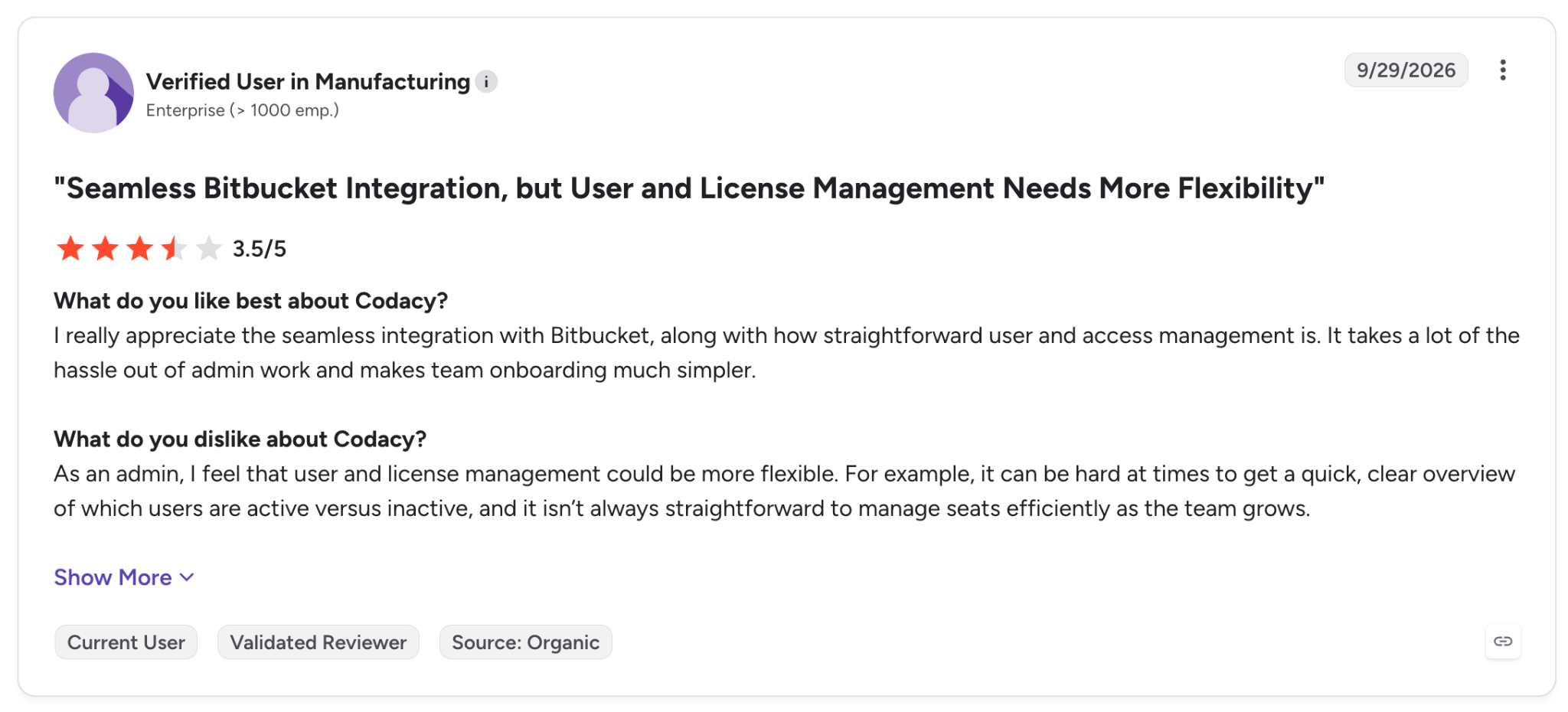
"As an admin, I feel that user and license management could be more flexible." (Verified User in Manufacturing, G2)
Pricing
Team starts at $21 per developer a month billed monthly, or $18 billed yearly, for up to 30 developers and 100 private repos. Developer is free, and Business is custom.
There's a 14-day trial, and open-source projects are free. See Codacy pricing.
Bottom line
If your Git is cloud-hosted, Codacy puts quality and security in one PR check without combining several tools. Teams on self-managed GitLab or Bitbucket Data Center can't use it, since Codacy Self-hosted is closed to sign-ups.
9. CodeRabbit: Best for AI pull request review with security scanners bundled in
What it does: CodeRabbit is an AI code reviewer that comments on pull requests and draws on a catalog of about 60 tools, including Semgrep, OpenGrep, TruffleHog, OSV-Scanner, Checkov, and Trivy (tool list).
Best for: A team that wants an AI to read each pull request and drop scanner results into the same comments.
Where it runs: GitHub, GitHub Enterprise Server, GitLab (including self-managed), Azure DevOps, and Bitbucket; an IDE extension for VS Code, Cursor, and Windsurf; and a CLI.
Languages: "All programming languages, with varying proficiency," per CodeRabbit's FAQ.
Reply to a CodeRabbit comment with a preference, and its Learnings feature saves it and applies it to later reviews. It also reads CLAUDE.md, AGENTS.md, and .cursorrules as review guidelines.
In October 2026, CodeRabbit added security merge blocking with a severity threshold (changelog). Its CLI can stop a merge from CI as well, since cr review --gate major exits with code 2 on issues at or above major severity (CLI reference).
Security reviews and merge blocking both require Advanced or Enterprise, which are two tiers above Essentials.
Key features
- Bundled scanners: Linters, SAST, secrets, and IaC tools each check the file types they support.
- Learnings: The reviewer adapts to your team's feedback.
- Security merge blocking: Publishes a CodeRabbit Security check with a severity threshold that you can make a required check in GitHub (Advanced and Enterprise, Cloud only).
- Finishing Touches: Fixes comments, resolves conflicts, and generates unit tests.
Pros and cons
Pros:
✅ Free reviews on public repositories through the Open Source plan, though repos with fewer than 10 stars have to trigger reviews manually.
✅ It reads the agent rules files your team already keeps.
✅ CodeRabbit says your code is never used to train its models, and it's SOC 2 Type II certified (Trust Center).
Cons:
❌ Security reviews on PRs require Advanced or Enterprise.
❌ Each plan has an hourly review cap per developer (5 on Essentials, 12 on Enterprise).
❌ Self-hosting requires Enterprise.
What users say
One developer praises it for bugs that slip past manual review, and a software engineer warns it gets noisy without tuning.
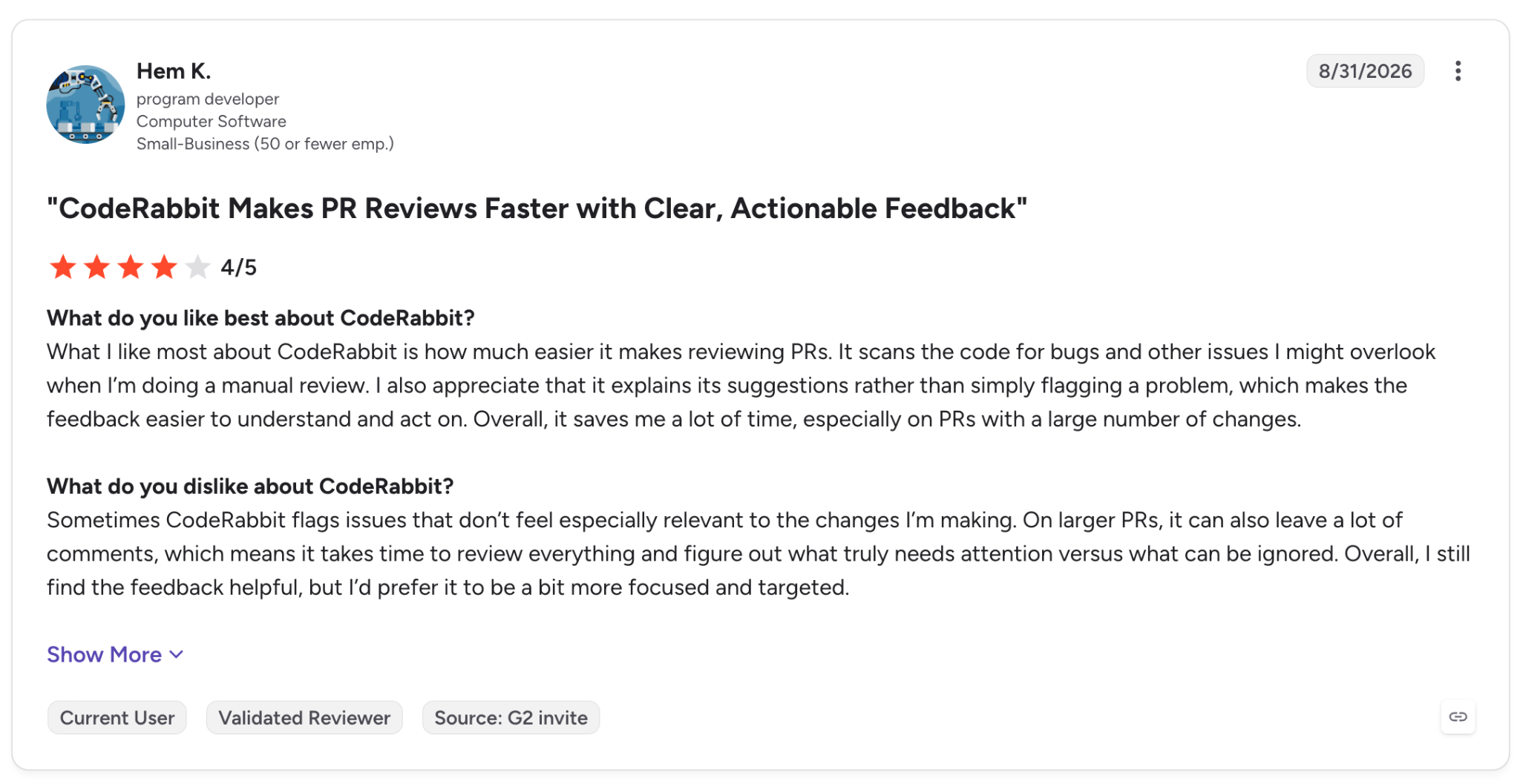
"It scans the code for bugs and other issues I might overlook when I'm doing a manual review." (Hem K., G2)
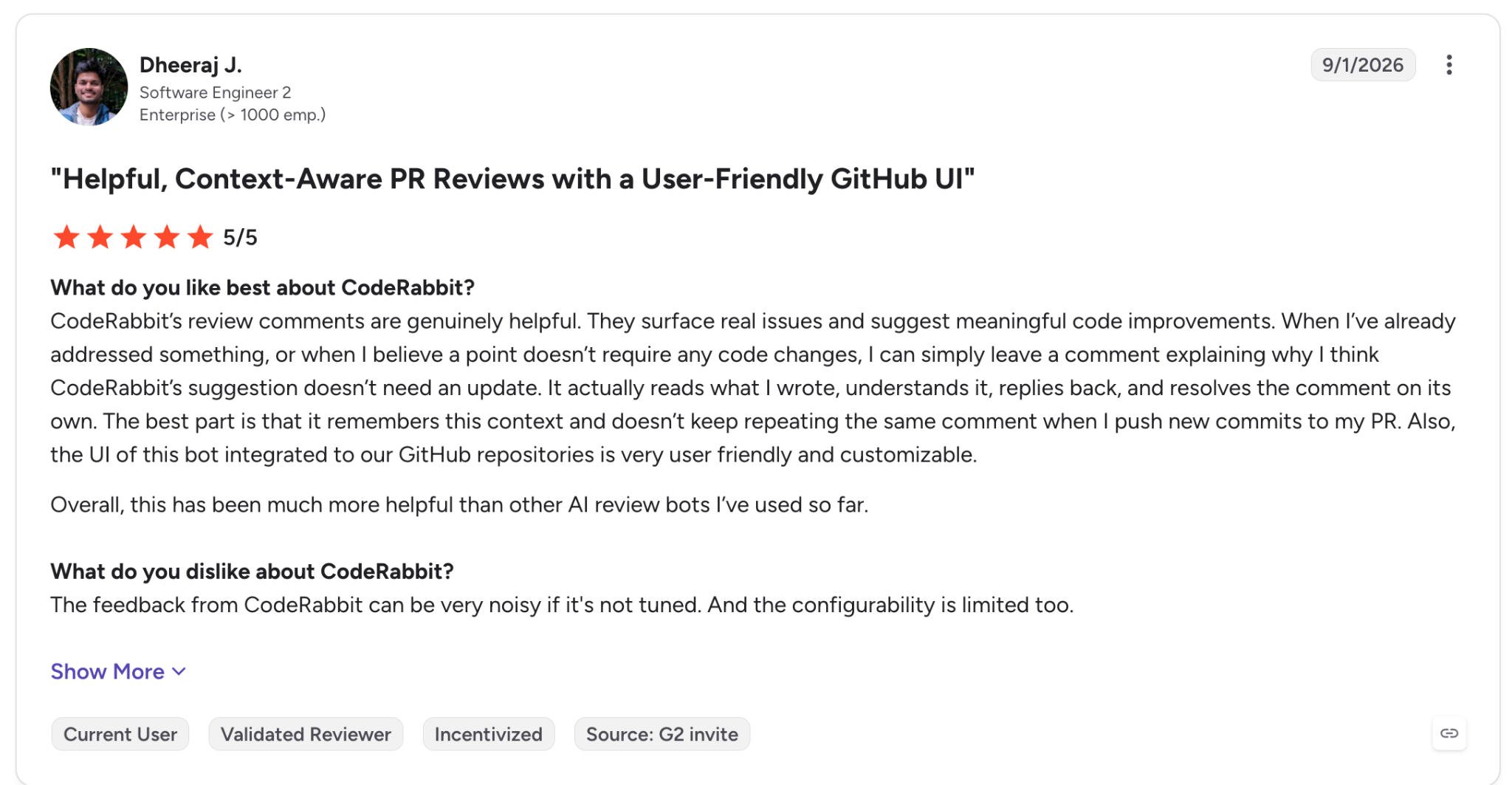
"The feedback from CodeRabbit can be very noisy if it's not tuned." (Dheeraj J., G2)
Pricing
Essentials is $30 per developer a month billed monthly, Team is $60, and Advanced is $90. Billed annually, they drop to $24, $48, and $72. The Free plan covers PR summaries on private repos, public repos get full reviews through the Open Source plan, and Enterprise is custom.
Seats go to developers when they open a PR or use the IDE extension or CLI, and admins can also assign them manually. Extra reviews past the hourly allowance cost $0.25 per file. See CodeRabbit pricing.
Bottom line
With CodeRabbit, every PR gets an AI read, along with the scanners you'd otherwise set up yourself. Plan on the Advanced tier if security review is the reason you're buying.
10. Qodo: Best for turning review standards into rules across many repos
What it does: Qodo (formerly CodiumAI) is an AI code review platform where separate agents check each pull request for critical issues, duplicated logic, ticket compliance, and standards.
Best for: A platform team with written standards, security policies included, and dozens of repos to enforce them on.
Where it runs: GitHub, GitLab, Bitbucket, Azure DevOps, and Gerrit (Enterprise), along with a CLI and MCP server with plugins for Claude Code, Codex, and Kiro.
Languages: "All major languages," per Qodo's homepage, including Python, Java, JavaScript, TypeScript, Go, and C#.
Qodo turns repeated review feedback into rules. Its Rule System (February 2026) stores org standards in one place, Rule Miner (June 2026) drafts rules from patterns in past reviews, and Qodo 3.0 added PR Triage on October 1 (What's new).
The Qodo IDE plugin was retired on November 1, 2026 (docs), even though the homepage still lists IDE support. Plan around Git hosts and the CLI. Gerrit is also supported, as an Enterprise-only option on every deployment model.
Key features
- Multi-agent review: Separate agents for critical issues, duplicated logic, ticket compliance, and standards.
- Rule System and Rule Miner: Write security and coding policies once and enforce them across repos.
- Context Engine: Uses PR history and related PRs as review context.
- Enterprise deployment: Single-tenant, on-prem, or air-gapped, with bring-your-own-key (BYOK).
Pros and cons
Pros:
✅ PR-Agent, the legacy open-source version, is MIT-licensed.
✅ Qodo says code "is analyzed and discarded" (homepage), and it holds SOC 2 Type II.
✅ Qodo lists no limits on repos or users on Pro Team, with on-prem and air-gapped options on Enterprise.
Cons:
❌ There's no permanent free tier after the 14-day trial.
❌ Pro Team excludes audit logs, BYOK, and on-prem.
❌ PR history indexing is in beta and limited to GitHub and GitLab.
What users say
A data engineer likes the repo-wide view, and a quality engineer warns against trusting a silent review.
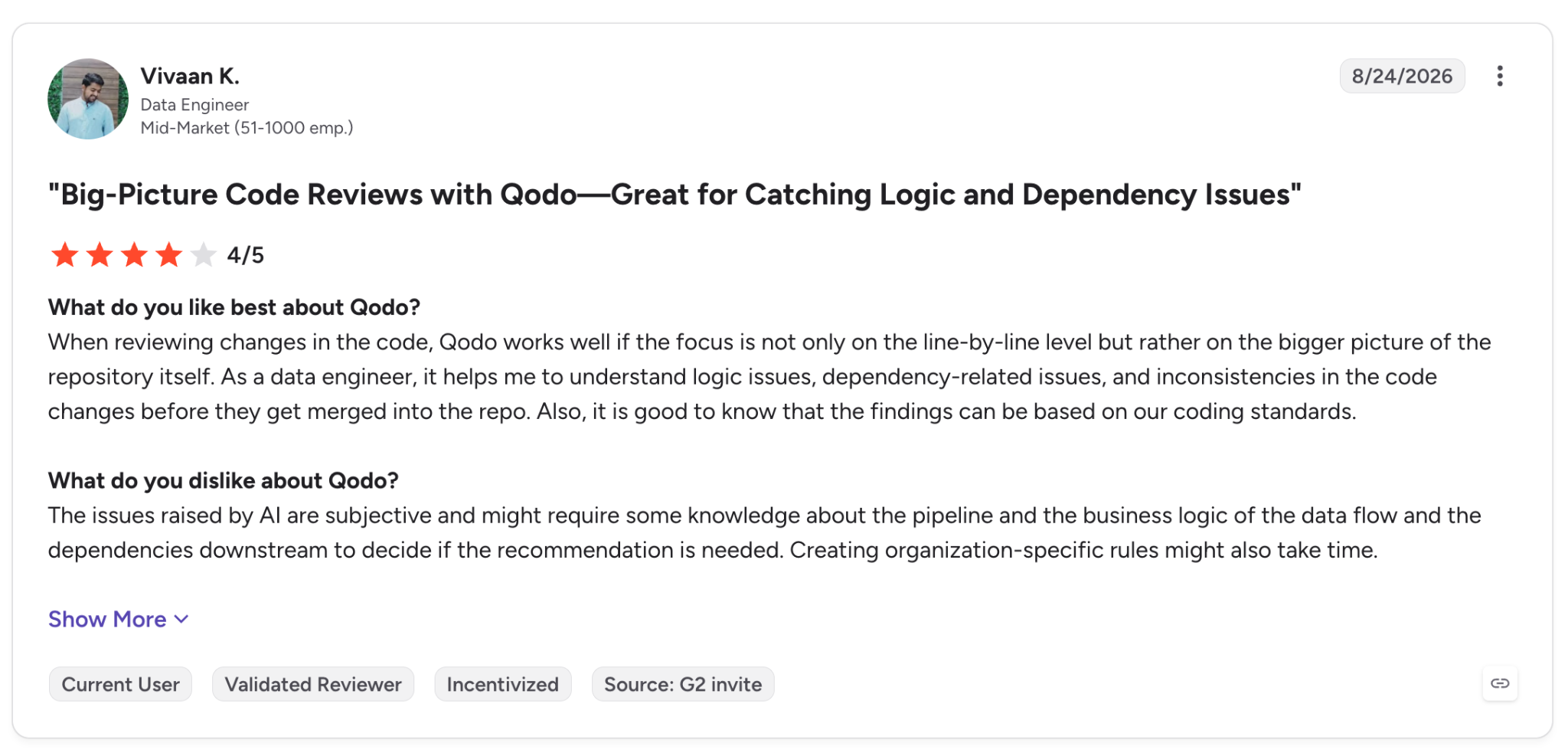
"As a data engineer, it helps me to understand logic issues, dependency-related issues, and inconsistencies in the code changes before they get merged into the repo." (Vivaan K., G2)
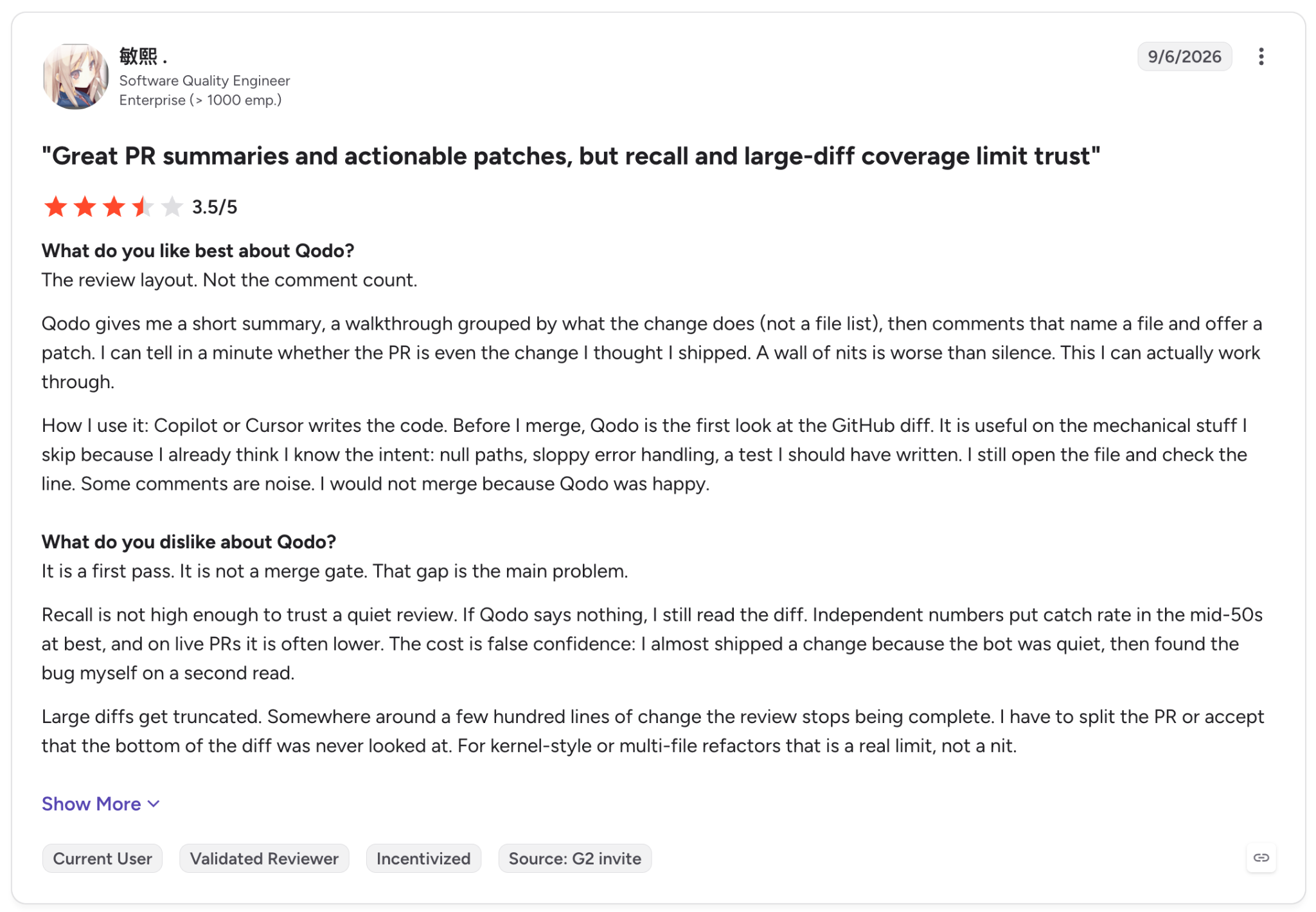
"Recall is not high enough to trust a [silent] review." (敏熙, G2)
Pricing
Pro Team costs $0.015 per credit, pooled across the team and billed monthly with no annual commitment. Packs come in 2,000, 5,000, and 16,000 credits, so the smallest works out to about $30 a month (my math, since Qodo lists only the per-credit rate), and credits expire each month.
Enterprise is custom for 30+ users. Every workspace starts with a 14-day trial. See Qodo pricing.
Bottom line
Qodo works best for a platform team that already has written standards. Run it alongside a SAST scanner, since Qodo treats security as one rule type among many.
11. GitHub Copilot code review: Best for GitHub teams already paying for Copilot
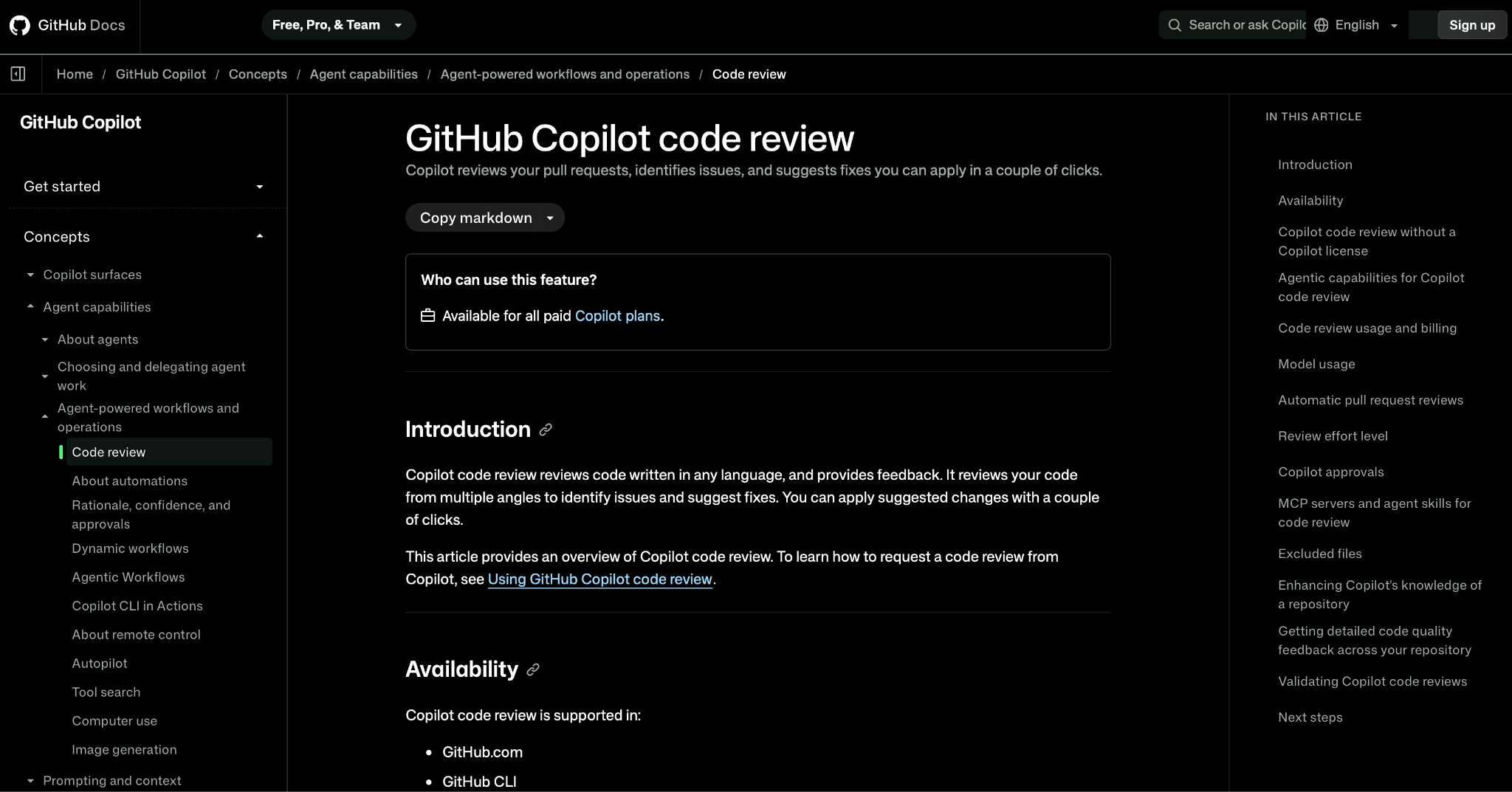
What it does: GitHub Copilot code review is Copilot's AI reviewer for pull requests and editor diffs, and it can pull in CodeQL and linter results through a public preview feature.
Best for: A GitHub org that already pays for Copilot and doesn't want another vendor.
Where it runs: GitHub.com, GitHub CLI, GitHub Mobile, VS Code, Visual Studio, Xcode, JetBrains IDEs, and Azure DevOps (public preview), with its agentic context gathering running on GitHub Actions.
Languages: Any language, according to GitHub's docs.
Since March 5, 2026, Copilot code review gathers wider repository context through agentic tool calling (changelog). It reads custom instructions from copilot-instructions.md and AGENTS.md, and the "Fix with Copilot" button hands review feedback to Copilot cloud agent (changelog).
Humans keep the final say by default. Copilot posts a "Comment" review that doesn't count toward required approvals (docs), and the option to let it approve is in public preview, switched on in settings.
Dependency files are outside its scope as well. Copilot skips files such as package.json and Gemfile.lock, so dependency risk needs Dependabot or an SCA tool.
Key features
- Agentic context gathering: Looks beyond the diff into the rest of the repo.
- CodeQL and linter results (public preview): Can bring in ESLint and PMD results alongside CodeQL detections (changelog).
- Custom instructions: Team rules in copilot-instructions.md, instructions files, and AGENTS.md.
- Cloud agent hand-off: "Fix with Copilot" sends feedback to Copilot cloud agent, which commits to your PR or opens a new PR against your branch.
Pros and cons
Pros:
✅ One vendor fewer to manage for teams already on Copilot and GitHub.
✅ Custom instructions let you encode your team's review rules.
✅ With GitHub Code Security, Copilot Autofix for CodeQL alerts doesn't use AI credits (docs).
Cons:
❌ Reviews are comments only by default and don't count toward required approvals.
❌ Since June 1, 2026, each review uses AI credits plus GitHub Actions minutes for its agentic steps, unless you run it on self-hosted runners (changelog).
❌ GitHub's own docs say Copilot "is not guaranteed to spot all problems" in a pull request (docs).
What users say
These G2 reviews cover GitHub Copilot as a whole product. One engineer points to faster PR turnaround, and another still checks everything it writes.
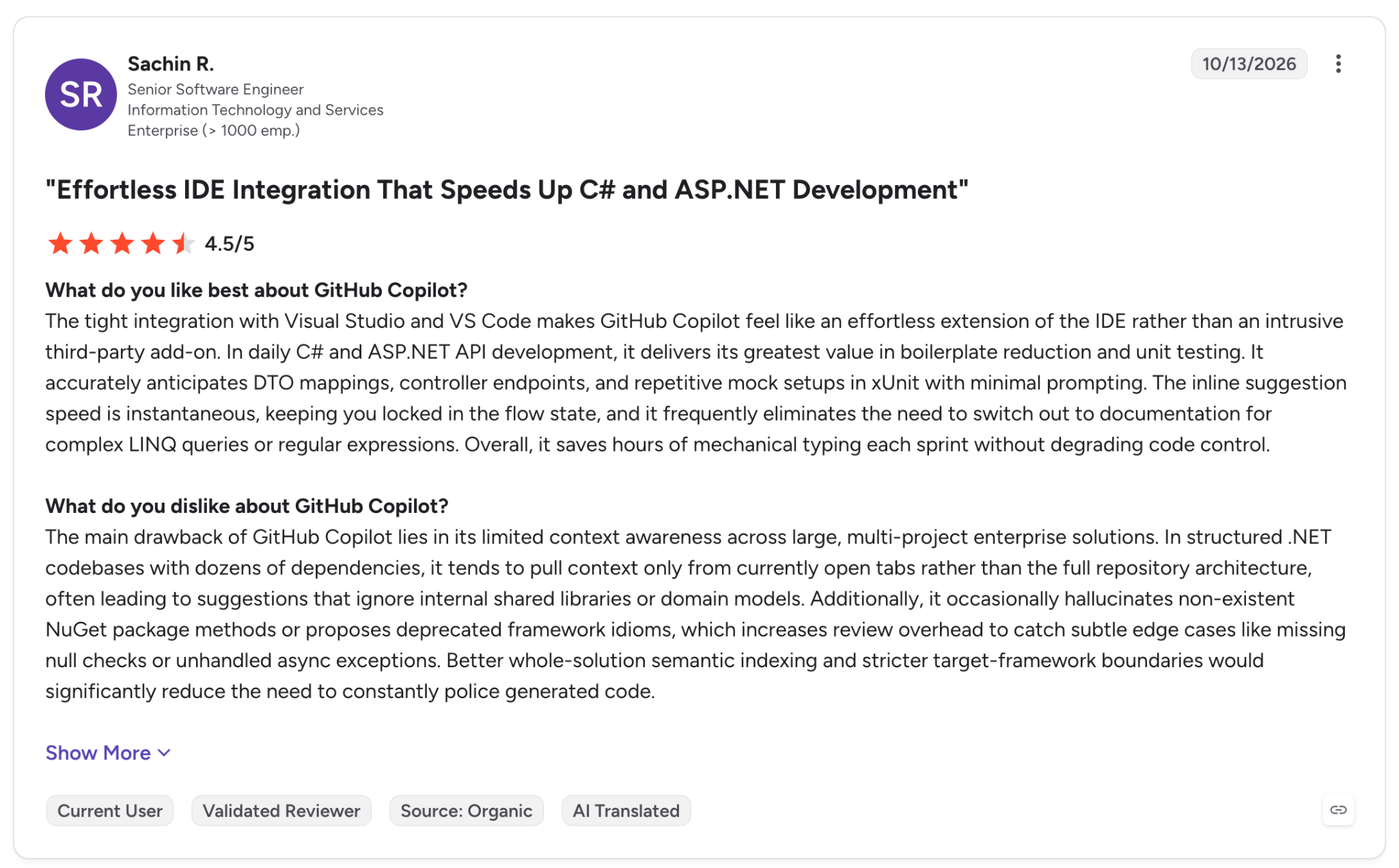
"The primary business benefit is faster PR turnaround and more mental focus directed toward core business logic and system stability." (Sachin R., G2)
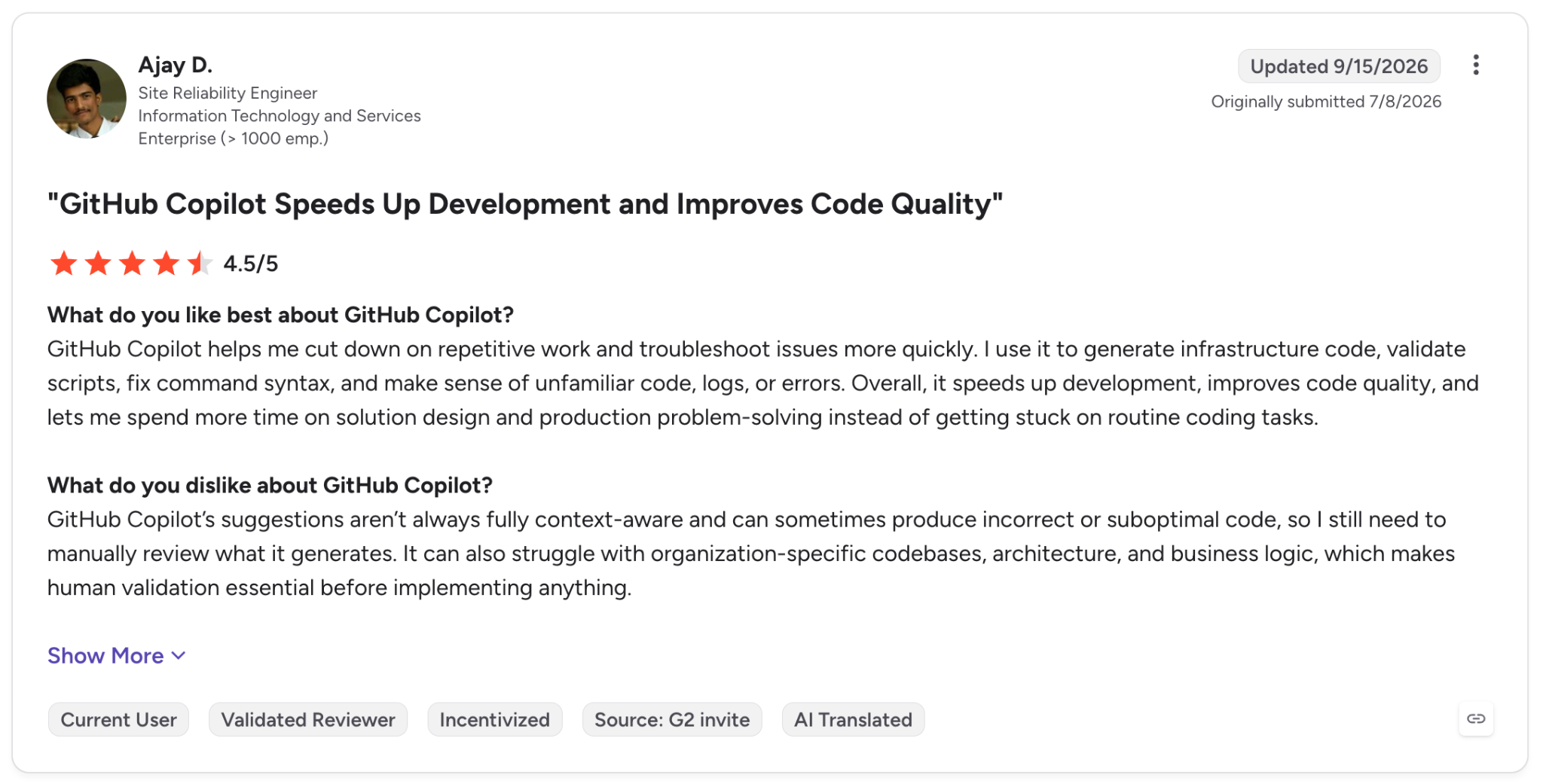
"GitHub Copilot's suggestions aren't always fully context-aware and can sometimes produce incorrect or suboptimal code, so I still need to manually review what it generates." (Ajay D., G2)
Pricing
Code review starts on Pro at $10/month, with Pro+ at $39/month and Max at $100/month. Business is $19 per seat a month and Enterprise is $39.
Each review also draws on the plan's AI credits and on GitHub Actions minutes (not on self-hosted runners), and Free only includes "Review selection" in VS Code.
GitHub Code Security, which adds CodeQL and Copilot Autofix, costs $30 per active committer a month. See Copilot plans and GitHub security plans.
Bottom line
For a team that works in GitHub all day, Copilot code review adds AI review without a new vendor contract. Leave your human approval rule and SAST scanner as they are, since Copilot can't approve or block a merge by default.
What's the difference between AI code review and static analysis?
The main difference between AI code review and static analysis is how they decide what's wrong. Static analysis applies fixed rules and data-flow tracking, so the same code, rules, and engine version give the same result.
AI review reads the change and its context with a language model. That lets it catch intent and logic errors, but two runs on the same change can return different comments.
The tools in this list split the same way.
- Static analysis (SonarQube, Snyk, Semgrep, Checkmarx, Veracode): Traces untrusted input to a sink and fails a build when code matches a known vulnerability rule. It misses business-logic flaws a rule can't describe.
- AI review (CodeRabbit, Qodo, Copilot code review): Spots missing authorization checks and changes that don't match the ticket. It can miss an existing bug, which is the Qodo reviewer's complaint.
Both approaches are adding features from the other. Semgrep Multimodal and SonarQube's Hunter Agent add AI to rule engines, while CodeRabbit feeds Semgrep and TruffleHog results into its AI comments.
Reviewing AI-generated code and vibe-coded apps
Working code often ships with security flaws. In the SusVibes benchmark of 186 tasks pulled from open-source projects, SWE-agent with Claude 4 Sonnet produced functionally correct solutions 57% of the time, but only 11.8% were secure (paper).
The 11 tools above are designed to find that kind of flaw, and our guide to AI code security covers how to adjust review for AI-written code.
Vibe-coded apps add a second problem. Someone has to track who made each app and what data it can reach.
When people outside engineering make internal apps with AI tools and IT doesn't see them, a scanner only helps if the code reaches a repo it watches.
A practical stack for AI-generated code has 3 layers.
- In the IDE or agent: Semgrep Guardian, Checkmarx Developer Assist, or Codacy Guardrails check code for issues while it's being written.
- On the pull request: A SAST gate (SonarQube, Snyk) plus an AI reviewer (CodeRabbit, Qodo) before merge.
- On the platform: Permissions, secrets handling, and audit logs that apply to every app, whoever wrote it.
Superblocks covers that third layer. It's a vibe coding platform for enterprises, where non-engineers make apps with Clark by Superblocks and IT sets the guardrails centrally for every app.
RBAC, SSO, and secrets management decide what each app and its AI agent can reach. Audit logs record builder and end-user activity, and since April 2026 the Superblocks MCP can query roles and audit events (release notes).
Since April 2026, Clark builds all APIs in TypeScript, and Git source control (GA in May 2026) connects apps to GitHub, GitLab, Bitbucket, or Azure Repos.
Git is the link back to your security tooling. Your team opens pull requests in its own repo (SDLC docs), so apps made with Clark can go through the scanners you already run.
For the controls in more depth, the AI code guardrails breakdown maps each control to the risk it covers, and the vibe coding security guide lists the 7 risks that come up again and again in AI-made apps.
Which secure code review tool should you choose?
Pick by the problem you're solving first, then by where your code is hosted.
Choose SonarQube if you:
- Plan to block merges on bugs, vulnerabilities, and secrets.
- Prefer to start free and self-hosted with the Community Build.
Choose Snyk if you expect developers to fix issues in the IDE, with each fix re-checked by the scanner.
Go with Semgrep when your AppSec team writes custom rules and keeps scans inside your CI.
Pick Checkmarx One if you need self-hosted or air-gapped deployment, or FedRAMP Moderate for government work.
Veracode makes the shortlist if you work in a regulated industry and must meet FedRAMP Moderate or EU or US Federal hosting rules.
Choose Aikido Security if you handle security with a small team and prefer one feed for code, dependency, and cloud alerts.
Mend.io is the match if you carry the bulk of your risk in open-source packages and want update PRs from Renovate.
Choose Codacy if you host on GitHub, GitLab, or Bitbucket Cloud and like quality and security results in one check.
Add CodeRabbit, Qodo, or Copilot code review if you already have a scanner and are looking for an AI reviewer that checks logic against your team's standards.
Choose by compliance needs: 10 of the 11 tools list SOC 2 Type II, and Checkmarx (for Government), Veracode, and Aikido each claim FedRAMP Moderate.
Skip this category if your main risk is the LLM inside your app, such as prompt injection or jailbreaks. Those risks call for generative AI security tools.
Final verdict
I'd make SonarQube or Snyk the gate and put CodeRabbit or Qodo on top as the AI reviewer. Semgrep is the choice for teams that write their own rules, and Checkmarx or Veracode for enterprises with strict deployment or compliance needs.
If apps are being made with AI outside your repos, your scanners never see that code. See how Superblocks adds permissions and audit logs to vibe-coded apps in our secure vibe coding tools roundup.
Frequently asked questions
What is the best secure code review tool?
The best secure code review tool depends on what you need to gate. I'd choose SonarQube for quality gates on pull requests. Snyk leads for developer-led fixing in the IDE, and Semgrep suits teams that write custom rules.
What is a secure code review?
A secure code review is a check of source code for security flaws, such as injection, broken access control, hardcoded secrets, and vulnerable dependencies, before the code ships. You do it with scanners on each pull request and add manual review for high-risk changes.
Can AI replace human code review?
No, AI can't replace human code review yet. GitHub's docs say Copilot code review "is not guaranteed to spot all problems" in a pull request, and its reviews don't count toward required approvals by default.
AI does help with speed, since it can cut the time a human spends on each PR.
What are the best free or open-source secure code review tools?
The best free secure code review tools are SonarQube (Cloud Free plan or the self-hosted Community Build), Semgrep's hosted Free edition for up to 10 contributors, and Snyk's Free plan.
Other free options cover narrower needs. Aikido and Codacy have free plans, CodeRabbit reviews public repos for free, and PR-Agent and the Semgrep CE engine are open source.
Which secure code review tools work with GitHub?
Every tool on this list works with GitHub. SonarQube, Snyk, Semgrep, Checkmarx, Aikido, Mend, CodeRabbit, and Qodo also support GitLab, Bitbucket, and Azure DevOps. Veracode covers GitLab and Azure DevOps, and Codacy Cloud supports cloud-hosted Git only.


Stay tuned for updates
Get the latest Superblocks news and internal tooling market insights.
Request early access
Step 1 of 2
Request early access
Step 2 of 2

You’ve been added to the waitlist!
Book a demo to skip the waitlist
Thank you for your interest!
A member of our team will be in touch soon to schedule a demo.
production apps built
days to build them
semi-technical builders
traditional developers
high-impact solutions shipped
training to get builders productive
SQL experience required
See the full Virgin Voyages customer story, including the apps they built and how their teams use them.

"Those tools are great for proof of concept. But they don't connect well to existing enterprise data sources, and they don't have the governance guardrails that IT requires for production use."
Table of Contents

Multiple authors
How to Export Code From Replit: 3 Methods (2026)
Export code from Replit with a zip download, a GitHub push, or a local clone, then move the database and secrets that the export leaves out.