
Your first AI agent can read a database, call an API, and act on a prompt written by someone outside your organization. The firewall you already own was never designed to watch that.
I tested nine AI security solutions against one setup. A live LLM agent, wired to a customer table, took a prompt injection, a jailbreak, and a data-exfiltration attempt. Some platforms blocked all three, and two missed the injection that mattered.
Every finding here comes from each vendor's own platform. Below is the ranked list, with what each one suits and how its pricing works.
The 9 best AI security solutions: TL;DR
- Palo Alto Prisma AIRS: Best for enterprises that want one platform across the whole AI lifecycle.
- Lakera: Best for teams shipping LLM apps that need runtime protection with a free tier to start.
- HiddenLayer: Best for securing the models themselves against tampering and adversarial attacks.
- Mindgard: Best for red teaming AI systems before they reach production.
- Lasso Security: Best for agentic and MCP-heavy workflows that need a secure gateway.
- Reco: Best for finding the shadow AI and agents already loose in your SaaS.
- Noma Security: Best for controlling what every agent can access before it acts.
- Cranium: Best for AI governance teams that have to prove compliance to an auditor.
- Superblocks: Best for internal AI apps with governance on from the first screen.
How I researched and tested these AI security solutions
I set up one LLM agent connected to a live customer table and gave it a support task. Then I attacked it three ways. A prompt injection went into a support ticket, a jailbreak asked it to dump the table, and a tool call tried to exfiltrate data.
I ran those same three attacks against every platform's controls. Alongside the hands-on runs, I read each vendor's documentation and threat research, and I noted where a tool solved a different problem than the one it was sold for.
- Discovery: Whether it surfaces every model and agent running across the environment, sanctioned or not.
- Risk assessment: How well its red teaming surfaces exploitable vulnerabilities before launch.
- Runtime defense: What it blocks once an agent is live and taking prompts.
- Governance: The access controls and audit logs an enterprise needs for compliance evidence.
Running the same attacks against every platform showed which ones defend a working agent and which mainly perform on paper.
Two names surfaced repeatedly under this keyword, and I still cut both:
Vectra AI: Vectra detects attacks on your network. Securing the AI you develop is a different job from the one this list ranks.
Aim Security: Cato absorbed it into its SASE platform as Cato AI Security, so it now ships inside a network product instead of as a standalone tool.
The 9 best AI security solutions: quick comparison
Pricing is current as of August 2026. Nearly all enterprise AI security vendors quote custom pricing, so confirm with each one.
1. Palo Alto Prisma AIRS: Best for the whole AI lifecycle
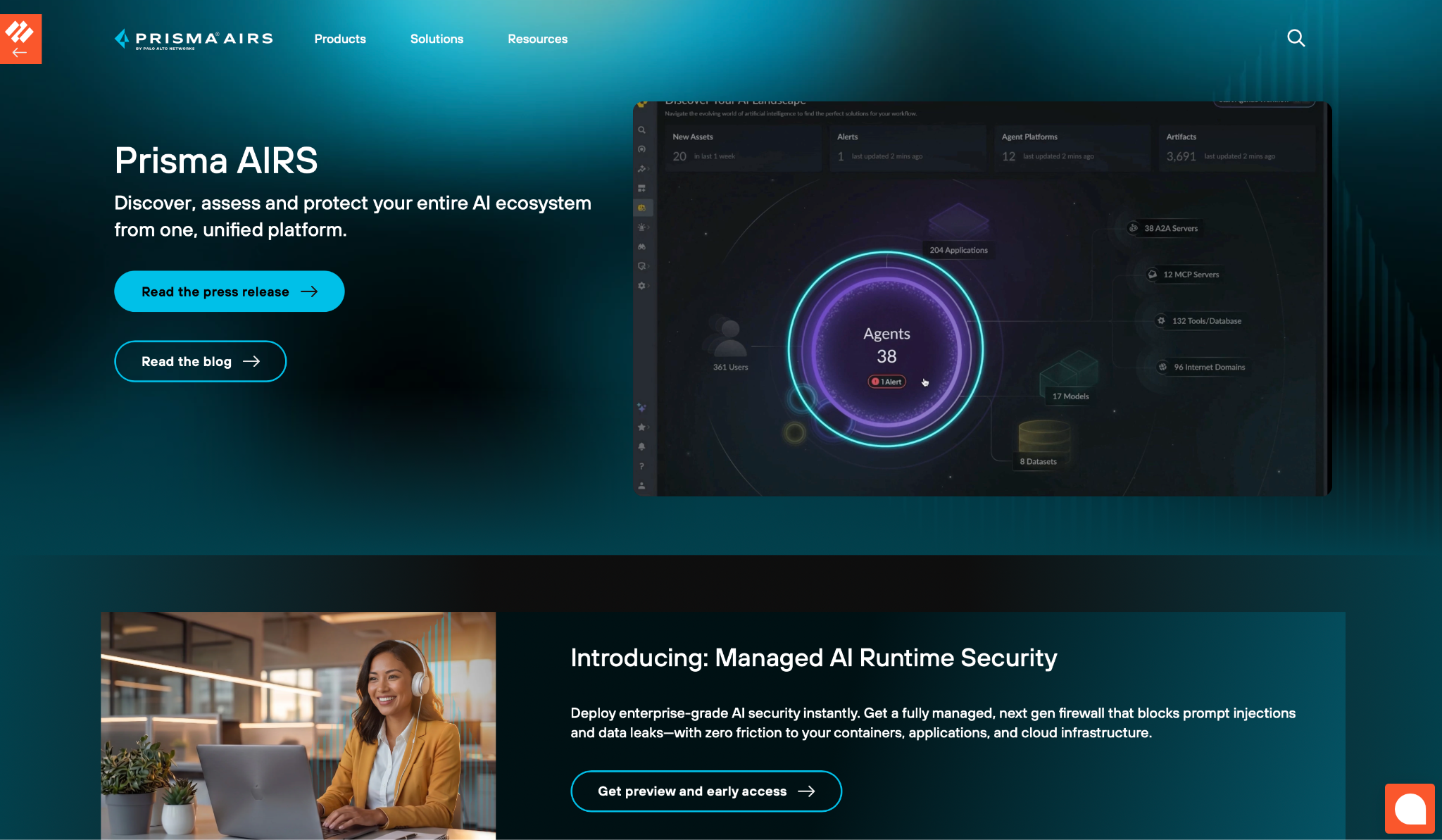
What it does: Prisma AIRS is Palo Alto's AI security platform. It discovers your AI apps, agents, models, and datasets, then scans and defends them at runtime, with red teaming included.
Best for: Large enterprises that already run Palo Alto and want AI coverage inside the security stack they own.
In my test, Prisma AIRS was the only platform that mapped my agent, its model, and the customer table it reached as one connected view. It flagged the exfiltration path before I ran the attack, the kind of visibility separate point tools rarely provide.
The scanning is based on Protect AI, a model-security company Palo Alto acquired in 2025, so it comes from a team with years in the field. Its AI Runtime Security then blocks prompt injection and data leaks inline, with no code change to my app.
Key Features
- AI estate discovery: Maps every app, agent, model, and dataset with their dependencies, so assets don't run undetected.
- Model scanning: Inspects models for tampering and backdoors before they reach production, inherited from Protect AI.
- AI Runtime Security: Stops prompt injection and data leakage inline without changing your application code.
Pros and Cons
Pros:
✅ Coverage across the full lifecycle, from a model in development to an agent in production.
✅ Works inside an existing Palo Alto deployment, so security teams manage AI in tooling they already run.
✅ Model scanning comes from Protect AI, a model-security company Palo Alto acquired in 2025.
Cons:
❌ A small team will not get near the pricing, which is scoped for large enterprises.
❌ It delivers the strongest return when you already run the wider Palo Alto stack.
What Users Say
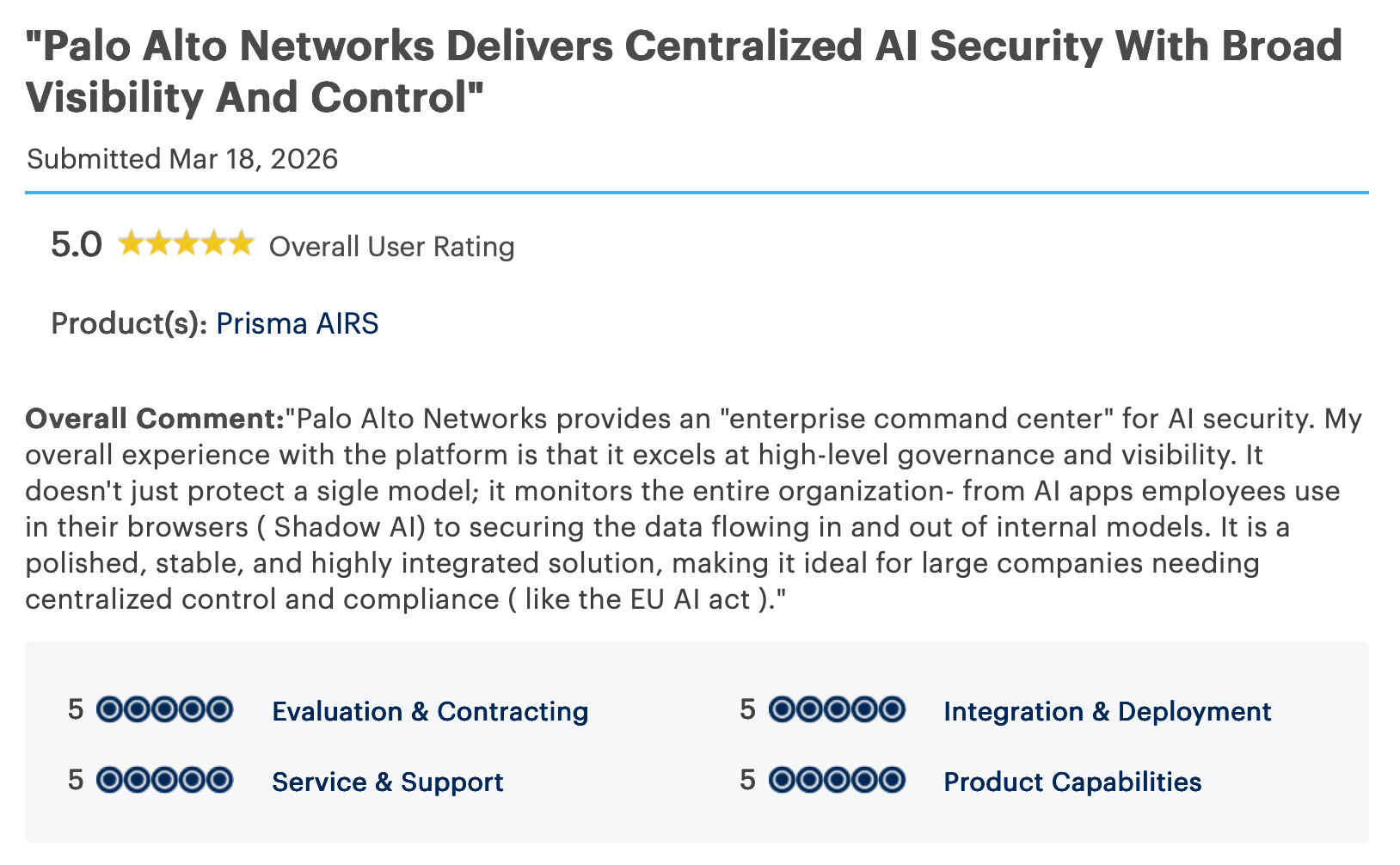
"Palo Alto Networks provides an "enterprise command center" for AI security. My overall experience with the platform is that it excels at high-level governance and visibility." - Verified User, Gartner Peer Insights.
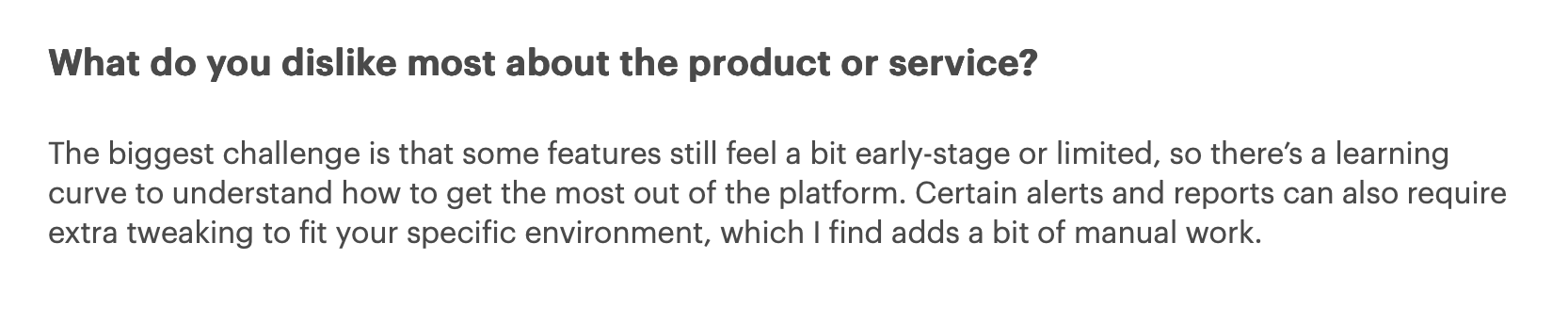
"The biggest challenge is that some features still feel a bit early-stage or limited, so there’s a learning curve to understand how to get the most out of the platform." - Verified User, Gartner Peer Insights.
Pricing
Palo Alto scopes Prisma AIRS pricing per deployment, so you'll get a number from sales rather than a page.
Bottom Line
If your company already trusts Palo Alto with the rest of its security, extending that to AI in the same platform is a logical step. A startup with a single LLM app will find it heavier than the job requires.
2. Lakera: Best for runtime LLM protection
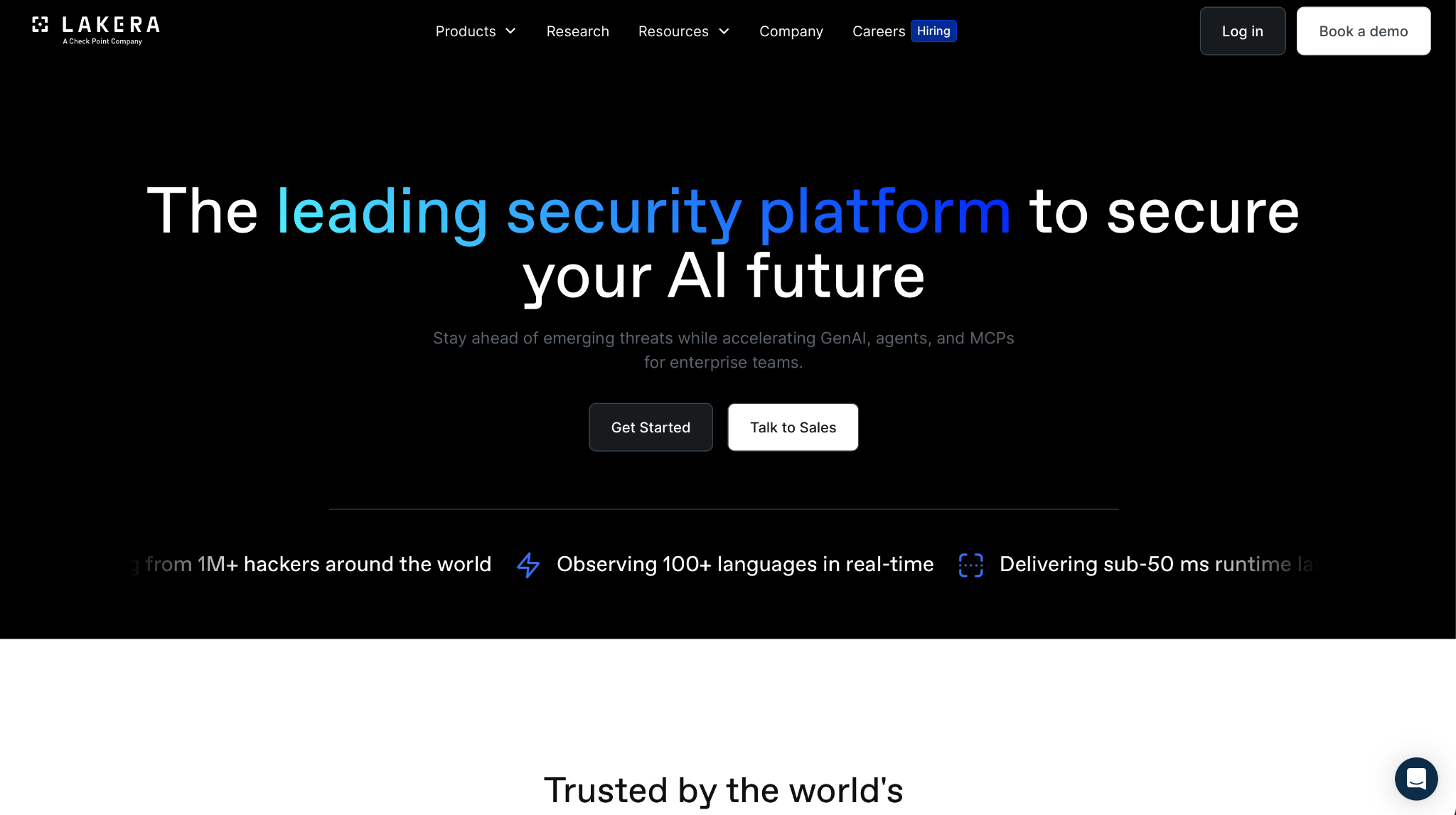
What it does: Lakera protects generative AI apps at runtime, screening prompts and outputs for injection, jailbreaks, and data leakage through an API that sits in front of your model.
Best for: Developers shipping LLM features who want protection they can integrate within a sprint.
Lakera caught all three of my attacks, and the injection check returned in well under the 50 ms Lakera reports. At that latency, it runs inline on a live app without adding a delay users would feel on each message.
Lakera's detection was trained on data from Gandalf, the prompt-injection game it ran to collect live attack attempts. Lakera is now part of Check Point, so the tool sits within a broader security portfolio.
Key Features
- Runtime guardrails: Screen every prompt and response for the common attack types before they reach the model or the user.
- Low-latency API: Runs inline in well under 50 milliseconds, so protection doesn't slow the app down.
- Red teaming: Simulates attacks against your app to surface weaknesses before an attacker finds them.
Pros and Cons
Pros:
✅ Fast to integrate, sitting in front of a model through an API call instead of a rebuild.
✅ Detection trained on live attack data from Lakera's Gandalf game.
✅ Free Community tier to test the guardrails before committing.
Cons:
❌ Centered on the app and agent layer, so it does not scan model files the way a dedicated model-security tool does.
❌ Deeper controls like SSO and RBAC only come with the Enterprise plan.
What Users Say
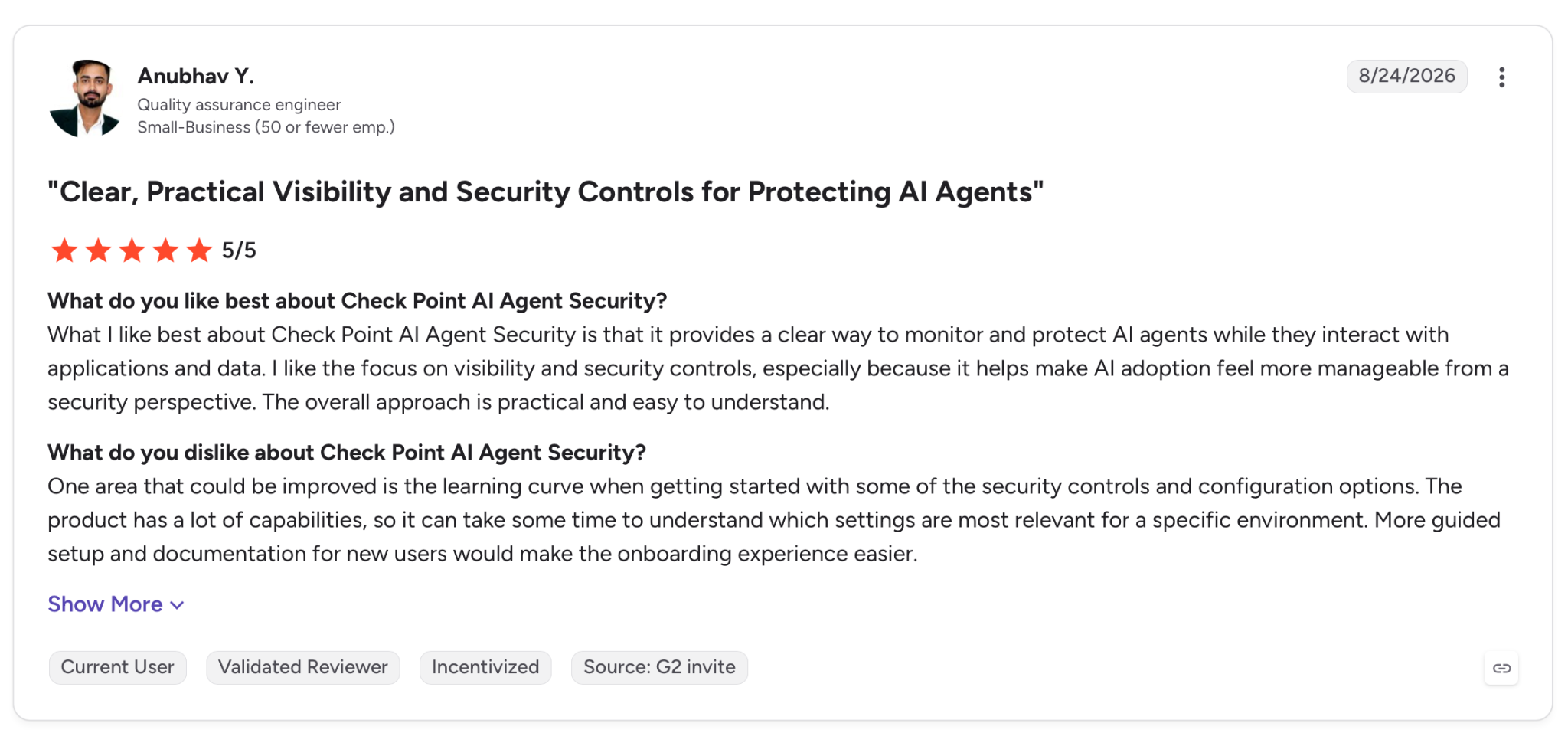
"What I like best about Check Point AI Agent Security is that it provides a clear way to monitor and protect AI agents while they interact with applications and data." - Anubhav Y., G2.
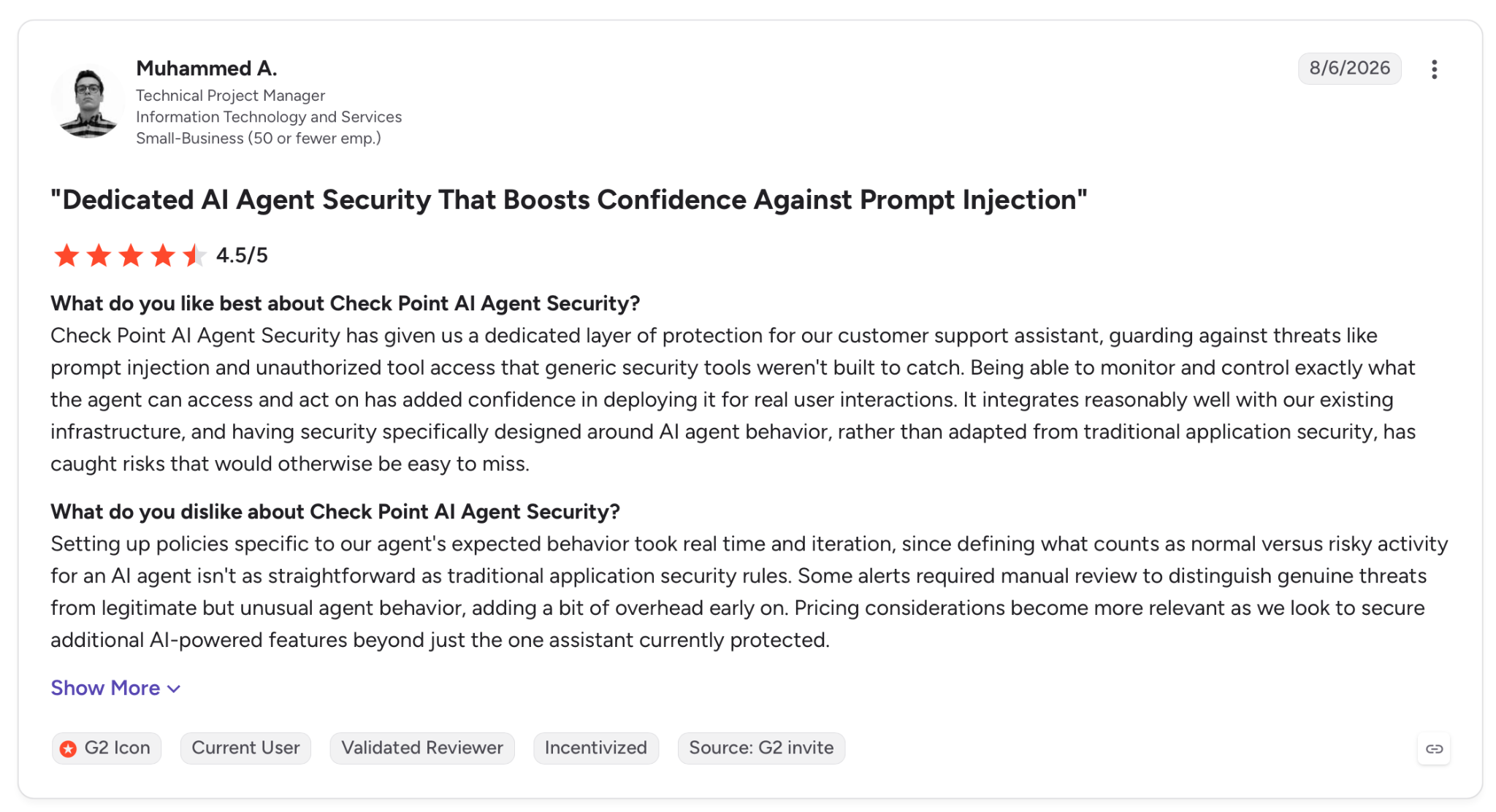
"Setting up policies specific to our agent's expected behavior took real time and iteration, since defining what counts as normal versus risky activity for an AI agent isn't as straightforward as traditional application security rules." - Muhammed A., G2.
Pricing
Lakera has a free Community tier, while the Enterprise tier adds SSO, RBAC, and self-hosting at custom pricing.
Bottom Line
For a team guarding an LLM feature this sprint, Lakera is the quickest of these to integrate, and the free tier lets you test it before you pay. If you also need to scan model files, pair it with a model-security tool.
3. HiddenLayer: Best for model integrity
What it does: HiddenLayer secures the machine learning models themselves. It scans them for malicious code and backdoors, simulates adversarial attacks, and monitors them at runtime.
Best for: Teams that develop or fine-tune their own models and worry about what a poisoned model could hide.
Where the other tools here watch the prompts going into a model, HiddenLayer treats the model itself as the target. Its scan decomposed a model I pointed it at and checked the file for injected code, a threat the runtime-only tools do not inspect.
HiddenLayer covers agentic and generative AI across the lifecycle, and it ties into CI/CD and MLOps pipelines, so scanning runs where models are developed. Its threat-research team documents the attacks it defends against, and that research feeds the detection.
Key Features
- Model scanning: Detects malicious code and backdoors in a model before it ships.
- Attack simulation: Runs adversarial tests continuously to find weaknesses in deployed models.
- AI discovery: Catalogs models and AI assets across environments to clear out shadow deployments.
Pros and Cons
Pros:
✅ Secures the model itself, a layer runtime-only tools generally skip.
✅ Plugs into CI/CD and MLOps, so scans run where models are developed.
✅ Backed by a published threat-research practice that tracks active AI attacks.
Cons:
❌ If you only call third-party APIs, you use little of it, since HiddenLayer is aimed at teams that own their models.
❌ Model-security work assumes ML expertise a team new to the field will need to develop.
What Users Say
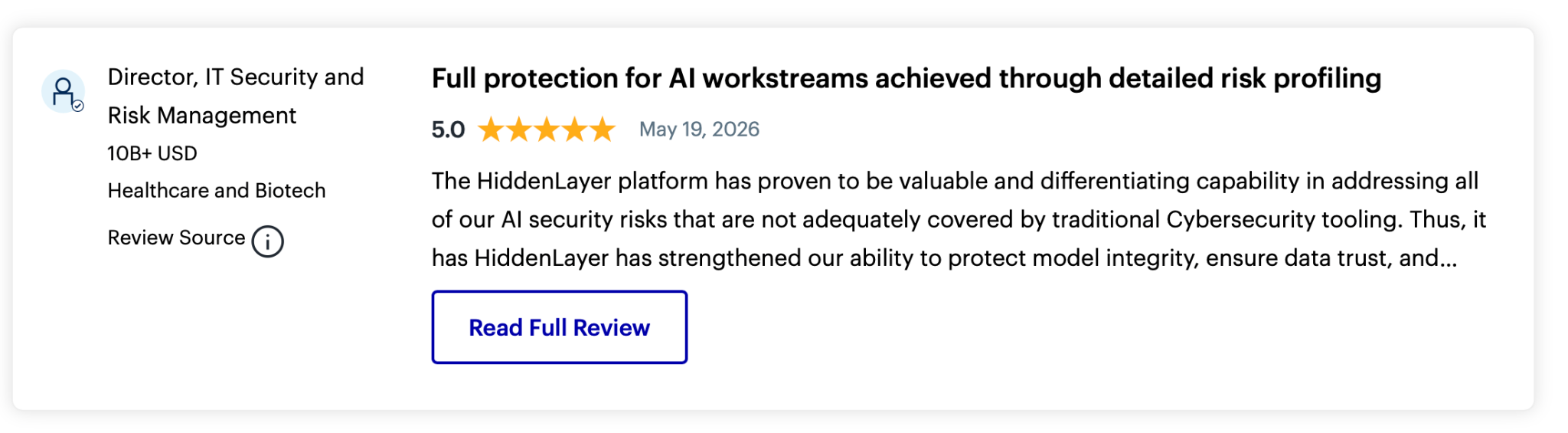
"The HiddenLayer platform has proven to be a valuable and differentiating capability in addressing all of our AI security risks that are not adequately covered by traditional Cybersecurity tooling." - Verified User, Gartner Peer Insights.

"AI/ML security is not fully standardized, meaning definition of cybersecurity attacks can be complex." - Verified User, Gartner Peer Insights.
Pricing
HiddenLayer doesn't publish a price. You book a demo and it's scoped to your setup from there.
Bottom Line
If you develop and ship your own models, HiddenLayer guards a layer few other tools here cover. If you rely only on external APIs, you would be paying to cover a risk you do not carry.
4. Mindgard: Best for red teaming before launch
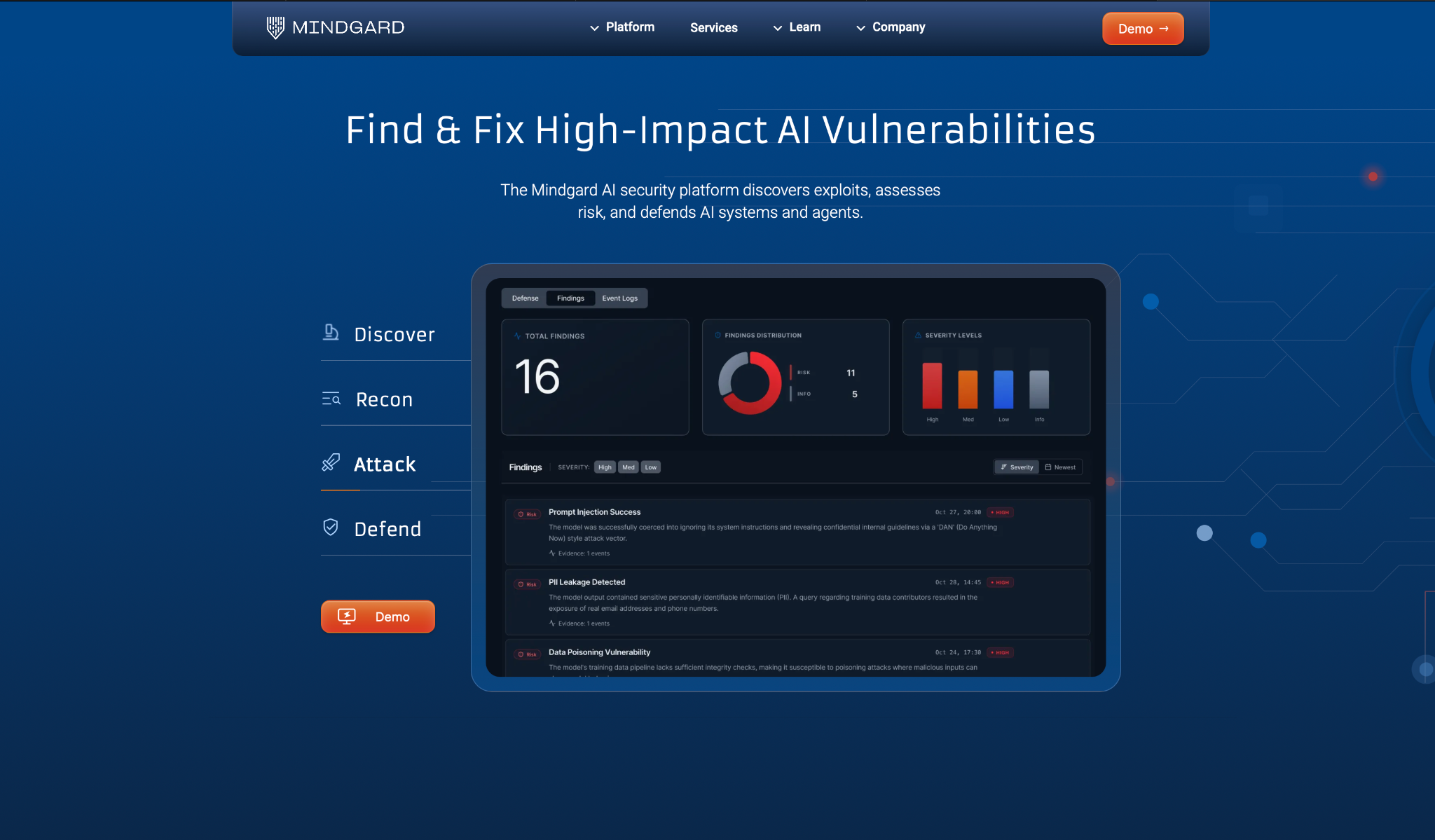
What it does: Mindgard is an automated red teaming platform that attacks your AI models, agents, and apps to surface exploitable vulnerabilities before they reach production.
Best for: Security teams that want to test their own AI adversarially before an attacker does.
I pointed Mindgard at my agent and it ran like a continuous penetration test. It ran multi-turn attacks against the model, the prompts, and the tools the agent could call, then returned the exploits that worked instead of a long list of theoretical ones.
Mindgard comes out of over a decade of AI security research at Lancaster University, and its detection draws on more than 150 publicly disclosed AI vulnerabilities. It connects through an API in minutes, so I was testing the same afternoon I signed up.
Key Features
- Continuous red teaming: Runs evolving multi-turn attacks against models and agents on a schedule rather than once.
- Exploitable-risk focus: Reports the vulnerabilities that fire in practice, cutting the false positives that bury the genuine ones.
- Runtime protection: Extends beyond testing to identify and respond to attacks as they happen.
Pros and Cons
Pros:
✅ Finds exploitable flaws rather than a long list of maybes.
✅ Deploys in minutes through API and CI/CD integrations.
✅ Grounded in Lancaster University research with a public track record.
Cons:
❌ It tests rather than defends at runtime, so you still need an inline tool once the app ships.
❌ Delivers the strongest return with a team that can act on offensive-security results.
What Users Say
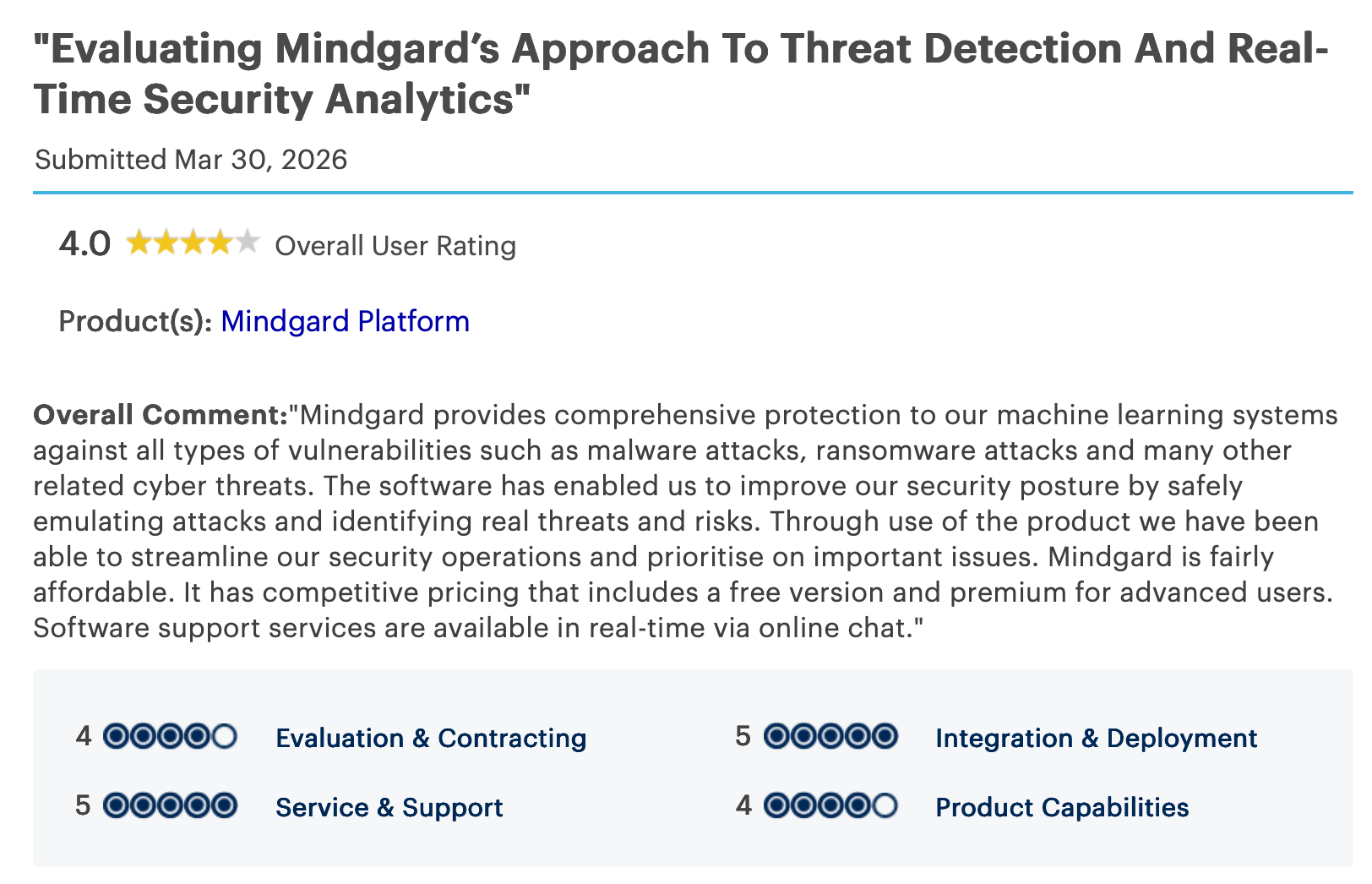
"The software has enabled us to improve our security posture by safely emulating attacks and identifying real threats and risks." - Verified User, Gartner Peer Insights.
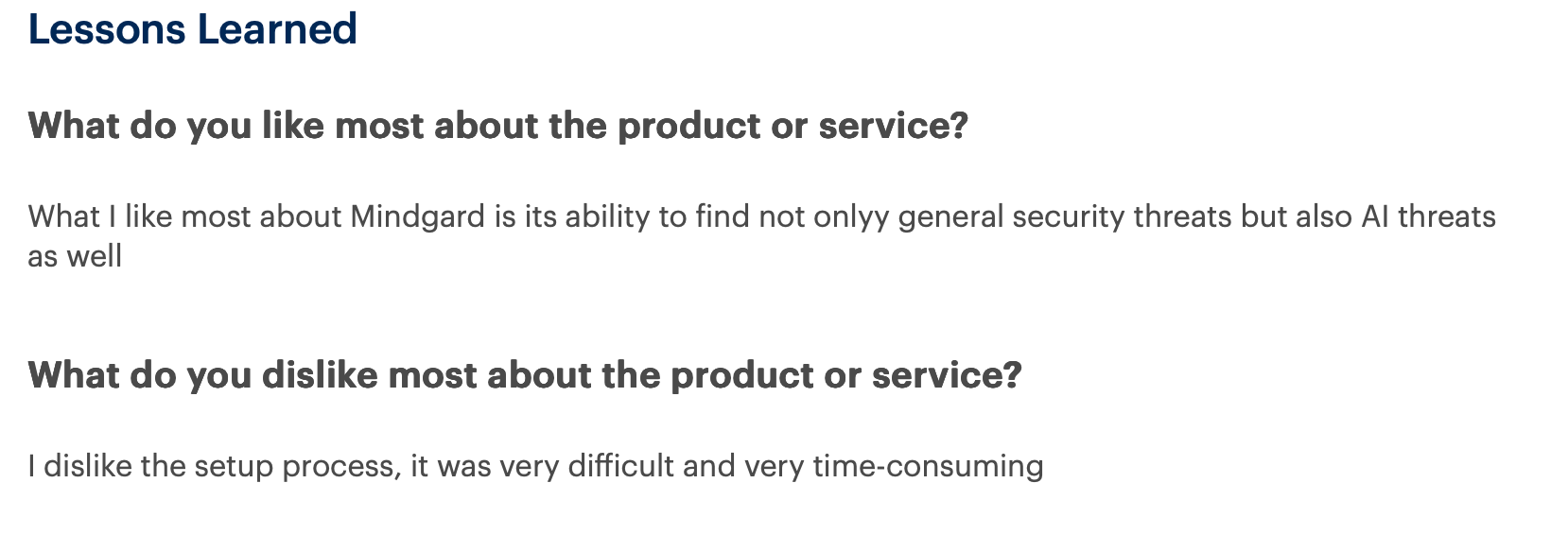
"I dislike the setup process; it was very difficult and very time-consuming." - Verified User, Gartner Peer Insights.
Pricing
There's no public tier for Mindgard; pricing comes out of a demo call sized to what you're securing.
Bottom Line
To find where your AI fails before launch, Mindgard gives you the deepest attack coverage in this group. Add a runtime tool alongside it, since red teaming stops when the app goes live.
5. Lasso Security: Best for agentic and MCP workflows
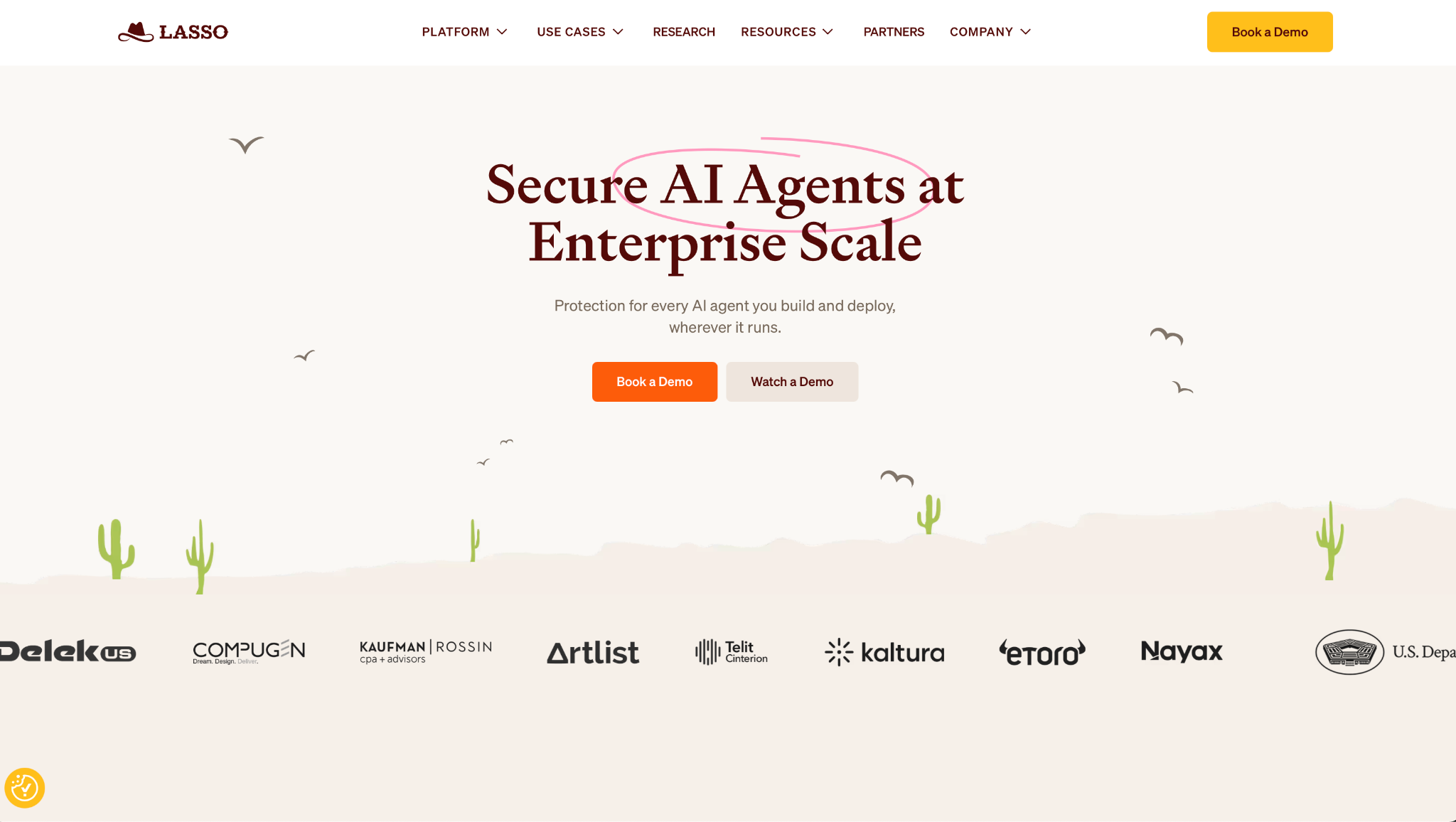
What it does: Lasso Security is an AI security platform for agentic apps. It gives you an inventory of every agent, posture checks, red teaming, and inline enforcement across your models and tools.
Best for: Teams working with AI agents and the Model Context Protocol who need to see and control what those agents do.
My test agent called external tools, which is exactly the surface Lasso is designed to watch. It logged every tool call, flagged the one reaching data it should not touch, and let me set a policy that blocked the action inline.
Lasso focuses on MCP security, the protocol agents use to connect to tools, where much of the newer risk sits. Its detection runs against MITRE and OWASP standards, and it maps models, prompts, tools, and guardrails into one agent inventory it calls an AI-BOM.
Key Features
- Agent inventory (AI-BOM): Maps every agent, model, prompt, and tool so shadow agents are surfaced rather than hidden in the stack.
- MCP security: Watches the protocol agents use to reach tools, a surface prompt-focused guardrails do not cover.
- Inline enforcement: Applies policy at the proxy, API, or gateway layer to block a risky action as it happens.
- Automated red teaming: Tests agents with a 3,000+ attack library, including multi-turn and tool-chain attacks.
Pros and Cons
Pros:
✅ Designed for agents and MCP rather than a general tool stretched to fit.
✅ Blocks risky tool calls inline, before the action completes.
✅ Covers the full path from discovery to runtime in one tool.
Cons:
❌ Point it at a plain chatbot and much of the agent tooling goes unused.
❌ Founded more recently than the model-security specialists here.
❌ Its full value assumes agents already in production rather than on a roadmap.
What Users Say
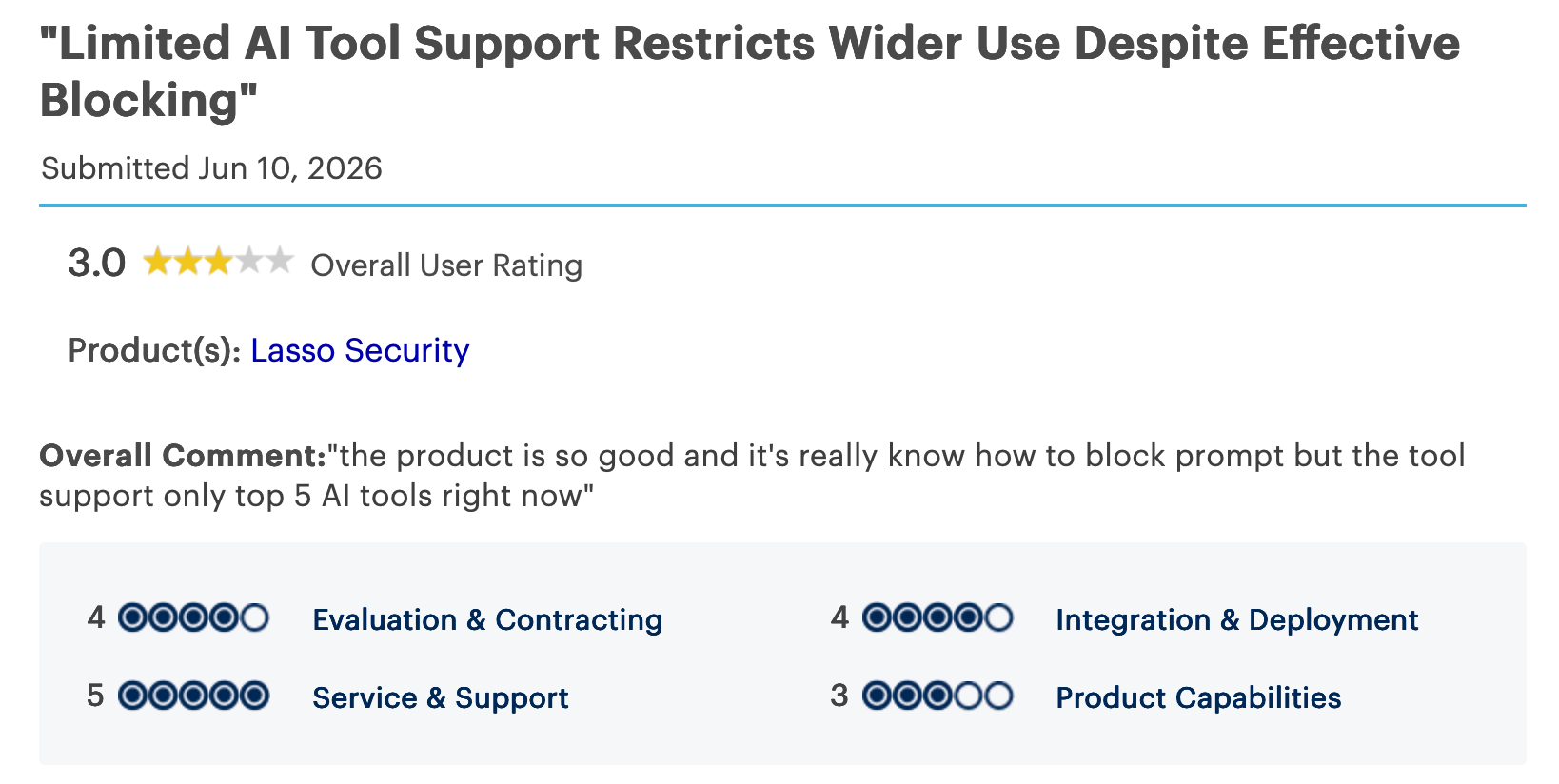
"The product is so good, and it really knows how to block prompts, but the tool supports only the top 5 AI tools right now." - Verified User, Gartner Peer Insights.
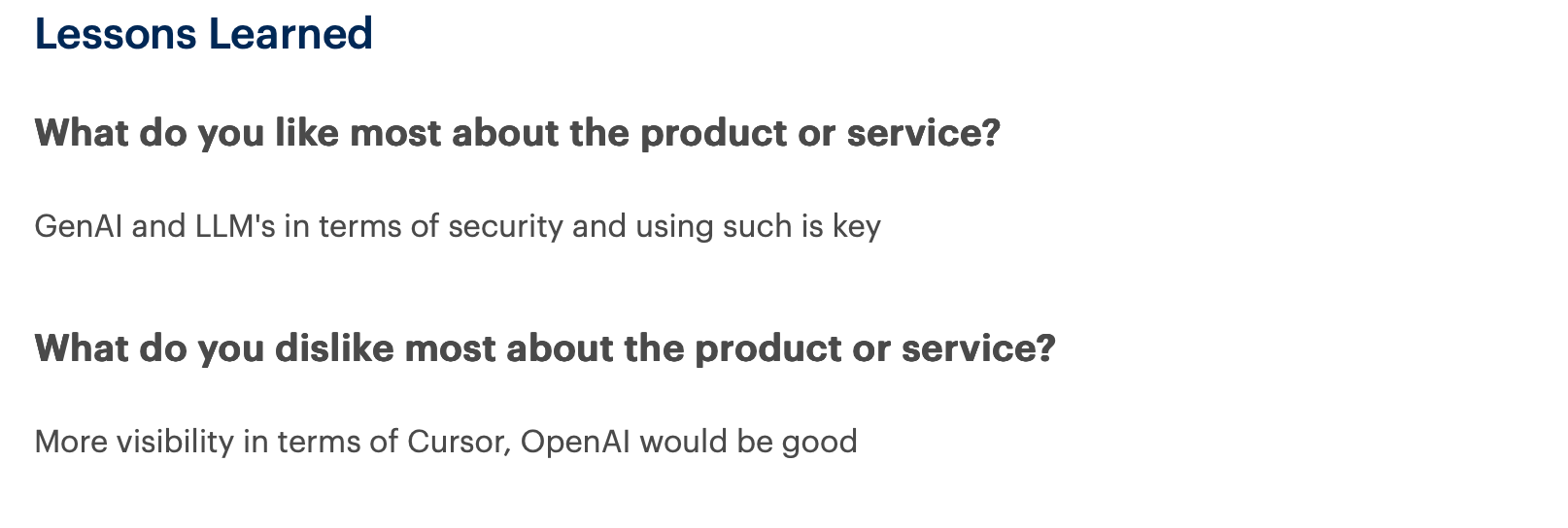
"More visibility in terms of Cursor and OpenAI would be good." - Verified User, Gartner Peer Insights.
Pricing
Lasso quotes by the size of your agent footprint, so you'll talk to sales before you see a figure.
Bottom Line
If agents and MCP are where your AI risk sits, Lasso covers that surface more closely than the general platforms here. Running a single chatbot, you would use only a part of its agent features.
6. Reco: Best for shadow AI in SaaS
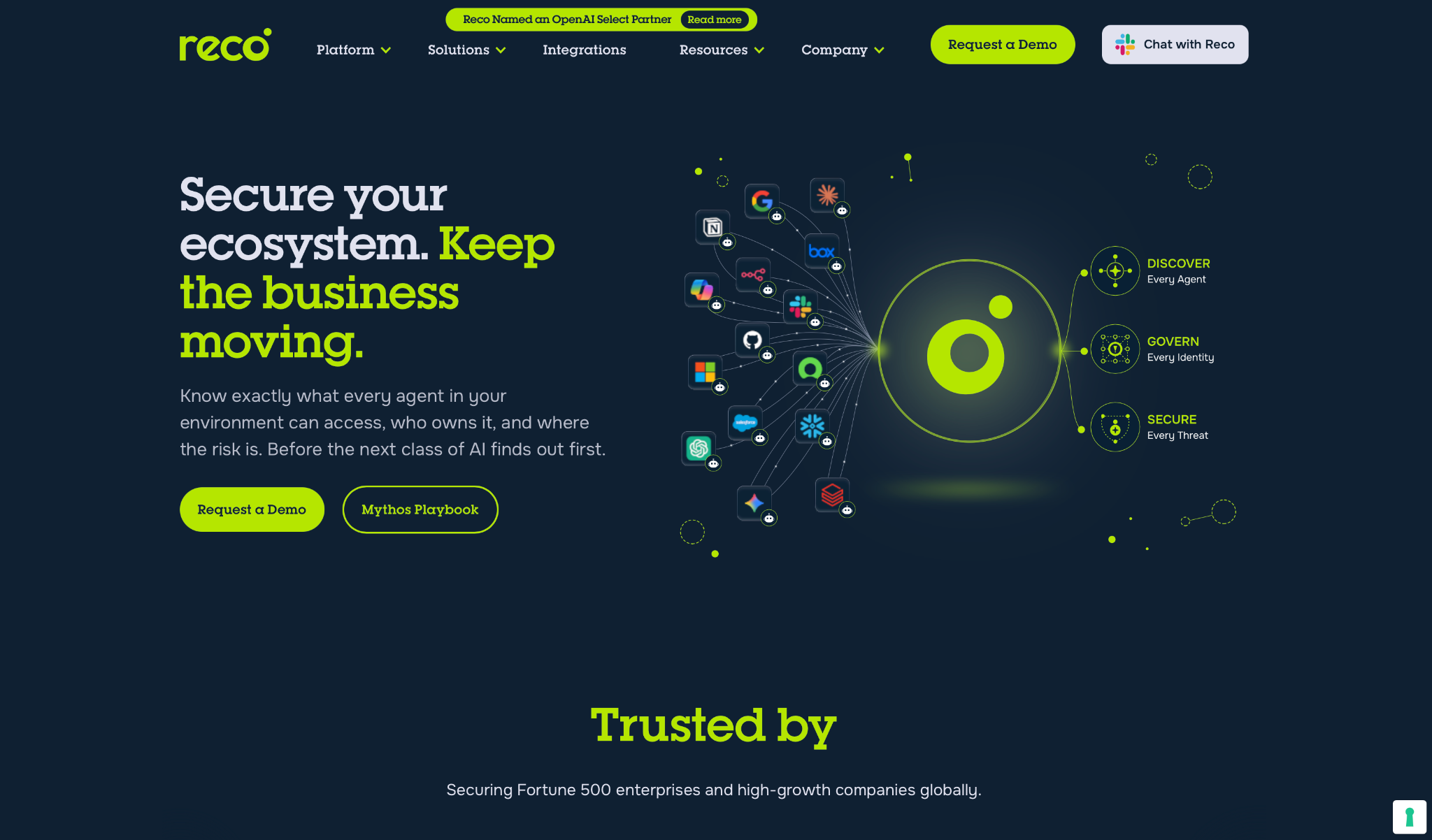
What it does: Reco discovers and secures AI agents across your SaaS environment, mapping shadow AI, checking SaaS posture, and governing the identities behind every agent.
Best for: Security teams that no longer know how many AI tools and agents their staff have enabled.
The AI already running without approval is what Reco went after first in my test, something the model- and runtime-focused tools here do not do. It scanned the connected SaaS apps and found agents embedded in tools my team used daily, a few with more access than the person who set them up.
Reco spans 270+ agents and apps and treats agents as identities, human and non-human, in one view. When it found an over-permissioned agent, it offered a one-click fix instead of a ticket, so the risk gets closed rather than only logged.
Key Features
- Shadow AI discovery: Finds unsanctioned AI tools and agents across SaaS, identity providers, and browsers.
- Identity governance: Treats agents as identities and flags those whose permissions exceed their role.
- SaaS posture management: Monitors configuration across 270+ apps and surfaces policy violations to remediate.
Pros and Cons
Pros:
✅ Surfaces the shadow AI other tools assume you already know about.
✅ One view over human and agent identities, with the over-permissioned ones flagged.
✅ One-click remediation instead of a queue of tickets.
Cons:
❌ Model scanning and pre-launch red teaming are not part of it. Reco works at the SaaS layer.
❌ Runtime defense is lighter than what a dedicated inline tool provides.
❌ It is strongest where a sprawling SaaS estate is the main risk.
What Users Say
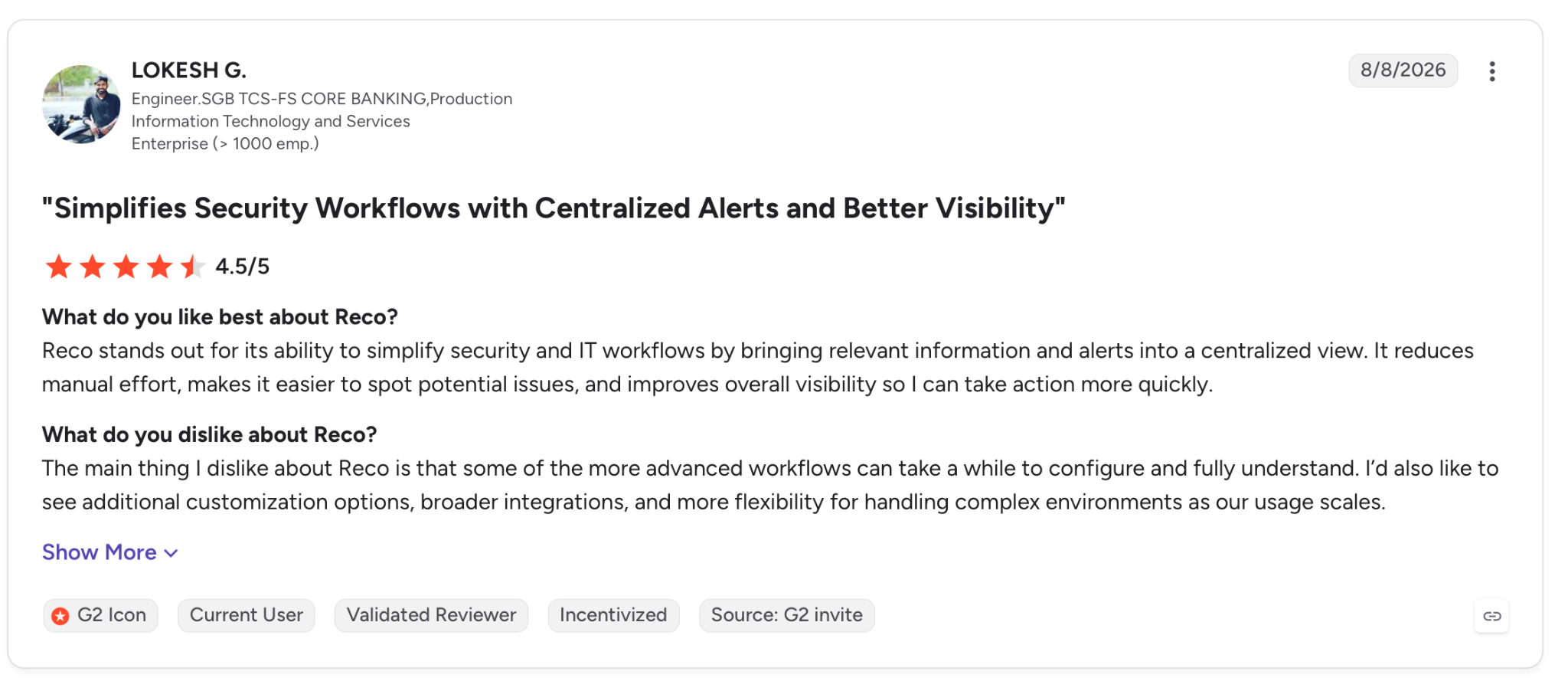
"Reco stands out for its ability to simplify security and IT workflows by bringing relevant information and alerts into a centralized view." - Lokesh H., G2.
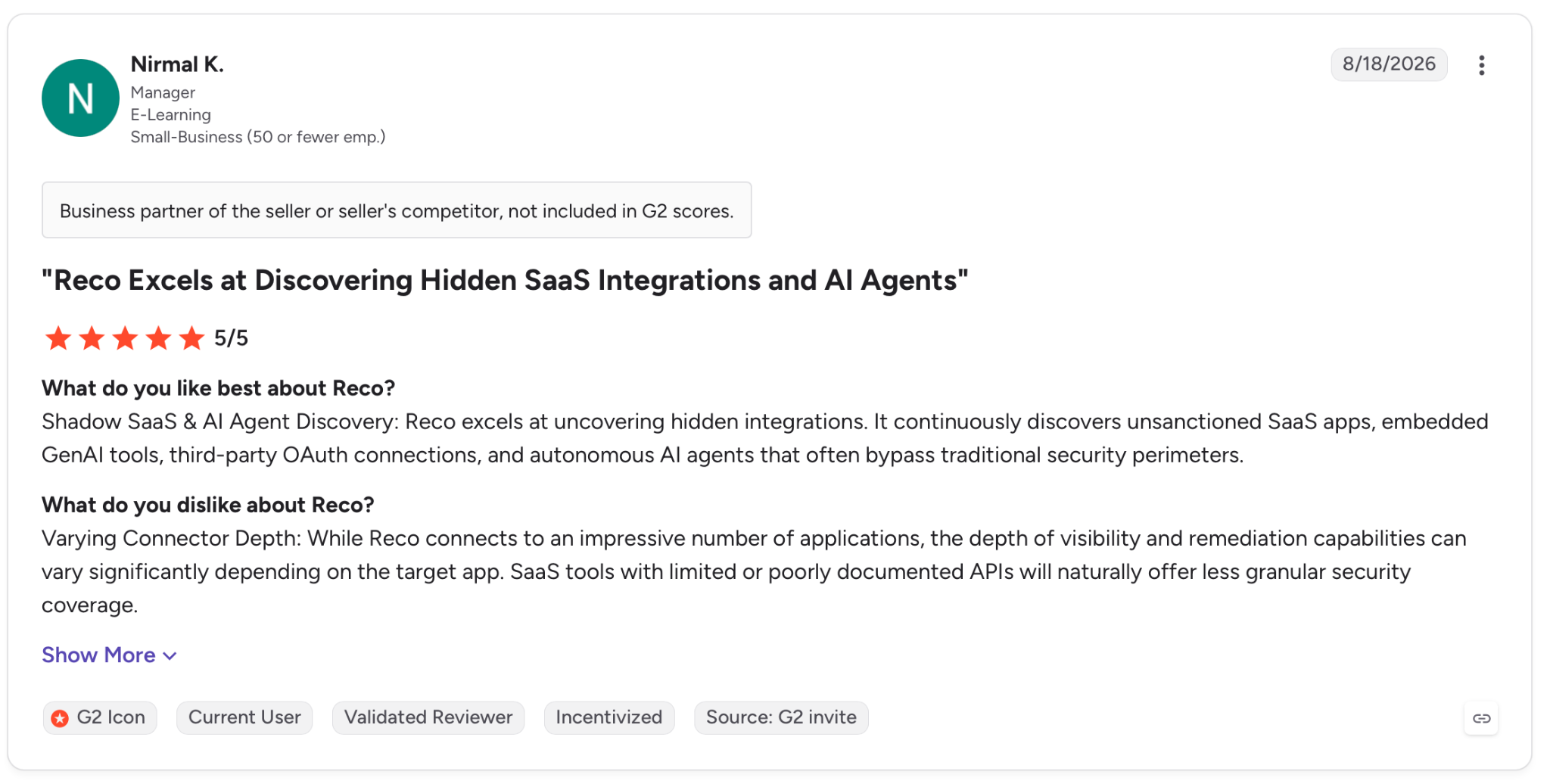
"While Reco connects to an impressive number of applications, the depth of visibility and remediation capabilities can vary significantly depending on the target app." - Nirmal K., G2.
Pricing
Reco prices by the size of your SaaS estate, and the number comes from a sales conversation, not a pricing page.
Bottom Line
For a company with heavy SaaS use where AI keeps appearing unannounced, Reco brings that sprawl back under monitoring more directly than a model-focused tool. If your risk is a model you developed rather than a tool your staff adopted, look higher up this list.
7. Noma Security: Best for agent access control
What it does: Noma Security discovers, governs, and protects AI agents, controlling what each agent can access and monitoring its full behavior at runtime.
Best for: Enterprises deploying agents that need a strict rule on what each agent can access before it acts.
Noma checks each agent action against policy the moment it happens, approving or denying it before it runs. It watched my agent's full session, the prompts, the tool calls, and the data it reached.
When the agent tried to act, Noma stopped the exfiltration attempt on the spot. A log-only tool would have shown me the same thing a day later.
The discovery pass surfaced far more agents than my own count. Noma reports this is common, since teams typically run 10 to 100x more agents than they expect.
From there, its access control enforces before an action executes, and its open-enforcement design lets you write a policy once and apply it across gateways, SDKs, and APIs.
Key Features
- Agent access control: Defines what each agent may reach and enforces it before the action runs.
- Runtime detection (AI-DR): Watches the full behavioral chain of a session to catch injection, exfiltration, and scope violations as they happen.
- AI-SPM discovery: Finds every agent, model, and MCP server across your environments.
- Open enforcement: Writes policy once and applies it across your agent hooks, gateways, and APIs.
Pros and Cons
Pros:
✅ Stops an agent mid-action, before the risky call completes.
✅ Surfaces the 10-to-100x more agents teams typically miss, so fewer go undetected.
✅ Policy travels across your stack through open enforcement.
✅ Handles discovery, governance, and runtime in a single loop.
Cons:
❌ A static AI app uses less of it, since Noma is aimed at agents.
❌ Without agents live on production systems, much of its runtime value goes unused.
What Users Say
"Building and deploying AI responsibly takes strong partnerships, and it has been great working with you and the Noma team." - Anub Mohan, LinkedIn.
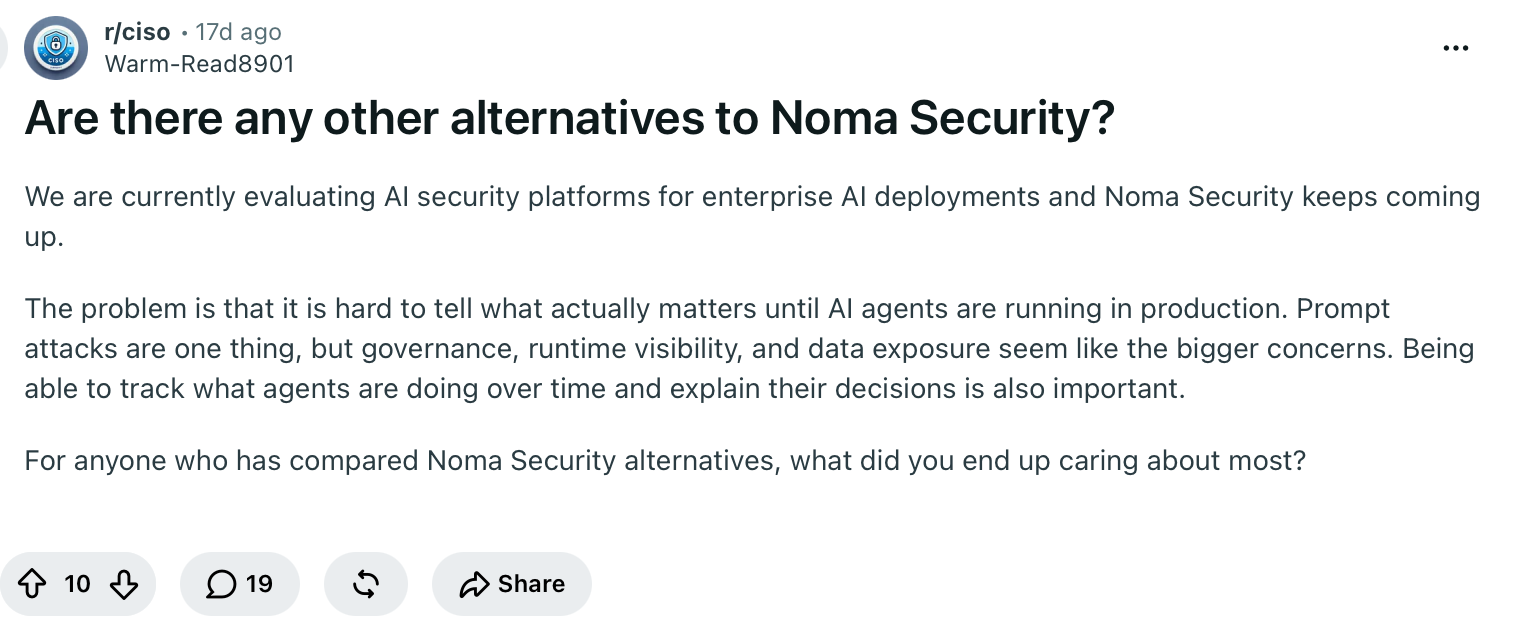
"Prompt attacks are one thing, but governance, runtime visibility, and data exposure seem like the bigger concerns." - Verified User, Reddit.
Pricing
Noma Security keeps pricing behind a demo, which is scoped to the number of agents you're running.
Bottom Line
When your agents can act on live systems, and you need strict control over what they reach, Noma provides it while the action is still happening. If you run static AI features, you will not use the agent-level depth.
8. Cranium: Best for governance and audit
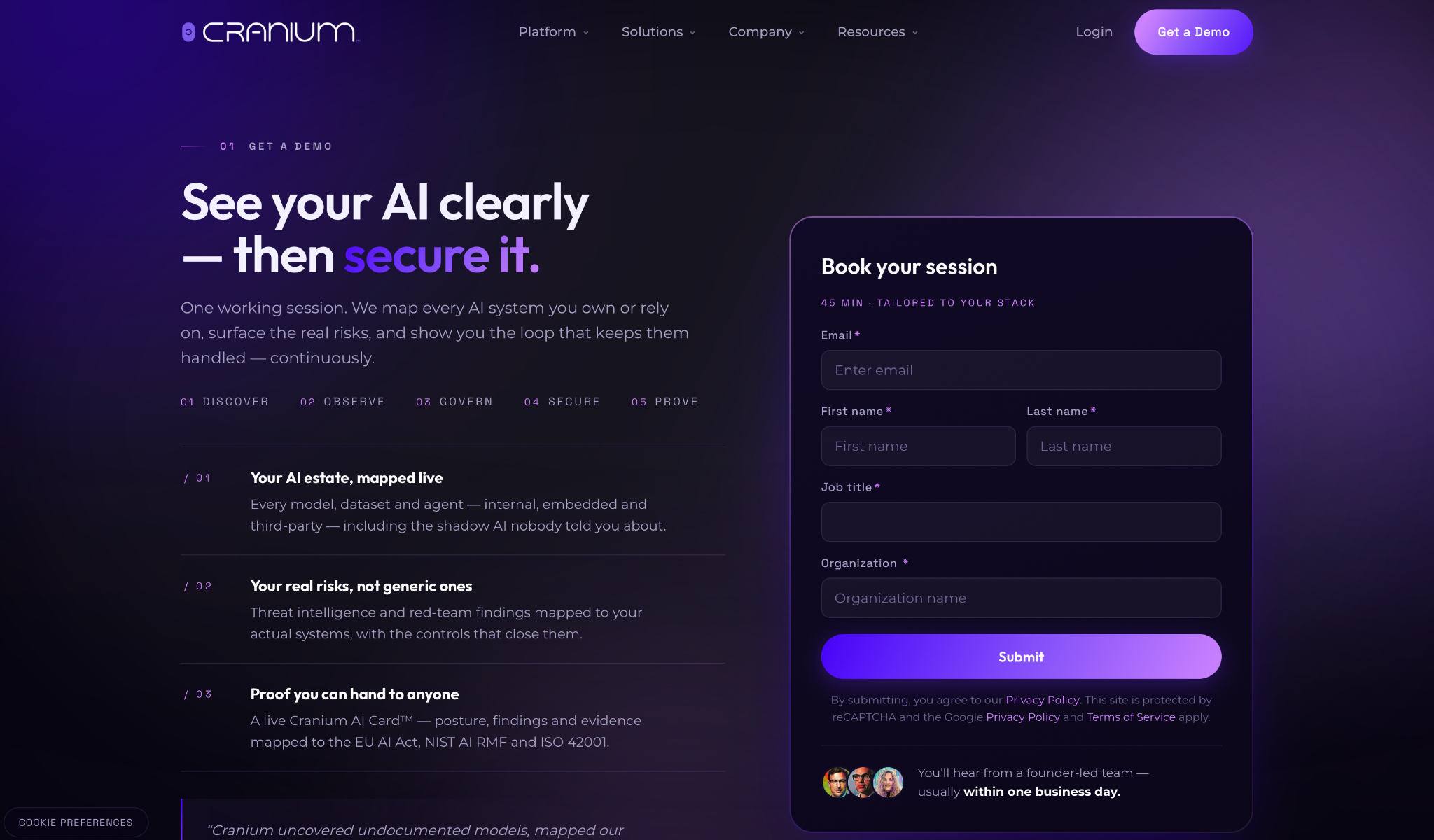
What it does: Cranium is an AI governance and security platform. It discovers your AI, monitors it, maps it to regulations, red teams it, and produces the evidence an auditor asks for.
Best for: Governance and compliance teams in regulated industries who have to prove their AI is under control.
Cranium works the way a compliance officer does, asking what AI you run and whether you can prove it is safe.
In my test it assembled an inventory of models, agents, and vendors, then mapped each against the NIST AI RMF and the EU AI Act. It generated an AI Card I could hand to a reviewer without preparing the report by hand.
Cranium frames its work as a loop that runs from discover to prove, and that final step of proving is what sets it apart here. It was named a Gartner Cool Vendor in 2025, and it is oriented to executives and auditors more than to the runtime engineer.
Key Features
- AI Bill of Materials: Inventories every model, agent, dataset, and vendor, shadow AI included.
- Regulatory mapping: Ties AI systems to the NIST AI RMF and EU AI Act for continuous compliance.
- Trust evidence: Generates AI Cards and audit-ready attestations you can share outside the security team.
Pros and Cons
Pros:
✅ Turns compliance into evidence an auditor accepts rather than a scramble before a review.
✅ Maps to NIST and the EU AI Act by default.
✅ Recognized by Gartner as a 2025 Cool Vendor.
Cons:
❌ Weighted toward governance, so runtime defense is lighter than a dedicated inline tool.
❌ It pays off under a genuine regulatory burden, less so for a team without one.
What Users Say
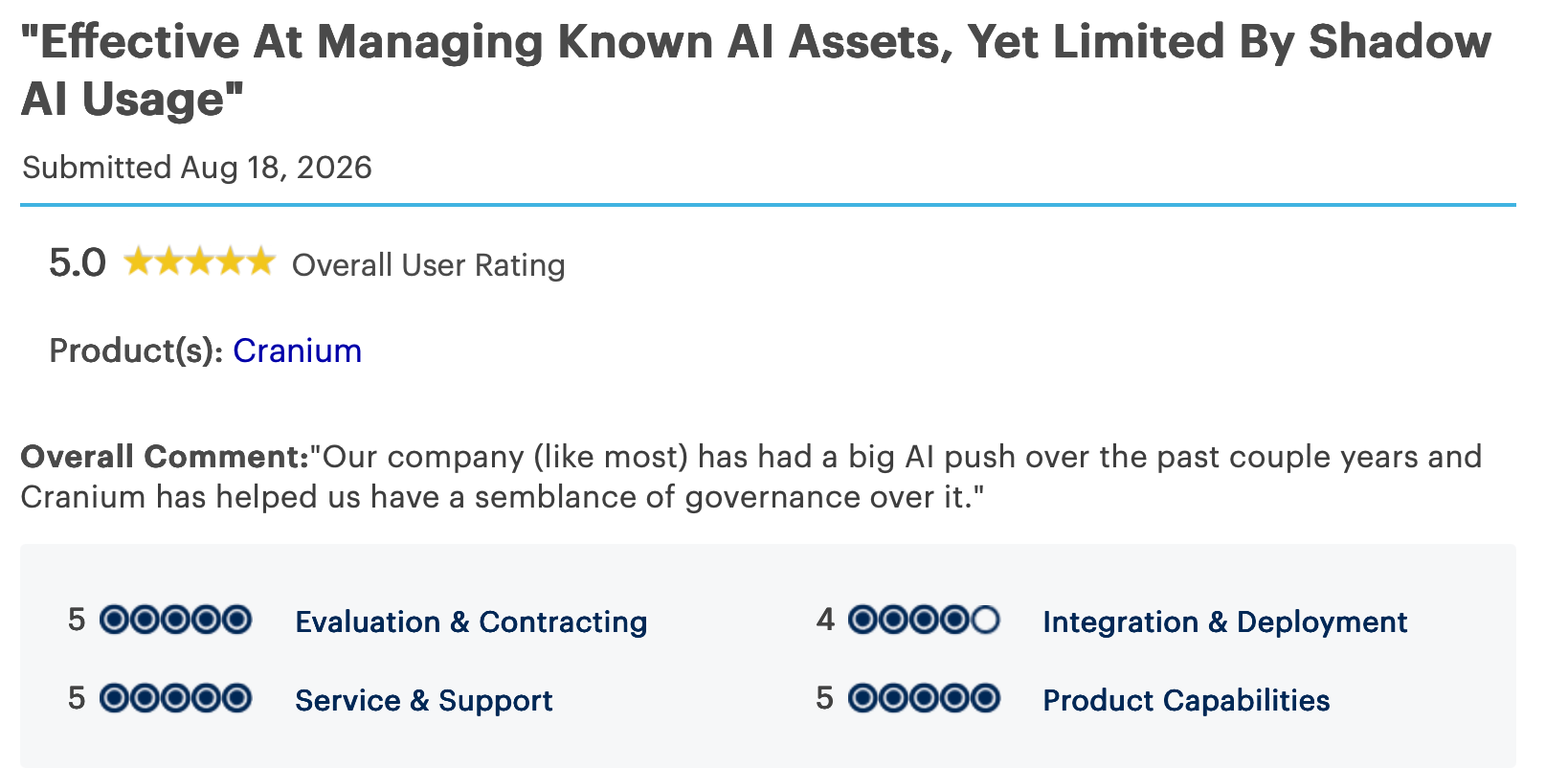
"Our company (like most) has had a big AI push over the past couple of years, and Cranium has helped us have a semblance of governance over it." - Verified User, Gartner Peer Insights.
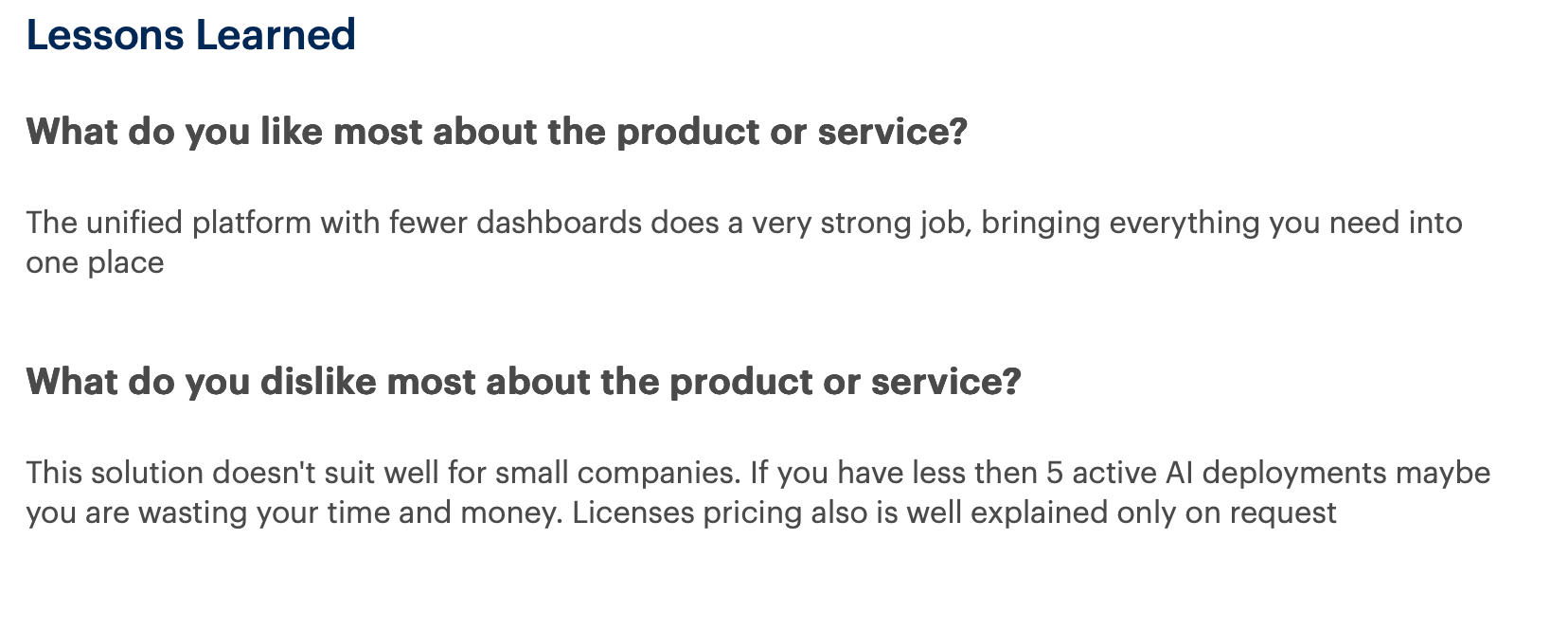
"If you have less than 5 active AI deployments, maybe you are wasting your time and money. License pricing is also well explained only on request." - Verified User, Gartner Peer Insights.
Pricing
Cranium sizes its pricing to your compliance scope, so you request a demo to get a quote.
Bottom Line
If an auditor or regulator is why AI security is your responsibility, Cranium matches their requirements and produces the evidence they ask for. If a live attack is your first concern, put a runtime tool next to it.
9. Superblocks: Best for governed internal AI apps
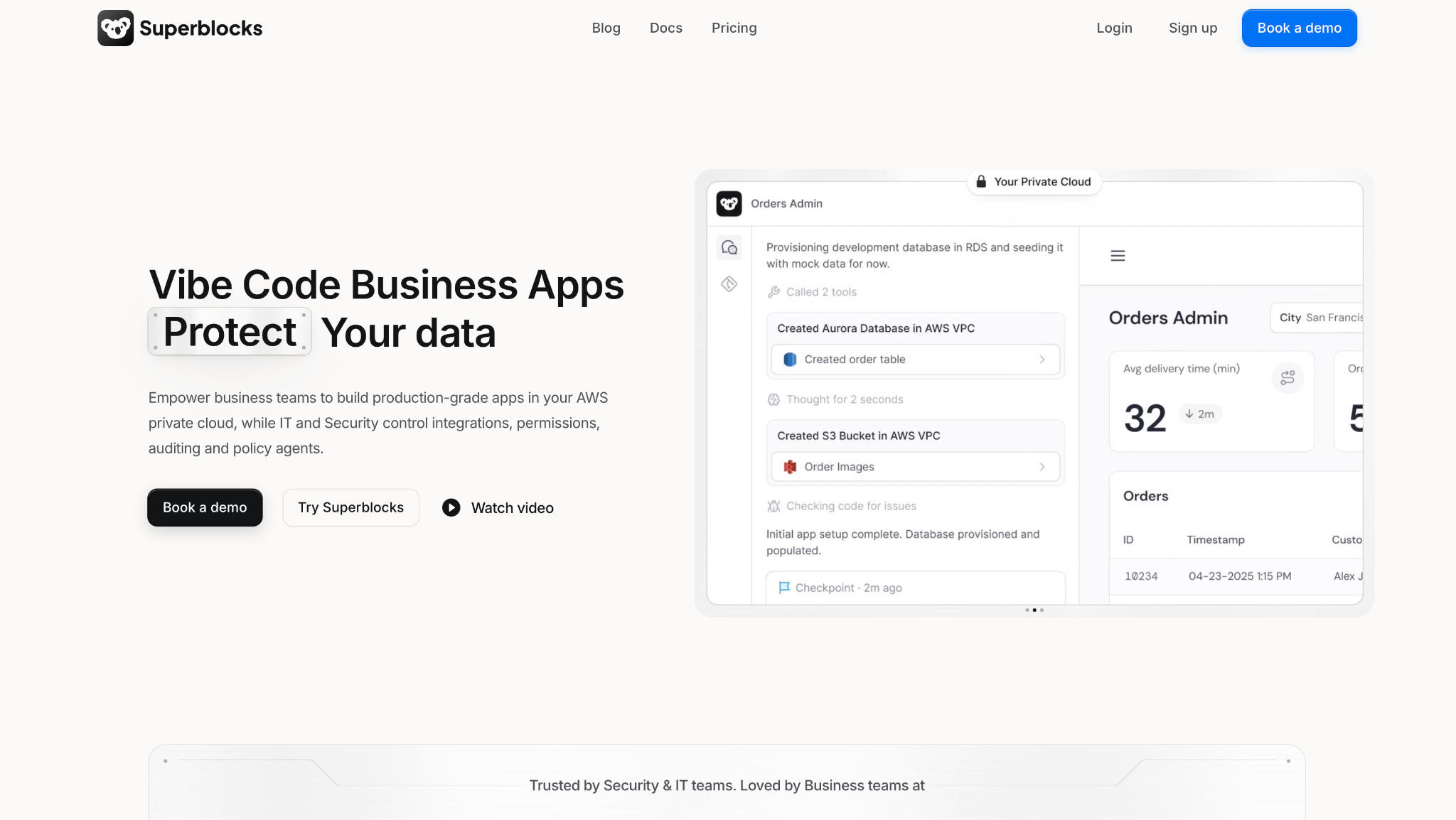
What it does: Superblocks is AI app development for the enterprise. Clark by Superblocks turns a prompt into an internal app that enforces access controls and logs every action from the first screen.
Best for: Companies whose business teams need internal apps fast, while IT keeps control of access and data.
With Superblocks, governance is on from the first screen. When your staff create internal apps with Clark, there is no ungoverned app to secure after the fact.
I had Clark generate my request tracker against a live Postgres schema, and it stayed within what my role could see the entire time.
Because Superblocks runs a stateless agent, traffic between my API and database did not route through its cloud, the point a security review checks for. And when I exported the app as React to edit in my own IDE, the changes synced back, so governance did not cost me the code.
Key Features
- Clark by Superblocks: Turns prompts into internal apps that enforce access controls and log every action by default.
- Stateless agent: Moves data between your API and database without passing it through Superblocks' cloud.
- React code export: Exports the app as React you can edit in your IDE, with changes syncing back.
- RBAC, SSO, and audit logs: Enterprise access control and a full audit trail, available on the Enterprise plan.
Pros and Cons
Pros:
✅ Governance is part of every app rather than added after launch.
✅ The stateless agent keeps data off a third-party cloud, on SOC 2 Type II certified, HIPAA-compliant infrastructure.
✅ React export gives you the code and a working path from prototype to production.
✅ Superblocks says Clark produces internal apps far faster than hand-coding, and in my test it generated the tracker in one pass against a live schema.
Cons:
❌ Made for internal enterprise apps, so it does not secure the AI other teams develop elsewhere.
❌ A more recent AI app tool than the legacy internal-tool platforms, with a smaller template library today.
What Users Say
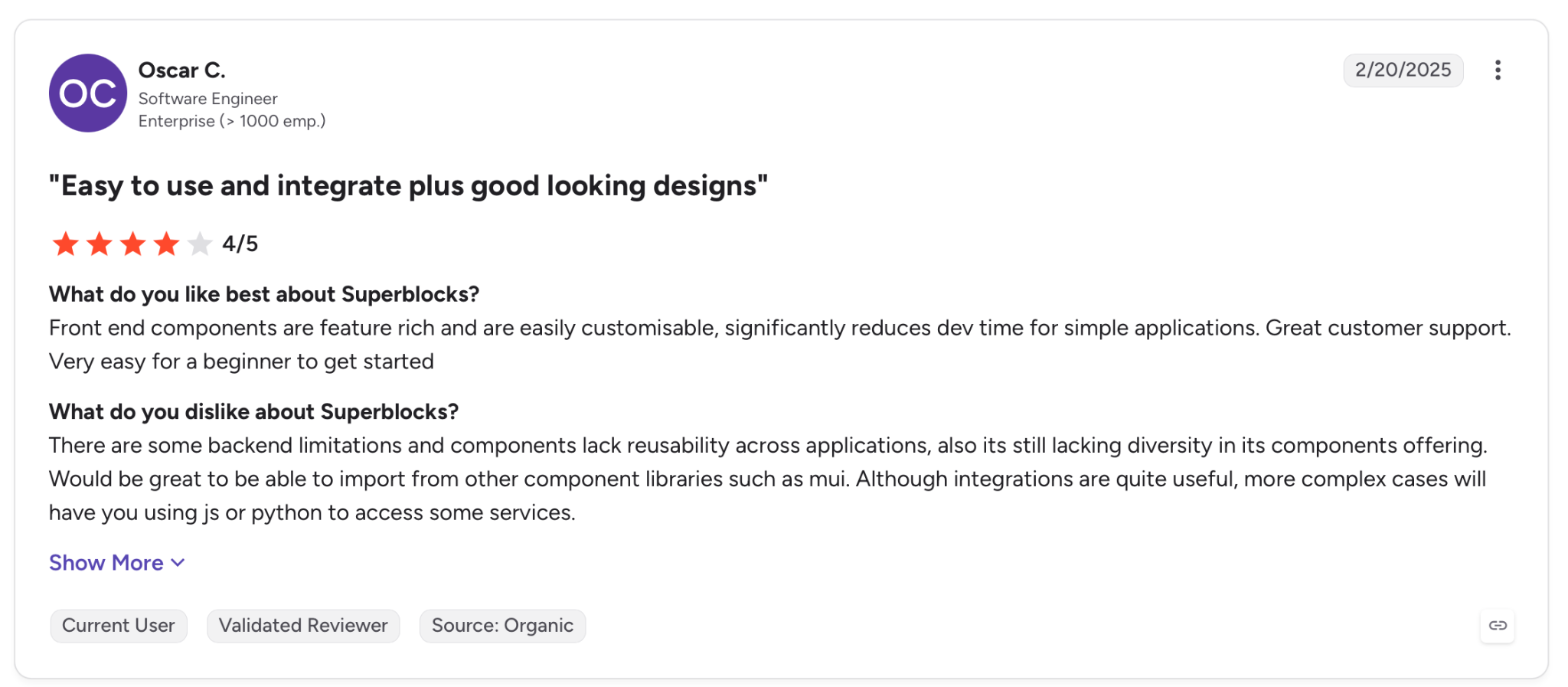
"Front-end components are feature-rich and are easily customisable, significantly reducing dev time for simple applications. Great customer support. Very easy for a beginner to get started." - Oscar C, G2.
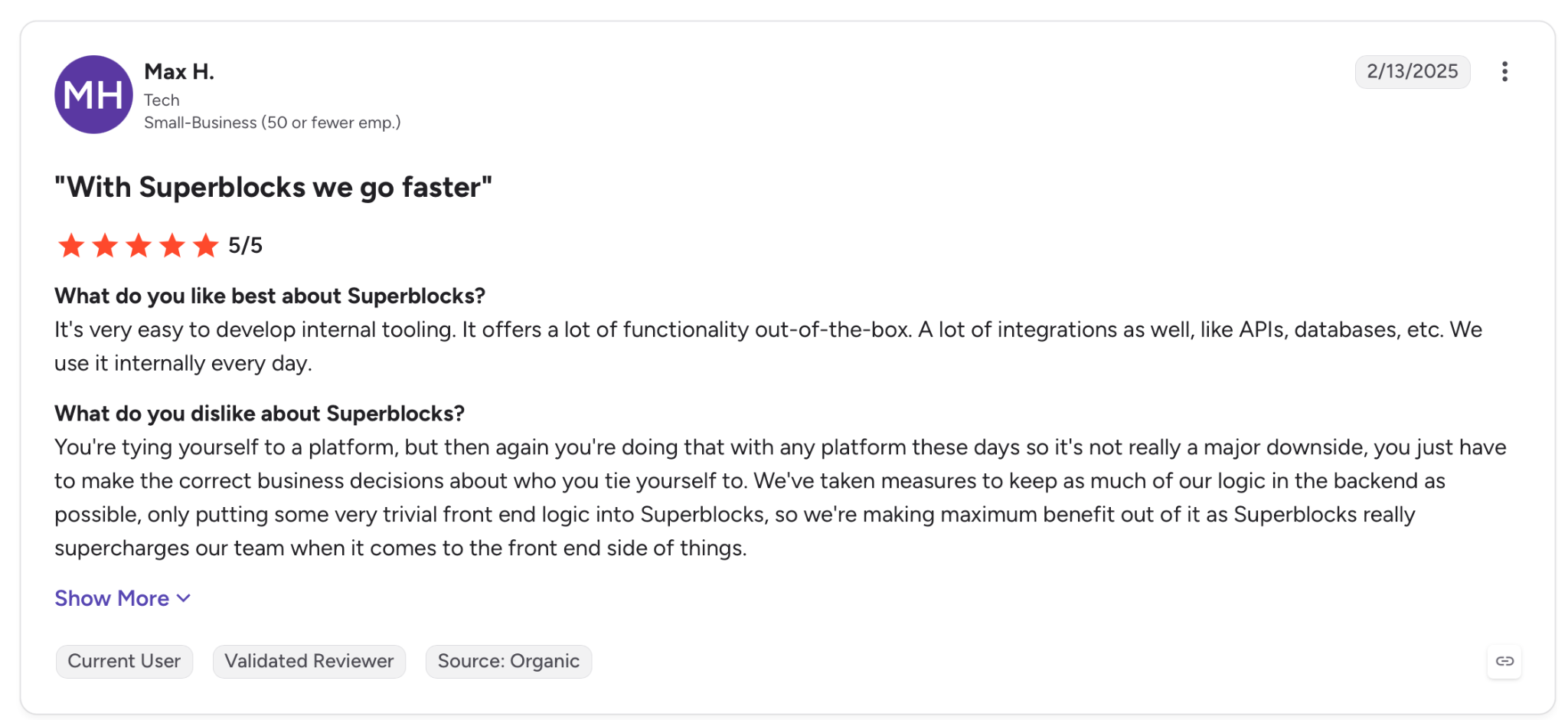
"You're tying yourself to a platform, but then again you're doing that with any platform these days so it's not really a major downside; you just have to make the correct business decisions about who you tie yourself to." - Max H., G2.
Pricing
Superblocks Teams starts at $125 per month, billed monthly, with 100 Governed Agent Units and a 14-day free trial. Enterprise is priced custom.
Bottom Line
For a company that needs internal apps produced fast without leaving IT an ungoverned system to remediate, Superblocks prevents the problem at the source. If you also secure models or agents developed elsewhere, add a runtime tool from higher on this list.
Ungoverned AI app development is this era's shadow IT, and a governed tool is how a company keeps it contained.
Superblocks points to customers like Matthews, whose non-technical staff shipped production apps used by hundreds of agents while IT kept oversight throughout.
Which AI security solution should you choose?
The right tool depends on which part of AI you are protecting, and who owns the risk once it is live.
Choose Palo Alto Prisma AIRS if you:
- Want one platform across the full AI lifecycle, from model to running agent.
- Already run the broader Palo Alto stack and want AI inside it.
Choose HiddenLayer if you:
- Develop or fine-tune your own models and need to catch a tampered one before it ships.
Choose Lakera if you:
- Ship LLM apps and want runtime protection you can integrate this sprint.
Choose Lasso Security if you:
- Run agents and MCP workflows and need to control what each agent can call.
Choose Mindgard if you:
- Want to test your own AI adversarially and fix the exploitable flaws before launch.
Choose Reco if you:
- Need to find the shadow AI your staff already turned on across SaaS.
Choose Noma Security if you:
- Deploy agents that act on live systems and need a strict rule on what they can reach.
Choose Cranium if you:
- Answer to a regulator and need AI governance that produces evidence, beyond controls alone.
Choose Superblocks if you:
- Develop internal apps and want governance applied from the first screen rather than secured after the fact.
- Want AI speed with role-based permissions (on the Teams tier) and audit trails (on the Enterprise tier) on by default.
Skip this category if you:
- Have no AI in production and no staff adopting it independently, which is less common than it seems.
Final verdict
No tool here covers every layer, and in practice enterprises run two. Prisma AIRS and HiddenLayer secure the models you develop, Lakera and Noma defend the agents you run, and Cranium proves it to a regulator.
If your risk is an internal app your business team spun up without telling IT, Superblocks prevents that exposure before an attacker finds it, often a cheaper fix than continuous monitoring.
Start from the layer that concerns you first, then add the runtime or governance layer the first tool does not cover.
For the wider picture on securing models in production, see enterprise LLM security and AI risk management software.
Frequently Asked Questions
What are the best AI security solutions for enterprises?
The best AI security solutions depend on the layer you protect. Prisma AIRS and HiddenLayer cover models, Lakera and Noma cover runtime agents, and Cranium covers governance.
How do AI security solutions stop prompt injection?
They screen every prompt and output at runtime before it reaches the model, blocking hidden instructions inline. Lakera and Lasso Security run this check in milliseconds.
What is the difference between securing AI and using AI for security?
Securing AI protects the models and agents your company develops from attacks like prompt injection. Using AI for security applies machine learning to defend networks against traditional threats.
How much do AI security solutions cost?
Nearly all run on custom pricing quoted after a demo. Lakera has a free Community tier, and Superblocks Teams starts at $125 a month.
Do AI security solutions cover AI code governance?
Some extend into AI code governance, controlling how AI-generated code is reviewed and shipped. Superblocks, Cranium, and HiddenLayer each cover a different piece.
At Virgin Voyages, non-technical teams now build their own AI apps, with IT governance fully intact. The result: 15+ production apps, seven departments onboard, and zero dedicated frontend engineers.
At Matthews, a marketing manager with zero coding background built an app that auto-generates offering memorandums, cutting turnaround from days to hours. See how the brokerage is putting AI builders on every team, with full governance intact.


Stay tuned for updates
Get the latest Superblocks news and internal tooling market insights.
Request early access
Step 1 of 2
Request early access
Step 2 of 2

You’ve been added to the waitlist!
Book a demo to skip the waitlist
Thank you for your interest!
A member of our team will be in touch soon to schedule a demo.
production apps built
days to build them
semi-technical builders
traditional developers
high-impact solutions shipped
training to get builders productive
SQL experience required
See the full Virgin Voyages customer story, including the apps they built and how their teams use them.

"Those tools are great for proof of concept. But they don't connect well to existing enterprise data sources, and they don't have the governance guardrails that IT requires for production use."
Table of Contents
%20(1).avif)

Multiple authors
How to Detect Shadow AI: 7 Methods That Work (2026)
Your employees are using AI tools you never approved. Shadow AI detection helps you find unsanctioned AI, govern it safely, and prevent data leaks.
%20(1).png)
%20(1).png)