
Shadow AI detection tools find the unsanctioned AI chatbots, apps, and data flows employees use without IT governance. I compared 11 leading shadow AI detection tools on detection method, data controls, and governance of vibe coding sprawl, to show you the ones worth your time in 2026.
11 best shadow AI detection tools: quick comparison
Each tool below takes a different route to the same goal: visibility into AI you didn't sanction. Here's the fast version.
How I compared these shadow AI detection tools
I weighed each tool on the capabilities that separate real detection from marketing language, using publicly documented features as the source of truth.
- Detection method: whether it finds AI through network traffic, browser events, OAuth grants, or data movement.
- Data controls: how well it spots and stops sensitive data heading into AI prompts.
- Identity context: whether it maps AI usage back to specific users and roles.
- Compliance: audit logging, risk scoring, and framework reporting for GDPR, HIPAA, and SOX.
- Pricing: what you actually get, taken from official sources where published.
This helped me see which tools hold up against the parts of shadow AI that hide best: vendor AI, embedded SaaS features, and apps built outside IT.
1. Nightfall AI: best for stopping data leaks into AI prompts
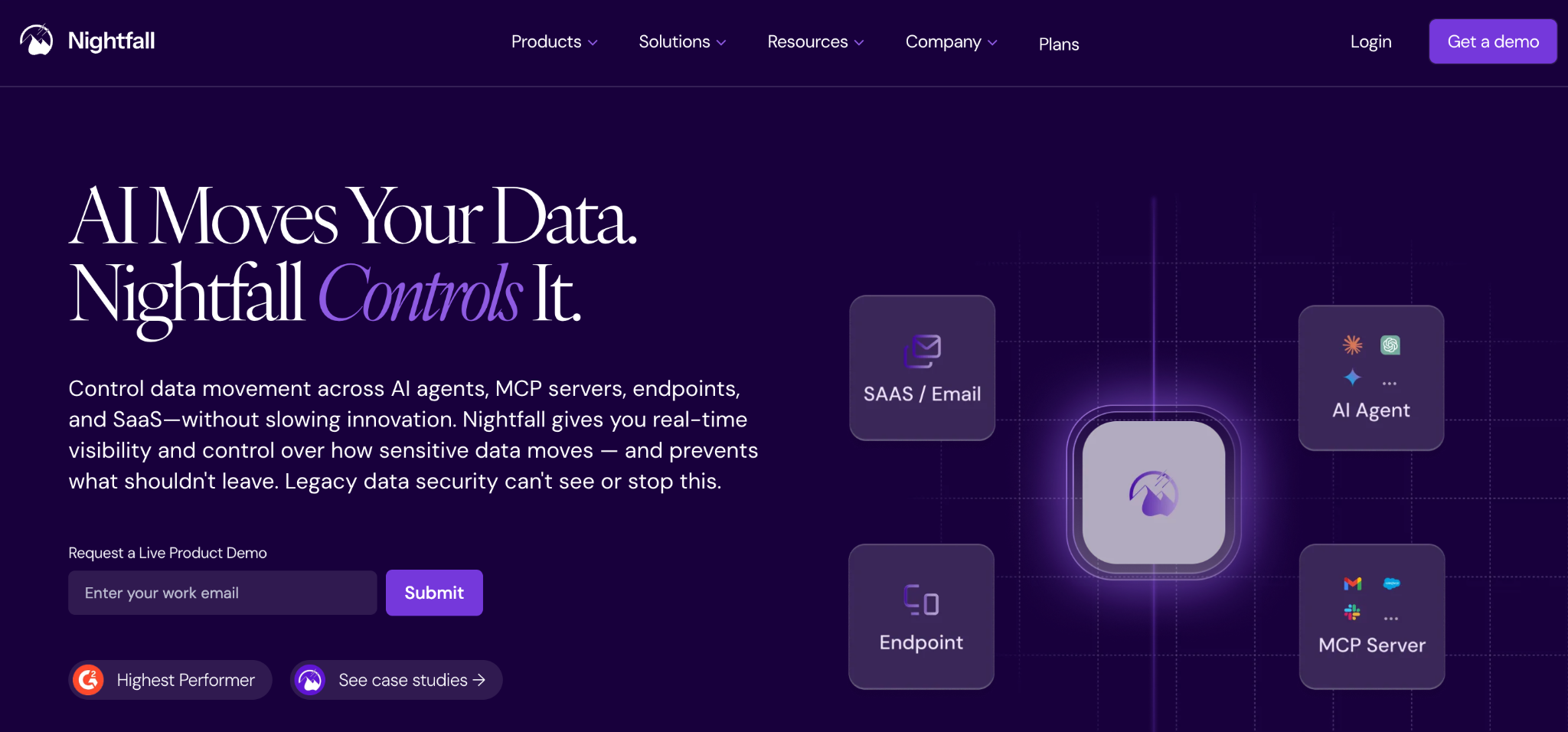
What it does: Nightfall AI is a cloud-native DLP platform that extends sensitive data detection across SaaS, endpoints, and generative AI tools.
Best for: Security teams whose main risk is employees pasting or uploading sensitive data into AI chatbots.
Nightfall's browser extension catches data in real time across ChatGPT, Copilot, Claude, Gemini, and Perplexity. Its machine-learning classifiers handle messy real-world data better than pattern-matching DLP, which is a consistent theme in G2 reviews
Key features
- GenAI browser detection: flags and blocks sensitive uploads, pastes, and form submissions into AI tools as they happen.
- ML-based classification: uses over 100 models and LLM classifiers to cut false positives on data like PII and PHI.
- Wide SaaS coverage: connects to Slack, GitHub, Google Workspace, Microsoft 365, and Salesforce.
Pros
✅ Fast deployment through API and browser plugin integrations.
✅ Strong accuracy on sensitive-data detection in live prompts.
Cons
❌ Focused on data loss, so it's weaker on app discovery.
❌ Pricing isn't public, so budgeting needs a sales call.
What users say
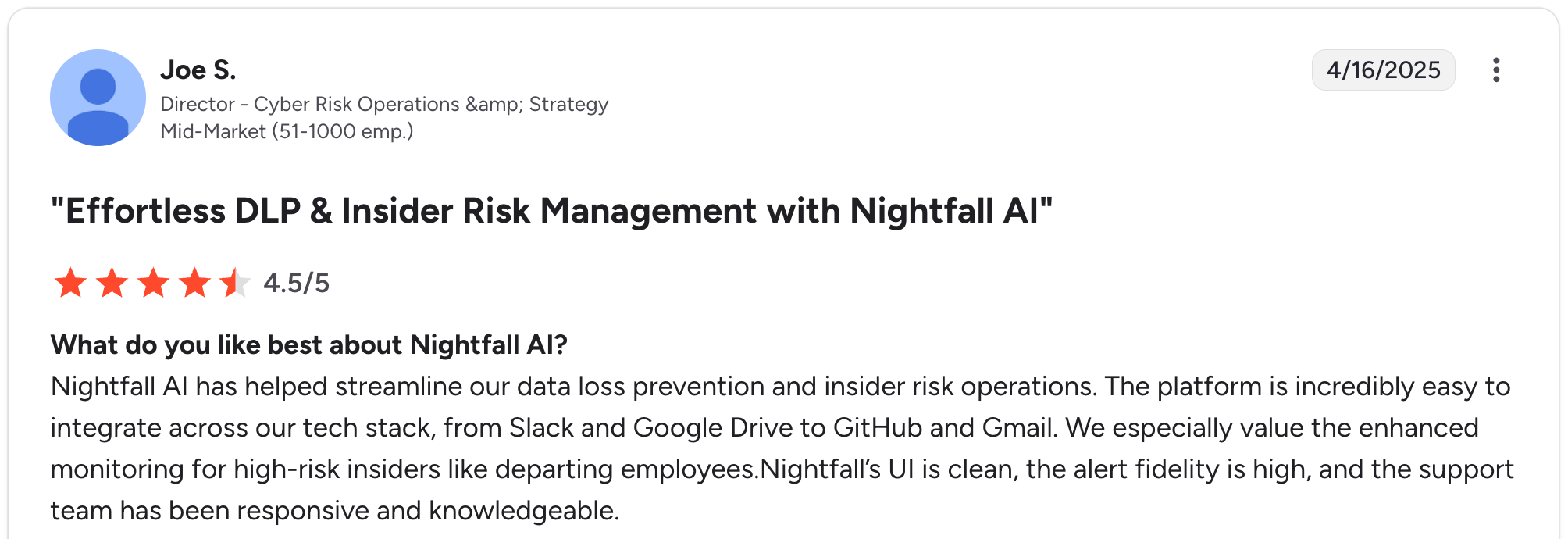
“The platform is incredibly easy to integrate across our tech stack, from Slack and Google Drive to GitHub and Gmail.” Joe S, G2

“We wish there were more configuration options for the alerts, specifically for how sensitive content is displayed to our security operations team.” Rafal C, G2
Bottom line
I'd recommend Nightfall if your top exposure is data leaving through AI prompts. If you need to inventory apps and builders, pair it with a discovery tool.
2. Cyberhaven: best for tracing how data reaches AI
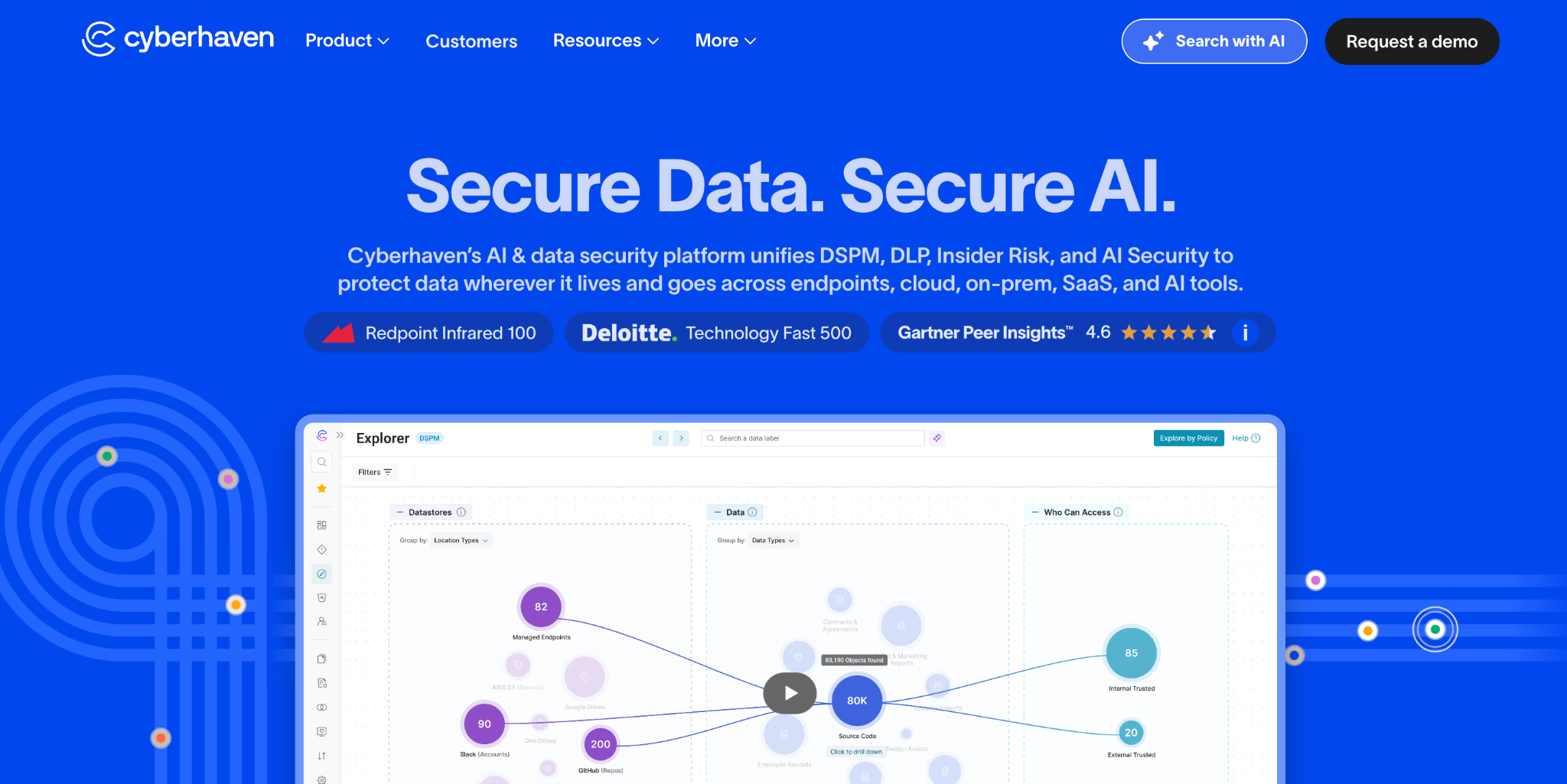
What it does: Cyberhaven is a data security platform that maps the full journey of sensitive data across users, apps, and devices.
Best for: When you need to understand how information actually flows into unsanctioned AI tools.
Its data-lineage approach tracks data from creation through every move and transformation, making the path into an AI prompt fully visible.
Key features
- Data lineage tracking: follows sensitive data across modifications and fragmentation, keeping provenance intact.
- Real-time browser controls: detect uploads, copy-paste, and screenshots into AI tools, and can block them instantly.
- Insider risk detection: baselines normal behavior and flags anomalies, such as a sudden bulk upload.
Pros
✅ Three enforcement modes (educate, block, override-with-justification) reduce friction.
✅ Deep visibility into data movement, beyond just endpoints.
Cons
❌ Heavier to deploy than a simple browser DLP.
❌ Overkill if you only need basic prompt monitoring.
What users say
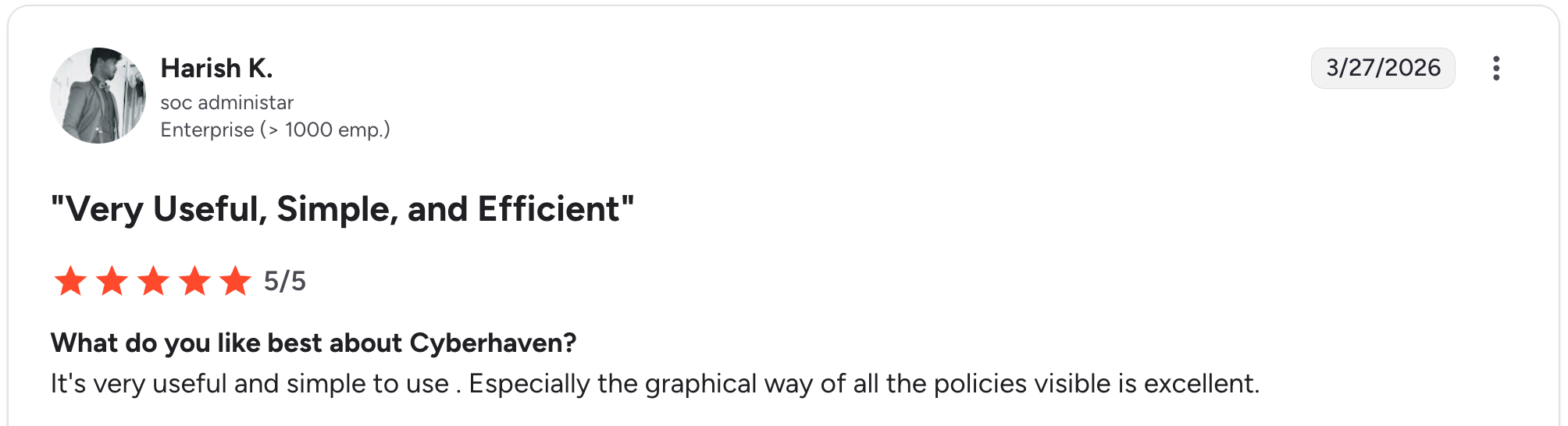
“It's very useful and simple to use. Especially the graphical way of all the policies being visible is excellent.” Harish K, G2

“Feels something is missing, the way the dashboard chain looks, zooming is a bit bad.” Subhajji S, G2
Bottom line
Cyberhaven is the pick when you need to prove where data went, beyond just that it left. Smaller teams may find it more than they need.
3. Microsoft Purview: best for Microsoft-heavy organizations
What it does: Microsoft Purview is Microsoft's native data governance and compliance suite, with documented controls for Microsoft 365 Copilot.
Best for: Organizations already standardized on Microsoft 365 that want to extend data policies to AI.
If your stack is already Microsoft, Purview reaches AI-related compliance scenarios without a new vendor. DLP for Copilot restricts prompts containing sensitive data and enforces sensitivity labels in real time.
Key features
- Copilot DLP: blocks the processing of prompts containing sensitive information within Microsoft 365.
- Sensitivity labels: applies and enforces classification policies across M365, Azure, and connected SaaS.
- Native integration: works inside the tooling that Microsoft customers already run.
Pros
✅ No extra vendor if you already pay for E5.
✅ Strong coverage for Copilot specifically.
Cons
❌ Visibility weakens outside the Microsoft ecosystem.
❌ Full capabilities often require top-tier licensing.
What users say
“It helps us to detect various types of private data across various workloads, and we can block or monitor that data as per our requirement.” Rohit P, G2

“A little tough to implement and make it to production environment, but it's possible with proper planning.” Verified User, G2
Bottom line
Purview makes sense for Microsoft-first orgs governing Copilot. Outside that ecosystem, a dedicated tool sees more.
4. Reco: best for mapping AI to user identity
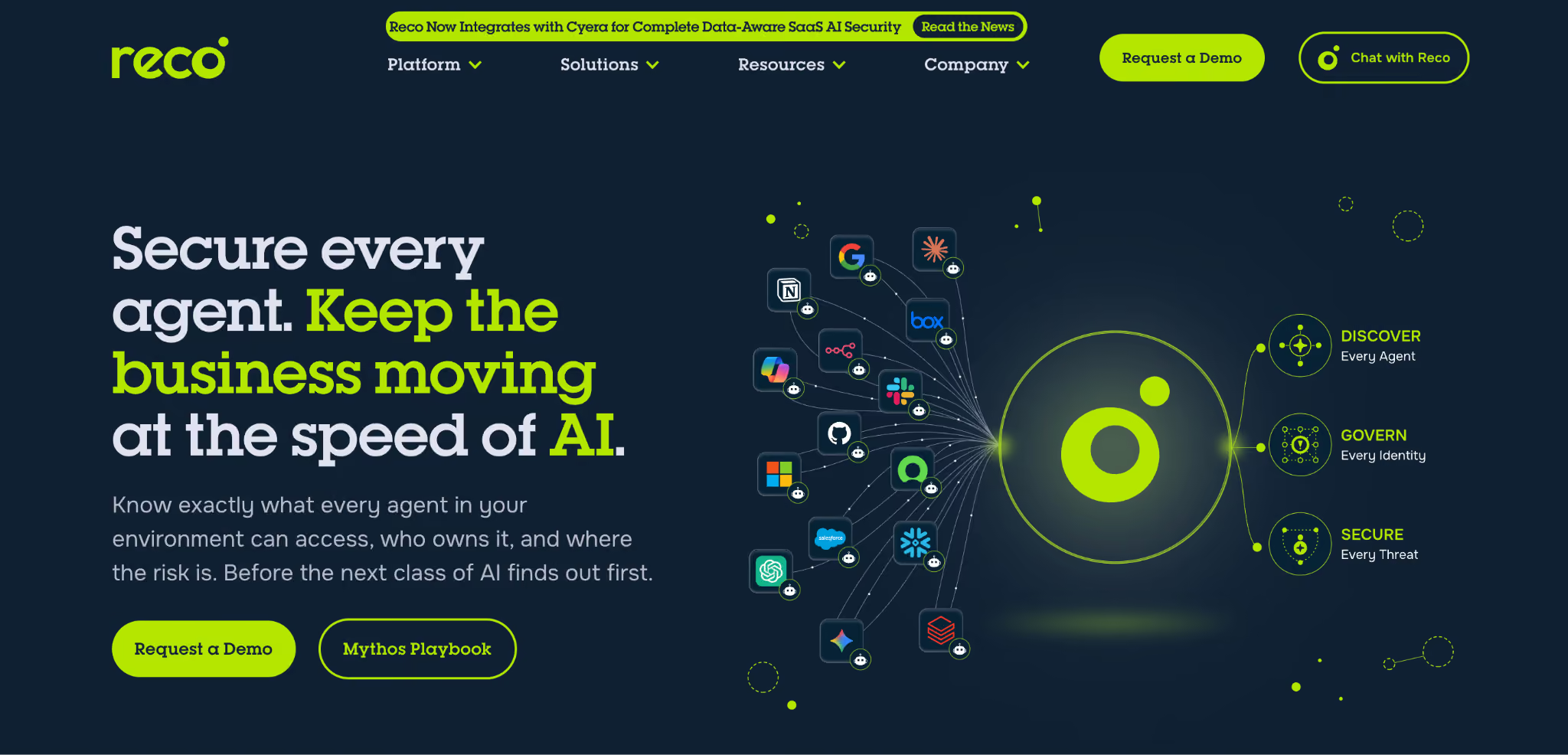
What it does: Reco is an identity-centric SaaS security platform that expanded from shadow IT discovery into shadow AI detection.
Best for: Teams that want AI usage mapped to the specific users and non-human identities behind it.
Reco discovers AI tools by analyzing SaaS and login behavior, then ties activity to access levels and permission scope. That identity lens is its real edge over traffic-only detection.
Key features
- Identity and access context: shows which users and service accounts touch each AI tool and at what permission level.
- Contextual risk scoring: uses UEBA to prioritize the riskiest AI usage with structured signals.
- AI tool inventory: builds a catalog of AI services from traffic and login signals.
Pros
✅ Strong identity correlation across SaaS.
✅ Risk scoring that helps CISOs triage fast.
Cons
❌ Mapping usage to departments can require extra internal correlation.
❌ Best value if you also use it for broader SaaS security.
What users say
"Started as a normal SSPM, but early adapted to the new AI world by leveraging comprehensive analysis that helps an analyst to really understand what is happening." Pedro B, G2

“Its potential limitations might include handling highly customized or niche SaaS applications with non-standard APIs.” Piotr M, G2
Bottom line
Reco fits teams that think in identities and already care about SaaS posture. If you only need prompt-level DLP, it's overly broad.
5. Harmonic Security: best for zero-touch prompt protection
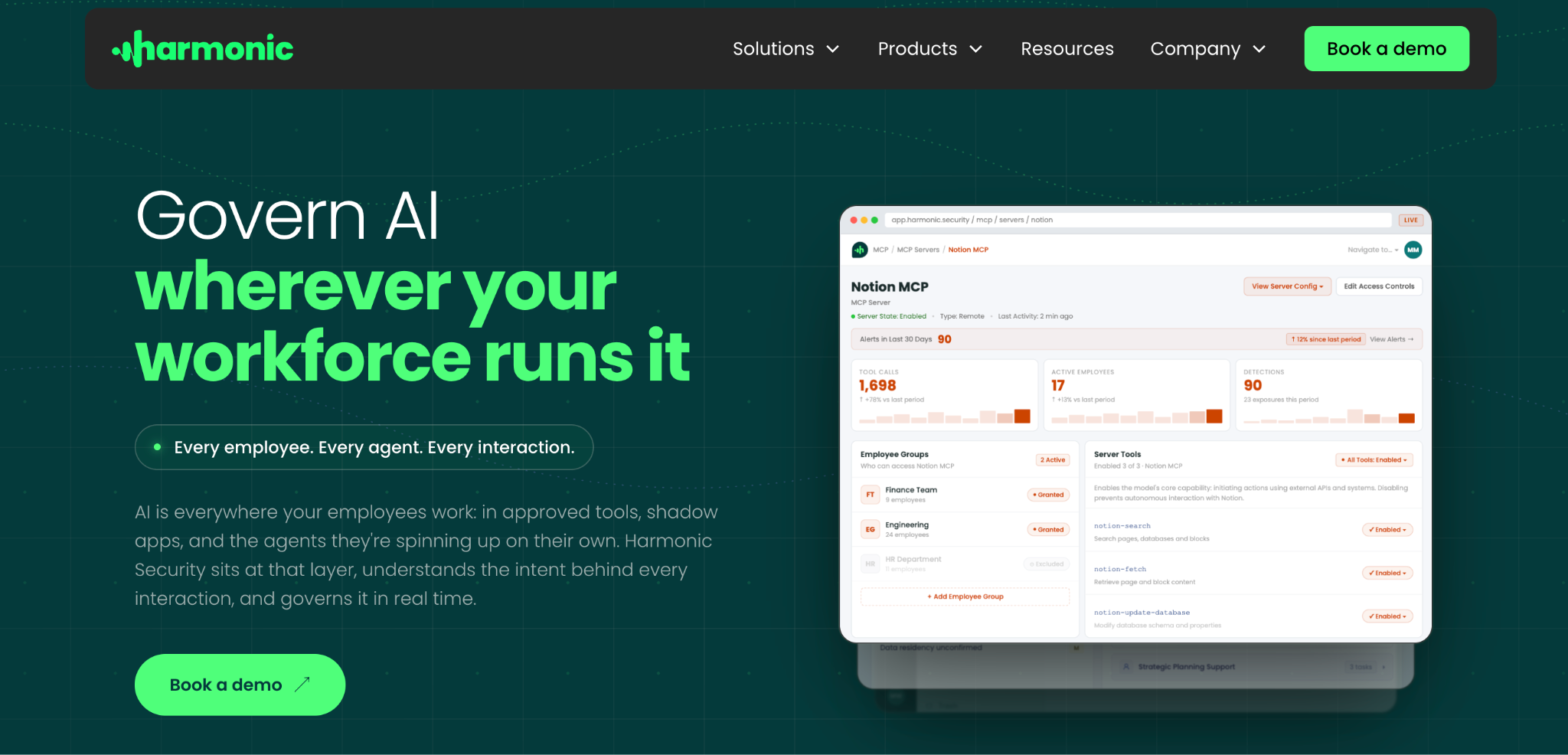
What it does: Harmonic Security provides AI data security focused on discovering, classifying, and protecting sensitive data used by generative AI.
Best for: Teams that want real-time data masking without having to write detailed policies first.
Harmonic leans on zero-touch enforcement, so it protects prompts across SaaS and AI integrations with less manual rule-building than traditional DLP.
Key features
- Shadow AI discovery: detects unauthorized AI tool usage and maps sensitive data flows.
- Real-time data masking: redacts sensitive content before it reaches an AI model.
- Zero-touch policy enforcement: applies protection without heavy upfront configuration.
Pros
✅ Low setup effort relative to rule-heavy DLP.
✅ Built specifically for the GenAI use case.
Cons
❌ Younger product with a smaller track record.
❌ Detection-accuracy claims are worth validating in a proof of concept.
What users say
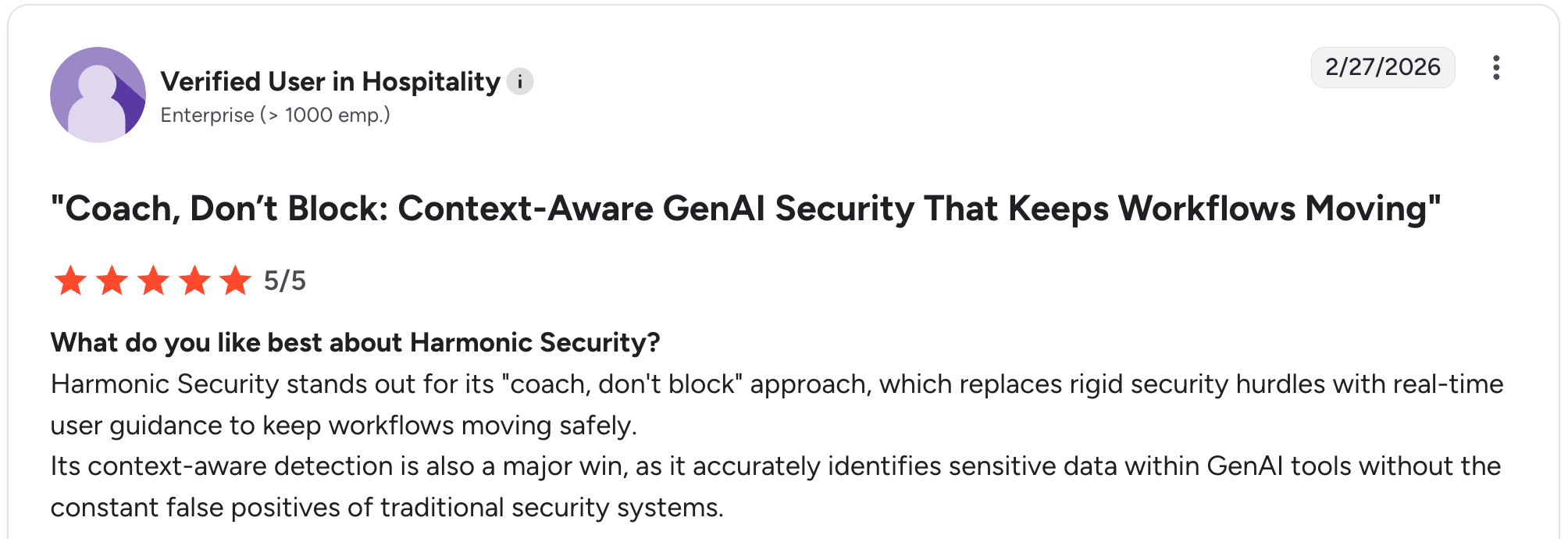
“Harmonic Security stands out for its 'coach, don't block' approach, which replaces rigid security hurdles with real-time user guidance to keep workflows moving safely.” Verified User, G2

“Currently only protects browser activity. Would love desktop support in the future.” Verified User, G2
Bottom line
Harmonic suits teams that want GenAI protection running quickly. Validate its detection on your own data before committing.
6. Netwrix: best for audit-ready compliance reporting
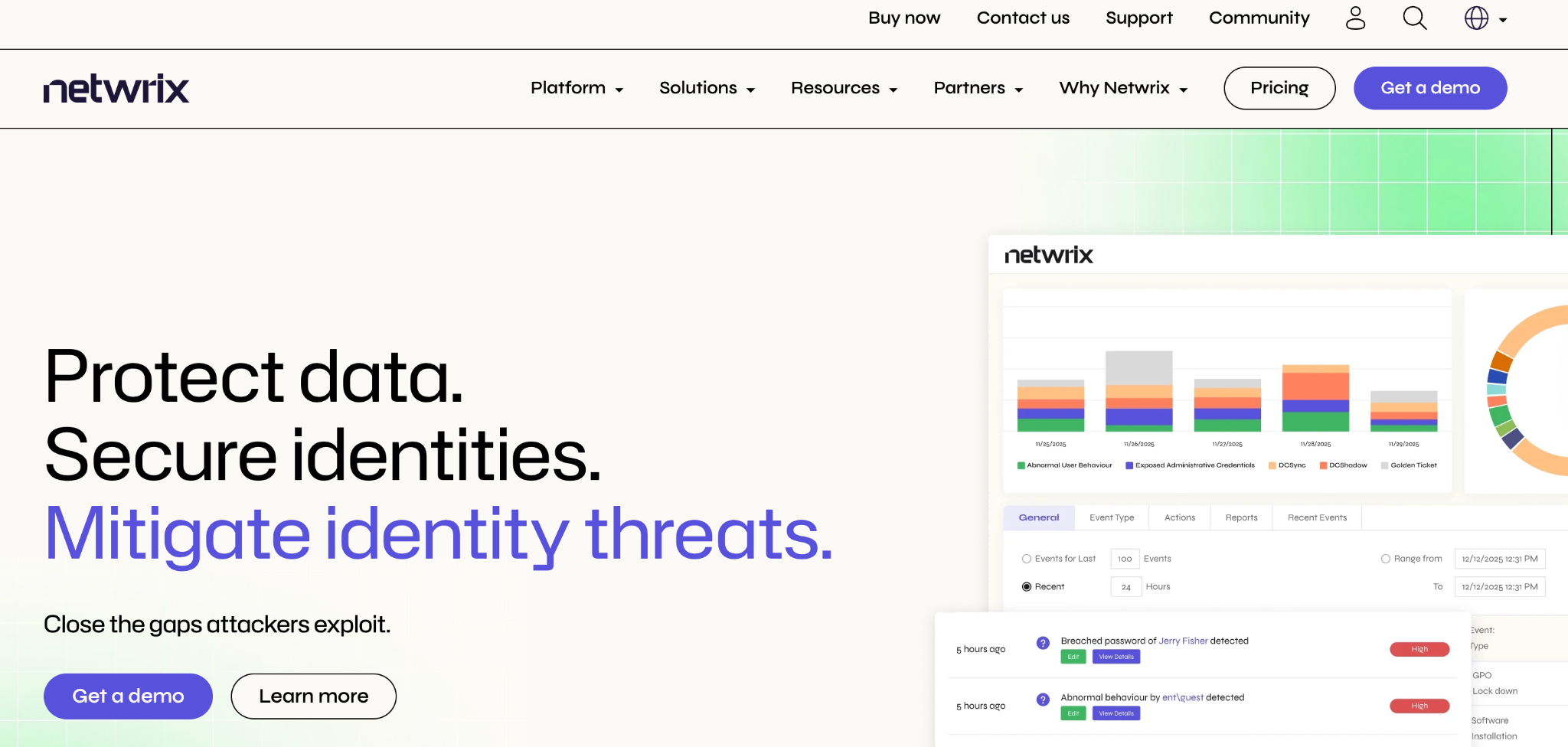
What it does: Netwrix combines data classification and auditing with shadow AI visibility connected to identity context.
Best for: Mid-market to enterprise orgs in hybrid Microsoft environments that need compliance evidence.
Its strength is turning detection into audit-ready output, with prebuilt mappings for GDPR, HIPAA, PCI DSS, and SOX that eliminate the need for manual report assembly.
Key features
- Data classification: identifies sensitive data before AI tools can reach it.
- Compliance reporting: delivers framework-mapped, audit-ready evidence out of the box.
- Identity context: connects shadow AI signals to who accessed what.
Pros
✅ Compliance reporting saves real audit-prep time.
✅ Good fit for hybrid on-prem and cloud setups.
Cons
❌ Module-based pricing makes total cost hard to predict.
❌ Strongest inside Microsoft-centric environments.
What users say
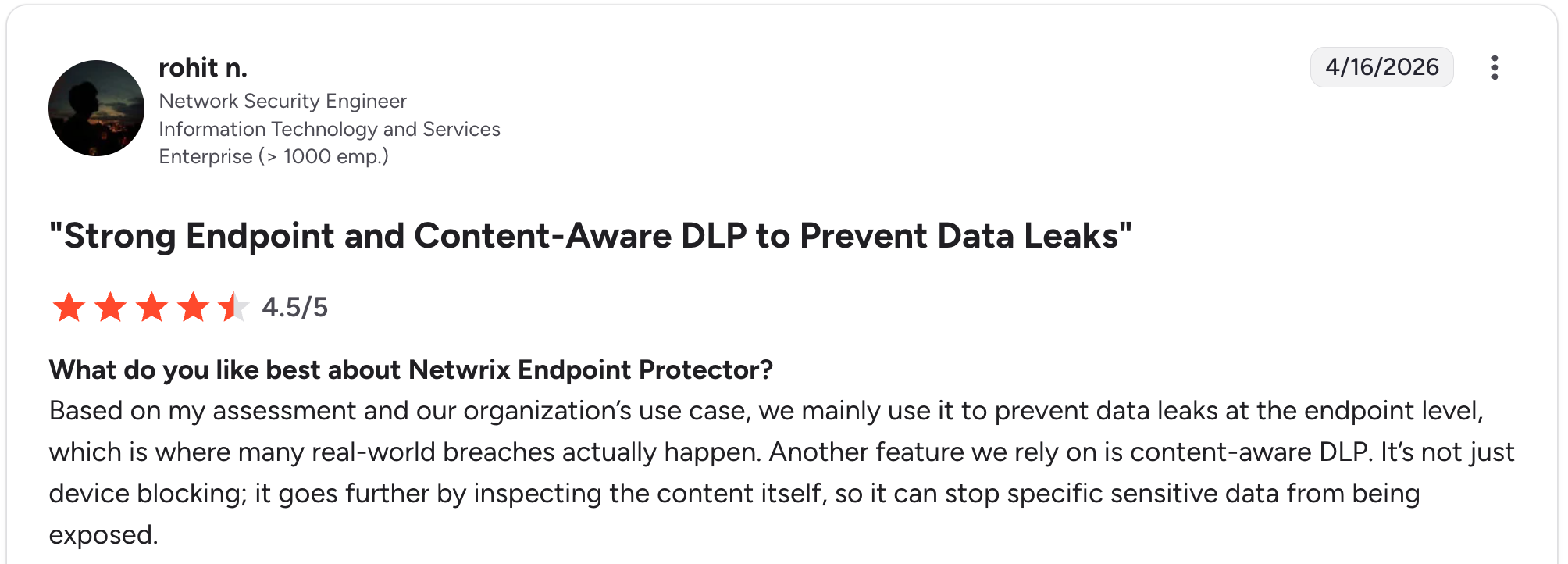
“Based on my assessment and our organization’s use case, we mainly use it to prevent data leaks at the endpoint level, which is where many real-world breaches actually happen.” Rohit N, G2 (Reviews for Endpoint Protector)

“Setup takes a bit of time, especially when fine-tuning policies for different teams.” Harish A, G2
Bottom line
Netwrix earns its place when audits drive the project. Pricing takes a scoping call to pin down.
7. Witness AI: best for monitoring AI traffic
What it does: Witness AI provides observability and governance over AI activity across an organization.
Best for: Security teams that want continuous visibility into AI usage with point DLP added separately.
Witness focuses on monitoring how AI is used across the org, giving teams a real-time picture of which tools employees use and what they send.
Key features
- AI activity observability: surfaces which AI services are in use and how often.
- Policy guidance: helps teams decide what to allow, monitor, or restrict.
- Usage analytics: tracks patterns across users and tools over time.
Pros
✅ Built around continuous monitoring of AI traffic over time.
✅ Useful for ongoing governance programs.
Cons
❌ Less focused on hard data-loss blocking.
❌ Pairs best with a dedicated DLP layer.
What users say

“The policy engine is genuinely flexible; we were able to define rules around what data can and can't be shared with AI tools without writing a ton of custom code.” Verified User, Gartner

“It may be enhanced in the way they adapt the report to the user and in getting stronger in handling data with large quantities of results, but in general, it is a useful tool.” Giovanni C, G2
Bottom line
Witness fits teams building a standing AI-governance practice. For strict data-leak prevention, add a DLP tool alongside it.
8. Torq: best for acting on AI alerts
What it does: Torq is a security automation and AI SOC platform that orchestrates detection and response across your existing security stack.
Best for: Teams that already get shadow AI signals and need to act on them automatically with no manual triage in the loop.
Torq operationalizes AI-related alerts, connecting data sources, enriching them with identity context, and automating investigation and remediation across the stack.
Key features
- Security orchestration: connects 300+ tools so AI signals trigger automated runbooks at machine speed.
- Identity-enriched alerts: adds user and access context to AI-related events from connected platforms.
- Automated remediation: revokes risky access or enforces policy at machine speed when a shadow AI event fires.
Pros
✅ Turns detection signals into automated action across the whole stack.
✅ Low-code workflow builder is faster than traditional SOAR.
Cons
❌ Steep learning curve and setup time, per Gartner Peer Insights reviewers.
❌ Needs upstream detection tools to feed it; it doesn't discover AI on its own.
What users say
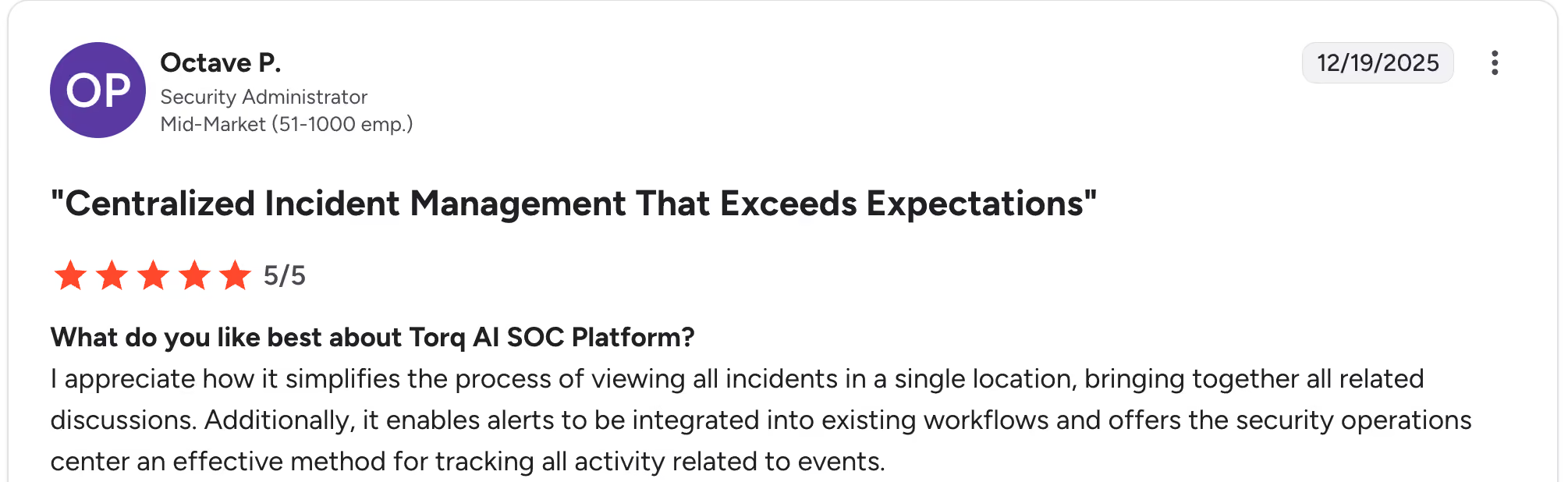
“I appreciate how it simplifies the process of viewing all incidents in a single location, bringing together all related discussions.” Octave P, G2

“The topic of licensing is somewhat complex, in which it is very well defined. It is important to keep updated on the way products should be licensed.” Orlando M, G2
Bottom line
Torq fits mature SOCs that already detect shadow AI and want to automate the response. It pairs with discovery tools as the automation layer.
9. Zylo: best for catching expensed AI subscriptions
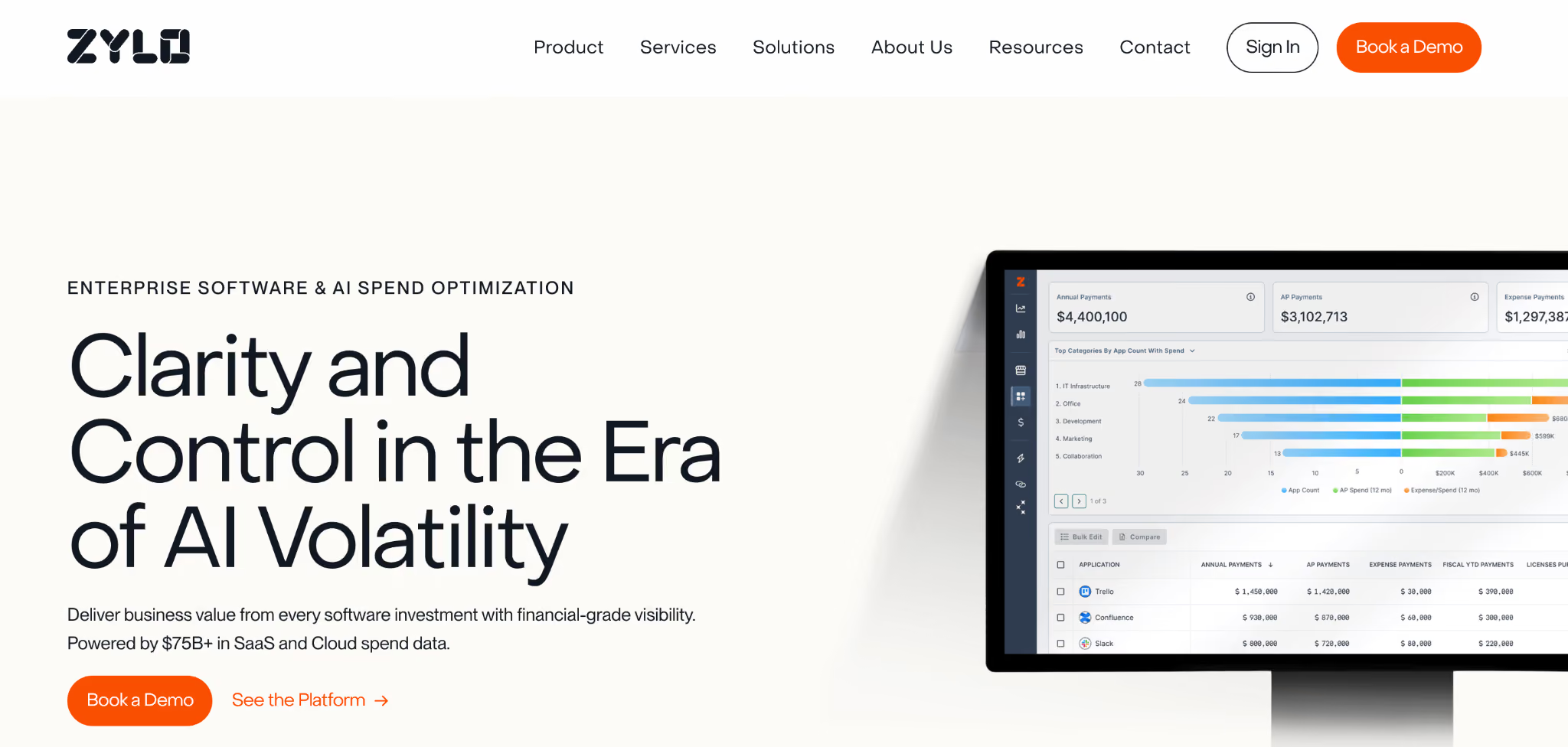
What it does: Zylo is a SaaS management platform that discovers applications through expense and spend data.
Best for: Teams whose biggest concern is employees expensing AI tools without IT approval.
Zylo's strength is the financial trail. It surfaces shadow AI that never touches your corporate network by identifying subscriptions in expense reports and card statements.
Key features
- Expense-based discovery: finds AI apps through spend data when network traffic alone misses them.
- SaaS inventory: builds a catalog of subscriptions across the org.
- License optimization: flags redundant or unused AI spend.
Pros
✅ Catches off-network AI tools that other methods miss.
✅ Doubles as a spend-management win.
Cons
❌ Doesn't monitor prompt data or enforce AI-specific policies.
❌ Discovery only, so pair it with a controls layer.
What users say
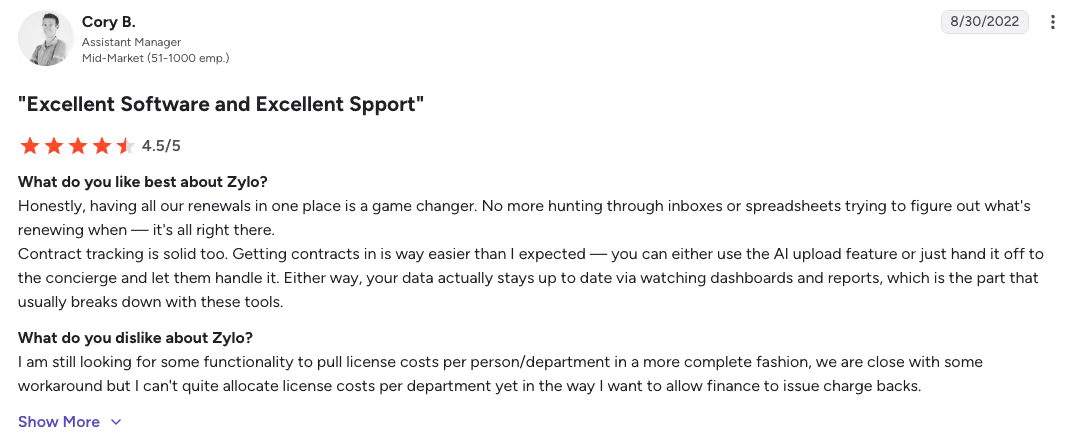
“Honestly, having all our renewals in one place is a game-changer. No more hunting through inboxes or spreadsheets trying to figure out what's renewing when it's all right there.” Cory B., G2

“Sometimes information is incorrect, although in our particular case, we are a complex company with many dynamics, making it a challenge to keep up, even with great integration.” Jennifer R, G2
Bottom line
Zylo fits when expensed shadow AI is your top worry. It builds the inventory; data-flow detection sits elsewhere.
10. DoControl: best for blocking risky AI integrations
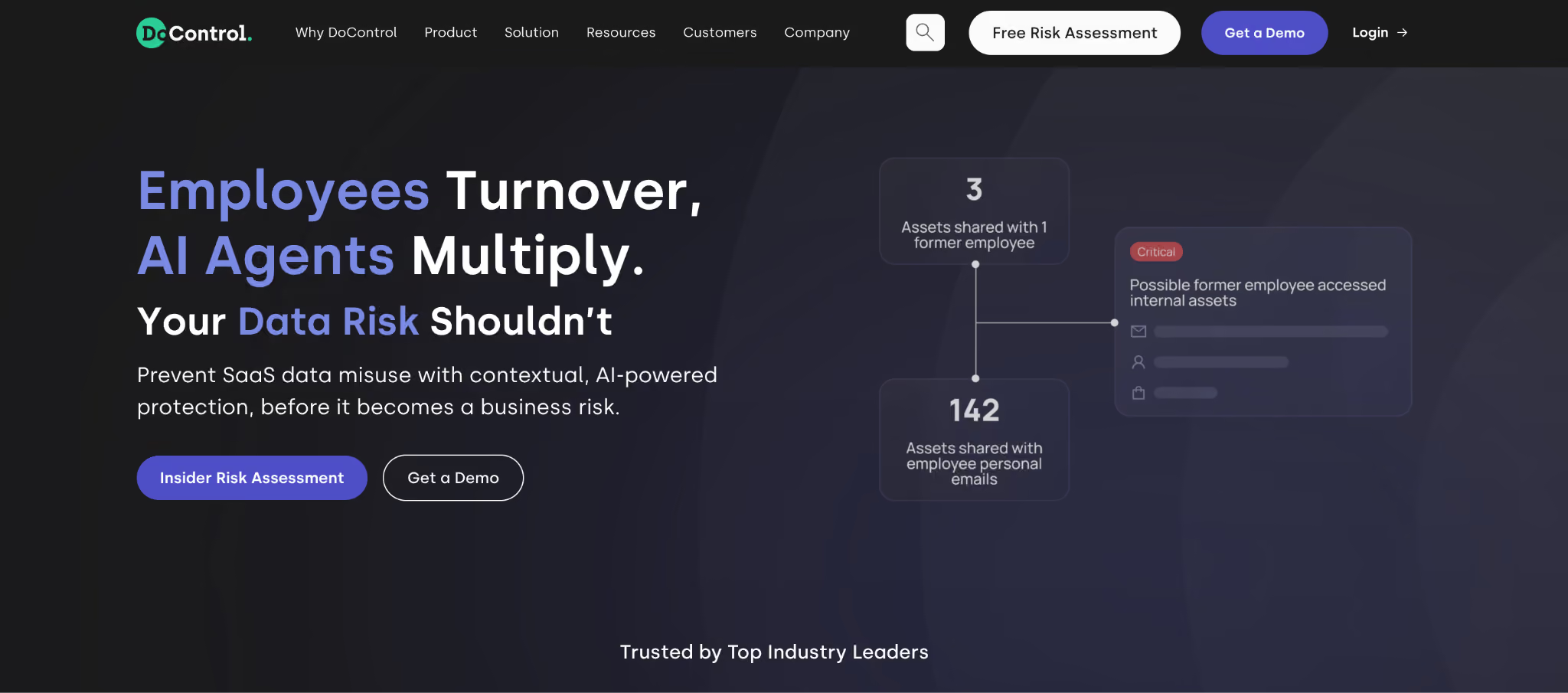
What it does: DoControl is a SaaS security and data access governance platform that monitors sharing and controls third-party OAuth apps.
Best for: Security and IT leaders who want to control SaaS and AI sprawl through access governance.
DoControl broadly governs SaaS data exposure, with strong coverage of the OAuth integrations used by AI tools. It detects sensitive data shared via links or external collaborators and can automate remediation.
Key features
- OAuth app control: blocks risky third-party apps connecting to your environment.
- SaaS DLP with context: detects exposed data and shows who shared it and how.
- No-code remediation: triggers automated actions in response to risky events.
Pros
✅ Strong control over the OAuth layer AI tools use.
✅ Automated remediation scales without manual review.
Cons
❌ Built for the SaaS layer broadly, with AI coverage as one piece.
❌ Most valuable as part of a broader SaaS security program.
What users say
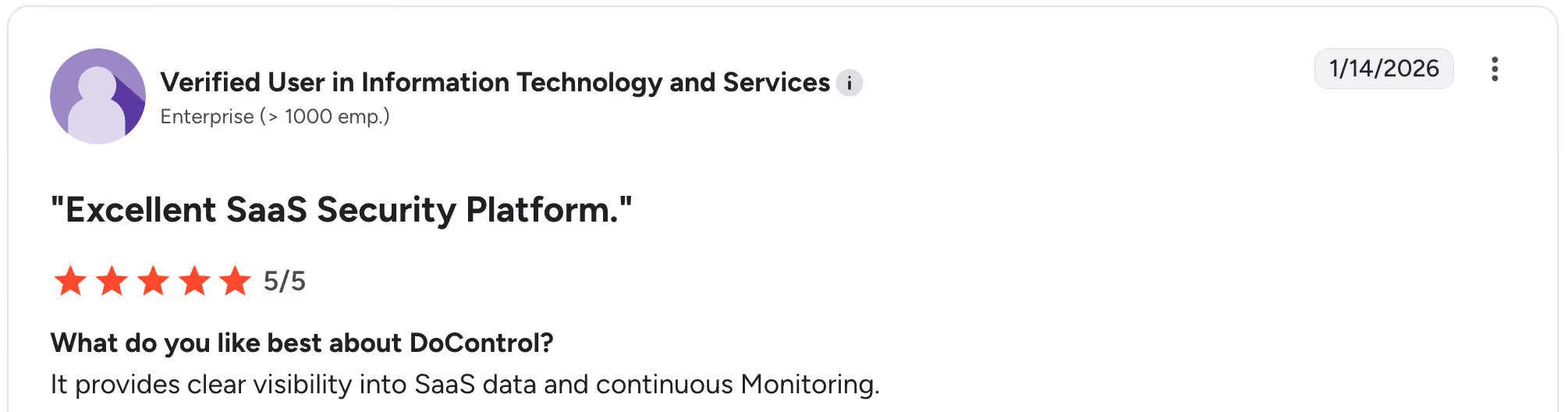
“It provides clear visibility into SaaS data and continuous Monitoring.” Verified User, G2

“The policy management interface may be problematic for understanding, especially where there are interconnections involved.” Pietro G, G2
Bottom line
DoControl is the pick for governing the OAuth connections AI tools rely on. If you want pure prompt DLP, you should look at Nightfall first.
11. BetterCloud: best for IT-led SaaS and AI governance
What it does: BetterCloud is a SaaS management platform offering visibility into app usage, user activity, and integrations across cloud environments.
Best for: IT teams that want SaaS discovery and policy enforcement with AI usage folded in.
BetterCloud approaches shadow AI through SaaS discovery, OAuth monitoring, and integration tracking, which helps identify AI-enabled tools and features alongside the rest of the stack.
Key features
- SaaS and AI discovery: identifies AI-enabled apps through usage and OAuth monitoring.
- Identity and access context: maps user permissions and access across applications.
- Policy automation: enforces operational and security policies across SaaS.
Pros
✅ Mature SaaS management with broad app coverage.
✅ Automation reduces manual IT workload.
Cons
❌ AI visibility comes through SaaS discovery, with prompt-level detection covered by other tools.
❌ Less specialized than dedicated GenAI DLP tools.
What users say
“It's far more customizable than any other platform that we've looked into, and easier to use.” Alicia B, G2

“There are some integrations with certain SaaS platforms that are limited in their functionality and don't have some functions that we would prefer to use.” Brian B, G2
Bottom line
BetterCloud suits IT-led teams already managing SaaS centrally. For deep prompt and data protection, pair it with a GenAI DLP tool.
Which shadow AI detection tool should you choose?
The right tool depends on your top exposure.
Choose Nightfall or Cyberhaven if you:
- Need to stop sensitive data from leaking into AI prompts.
- Want real-time browser and endpoint controls.
Choose Reco or Witness AI if you:
- Want to inventory AI tools and map them to identities.
- Are building an ongoing governance program.
Choose Microsoft Purview or Netwrix if you:
- Already run a Microsoft-heavy environment.
- Need audit-ready compliance reporting.
Choose Zylo, DoControl, or BetterCloud if you:
- Want to inventory expensed AI and control SaaS sprawl.
- Manage governance at the SaaS and OAuth layer.
Choose Torq if you:
- Already detect shadow AI and want to automate the response.
You'll still have a gap if:
- Your real problem is ungoverned AI app building, where data-leak prevention can't fully solve it. Detection tells you it's happening; the next step is giving builders a safe place to work.
Final verdict
For most teams, the strongest starting point is Nightfall or Cyberhaven to stop data leaks, paired with Reco or Witness AI for usage visibility.
Microsoft shops can lean on Purview, and audit-driven teams will value Netwrix. Once detection surfaces ungoverned app-building, a governed platform like Superblocks gives those apps a permanent, governed home.
What to do after you detect shadow AI
Detection tools answer one question: what unsanctioned AI is happening? The next question is where business teams should safely build.
That gap matters because much of today's shadow AI goes beyond chatbot use. It involves employees vibe coding real apps in tools like Replit and Lovable, then running them on production data.
A DLP browser extension can flag a risky paste, but it can't turn an ungoverned app into a governed one.
How Superblocks closes the gap that detection leaves open
Superblocks is a governed enterprise development platform built on a SOC 2- and HIPAA-aligned foundation, where teams can build with AI safely. Business teams build apps with AI, and IT configures the guardrails once.
That's the natural next step after you find ungoverned AI building:
- A governed home for shadow apps: builders upload zips of apps made in Replit, Lovable, Claude, or ChatGPT, and Clark migrates them into governance. Clark by Superblocks (powered by Claude Opus 4.6) analyzes uploaded apps and migrates them into governance
- Full visibility through the Superblocks MCP: IT can query who built what, what data it touched, who has access, and when it last ran.
- Audit logs on everything: every build, query, integration access, and package install is logged and exportable to your SIEM.
- Deterministic guardrails: secret redaction, sandbox isolation, and prompt protection are enforced by the platform, so non-engineers build safely.
For the full picture on finding shadow AI first, see our shadow AI guide.
To see how Superblocks turns detected shadow AI into a governed system of record, walk through our Quickstart Guide.
For a personalized walkthrough of your specific shadow AI challenges, book a demo with our team.
Frequently asked questions
What is the best shadow AI detection tool for enterprises?
The best shadow AI detection tool for enterprises depends on your top risk. Nightfall and Cyberhaven lead for stopping data leaks into AI prompts; Reco and Witness AI lead for usage visibility; Purview fits Microsoft-heavy orgs.
What's the difference between shadow AI detection tools and shadow AI governance platforms?
The main difference between shadow AI detection tools and shadow AI governance platforms is that detection tools identify unsanctioned AI use, while governance platforms provide teams a safe place to build with AI. Detection spots the problem; governance prevents it.
How do shadow AI detection tools actually work?
Shadow AI detection tools work by analyzing network traffic, browser events, OAuth grants, and data movement to spot AI usage IT never approved. Most add risk scoring and identity context to prioritize the most exposed tools first.
Can shadow AI detection tools stop employees from building unauthorized apps?
No, shadow AI detection tools alone can't stop unauthorized app building. They flag it, but solving it requires pairing detection with a governed platform where business users build inside guardrails IT configures once.
Do I need more than one shadow AI tool?
Yes, most enterprises need more than one shadow AI tool, since detection, DLP, and governed building solve different problems. A common setup pairs a DLP tool for prompts with a discovery tool for inventory, plus a governed platform for the apps teams build.
At Virgin Voyages, non-technical teams now build their own AI apps, with IT governance fully intact. The result: 15+ production apps, seven departments onboard, and zero dedicated frontend engineers.
At Matthews, a marketing manager with zero coding background built an app that auto-generates offering memorandums, cutting turnaround from days to hours. See how the brokerage is putting AI builders on every team, with full governance intact.


Stay tuned for updates
Get the latest Superblocks news and internal tooling market insights.
Request early access
Step 1 of 2
Request early access
Step 2 of 2

You’ve been added to the waitlist!
Book a demo to skip the waitlist
Thank you for your interest!
A member of our team will be in touch soon to schedule a demo.
production apps built
days to build them
semi-technical builders
traditional developers
high-impact solutions shipped
training to get builders productive
SQL experience required
See the full Virgin Voyages customer story, including the apps they built and how their teams use them.

"Those tools are great for proof of concept. But they don't connect well to existing enterprise data sources, and they don't have the governance guardrails that IT requires for production use."
Table of Contents

Multiple authors
How to Prove AI ROI to Your Board
Login counts don't prove AI value. Here's how CIOs can show the board what AI shipped, where it's stuck, and what it is changing for the business.
%20(1).png)
%20(1).png)