AI governance platform pricing is hard to compare because five of the 11 platforms below publish no price at all. Five more publish a paid price you can read today, and VerifyWise publishes only a free Trial plan.
Superblocks is number one on this list, and it's also the company behind this blog. It went through the same checks as the other ten tools, cons included, so you can judge the ranking yourself.
For IT teams governing apps that business users create with AI, I'd start with Superblocks. Buyers who want a public monthly price table should open IBM's pricing page first.
Prices below are monthly rates wherever the vendor offers them, and I flag the ones that need an annual commitment or a base license.
The 11 AI governance platforms in 2026: TL;DR
- Superblocks: Best for IT teams that need governed internal apps created with AI, with Teams priced on the page.
- Credo AI: Best for enterprises that need one registry and policy packs for their AI systems.
- IBM watsonx.governance: Best for hybrid cloud teams that want published monthly tiers.
- OneTrust: Best for privacy and governance, risk, and compliance (GRC) teams that already run OneTrust.
- Microsoft Purview: Best for Microsoft 365 shops that govern AI through data security.
- ServiceNow Super Intelligence Control Tower: Best for ServiceNow customers who manage AI like any other IT service.
- Collibra: Best for data teams that want AI governance tied to the data catalog.
- Holistic AI: Best for teams that need testing and policy enforcement on live AI systems.
- Saidot: Best for teams that want a priced governance library and platform, billed monthly.
- VerifyWise: Best for small teams that want a free start and the option to self-host.
- Arize AX: Best for ML teams that need LLM tracing and evaluation on a $50 plan.
How I researched these AI governance platforms
I read each vendor's product and pricing pages, then the G2 reviews that carry a direct link, looking for the cost and setup complaints buyers repeat.
I left out two tools. Dataiku has no paid price list, and Airia's $25 and $250 monthly plans are hosted on a legal subdomain and focus on agent workflows.
Five criteria shaped each comparison:
- Features: What the platform governs, such as AI inventory, risk scoring, or runtime monitoring.
- Usability: How much setup the vendor's pages and reviewers describe before the platform is useful.
- Integrations: Which clouds and identity providers it connects to.
- Pricing: What price the vendor shows and what a monthly bill looks like.
- Use cases: The kind of team it serves, from a privacy office to an IT team governing apps that business users build.
Reading all 11 against the same criteria sorted them by what each vendor shows. Superblocks, IBM, Saidot, Arize, and Purview show a paid price. VerifyWise shows only a free Trial plan, and the other five show none.
The 11 also do different jobs. Some platforms inventory AI systems, and others control the data AI can reach or monitor live models.
I ranked Superblocks first because it governs the apps business teams are creating with AI today, which is the problem this guide starts from. The other ten follow by breadth, with enterprise governance platforms first, then data and IT suites, then specialized tools.
AI governance platform pricing: quick comparison
Pricing is correct as of October 2026. Verify with each vendor.
How AI governance platforms charge, and what raises the bill
The cost driver differs by pricing model, and it is the first thing to ask about on a sales call.
Tiers with add-ons. IBM prices Risk & Compliance Basic from $3,500 a month with one instance, one module, and one concurrent user. Anything beyond that is an add-on, and the software version is priced by virtual processor cores (IBM pricing).
Admin users and inventory size. OneTrust's pricing page says AI governance has "pricing based on admin users and AI inventory," and a tiered model puts you in a higher tier when usage passes your current one (OneTrust pricing).
Per user plus metered usage. Microsoft Purview Suite is $12 per user a month on an annual plan, and Microsoft 365 E5 is $60 per user a month. Pay-as-you-go meters add costs such as $15 per million audit records ingested (Microsoft Community Hub).
Flat monthly plans. Superblocks Teams is $125 a month and Arize AX Pro is $50, while Saidot charges €1,400 and €3,100. Each plan caps something, such as builders or trace spans.
Custom quotes. Credo AI, ServiceNow, Collibra, and Holistic AI give no figure, and ServiceNow's page reads "Contact Us for Pricing." For these four, the sales call has to establish the cost driver.
Governance platforms price by the month or by quote, so compare the minimum monthly price first and then the price of each add-on. Our guide to AI governance solutions explains how the categories differ.
1. Superblocks: Best for IT teams that need governed internal apps created with AI
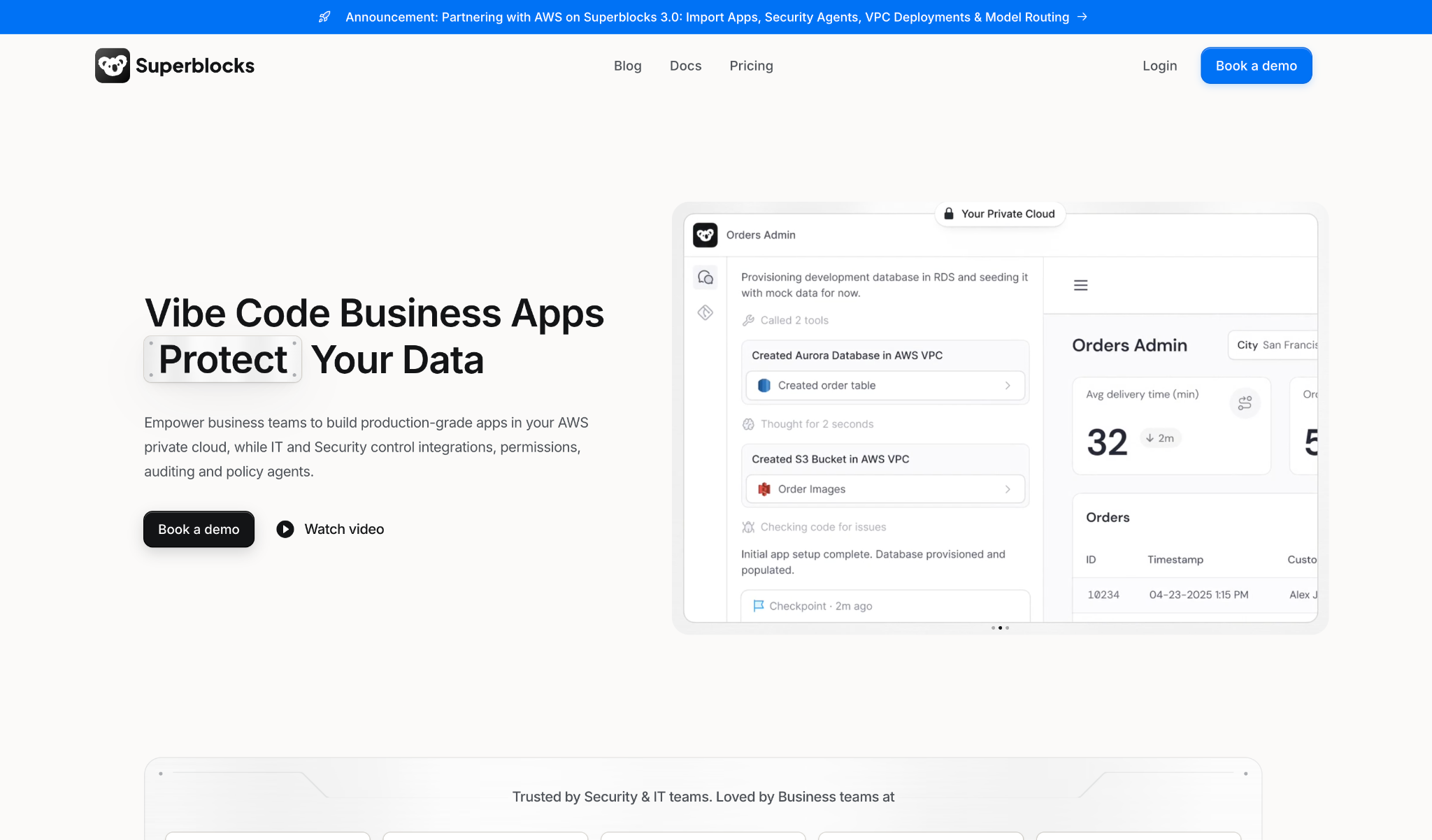
Alt text: Superblocks homepage with the headline "Vibe Code Business Apps Protect Your Data", an announcement bar about partnering with AWS on Superblocks 3.0, and an Orders Admin app preview running in a private cloud.
What it does: Superblocks lets business teams generate production apps with Clark by Superblocks on company data, while IT manages access and auditing in one place.
Best for: Enterprise IT and security teams that want apps that business users create with AI to run under central permissions, with database queries and API calls audited.
Superblocks governs apps at the point where business teams create them, so the controls are part of the platform that builds them. By comparison, Credo AI and IBM inventory the AI systems that already exist.
Its release notes show additions since April 2026. Audit Logs and the Superblocks MCP arrived on April 13, and Git source control became generally available on May 20.
Key features
- Clark by Superblocks builds internal apps from prompts on your company data, inside the permissions IT sets.
- Central controls let IT manage authentication and integrations for the apps created on the platform.
- Audit Logs track who is building apps and which integrations are accessed, and RBAC sets what each role can do (Enterprise).
- Deployment in your VPC is available on Enterprise, as a hybrid or customer-cloud deployment.
Pros and cons
Pros:
✅ Teams has a published price of $125 a month and a 14-day trial.
✅ Superblocks' docs say every database query and API call is centrally audited (docs), with Audit Logs on Enterprise.
✅ SSO and RBAC on Enterprise handle sign-in and role permissions, and VPC deployment runs the platform in your own cloud.
Cons:
❌ It governs internal apps created in Superblocks. Teams that need an inventory of models and agents will pair it with another platform from this list.
❌ Audit Logs and RBAC come with Enterprise, which is a custom quote.
❌ Teams includes one hosted app, and each extra app costs $10 a month.
What users say
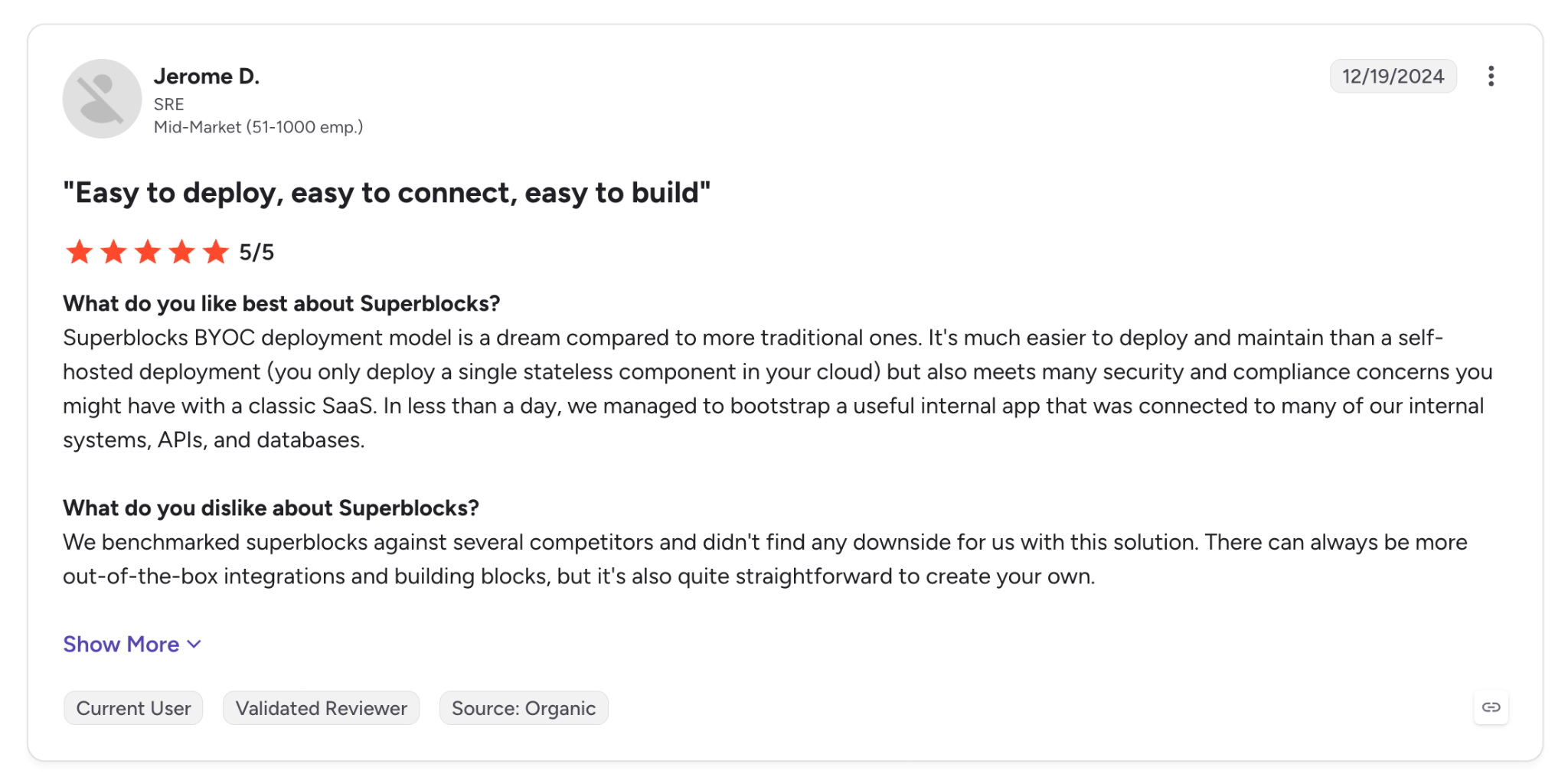
"Superblocks BYOC deployment model is a dream compared to more traditional ones." (Jerome D., G2)
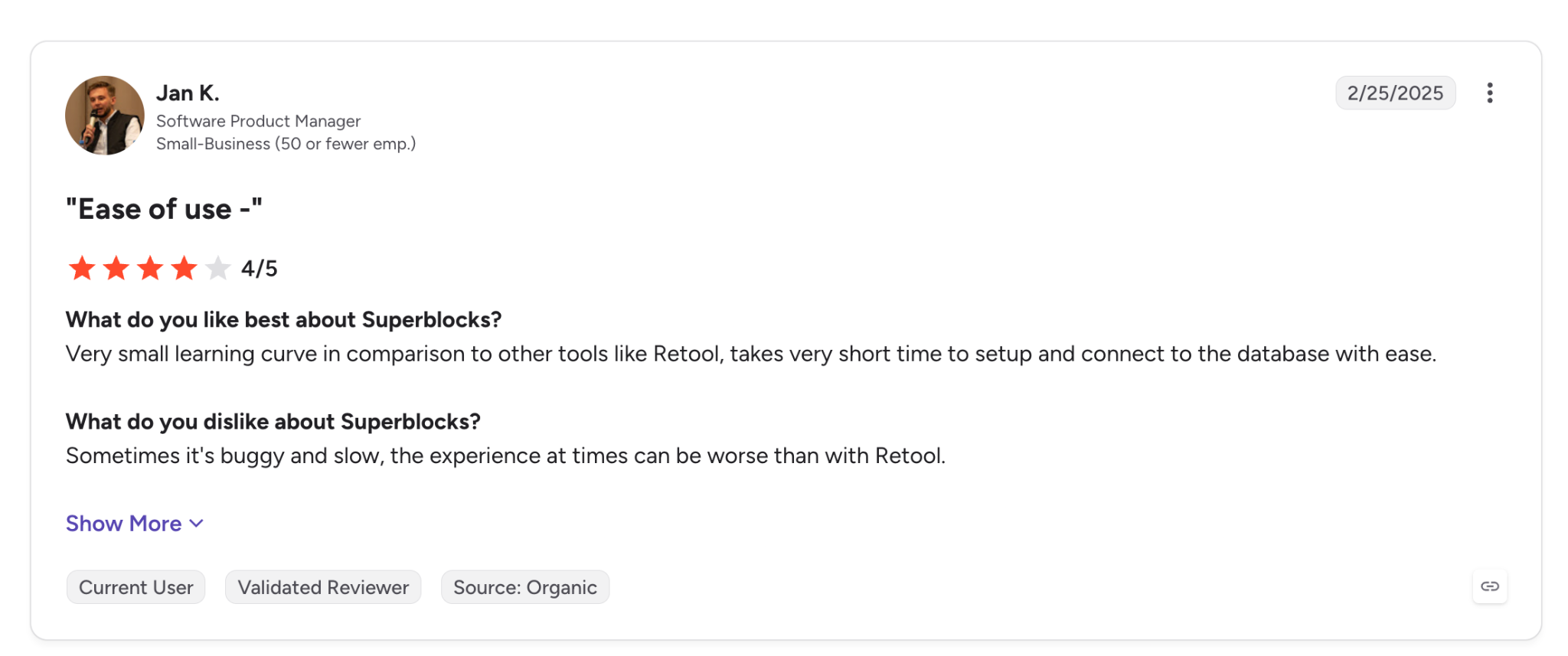
"Sometimes it's buggy and slow…" (Jan K., G2)
Pricing
Teams is $125/month billed monthly, or $100/month billed annually, with 100 Governed Agent Units a month, up to 15 builders, and one hosted app. A 14-day free trial is available. Extra apps cost $10 each a month, and GAU Packs are an add-on.
Enterprise is a custom quote that adds Audit Logs, RBAC, SSO, Git source control, and VPC deployment. See Superblocks pricing, or our guide to the AI governance platform category.
Bottom line
When business users build apps with AI and IT has to set the rules, Superblocks holds the controls. Teams is priced on the page, and Enterprise adds the governance controls under a custom quote.
That control stops at the apps created in Superblocks, so if you need a model inventory or EU AI Act paperwork first, start with Credo AI or IBM.
2. Credo AI: Best for enterprises that need one registry and policy packs for their AI systems
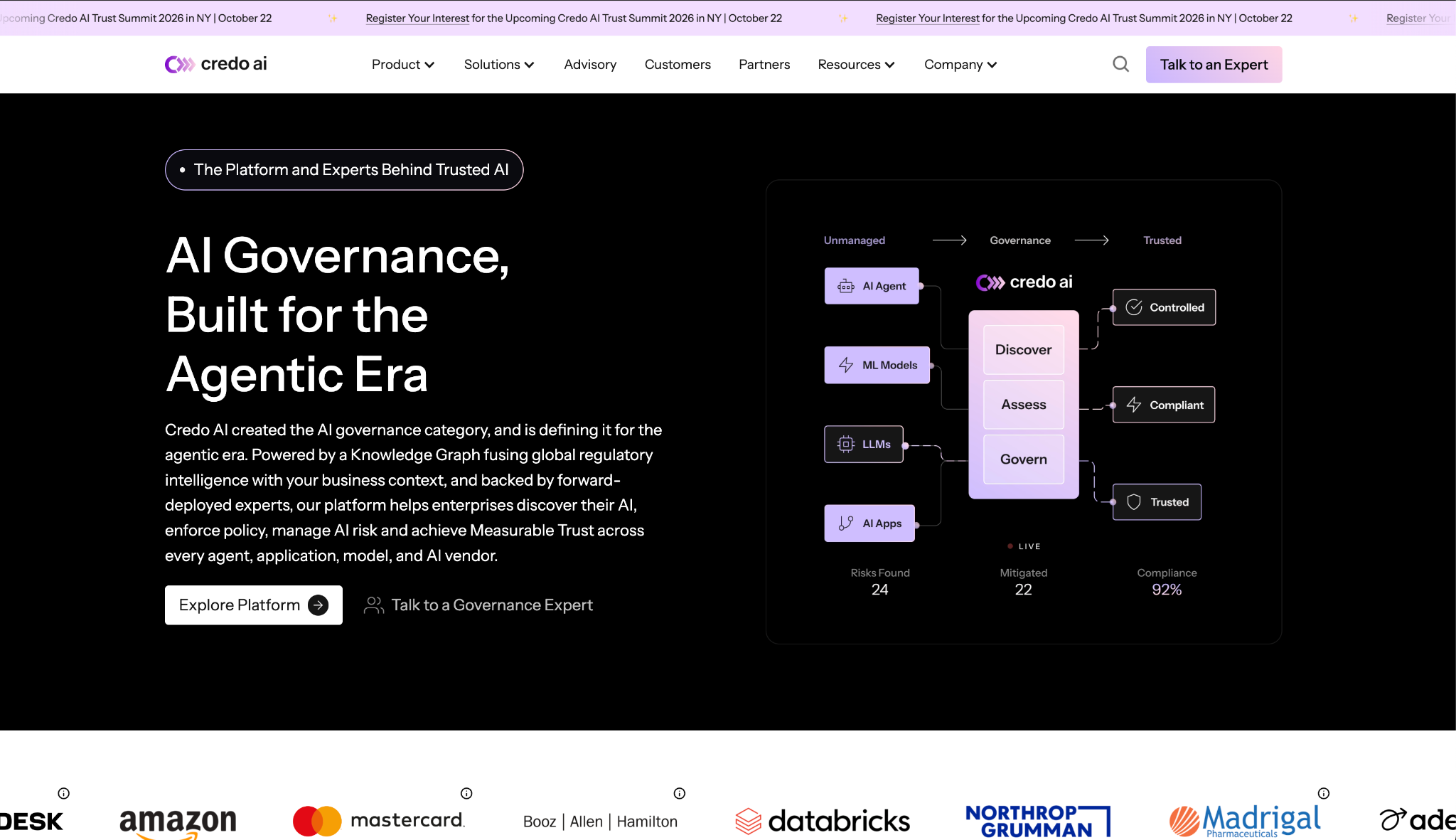
Alt text: Credo AI homepage with the headline "AI Governance, Built for the Agentic Era", a diagram that moves AI agents, ML models, LLMs, and AI apps through Discover, Assess, and Govern, and customer logos for Amazon, Mastercard, Booz Allen Hamilton, Databricks, Northrop Grumman, and Madrigal.
What it does: Credo AI is an AI governance platform organized around an AI Registry and a policy engine, with GAIA as an assistant for evidence and risk work.
Best for: Enterprises that need a central record of their AI systems, including shadow AI, with policy packs mapped to regulations.
Credo's product page describes the registry as a "centralized inventory of every AI system, including agents, models, apps, and shadow AI." On cost, the site gives no figure and sends buyers to a demo or a Talk to an Expert form.
Key features
- AI Registry finds and records AI systems across the company, including agents and shadow AI.
- Policy packs come ready-made for the EU AI Act, NIST AI RMF, ISO 42001, and SOC 2.
- GAIA assists with evidence retrieval and risk assessment.
Pros and cons
Pros:
✅ Shadow AI discovery and classification is part of the registry, per the product page.
✅ Regulatory coverage starts with the EU AI Act and NIST AI RMF.
✅ A G2 reviewer describes managing AI governance in one centralized platform.
Cons:
❌ No published price or tier. A comparison starts with a quote request.
❌ Two G2 reviewers report a steep learning curve when configuring frameworks and workflows.
What users say
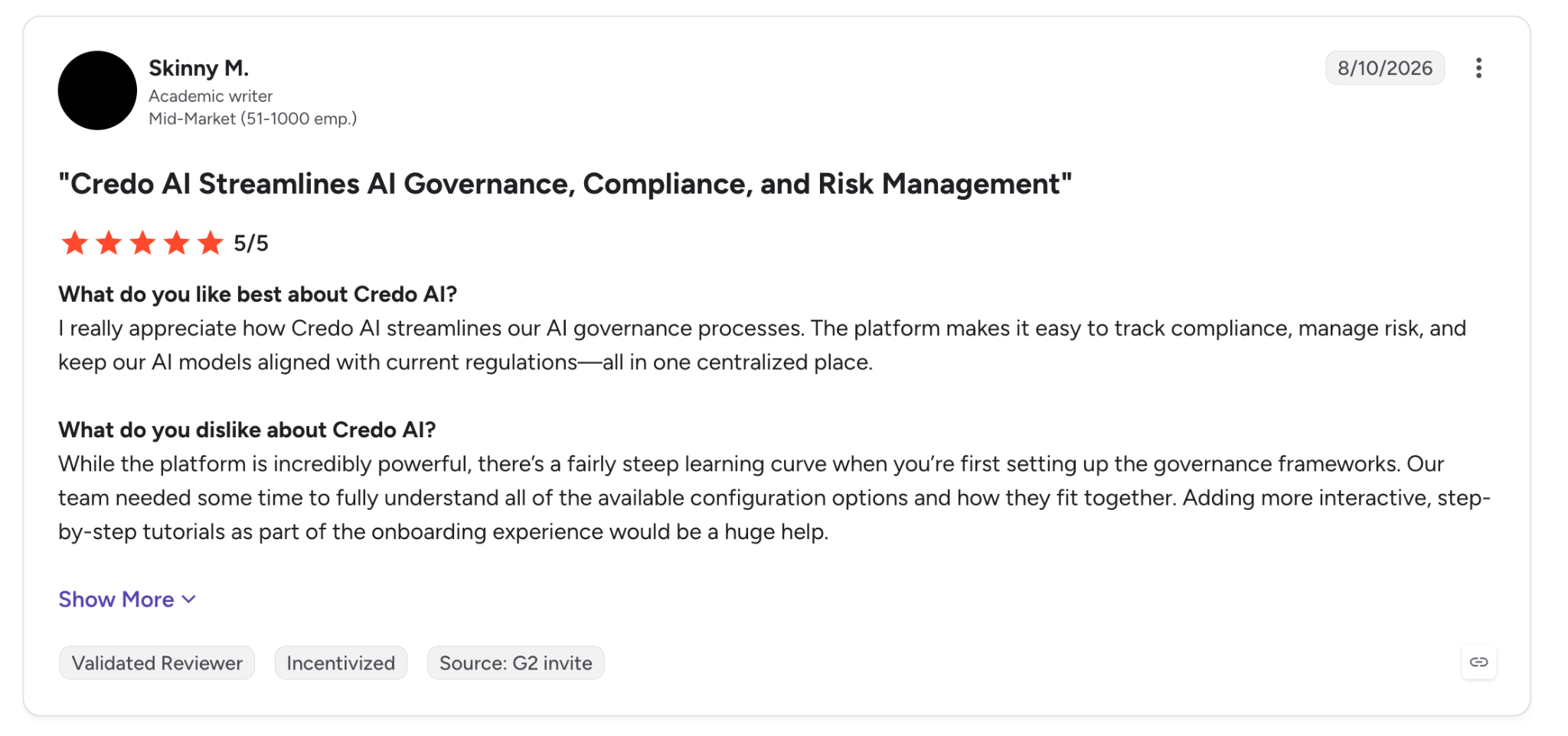
"…now we can manage all of our AI governance in one centralized platform." (Skinny M., G2)
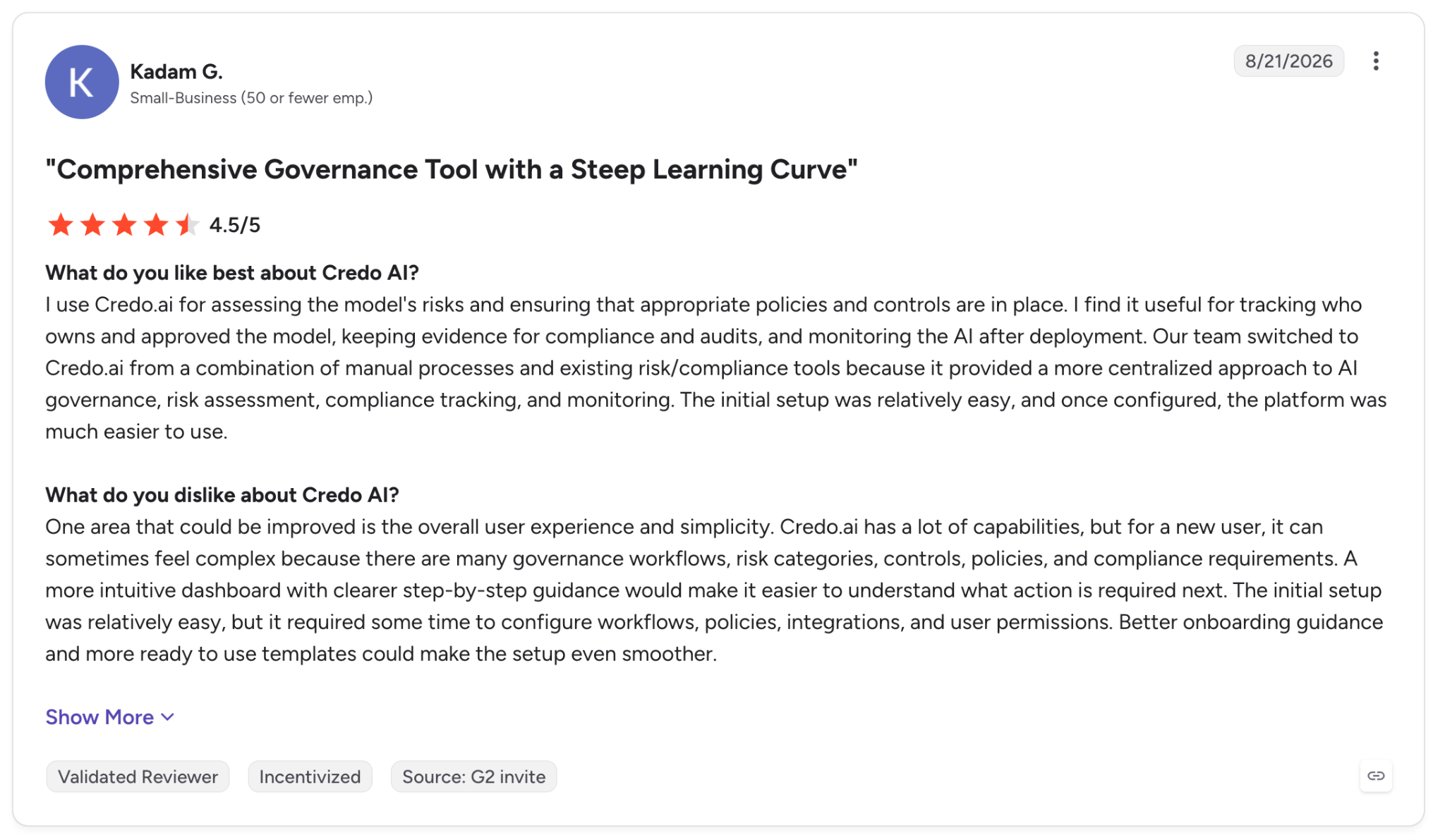
"…it required some time to configure workflows, policies, integrations, and user permissions." (Kadam G., G2)
Pricing
Credo AI shows no price, and tiers and trial terms come with the quote. Ask whether the cost scales with use cases, users, or modules. The Get started page leads to a demo.
Bottom line
I'd shortlist Credo AI for a large company with a compliance team ready to configure workflows, and I'd budget setup time before judging it. If you need a number before a call, IBM and Saidot show one.
3. IBM watsonx.governance: Best for hybrid cloud teams that want published monthly tiers
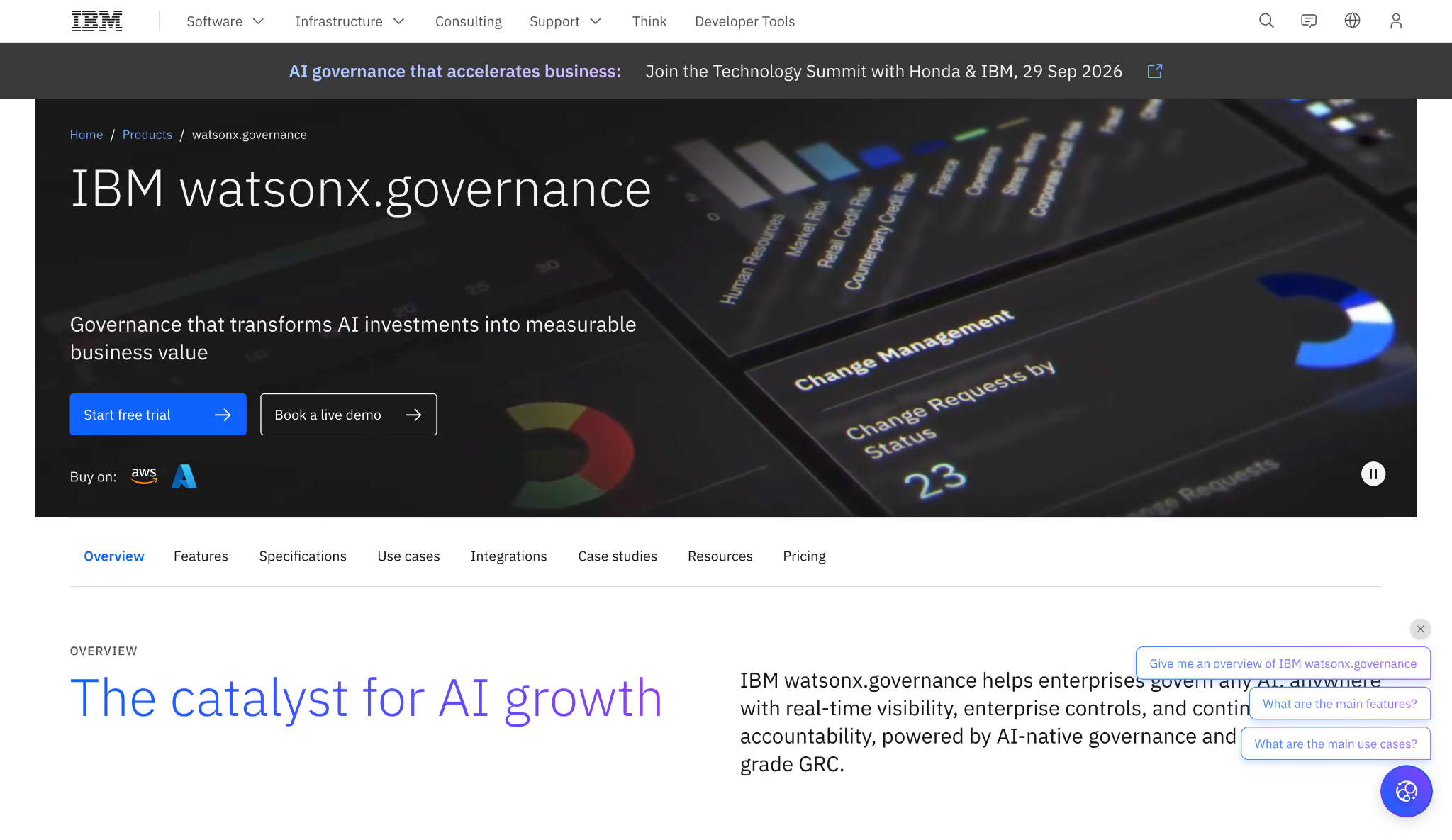
Alt text: IBM watsonx.governance product page with the headline "IBM watsonx.governance", the subheadline "Governance that transforms AI investments into measurable business value", and buy-on options for AWS and Azure.
What it does: IBM watsonx.governance monitors AI systems for compliance and operational risk, with regulatory content for the EU AI Act, NIST AI, and ISO 42001.
Best for: Teams on IBM Cloud or AWS that want to see tiers and a monthly starting price before they call.
IBM's pricing page shows a free trial and a pay-as-you-go model tier. It also shows two monthly plans, an AWS plan, and a software option. Each listing carries a note that prices are indicative and vary by country.
Key features
- Model monitoring watches AI systems continuously for compliance and operational issues.
- Regulatory content maps initiatives to the EU AI Act and ISO 42001.
- Use case onboarding brings AI use cases in with risk assessment and compliance applicability checks.
Pros and cons
Pros:
✅ A 14-day free trial lets you test before buying.
✅ Monthly plans start at $3,500 and $6,450.
✅ You can buy on AWS or use IBM Cloud credits.
Cons:
❌ Basic includes one concurrent user, and more users are add-ons capped at 25 or 200.
❌ A G2 reviewer warns that costs rise significantly in production.
❌ A reviewer reports that models outside IBM need manual configuration.
What users say
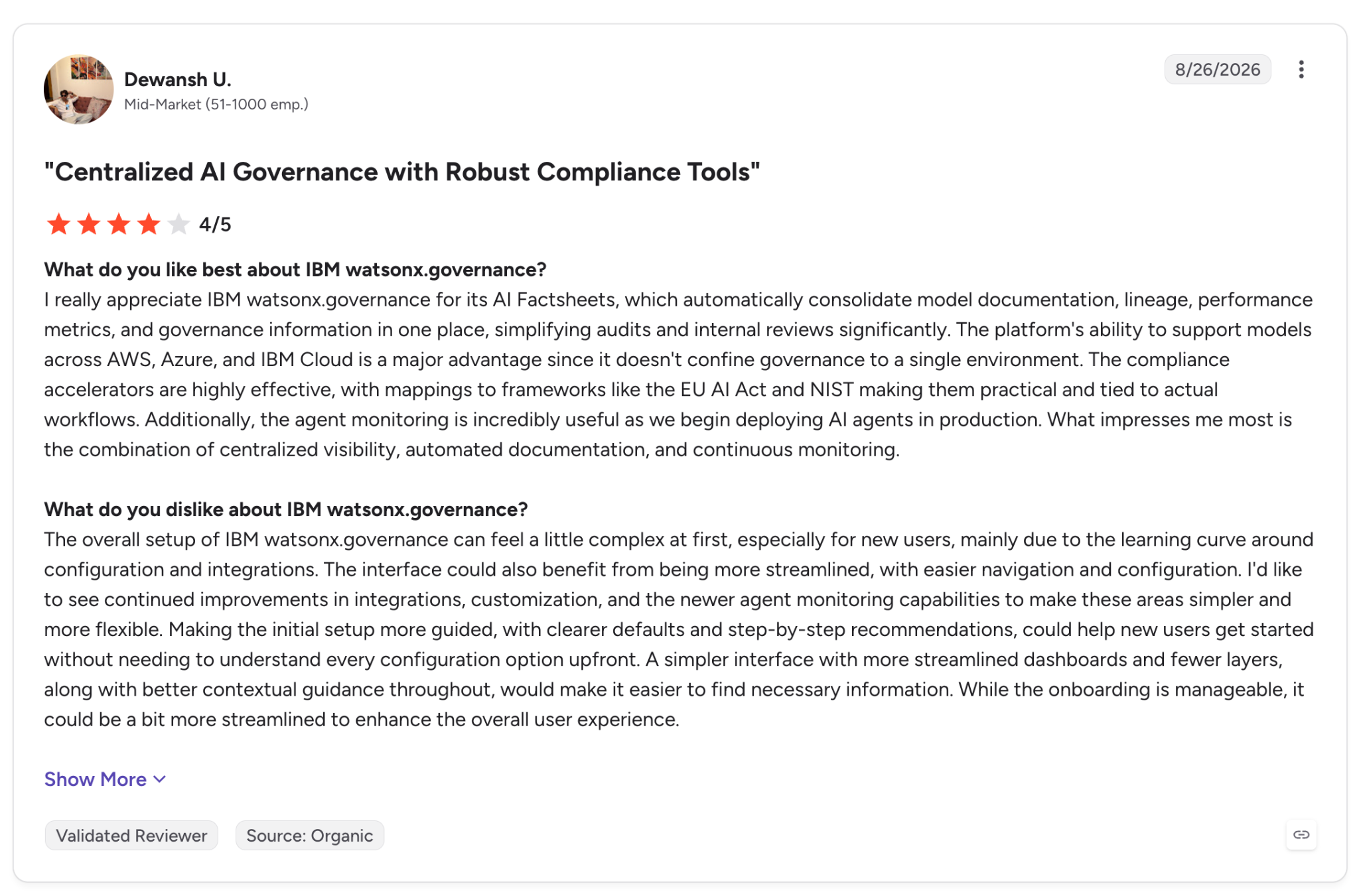
"…AI Factsheets, which automatically consolidate model documentation, lineage, performance metrics, and governance information in one place." (Dewansh U., G2)
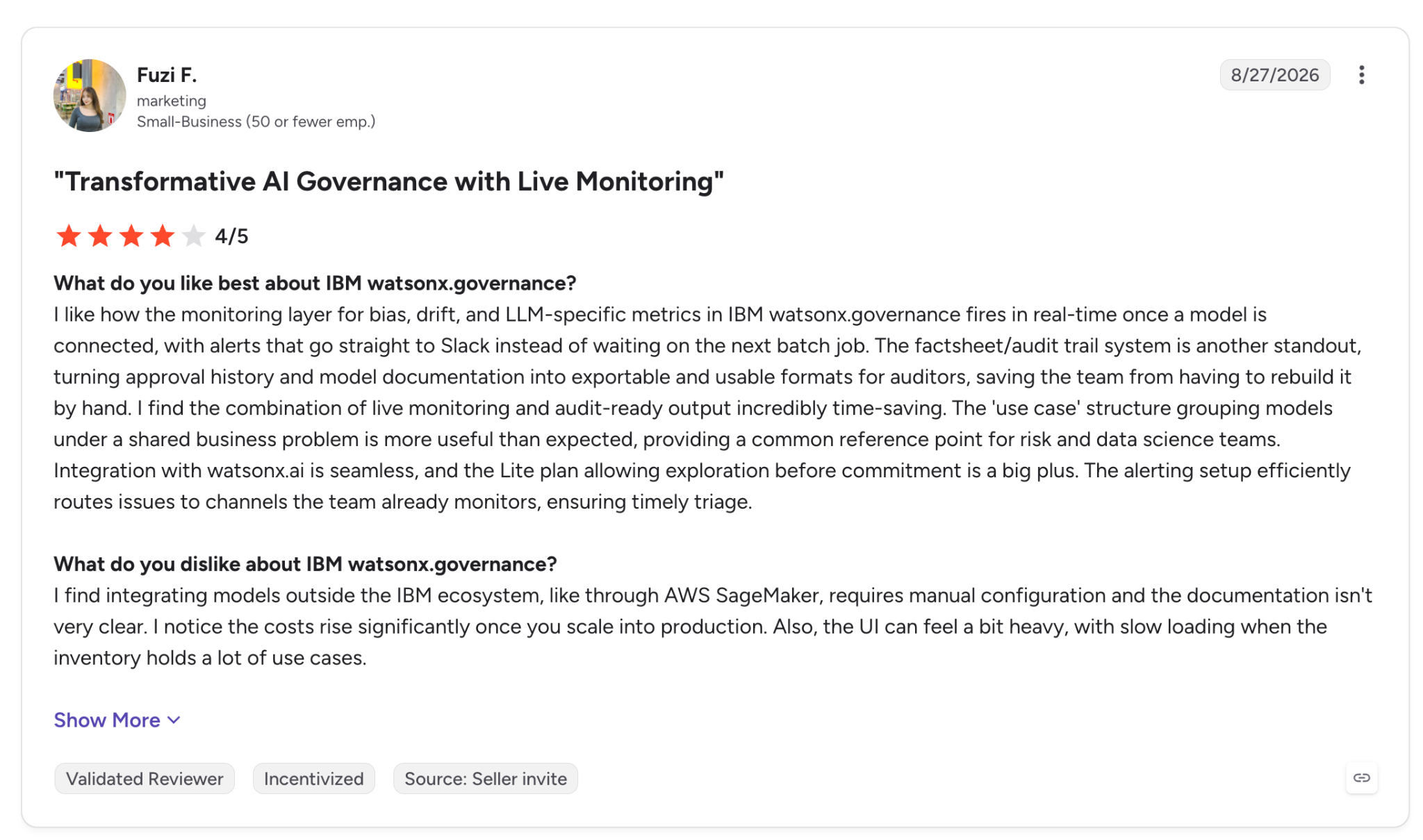
"I notice the costs rise significantly once you scale into production." (Fuzi F., G2)
Pricing
Risk & Compliance Basic starts at $3,500 a month on IBM Cloud (1 instance and 1 module, for 1 concurrent user), and Advanced costs from $6,450 a month as enterprise software.
The pay-as-you-go tier, Model Management, begins at $0.64 with a 30-day trial, and the page does not name the unit.
The AWS plan is priced from $42,000 with 5 AI use cases and 12,000 evaluations for 25 concurrent users, and the page states no billing period. A standalone free trial runs 14 days, and Resource Units price software. See IBM pricing.
Bottom line
A team that budgets from a public table gets a starting figure from IBM, and the entry plan includes one user. Check the AWS plan's billing period with IBM before you compare it against a monthly plan.
4. OneTrust: Best for privacy and GRC teams that already run OneTrust
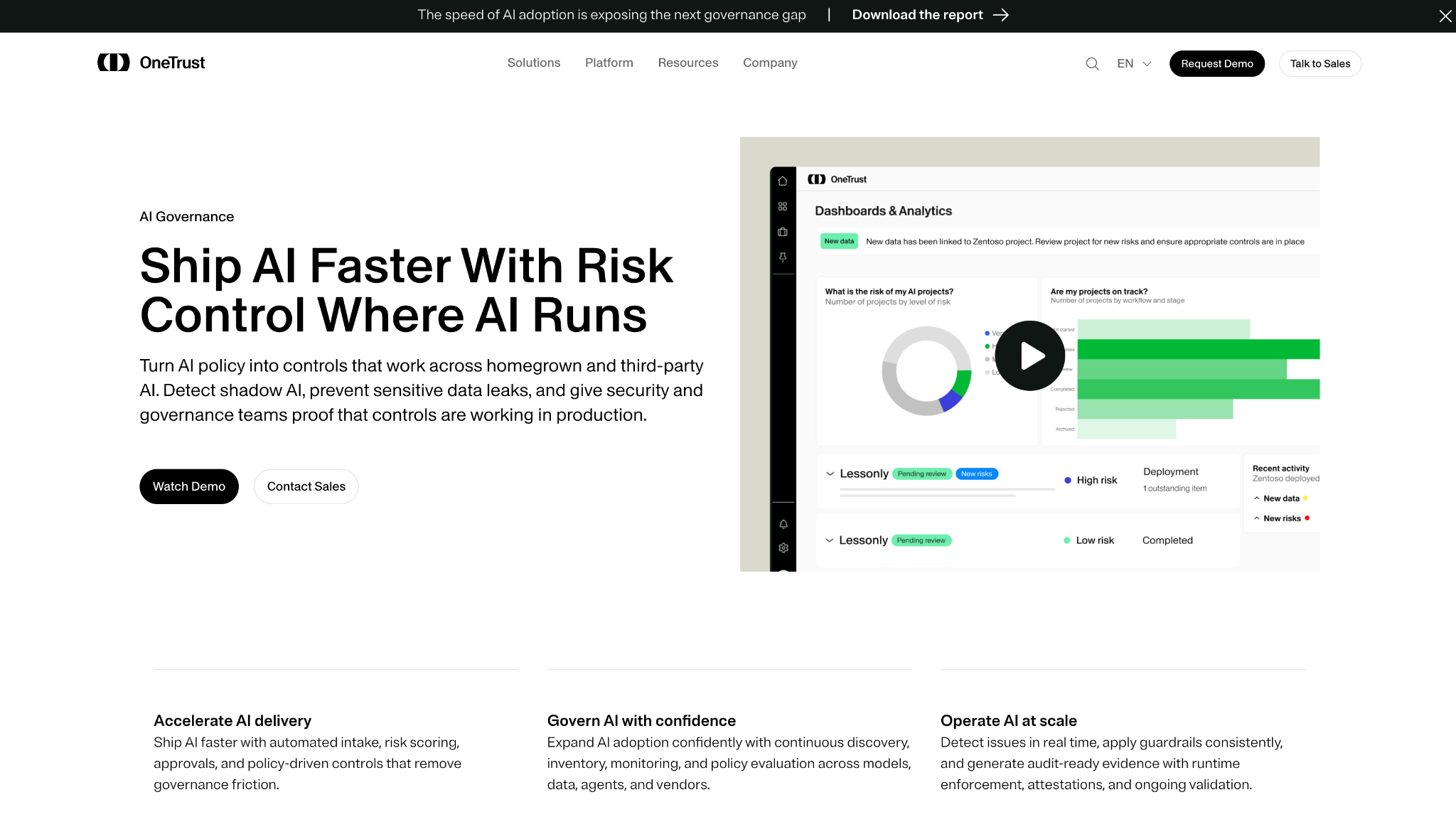
Alt text: OneTrust AI Governance page with the headline "Ship AI Faster With Risk Control Where AI Runs" and a Dashboards & Analytics view with AI project risk charts.
What it does: OneTrust AI Governance discovers AI across the company, assigns ownership, and runs risk assessments from ready-made templates.
Best for: Privacy and GRC teams extending an existing OneTrust program to include AI systems and AI vendors.
OneTrust names what it prices on, admin users and AI inventory, and leaves the figure to a quote. The buyer path is a form for a customized quote.
Key features
- AI inventory and discovery records AI systems and vendors with owners and lifecycle status.
- Risk assessment applies templates for the EU AI Act, NIST AI RMF, and ISO 42001, and revalidates risk when a model changes.
- Third-party AI vendor risk extends risk evaluation to the AI inside the vendors you buy from.
Pros and cons
Pros:
✅ Ready-made templates exist for three frameworks.
✅ Vendor risk appears alongside your own AI inventory.
✅ The pricing page names its two cost drivers, admin users and inventory size.
Cons:
❌ No dollar figure or tier list for AI governance appears on the site.
❌ A G2 reviewer calls the pricing model opaque and notes that costs climb as modules are added.
What users say
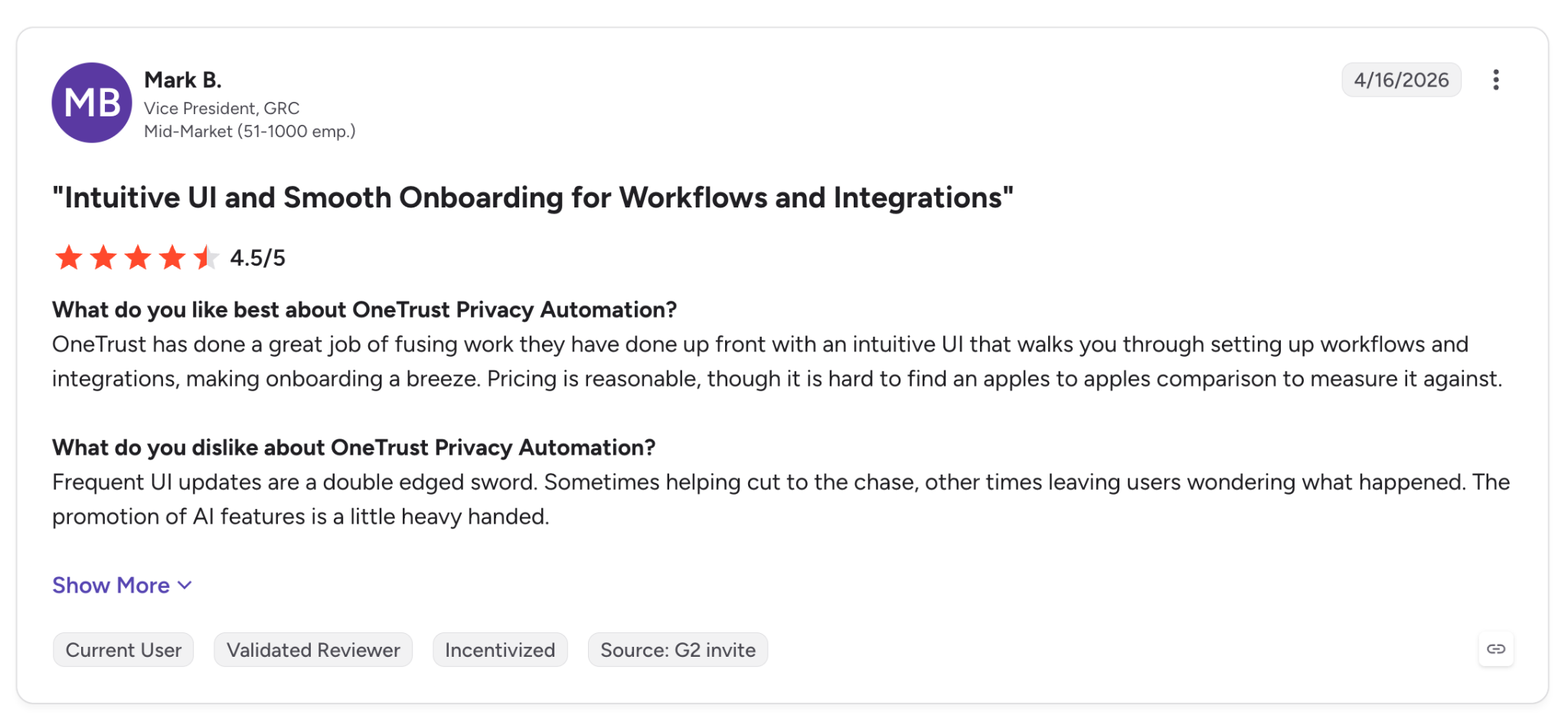
"Pricing is reasonable, though it is hard to find an apples to apples comparison to measure it against." (Mark B., G2)
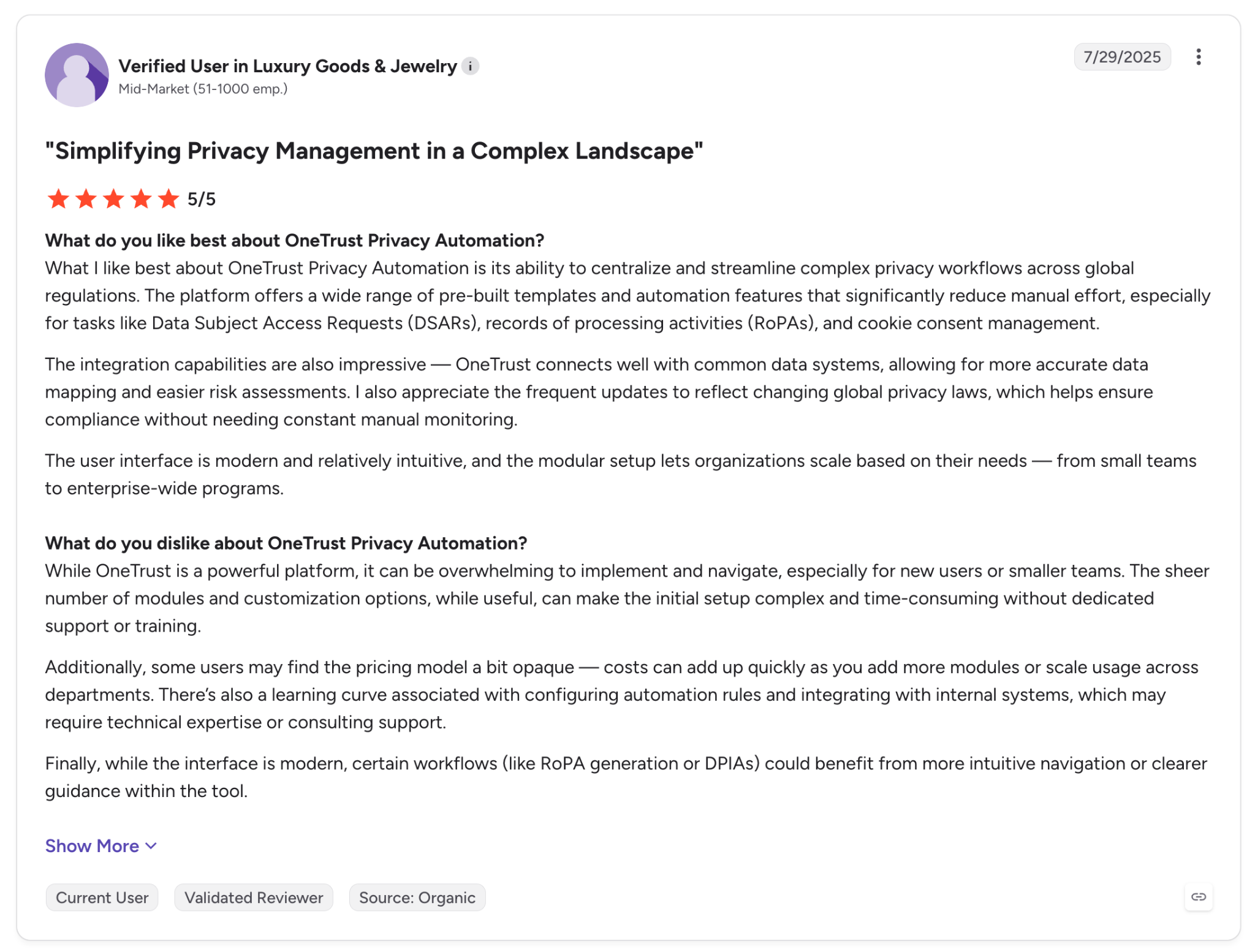
"…some users may find the pricing model a bit opaque." (Verified User, G2)
Pricing
OneTrust is a custom quote. Its pricing page describes tiered usage limits and gives the figures only with the quote. Request one through OneTrust pricing.
Bottom line
If your privacy office already owns the contract, OneTrust can add AI to the same program. The two G2 quotes come from the Privacy Automation product. Ask for AI-specific references during the quote process.
5. Microsoft Purview: Best for Microsoft 365 shops that govern AI through data security
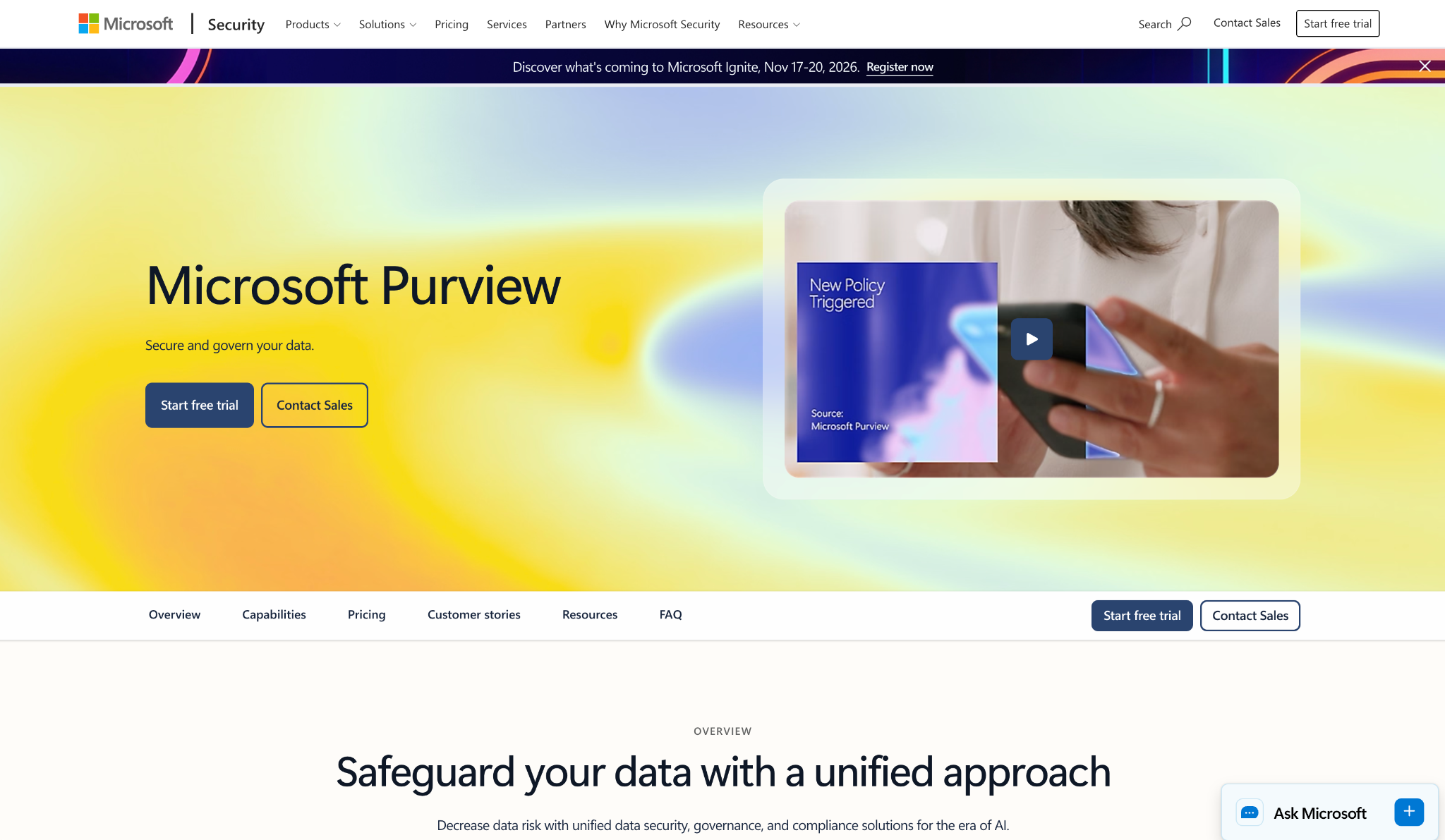
Alt text: Microsoft Purview product page with the headline "Microsoft Purview", the tagline "Secure and govern your data", and a video thumbnail showing a "New Policy Triggered" alert.
What it does: Microsoft Purview bundles data security and compliance tools across Microsoft 365, and its Suite page says it helps you gain visibility into AI risk.
Best for: Security and compliance teams in Microsoft 365 that want to control what data AI tools can reach.
Purview approaches AI governance from the data side. The Suite includes Data Security Posture Management, Data Loss Prevention, Information Protection, Insider Risk Management, Compliance Manager, and Audit, and it has no model registry.
Key features
- Data Security Posture Management gives insight into data oversharing and policy effectiveness.
- Information Protection and DLP classify and protect sensitive data across Microsoft 365 apps.
- Compliance Manager provides regulatory templates and step-by-step guidance for assessments.
Pros and cons
Pros:
✅ A per-user price of $12 a month for the Suite is on the page.
✅ Free trial access to the Suite, per its pricing page.
✅ Pay-as-you-go meters let teams pay for usage-driven features such as audit records.
Cons:
❌ The Suite is priced on annual billing, per the page.
❌ Pay-as-you-go billing requires an active Azure subscription linked to your tenant, per Microsoft Learn.
❌ A G2 reviewer points out that auto-labeling needs additional licenses.
What users say
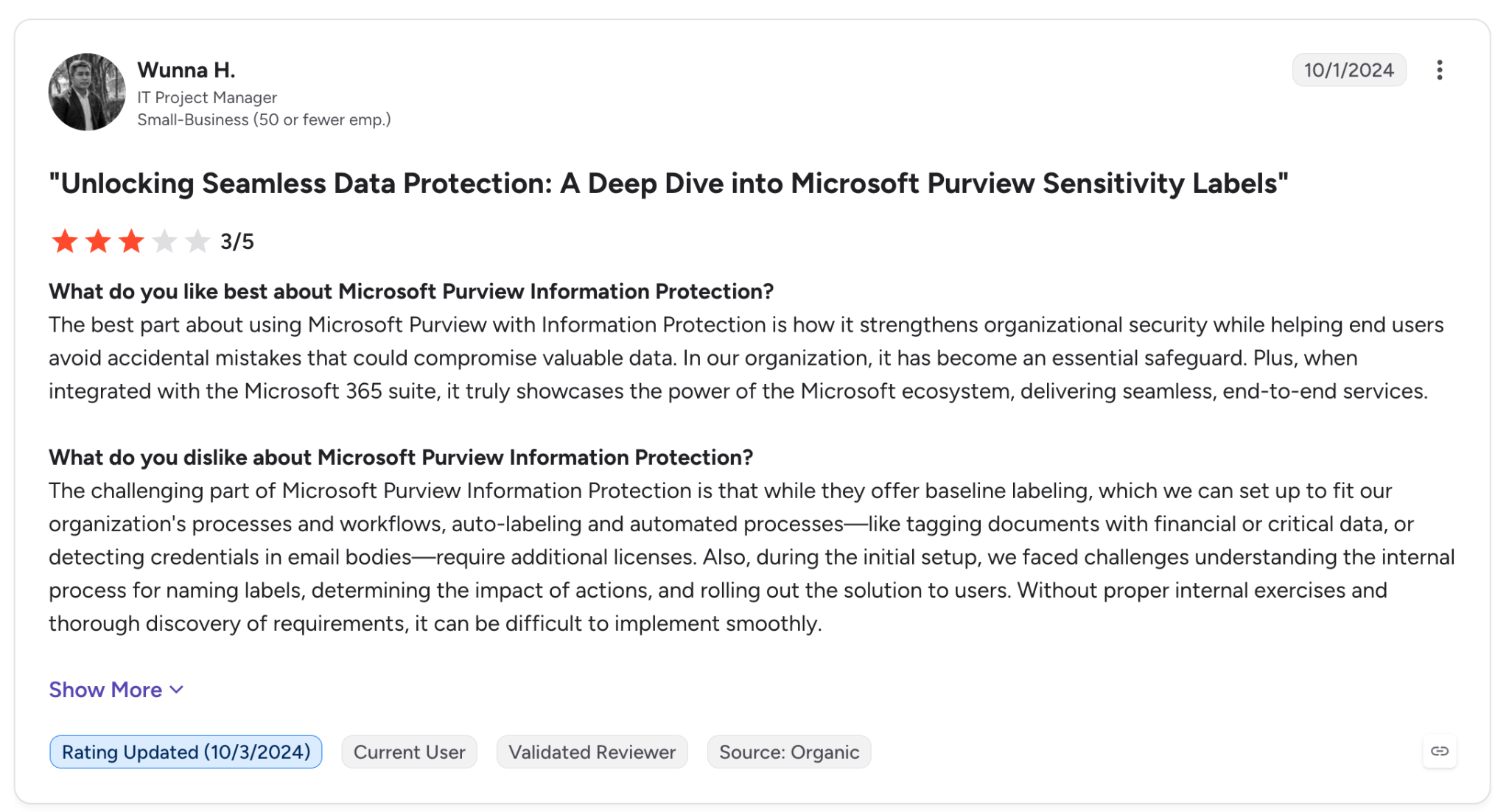
"…how it strengthens organizational security while helping end users avoid accidental mistakes that could compromise valuable data." (Wunna H., G2)
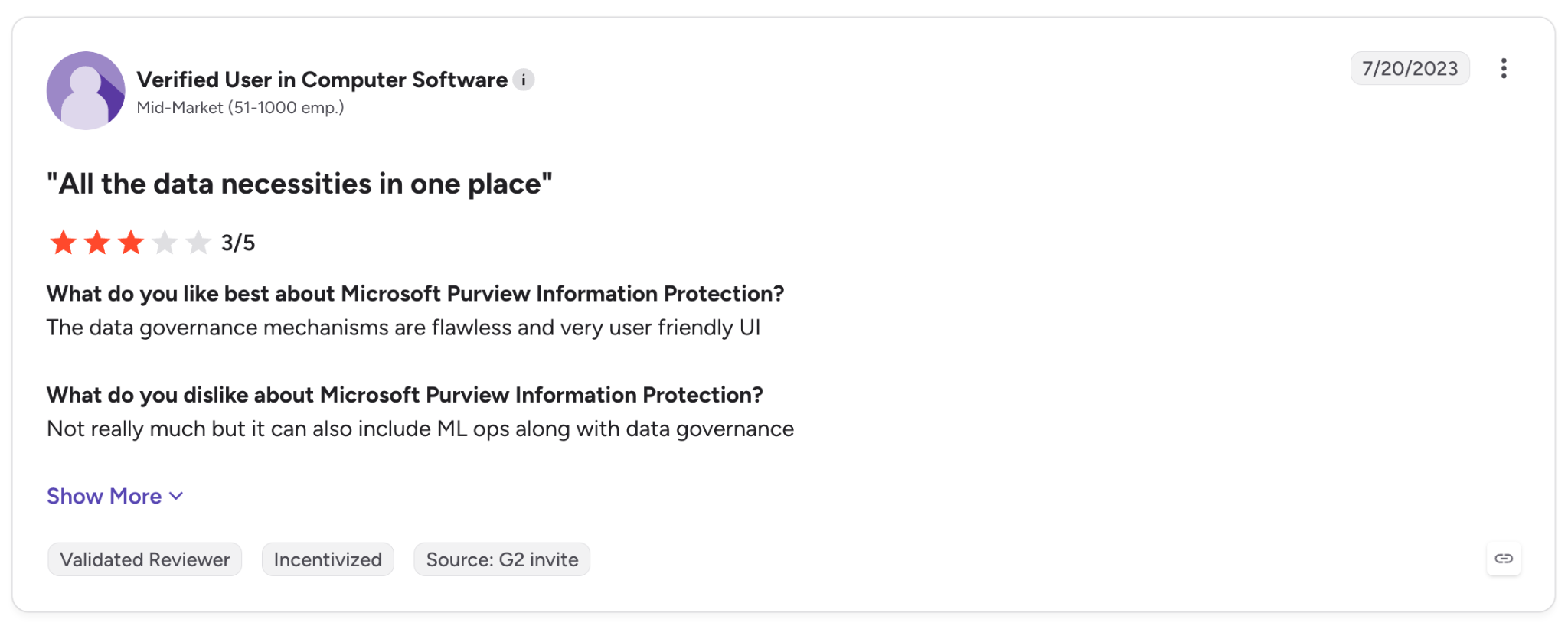
"…not really much but it can also include ML ops along with data governance." (Verified User in Computer Software, G2)
Pricing
Purview Suite is $12 per user per month on an annual subscription that auto-renews and requires Microsoft 365 E3 (or Office 365 E3 plus Enterprise Mobility + Security E3). Microsoft 365 E5 is $60 per user per month on the same terms.
Usage-based features add pay-as-you-go meters, which include Audit Standard at $15 per million records ingested and $25 per 10,000 Insider Risk Management events.
Prices vary by Microsoft agreement. See Purview Suite pricing.
Bottom line
Pick Purview if the main AI risk in your company is sensitive data flowing into Copilot and similar tools. Inventory and risk scoring come from a second tool.
6. ServiceNow Super Intelligence Control Tower: Best for ServiceNow customers who manage AI like any other IT service
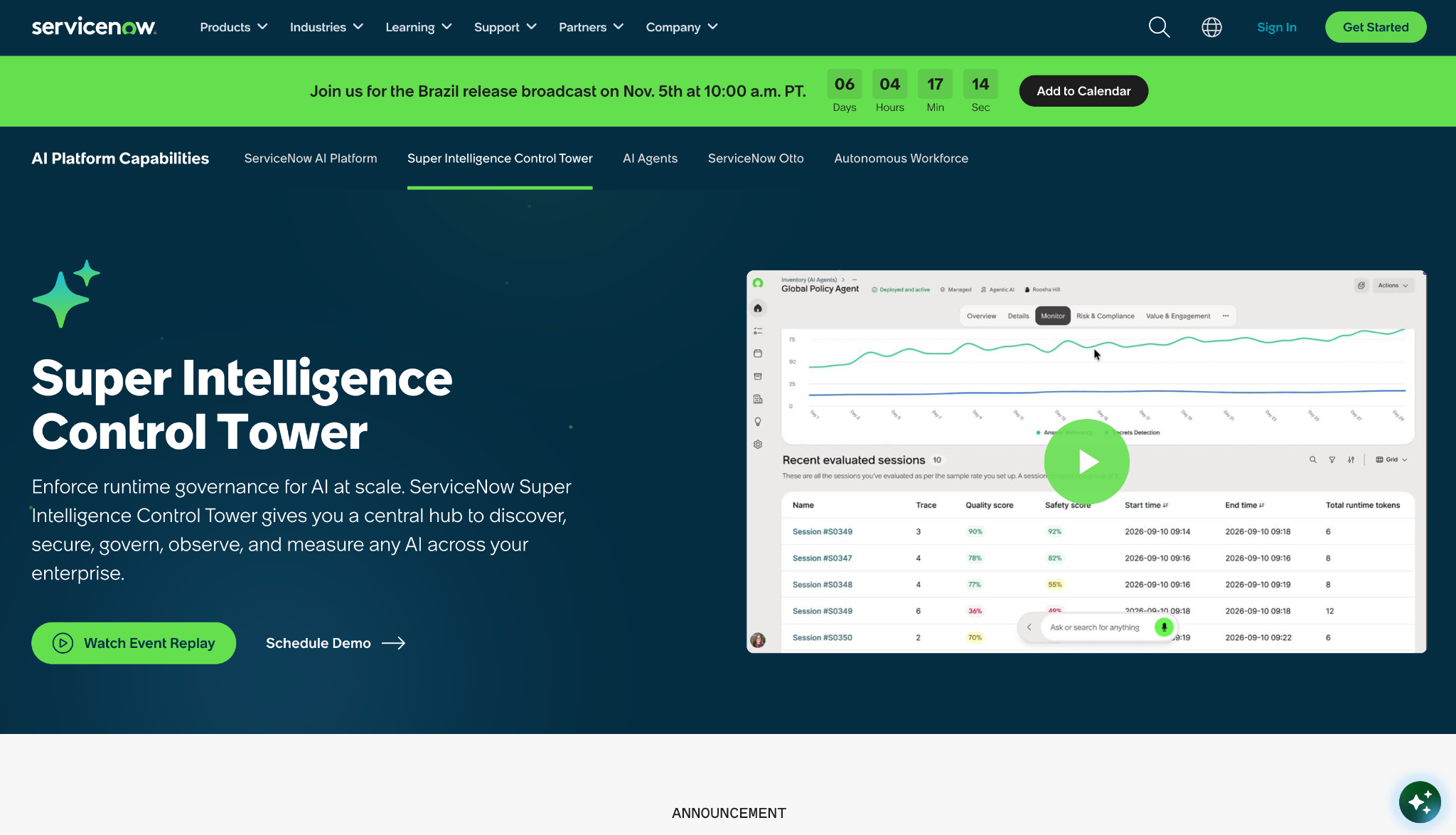
Alt text: ServiceNow Super Intelligence Control Tower page with the headline "Super Intelligence Control Tower" and a dashboard of evaluated agent sessions with quality scores.
What it does: ServiceNow Super Intelligence Control Tower is a package of apps for discovering and governing AI agents, models, and MCP servers from the ServiceNow platform.
Best for: Companies that already run ServiceNow and want AI assets managed on the platform they use today.
The six apps in the package are Super Intelligence Control Tower Workspace, AI Discovery and Inventory Data Model, AI Asset Lifecycle Management, AI Risk and Compliance Management, AI Case Management, and Content for NIST AI RMF and EU AI Act.
On scope, the page says the package works with AI that a company develops itself or buys from a third party. For agent-specific tools, see our roundup of AI agent governance platforms.
Key features
- AI discovery and inventory finds AI assets and records them in one data model.
- Risk and compliance management tracks AI risk with content for NIST AI RMF and the EU AI Act.
- AI Asset Lifecycle Management manages the lifecycle and risks of AI assets.
Pros and cons
Pros:
✅ Six named apps are part of the package.
✅ Third-party and agent-driven AI are covered along with internal models.
✅ Risk and compliance content for NIST AI RMF and the EU AI Act is part of the package.
Cons:
❌ "Contact Us for Pricing" is what the page shows in place of a price.
❌ Licensing terms, per user or per asset, arrive with the quote.
What users say
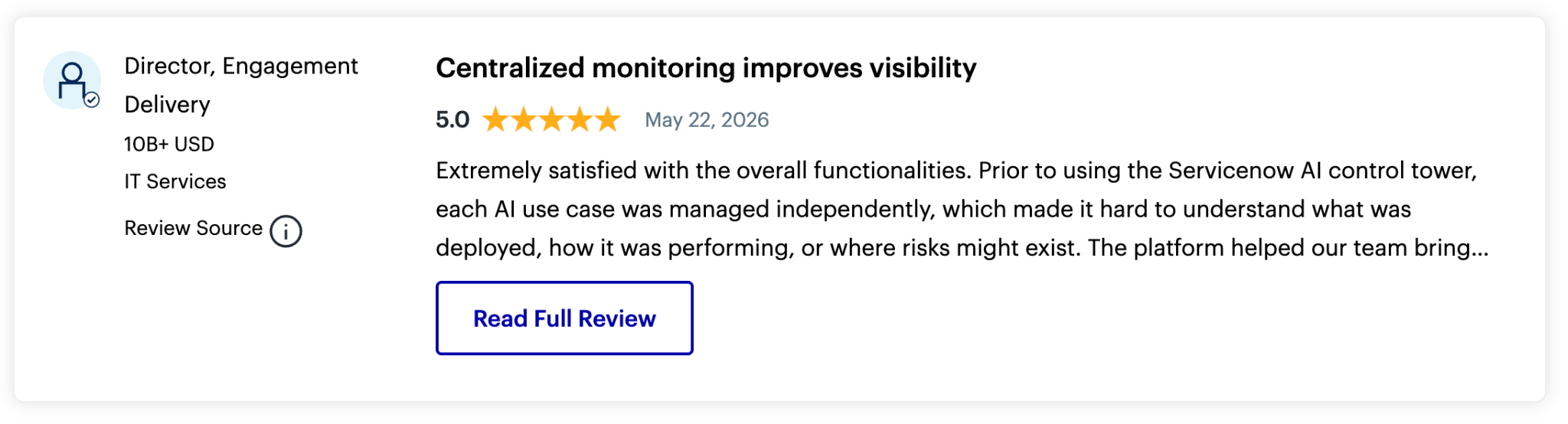
"The platform helped our team bring that visibility into one place and made it easier to see a holistic picture." (Director, Engagement Delivery, Gartner Peer Insights)
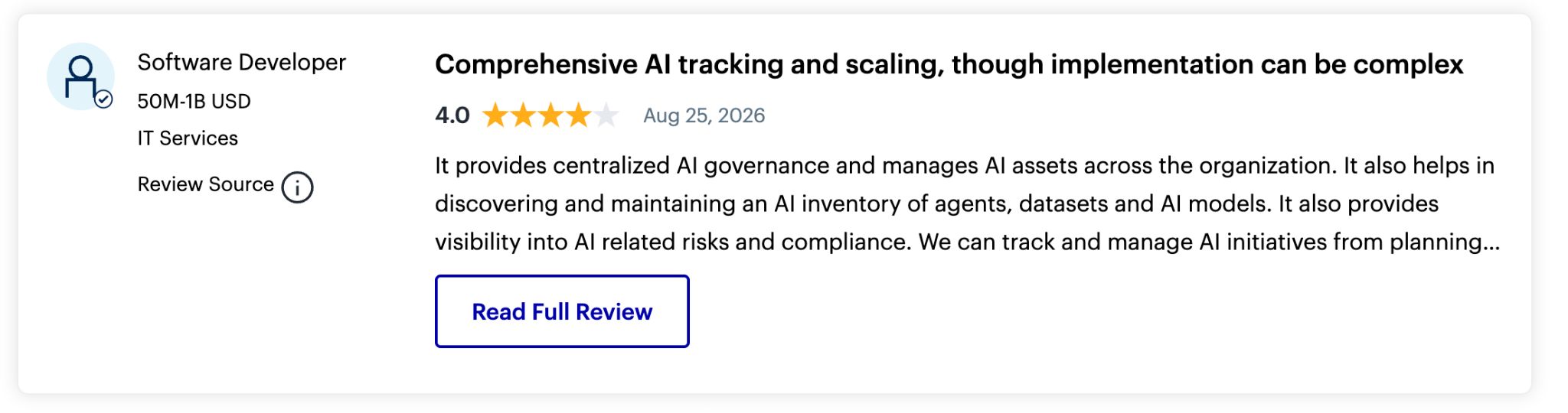
"AI governance features involve many teams and workflows which makes the implementation complex." (Software Developer, Gartner Peer Insights)
Pricing
ServiceNow lists no price for Super Intelligence Control Tower. Which of the six apps your contract includes, and how the license is counted, gets settled in the quote. See the Super Intelligence Control Tower page.
Bottom line
ServiceNow works best when the platform is already part of your IT setup and AI governance becomes one more workflow. Without ServiceNow in place, the package also means adopting the ServiceNow platform.
7. Collibra: Best for data teams that want AI governance tied to the data catalog
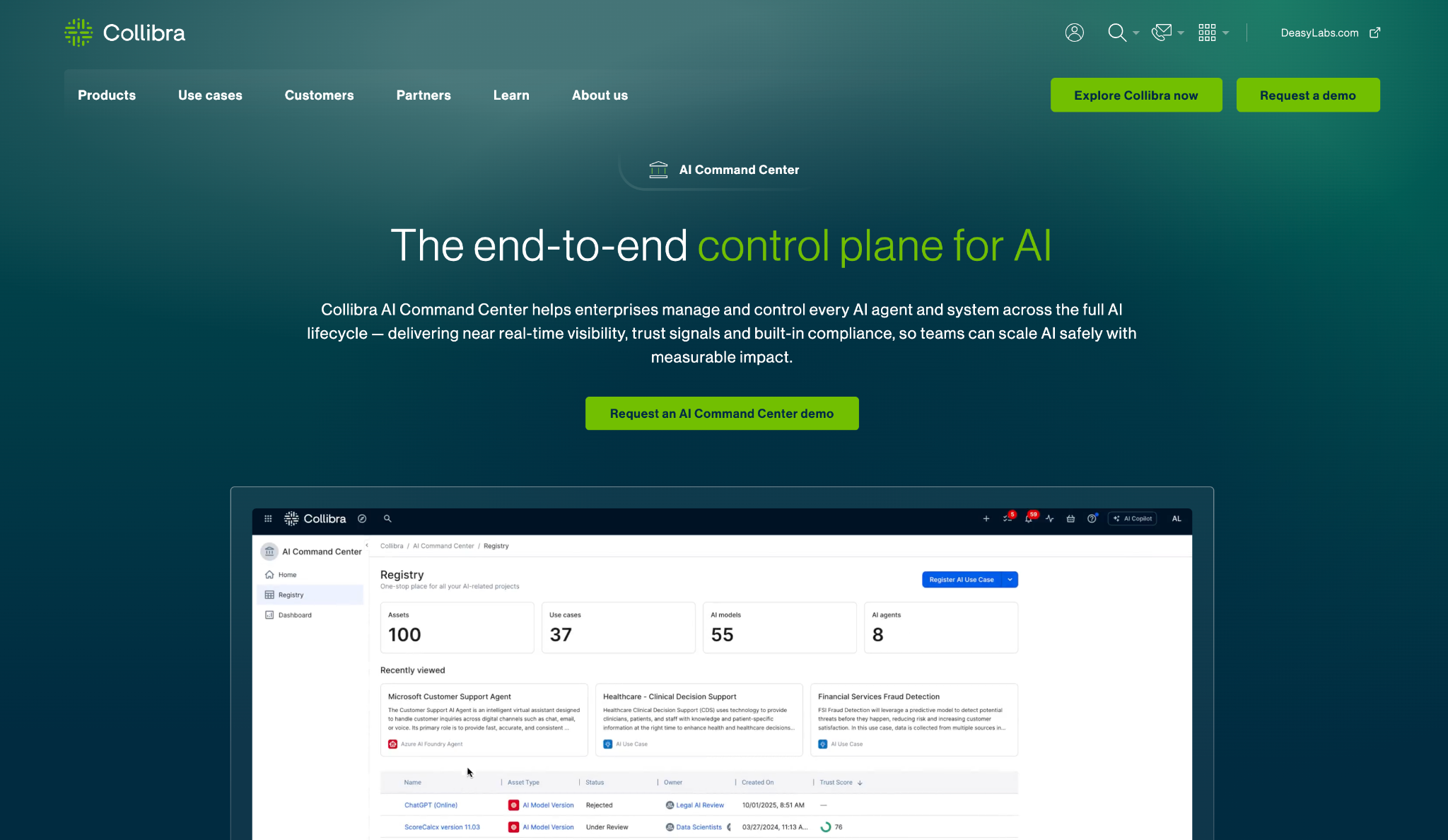
Alt text: Collibra AI Command Center page with the headline "The end-to-end control plane for AI" and a registry dashboard counting 100 assets, 37 use cases, 55 AI models, and 8 AI agents.
What it does: Collibra AI Governance adds AI use case intake and a registry to its data governance platform, with policy-driven assessments and an AI Command Center for agents.
Best for: Data governance teams that want AI use cases and agents traced back to the data behind them.
The page describes guardian agents that supervise agent behavior as it runs, plus an AI Trust Score per AI system and a unified registry. It names integrations with AWS, Azure, Google, Databricks, SAP, and MLflow.
Key features
- Unified registry keeps AI use cases and models in one system of record.
- Traceability follows data through models and decisions with automated lineage.
- AI Trust Score gives each AI system one score from documentation and data integrity.
Pros and cons
Pros:
✅ Lineage from data to AI decisions ties governance to your existing catalog.
✅ EU AI Act and NIST AI RMF templates are included.
✅ Model integrations include Databricks and MLflow.
Cons:
❌ Pricing details require a demo request, with a product tour and a readiness assessment as the other entry points.
❌ G2 reviewers describe the cost and learning curve as high, and one calls it an "expensive tool."
What users say
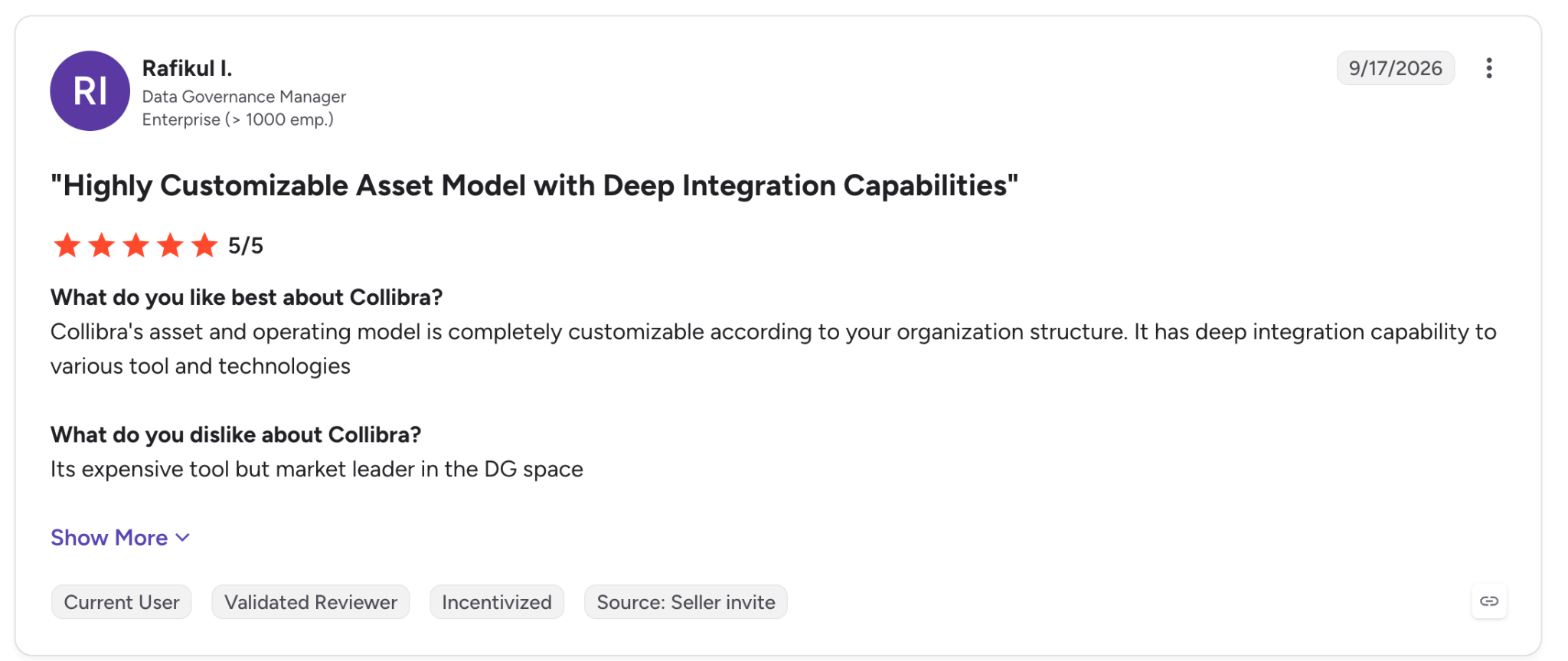
"It has deep integration capability to various tool and technologies." (Rafikul I., G2)
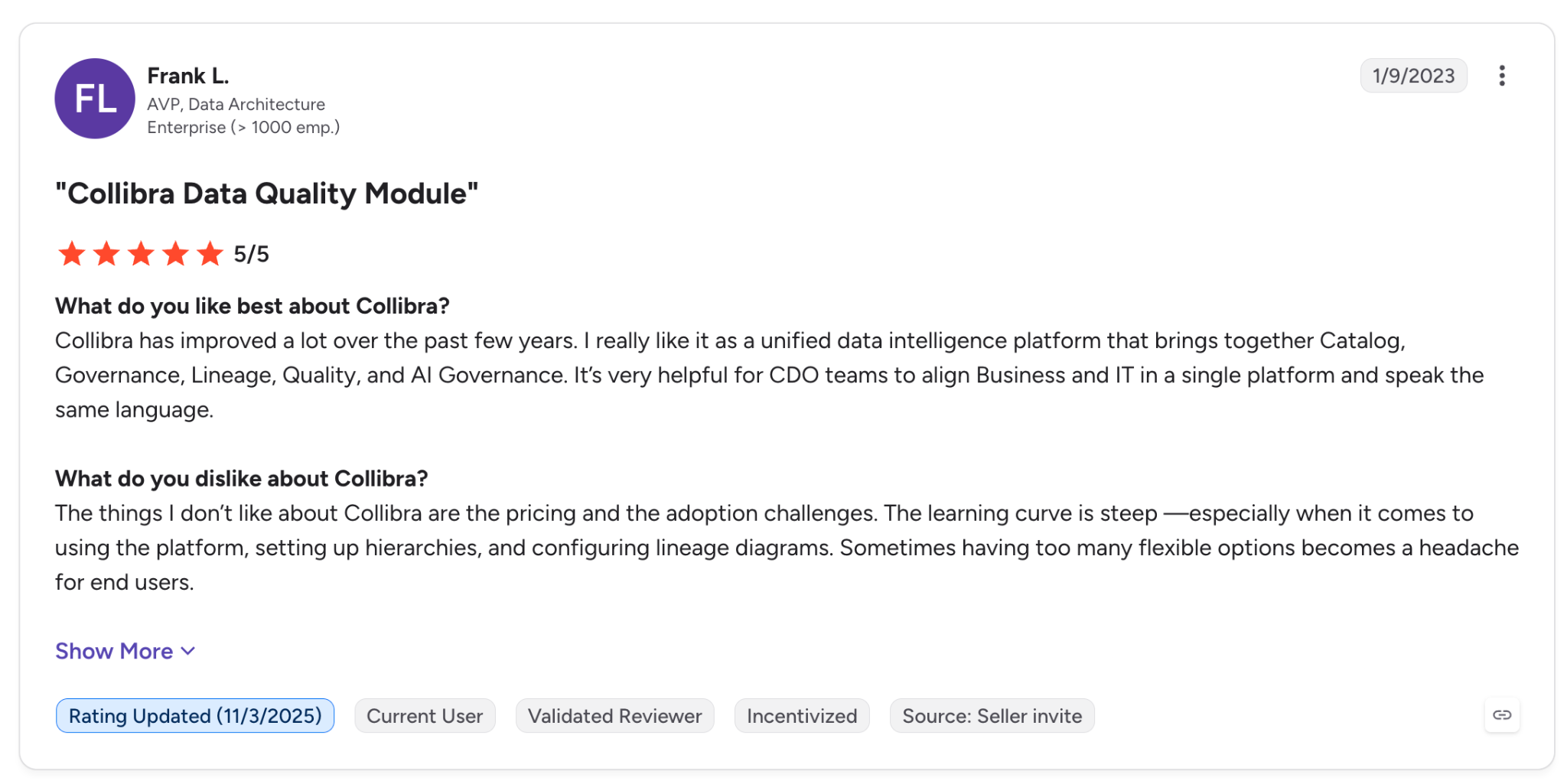
"The things I don’t like about Collibra are the pricing and the adoption challenges." (Frank L., G2)
Pricing
Collibra's AI Governance page has no prices, only a demo request, an interactive tour, and a five-minute AI readiness assessment. Start at the AI Governance page.
Bottom line
Collibra adds AI governance to a data governance program that already runs on it, because the AI features reuse that work. Ask for recent references, since the critical G2 quote dates from 2023.
8. Holistic AI: Best for teams that need testing and policy enforcement on live AI systems
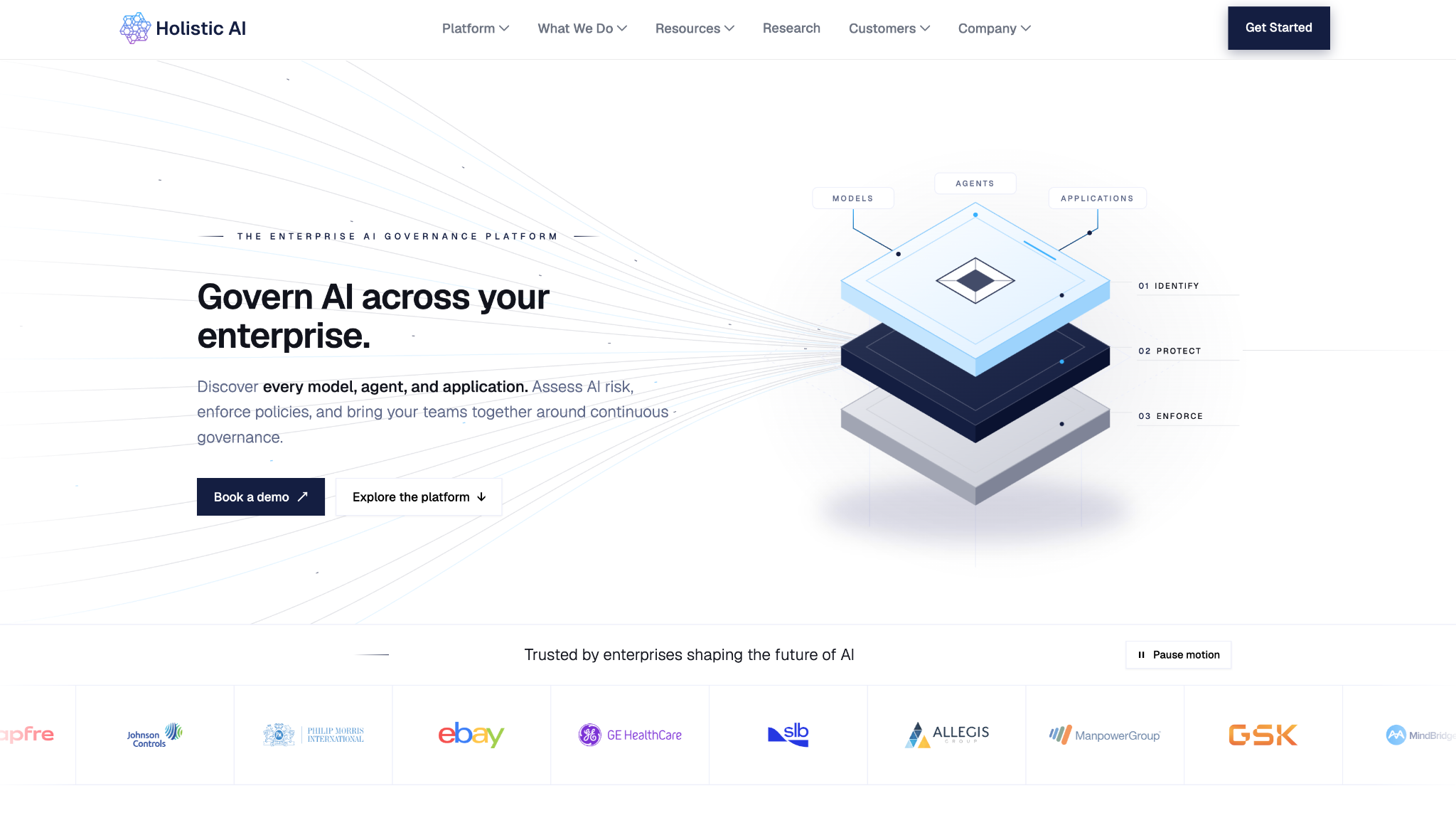
Alt text: Holistic AI homepage with the headline "Govern AI across your enterprise." a layered diagram for Identify, Protect, and Enforce, and customer logos including eBay, Allegis Group, ManpowerGroup, and GSK.
What it does: Holistic AI organizes its platform into Identify, Protect, and Enforce modules, plus Guardian Agents that supervise autonomous AI.
Best for: Teams that need testing and production monitoring in the same platform as policy enforcement.
Identify handles AI discovery and inventory, and Protect handles testing and risk management. Enforce turns policies into controls and audit evidence. Guardian Agents add Sentinel Agents that score actions against policy and Operative Agents that block or escalate non-compliant ones.
Key features
- Identify finds models, agents, and applications and keeps a current inventory.
- Protect runs security and bias testing and monitors systems in production.
- Enforce converts policies into controls and collects audit evidence.
Pros and cons
Pros:
✅ Testing and policy enforcement share one platform.
✅ Guardian Agents can block or pause non-compliant agent actions.
✅ Audit evidence is collected in the Enforce module.
Cons:
❌ Pricing is available through a demo form on the site.
❌ No free trial appears on the homepage, only demo requests.
What users say
"The platform has helped us bring more structure to the way we identify, assess and manage AI related risks.." (Manager of IT Services, Gartner Peer Insights)
"Complex integration process Dense Interface Ongoing Maintenance." (IT Associate, Gartner Peer Insights)
Pricing
Holistic AI shows no tiers or trial. The demo page is where to request a figure. The quote may scale with systems tested or agents supervised, though the site doesn't say.
Bottom line
Holistic AI is worth a quote request when testing is your main weakness and you have a few live AI systems to run through it. The missing price makes cost hard to rank. Request a quote early.
9. Saidot: Best for teams that want a priced governance library and platform, billed monthly
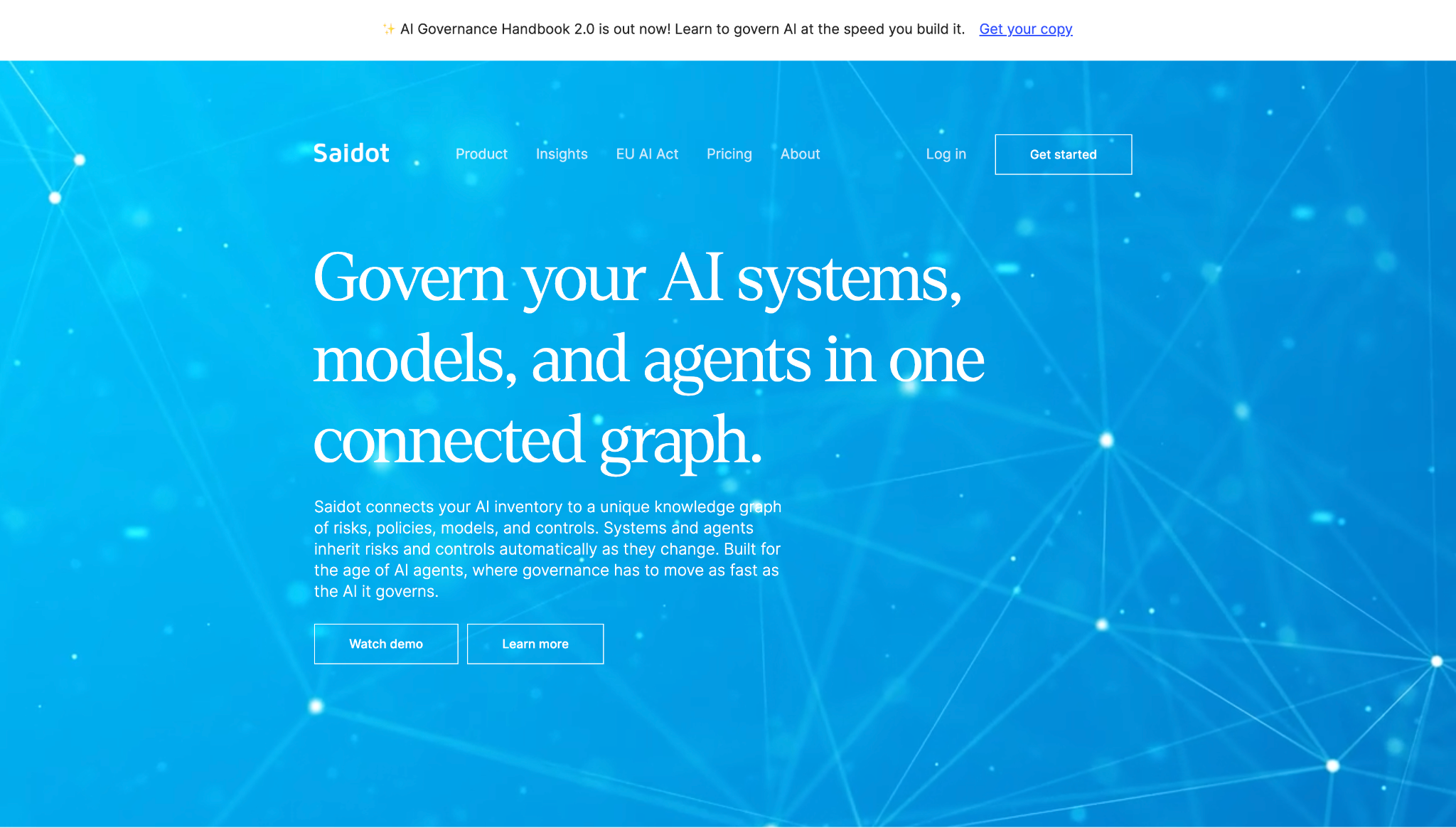
Alt text: Saidot homepage with the headline "Govern your AI systems, models, and agents in one connected graph." and an announcement bar for the AI Governance Handbook 2.0
What it does: Saidot is an AI governance platform organized around a knowledge graph of 260+ risks, 620+ controls, and 110+ policies, according to its site.
Best for: Teams that want a governance library and a platform with a monthly price on the page.
Saidot's pricing page shows two plans in euros, and the FAQ says you can change plans at any time and cancel before the next scheduled payment. VAT is added based on your company's location.
Key features
- Saidot Library provides AI policies and laws, plus risk controls and model cards.
- Inventory and risk management tracks up to 30 AI systems on the Platform plan, with risk and compliance workflows.
- API and MCP servers come with the Platform plan, alongside the library and inventory.
Pros and cons
Pros:
✅ Two monthly prices on the pricing page, €1,400 and €3,100.
✅ Cancel before the next scheduled payment, per the pricing FAQ.
✅ Workflow automations and agent, model, and dataset catalogs are in the Platform plan.
Cons:
❌ The Platform plan is limited to 30 AI systems. A larger inventory may need a different plan.
❌ The Library plan is knowledge content, with no inventory or workflows.
❌ Prices are in euros and exclude VAT.
What users say
“I liked your systematic approach and visualisations, which made the complex subject much more approachable.” (Responsible AI Governance Lead, Saidot AI Governance Handbook reader, LinkedIn)
“This handbook is really useful and it covers all the critical aspects of AI governance from policy development to risk management and compliance.” (Responsible AI Governance Lead, Saidot AI Governance Handbook reader, LinkedIn)
Pricing
Saidot Library is €1,400 per month, and the Saidot Enterprise Platform plan is €3,100 per month for up to 30 AI systems. The page shows no free trial.
A third plan appears elsewhere. G2's April 2026 listing also shows a €1,000 Platform for SMEs plan for up to two systems that the current pricing page doesn't display, so confirm it with Saidot. See Saidot pricing.
Bottom line
Saidot shows two monthly prices, so a team can budget without a sales call. If you govern more than 30 AI systems, find out early what the next step costs.
10. VerifyWise: Best for small teams that want a free start and the option to self-host
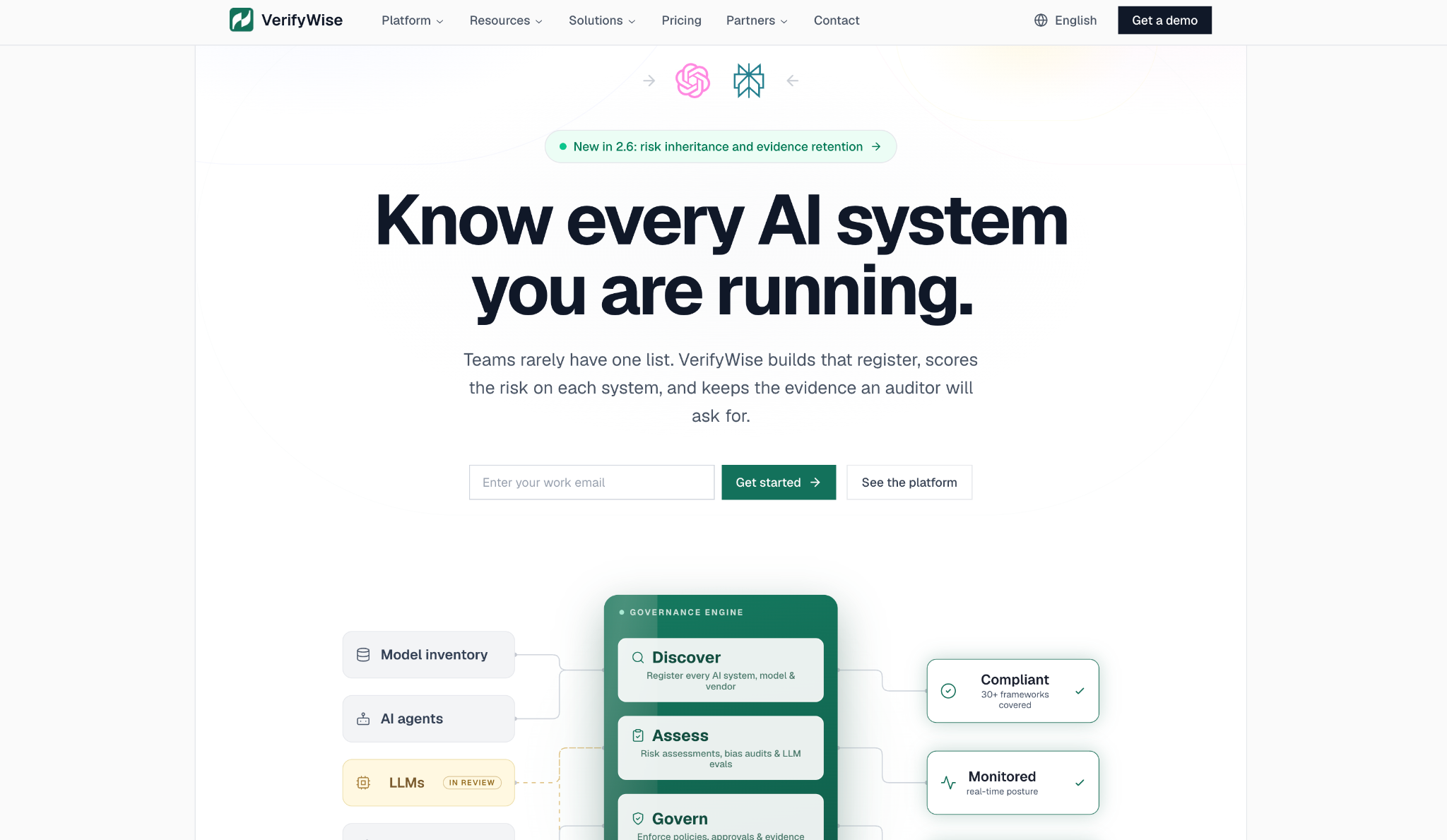
Alt text: VerifyWise homepage with the headline "Know every AI system you are running." a work email sign-up field, and a diagram that routes model inventory, AI agents, and LLMs through Discover, Assess, and Govern.
What it does: VerifyWise is an AI governance platform for model inventory, risk management, and audit evidence.
Best for: Small teams that want to start free, and teams that need to run the platform in their own cloud.
The site describes source-available code and says you can "run on our cloud or yours," with Docker or Kubernetes for self-hosting and a VPC deployment option.
On compliance, it maps to the EU AI Act and NIST AI RMF, and names more than 30 supported frameworks. For developer-side controls, see our guide to AI code governance tools.
Key features
- Model inventory and risk management tracks AI models across the organization and the risks tied to them.
- Shadow AI detection finds unauthorized AI tools and services, plus hardcoded secrets in code.
- Audit and evidence keeps immutable audit trails and an evidence repository.
Pros and cons
Pros:
✅ A $0 Trial plan is listed on the pricing page.
✅ Self-hosting on Docker or Kubernetes keeps data in your environment.
✅ 30+ frameworks are named as natively supported.
Cons:
❌ The Trial plan caps you at one seat and one use case, with email support and no training.
❌ Enterprise and Enterprise Plus are custom-priced, and the page gives no figure.
❌ The homepage names no customers or case studies. Ask for references.
What users say
“VerifyWise is one of the only self-hostable options in a compliance category that’s becoming mandatory for companies shipping AI products.” (Ivan Protsko, Editor at unsubbed.co)
Pricing
Enterprise (SaaS) and Enterprise Plus (on-premises) are custom, with unlimited seats and use cases. They include custom training and 6-hour phone and email support.
At the entry level, the Trial plan is $0 a month with 1 seat, 1 use case, and 1 framework, plus 24-hour email support. See VerifyWise pricing.
Bottom line
VerifyWise offers a $0 Trial plan. Plan on a quote once you need more than one seat or one use case, and verify the source-available license before you self-host.
11. Arize AX: Best for ML teams that need LLM tracing and evaluation on a $50 plan
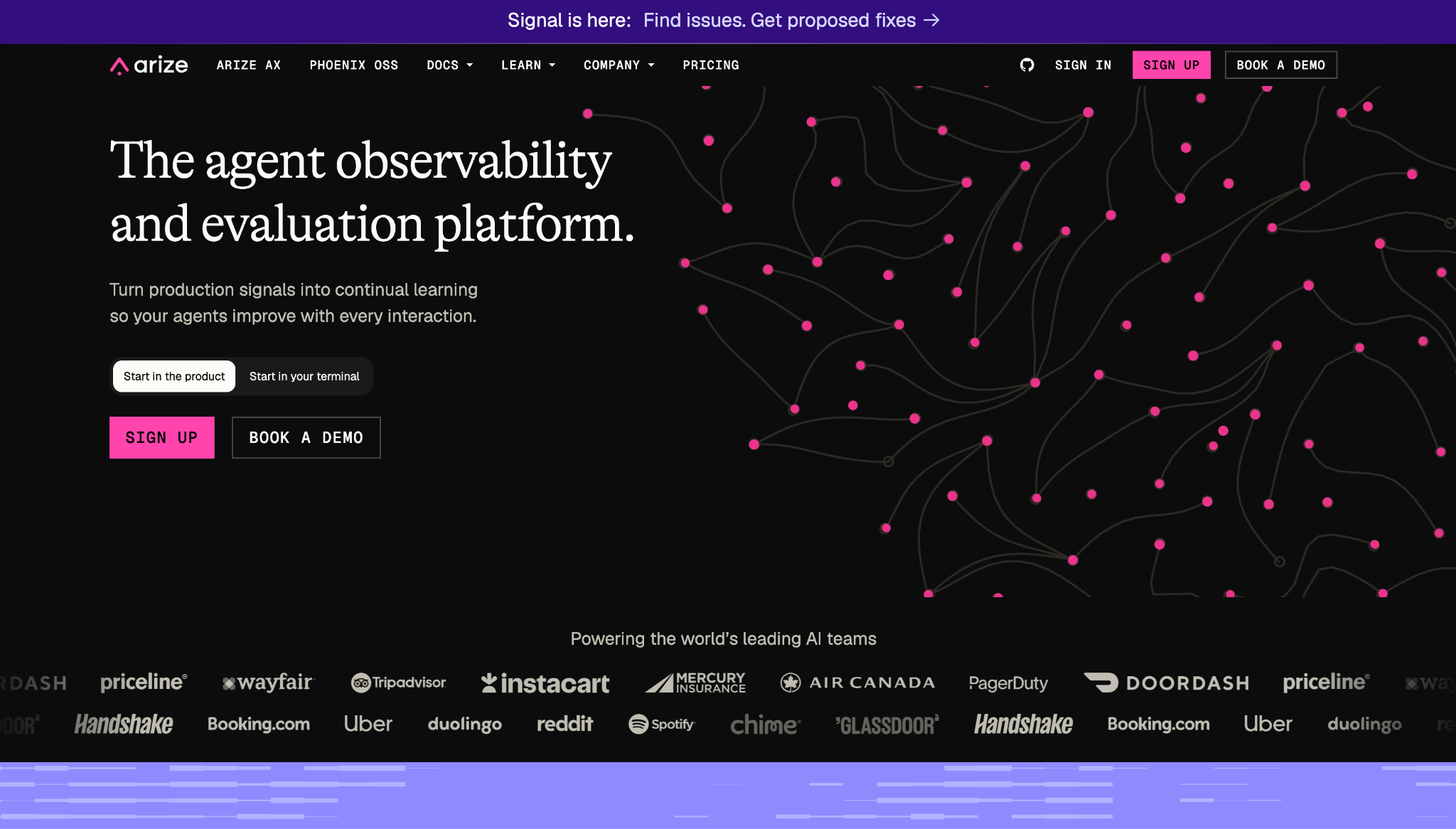
Alt text: Arize homepage with the headline "The agent observability and evaluation platform." and customer logos for Priceline, Wayfair, Tripadvisor, Instacart, Air Canada, DoorDash, Booking.com, Uber, and Duolingo.
What it does: Arize AX is an AI observability and evaluation platform for tracing LLM and agent workflows and running evals in production.
Best for: ML and platform teams that need to see what their AI systems do in production, with a $50 plan on its pricing page.
Arize monitors AI systems while they run. It presents itself as observability and evaluation, so inventory and policy packs come from another tool on this list.
Key features
- Tracing records what an agent did, from the team behind the OpenInference standard.
- Evals score outputs at the span, trace, and session level, including online evals.
- Monitoring follows production performance.
Pros and cons
Pros:
✅ A free plan with 25k trace spans a month.
✅ $50 a month for Pro, with unlimited users and evals.
✅ Self-hosted deployment is available on Enterprise.
Cons:
❌ Free and Pro run on SaaS only.
❌ Pro caps you at 50k spans and 10 GB of ingestion a month, and Enterprise is custom.
❌ Free keeps data for 15 days and Pro for 30 days.
What users say
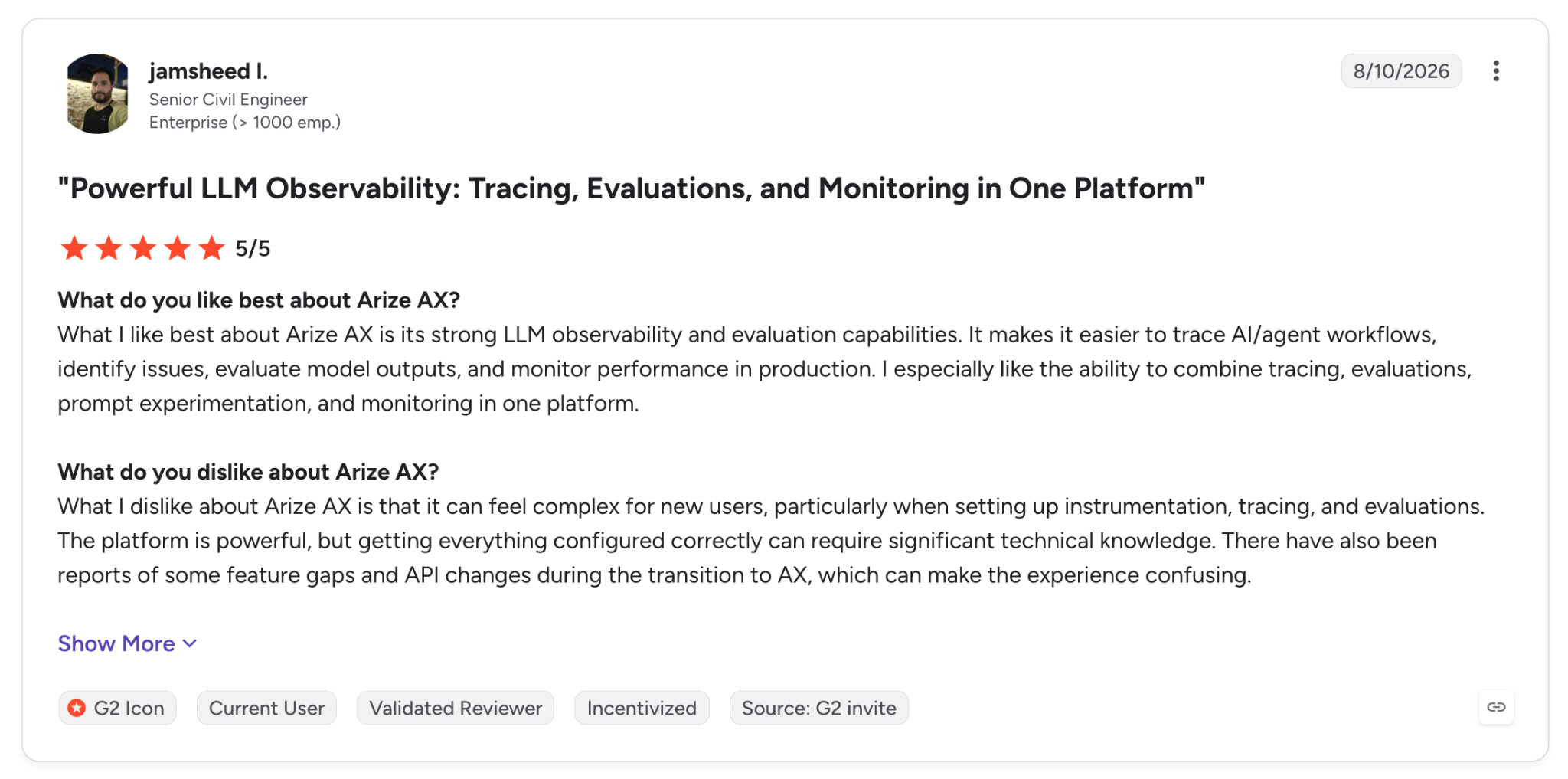
"What I like best about Arize AX is its strong LLM observability and evaluation capabilities." (jamsheed I., G2)
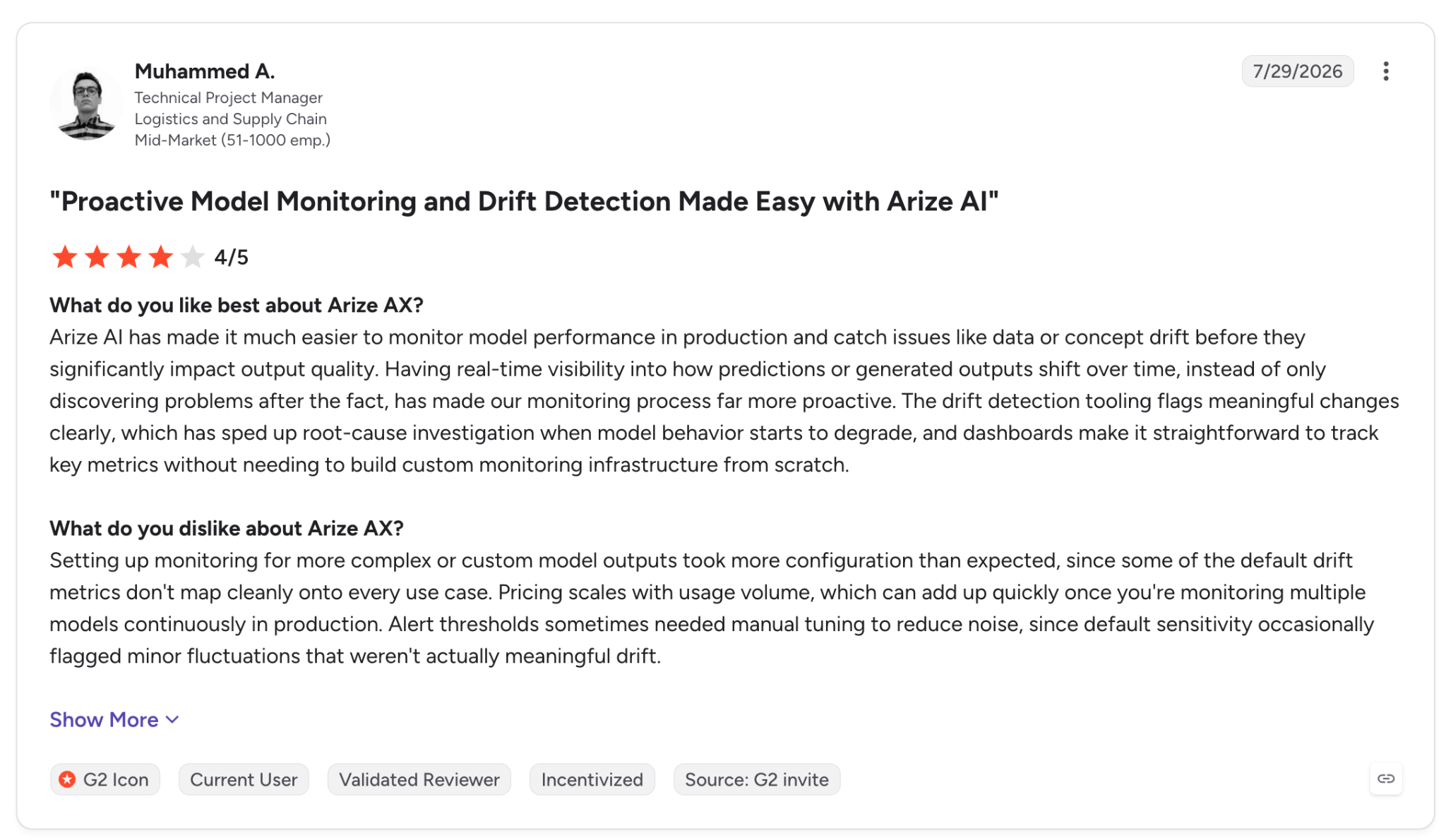
"Pricing scales with usage volume, which can add up quickly once you're monitoring multiple models continuously in production." (Muhammed A., G2)
Pricing
AX Pro is $50 per month with 50k spans, 10 GB ingestion, 30-day retention, and two spaces. Enterprise is custom, with SaaS or self-hosted deployment.
Below Pro, AX Free is $0 with 25k spans and 1 GB ingestion, kept for 15 days. The page shows no annual price. See Arize pricing.
Bottom line
For a team releasing LLM features that wants traces and evals, Arize costs $50 a month. A registry or policy platform from this list adds inventory and policy packs.
The hidden costs of AI governance platforms
The monthly price pays for the software, and the final bill adds the cost of getting it running and keeping it staffed.
Implementation and integration. A Credo AI reviewer reports that configuring workflows and permissions took time, and an IBM reviewer found that models outside IBM's cloud need manual configuration.
Training. VerifyWise's Trial plan includes no training, and its Enterprise plans include custom training. Collibra reviewers mention a learning curve, and two Credo AI reviewers call it steep. Confirm whether onboarding is billed separately.
Premium support. VerifyWise's Trial plan gets a 24-hour email response, and Enterprise gets a 6-hour response by phone and email. Superblocks Enterprise adds a dedicated account team and custom terms.
Internal admin time. Someone has to register systems, review risk assessments, and respond to alerts. IBM's Basic plan includes one concurrent user, with more users sold as add-ons, so the number of reviewers you need changes the bill.
Ask each vendor for a quote that itemizes licenses, add-ons, implementation, training, and support, so you compare the same scope across platforms.
Which AI governance platform should you choose in 2026?
Start from what you need to govern. Inventory points to Credo AI or IBM, and data access points to Purview. Apps created with AI point to Superblocks.
Choose Superblocks if you:
- Have business teams building internal apps with AI and need IT to set permissions and audit database queries and API calls.
- Value a published Teams price and a 14-day trial before a sales conversation.
Choose Credo AI if you:
- Need a central registry of their AI systems, shadow AI included, with policy packs for the EU AI Act, NIST AI RMF, ISO 42001, and SOC 2.
Choose IBM watsonx.governance if you:
- Prefer a public table of monthly tiers and a free trial, and run on IBM Cloud, AWS, or your own servers.
Choose OneTrust if you:
- Already run OneTrust for privacy and want AI inventory and vendor risk in the same program.
Choose Microsoft Purview if you:
- Live in Microsoft 365 and aim to control which data AI tools can reach, at $12 per user per month on an annual plan.
Choose ServiceNow Super Intelligence Control Tower if you:
- Run ServiceNow and would rather keep AI governance on the platform you already use.
Choose Collibra if you:
- Have a data governance program on Collibra and want AI traced back to its data.
Choose Holistic AI if you:
- Require testing and policy enforcement on live AI systems and will request a quote.
Choose Saidot if you:
- Look for a governance library and platform at a monthly price, with up to 30 AI systems.
Choose VerifyWise if you:
- Plan to start free or self-host, and accept a custom quote after one seat.
Choose Arize AX if you:
- Need LLM traces and evals now, on a $50 plan.
A team with one low-risk AI feature can start on a free plan such as Arize AX Free or the VerifyWise Trial. Check your regulatory obligations before you decide a dedicated platform is unnecessary.
Final verdict
On price clarity and fit, I'd choose Superblocks for enterprise IT teams that need governed apps created with AI, because Teams costs $125 a month and Enterprise adds Audit Logs, RBAC, SSO, and VPC deployment under central permissions.
IBM works for hybrid cloud buyers who want a monthly table, Credo AI and OneTrust suit teams ready to request quotes, and Arize AX costs $50 a month and shows what live AI systems do.
If you want to test governance at the app level, Superblocks offers a 14-day trial on Teams, and our AI governance guide explains how the approaches compare.
Frequently asked questions
What is the best AI governance platform in 2026?
Superblocks leads for IT teams governing apps that business users build with AI, and IBM watsonx.governance leads for published monthly tiers. Credo AI is the registry option. Purview handles Microsoft 365 data security, and Arize AX handles runtime monitoring.
How much does Credo AI cost?
Credo AI quotes its price on request. Its site sends buyers to a demo and a Talk to an Expert form, so the cost is a custom quote.
Ask for the quote itemized by use cases and users, then compare it with published starting points such as IBM's $3,500 a month and Saidot's €1,400 a month.
How much do AI platforms cost?
AI platform pricing runs from free to tens of thousands of dollars. Arize AX Free and the VerifyWise Trial plan cost $0, and Superblocks Teams is $125 a month. IBM's AWS plan starts at $42,000, with no billing period stated.
Beyond those listed prices, Enterprise plans at Superblocks and Arize AX are custom quotes, as are VerifyWise's paid plans.
How much does AI governance software cost?
Published AI governance software prices start at $12 per user or $50 a month and reach $6,450 a month for IBM's Advanced plan.
Arize AX Pro is $50, Superblocks Teams is $125, Saidot is €1,400, IBM Risk & Compliance Basic is $3,500, and Purview Suite is $12 per user on an annual plan.
Five more platforms quote on request, which means their starting price comes from a sales conversation.
Which AI governance platforms have a free plan or trial?
IBM watsonx.governance and Superblocks Teams each offer a 14-day trial. Arize AX has a free plan, and VerifyWise has a $0 Trial plan with one seat. Purview Suite offers a free trial, per its page. Learn more in our guide to AI governance.
What drives the price of an AI governance platform?
The bill rises with the number of AI systems or use cases, admins and builders, modules, evaluation or trace volume, and private deployment. OneTrust bases AI governance pricing on admin users and AI inventory, and IBM sells extra instances and modules as add-ons.


Stay tuned for updates
Get the latest Superblocks news and internal tooling market insights.
Request early access
Step 1 of 2
Request early access
Step 2 of 2

You’ve been added to the waitlist!
Book a demo to skip the waitlist
Thank you for your interest!
A member of our team will be in touch soon to schedule a demo.
production apps built
days to build them
semi-technical builders
traditional developers
high-impact solutions shipped
training to get builders productive
SQL experience required
See the full Virgin Voyages customer story, including the apps they built and how their teams use them.

"Those tools are great for proof of concept. But they don't connect well to existing enterprise data sources, and they don't have the governance guardrails that IT requires for production use."
Table of Contents

Multiple authors
Vibe Coding for Finance: 6 Builds With Guardrails (2026)
Vibe coding for finance moves fast, and guardrails decide whether it stays safe. See which builds to start with and how IT keeps control of each one.