
After testing the most-used vibe coding tools across different team sizes and codebases, here are the 7 that hold up for engineering teams in 2026, not just in the demo, but once the codebase grows and IT starts asking questions.
7 best secure vibe coding tools: Quick comparison
If you're short on time, here's how each tool stacks up before the full breakdown.
| 💻 Tool | ⚡ Strengths | 🎯 Best For | 💸 Free Plan | 💰 Starting Price |
|---|---|---|---|---|
| Superblocks | Governed AI app generation on private data | Enterprise teams building secure internal tools | ❌ No | Custom |
| Cursor | Deep codebase understanding, multi-model support | Developers who write code daily | ✅ Yes | $20/month |
| Claude Code | Complex reasoning, issue-to-PR workflows | Large codebases needing agentic task execution | ❌ No | $20/month |
| Bolt.new | Full-stack generation, one-click deploy | Rapid prototyping without infrastructure setup | ✅ Yes | $25/month |
| Replit | Bundled infrastructure, mobile app support | Students and product teams prototyping fast | ✅ Yes | $20/month |
| Windsurf | Parallel error detection, intuitive UX | Teams that want an agentic IDE easier than Cursor | ✅ Yes | $15/month |
| Lovable | Polished UI generation, exportable code | Founders building MVPs without an engineering team | ✅ Yes | $25/month |
How I researched & tested these secure vibe coding tools
I tested each tool by building a small internal app from scratch, then pushing it through authentication, database connections, and a Git-based review flow.
- Features: How well each tool managed core engineering tasks, from code generation to multi-file edits and agentic workflows.
- Usability: Whether the interface added friction or stayed out of the way during active development.
- Integrations: How smoothly each tool connected to Git providers, databases, and third-party APIs without demanding heavy upfront configuration.
- Pricing: What each tier delivers relative to its cost, including how fast usage limits erode under sustained use.
- Security and governance: Whether the tool offered access controls, audit trails, and deployment options that IT teams could work with.
This approach helped me separate the tools that perform under real engineering constraints from those that look good in a quick demo.
1. Superblocks: Best for Secure Enterprise Vibe Coding
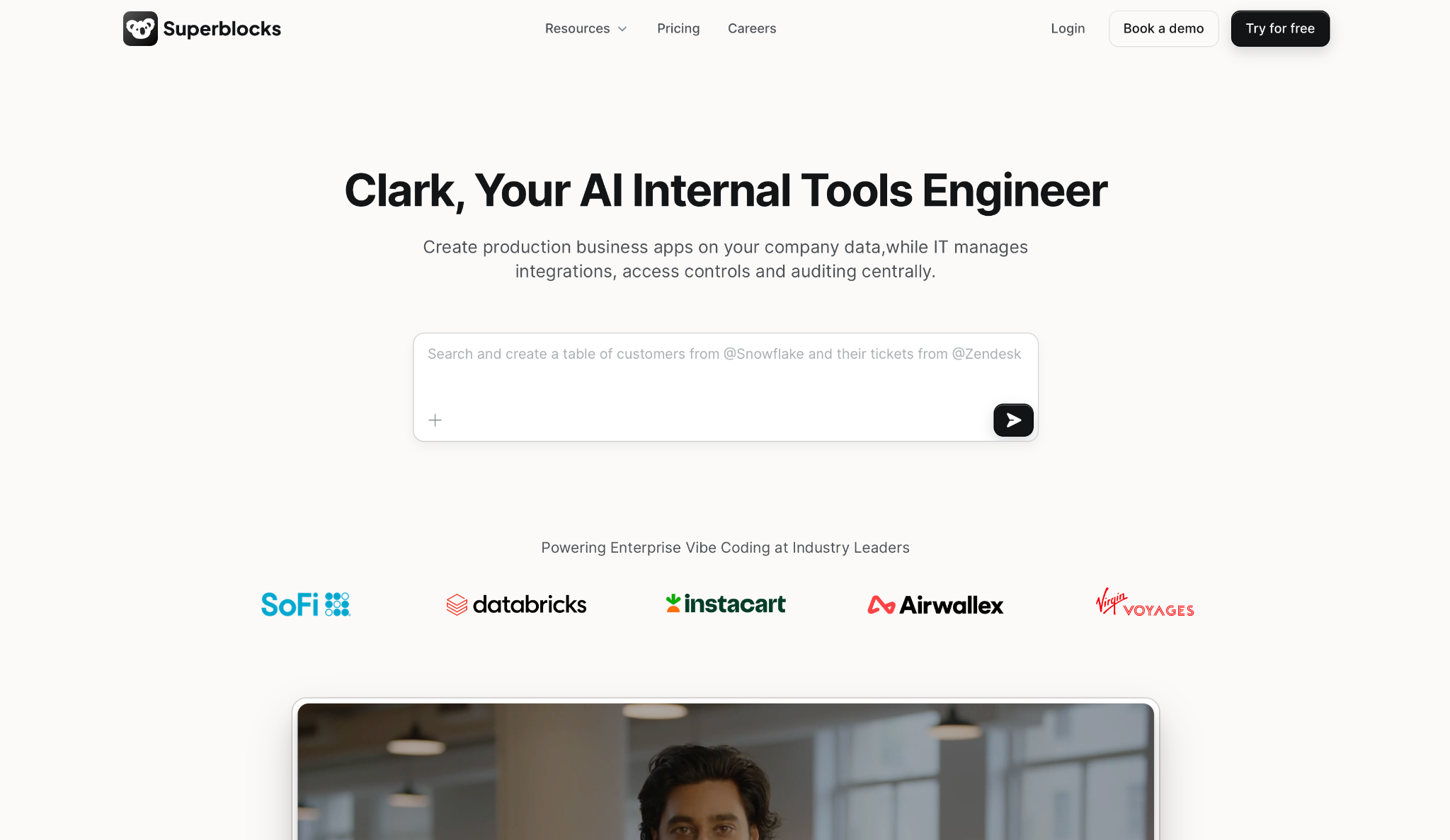
What it does: Superblocks helps engineering teams build internal apps from prompts, with governance controls centrally managed by IT.
Best for: Engineering teams at mid-to-large companies that need to ship internal tools fast without bypassing IT.
Clark (Superblocks’ AI copilot) works within the permissions you've already set, so it doesn't generate queries or actions beyond what that builder is allowed to access. Apps are built inside your RBAC, SSO, and audit requirements, so teams don't have to re-implement governance per app.
Key features
- AI app generation on private data: Clark reads your schemas and builds apps connected to Postgres, Salesforce, Snowflake, or internal APIs, within whatever access that user already has.
- Centralized access control: Manage who builds, who runs apps, and what data each app can touch from one place, using your existing SSO provider.
- 50+ integrations: Databases, warehouses, LLMs, and SaaS APIs all pre-built. No integration code to write.
- Git and CI/CD integration: Apps connect to GitHub, GitLab, Bitbucket, or Azure DevOps. Code reviews and security scans run before anything hits production.
- Enterprise deployment options: Run in Cloud, Hybrid, or Cloud-Prem. With Cloud-Prem, data and AI processing stay entirely inside your VPC.
- Databricks Apps: Deploy apps into a Databricks workspace, with authentication and permissions handled through Unity Catalog.
Pros
✅ RBAC, SSO/SAML, audit logs, and secrets management built in from day one
✅ VPC, Hybrid, and Cloud-Prem options keep your data inside your infrastructure
✅ Git integration keeps engineering in control of what ships
Cons
❌ Complex logic still needs JS or Python. The backend has real limits.
❌ Components don't carry over between apps, and no MUI support out of the box
What users say
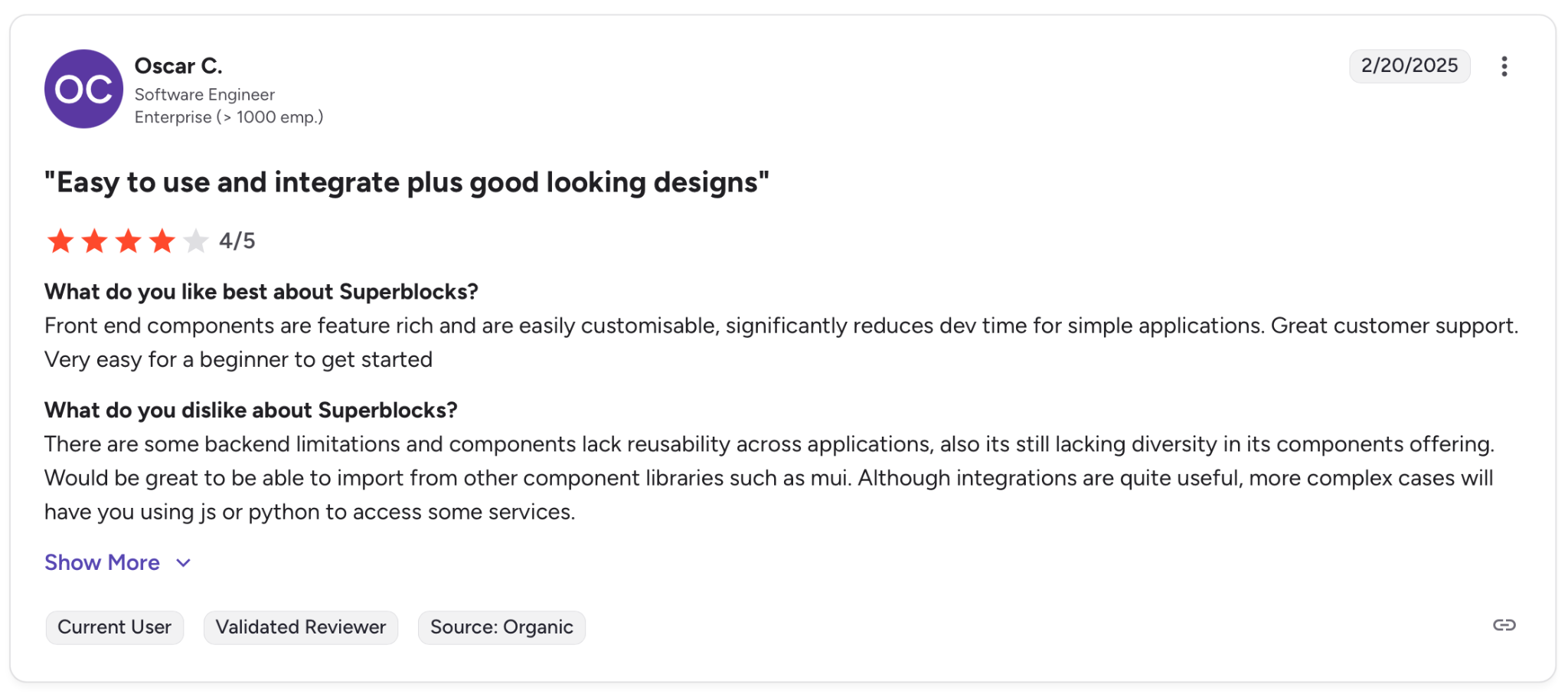
"There are some backend limitations and components lack reusability across applications, also its still lacking diversity in its components offering." — Oscar C., G2
Pricing
Superblocks uses custom pricing based on the number of creators, end users, and your deployment model (Cloud, Hybrid, or Cloud-Prem).
Bottom line
Use Superblocks if your team needs to build internal tools quickly, and IT can't afford to lose visibility into access and auditability, especially when deployment controls matter. Solo prototypers will find lighter options like Bolt.new a better fit.
2. Cursor: Best for AI-Powered Code Editing
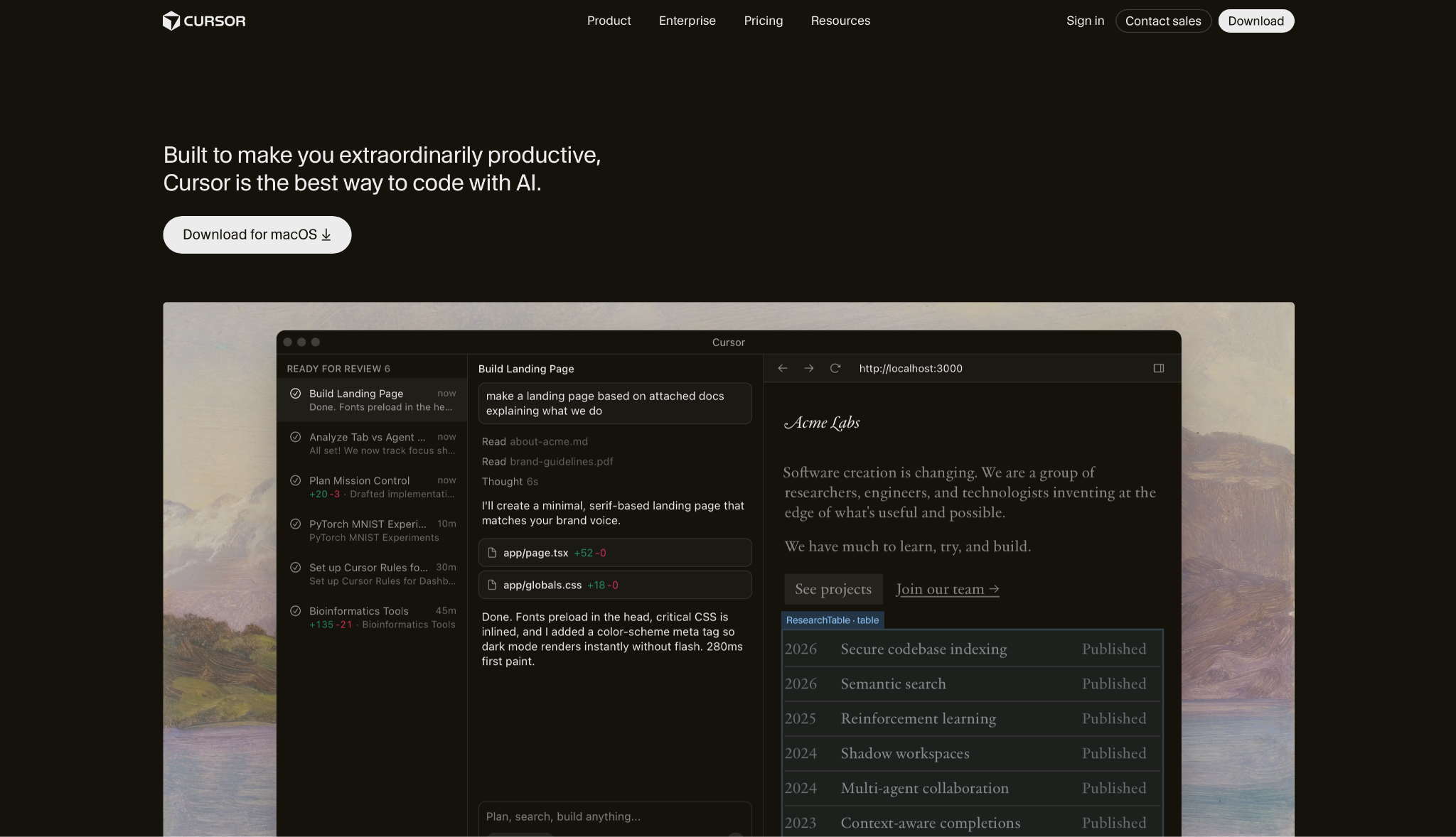
What it does: Cursor is an AI-first code editor built to make developers faster without pulling them out of their workflow.
Best for: Developers who want full control over their codebase but want AI doing the repetitive work.
Cursor indexes your entire project so you can describe changes in plain English. It proposes diffs across multiple files you can accept or reject before anything merges.
Key features
- Tab autocomplete: Predicts your next edit with multi-line suggestions drawn from your full project, not just the open file.
- Agent mode: Agents run full tasks from writing to testing and return results for you to review.
- Multi-file editing: Describe a feature in plain English and Cursor drafts coordinated changes across your project in one pass.
- Model flexibility: Pick between OpenAI, Anthropic, Gemini, xAI, or Cursor's own models depending on what the task demands.
- VSCode compatible: Your existing extensions, themes, and keybindings carry over. Migration takes minutes.
Pros
✅ AI is woven into the editor, not bolted on as an extension
✅ Agent mode executes full features end-to-end, not just snippets
✅ Switch models per task without changing tools
✅ Drops into most developers' existing setup in minutes
Cons
❌ Loses track of earlier work in long sessions and occasionally edits code it shouldn't
❌ Slows down on large repos
❌ Advanced features sit behind higher tiers, which add up fast for solo developers
What users say
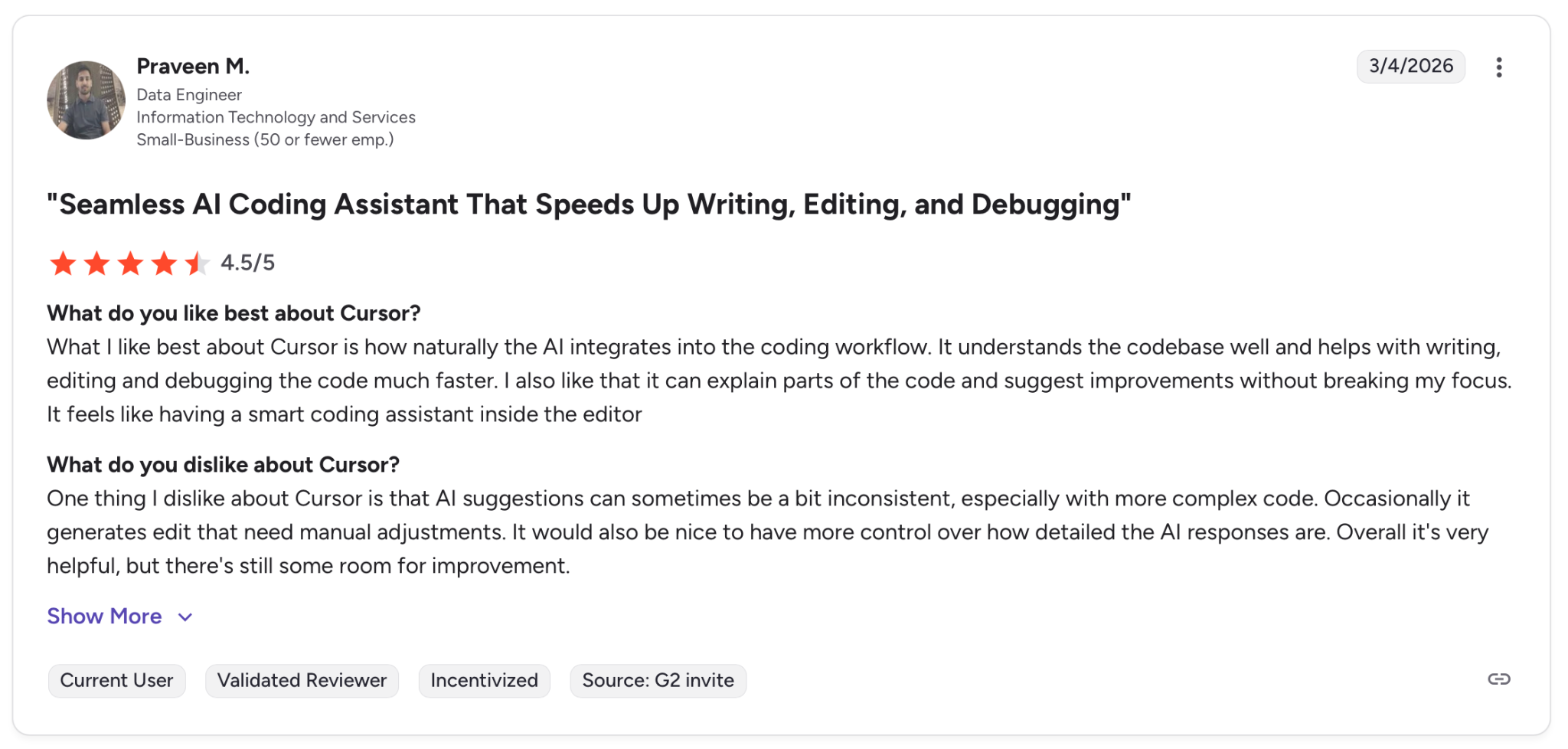
"What I like best about Cursor is how naturally the AI integrates into the coding workflow." — Praveen M., G2
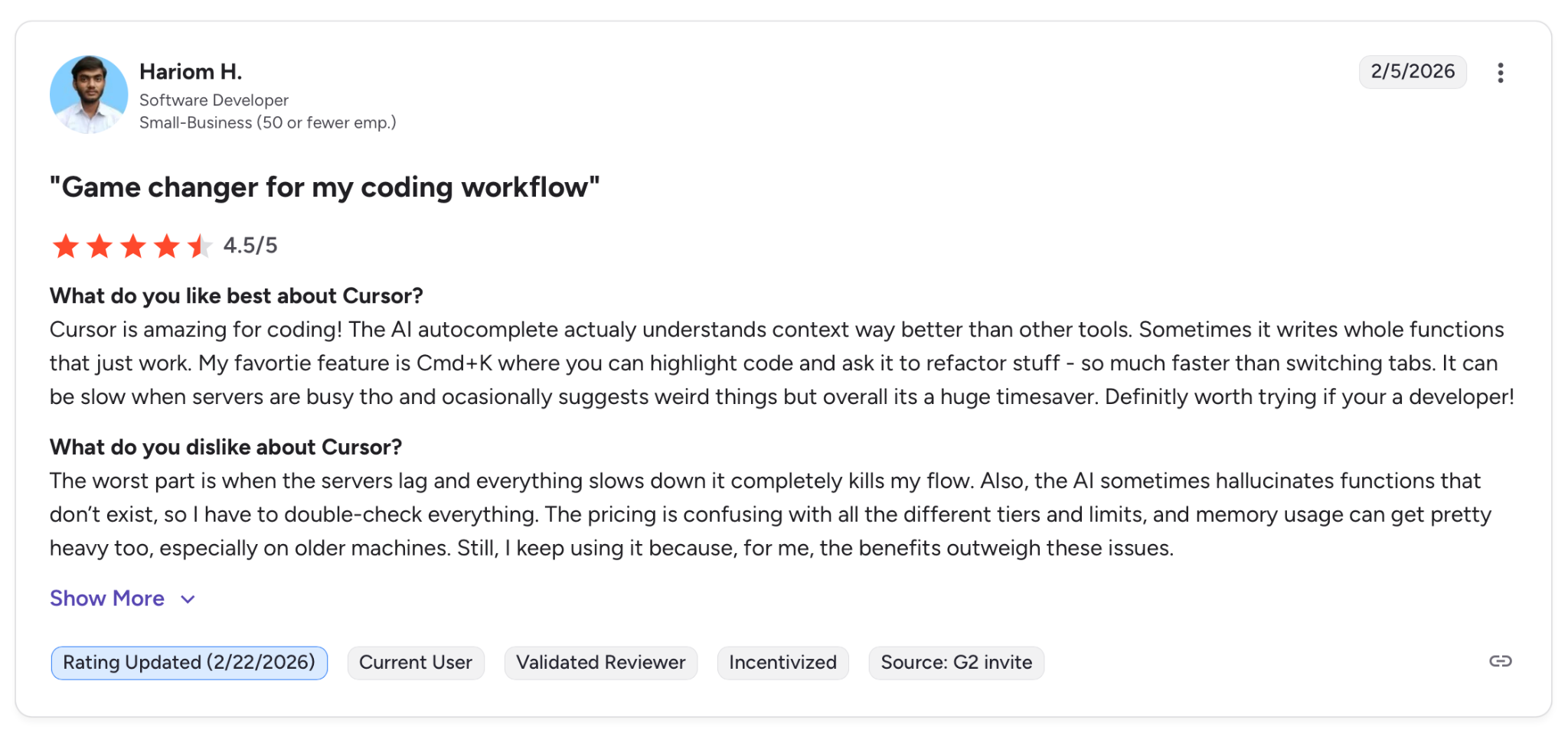
"The worst part is when the servers lag and everything slows down it completely kills my flow." — Hariom H., G2
Pricing
Cursor's free Hobby plan covers basic usage. Pro starts at $20/month, Teams at $40/user/month, and Enterprise is custom. For full pricing details, visit cursor.com/pricing.
Bottom Line
Use Cursor if you write code daily and want AI absorbing the repetitive parts. The ceiling is your own architectural judgment, and Cursor gets you there faster.
3. Claude Code: Best for Complex Reasoning and Agentic Workflows
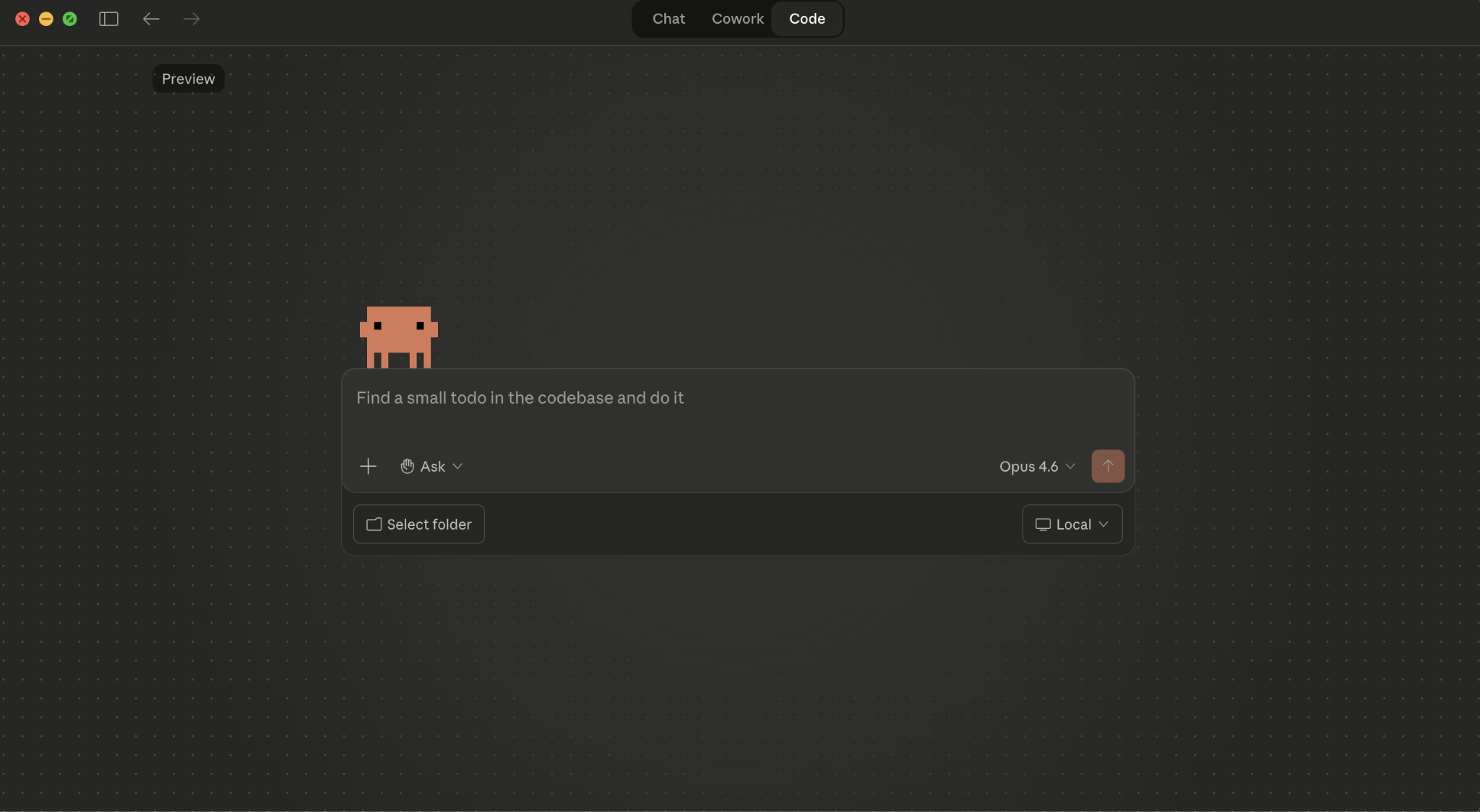
What it does: Claude Code is a terminal-based coding agent that reads your codebase, runs commands, and takes tasks from issue to pull request without leaving your workflow.
Best for: Developers working on large, complex codebases who need an agent that can reason through multi-file changes and complete full engineering tasks on its own.
Claude Code maps your entire project and its dependencies automatically. You describe what needs to happen, and it writes the code, runs your tests, and opens the PR directly from your terminal, IDE, or Slack.
Key features
- Agentic search across your full codebase: Maps your project and dependencies automatically so you never have to manually point it to the right files.
- Multi-file edits with visual diffs: Proposes coordinated changes across multiple files and lets you approve each diff before anything changes in your repo.
- Issue to PR in one flow: Reads GitHub or GitLab issues, writes the fix, runs your tests, and opens the PR. The whole cycle stays in one place.
- 1M token context with Opus 4.6 and Sonnet 4.6: Holds large, deeply nested codebases in view without losing track of earlier decisions.
- Runs across terminal, IDE, Slack, and web: Works natively in VS Code, JetBrains, your terminal, and Slack.
Pros
✅ Takes a task from issue to open PR, not just code snippets
✅ 1M token context keeps large, complex projects in scope throughout a session
✅ Detailed cost documentation lets teams set usage limits before bills scale unexpectedly
✅ Runs in terminal, IDE, and Slack with no tool switching required
Cons
❌ Known to declare tests passing before actually running them. Always review before merging.
❌ Modifies tests to make them pass rather than fixing the underlying logic
❌ Parallel agent instances burn through tokens fast on large tasks
What users say
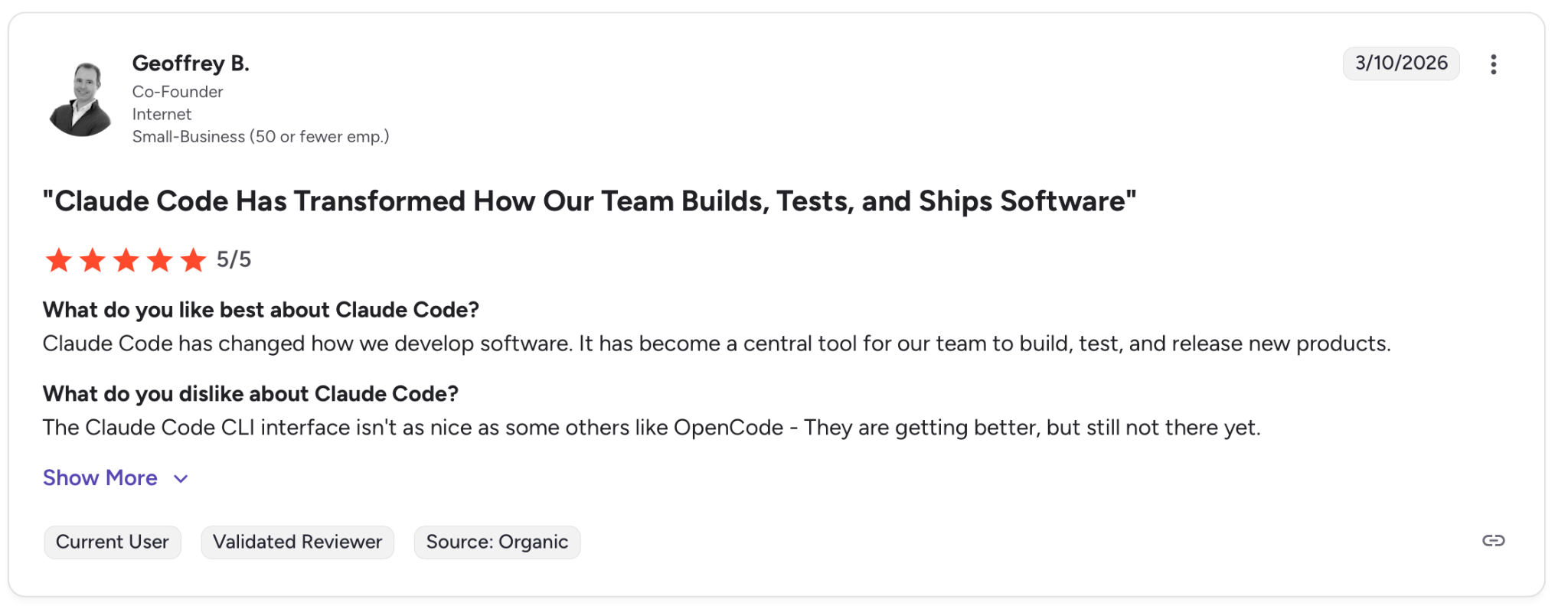
"Claude Code has changed how we develop software. It has become a central tool for our team to build, test, and release new products." — Geoffrey B., G2
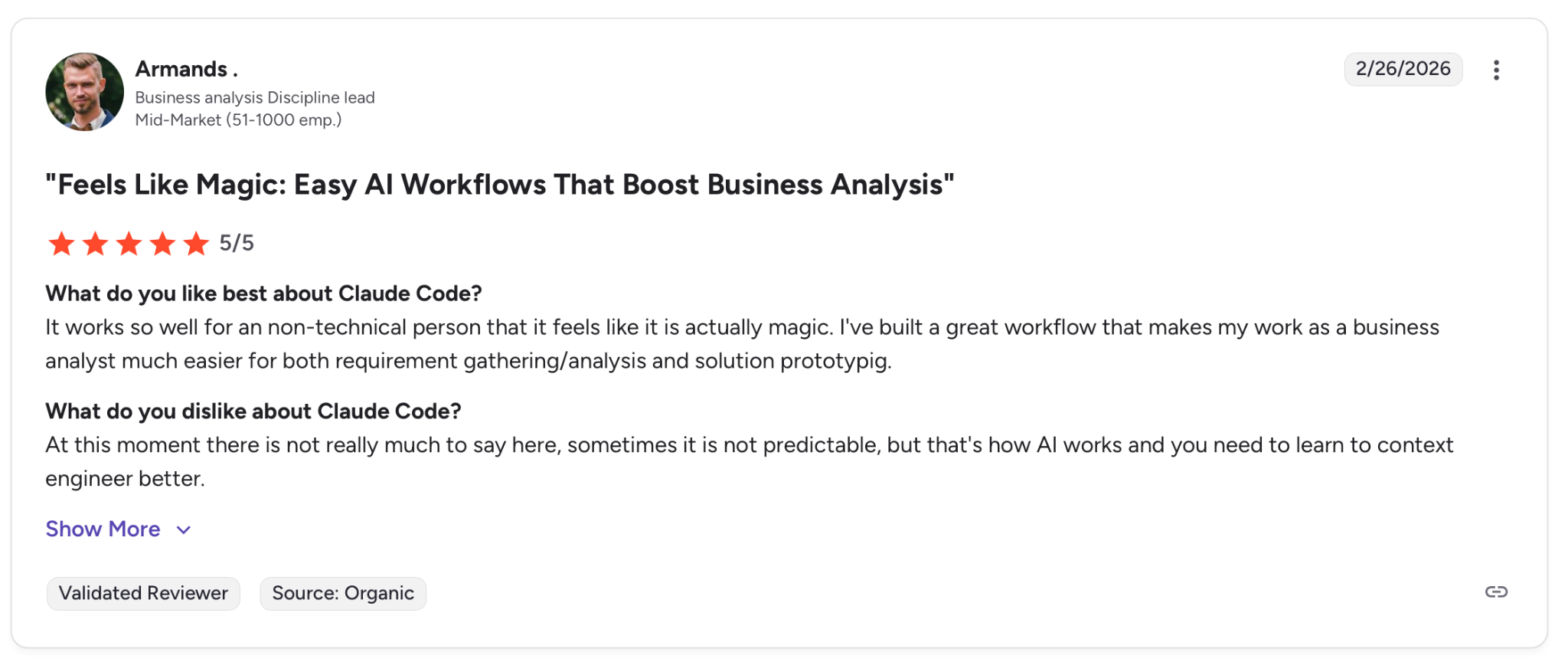
"At this moment there is not really much to say here, sometimes it is not predictable, but that's how AI works and you need to learn to context engineer better." — Armands, G2
Pricing
Claude Code is included in Pro at $20/month, Max plans start at $100/person per month, and Teams at $20/seat per month. Enterprise is custom.
Bottom line
Use Claude Code if your team works on large codebases and needs an agent that reasons through the full scope of a task. Build mandatory review steps into your workflow before merging, as the agent's tendency to self-approve makes that essential.
4. Bolt.new: Best for Rapid Prototyping
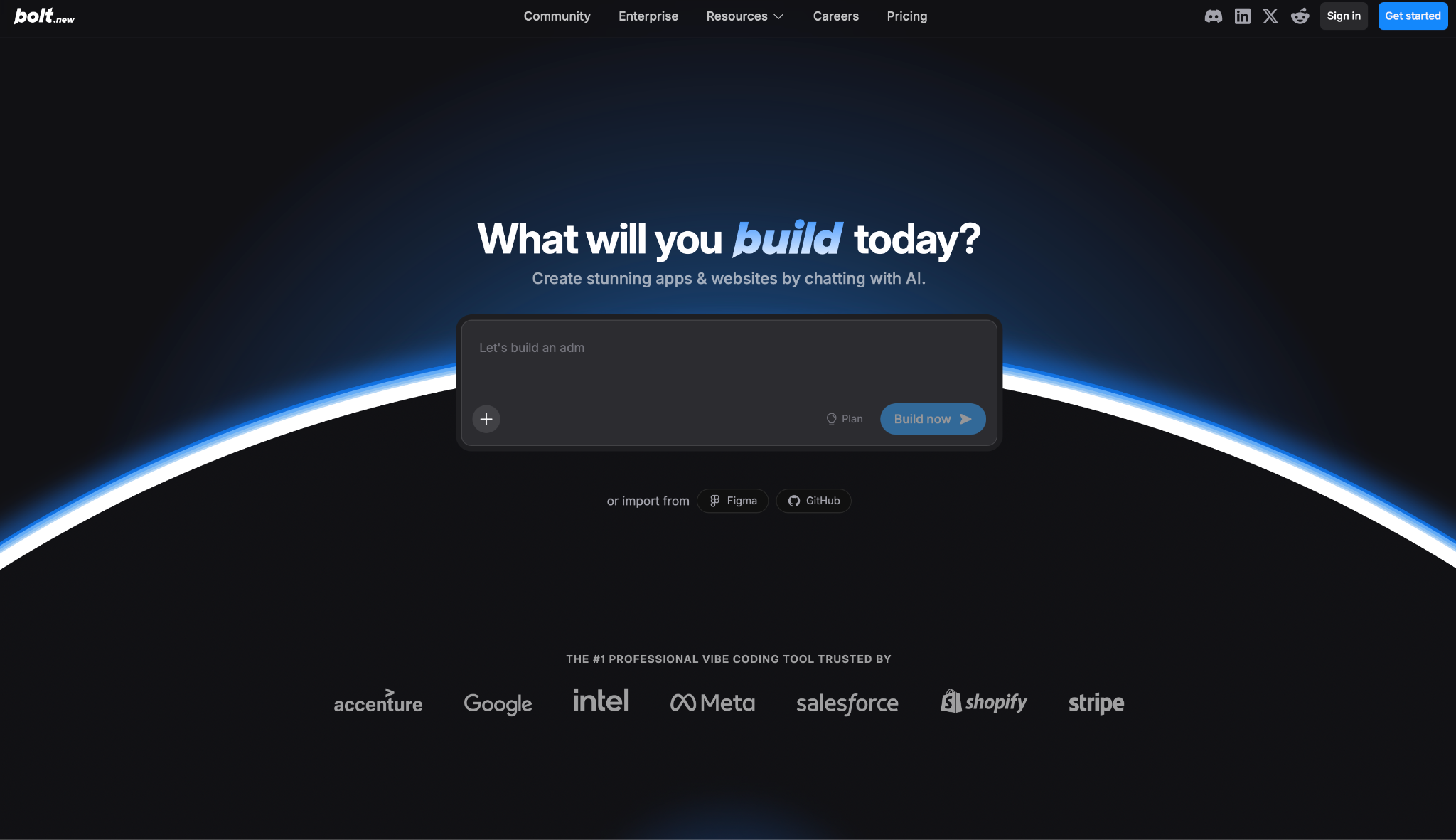
What it does: Bolt.new is an AI app builder that generates full-stack web applications from a chat prompt and deploys them in one click.
Best for: Product managers, founders, and marketers who need a working prototype without writing code.
Bolt packages the full stack into one environment so you can go from prompt to deployed app without touching infrastructure, configuring services, or leaving the browser.
Key features
- Full-stack generation from a prompt: Builds complete React applications with routing, backend logic, and database connections from a single description.
- Built-in infrastructure: Hosting, unlimited databases, and user authentication come pre-configured. No external services needed.
- Figma import: Bring Figma frames directly into the project at any stage so designs don't need to be recreated from scratch.
- GitHub and deployment integrations: Two-way Git sync with one-click publishing to Netlify or Expo keeps generated code portable and version-controlled.
- Model switching in the editor: Toggle between Claude Opus, Sonnet, and Haiku depending on the complexity of the task.
Pros
✅ Generates a working frontend and backend from a prompt, including routing and auth
✅ No infrastructure configuration needed for straightforward projects
✅ Figma import and GitHub sync cover design and code in one workflow
✅ Consistently fast for getting a prototype in front of stakeholders same day
Cons
❌ Debugging complex issues burns tokens fast. One developer used over 20 million tokens fixing a single auth problem
❌ One-click deployment breaks on larger projects and requires manual troubleshooting beyond what the AI handles
❌ Custom domain setup is unreliable, with DNS propagation errors reported by multiple users
What users say
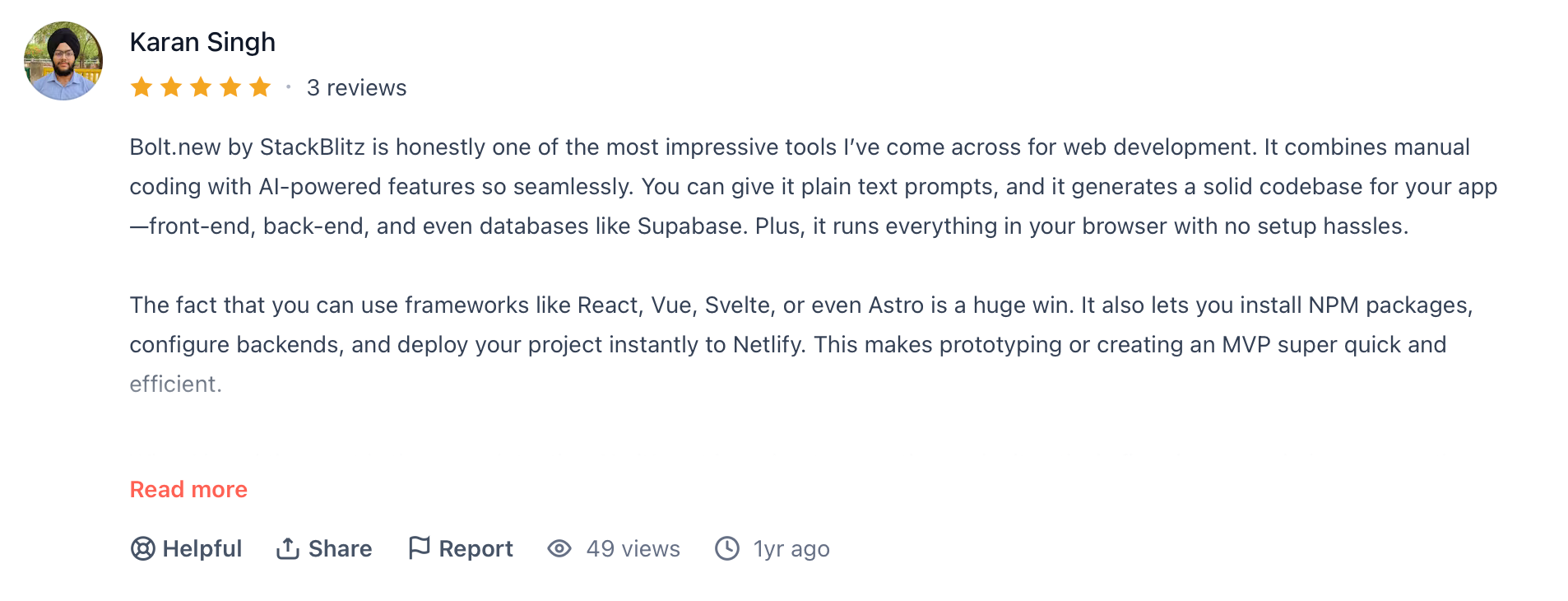
"Bolt.new by StackBlitz is honestly one of the most impressive tools I’ve come across for web development." — Karan Singh, Product Hunt
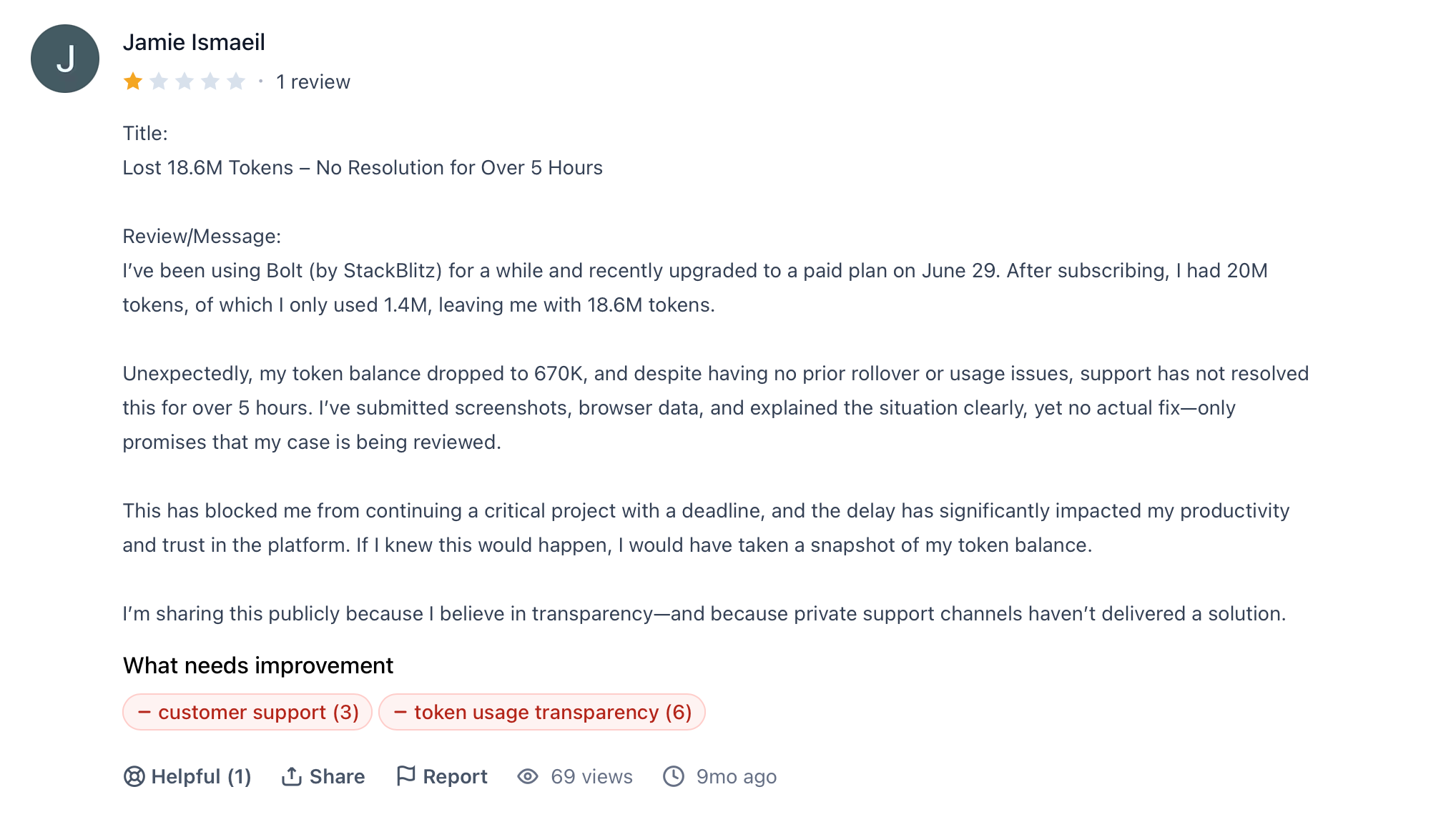
"Unexpectedly, my token balance dropped to 670K, and despite having no prior rollover or usage issues, support has not resolved this for over 5 hours." — Jamie Ismaeil, G2
Pricing
Bolt.new is free with 1M tokens per month. Pro starts at $25/month for 10M tokens, Teams at $30/user per month, and Enterprise is custom. Full details at bolt.new/pricing.
Bottom line
Use Bolt if you need a working prototype fast and don't want to manage infrastructure. Once the project grows past a certain complexity, the debugging limitations start costing more time than the tool saves.
5. Replit: Best for All-in-One Collaborative Development
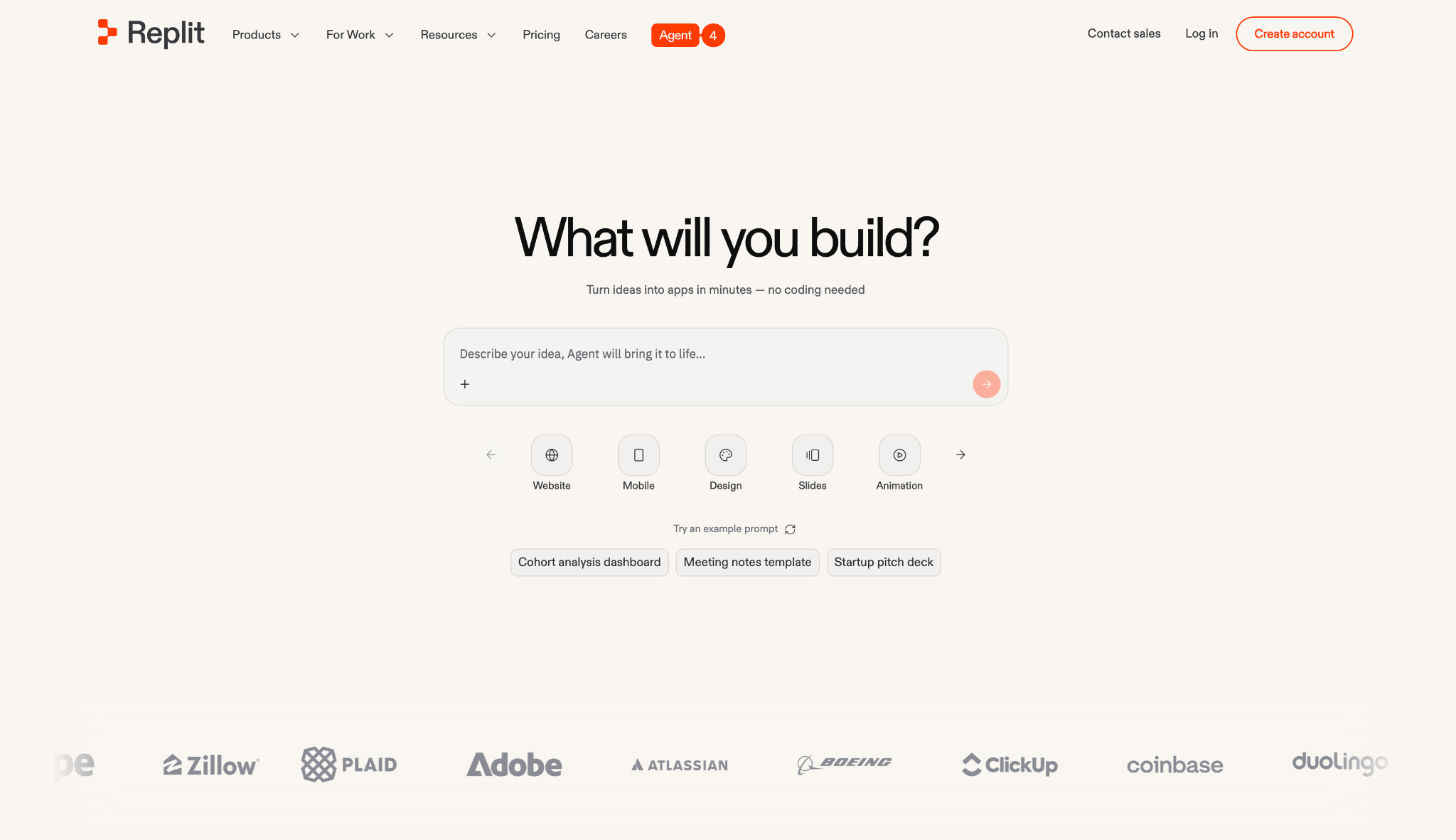
What it does: Replit is a browser-based development environment where anyone can build, deploy, and collaborate on apps without installing anything locally.
Best for: Students, hobbyists, and product teams that need a working app without managing servers or configuring pipelines.
Replit's Agent 4 splits the build across concurrent workstreams and tracks progress in a kanban view. Authentication, database, hosting, and monitoring arrive pre-configured, so the first hour goes into building, not setup.
Key features
- Agent 4 with parallel task execution: Breaks the build into concurrent workstreams and tracks each one in a kanban board so you can follow what's happening as it unfolds.
- Bundled infrastructure: Authentication, database, hosting, and monitoring are included in every project. Nothing to provision or wire up externally.
- Mobile app support: Generates iOS and Android code via Expo, with QR preview on real devices and step-by-step guidance through App Store and Google Play submission.
- Multiple artifacts per project: Web apps, landing pages, and marketing videos share the same environment and design system so assets don't need rebuilding across contexts.
- Third-party service connections: Plugs into OpenAI, Stripe, and Google Workspace with minimal configuration overhead.
Pros
✅ Accessible to non-technical users and developers alike, no local environment needed
✅ Bundled infrastructure means projects start moving in minutes, not hours
✅ Guided mobile deployment takes you from generated code to App Store submission
✅ Agent 4 runs concurrent workstreams, which shortens build time on mid-size projects
Cons
❌ Credits deplete fast. Some users report paying $60 for a few minutes of AI use during debugging
❌ The agent loses reliability on complex codebases and occasionally ignores instructions mid-task
❌ No automatic bug checking. Errors in generated code surface only when you test manually
What users say
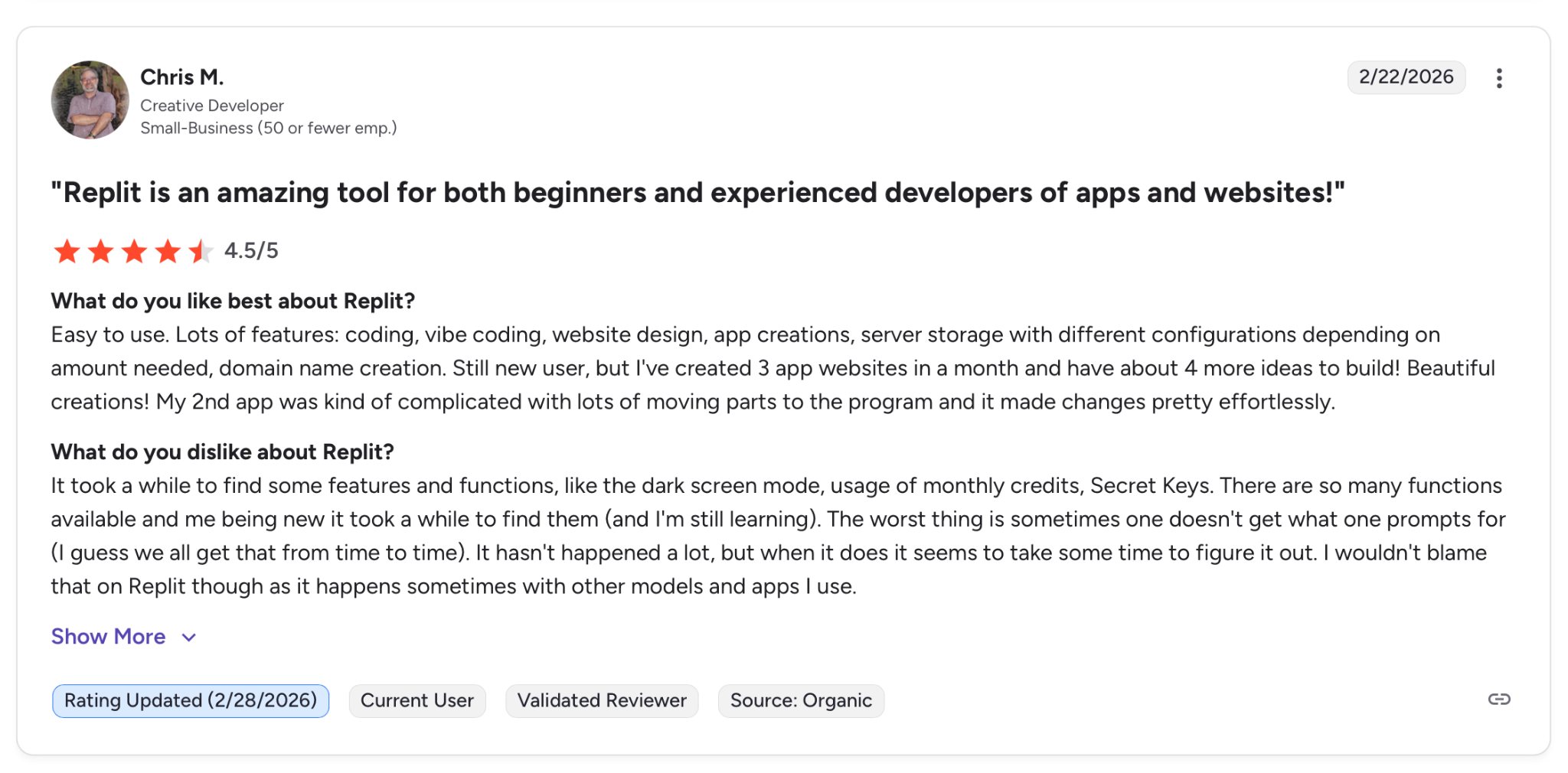
"Lots of features: coding, vibe coding, website design, app creations, server storage with different configurations depending on amount needed, domain name creation." — Chris M., G2
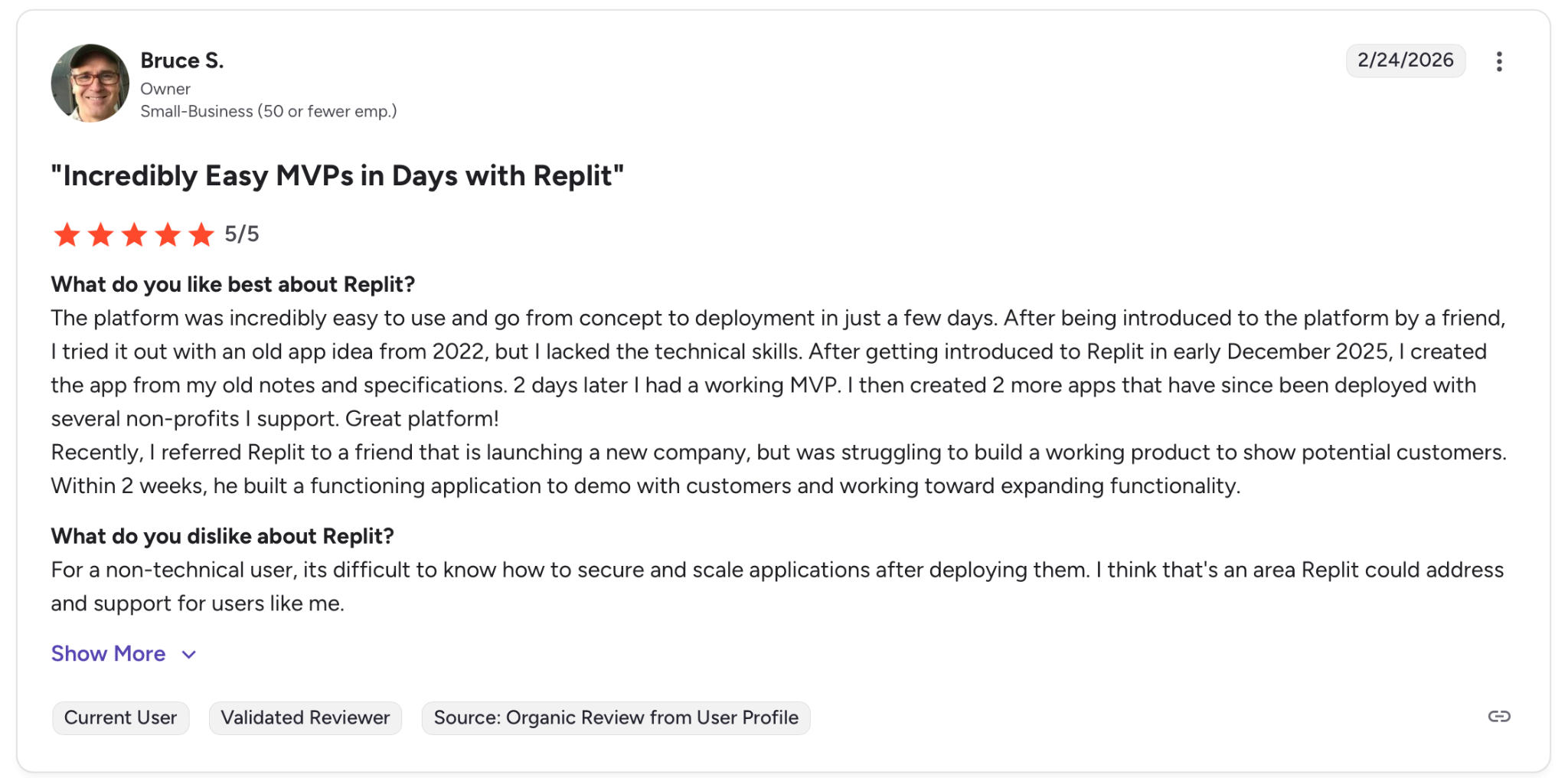
"For a non-technical user, its difficult to know how to secure and scale applications after deploying them." — Bruce S., G2
Pricing
Replit is free with limited daily Agent credits. Core starts at $20/month billed annually, Pro at $100/month, and Enterprise is custom. Full details at replit.com/pricing.
Bottom line
Use Replit if you need an all-in-one environment to prototype without touching infrastructure. On larger or more complex projects, the credit model and agent inconsistencies are worth factoring in before committing.
6. Windsurf: Best for Large-Scale Codebases
What it does: Windsurf is an agentic IDE that keeps developers in flow by handling multi-step coding tasks, error detection, and deployment without leaving the editor.
Best for: Developers and engineering teams that want an agentic IDE with a gentler learning curve than Cursor.
Cascade, Windsurf's agent, detects and resolves errors in parallel the moment you make a change. Previews, deploys, and MCP connections are one click away, so context switching stays minimal throughout the session.
Key features
- Cascade agentic workflows: Runs pytest, pylint, and code quality checks simultaneously, surfaces issues immediately, and applies coordinated fixes across multiple files.
- Codebase memory and rules: Retains project-specific patterns and enforces coding standards like Next.js conventions automatically across sessions.
- Multi-model support: Access GPT-5.4, Claude Sonnet 4.6, Gemini 3.1 Pro, and others from the same environment, switching models as the work shifts.
- Integrated previews and deploys: Live previews and direct deploys fire from inside the editor with no external server to configure.
- Plugin Store with MCP integrations: Connects to GitHub, PostgreSQL, Figma, Slack, and Stripe via one-click setup in settings.
Pros
✅ Cascade catches and resolves errors across the codebase in parallel, trimming manual QA time
✅ Intuitive enough for less technical users without sacrificing capability for experienced developers
✅ Every major model is accessible from one environment, no app switching needed
✅ Plugin Store wires up GitHub, Figma, and Stripe faster than manual MCP configuration
Cons
❌ Cascade stalls on longer workflows, sometimes halting generation mid-session
❌ Loses track of codebase structure on complex projects and introduces integration errors
❌ 500 credits per month on Pro runs thin during heavy agent use
What users say
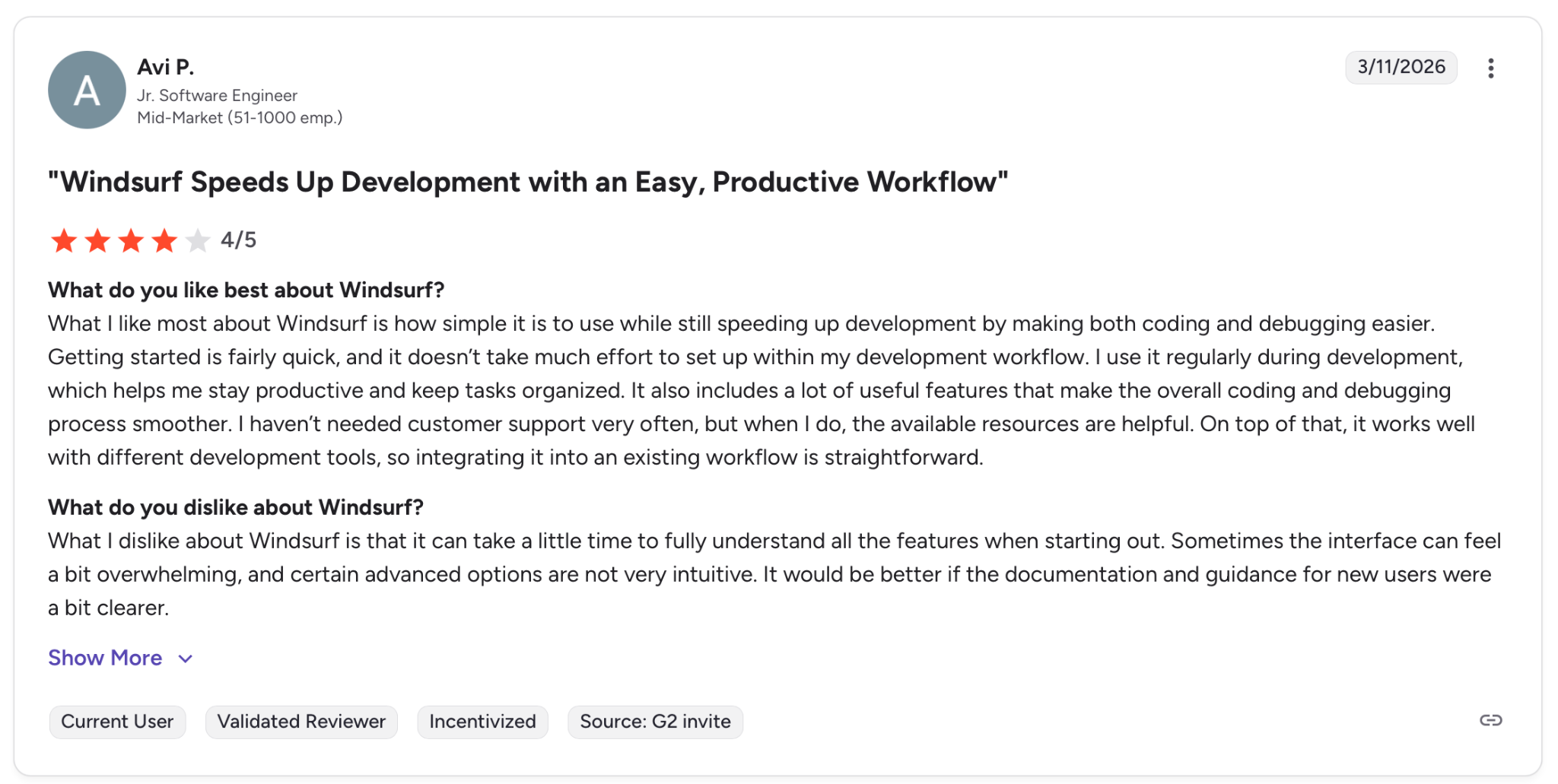
"What I like most about Windsurf is how simple it is to use while still speeding up development by making both coding and debugging easier." — Avi P., G2
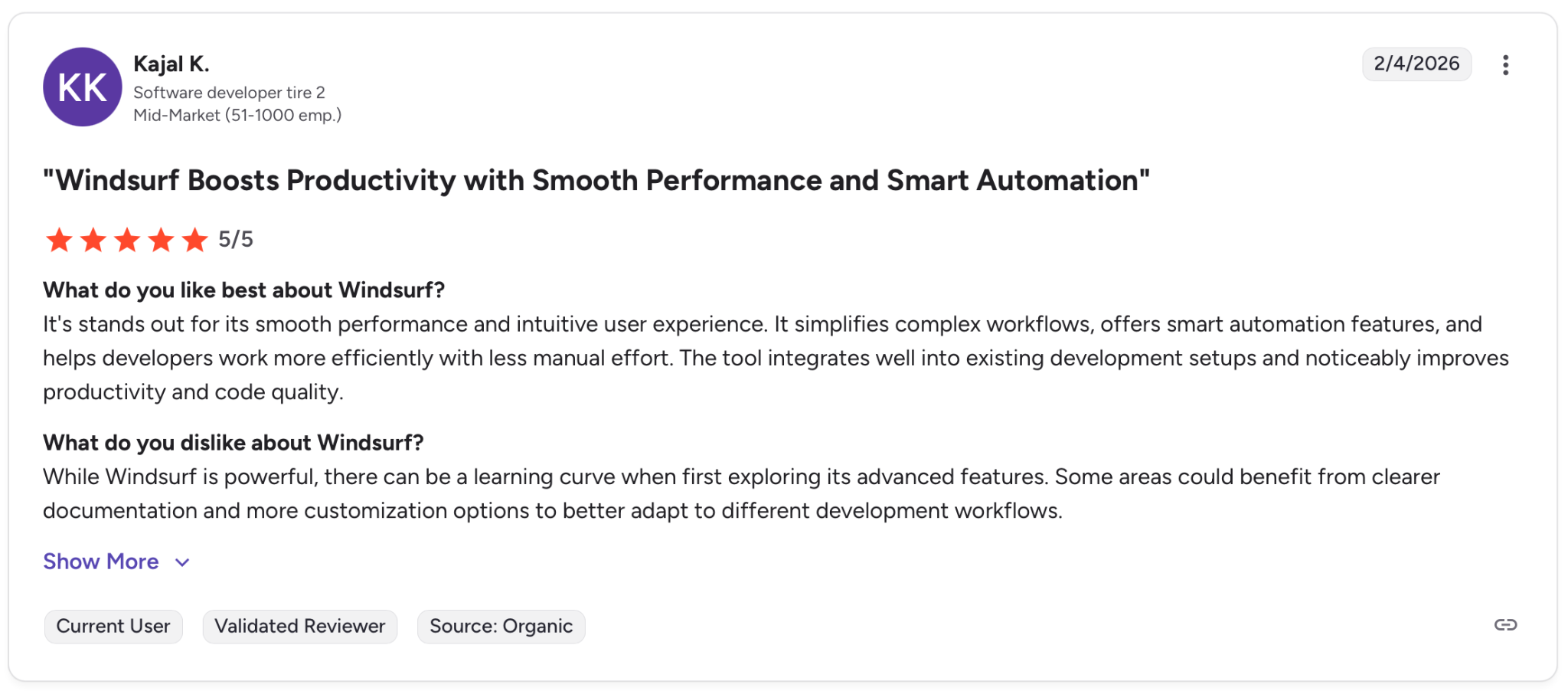
"While Windsurf is powerful, there can be a learning curve when first exploring its advanced features." — Kajaj K., G2
Pricing
Windsurf is free with limited credits. Pro starts at $15/month for 500 prompt credits, Teams at $30/user per month, and Enterprise is custom. Full details at windsurf.com/pricing.
Bottom line
Use Windsurf if you want an agentic IDE that's easier to adopt than Cursor and holds up well on mid-size projects. On deeper codebases, the context drift and credit ceiling are real constraints worth mapping out early.
7. Lovable: Best for Fast Front-End UI Generation
What it does: Lovable is a full-stack AI development platform that builds, iterates on, and deploys web applications from natural language descriptions.
Best for: Founders, consultants, and non-technical builders who need a polished prototype fast without assembling an engineering team.
Lovable generates frontend, backend, authentication, and database layers from a single prompt, and the output is real exportable code. That means teams that want to take the project further can pull it into GitHub and keep building without starting from scratch.
Key Features
- Full-stack generation from natural language: Produces frontend, backend, database, and authentication from one prompt.
- Lovable Cloud backend: Handles data persistence, user authentication, and third-party service connections from within the platform.
- Agent Mode: Plans and executes multi-step workflows autonomously before writing code, which reduces mid-task corrections.
- Visual editor: A Figma-like interface for editing frontend elements directly without prompting for every change.
- GitHub sync and security scanning: Pushes generated code to GitHub and flags vulnerabilities before deployment.
Pros
✅ Generates a working frontend and backend from one prompt, including auth and database
✅ Output is real exportable code, so teams can take ownership of the architecture later
✅ Agent Mode plans the full workflow before executing, which reduces wasted prompts
✅ Visual editor handles UI adjustments directly, no prompting required for small changes
Cons
❌ Backend logic is inconsistent. One user got a polished homepage but none of the underlying logic worked
❌ Debugging burns credits fast. Over 80% of a session's credits can disappear on bug fixes alone
❌ Security and data handling are not mature enough for production apps that handle sensitive information
What users say
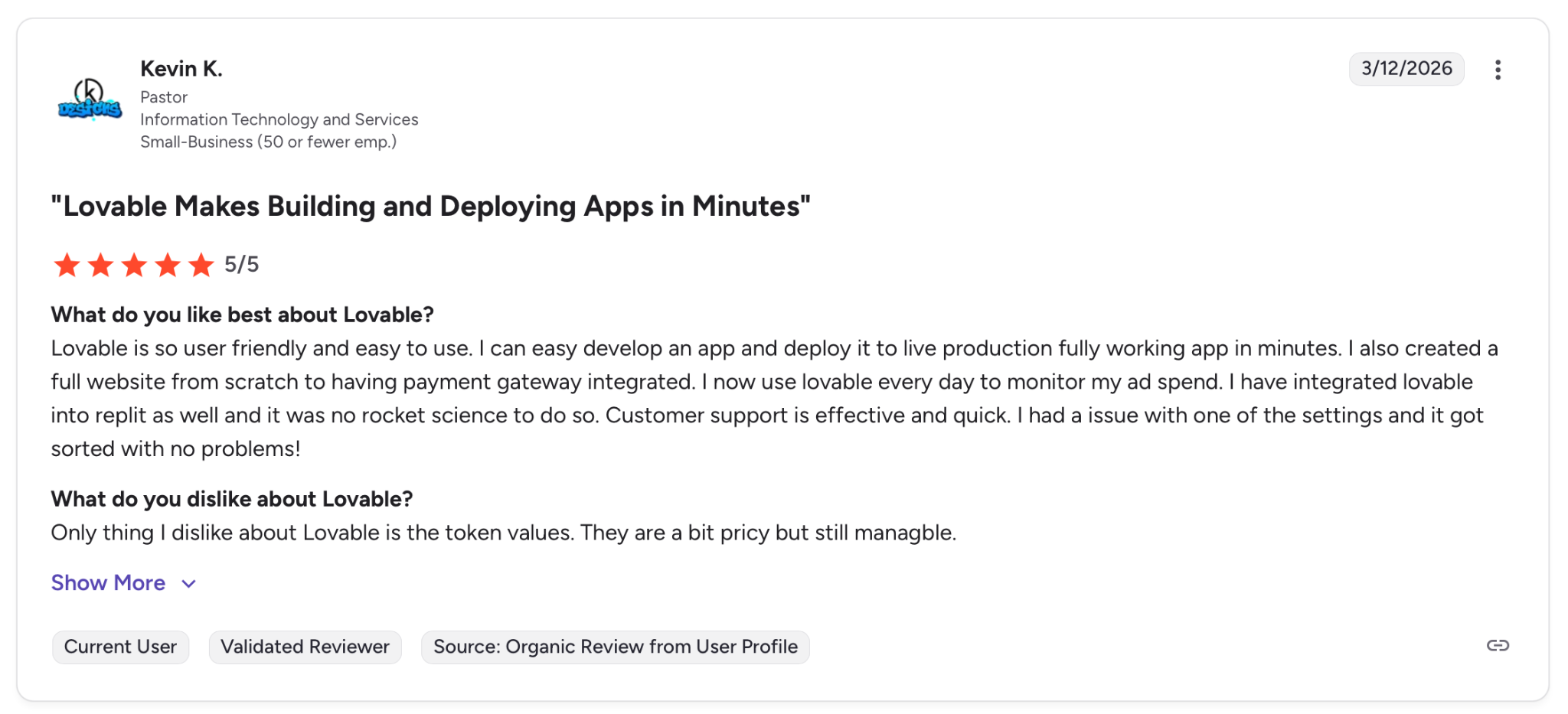
"I can easily develop an app and deploy it to a live production fully working app in minutes." — Kevin K., G2
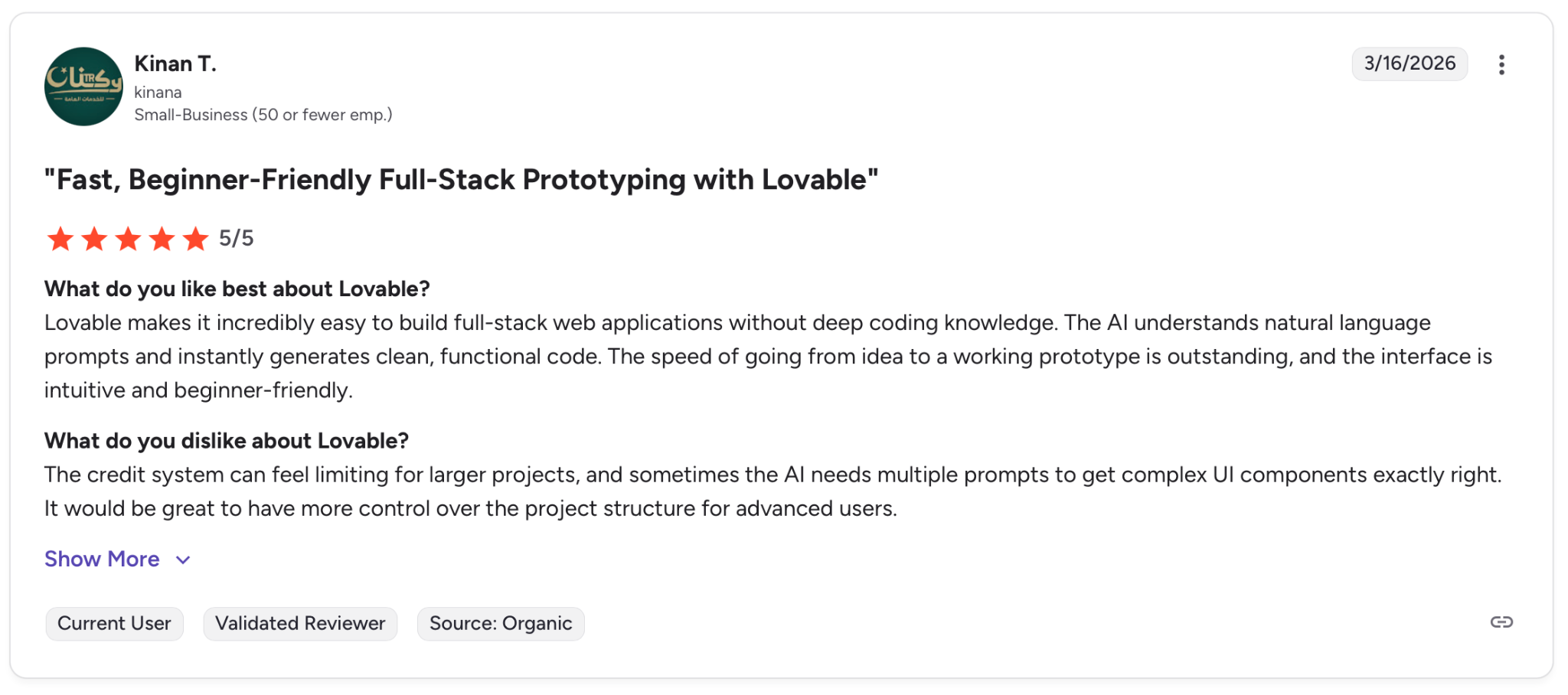
"The credit system can feel limiting for larger projects, and sometimes the AI needs multiple prompts to get complex UI components exactly right." — Kinan T., G2
Pricing
Lovable is free with limited monthly credits. Pro starts at $25/month for 100 credits, Business at $50/month, and Enterprise is custom. Full details at lovable.dev/pricing.
Bottom line
Use Lovable if you need a convincing prototype or MVP in days. For production apps with real business logic, the backend will need a rebuild on a more mature stack.
Which vibe coding tool should you choose?
The right tool depends less on features and more on where your project sits today and where it needs to go.
- Choose Superblocks if your team builds internal tools on private enterprise data and IT needs visibility into every app that ships. No other tool here enforces governance by default.
- Choose Cursor if you write code daily and want AI absorbing the repetitive work. Drops into most developer setups with minimal adjustment and stays out of your way.
- Choose Claude Code if your team works on deep, sprawling codebases and needs an agent that reasons through a full task from issue to PR. Plan for mandatory review before anything merges.
- Choose Bolt.new if you need a deployable prototype without touching a server. Past a certain complexity, the debugging gets expensive, but for early validation, few tools move faster.
- Choose Replit if you want hosting, database, and auth bundled with no local setup. Works well for quick builds, though it gets less dependable as the project grows past the prototype stage.
- Choose Windsurf if you want an agentic IDE that's easier to adopt than Cursor, with parallel error detection that trims QA time on mid-size projects. Deeper codebases will hit its limits sooner.
- Choose Lovable if you need a polished prototype in days without an engineering team. The UI output is convincing. Production apps with real business logic will need a backend overhaul down the line.
Skip this category entirely if you're running a small script or a one-page site. None of these tools will save time at that scale.
Final verdict
Superblocks is the right call for engineering teams that need to ship internal apps without handing IT a governance problem. No other tool here enforces access controls and audit policies by default.
For developers writing code daily, Cursor remains the most practical option. Claude Code pulls ahead on sprawling projects where reasoning through a full task matters more than raw speed.
Bolt.new and Lovable both get you to something deployable when you're still validating an idea. Replit and Windsurf are capable of quick builds, though both show strain as projects grow in scope.
Frequently asked questions
Is vibe coding safe for enterprise use?
Vibe coding platforms that prioritize speed over control are not safe for enterprise use. Tools like Lovable, Bolt.new, and Replit lack the access controls, audit trails, and governance features most enterprises require. Superblocks is the exception because it applies RBAC, SSO, and audit policies to every app generated.
Can vibe coding tools replace developers?
No, vibe coding tools cannot replace developers. They reduce repetitive work and let non-technical teammates contribute to internal tooling, but architectural decisions, security reviews, and system-wide reasoning still require a developer in the loop.
Which vibe coding tool is best for prototyping?
Bolt.new and Lovable are the fastest options for going from idea to deployable prototype. Bolt handles full-stack generation with one-click publishing. Lovable produces polished UI and pushes real code to GitHub. Neither is production-ready out of the box.
What is the difference between Cursor and Claude Code?
The main difference between Cursor and Claude Code is how they fit into your workflow. Cursor is an AI-powered code editor that accelerates day-to-day coding inside your existing setup. Claude Code is a terminal-based agent that takes on full engineering tasks autonomously, from reading an issue to opening a PR.
At Virgin Voyages, non-technical teams now build their own AI apps, with IT governance fully intact. The result: 15+ production apps, seven departments onboard, and zero dedicated frontend engineers.
At Matthews, a marketing manager with zero coding background built an app that auto-generates offering memorandums, cutting turnaround from days to hours. See how the brokerage is putting AI builders on every team, with full governance intact.


Stay tuned for updates
Get the latest Superblocks news and internal tooling market insights.
Request early access
Step 1 of 2
Request early access
Step 2 of 2

You’ve been added to the waitlist!
Book a demo to skip the waitlist
Thank you for your interest!
A member of our team will be in touch soon to schedule a demo.
production apps built
days to build them
semi-technical builders
traditional developers
high-impact solutions shipped
training to get builders productive
SQL experience required
See the full Virgin Voyages customer story, including the apps they built and how their teams use them.

"Those tools are great for proof of concept. But they don't connect well to existing enterprise data sources, and they don't have the governance guardrails that IT requires for production use."
Table of Contents
%20(1).avif)

Multiple authors
How to Detect Shadow AI: 7 Methods That Work (2026)
Your employees are using AI tools you never approved. Shadow AI detection helps you find unsanctioned AI, govern it safely, and prevent data leaks.
%20(1).png)
%20(1).png)