Manual SaaS sync work eats hours from your operations team. Citizen integrator tools let business users connect SaaS apps without IT involvement, but your best pick depends on your team's skills and governance needs.
9 best citizen integrator tools at a glance
The platforms below were scored on time to first integration, connector depth, governance, AI workflow building, and how each one holds up when a citizen workflow becomes business-critical.
Pricing correct as of June 2026. Verify with the vendor before purchasing.
How I evaluated these citizen integrator tools
A citizen integrator is a business user in operations, marketing, sales, or finance who builds integrations between SaaS systems without writing code.
I evaluated each platform through trials, demo sandboxes, and customer interviews with 30+ business operators currently running citizen integrations in production.
The five criteria that decided the rankings:
- Time to first working integration: how quickly an average ops manager can ship a useful workflow.
- Integration depth: native connectors for the SaaS tools business teams actually use.
- Governance and oversight: RBAC, audit logs, approval flows for IT teams supervising citizen builders.
- AI workflow building: how well the platform helps non-technical users build with natural language.
- Scaling beyond the citizen builder: what happens when a workflow grows into something more critical.
Tools that nailed the first three criteria scored highest, since the citizen integrator pattern only works if the platform is approachable enough to use and trusted enough to deploy.
1. Zapier: Best for non-technical SaaS automation
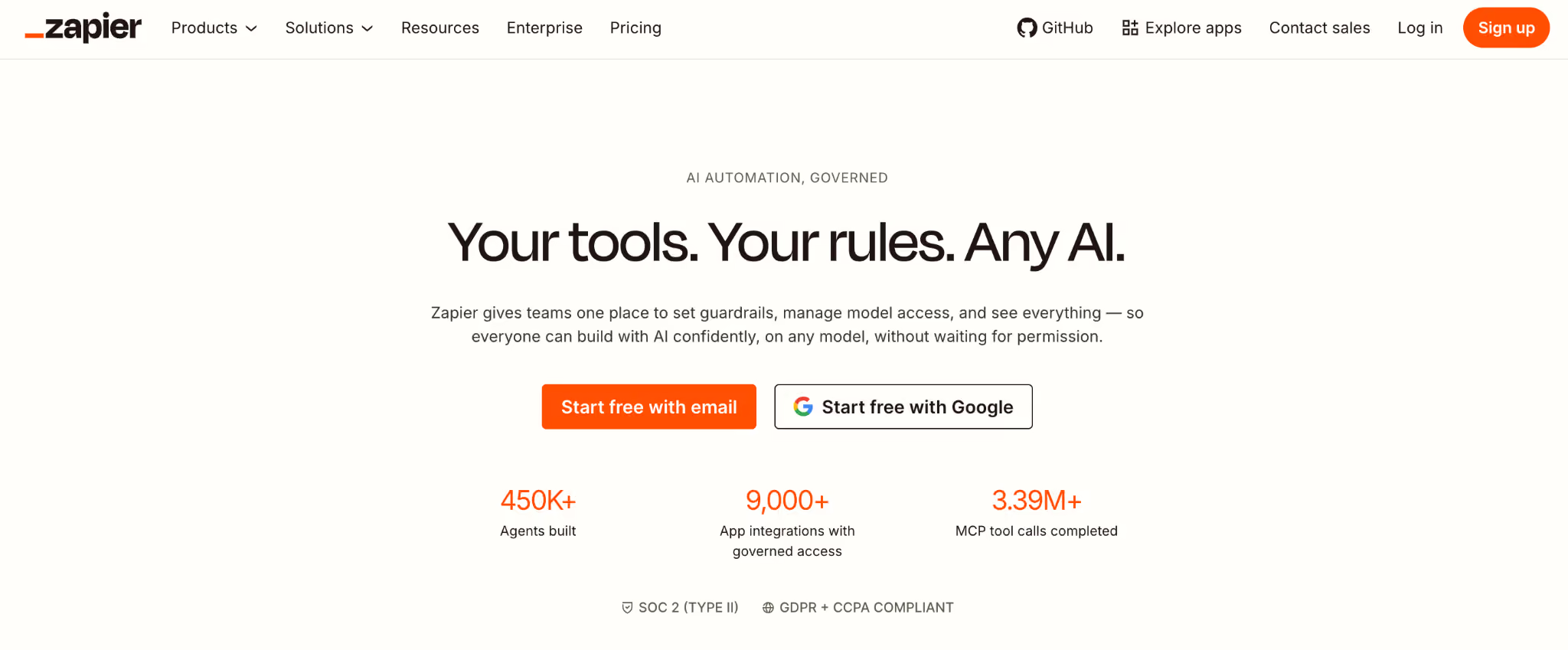
What it does: Zapier is a citizen integrator platform with 7,000+ app integrations and a visual workflow builder for non-technical users.
Best for: Marketing, sales, and operations teams at small to mid-sized businesses automating cross-app workflows without IT involvement.
In testing, Zapier was the fastest platform to ship a working integration. The Zap editor is genuinely approachable, and the AI-powered Zap Builder scaffolds first drafts from plain-English prompts.
Key features
- 7,000+ app integrations: the largest connector library of any platform tested.
- AI-powered Zap Builder: describe your workflow in plain English, and Zapier generates the first draft.
- Multi-step Zaps with filters and paths: branching logic without writing code.
- Tables and Interfaces: lightweight database and form-building features for end-to-end workflows.
- Built-in error handling: retries, monitoring, and email alerts when workflows fail.
Pros
- ✅ Broadest integration library of the citizen integrator tools tested.
- ✅ Gentlest learning curve for non-technical users among the platforms tested.
- ✅ Mature platform with years of operating history at scale.
Cons
- ❌ Costs scale quickly once you move into multi-step workflows and high task volumes.
- ❌ Complex logic and conditional branching can feel constrained.
- ❌ Governance features (SAML SSO, advanced audit logs) require Team or Company tiers.
What users say
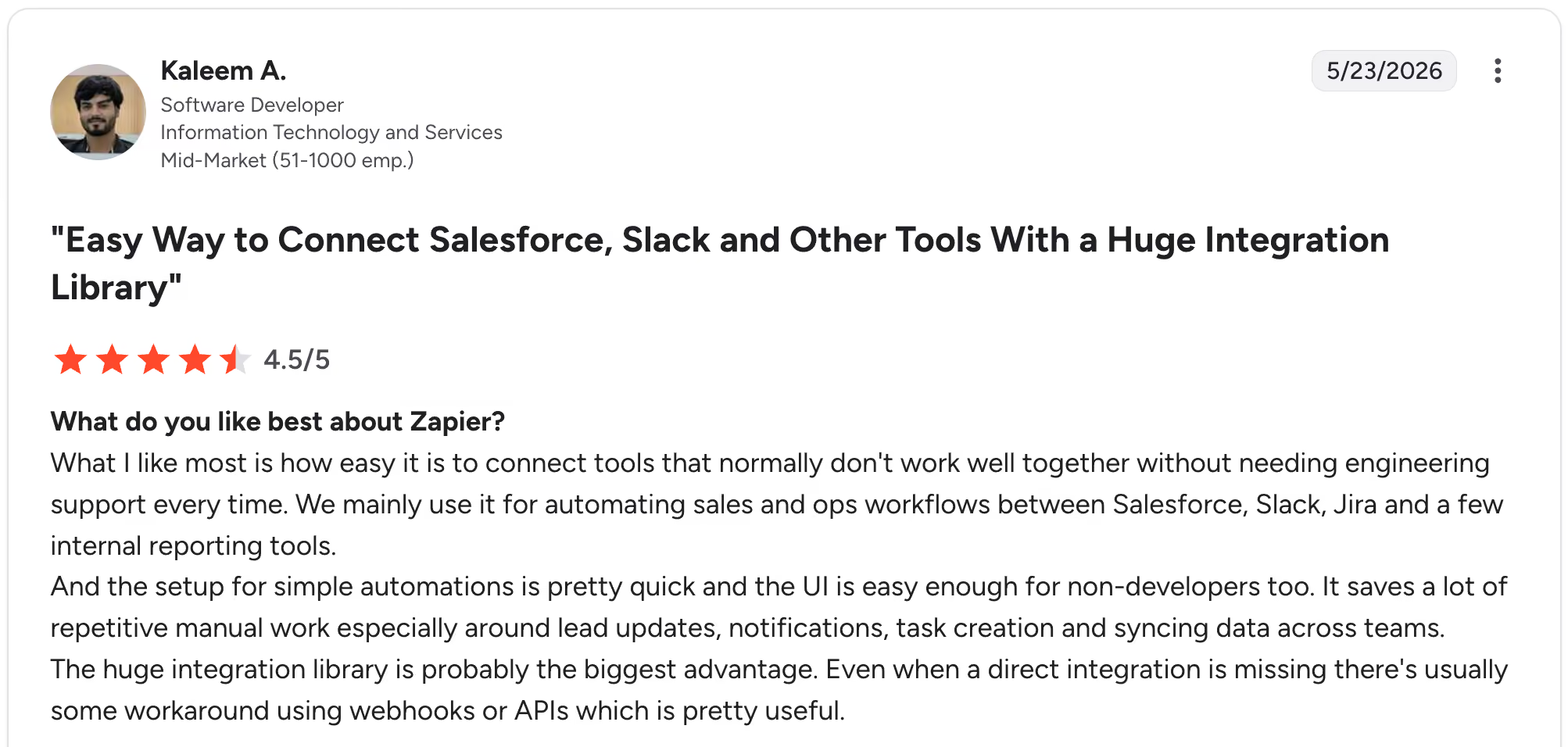
"What I like most is how easy it is to connect tools that normally don't work well together without needing engineering support every time." Kaleem A, G2

"I can’t build complex systems or advanced AI agents using Zapier. I can add small JavaScript snippets, but I can’t include libraries, which limits what I’m able to do." Kunal H, G2
Pricing
Free tier with 100 tasks/month; Professional $29.99/month; Team $103.50/user/month; Company custom. See Zapier pricing for current plans.
Bottom line
If your citizen integrators are non-technical and your workflows are mostly two- to five-step automations, Zapier is the right starting point. If you anticipate complex branching or self-hosted requirements, evaluate Make or n8n alongside it.
2. Make: Best for visual workflow design with complex logic
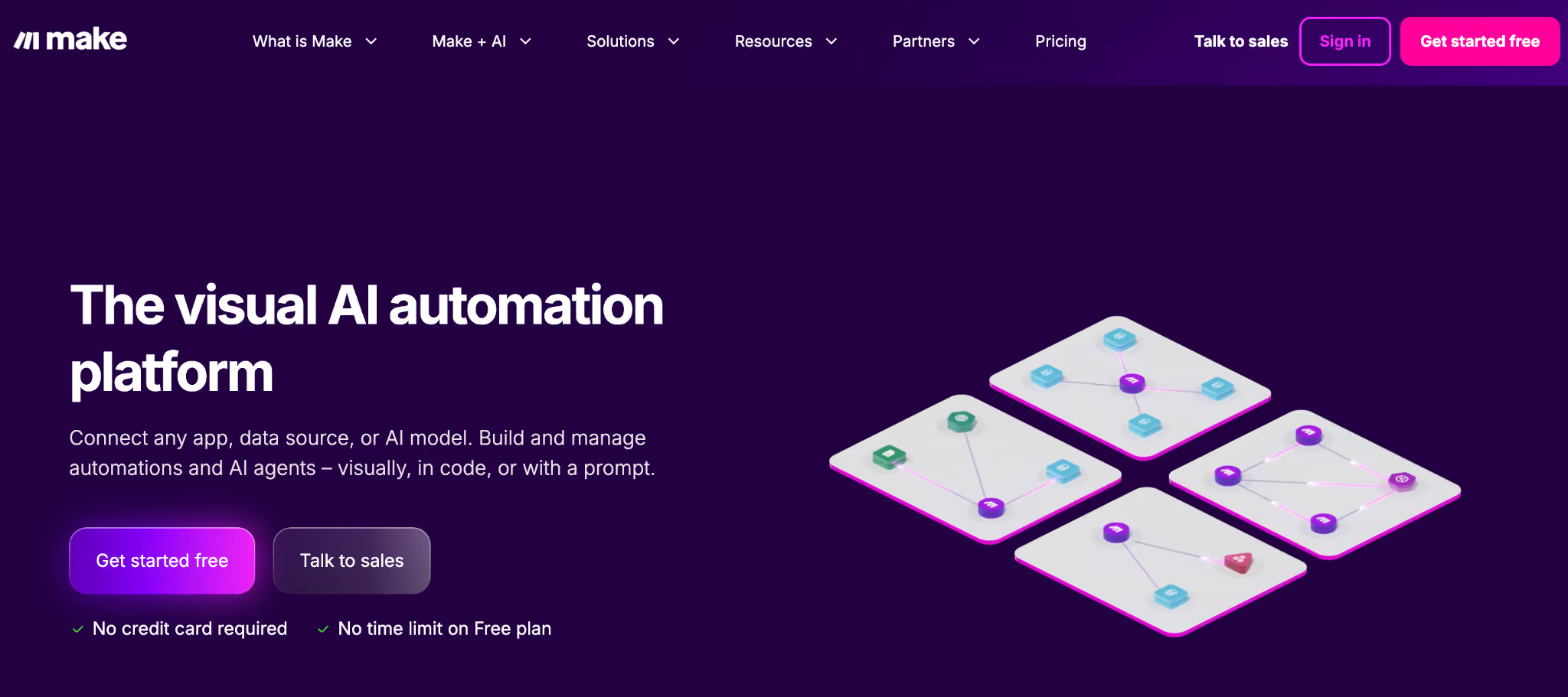
What it does: Make (formerly Integromat) is a visual workflow builder with branching, iteration, and error handling that goes well beyond what Zapier supports natively.
Best for: Tech-savvy business teams building multi-path workflows that need looping, branching, or complex conditional logic.
Make handles the workflow patterns that Zapier users hit walls on: looping through arrays, conditional routing, and multi-path error handling. The trade-off is a steeper learning curve and a smaller native connector library.
Key features
- Visual scenario builder: see data flow across every step in real time.
- Iterator and aggregator modules: loop through arrays and recombine results.
- Advanced error handling: route errors to alternative paths with retries and delays.
- 1,800+ app integrations: smaller than Zapier but covers most major SaaS.
- Custom HTTP and webhook modules: integrate with any API, even without a native connector.
Pros
- ✅ More powerful workflow logic than Zapier at a lower price point.
- ✅ Visual debugger makes troubleshooting faster than text-based platforms.
- ✅ Operations-based pricing rewards high-step, low-frequency workflows.
Cons
- ❌ The learning curve is steeper than Zapier, especially for non-technical users.
- ❌ Smaller native connector library than Zapier.
- ❌ Operations pricing can be confusing to forecast versus task-based models.
What users say
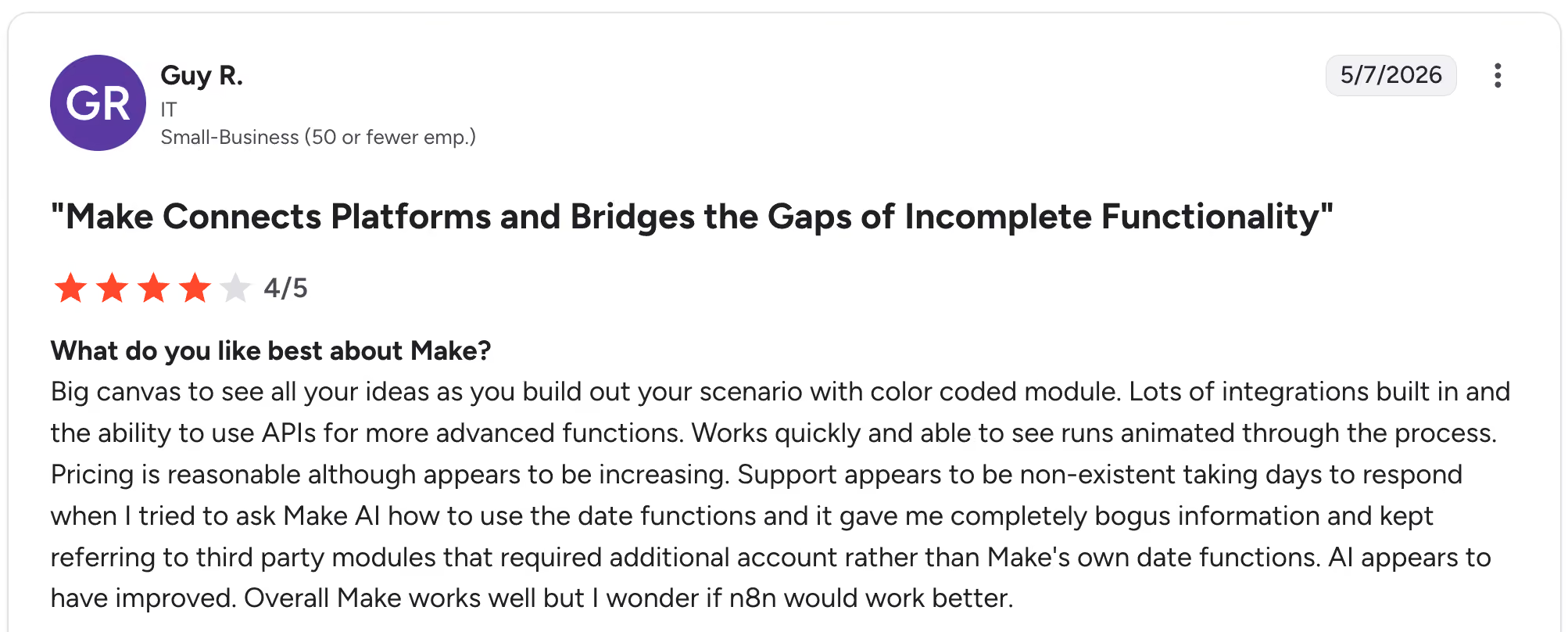
"Big canvas to see all your ideas as you build out your scenario with a color-coded module. Lots of integrations are built in, and the ability to use APIs for more advanced functions. Works quickly and is able to see runs animated through the process." Guy R, G2

"One challenge with Make is the learning curve when you first start building scenarios. It can take some time to understand how the logic works between modules and how data flows through the system." Roman R, G2
Pricing
Free tier with 1,000 operations/month, then Core $10.59/month, Pro $18.82/month, Teams $34.12/month, with Enterprise custom. See Make pricing for current plans.
Bottom line
If your citizen integrators are technical enough to handle a visual data-flow paradigm, Make gives you more capability per dollar than Zapier. If your team is non-technical, the learning curve will slow adoption.
3. Microsoft Power Automate: Best for Microsoft 365 and Dynamics shops
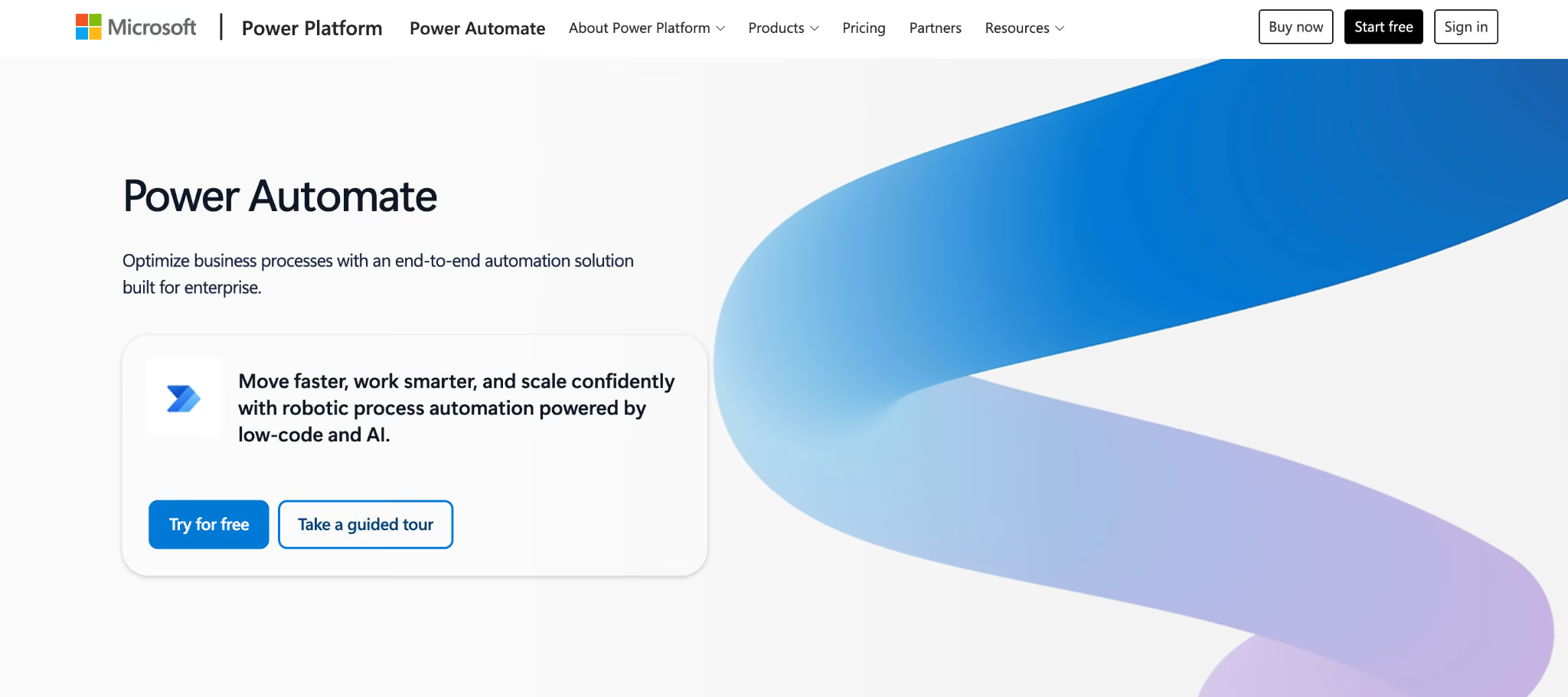
What it does: Microsoft Power Automate is the citizen integrator platform inside Microsoft Power Platform, with deep integrations into Microsoft 365, Dynamics 365, Azure, and RPA via Power Automate Desktop.
Best for: Organizations standardized on Microsoft 365 E3 or E5 wanting citizen integration under existing Microsoft licensing.
Power Automate has the largest install base of any platform on this list, which is both its strength and its weakness. Inside the Microsoft stack, it's hard to beat. Outside it, the integration story gets uneven, and pricing gets complicated fast.
Key features
- Native Microsoft 365 integration: SharePoint, Outlook, Teams, Excel, and OneDrive workflows feel first-party.
- AI Builder: form processing, document understanding, and prediction models built in.
- Copilot in Power Automate: generate flows from natural-language descriptions.
- Premium connectors: Salesforce, ServiceNow, SAP, Workday, AWS (gated behind Premium plans).
- Power Automate Desktop: RPA for legacy systems and desktop apps.
Pros
- ✅ Native Microsoft 365, Dynamics 365, and Azure integration runs deeper here than in any other platform tested.
- ✅ Included in many existing Microsoft 365 licenses, lowering procurement friction.
- ✅ Strong governance through Power Platform admin center and DLP policies.
Cons
- ❌ Premium connector gatekeeping forces upgrades for non-Microsoft integrations.
- ❌ Reliability and silent flow failures appear repeatedly in user reviews.
- ❌ Learning curve is steeper than the marketing implies, especially for expressions.
What users say
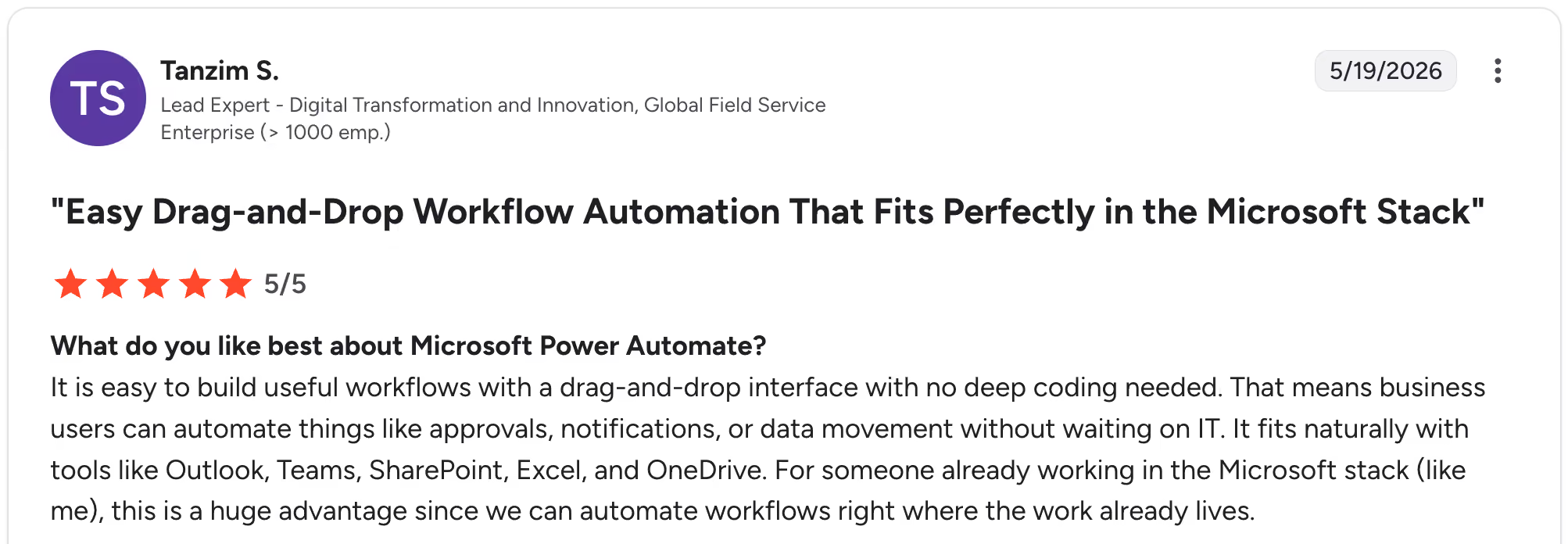
"It is easy to build useful workflows with a drag-and-drop interface with no deep coding needed. That means business users can automate things like approvals, notifications, or data movement without waiting on IT." Tanzim S, G2

"The response from Microsoft when we raise a ticket for support has a delay. It would be better if the response time were shortened. And also after multiple users trying to edit the flow, it becomes corrupt irreversibly." Elena Maria V, G2
Pricing
Free tier with limited flows. Premium $15/user/month (billed annually), Process $150/bot/month for unattended RPA, and Hosted Process $215/bot/month. AI Builder credits the bill separately. See Power Automate pricing for current plans.
Bottom line
If you're a Microsoft 365 shop with workflows that stay inside the Microsoft ecosystem, Power Automate is the path of least resistance. If you operate across Microsoft and non-Microsoft tools, premium gatekeeping makes Zapier or Make more economical.
4. Superblocks: Best for citizen integrators who need apps, UIs around their integrations
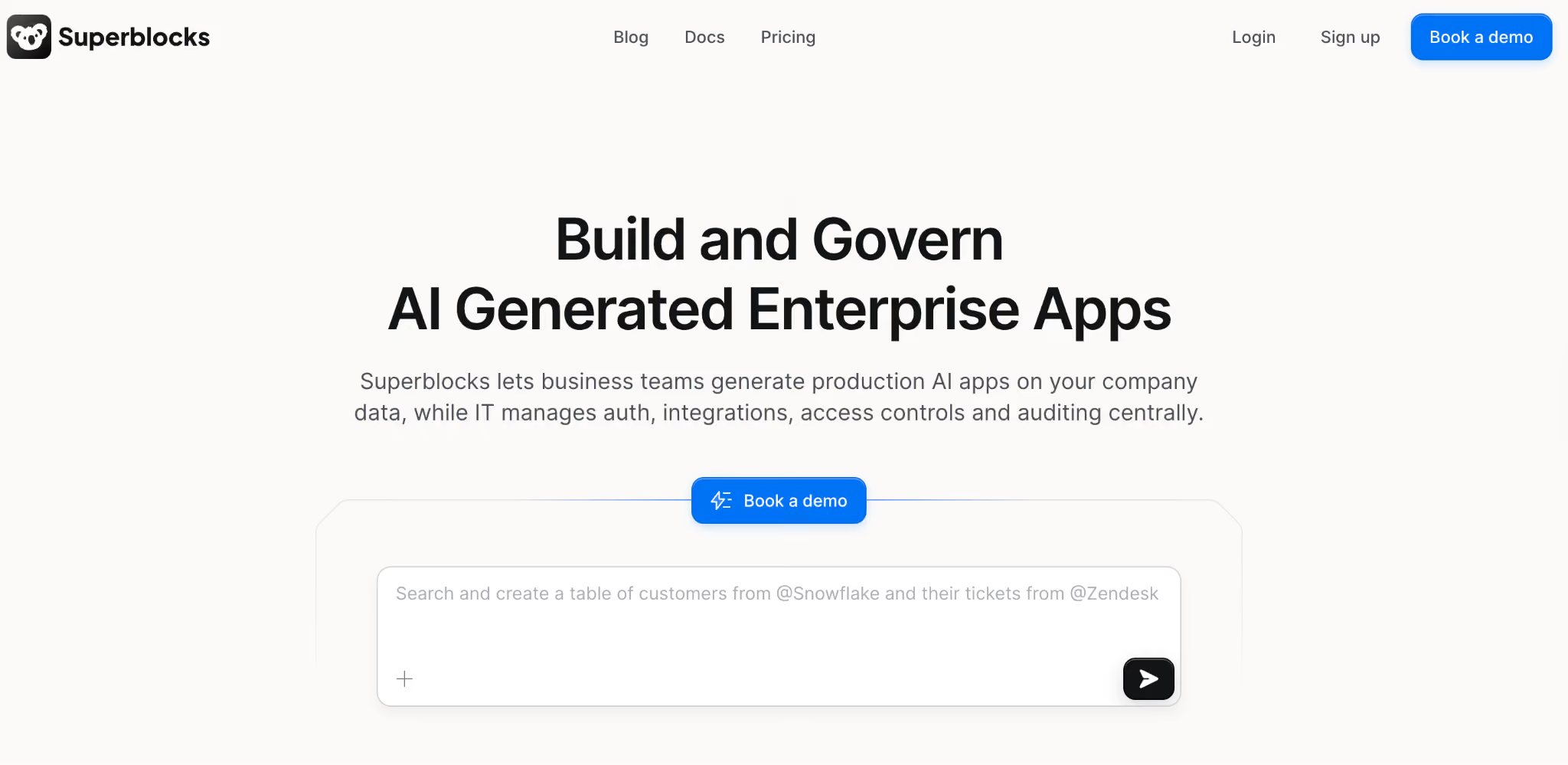
What it does: Superblocks is an AI-native enterprise platform for building internal apps with embedded integrations and workflows.
Best for: IT teams managing citizen builders across the organization, and citizen integrators who need UIs and permissions wrapped around their integrations.
Superblocks is the right answer when "I need to integrate X with Y" turns into "I need an internal app that does this integration plus a UI and security controls." It's the wrong answer if all you need is point-and-click workflow automation between SaaS tools.
Key features
- Clark AI: Clark AI generates apps and workflows from natural language with deterministic guardrails.
- Headless workflows and scheduled jobs: API-driven automation with the same governance as Superblocks apps.
- 60+ integrations: databases, APIs, SaaS tools, including REST, gRPC, GraphQL, OpenAPI.
- Enterprise governance: RBAC, SSO, SCIM, audit logs, BYO inference, on-prem agent.
- Code export: every workflow and app exports as standard React/TypeScript.
Pros
- ✅ One of the few platforms tested that combines integrations with a full app builder under shared governance.
- ✅ Strongest governance posture among AI-native automation platforms tested.
- ✅ Code export removes vendor lock-in concerns that block enterprise deals.
Cons
- ❌ Overkill if you only need pure workflow automation between SaaS apps.
- ❌ Smaller connector library than Zapier, Make, or Workato.
- ❌ Newer in the citizen integrator conversation than purpose-built workflow platforms.
What users say
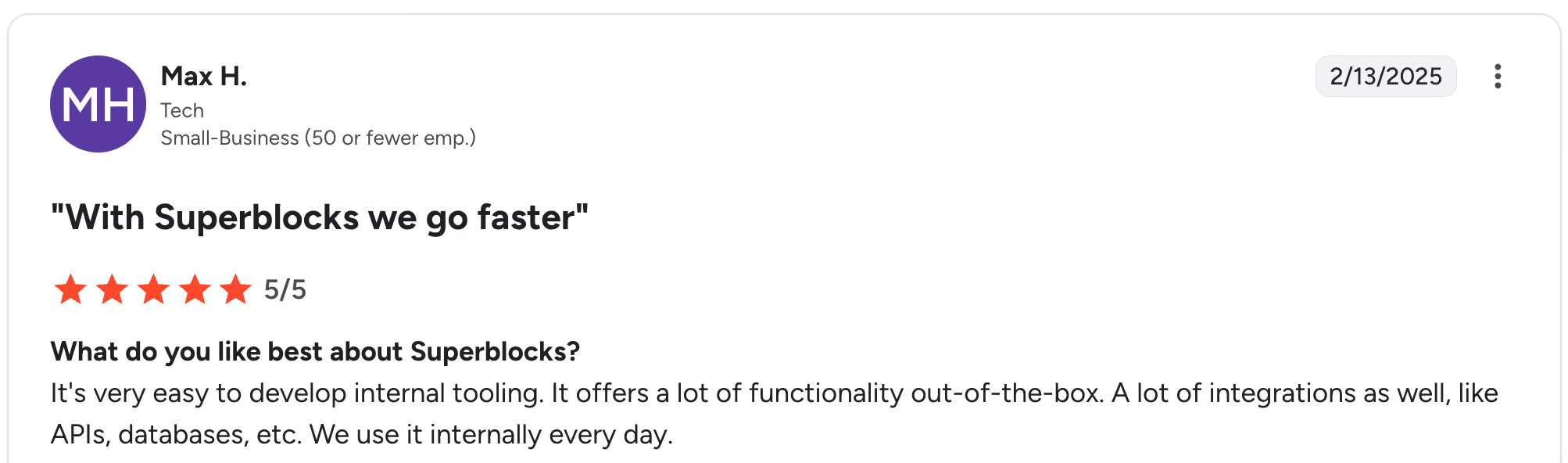
"It's very easy to develop internal tooling. It offers a lot of functionality out of the box. Many integrations as well, such as APIs and databases. We use it internally every day." Max H, G2

"There are some backend limitations, and components lack reusability across applications; also, it's still lacking diversity in its component offerings. Would be great to be able to import from other component libraries, such as MUI." Oscar C, G2
Pricing
Superblocks offers a 14-day free trial, then Teams at $125 per AI Builder per month (billed monthly). Enterprise pricing is custom. See Superblocks pricing for current plans.
Bottom line
If your citizen integrators keep asking for "an app that does this," not "just sync data between these two systems," Superblocks is the pick. If pure SaaS-to-SaaS automation is the need, Zapier or Make will be a faster fit.
5. n8n: Best for open-source, self-hosted citizen integration
What it does: n8n is an open-source workflow automation platform with cloud and self-hosted options, where every node can be extended with JavaScript or Python.
Best for: Engineering-led teams supporting citizen integrators, and IT teams that need self-hosted automation for data sovereignty.
The platform is node-based with a visual editor, but every node can drop into code. That makes n8n a strong fit for teams where citizen integrators report into engineering, since the platform can grow with their workflows.
Key features
- Self-hosted Community Edition: free forever, full feature parity with cloud.
- Code nodes: drop into JavaScript or Python anywhere in a workflow.
- 400+ built-in integrations: plus custom node creation for anything not covered.
- Fair-code license: open-source-compatible with sustainable commercial terms.
- AI nodes and LangChain support: native support for building AI-driven workflows.
Pros
- ✅ Self-hosting gives full data sovereignty for regulated industries.
- ✅ Strong developer experience with code-when-you-need-it flexibility.
- ✅ Active open-source community and rapidly growing connector library.
Cons
- ❌ Self-hosting overhead is real if you don't already operate cloud infrastructure.
- ❌ Less polished for non-technical business users than Zapier or Make.
- ❌ Smaller connector library than Zapier or Microsoft Power Automate.
What users say
"n8n is the 'Zapier killer' for anyone who values control and privacy. The node-based visual builder is incredibly intuitive, but the real power is in the code nodes—being able to drop in custom JavaScript exactly where you need it is a game changer." Sunil S, G2

"While n8n is incredibly powerful, it still doesn’t have the “Enterprise-First” deployment rigor I expect as an architect. The manual effort needed to keep environments in sync, along with the “opt-in” approach to error handling, means you have to invest a significant amount of time in Operational Discipline to make it genuinely production-ready." Akansha C, G2
Pricing
Self-hosted Community Edition is free forever. n8n Cloud Starter from $24/month, Pro $60/month, and Business from $960/month with Enterprise custom. See n8n pricing for current plans.
Bottom line
If your citizen integrators sit in or near engineering and you need self-hosting, n8n is the strongest pick. If your citizen integrators are pure business users, lighter options will ramp faster.
6. Activepieces: Best for modern open-source citizen automation
What it does: Activepieces is an open-source workflow automation platform with a polished UI, fair-code license, and self-hosted Community Edition.
Best for: Mid-market teams wanting open-source flexibility plus non-technical business users who would struggle with n8n's developer focus.
Activepieces feels like Zapier's UX paired with n8n's open-source license, which makes it the platform I'd hand a non-technical operations manager who also wants the option to self-host.
Key features
- 200+ open-source connectors: community-driven and growing fast.
- Self-hosted Community Edition: free forever, full feature parity with cloud.
- AI-powered Copilot: generate workflows from natural language.
- Branching and looping: matches Make's logical capabilities in most scenarios.
- Modern UX: cleaner than n8n, familiar to Zapier users.
Pros
- ✅ Modern, polished UI that beats n8n for non-technical users.
- ✅ Generous self-hosted Community Edition with no artificial limits.
- ✅ Active development with frequent platform updates.
Cons
- ❌ Smaller connector library than Zapier or Make.
- ❌ Newer platform with less analyst coverage than legacy iPaaS.
- ❌ Enterprise governance features are less mature than Workato.
What users say
"Unlimited automations, plus it offers a generous free tier, and the MCP server is included as well!" Matteo R, G2

"I wish there were a way to integrate front-end stuff. When I say front-end stuff, I mean visual pieces, or ways to visualize data." Ross L, G2
Pricing
The Standard tier is usage-based: 10 free active flows, then $5 per active flow per month, with unlimited runs. The unlimited tier is a custom annual contract. See Activepieces pricing for current plans.
Bottom line
If you want open-source flexibility without n8n's learning curve, Activepieces is the strongest pick. If you need the broadest connector library, Zapier still wins.
7. Workato: Best for enterprise-grade citizen integration at scale
What it does: Workato is the enterprise iPaaS that pairs citizen-friendly recipe building with enterprise governance, including RBAC, audit logs, and SSO.
Best for: Large enterprises scaling citizen integration across multiple departments with IT-grade governance and budget for top-tier iPaaS.
Workato has the strongest balance of citizen-friendly UI and enterprise governance of the platforms tested. Recipes feel approachable, the Workbot Slack and Teams interface lets users trigger automations conversationally, and the governance layer is mature.
Key features
- 1,200+ connectors: especially strong for enterprise SaaS and legacy systems.
- Workbot: conversational automation through Slack and Teams.
- Enterprise governance: RBAC, SSO, SCIM, full audit logs, and environments.
- AI-powered Copilot: generate recipes from natural language descriptions.
- Embedded automation: white-label Workato inside your own product.
Pros
- ✅ Strongest enterprise governance and compliance posture of the citizen integrator tools tested.
- ✅ Recipe UI strikes a good balance between approachable and capable.
- ✅ Mature platform with reference customers across regulated industries.
Cons
- ❌ Custom enterprise pricing with no transparent published rates.
- ❌ Overkill for small teams or single-department citizen integration use cases.
- ❌ Implementation can require professional services or a dedicated automation engineer.
What users say
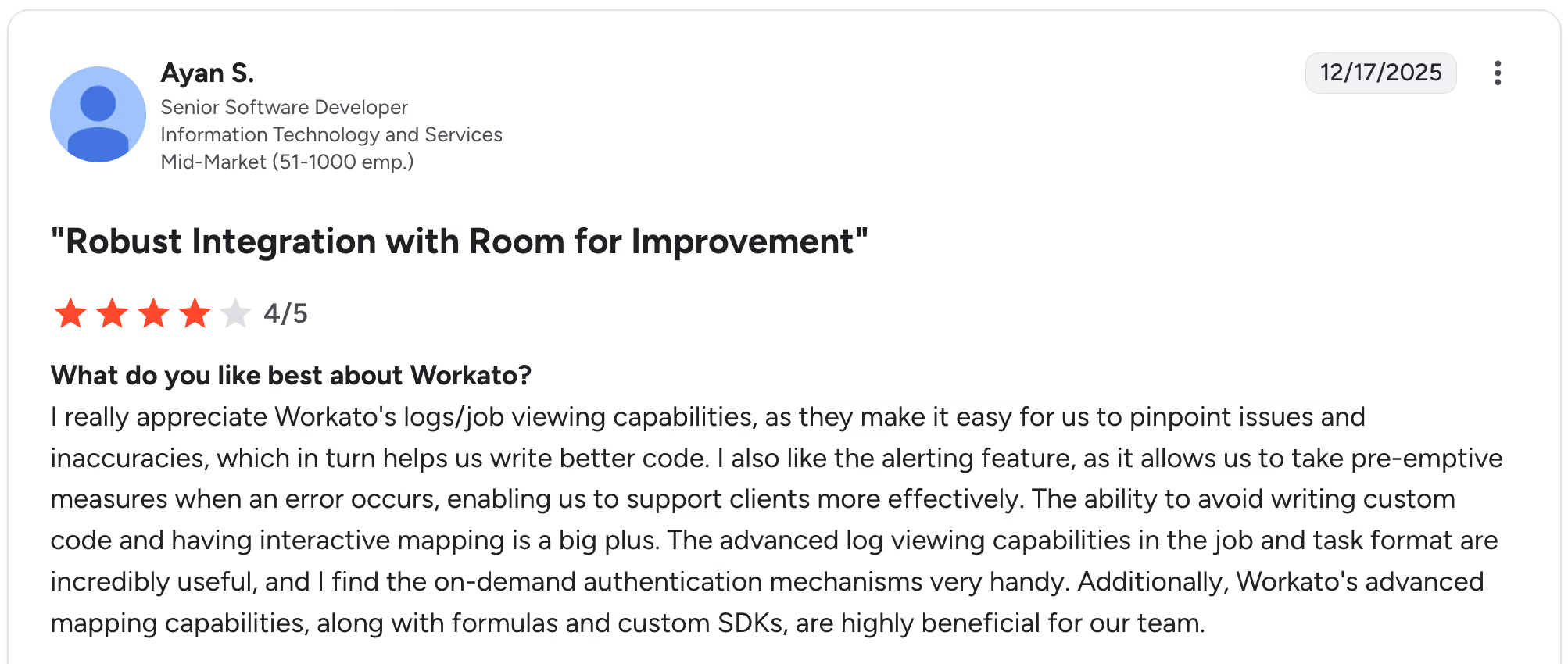
"I really appreciate Workato's logs/job viewing capabilities, as they make it easy for us to pinpoint issues and inaccuracies, which in turn helps us write better code. I also like the alerting feature, as it allows us to take pre-emptive measures when errors occur, enabling us to support clients more effectively. Ayan S, G2

"Sometimes, some connectors are not available on the trigger part. For example, there is no NetSuite REST connector." Lokesh K, G2
Pricing
Workato doesn't publish pricing publicly. The model combines a workspace edition with usage-based recipes, and all editions include unlimited connections, workflows, collaborators, and RBAC governance. See Workato pricing to request a quote.
Bottom line
If your citizen integration program runs across multiple departments at enterprise scale, Workato is worth the price. If you have fewer than 500 employees, Zapier or Make will likely serve you well enough at a fraction of the cost.
8. Tray.io: Best for mid-market iPaaS with AI workflow building
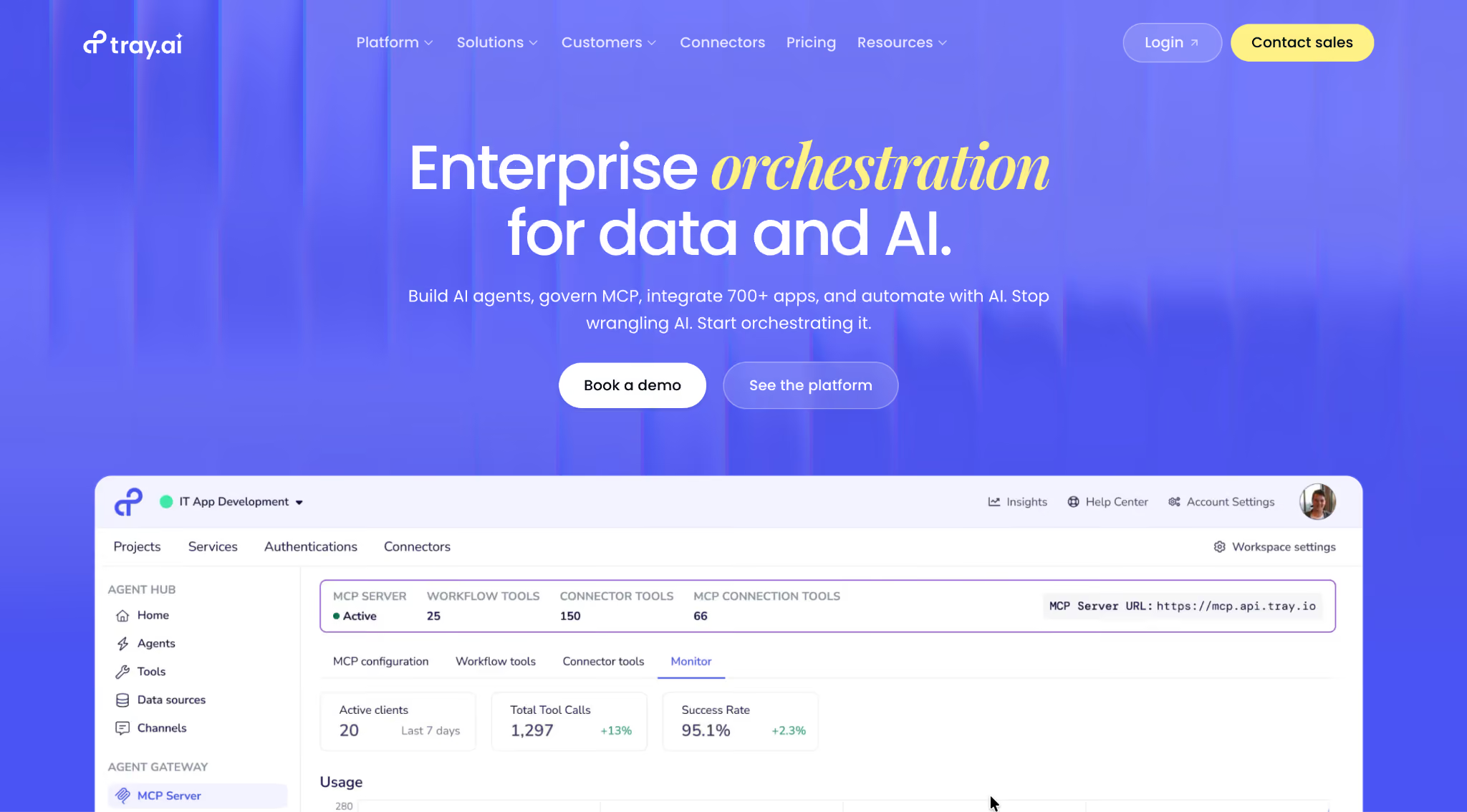
What it does: Tray.io is a mid-market iPaaS that has expanded into AI agents and MCP, sitting between Zapier's simplicity and Workato's enterprise weight.
Best for: Mid-market teams (100-2,000 employees) that have outgrown Zapier but find Workato too heavy or expensive.
Tray's platform now pitches itself as a single, governed surface for agents, MCP, intelligent automation, and integration, signaling a pivot from pure iPaaS to an AI workflow platform. That closes a gap pure-play iPaaS platforms had against AI-native competitors.
Key features
- Visual workflow builder: drag-and-drop with deep configuration options.
- AI agents and MCP: build AI agents on Tray with native Model Context Protocol support for client integration.
- 700+ connectors: strong coverage of mid-market SaaS and enterprise systems.
- API-first architecture: treat any HTTP endpoint as a workflow input or output.
- Enterprise governance: RBAC, SSO, audit logs, environments.
Pros
- ✅ Strong middle ground between Zapier and Workato.
- ✅ AI agent and MCP support that competing iPaaS platforms still lag on.
- ✅ Flexible pricing makes it viable for mid-market teams that Workato finds too small.
Cons
- ❌ Custom pricing makes evaluation harder than transparently priced platforms.
- ❌ Smaller community and analyst coverage than Workato or Zapier.
- ❌ Less polished for non-technical builders than Zapier.
What users say
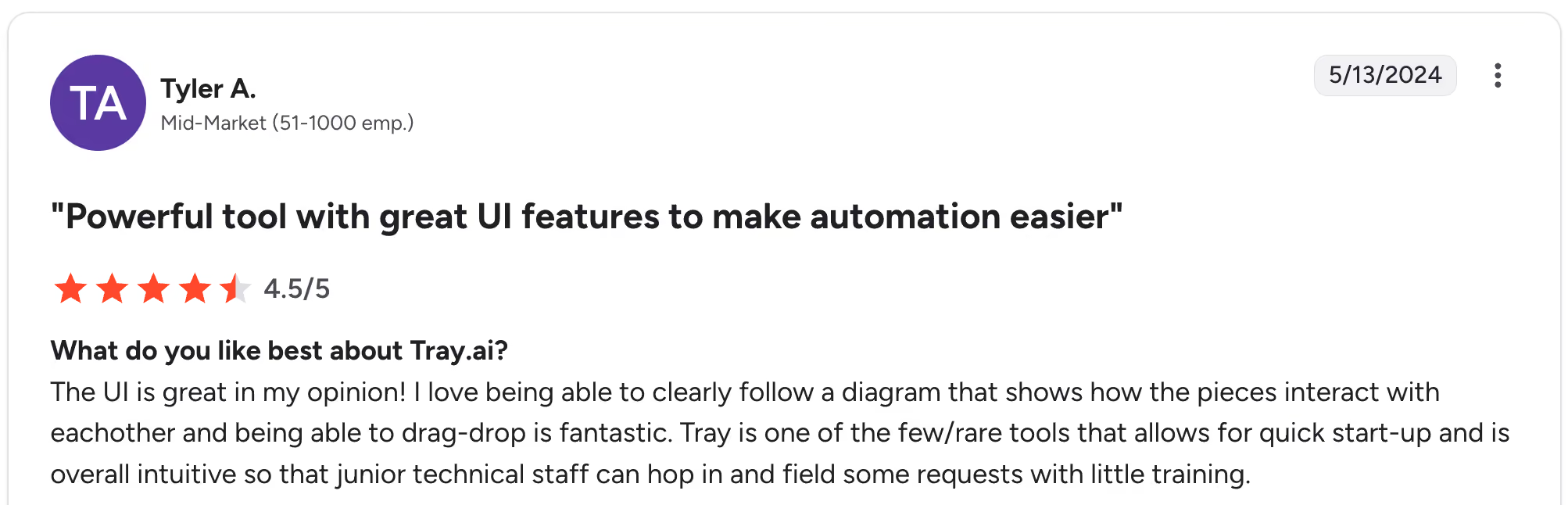
"The UI is great in my opinion! I love being able to clearly follow a diagram that shows how the pieces interact with each other, and being able to drag and drop is fantastic." Tyler A, G2

"It's a little complex to use if you are new to it. Also, it can't be used if the lead routing rules are complex." Raman M, G2
Pricing
Tray.io doesn't publish pricing publicly. Plans are Pro (3 workspaces), Team (20 workspaces), and Enterprise (unlimited workspaces with SSO, HIPAA, and on-premise). See Tray.io pricing to request a quote.
Bottom line
If you're a mid-market team that finds Zapier limiting and Workato bloated, Tray.io is the pick. If your team is under 50 people, the pricing tier may not pencil out.
9. Celigo: Best for NetSuite, Salesforce, and finance integrations
What it does: Celigo is an iPaaS focused on NetSuite, Salesforce, and finance system integrations, with prebuilt Integration Apps that citizen integrators configure rather than build from scratch.
Best for: Finance, operations, and revenue teams in mid-sized businesses anchored on NetSuite, Salesforce, or Shopify.
Celigo's prebuilt Integration Apps are the strongest differentiator I found. For common patterns like "sync orders from Shopify to NetSuite," a citizen integrator configures the template rather than building from scratch.
Key features
- Prebuilt Integration Apps: complete integration templates for NetSuite, Salesforce, Shopify, and more.
- Integrator.io flow builder: custom workflow building for non-template use cases.
- Strong NetSuite ecosystem: the platform of choice for many NetSuite-heavy businesses.
- AI assistant: workflow building from natural language.
- Enterprise governance: RBAC, SSO, audit logs.
Pros
- ✅ Prebuilt Integration Apps shortcut the most common citizen integration use cases.
- ✅ Deepest NetSuite expertise of the platforms tested.
- ✅ Strong fit for finance and operations teams in mid-sized businesses.
Cons
- ❌ Less flexible than Zapier or Make for general-purpose workflows.
- ❌ Outside the core systems (NetSuite, Salesforce), the value diminishes.
- ❌ Pricing isn't published publicly, requiring a sales conversation just to ballpark the cost.
What users say
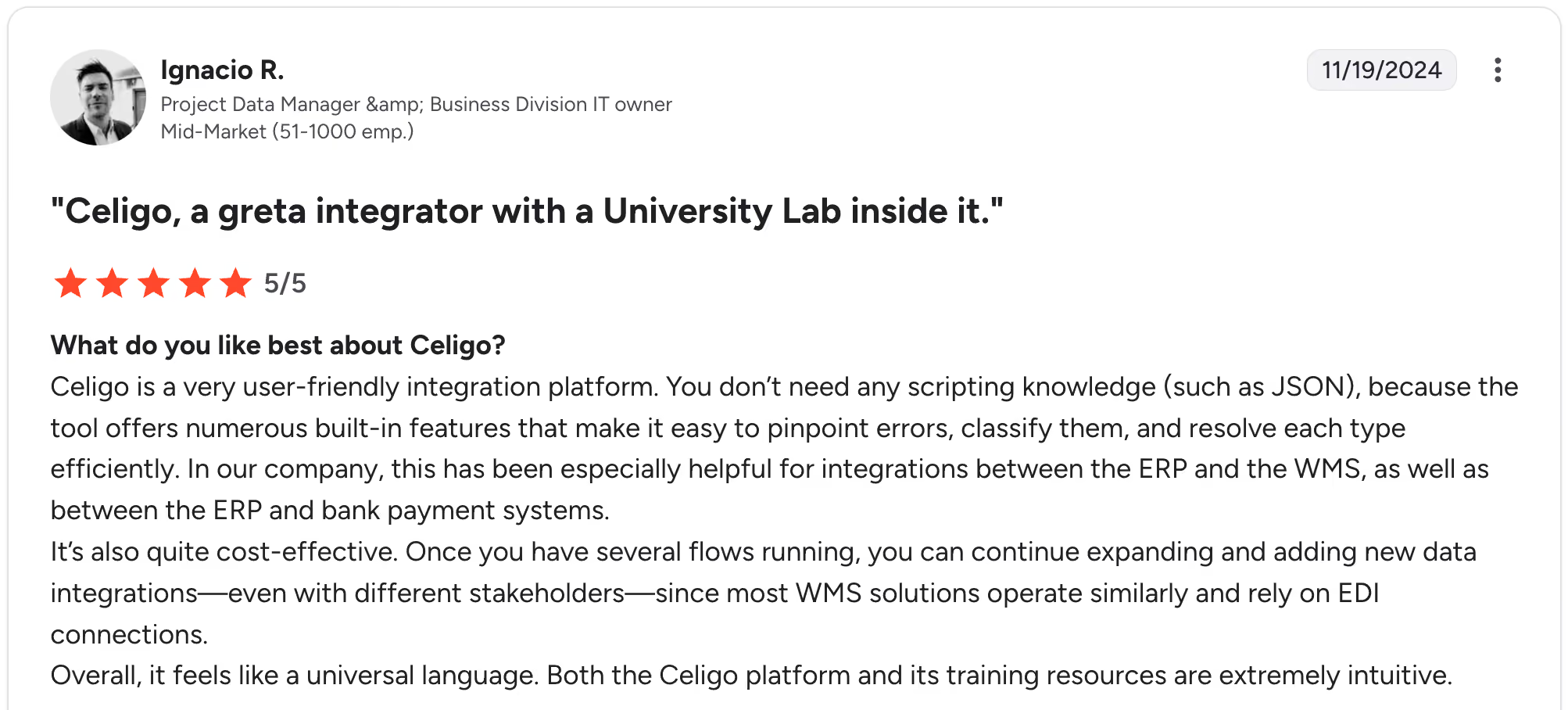
"Celigo is a very user‑friendly integration platform. You don’t need any scripting knowledge (such as JSON), because the tool offers numerous built‑in features that make it easy to pinpoint errors, classify them, and resolve each type efficiently." Ignacio R, G2

"The logs aren't running all the time. Anytime a bug surfaces, I have to go activate the logs for 45-60 minutes. Then I have to find a way to reproduce the error in production, then check the logs for details." Quentin W, G2
Pricing
Celigo offers a free trial but doesn't publish pricing for paid plans. The model is flat-rate based on endpoints and flows (not per task), with no overage fees. See Celigo pricing for a custom quote.
Bottom line
If NetSuite, Salesforce, or core finance systems anchor your integration work, Celigo's templates are worth the price. If your integrations span a broader SaaS landscape, Zapier or Make will be more flexible.
Which citizen integrator tool should you choose?
Most teams don't pick one tool forever. The pick depends on how technical your citizen integrators are and how much governance the organization needs.
Choose Zapier if you:
- Have non-technical business users and need the broadest SaaS connector library.
- Are okay with task-based pricing that scales with usage.
- Don't need self-hosting or open source.
Choose Make if you:
- Have tech-savvy business users who can handle a visual data-flow paradigm.
- Need looping, branching, and complex conditional logic.
- Want operations-based pricing that rewards multi-step workflows.
Choose Microsoft Power Automate if you:
- Are a Microsoft 365 shop with integrations that stay in the Microsoft ecosystem.
- Need RPA alongside cloud workflow automation.
- Already pay for Microsoft licensing that includes Power Automate.
Choose Superblocks if you:
- Need apps and UIs around your integrations, beyond pure SaaS-to-SaaS automation.
- Want governance on AI-driven internal app building.
- Have IT teams looking for a governed home for citizen builders.
Choose n8n if you:
- Have engineering supporting your citizen integrator program.
- Need self-hosted automation for data sovereignty.
- Want a fair-code license over closed commercial platforms.
Choose Activepieces if you:
- Want open-source flexibility with a polished UI.
- Have non-technical business users who would struggle with n8n.
- Need self-hosting without n8n's developer focus.
Choose Workato if you:
- Are a large enterprise scaling citizen integration across multiple departments.
- Need enterprise governance, RBAC, SSO, and audit logs.
- Have the budget for top-tier iPaaS.
Choose Tray.io if you:
- Are a mid-market team in terms of scale, between Zapier and Workato.
- Want AI-native workflow building with agents and MCP.
- Find Workato too heavy or expensive for your size.
Choose Celigo if you:
- Run NetSuite, Salesforce, or core finance systems as your integration anchor.
- Want prebuilt Integration Apps instead of building from scratch.
- Are a finance or operations team in a mid-sized business.
Final verdict
The 9 platforms above cover almost every flavor of citizen integration in 2026. The right pick depends on three questions: how technical your citizen integrators are, what systems anchor your integration mix, and how much governance the organization needs.
For most mid-sized teams, Zapier or Make is enough for everyday citizen integration work.
Workato and Tray.io take over when iPaaS scale and governance matter, while Superblocks fits when integrations need a full app wrapper.
If you'd like to see how Superblocks helps citizen builders ship integrations with governance and a full app builder, explore our Quickstart Guide, or better yet, try it for free.
Frequently asked questions
What is a citizen integrator?
A citizen integrator is a business user in operations, marketing, sales, or finance who builds integrations between SaaS systems without writing code, using low-code or no-code tools designed to be approachable without IT support.
What is the best citizen integrator tool for non-technical users?
The best citizen integrator tool for non-technical users is Zapier, which combines the largest connector library (7,000+ apps) with an AI-powered Zap Builder that scaffolds workflows from plain-English prompts.
What is the difference between a citizen integrator and a citizen developer?
The difference between a citizen integrator and a citizen developer is scope: a citizen integrator builds integrations between SaaS systems, while a citizen developer builds full applications with UIs and business logic using low-code platforms.
Are citizen integrator tools safe for enterprise use?
Yes, citizen integrator tools are safe for enterprise use when they include RBAC, SSO, audit logs, and certifications such as SOC 2 and GDPR. Workato, Tray.io, and Superblocks include these by default.
How much do citizen integrator tools cost?
Citizen integrator tools cost anywhere from free open-source tiers (Zapier, Make, n8n, Activepieces) to custom enterprise pricing from Workato, Tray.io, and Celigo. Per-user plans tested run $10.59/month (Make) to $125/month (Superblocks).
Can citizen integrator tools replace IT-led integration projects?
Citizen integrator tools can replace many IT-led integration projects for SaaS-to-SaaS workflows, but legacy system integration and high-volume data pipelines still typically need IT or specialized integration teams.
At Virgin Voyages, non-technical teams now build their own AI apps, with IT governance fully intact. The result: 15+ production apps, seven departments onboard, and zero dedicated frontend engineers.
At Matthews, a marketing manager with zero coding background built an app that auto-generates offering memorandums, cutting turnaround from days to hours. See how the brokerage is putting AI builders on every team, with full governance intact.


Stay tuned for updates
Get the latest Superblocks news and internal tooling market insights.
Request early access
Step 1 of 2
Request early access
Step 2 of 2

You’ve been added to the waitlist!
Book a demo to skip the waitlist
Thank you for your interest!
A member of our team will be in touch soon to schedule a demo.
production apps built
days to build them
semi-technical builders
traditional developers
high-impact solutions shipped
training to get builders productive
SQL experience required
See the full Virgin Voyages customer story, including the apps they built and how their teams use them.

"Those tools are great for proof of concept. But they don't connect well to existing enterprise data sources, and they don't have the governance guardrails that IT requires for production use."
Table of Contents

Multiple authors
Power Apps vs Power Automate vs Superblocks: Key Differences
Power Apps and Power Automate work well for Microsoft-centric teams, but Superblocks offers more flexibility. Check key features and pricing to choose wisely.
.png)