
I compared 11 of the best AI coding assistants, and Cursor, Claude Code, and Copilot work well for developers in an editor or terminal, while I'd choose Superblocks for enterprise teams that need security to review what everyone creates.
Each entry also lists what the plan costs and where its usage allowance runs out.
The 11 best AI coding assistants in 2026: TL;DR
- Superblocks: Choose Superblocks if your enterprise needs governed AI-generated internal apps.
- Cursor: Choose Cursor if you want parallel agents inside an editor.
- Claude Code: Choose Claude Code if you do terminal-first, repo-level work.
- GitHub Copilot: Choose GitHub Copilot if your team already works in GitHub.
- OpenAI Codex: Choose OpenAI Codex if you want to delegate tasks that keep running in the cloud.
- Devin Desktop: Choose Devin Desktop if you manage local and cloud agents and want them in one view.
- Cline: Choose Cline if you want an open-source agent with approval controls on each action.
- Aider: Choose Aider if you want terminal pair programming with almost any model.
- Gemini Code Assist: Choose Gemini Code Assist if your team runs on Google Cloud.
- Replit: Choose Replit if you want to build and host an app in one place.
- Amazon Q Developer: Choose Amazon Q Developer if your team runs on AWS.
How I researched these AI coding assistants
I opened each assistant's product page, docs, and pricing page (Aider has no pricing page, so I used its site), then read recent G2 or Product Hunt reviews, depending on where each tool is listed, and logged the limits a reviewer or the vendor named.
Superblocks is number one on this list, and it's also the company behind this blog. It went through the same checks as every other tool, cons included, plus a critical assessment, so you can judge the ranking yourself.
Five criteria drove the ranking:
- Features: What the assistant does on everyday tasks, including autocomplete and multi-file agents.
- Usability: How much setup it requires and how much supervision it asks for, according to each vendor's docs.
- Integrations: Which editors and terminals it supports, and which Git hosts and models it connects to.
- Pricing: What it costs to get started, whether free or paid, and what usage limits sit behind it.
- Use cases: The kind of team it serves best, such as solo developers, engineering groups, or enterprise rollouts that need security review.
Reading all 11 against the same criteria showed me which of the best AI coding assistants cap usage and which charge only for model usage. Claude Code and Codex cap it, while Cline and Aider don't.
The order reflects how much a team needs governance first, so Superblocks leads for security-reviewed rollouts, while solo developers should start with Cursor or Claude Code.
The table lists each assistant's main strength, who it suits, and its starting price, and the reviews that follow cover the rest.
The 11 best AI coding assistants in 2026: quick comparison
Pricing is correct as of October 2026. Verify with each vendor.
1. Superblocks: Best for enterprise teams that need governed AI-generated apps
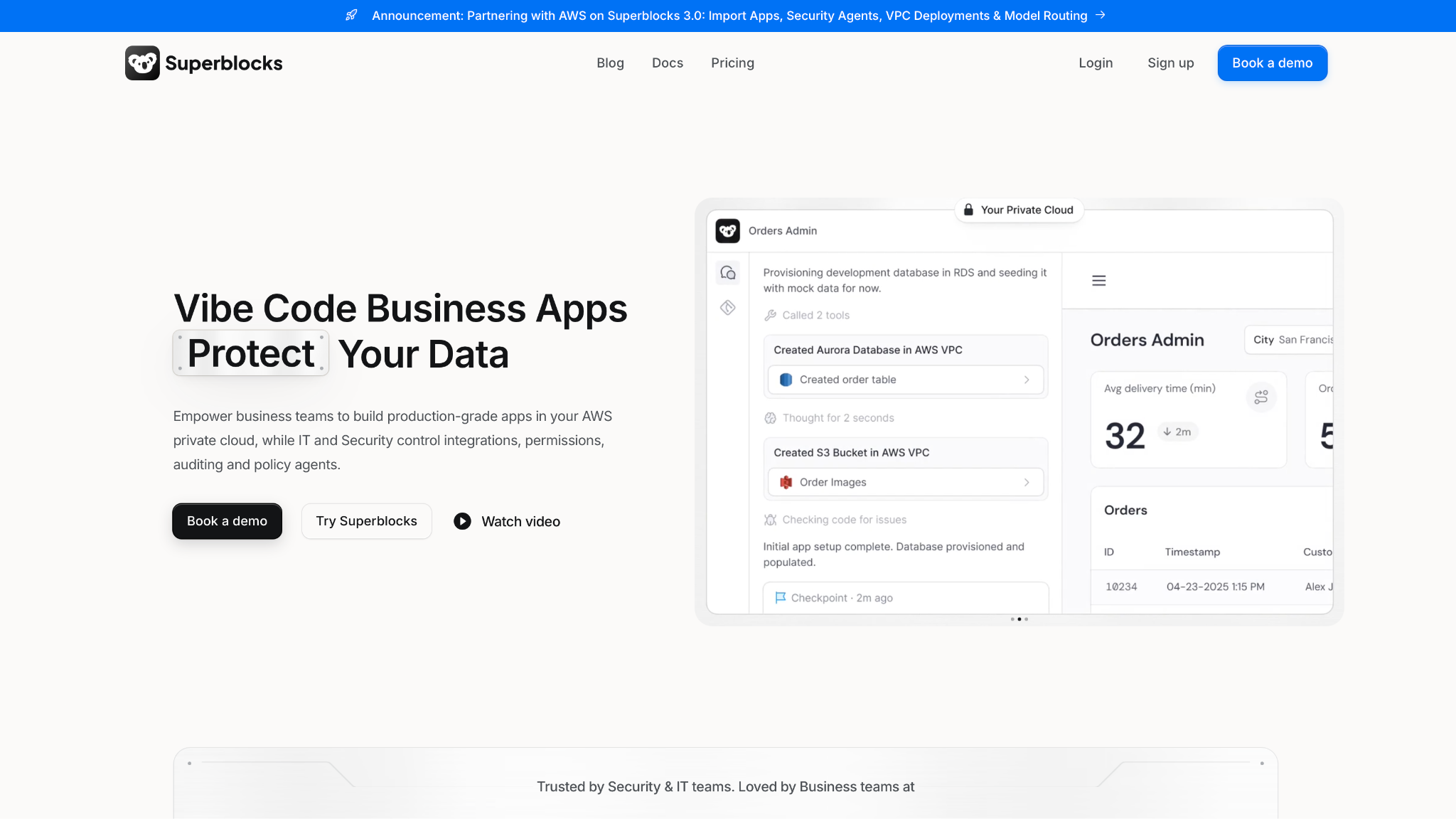
What it does: Superblocks is a governed enterprise AI app-building platform where Clark by Superblocks creates apps from prompts, and IT manages authentication, access, and auditing from one place.
Best for: Enterprise teams where business users and developers both create internal apps under IT's permissions, with every database query and API call centrally audited.
The editor and terminal tools below work on a developer's own code, while Superblocks covers the internal apps that business teams and developers create together.
At Matthews, a senior marketing manager created an offering memorandum tool that cut turnaround from 3 to 5 days to 12 hours, with the data staying in its AWS VPC, according to Superblocks' own case study, which labels it a demo with sample data.
Engineers don't have to give up their editors, since they stay with Cursor or Claude Code, and Superblocks works alongside either.
Key features
- Clark by Superblocks: Turns prompts into apps and, since April 2026, builds the APIs of new apps in TypeScript (release notes).
- Audit Logs: Central audit of every database query and API call (Enterprise).
- Superblocks MCP: Lets you build with Superblocks from your coding tools.
- Git source control: Connects to GitHub, GitLab, Bitbucket, or Azure DevOps on Enterprise.
Pros and cons
Pros:
✅ Superblocks' docs say every database query and API call is audited in one place (docs), with Audit Logs on Enterprise.
✅ Business teams build under IT's permissions.
✅ VPC deployment on Enterprise (hybrid or cloud-prem) lets you keep data in your own environment.
Cons:
❌ It targets internal enterprise apps, so you'll still need an editor assistant for product code.
❌ Your internal tooling depends on a single vendor's platform.
❌ Audit Logs, Git source control, and VPC deployment sit on Enterprise, while Teams starts at $125/month.
What users say
One reviewer praises the BYOC deployment model, and another finds it buggy and slow at times.
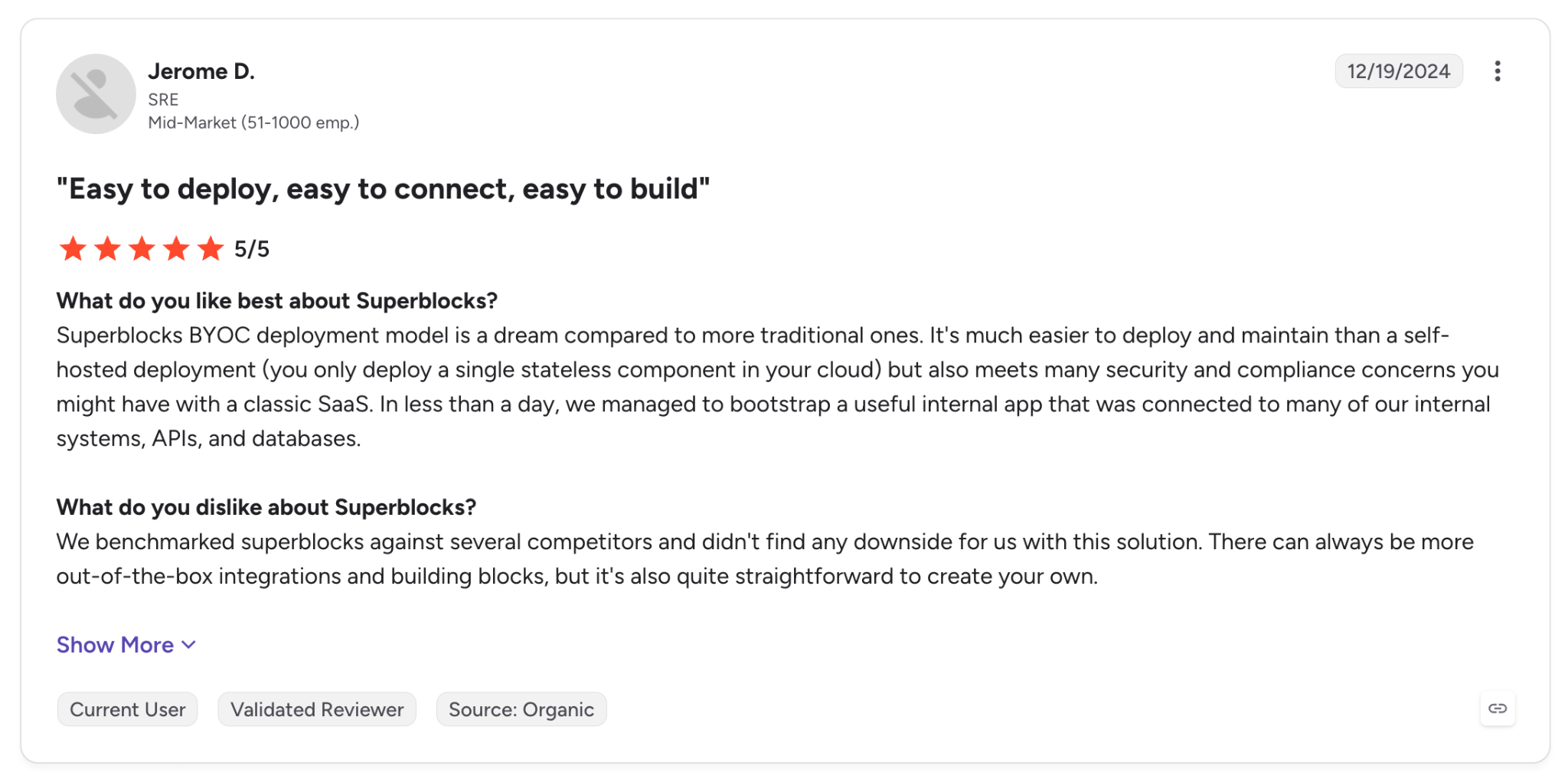
"Superblocks BYOC deployment model is a dream compared to more traditional ones." (Jerome D., G2)
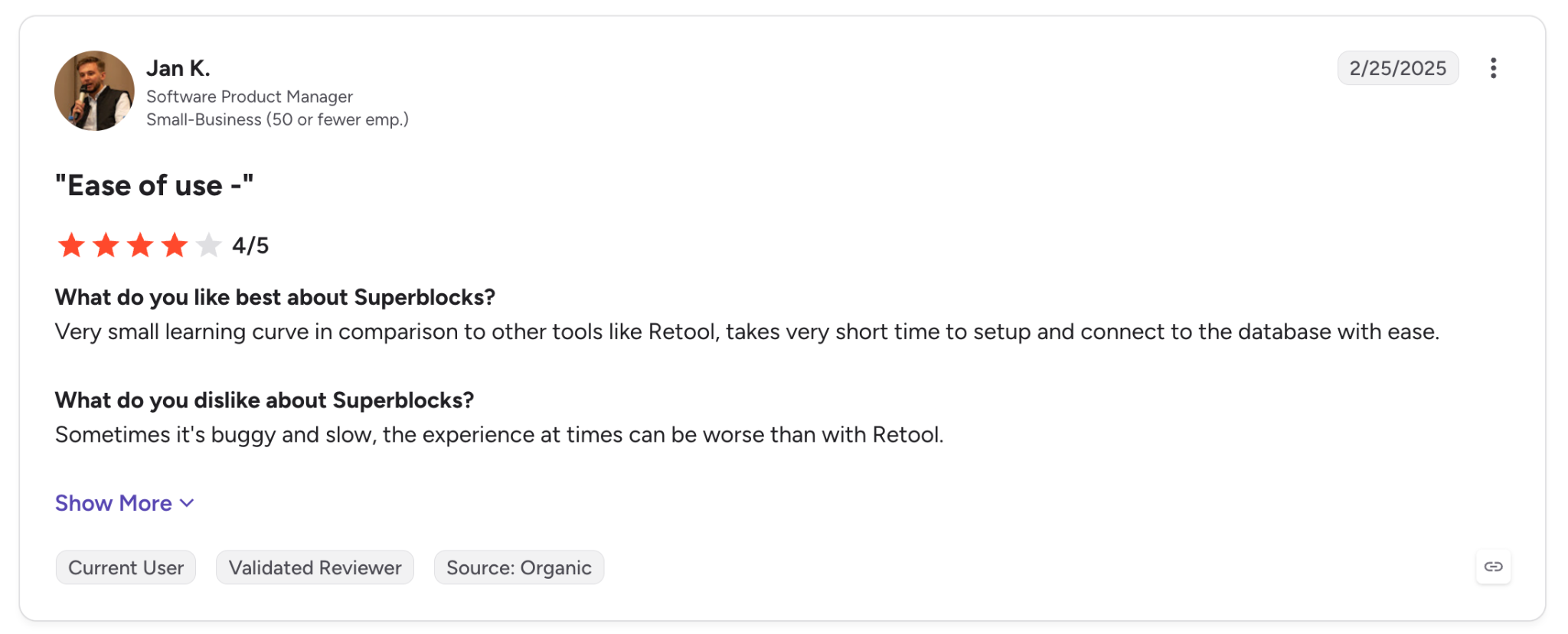
"Sometimes it's buggy and slow…" (Jan K., G2)
Pricing
Teams are $125/month, or $100/month billed annually, with 100 Governed Agent Units a month and up to 15 builders. A Governed Agent Unit measures the governance and orchestration work Superblocks does around AI model inference. There's a 14-day free trial, and Enterprise pricing is custom. Teams don't include Audit Logs, Git source control, or VPC deployment. See Superblocks pricing.
Bottom line
Superblocks belongs on a security team's shortlist of responsible AI tools, because every app goes through central permissions. It targets internal apps rather than the editor, so a solo developer who wants faster autocomplete should start with the next tool.
2. Cursor: Best for developers who want parallel agents in an editor
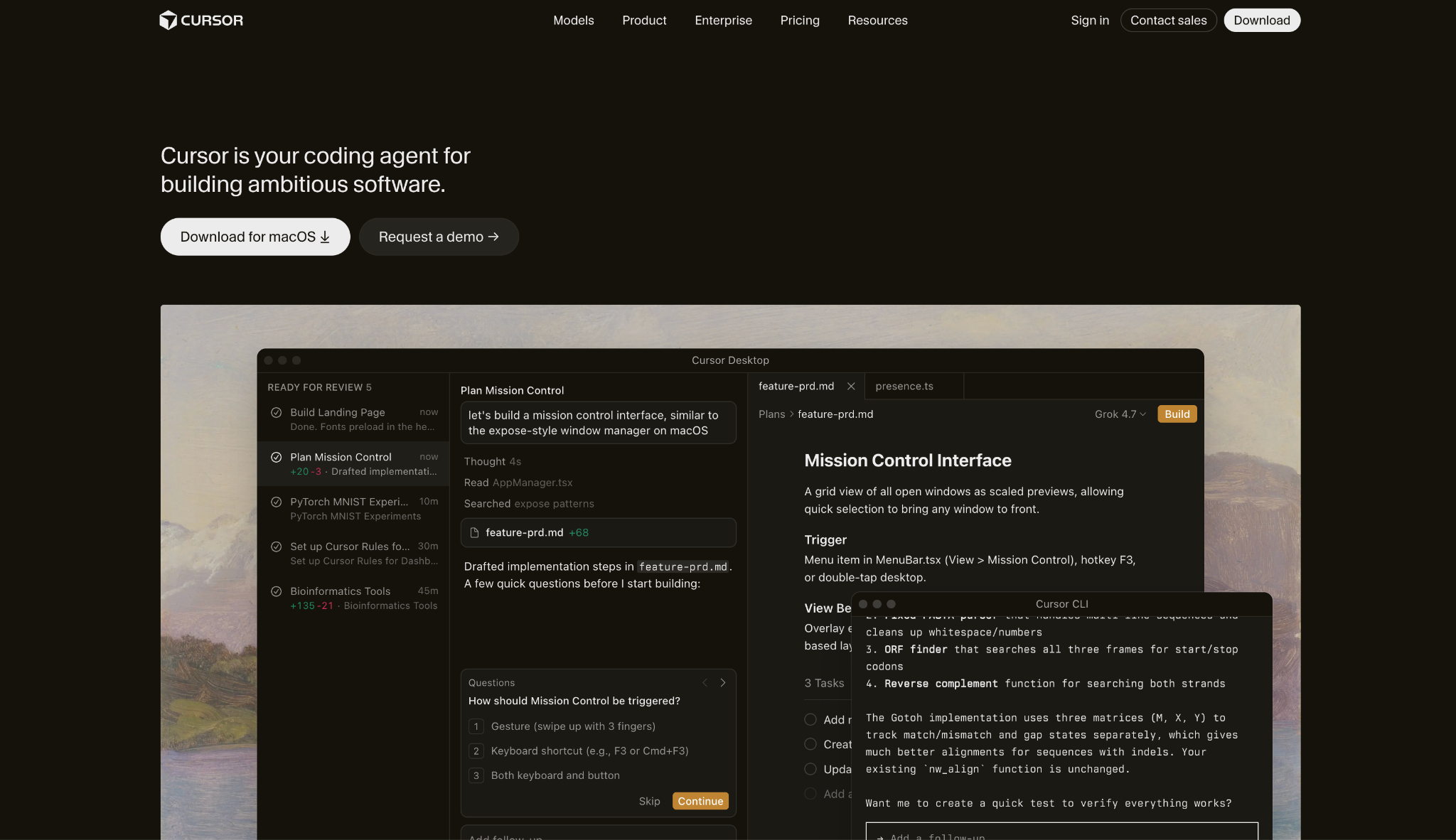
What it does: Cursor calls itself "your coding agent for building ambitious software," and it runs agents autonomously and in parallel inside an editor.
Best for: Choosing your own model per task and reviewing each change before it lands.
Features change often, so check the docs before you commit. On September 10, Cursor added Projects in beta, where a coordinator agent plans a larger effort and hands pieces to other agents.
On September 23 it added Rollouts, a bot that tracks each pull request as it deploys, and Security Review, a bot that comments with the vulnerabilities it finds (Cursor changelog).
Pricing moves as well. One Teams Premium user wrote on Cursor's forum that the seat is "roughly 3.5× more expensive per token than Pro+ while giving me less total capacity" (Cursor forum).
Key features
- Parallel tasks: Work through several tasks at once, so a refactor and a bug fix don't wait for each other.
- Model choice: Switch models per task.
- Bugbot: Reviews pull requests for bugs before a human opens them, with a Bugbot Teams plan for organizations.
Pros and cons
Pros:
✅ Agents in the editor and in the cloud, with a Cloud Agents section in Cursor's docs.
✅ A free Hobby plan with limited agent requests lets you try it first.
✅ Bugbot reviews add a second check on pull requests for organizations on the Bugbot Teams plan.
Cons:
❌ Custom API keys only work with chat models, per Cursor's help page.
❌ Cursor's docs show no local-model setup, only keys for hosted providers, so confirm any fully offline needs with Cursor first.
What users say
Reviewers value the help spotting mistakes, and one asks for clearer token allocation before running a prompt.
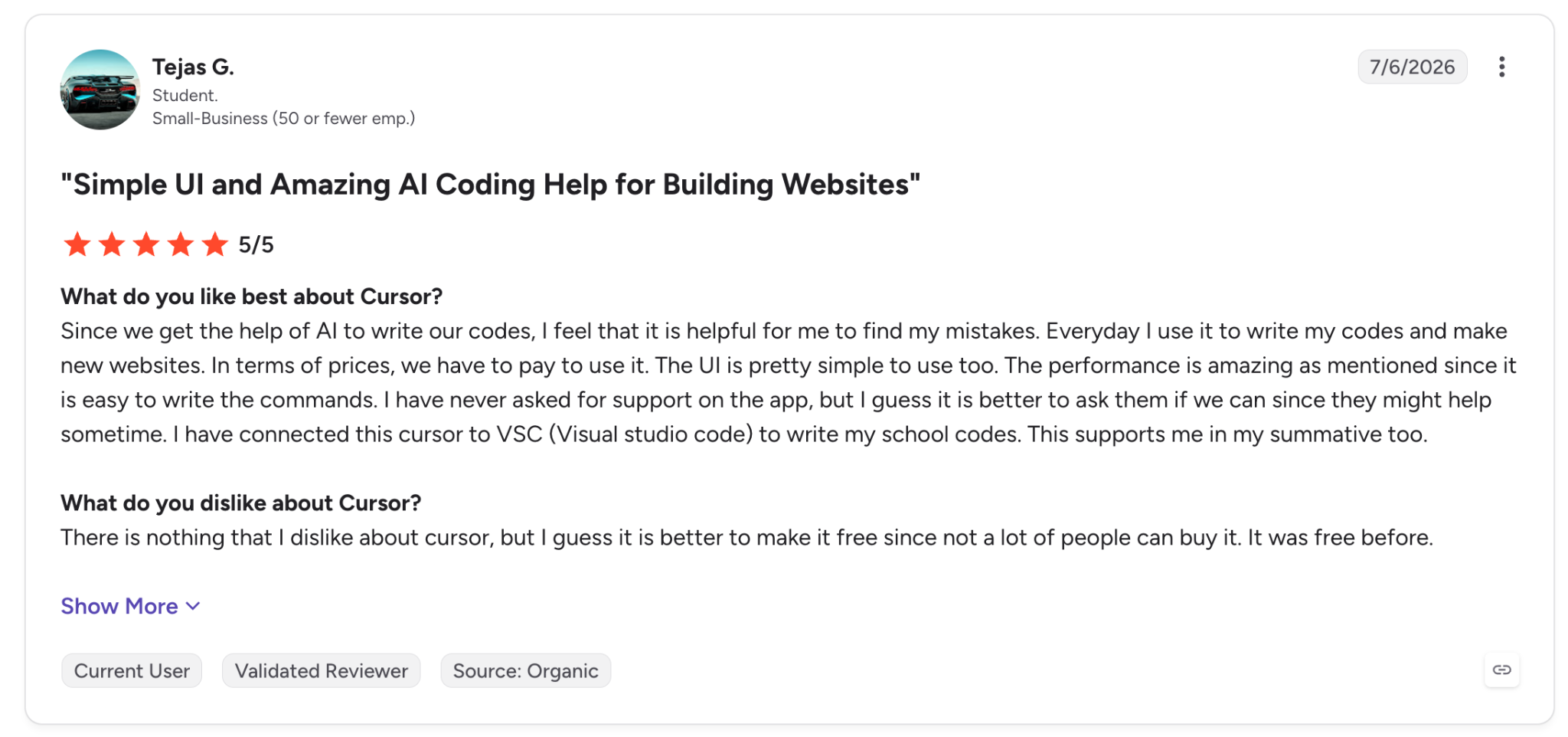
"Since we get the help of AI to write our codes, I feel that it is helpful for me to find my mistakes." (Tejas G., G2)
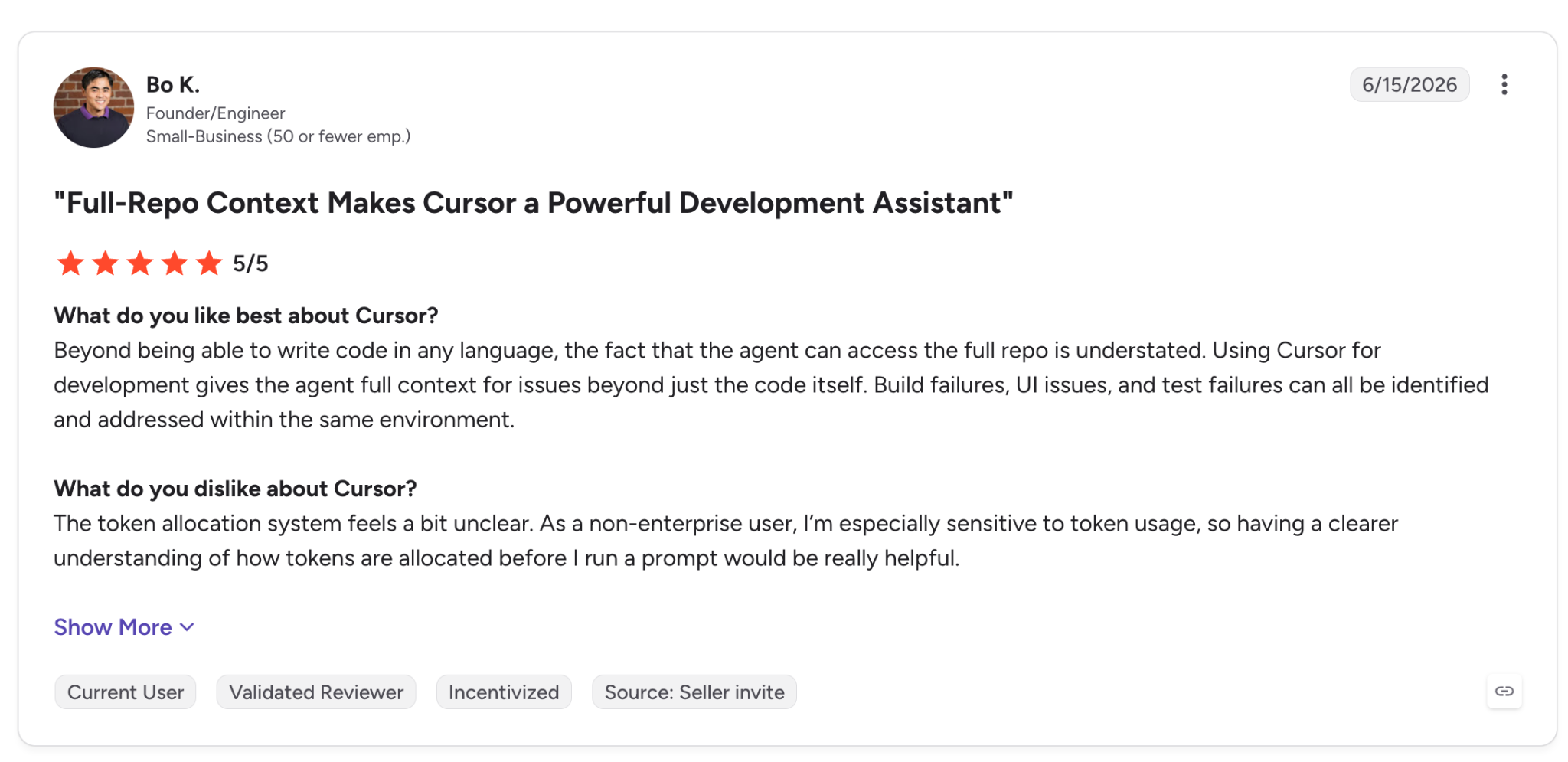
"having a clearer understanding of how tokens are allocated before I run a prompt would be really helpful." (Bo K., G2)
On Hacker News, one developer said they "can just about get by with coding every day on a Cursor $60/mth sub with Grok fast mode disabled" (HN).
Pricing
Pro is $20/month, Pro Plus is $60/month, and Ultra is $200/month. Teams Standard is $40/user/month and Premium is $120. Hobby is free with limited agent requests.
Heavy daily agent use costs more, since Cursor's docs put it at $60 to $100 a month (pricing docs). Full plan details are on Cursor pricing, and the Cursor alternatives guide compares other options.
Bottom line
I'd pick Cursor if you work in an editor all day and want agents working in parallel. Its docs cover keys for hosted providers only (OpenAI, Anthropic, Google, Azure OpenAI, and AWS Bedrock), so ask about data residency first.
3. Claude Code: Best for terminal-first, repo-level work
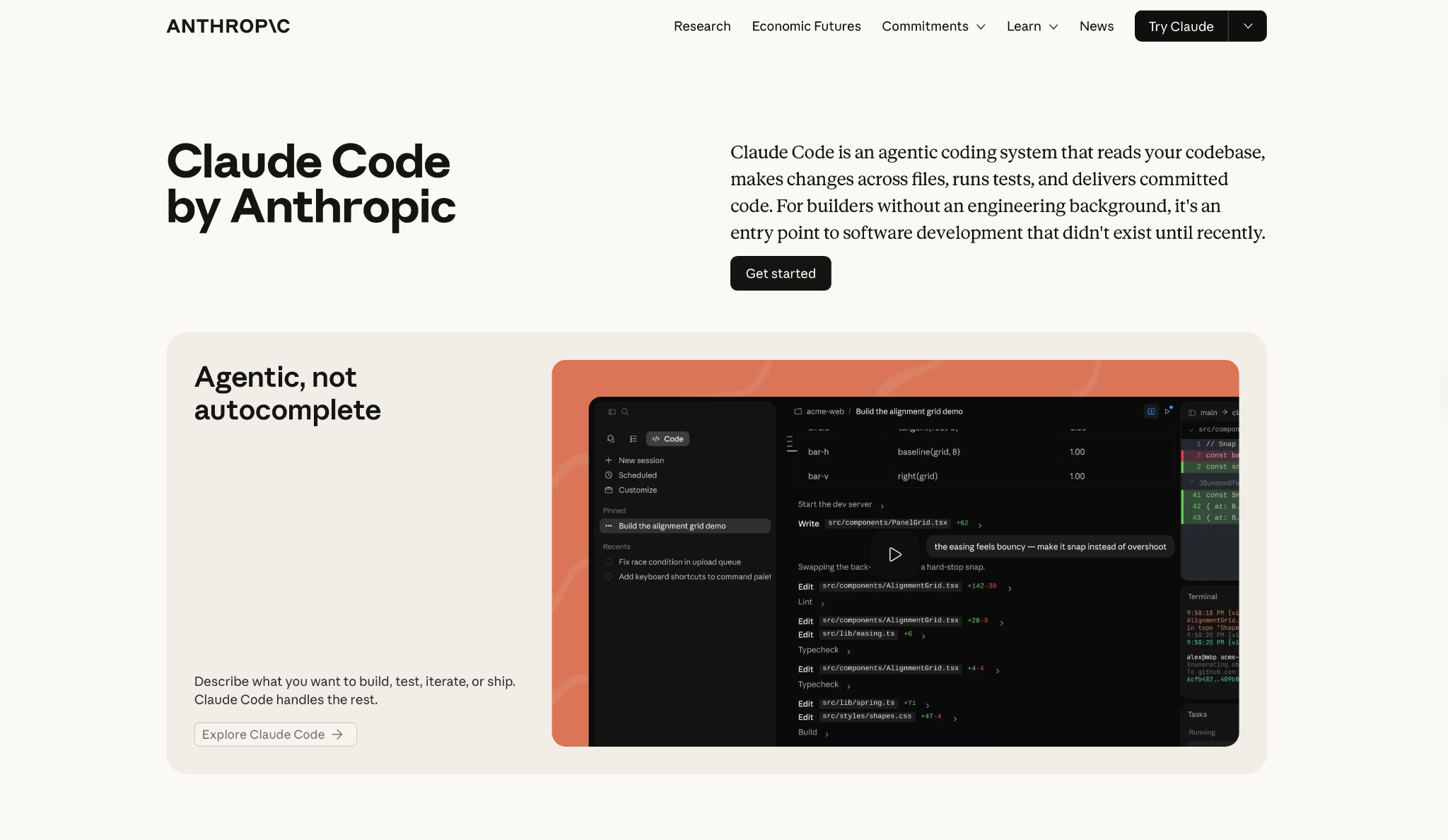
What it does: Claude Code is Anthropic's coding agent. It reads your codebase and edits files. It also runs commands and connects to your development tools from the terminal, IDE, desktop app, or browser.
Best for: Whole-repo changes, with the agent handling the Git steps too.
Claude Code works across your whole codebase and stages changes, creates branches, and opens pull requests straight from the session.
Key features
- Git workflow: Commits and pull requests happen in the same session.
- Subagents: A lead agent splits a large job into subtasks and coordinates them.
- CLAUDE.md: Stores project rules in the repo, and every session starts with them.
Pros and cons
Pros:
✅ Works across several surfaces, so you can use it wherever you work.
✅ Runs non-interactively with claude -p, so it works in scripts and CI.
✅ GitHub Actions and GitLab CI/CD support for automated code review and issue triage.
Cons:
❌ It runs Claude models only, and Anthropic's docs say it doesn't support routing to non-Claude models through any gateway (LLM gateway docs).
❌ On Team and Enterprise plans, usage counts against an allowance with a rolling five-hour window plus a weekly window (cost docs).
What users say
Code quality draws the praise here, while one reviewer wants more depth in the model's reasoning.
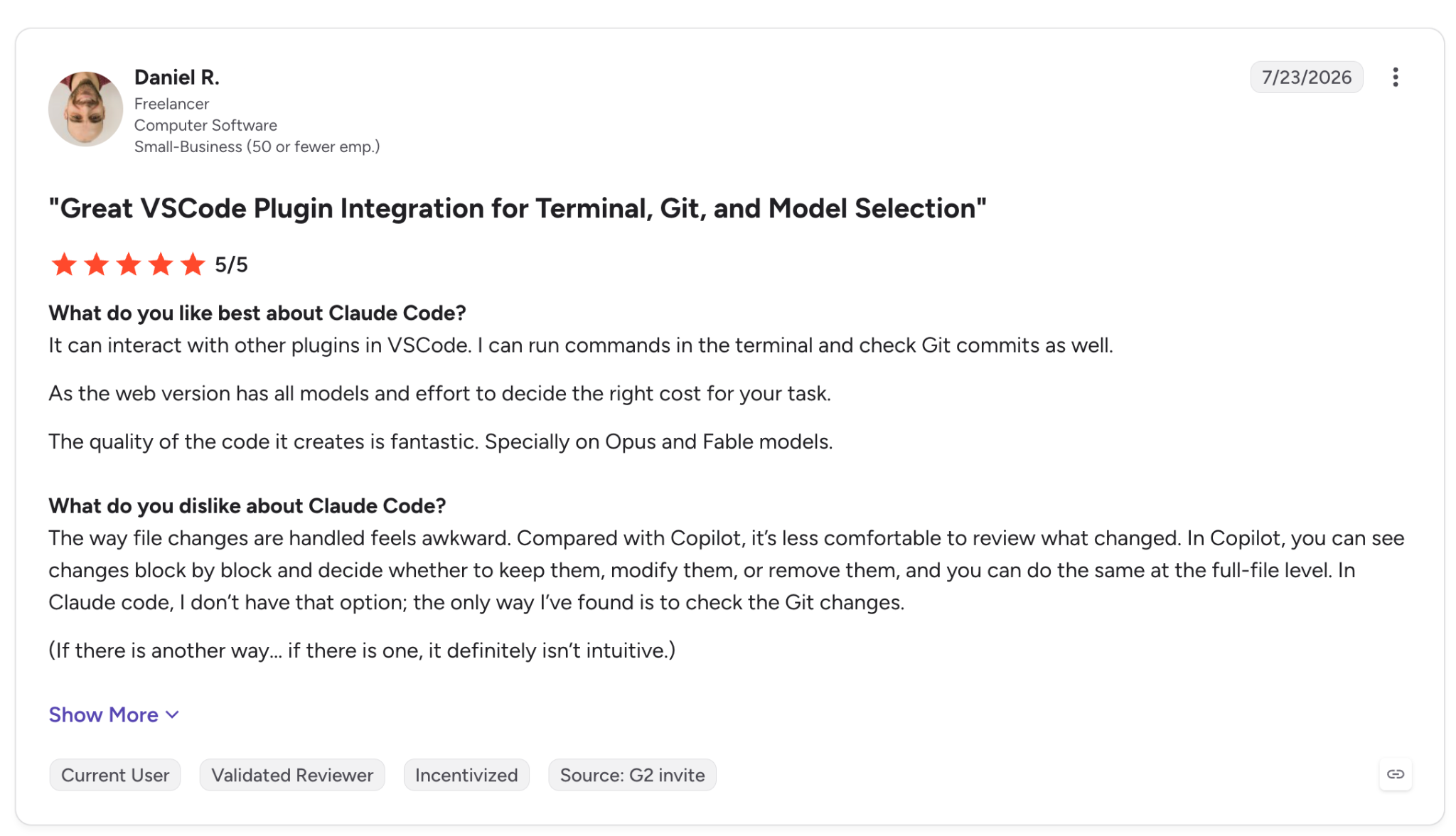
"The quality of the code it creates is fantastic." (Daniel R., G2)
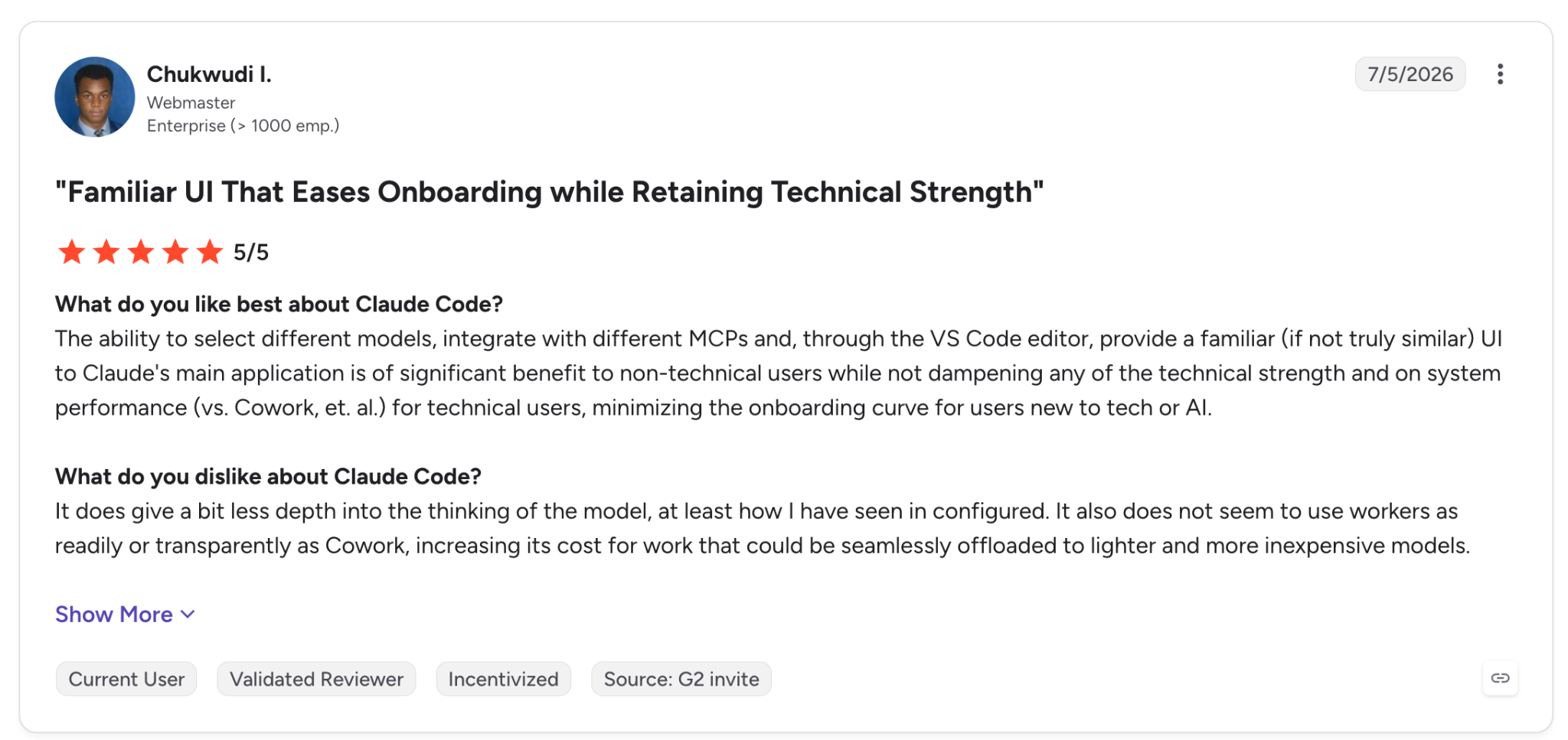
"It does give a bit less depth into the thinking of the model…" (Chukwudi I., G2)
A Hacker News commenter wrote, "When I saw how little my Claude Code limits were burning, I figured it'd be fun to throw Opus 5.5 at this" (HN).
Pricing
Pro is $17/month billed annually ($200 upfront) or $20 monthly, and Max starts at $100/month. Team Standard is $20/seat annually or $25 monthly, and Team Premium is $100/$125.
The Free plan doesn't include Claude Code (pricing). Claude pricing has the full list, and our Claude Code pricing breakdown and the Claude Code alternatives go further.
Bottom line
Claude Code works best if you're comfortable with commands and diffs. Anthropic's docs say it can't route to non-Claude models through any gateway, so check Cursor's model list, or look at Cline or Aider, if you need other vendors' models.
4. GitHub Copilot: Best for teams already living in GitHub
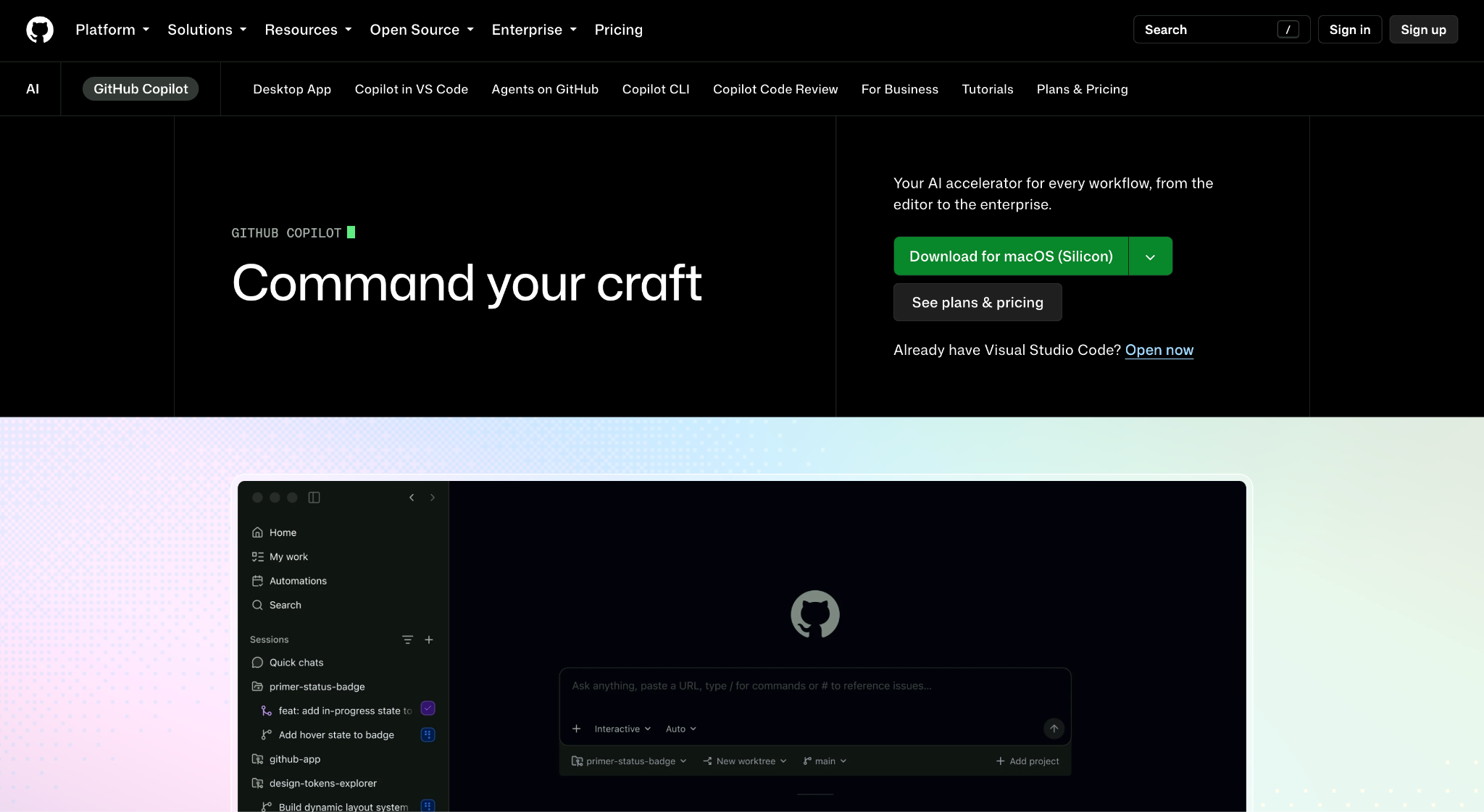
What it does: GitHub Copilot is GitHub's AI coding assistant. It ranges from code completions and chat to agents, with a CLI and code review.
Best for: GitHub organizations that manage Copilot licenses, policies, and audit logs in one place.
Since June 1, 2026, Copilot bills through GitHub AI Credits. Code completions don't use credits. Chat and agents do, as do the CLI and code review (GitHub's billing announcement).
Under the earlier premium-request billing, one Hacker News commenter reported that an agent run "will use anywhere between 17 and 25 premium requests without any user input" (HN).
Key features
- Code completions: Suggest the next lines as you type.
- Agents and chat: The coding agent plans and executes assigned work in the background, and chat answers questions about your code.
- Copilot CLI with your own models: Accepts OpenAI-compatible endpoints, including Ollama, vLLM, and Foundry Local (GitHub docs).
Pros and cons
Pros:
✅ Completions use no credits and stay unlimited on every paid plan.
✅ The free tier gives you 2,000 completions and 50 chat requests a month.
✅ License and policy management for organizations in GitHub's admin tools.
Cons:
❌ Chat and agents use up credits, so heavy agent users can reach the limit early.
❌ Local models don't cover code completions, since the CLI and VS Code Chat accept them and inline suggestions don't.
What users say
Agent mode earns credit for working across files, though one reviewer says Copilot isn't much help when an error appears.
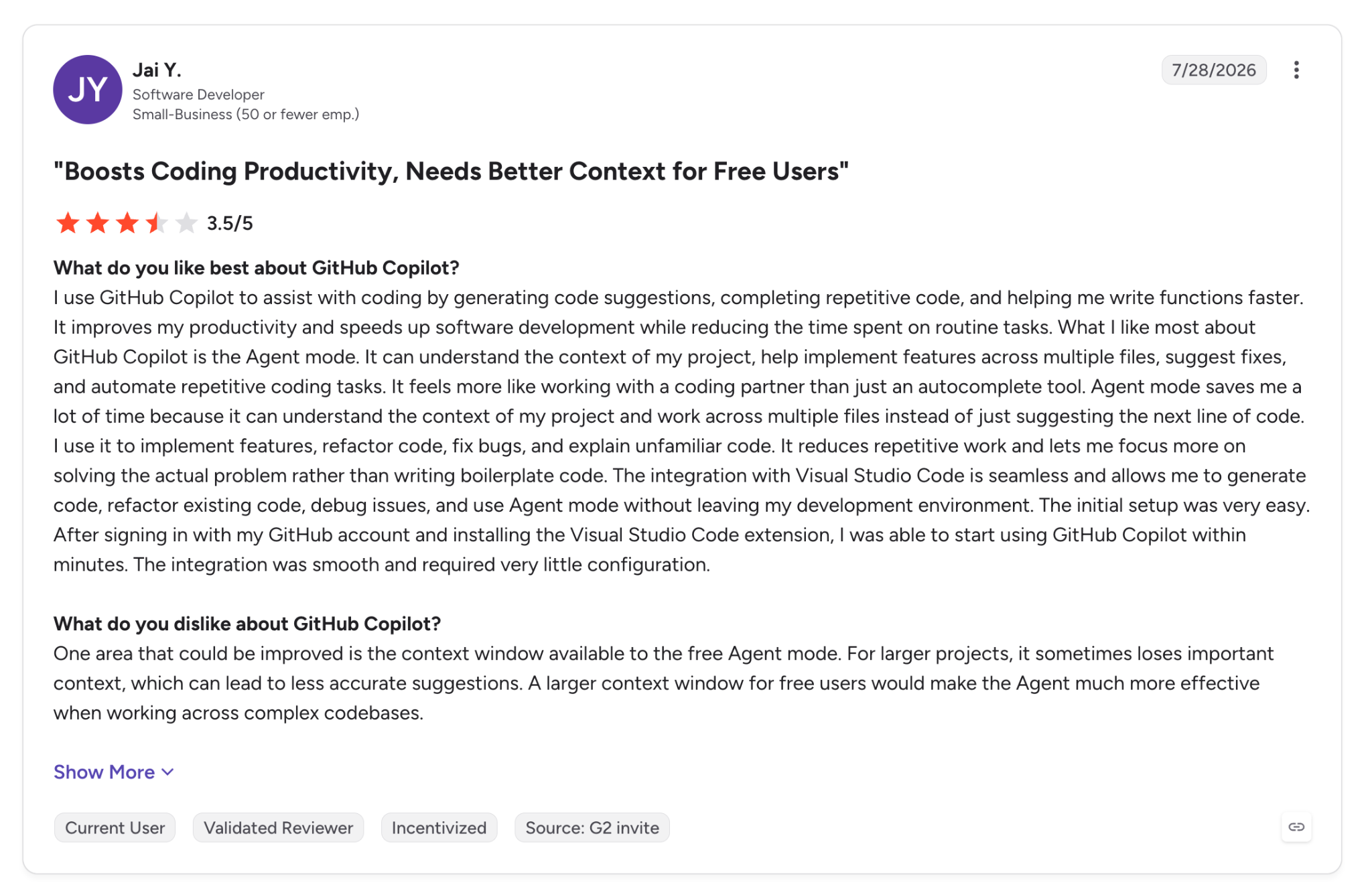
"Agent mode saves me a lot of time because it can understand the context of my project and work across multiple files." (Jai Y., G2)
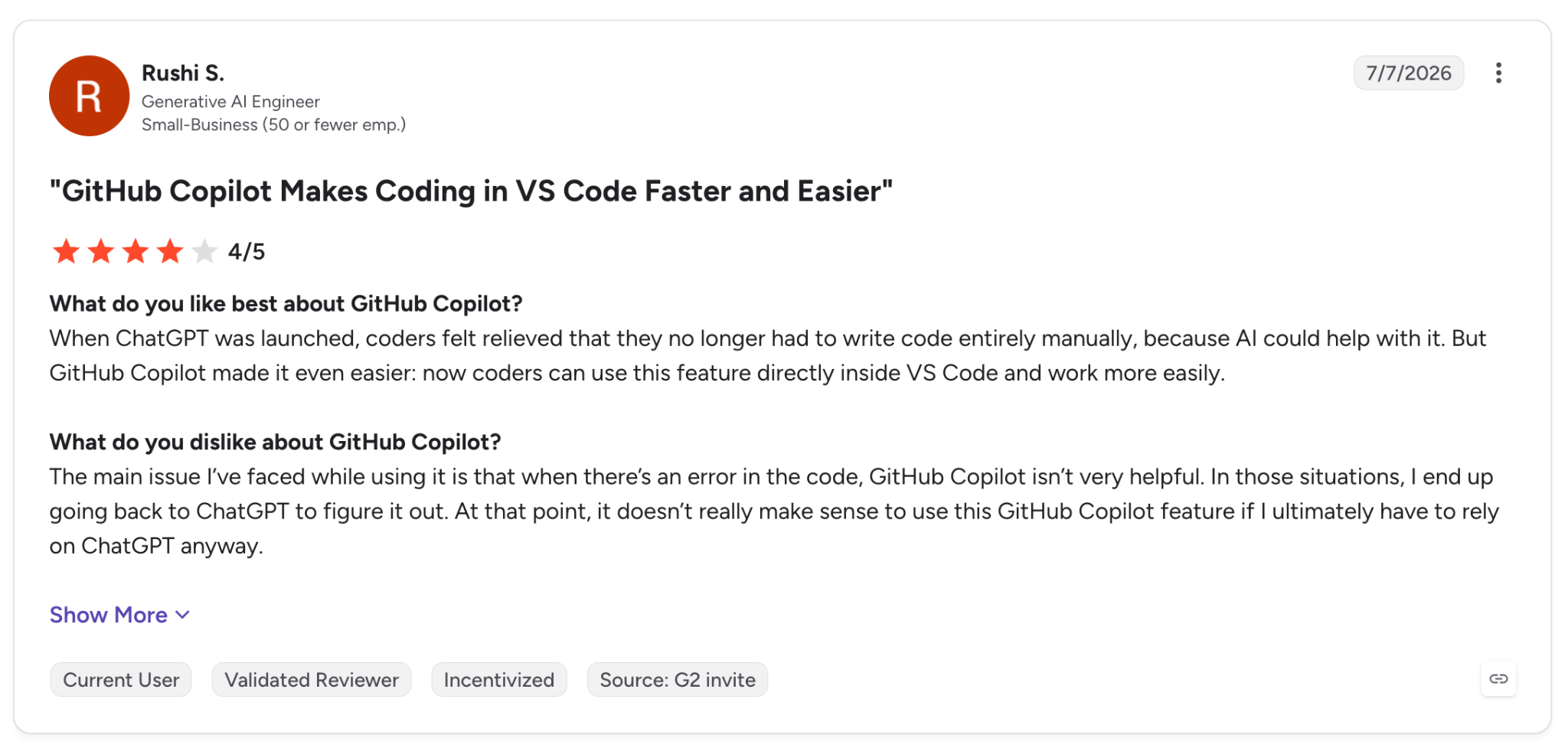
"When there's an error in the code, GitHub Copilot isn't very helpful." (Rushi S., G2)
Pricing
Pro is $10/month with $15 in credits, and Pro+ is $39/month with $70. Max is $100/month with $200, and Business and Enterprise plans are listed on the same page, while the Free plan is $0. GitHub Copilot plans covers the rest, and the Copilot alternatives compares other tools.
Bottom line
If your code and pull requests live in GitHub, Copilot brings license and policy management under the same admin tools. Heavy agent use can use up the credit allowance quickly, since chat and agents both consume it.
5. OpenAI Codex: Best for delegating tasks to the cloud
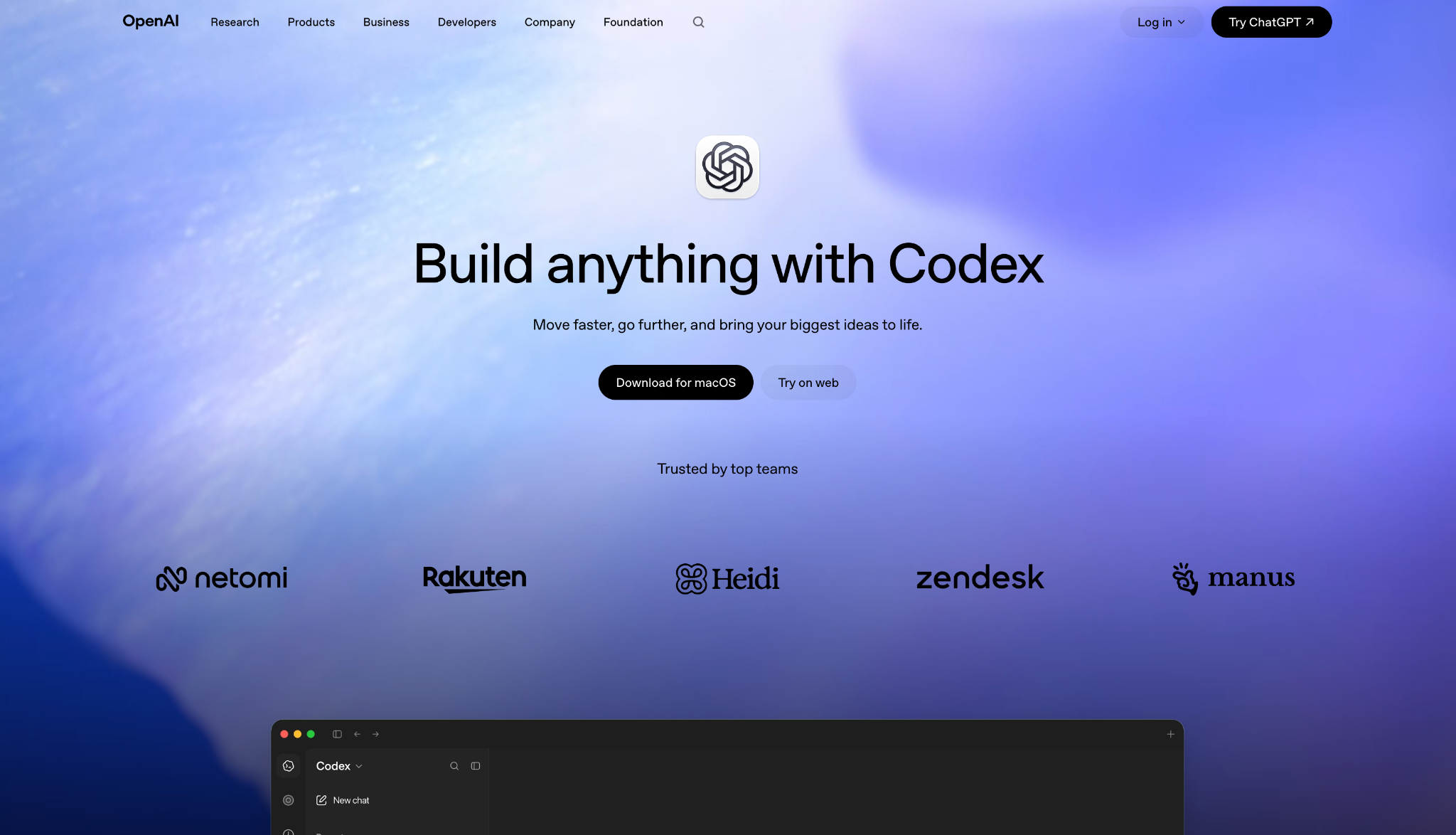
What it does: OpenAI Codex is OpenAI's coding agent for software development, with parallel agents and Codex Cloud, where each task gets its own workspace.
Best for: Well-defined tasks you can hand off and review as a pull request later.
Codex works as a delegation tool. You hand a task to Codex Cloud, which can keep working while your computer is asleep, and you review the pull request later.
It can also run local models with the --oss flag through Ollama or LM Studio (OpenAI config docs).
Community reports on cloud delegation are still sparse. One commenter (simonw) wrote on Hacker News that he was "successfully using one of the earliest async cloud environments - Codex Cloud - to scrape websites" (HN).
Key features
- Parallel cloud tasks: Several tasks run at the same time.
- Codex Cloud: Each task can keep working while your computer is asleep.
- Pull request review: Reviews pull requests automatically once you enable it in settings, or on request with @codex review.
Pros and cons
Pros:
✅ Cloud tasks continue while your computer is asleep.
✅ Local models via --oss, for teams whose code has to stay on their own systems.
✅ Included with ChatGPT plans, with limited access on Free and Go.
Cons:
❌ Local messages and cloud tasks share one plan allowance.
❌ Free and Go give only limited Codex access, so everyday use starts at Plus.
What users say
Reviewers say it speeds up development, and one reports it losing some context in large projects.
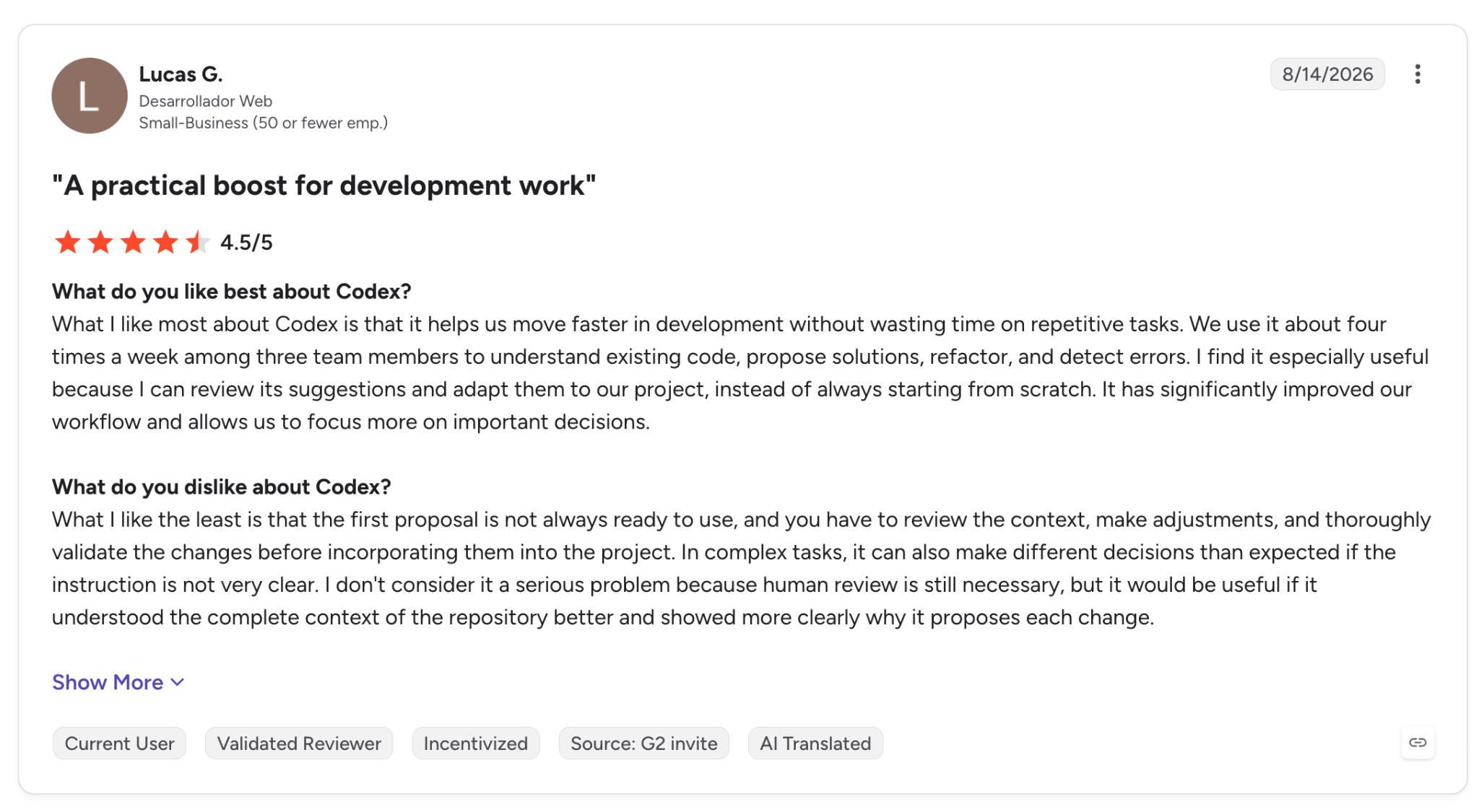
"It helps us move faster in development without wasting time on repetitive tasks." (Lucas G., G2)
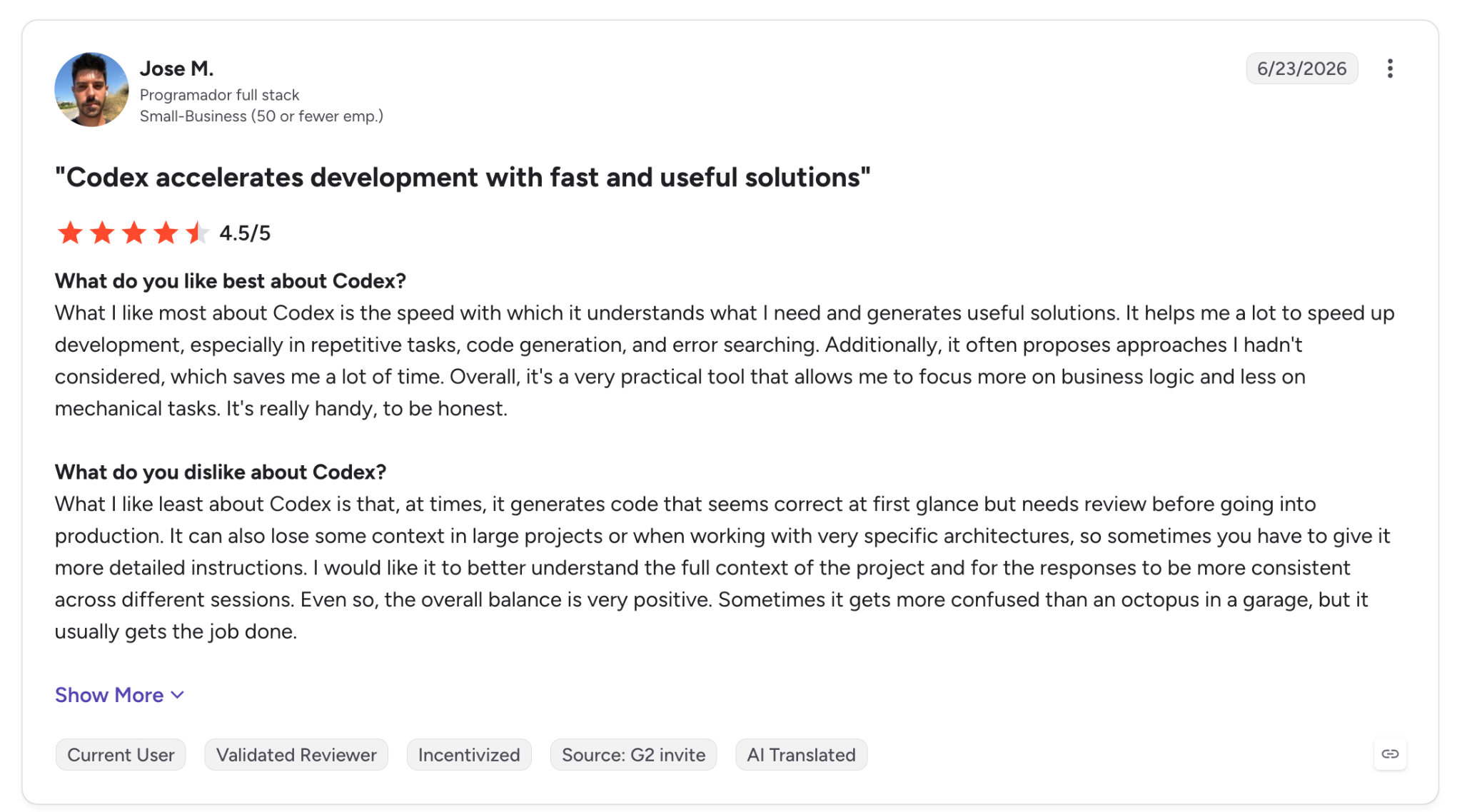
"It can also lose some context in large projects or when working with very specific architectures." (Jose M., G2)
Pricing
Plus is $20/month, and Pro starts at $100/month, with tiers at $100, $200, and $500. Business is $20/user/month billed annually or $25 monthly, while Free is $0 and Go is $8/month, both with limited Codex access. ChatGPT pricing has the full tier list.
Bottom line
Codex works best when you can write a clear task description and review the result later. A G2 reviewer reports it losing some context in large projects, so keep each task tightly scoped.
6. Devin Desktop: Best for managing local and cloud agents in one view
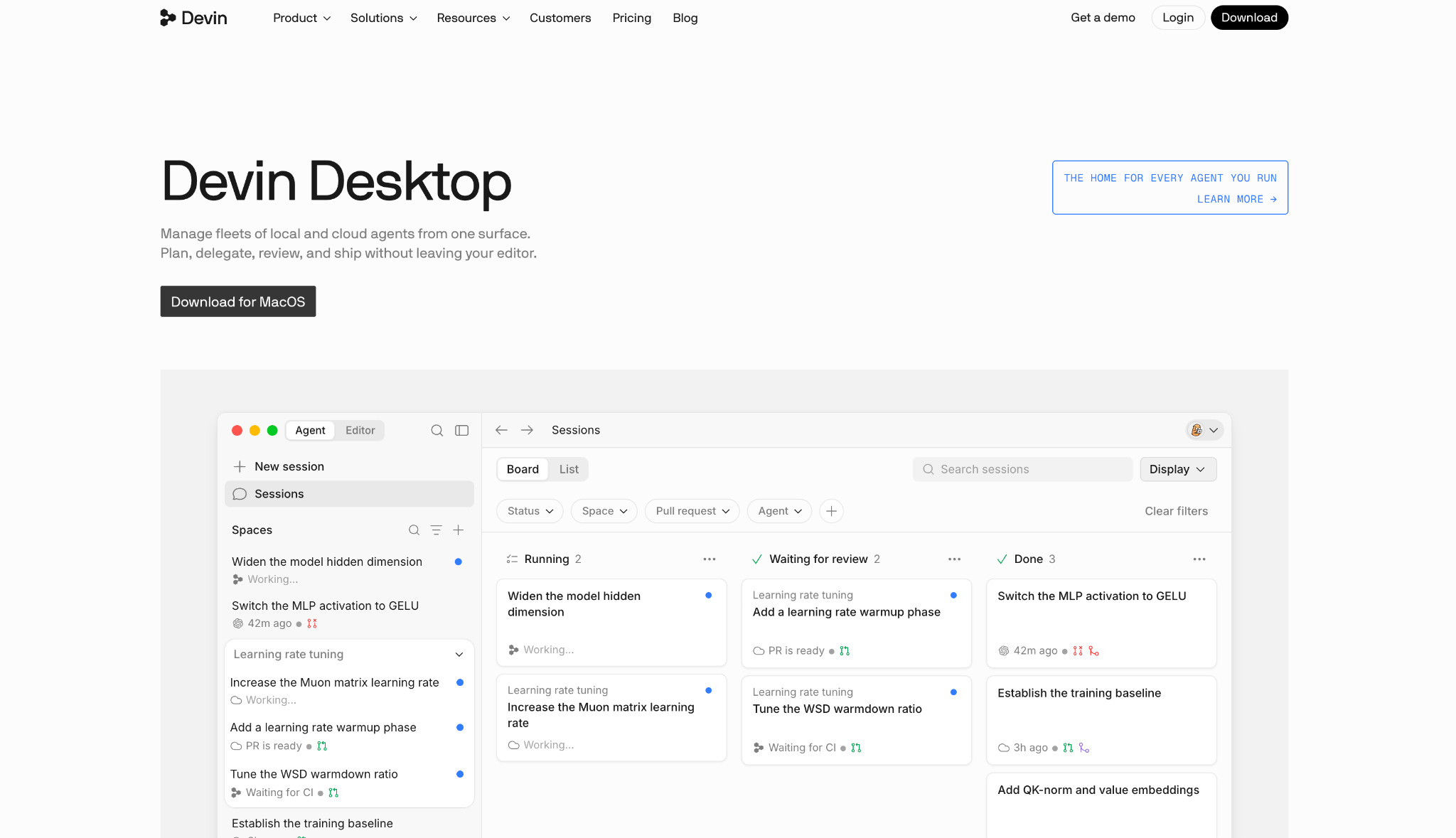
What it does: Devin Desktop is the editor formerly known as Windsurf, renamed on June 2, 2026 and now organized around Devin's local and cloud agents (Devin announcement).
Best for: Running several agents at once, with a board to watch them.
The Agent Command Center shows local and cloud agents on a single Kanban view, which is the main reason to consider Devin Desktop. Devin Local replaces Cascade as the primary local agent (Devin blog).
Community feedback on the desktop app is thin. One Hacker News commenter who compared several tools said, "I've mostly focused on the cloud agents, which I was explicitly looking for" (HN).
Key features
- Agent Command Center: One Kanban view for local and cloud agents.
- Devin Local: The primary local agent.
- Cloud delegation: Hand a task to a cloud agent from the same window.
Pros and cons
Pros:
✅ You get status at a glance for the agents you have running.
✅ You can try it on a free tier before paying.
Cons:
❌ Windsurf users who relied on Cascade have to move to Devin Local, its successor.
❌ No documented model controls in Devin Desktop's FAQ, which doesn't say whether you can bring your own key or a local model, so ask before using it with sensitive code.
What users say
G2 currently covers Devin, the cloud agent, so the reviews below describe that product and not Devin Desktop. One reviewer says it turns ideas into software, and another says it still needs oversight.
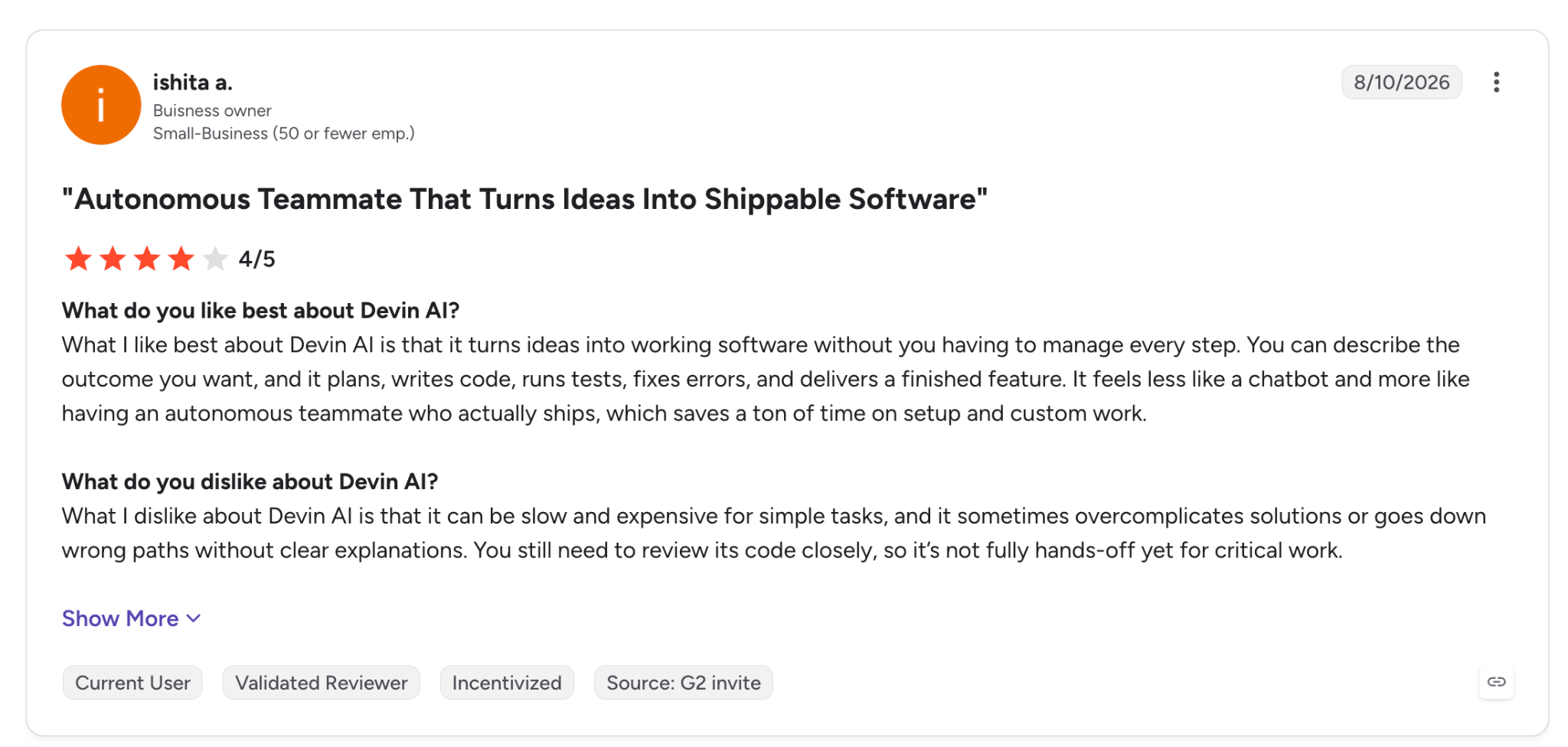
"it turns ideas into working software without you having to manage every step." (Ishita A., G2)
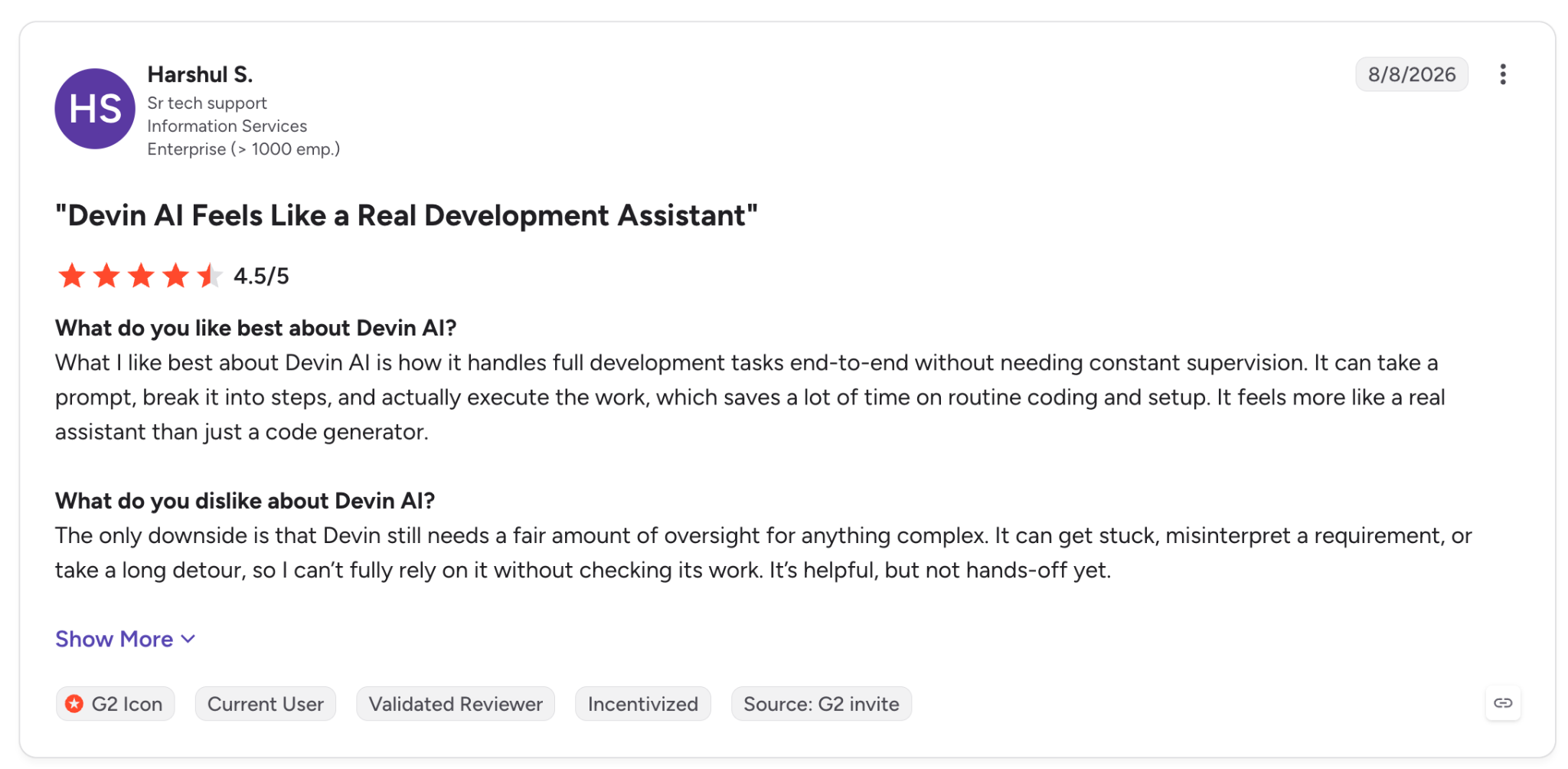
"Devin still needs a fair amount of oversight…" (Harshul S., G2)
Pricing
Pro is $20/month and Max is $200/month, and Teams is an $80 base plus $40 per full developer seat. The Free plan is $0. Devin pricing has the details.
Bottom line
Devin Desktop is worth considering once you manage several agents and lose track of them. If you used Cascade, plan for the move to Devin Local, which replaces it.
7. Cline: Best for open-source agents with approval controls
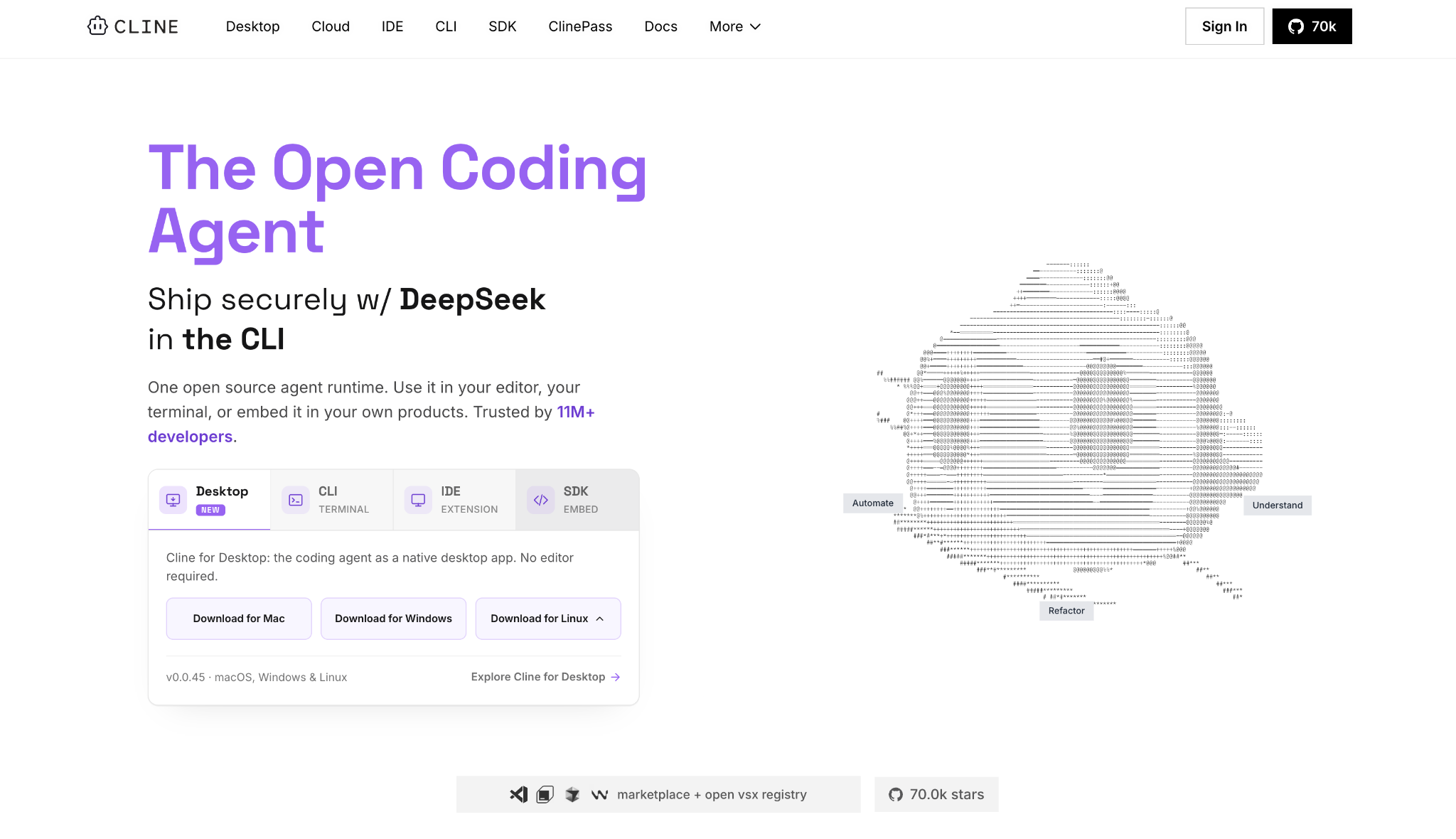
What it does: Cline is an open-source AI coding agent for your editor and terminal, free under the Apache 2.0 license, with model inference at cost or your own keys.
Best for: An agent that asks before each file edit and command, unless you enable Auto Approve.
Cline asks for your approval on each action unless you turn on Auto Approve for a category. It's available in VS Code, Cursor, Windsurf, and JetBrains (Early Access), plus a CLI and a desktop app.
A Hacker News commenter noted that, with MCP servers in Cline, you can "configure which actions/tools are auto-approved" (HN).
Key features
- Approval controls: You review each edit and command before it runs, unless you enable Auto Approve for that category.
- Local models: Run through Ollama or LM Studio, so inference happens on your own machine (Cline docs).
- Many surfaces: VS Code, Cursor, Windsurf, JetBrains (Early Access), a CLI, and a desktop app.
Pros and cons
Pros:
✅ Cline is open source under Apache 2.0, with 67.6k stars on GitHub.
✅ Approval gates you control, from step-by-step sign-off to Auto Approve for chosen actions.
✅ Bring your own keys or local models, so you pay only for model inference.
Cons:
❌ Local models need a capable machine, and Cline's docs call for 32 to 64 GB of memory for mid-size models.
❌ JetBrains support is still Early Access.
What users say
One reviewer rates it the best coding agent out there, while another says it kept getting stuck.
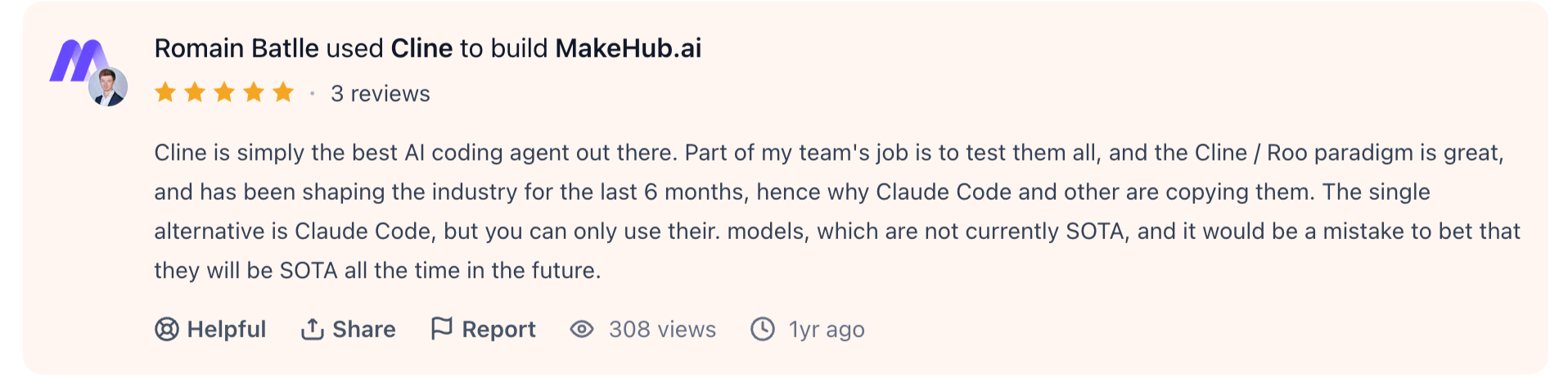
"Cline is simply the best AI coding agent out there." (Romain Batlle, Product Hunt)
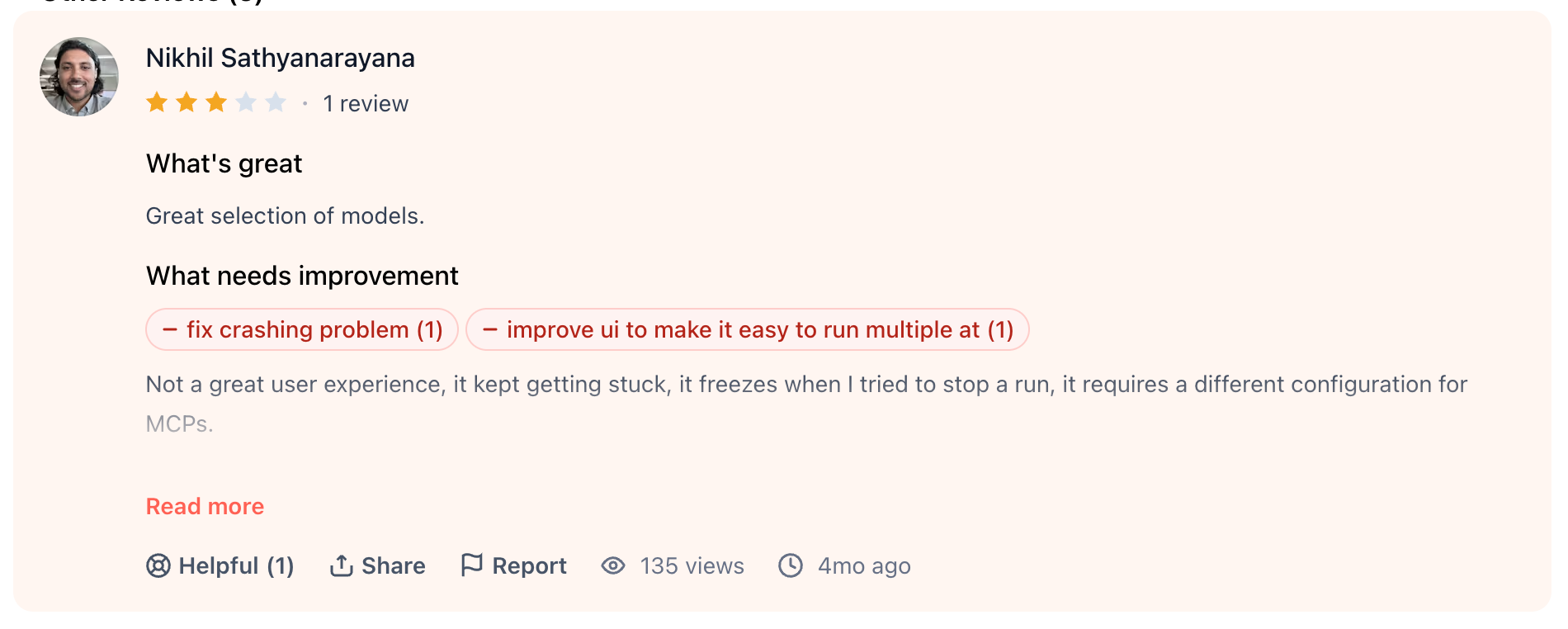
"it kept getting stuck…" (Nikhil Sathyanarayana, Product Hunt)
Pricing
Enterprise pricing is custom, and there's no Teams plan. The Open Source plan is free, and you pay only for model inference, or you bring your own keys. Details are on Cline pricing.
Bottom line
Cline lets you inspect each action before it runs. Unless you turn on Auto Approve, each edit and command waits for your click, which takes time on long tasks.
8. Aider: Best for terminal pair programming with almost any model
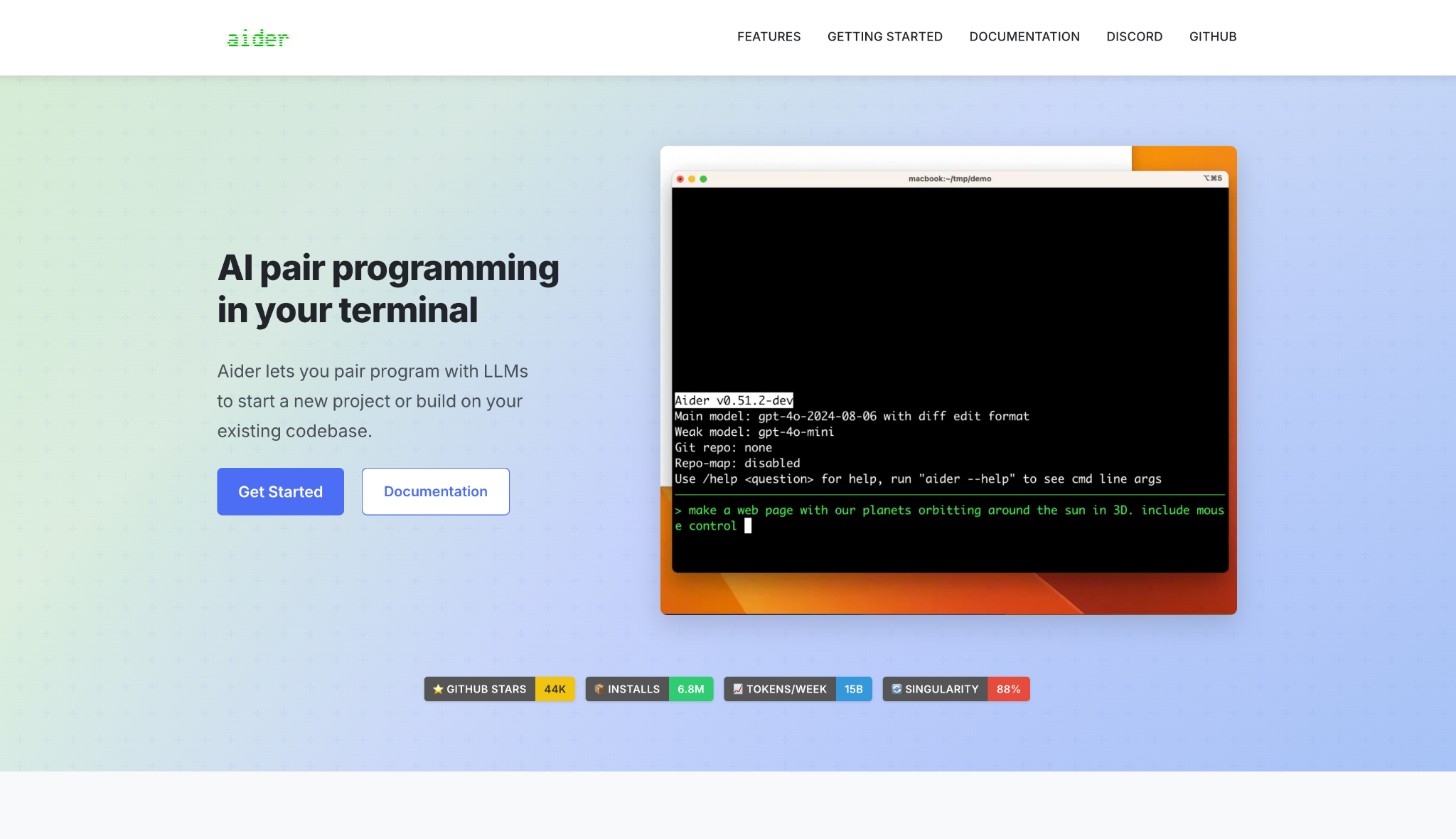
What it does: Aider is free, open-source AI pair programming in your terminal under the Apache 2.0 license, run with your own API keys or a local model.
Best for: Terminal-first work with almost any model, including a local one.
Aider works in the terminal and connects to almost any LLM, and it commits each edit to Git with a descriptive message (Aider docs). It supports local models through Ollama with aider --model ollama_chat/<model> (Aider docs), and LM Studio works too.
Aider's maintainer has said on Hacker News that Ollama's default context setting is "a harsh foot-gun that seems to harm many ollama users" (HN), so check that setting before you point Aider at a local model.
Key features
- Almost any LLM: Bring your own keys or point at a local model.
- Terminal workflow: Edits happen in the shell you already use.
- Open source: Apache 2.0 lets you read and modify it (GitHub).
Pros and cons
Pros:
✅ Aider is free software, with no subscription to pay.
✅ You can swap models without changing tools.
✅ Open source under Apache 2.0, with the code on GitHub.
Cons:
❌ It works with one repo at a time, and its FAQ says it isn't tuned for speed in very large repos (Aider FAQ).
❌ Many models have output limits as low as 4k tokens, which can truncate long edits (Aider token limits).
What users say
Aider has only one review on Product Hunt. Both quotes come from the same reviewer.
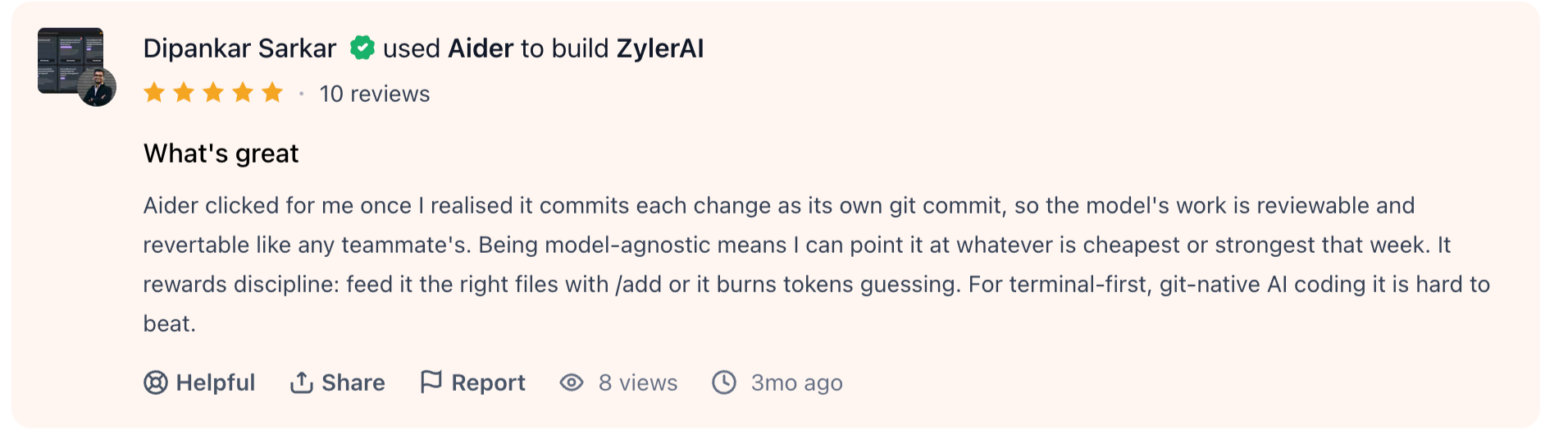
"For terminal-first, git-native AI coding it is hard to beat." (Dipankar Sarkar, Product Hunt)
"It rewards discipline: feed it the right files with /add or it burns tokens guessing." (Dipankar Sarkar, Product Hunt)
Pricing
You pay your model provider for any API calls, and Aider itself is free to download and use. The project has no pricing page. The cost is whatever your chosen model charges. Details live on aider.chat.
Bottom line
Aider is a lightweight terminal tool that leaves the model choice to you. Its FAQ says it isn't tuned for speed in very large repos, so test it on your biggest codebase before you standardize on it.
9. Gemini Code Assist: Best for Google Cloud teams
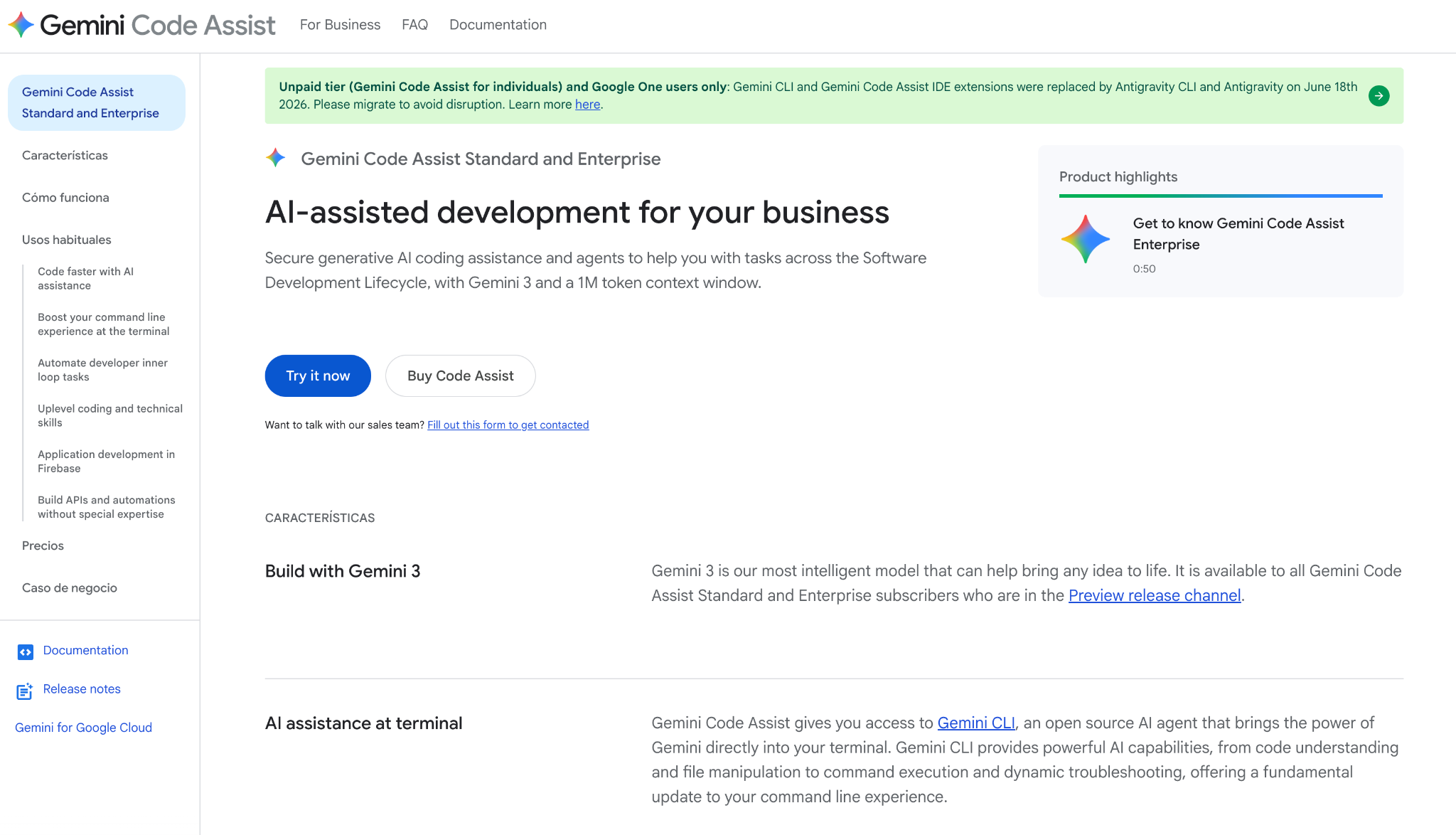
What it does: Gemini Code Assist is Google Cloud's AI coding assistant for organizations, covering code completion and chat as well as code review, in VS Code and JetBrains, plus Cloud Workstations.
Best for: Google Cloud organizations that need an assistant managed and billed by seat.
Google stopped serving the individual, AI Pro, and AI Ultra tiers on June 18, 2026 (Google deprecation notice), so Gemini Code Assist is now a team product.
One Hacker News commenter put the split this way, "I find Google's models better than their public tooling" (HN).
Key features
- 1M-token context window: Included in both Standard and Enterprise.
- Code review and chat: Reviews changes and answers questions inside the IDE.
- Enterprise controls: VPC Service Controls and access controls on the Enterprise edition, plus IP indemnification on Standard and Enterprise.
Pros and cons
Pros:
✅ Both editions include a 1M-token context window.
✅ Standard and Enterprise include IP indemnification.
✅ VPC Service Controls and access controls come with the Enterprise edition.
Cons:
❌ There has been no individual plan since June 18, 2026.
❌ Agent mode is still in preview and, per Google's docs, available in VS Code and IntelliJ.
What users say
One reviewer says it feels informed about their codebase, and another warns it can hallucinate code, especially with newer API updates.
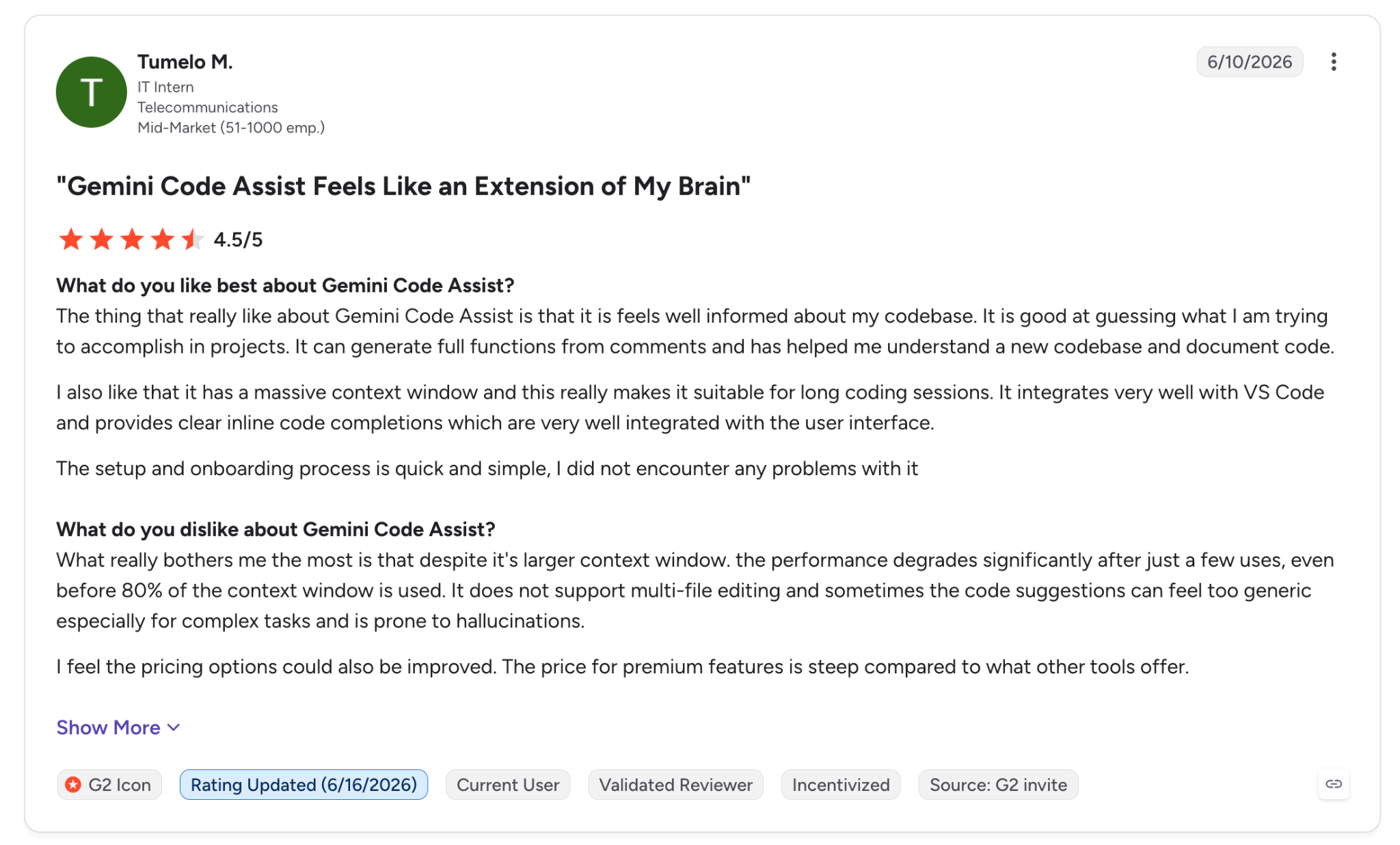
"feels well informed about my codebase." (Tumelo M., G2)
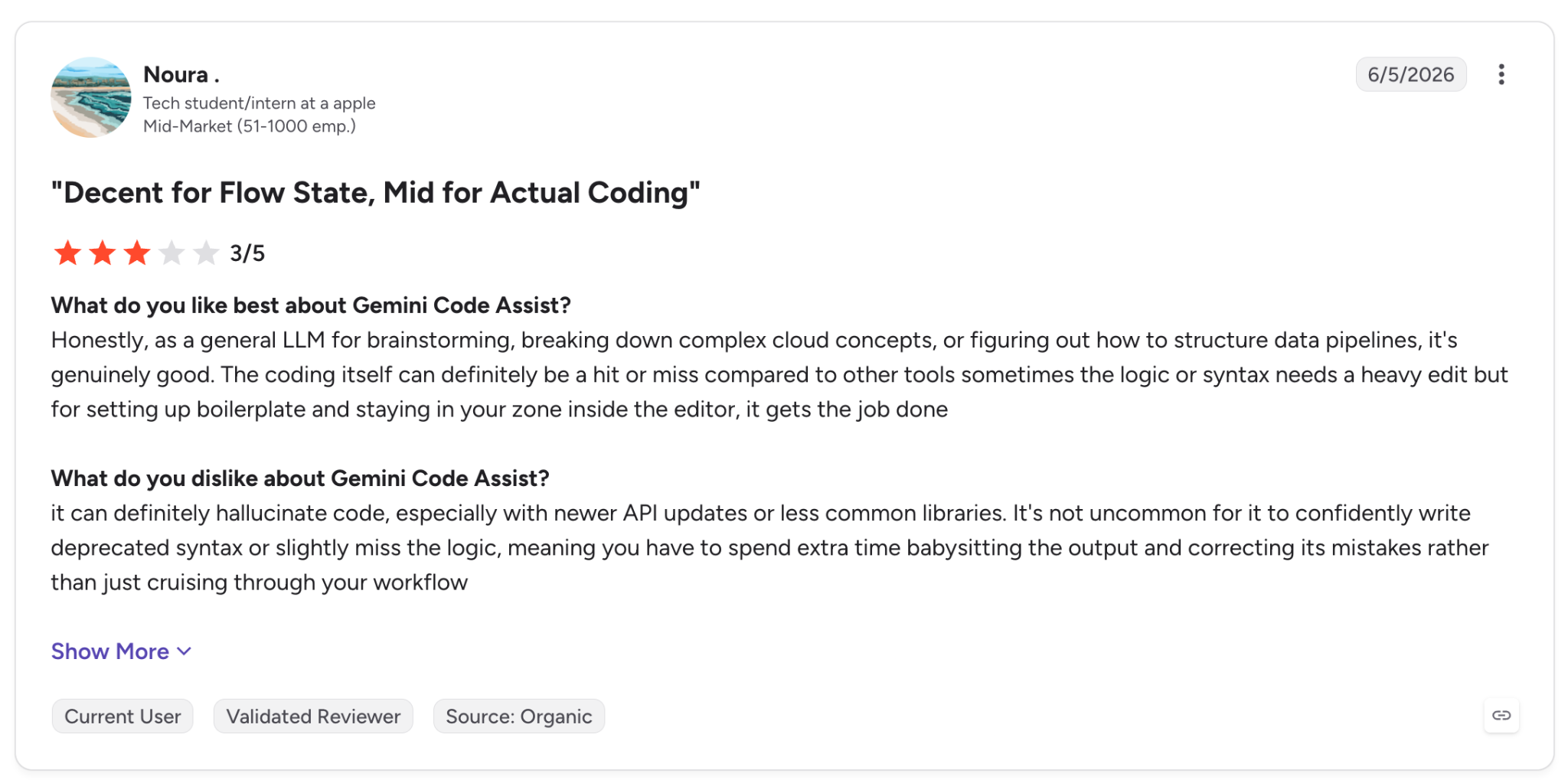
"it can definitely hallucinate code, especially with newer API updates or less common libraries." (Noura, G2)
Pricing
Standard is $19/user/month with an annual commitment or $22.80 billed monthly. Enterprise is $45/user/month annually or $54 monthly. The full comparison is on Gemini Code Assist pricing.
Bottom line
Gemini Code Assist works for a Google Cloud organization that buys seats centrally. Google no longer sells an individual plan, so a freelancer will need a different tool.
10. Replit: Best for building and hosting an app in one place
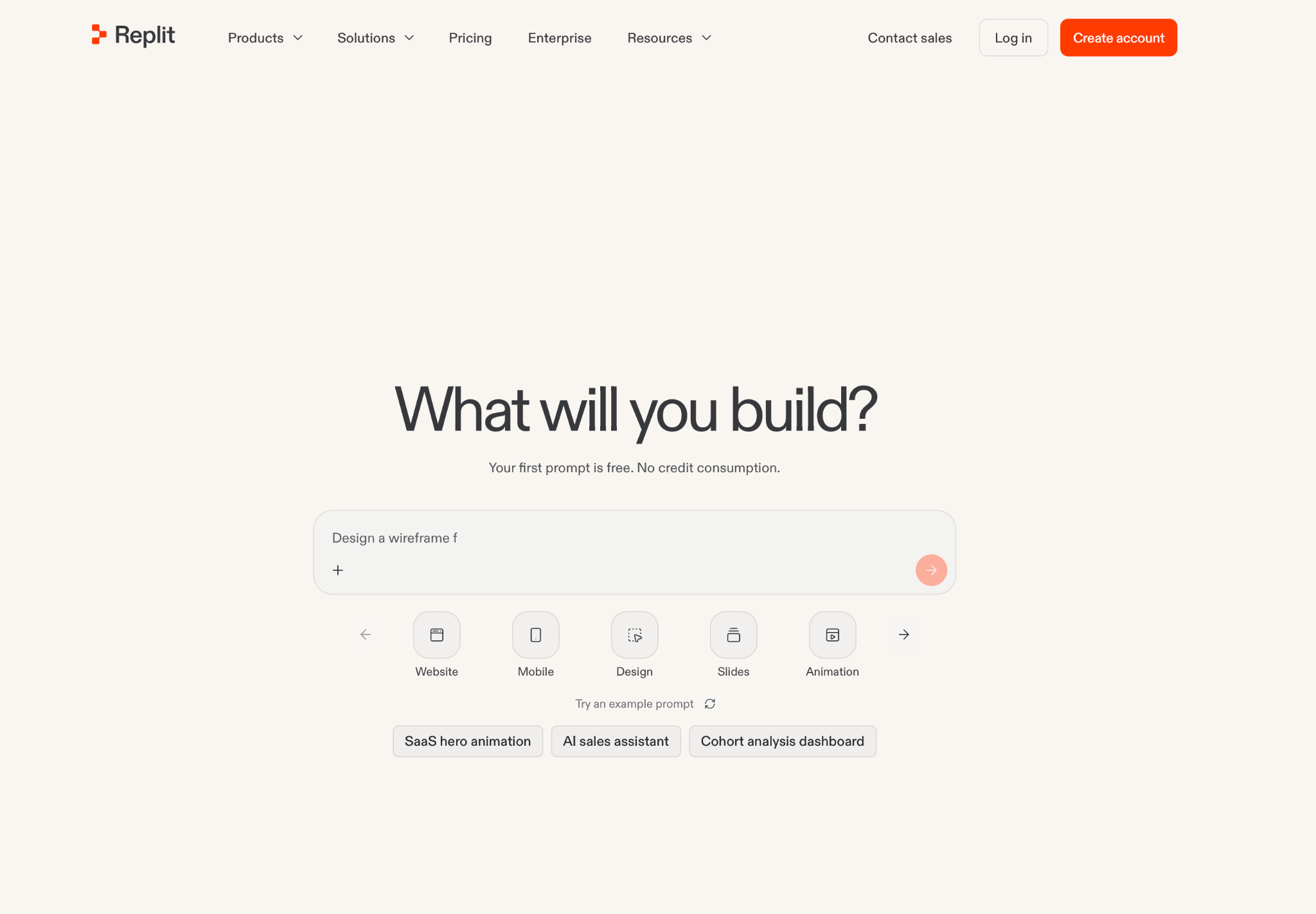
What it does: Replit describes itself as an AI app and website builder, and the Agent writes, runs, and publishes what you ask for.
Best for: Building everything from code to hosting in one environment.
Parallel task execution lets several builders work on one codebase. Replit creates apps from prompts.
One Hacker News commenter who otherwise liked Replit Agent said it "truncated the table that stores all of the user calls" while fixing a subscription bug (HN).
Key features
- Agent: Writes and publishes an app from a description.
- Included infrastructure: Authentication, database, hosting, and monitoring in one place.
- Parallel tasks: Several builders work on one codebase, with up to 15 collaborators on Pro.
Pros and cons
Pros:
✅ Included services such as the database and hosting need no setup, according to Replit.
✅ Hosting and the database come included in the same environment.
✅ Parallel tasks let several builders work on one codebase.
Cons:
❌ Effort-based pricing means Agent work is charged by how much effort each request takes (Replit billing docs).
❌ Apps are created from prompts, so a developer with a large existing repo gets less from it.
What users say
The zero-setup environment gets the praise, and one reviewer flags RAM and CPU throttling that can cause lag.
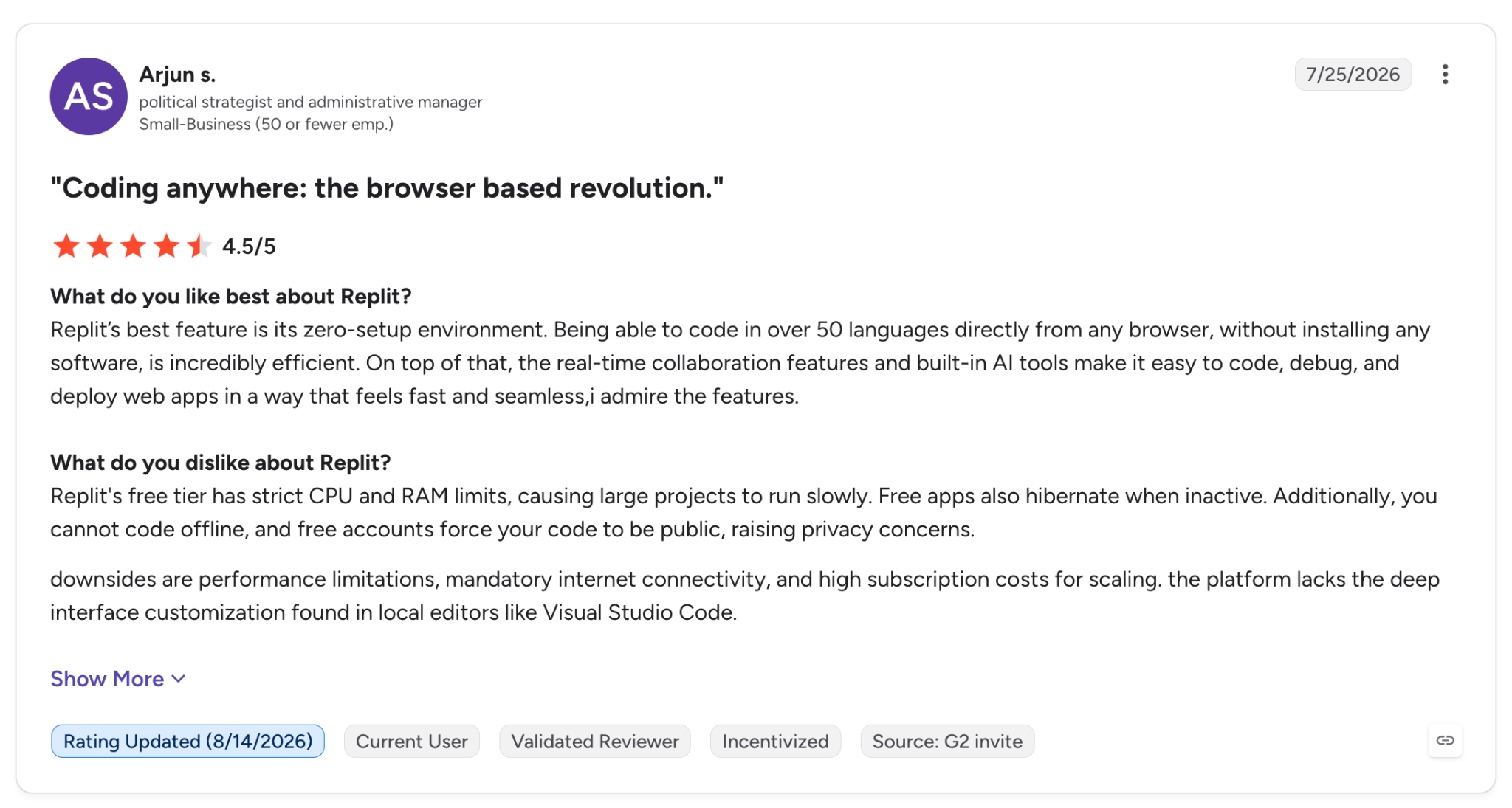
"Replit's best feature is its zero-setup environment." (Arjun S., G2)
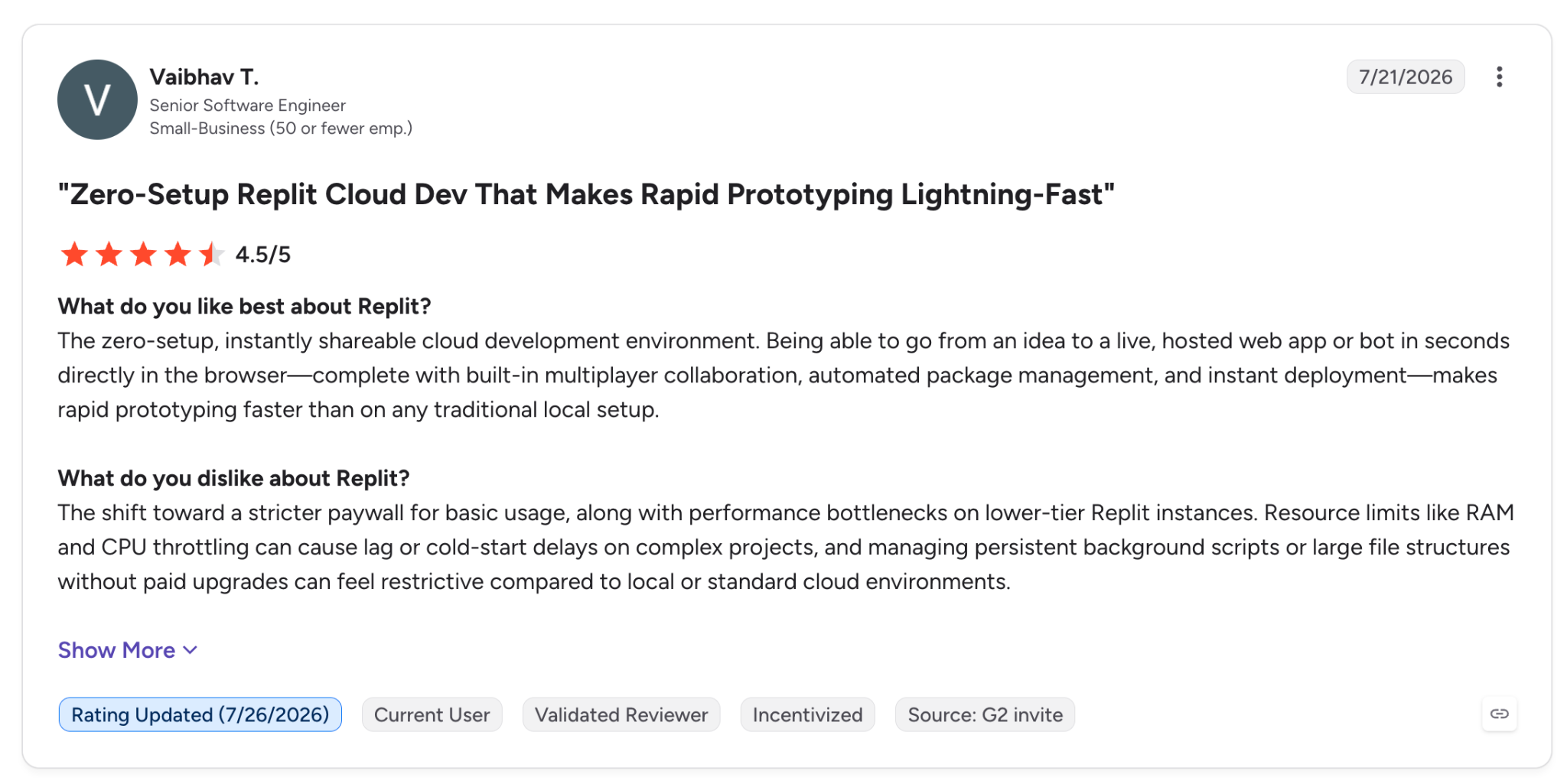
"Resource limits like RAM and CPU throttling can cause lag or cold-start delays…" (Vaibhav T., G2)
Pricing
Core is $20/month ($18 billed annually) and includes $20 toward powerful models and 30 hours of Free Mode chat. It also covers 60 projects. Pro is $100/month ($90 annually). Enterprise pricing is custom. Check Replit pricing for the current numbers.
Bottom line
Replit takes you from idea to a live app without a separate infrastructure setup. A developer with a large existing repo gets less from it, since it creates apps from prompts.
11. Amazon Q Developer: Best for teams on AWS
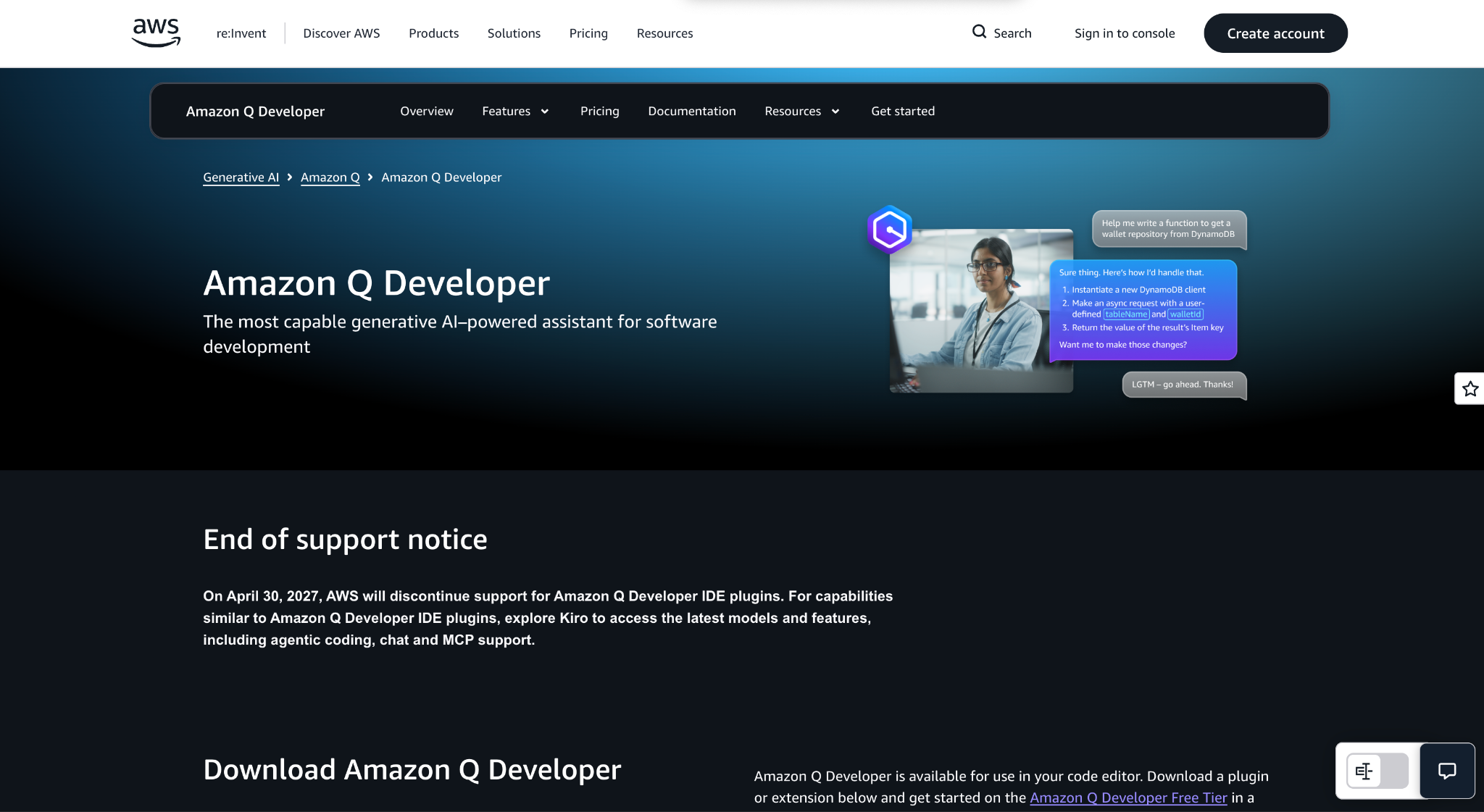
What it does: Amazon Q Developer is AWS's generative AI assistant for software development, with agentic coding, code transformation, and security scanning.
Best for: Help with AWS questions, plus Java or .NET upgrades, for developers on AWS.
Amazon Q Developer's agentic coding reads and writes files, and it runs shell commands on your behalf, according to AWS.
AWS documents IDE support for JetBrains, IntelliJ IDEA, Visual Studio, VS Code, and Eclipse (preview), plus CLI autocompletions.
That support has an end date, though. AWS's own notice says "On April 30, 2027, AWS will discontinue support for Amazon Q Developer IDE plugins," and points users to Kiro, its agentic coding tool with chat and MCP support (AWS).
On Hacker News, an Amazon employee outside the Kiro team wrote, "Surprisingly Kiro is fine," and said Amazon Q Developer in IntelliJ is now deprecated (HN).
Key features
- Agentic coding with /dev: Handles multistep jobs like unit tests and documentation from the IDE.
- Code transformation: Upgrades Java applications and ports .NET Framework apps to cross-platform .NET, per AWS.
- Security scanning: Flags vulnerabilities and suggests fixes.
Pros and cons
Pros:
✅ The free tier includes 50 agentic requests a month.
✅ Java transformation comes with 1,000 free lines a month.
✅ The Pro plan includes AWS IAM Identity Center and IP indemnity.
Cons:
❌ IDE plugin support ends April 30, 2027, and AWS points users to Kiro.
❌ /dev has caps, with ten implementation plans and three code generations per task, and AWS advises scoping a feature to five files (AWS docs).
What users say
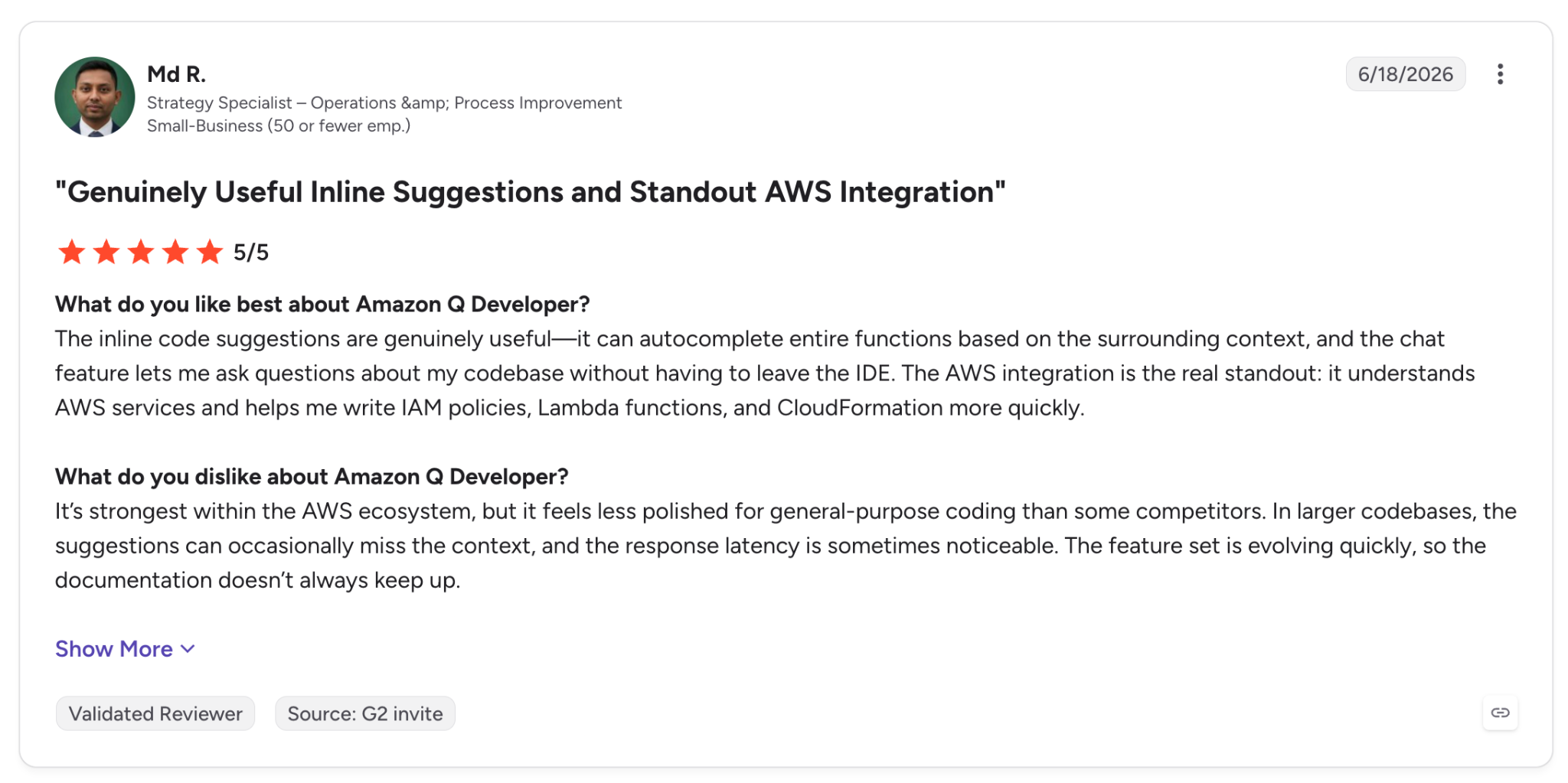
"The AWS integration is the real standout: it understands AWS services and helps me write IAM policies, Lambda functions, and CloudFormation more quickly." (Md R., G2)
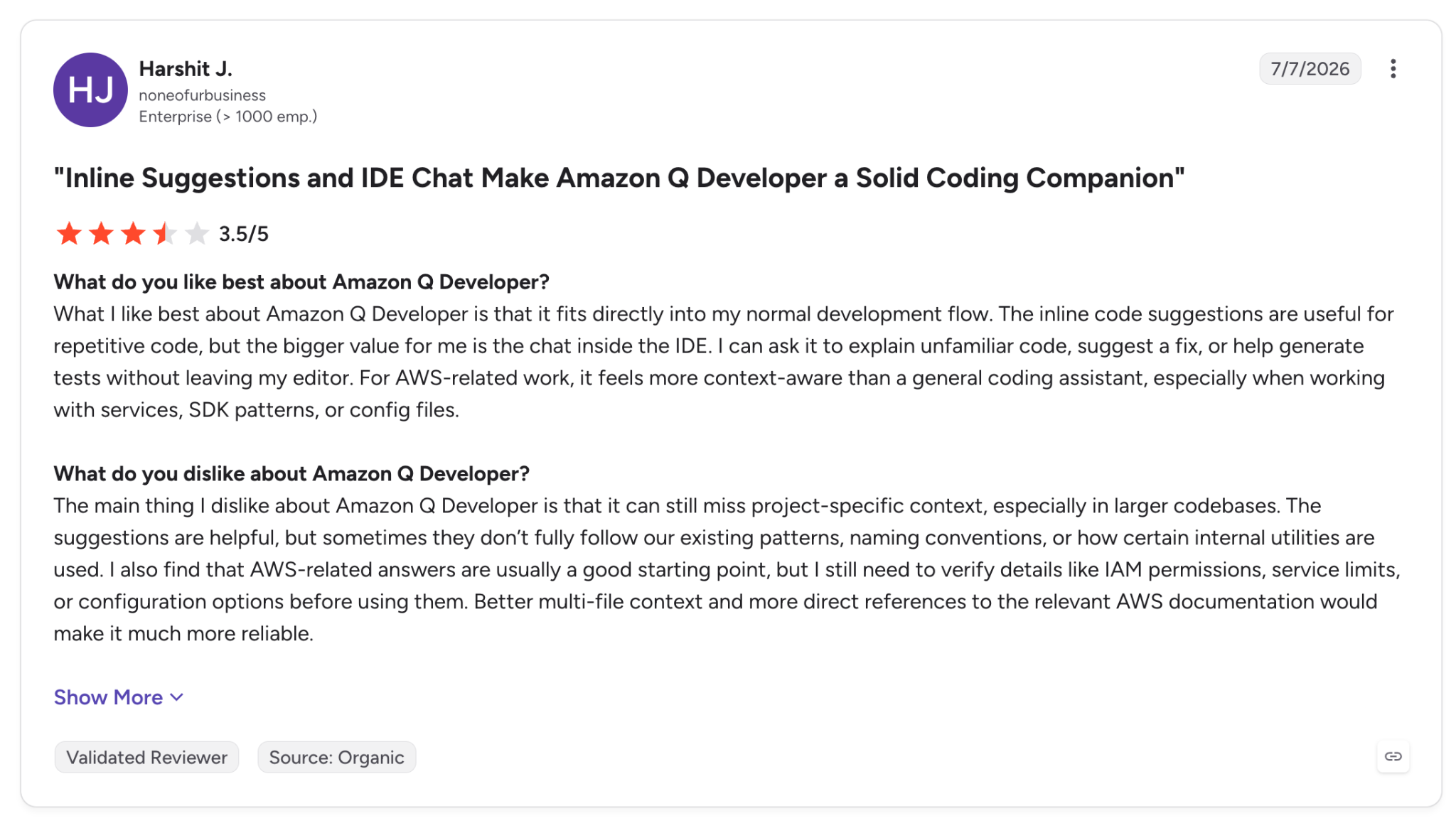
"it can still miss project-specific context, especially in larger codebases." (Harshit J., G2)
Pricing
Pro is $19/user/month with 4,000 lines pooled and $0.003 per line after that. Free includes 50 agentic requests a month and 1,000 lines of Java transformation. Amazon Q Developer pricing has the full breakdown.
Bottom line
Amazon Q Developer suits a stack that runs on AWS, and its free tier makes it easy to start. Before any wide rollout, factor in that AWS has set an end date for its IDE plugins and points users to Kiro.
Which AI coding assistant should you choose in 2026?
Your choice among the best AI coding assistants depends on where your team writes code and who has to approve what goes live. The editor and terminal tools here work on a developer's own code, while Superblocks adds central permissions and audit logs.
Choose Superblocks if you:
- Have business teams building internal apps that security must review.
- Need one audit trail across the apps your teams create, deployed in your own environment (Enterprise).
Choose Cursor if you:
- Prefer parallel agents and a choice of hosted models inside an editor, and don't need local models.
Choose Claude Code if you:
- Live in the terminal and accept Claude models only, with Git steps and pull requests handled for you.
Choose GitHub Copilot if you:
- Keep code and reviews in GitHub and like a $10 entry point, as long as you watch credit usage.
Choose OpenAI Codex if you:
- Hand off tasks and let them keep running in the cloud, with one plan allowance shared by local and cloud use.
Choose Devin Desktop if you:
- Manage several local and cloud agents and need one board to track them.
Choose Cline or Aider if you:
- Need open-source tools, local models, or control over what you spend on models.
Choose Gemini Code Assist if you:
- Run on Google Cloud and buy seats centrally, knowing there's no individual plan.
Choose Replit if you:
- Need an app live quickly, with authentication, database, and hosting included.
Choose Amazon Q Developer if you:
- Build on AWS, and plan for the end of IDE plugin support.
Skip this category if your policy bans sending code to outside models and your machine can't run a mid-size local model, which Cline's docs put at 32 GB or more of memory.
Final verdict
Of the best AI coding assistants here, I'd choose Superblocks for enterprise teams that need governed AI-generated apps, because Audit Logs, central permissions, and Git source control give security a way to review what business users and developers create.
Cursor suits editor-first developers, and Claude Code suits the terminal. Copilot gives GitHub teams a $10/month entry point.
If security review is your main obstacle, Superblocks offers a 14-day trial on Teams, and Enterprise covers VPC deployment, so you can test it against your stack.
Frequently asked questions
What is the best AI coding assistant in 2026?
The best AI coding assistant in 2026 depends on where you work. I'd start with Cursor for editor-first work and Claude Code for the terminal, and with Copilot for GitHub teams.
Superblocks works better when IT wants approval and audit control over apps that developers and business users create together. For enterprise comparisons beyond assistants, see our guide to the enterprise vibe coding tools.
Which is the best AI model for local coding?
Qwen3-Coder 30B is one local option to start with. The model has 30.5B total parameters with 3.3B active and supports 262,144 tokens natively. It ships under Apache 2.0 (model card).
Ollama puts the 30B version's download at 19 GB and runs it with ollama run qwen3-coder:30b (Ollama).
Once the model is running, Cline, Aider, and Codex with --oss can point at it, and so can Copilot in the CLI and VS Code Chat.
Which AI is the most advanced for coding right now?
No single vendor page answers it, because the answer depends on the task. Cursor documents Cloud Agents, Claude Code runs parallel tasks on the web, and Codex runs tasks in Codex Cloud. Test two or three on your own repo and compare the pull requests.
Are AI coding assistants safe to use at work?
They can be, if you control where code goes and who can see what was created. Check for audit logs, role-based access, and a private deployment option before rollout.
Among the best AI coding assistants, Superblocks Enterprise lists audit logs and VPC deployment alongside role-based access, and Cursor documents audit logs on its Enterprise plan.
Gemini Code Assist and Amazon Q Developer list admin and access controls, so check each vendor's security page for audit logging. Our platform guide explains what to ask vendors.
At Virgin Voyages, non-technical teams now build their own AI apps, with IT governance fully intact. The result: 15+ production apps, seven departments onboard, and zero dedicated frontend engineers.
At Matthews, a marketing manager with zero coding background built an app that auto-generates offering memorandums, cutting turnaround from days to hours. See how the brokerage is putting AI builders on every team, with full governance intact.


Stay tuned for updates
Get the latest Superblocks news and internal tooling market insights.
Request early access
Step 1 of 2
Request early access
Step 2 of 2

You’ve been added to the waitlist!
Book a demo to skip the waitlist
Thank you for your interest!
A member of our team will be in touch soon to schedule a demo.
production apps built
days to build them
semi-technical builders
traditional developers
high-impact solutions shipped
training to get builders productive
SQL experience required
See the full Virgin Voyages customer story, including the apps they built and how their teams use them.

"Those tools are great for proof of concept. But they don't connect well to existing enterprise data sources, and they don't have the governance guardrails that IT requires for production use."
Table of Contents
%20(1).avif)

Multiple authors
How to Detect Shadow AI: 7 Methods That Work (2026)
Your employees are using AI tools you never approved. Shadow AI detection helps you find unsanctioned AI, govern it safely, and prevent data leaks.
%20(1).png)
%20(1).png)