
Approval workflow software tends to look capable in a sales demo. The single-approver request routes cleanly, the email lands, someone clicks approve.
The trouble starts on the second layer, when a request has to skip an approver under a threshold, escalate after an SLA lapses, and still leave an audit trail your finance team can defend.
I ran 13 tools through the same purchase-approval build, then pushed each one to that second layer to see what held. Below is the ranked list: which tool suits each, the pros and cons, unvarnished, and current pricing pulled from each vendor's own page.
The 13 best approval workflow software platforms: TL;DR
- monday.com: Best for cross-team approvals inside an existing work platform.
- Kissflow: Best for business teams standardizing many process types at once.
- Nintex: Best for large enterprises running end-to-end, signature-heavy processes.
- Wrike: Best for approval chains tied to project and creative work.
- Superblocks: Best for teams building a custom, governed approval app.
- Decisions: Best for dense, rules-driven enterprise process automation.
- Pipefy: Best for process-ops teams running structured request pipelines.
- Retool: Best for engineering teams wiring approvals to many data sources.
- Jotform Workflows: Best for budget-friendly, form-triggered approvals.
- Process Street: Best for approvals embedded in documented SOPs.
- Moxo: Best for approvals that involve external clients and vendors.
- ApprovalMax: Best for finance approvals over Xero and QuickBooks.
- Power Automate: Best for approvals inside the Microsoft 365 stack.
How I researched and tested these approval workflow software tools
I set up the same purchase-approval flow in each platform. Each one had a request form, a two-approver chain, a rule that skips the second approver under $500, and an escalation that reassigns the request if it sits unactioned for a day.
Then I submitted three requests, including one edge case that should have escalated, and read what each tool logged.
Alongside my own runs, I read recent buyer reviews on G2, TrustRadius, and Reddit, and noted where a tool was clearly made for a different job than the one this keyword implies.
- Workflow logic: How the builder handled branching, thresholds, and parallel approvers once the rules stacked.
- Routing and escalation: Whether requests reached the right approver and what happened when one went quiet.
- Governance: What each tool recorded for access control and audit, and whether that held up for a team answering to compliance.
- Pricing: The entry-paid tier, taken from each vendor's own page.
Running the escalation case separated the tools that only route a request from the ones that also manage it when it stalls. Several logged the approval but never fired the escalation, which is the difference between a form and an approval system.
Three names came up often in my search but didn't earn a full section:
- Zapier: I left it out because it overlaps with what Power Automate already covers here. It automates across 9,000-plus apps, but the approval routing is something you assemble yourself from triggers, not a built-in approval system.
- Ziflow: I set it aside on scope. It is a creative proofing tool for marking up campaign assets across 1,200-plus file types, so it sits closer to Wrike's review features than to a general business approval tool.
- DocuSign: I skipped it on purpose. It closes an approval with a legally binding signature, but it handles the sign-off, not the multi-step routing and escalation this keyword is about.
The 13 best approval workflow software platforms: quick comparison
| 💻 Tool | ⚡ Strengths | 🎯 Best for | 💰 Starting price |
|---|---|---|---|
| monday.com | Board-based routing, wide adoption | Cross-team approvals | $12/user/month |
| Kissfwlow | No-code builder, many process types | Business process teams | Custom |
| Nintex | Process mapping, e-sign, RPA | Large enterprises | Custom |
| Wrike | Approvals inside project work | Creative and PM teams | $10/user/month |
| Superblocks | Governed custom apps, RBAC, audit | Governed internal apps | $125/month |
| Decisions | Rules engine, BPMN, orchestration | Dense enterprise processes | Custom |
| Pipefy | Structured workflows, conditional logic | Process-ops teams | Custom |
| Retool | Deep data connectors, self-host | Engineering teams | $12/builder/month |
| Jotform Workflows | Form-to-approval, low cost | Budget form approvals | $39/month |
| Process Street | SOP enforcement, audit-ready | Documented procedures | Custom |
| Moxo | Client portals, external sign-off | External approvals | $500/month |
| ApprovalMax | Bill/PO matching, accounting sync | Finance approvals | $59.40/month |
| Power Automate | Native to Microsoft 365 | Microsoft-stack teams | $15/user/month |
Pricing is correct as of September 2026. Verify with each vendor.
1. monday.com: Best for cross-team approvals
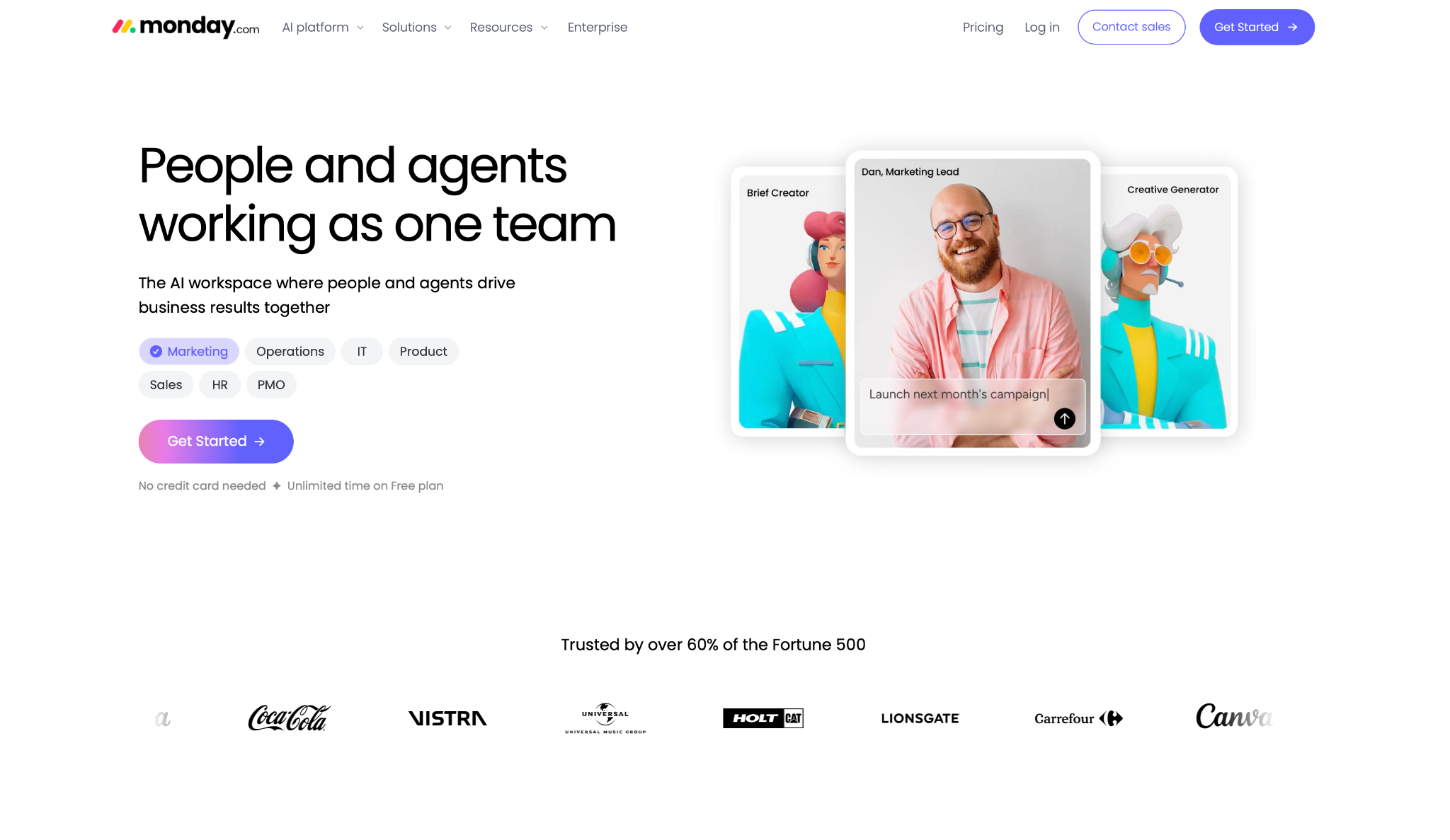
What it does: monday.com is a work platform where approvals run as automations on the same boards a team already uses to track projects and requests.
Best for: Teams that want approvals to live next to their existing work instead of in a separate tool.
The flow came together on a board that took minutes to set up, right where the team already works. The request landed as an item, the two-approver routing ran through board automations, and status columns showed where each request sat without anyone chasing an email.
The threshold rule needed a few passes through the automation recipes before it worked, then it ran without failing. Escalation is where monday is weakest. Reassigning a stalled request worked, though the logic felt added onto a project tool rather than designed for approvals from the start.
Key Features
- Board automations: Route requests, notify approvers, and change status from no-code recipes.
- Status tracking: Every pending approval is visible as a column state, not buried in a queue.
- Guest access: Bring outside approvers into a single board without a full seat.
Pros and Cons
Pros:
✅ Approvals sit inside work your team already runs daily, so adoption is close to free.
✅ Huge, mature ecosystem with connectors for most of the tools around it.
✅ Clear visual status on where every request stands.
Cons:
❌ Approval logic is layered onto a project tool, so involved routing feels indirect.
❌ Per-seat pricing adds up once approvers and viewers multiply.
What Users Say
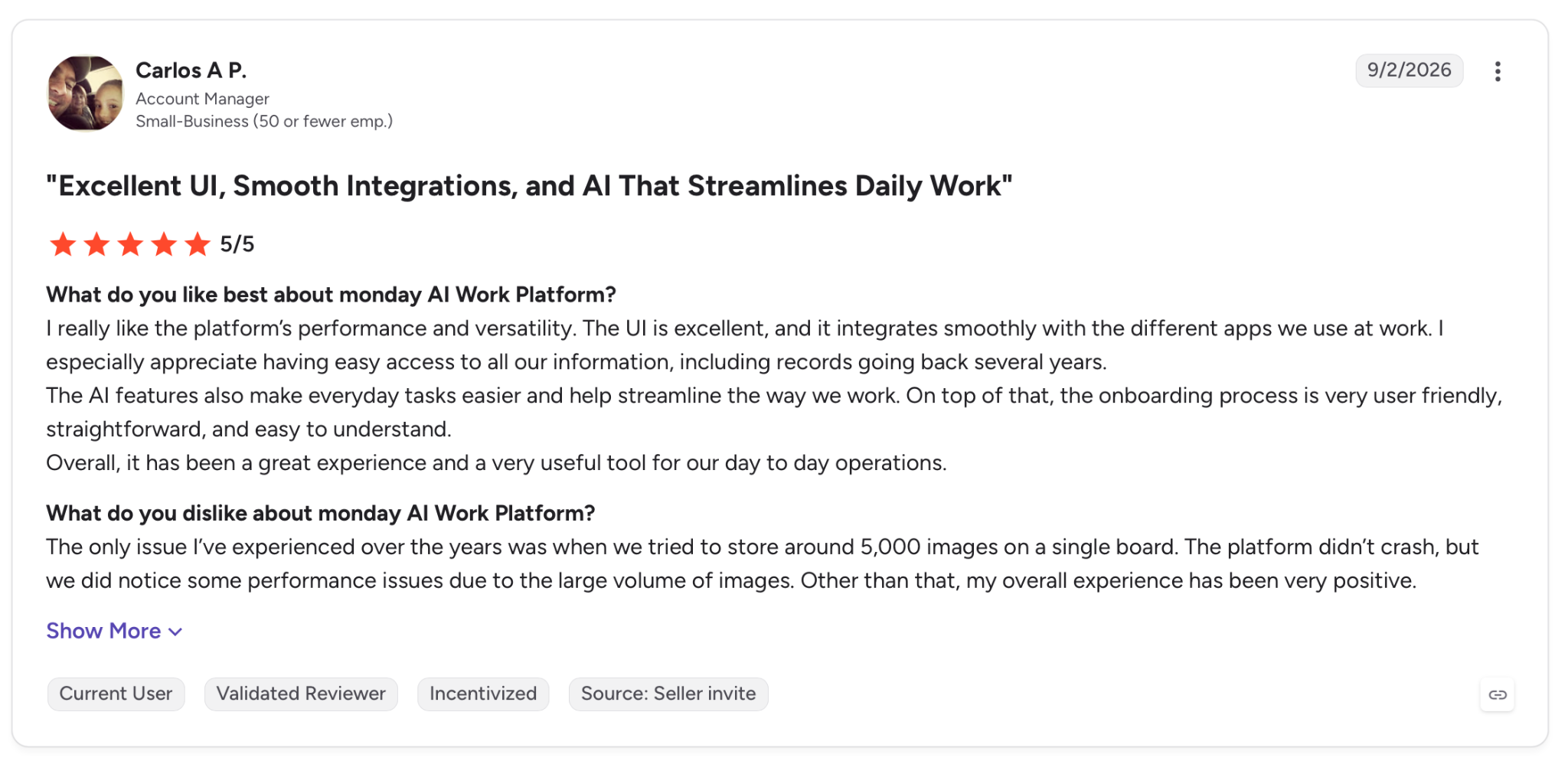
"I really like the platform’s performance and versatility. The UI is excellent, and it integrates smoothly with the different apps we use at work." - Carlos A P., G2.
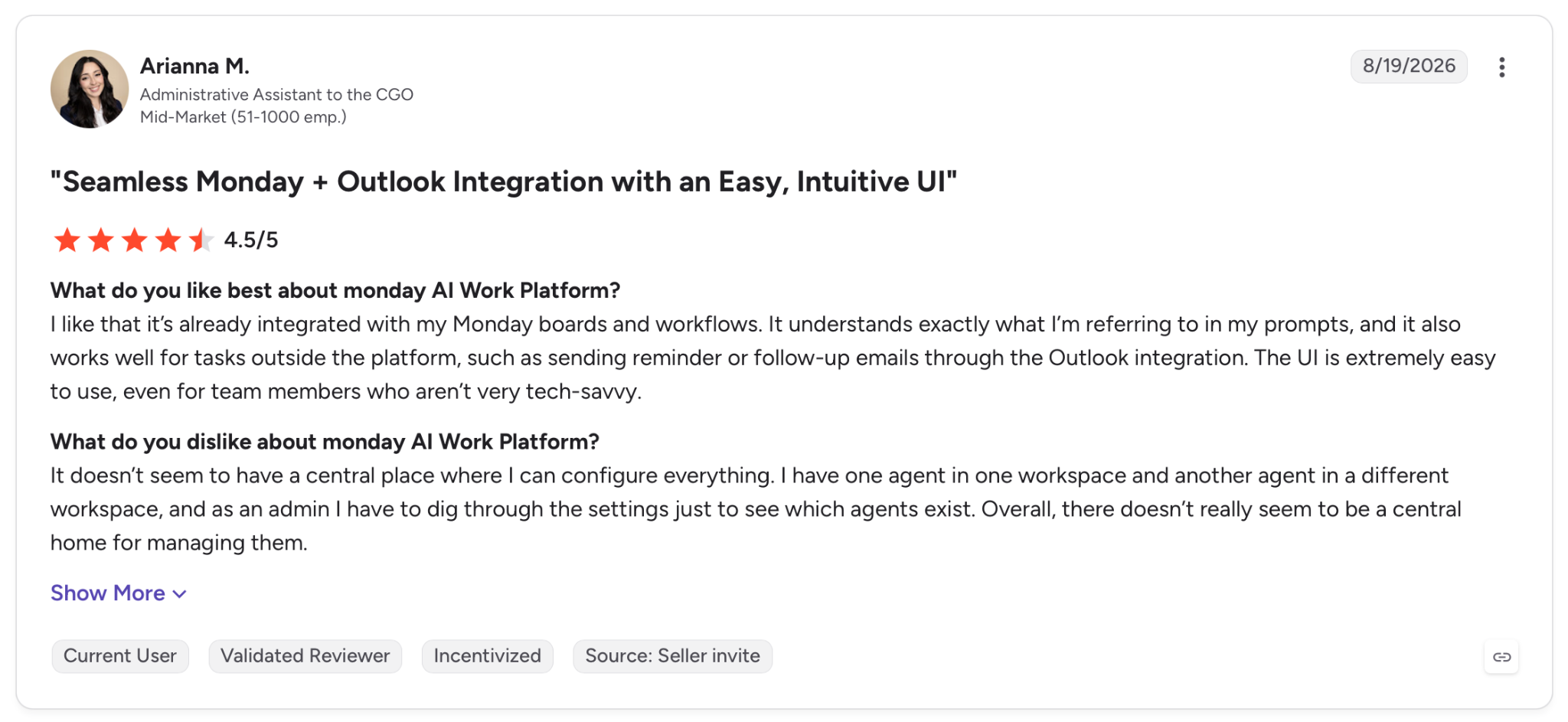
"It doesn’t seem to have a central place where I can configure everything." - Arianna M., G2.
Pricing
monday's Basic plan starts at $12/user per month, with Standard at $14/user and Pro at $24/user, all billed monthly. A free tier covers up to 2 users, and Enterprise runs on custom pricing.
Bottom Line
If your team already lives on monday boards, running approvals there saves you a second tool and a second login. Groups that need deep, rules-heavy routing from day one will find it lighter than a purpose-built engine.
2. Kissflow: Best for standardizing many process types
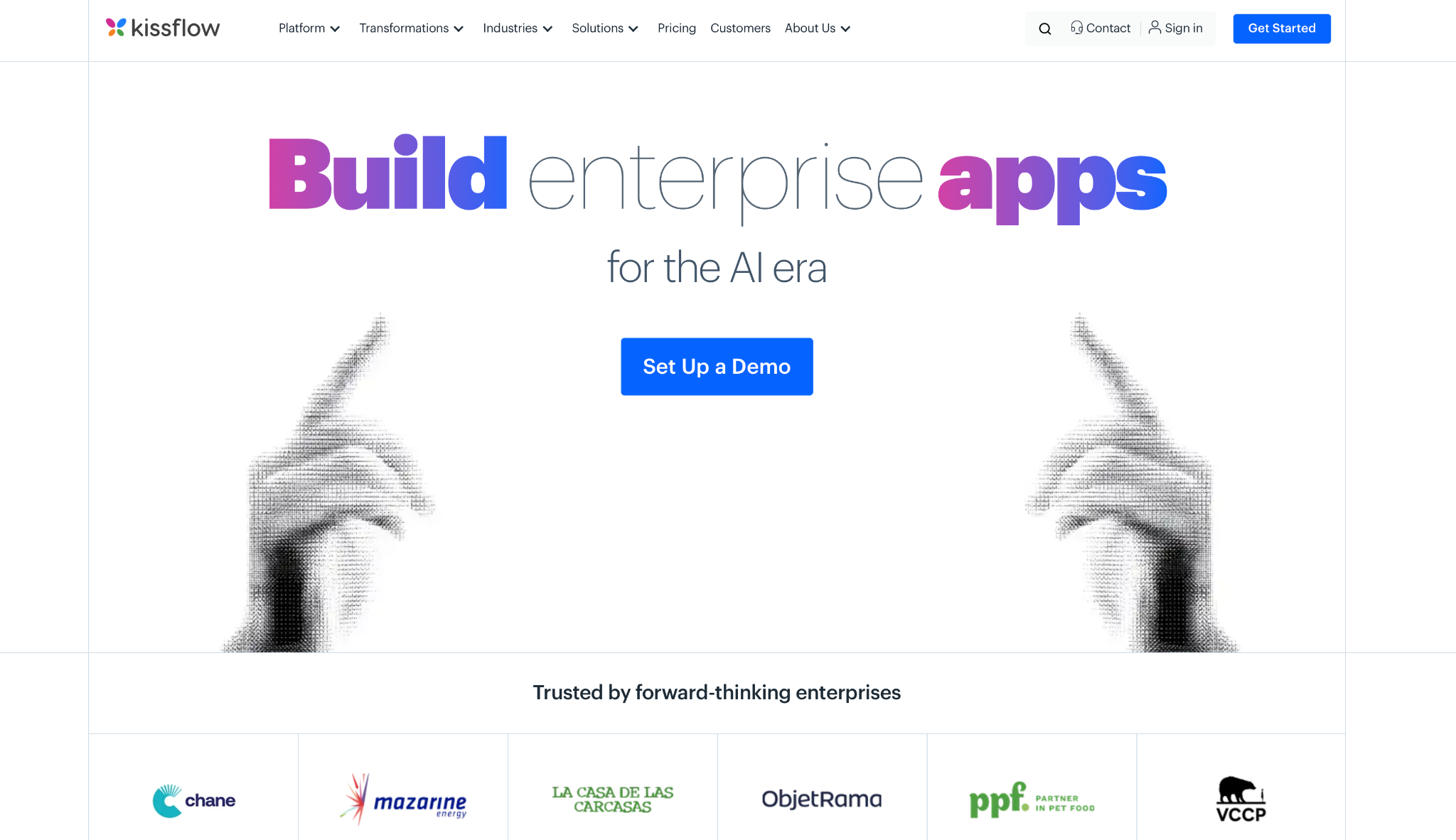
What it does: Kissflow is a no-code platform for building approval workflows and other business processes through a visual designer, aimed at business users rather than developers.
Best for: Operations teams that need to standardize procurement, HR, and finance approvals under one roof.
Building the flow felt closer to assembling a process than configuring a project board. The drag-and-drop form builder captured the request fields upfront.
And the routing rules treated approver, amount, and department as built-in options, not fields I had to force in, so my threshold skip worked on the first pass.
Kissflow earned its ranking on escalation. In my test, the request reassigned when the second approver missed the deadline, with each action timestamped in the audit log. The drawback is cost visibility, since Kissflow keeps pricing behind a demo, so you can't size the cost before a sales call.
Key Features
- Workflow builder: Build multi-step approvals without code, with rules that read the request's key fields.
- Deadline-based reassignment: Route the request onward when an approver misses the deadline.
- Audit trails: Capture every action with timestamps for SOX and SOC 2 evidence.
Pros and Cons
Pros:
✅ Purpose-built for approvals, so branching and thresholds are native, not bolted on.
✅ Governance and audit trails cover the compliance frameworks enterprise buyers ask about.
✅ One platform for many process types, from procurement to onboarding.
Cons:
❌ No public pricing, so budgeting means booking a demo first.
❌ Setup rewards process discipline, and teams without mapped procedures will feel the learning curve.
What Users Say
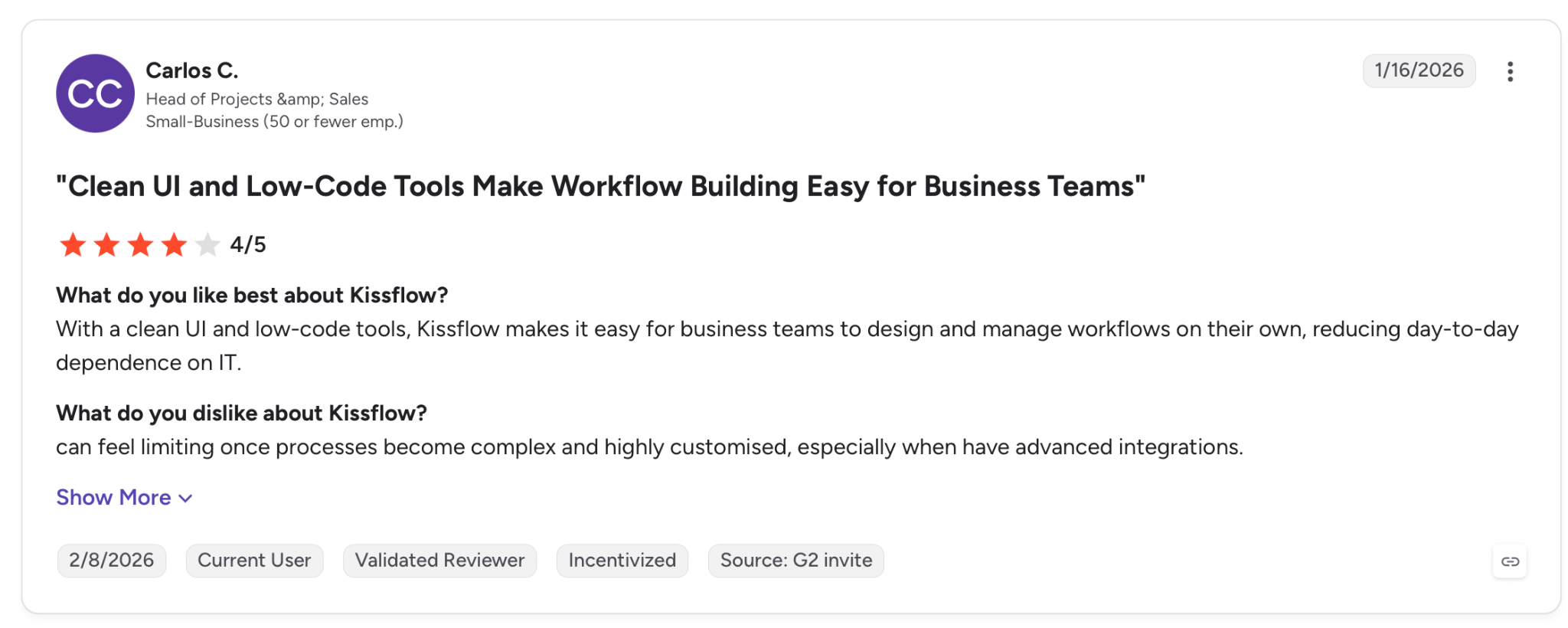
"With a clean UI and low-code tools, Kissflow makes it easy for business teams to design and manage workflows on their own, reducing day-to-day dependence on IT." - Carlos C., G2.
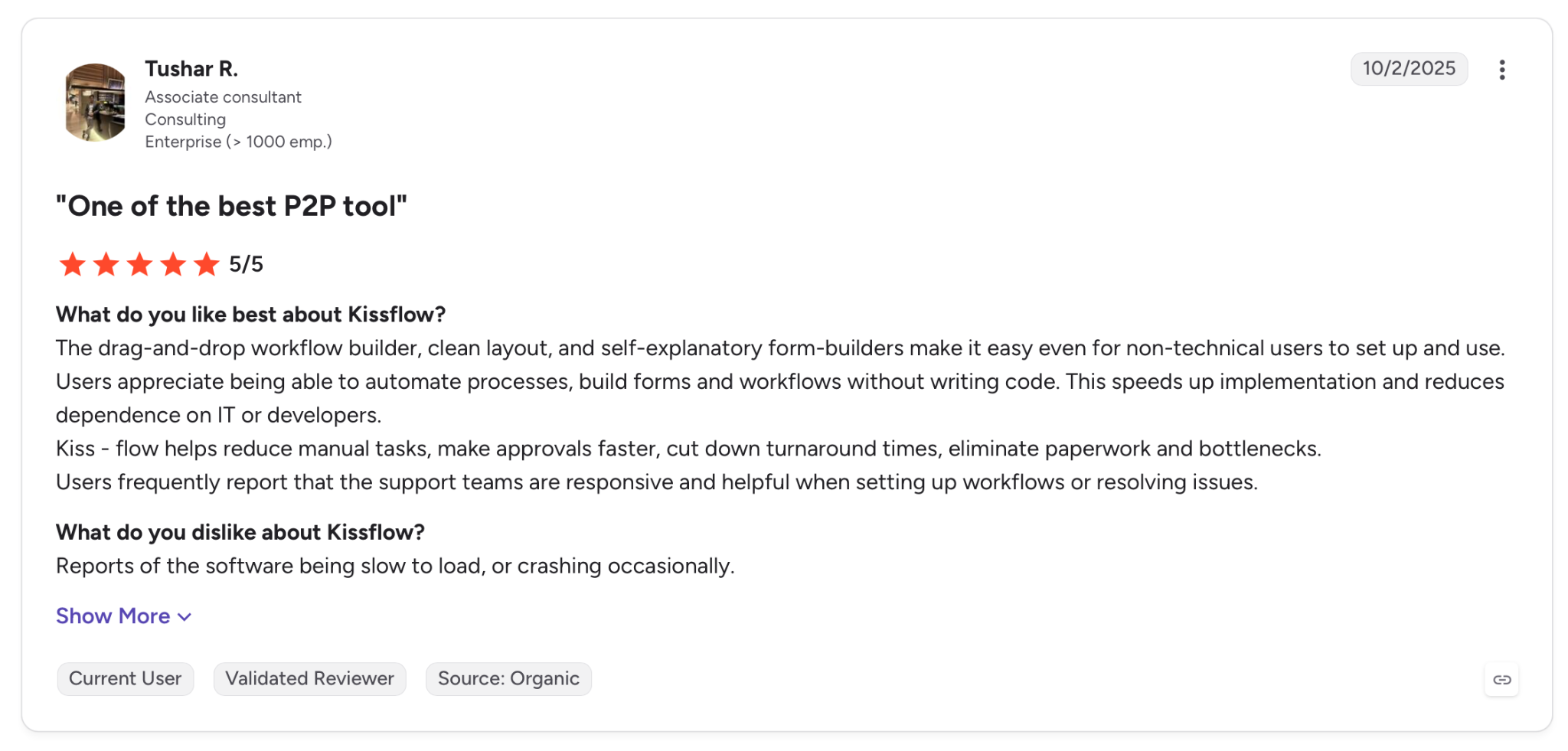
"Reports of the software being slow to load, or crashing occasionally." - Tushar R., G2.
Pricing
Kissflow runs on custom pricing and directs buyers to a demo for a quote based on scope and users, with no public tiers to compare.
Bottom Line
For a business team that wants to move a dozen approval processes off email and spreadsheets, Kissflow is made for exactly that. If you need a price before a conversation with sales, the demo gate will slow you down.
3. Nintex: Best for signature-heavy enterprise processes
What it does: Nintex is an enterprise process automation platform that pairs workflow and forms with e-signature, document generation, and RPA across large, cross-department processes.
Best for: Large organizations running end-to-end processes where approvals sit alongside signatures and generated documents.
Nintex ran my purchase approval without complaint, though that barely reflects what the platform is for. It starts a step earlier than the others, with Promapp process mapping, so the approval sits inside a documented, measured process rather than standing alone as a form.
Routing and forms worked without issues. Nintex also reaches past the approval itself: eSign completed it with a signature, and DocGen produced the approved document automatically.
The catch is size. All that capability aims at enterprise processes, so a single team that just wants a quick approval flow pays for a range it may never touch.
Key Features
- Promapp process mapping: Document and measure the full process the approval belongs to.
- eSign and DocGen: Complete approvals with a signature and auto-generate the resulting document.
- RPA and Hawkeye analytics: Run repetitive steps hands-free and monitor workflow performance over time.
Pros and Cons
Pros:
✅ End-to-end coverage from process map to signed, generated document.
✅ Enterprise integration through the Xtensions connector framework.
✅ Process intelligence that measures where approvals stall.
Cons:
❌ Made for enterprise scope, so it overshoots a single team's approval needs.
❌ No public pricing, with a demo required to scope cost.
❌ Breadth adds overhead that takes serious onboarding to use well.
What Users Say
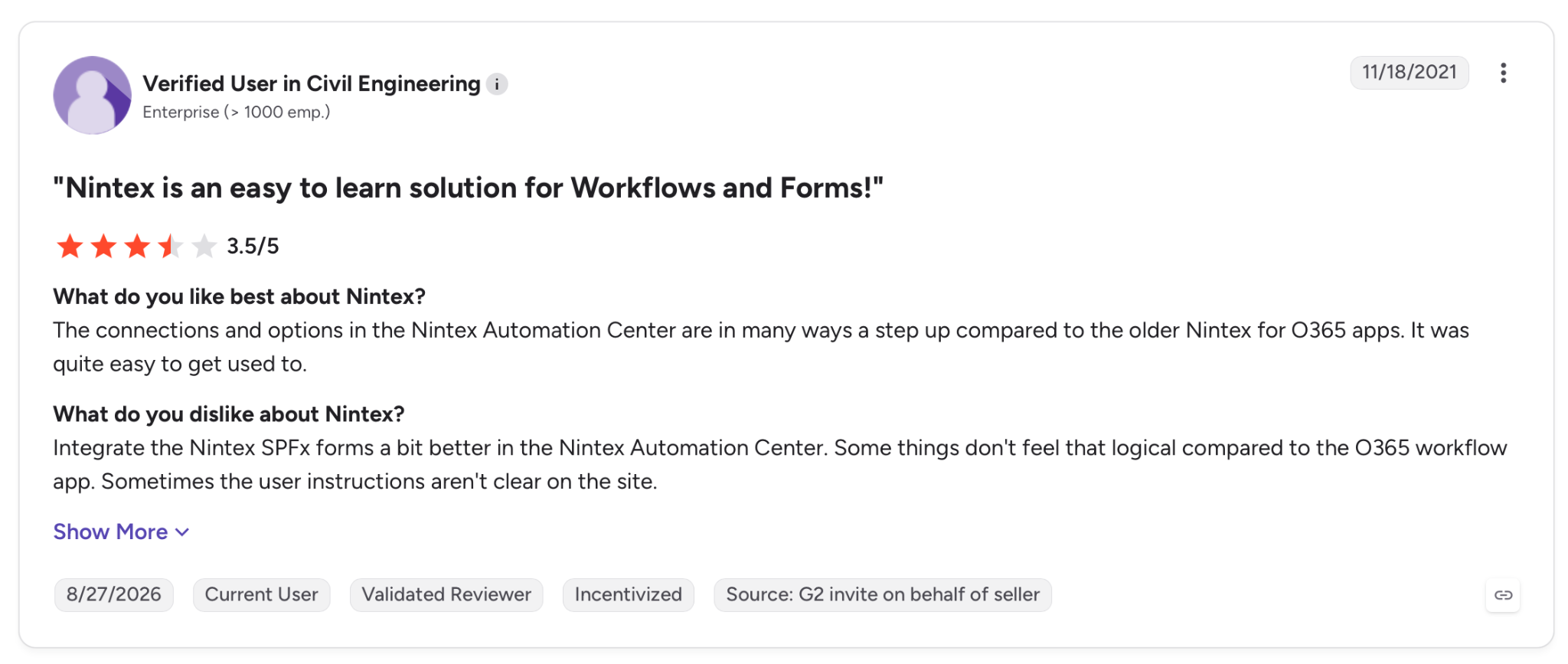
"The connections and options in the Nintex Automation Center are in many ways a step up compared to the older Nintex for O365 apps. It was quite easy to get used to." - Verified User, G2.
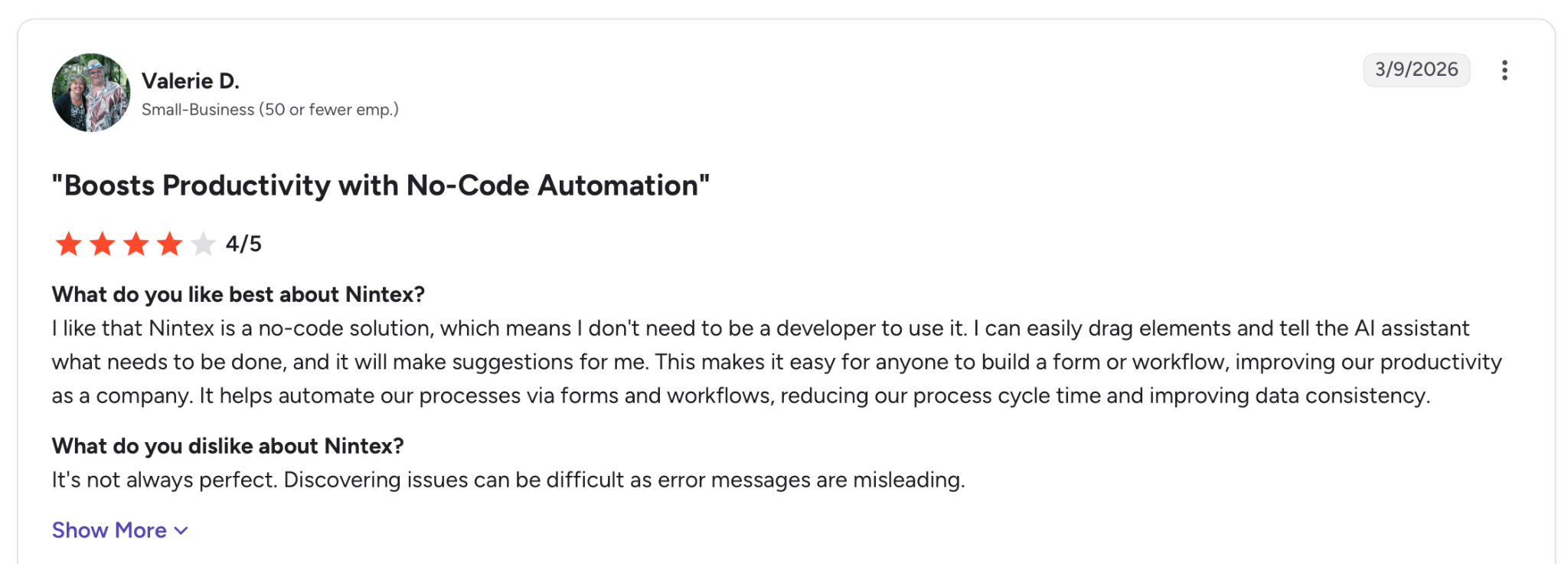
"It's not always perfect. Discovering issues can be difficult as error messages are misleading." - Valerie D., G2.
Pricing
Nintex runs on custom pricing, routing buyers to a tailored demo and quote rather than listing public tiers.
Bottom Line
For an enterprise standardizing signature-heavy processes across departments, Nintex covers ground that lighter tools leave to a second product. A team that just needs requests routed and approved will find it more platform than the job requires.
4. Wrike: Best for approvals inside project work
What it does: Wrike is a project and work management platform that embeds approval steps directly into tasks, projects, and creative review cycles.
Best for: Marketing and creative teams that approve deliverables as part of an existing project workflow.
Where Wrike lands is narrower than a general approval tool, and that focus works in its favor. My purchase flow ran fine, but the platform works best when the thing being approved is a piece of work: a campaign asset, a deliverable, a project gate.
Because approvals attach to the task, the context travels with the request.
Proofing is what sets Wrike apart. Reviewers mark up a file, leave threaded comments, and approve in place, which the form-first tools here don't match in depth. Pricing climbs as the team grows, though, since Wrike bills per user and the approval features you want sit on the higher tiers.
Key Features
- In-task approvals: Attach approval steps to the task or deliverable being reviewed.
- Creative proofing: Mark up files and approve them inside the same workflow.
- Custom workflows: Configure approval stages per project or team on paid plans.
Pros and Cons
Pros:
✅ Approvals carry project context, so reviewers see the work, not just a request line.
✅ In-file proofing where reviewers mark up, comment, and approve without leaving the task.
✅ Free tier to trial the core work platform.
Cons:
❌ Approval depth lives on higher tiers, so the useful features cost more.
❌ Per-user pricing scales up with every approver and reviewer.
What Users Say
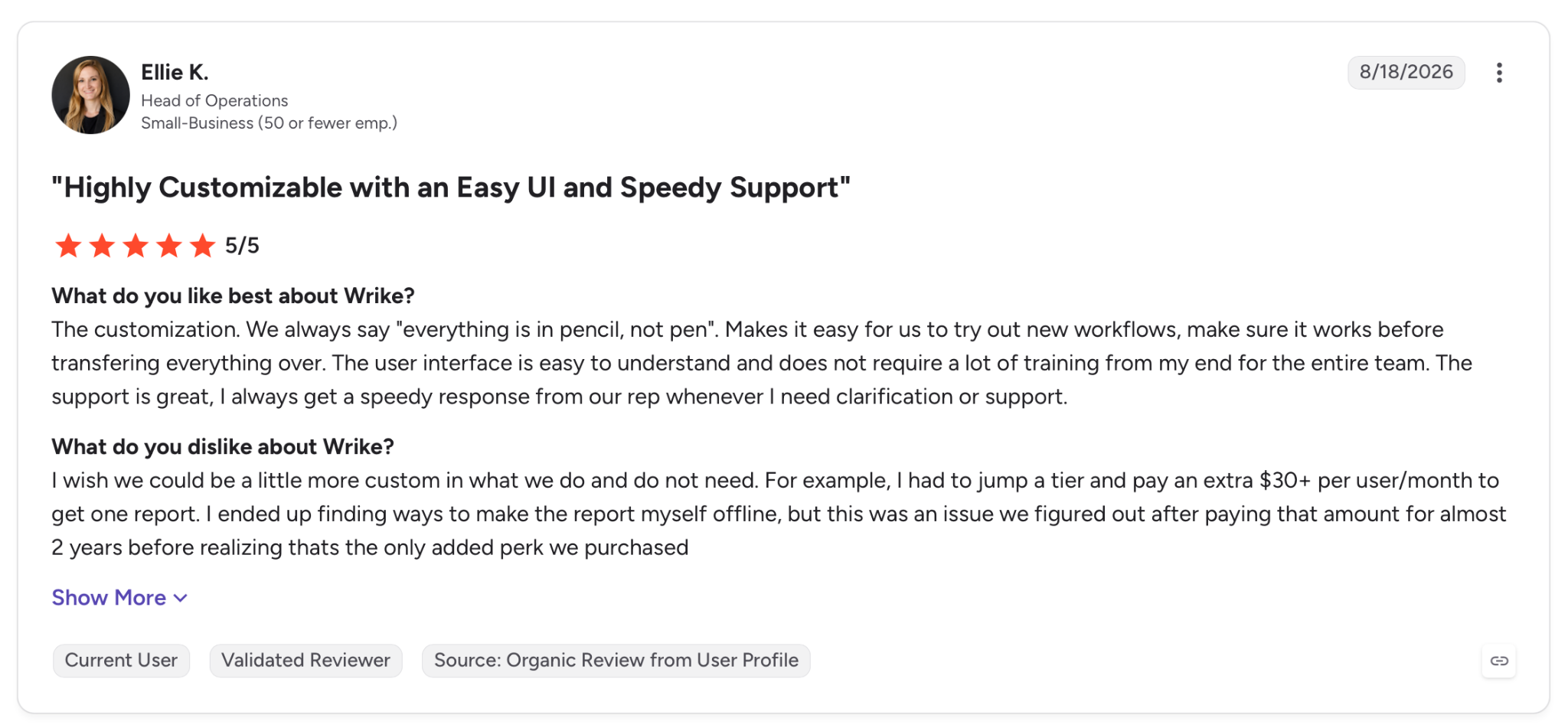
"The customization. We always say "everything is in pencil, not pen". Makes it easy for us to try out new workflows, make sure it works before transferring everything over." - Ellie K., G2.
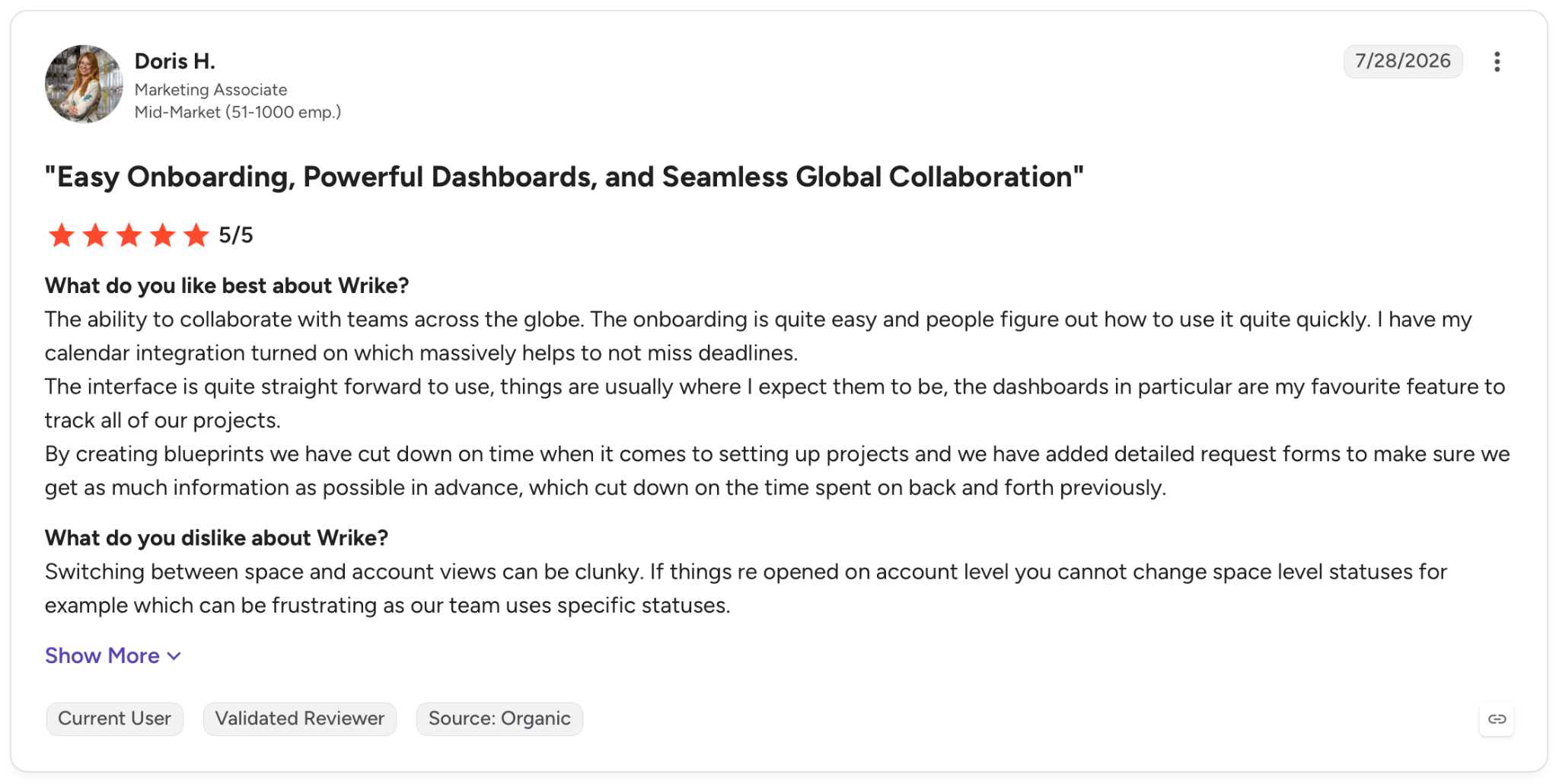
"Switching between space and account views can be clunky. If things reopened on account level, you cannot change space-level statuses, for example, which can be frustrating as our team uses specific statuses." - Doris H., G2.
Pricing
Wrike's Team plan starts at $10/user per month and Business at $25/user, with Pinnacle and Apex on contact pricing and a free tier below them.
Bottom Line
For a creative or project team approving work as it moves through delivery, Wrike keeps sign-off where the work already is. Teams approving requests unrelated to projects, like access or spend, will get more from a dedicated approval tool.
5. Superblocks: Best for building a governed approval app
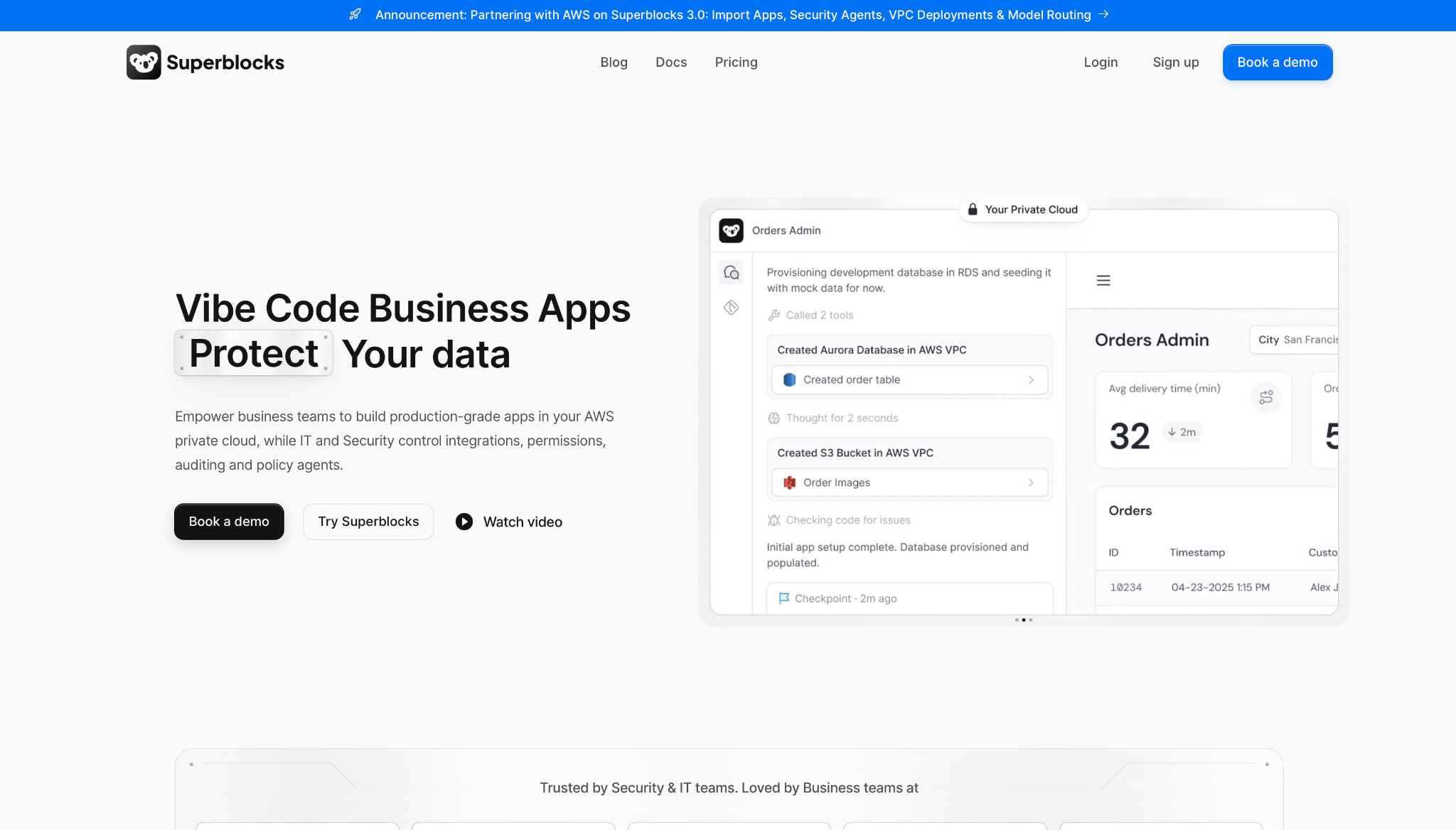
What it does: Superblocks lets business teams build production-grade internal apps, approval flows included, while IT and security control permissions, auditing, and integrations from the first screen.
Best for: Companies where a team needs a custom approval app fast, but IT has to keep control of access and data.
With Superblocks, you build the approval your process needs. My test flow showed the difference: I set the exact routing, the threshold skip, and the escalation my process needed. Those UI-based approval steps even let a reviewer override an action or add a note before the request continued.
That control came with governance built in from the start. Role-based access controls, row-level permissions, and full audit logs of every action were there by default, and IT kept oversight through native Git integration with review and rollback.
And because the app runs in your own cloud VPC, the data never has to go through a vendor's cloud.
Key Features
- Custom approval logic: Build the exact routing, thresholds, and escalation your process needs, with UI-based review steps.
- Governance by default: RBAC, row-level permissions, and audit logs come standard, not added on after launch.
- Private-cloud deployment: Apps run in your own cloud VPC, so approval data stays inside your environment.
Pros and Cons
Pros:
✅ Every app carries its own governance, so access control and audit logging exist before the first request routes.
✅ You own the app and the code, with a working path from prototype to production instead of a locked template.
✅ Runs in your own cloud, keeping approval data inside your VPC and out of a vendor's environment.
✅ Proven with non-technical builders: Superblocks points to one travel brand where business teams across 7+ departments shipped 15+ production apps in 30 days, with role-based access and VPC data controls intact.
Cons:
❌ Made for internal enterprise apps, so it isn't aimed at simple form-based approvals a single team could stand up elsewhere.
❌ Building your own app asks more upfront than configuring a packaged tool's template.
What Users Say
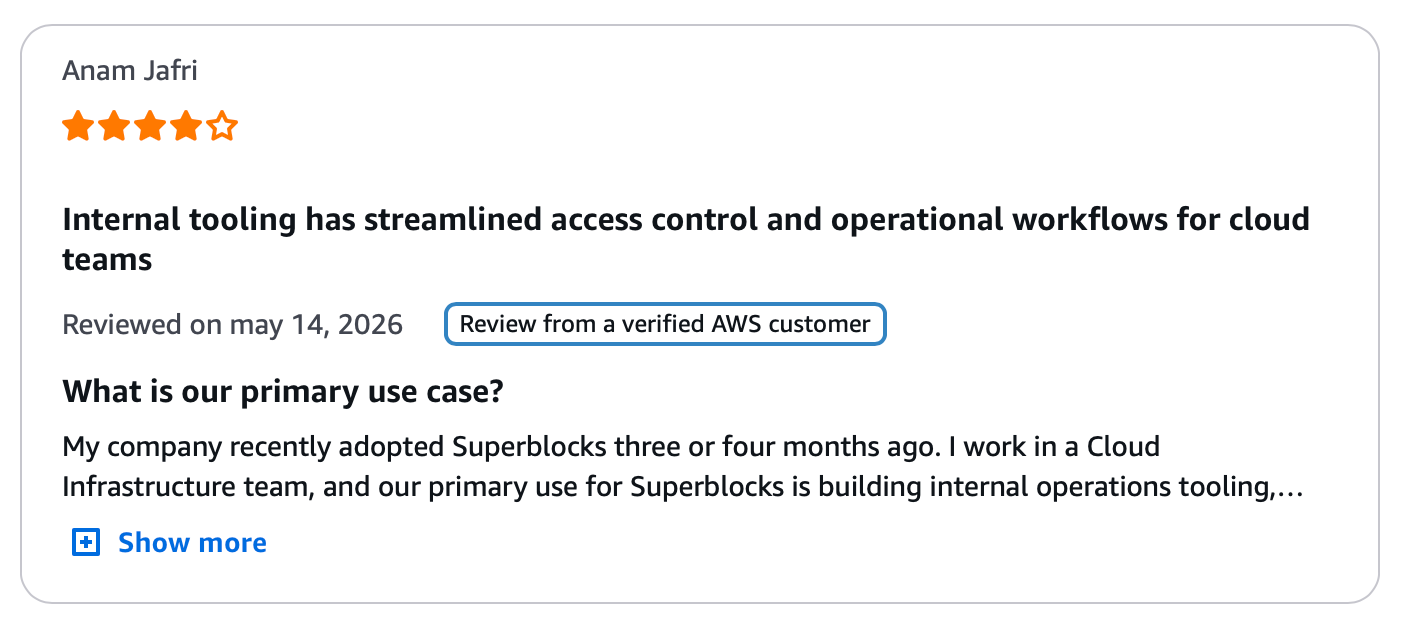
"The most valuable aspect of Superblocks is the combination of speed and flexibility. The key drivers are developer-grade code access." - Anam Jafri, AWS Marketplace.
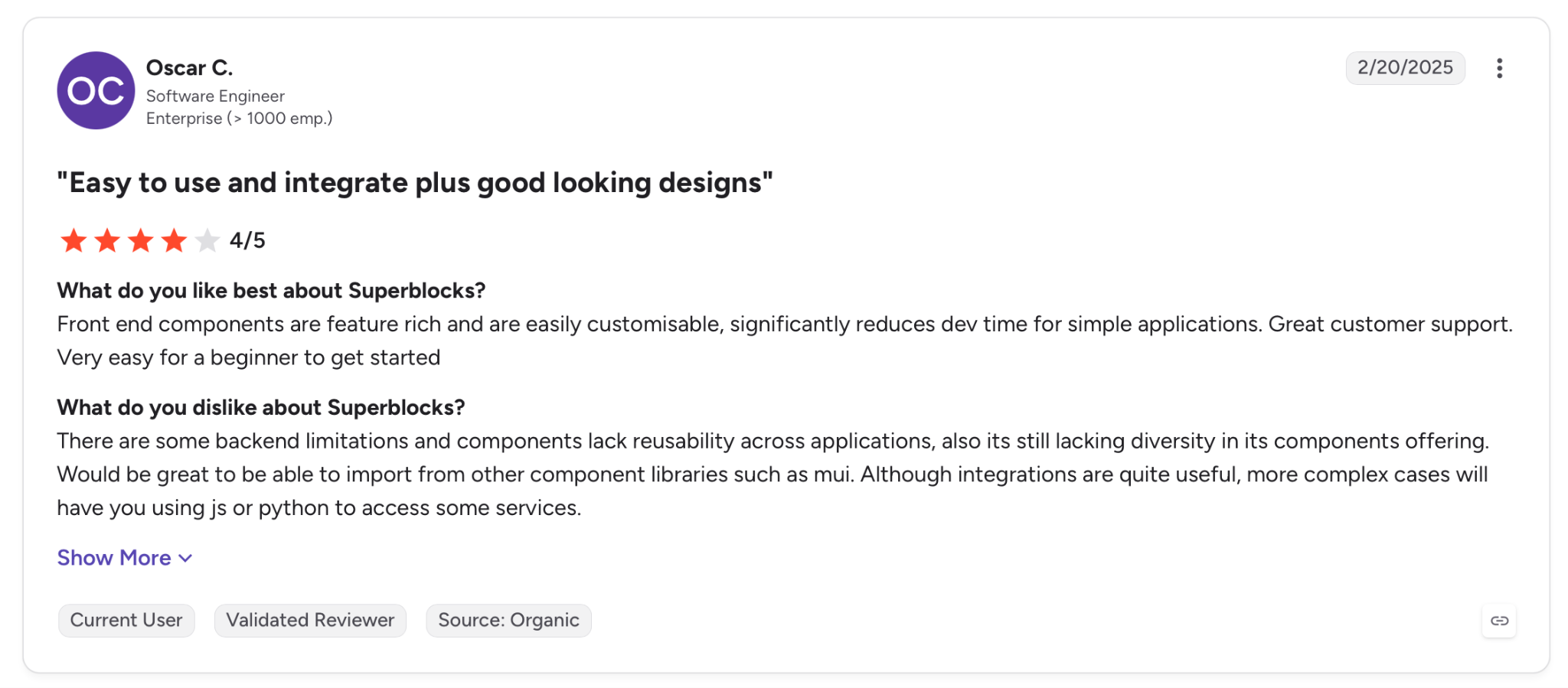
"There are some backend limitations, and components lack reusability across applications; also, it's still lacking diversity in its components offering." - Oscar C., G2.
Pricing
Superblocks Teams starts at $125 per month billed monthly and includes 100 Governed Agent Units, with a 14-day free trial. Enterprise runs on custom pricing with VPC deployment, advanced security, and dedicated support.
Bottom Line
Superblocks is made for the company that needs a custom approval app without leaving IT a hole in governance. A single team that only needs a form routed to two approvers will find a packaged tool faster to stand up.
Superblocks points to customers like Matthews, where a senior marketing manager with no engineering background made an app that cut offering-memorandum creation from 3 to 5 days down to 12 hours, with IT keeping oversight throughout.
When business teams build their own apps like this, a governed platform is what keeps that speed from costing a company its audit trail.
6. Decisions: Best for rules-driven enterprise processes
What it does: Decisions is an enterprise automation platform built around a business rules engine, letting organizations design and adapt dense workflows and decisions in one environment. The product was formed when Decisions and ProcessMaker merged in late 2025.
Best for: Large organizations running rules-heavy processes where the approval decision itself is involved.
With Decisions, the decision matters more than the form. A single threshold rule barely tested a platform made for far denser logic, where routing hangs on conditions the lighter tools here can't express. My test flow ran without a hitch, which for this platform is almost beside the point.
One thing to flag before you compare quotes: the old ProcessMaker brand and its published plans are gone, folded into Decisions after the 2025 merger. So buyers comparing older roundups will find the product renamed and repriced.
The platform's weight aims squarely at enterprises with involved processes.
Key Features
- Business rules engine: Model approval logic as decision tables rather than chained if-then steps.
- Low-code workflow design: Build and adapt processes visually across cloud or on-premises setups.
- Orchestration: Coordinate approvals across systems, agents, and data sources in one flow.
Pros and Cons
Pros:
✅ A full rules engine for approvals whose routing logic runs deep.
✅ Flexible deployment across cloud, hybrid, and on-premises setups.
✅ Not per-user priced, so cost scales with use case rather than headcount.
Cons:
❌ Enterprise starting price puts it out of reach for small teams, with Standard at $3,000 per month.
❌ Recent rebrand means older ProcessMaker documentation and comparisons are out of date.
What Users Say
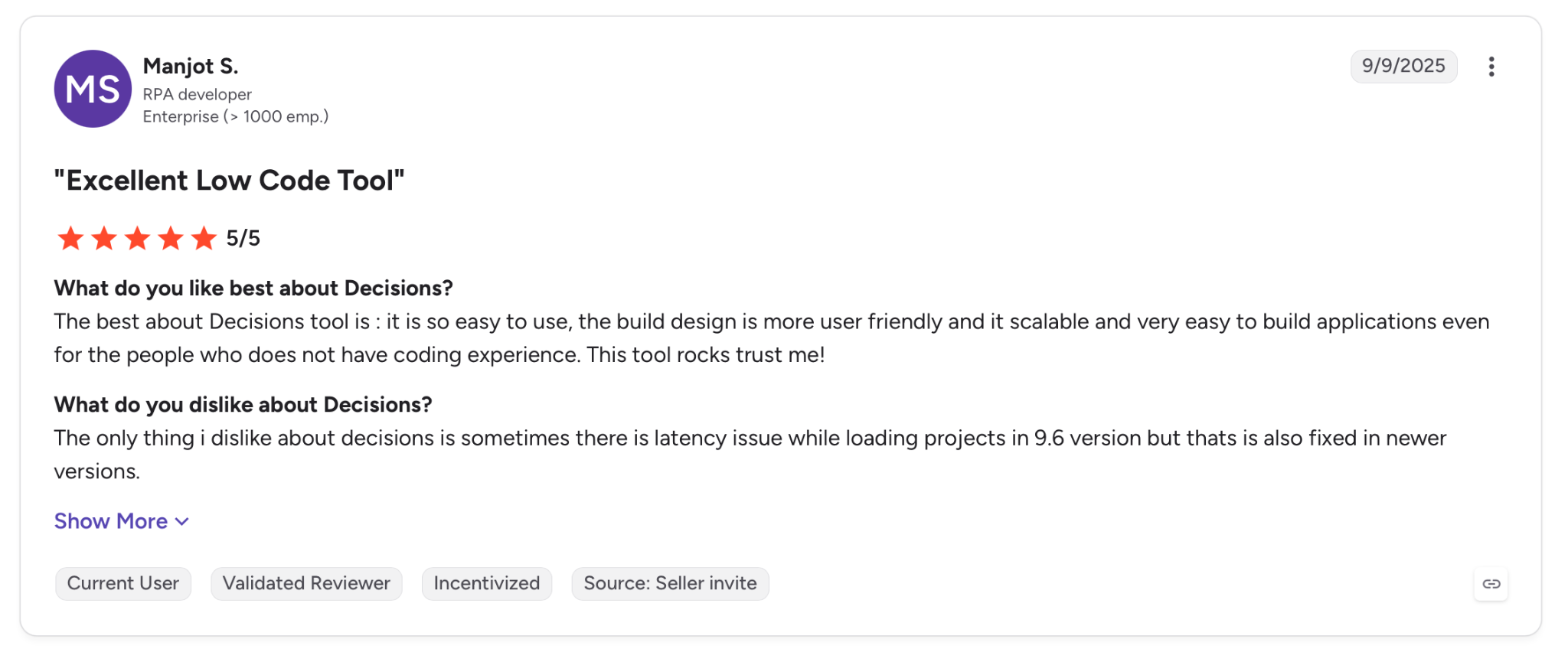
"The best about Decisions tool is: it is so easy to use, the build design is more user-friendly, and it is scalable and very easy to build applications even for the people who do not have coding experience." - Manjot S., G2.
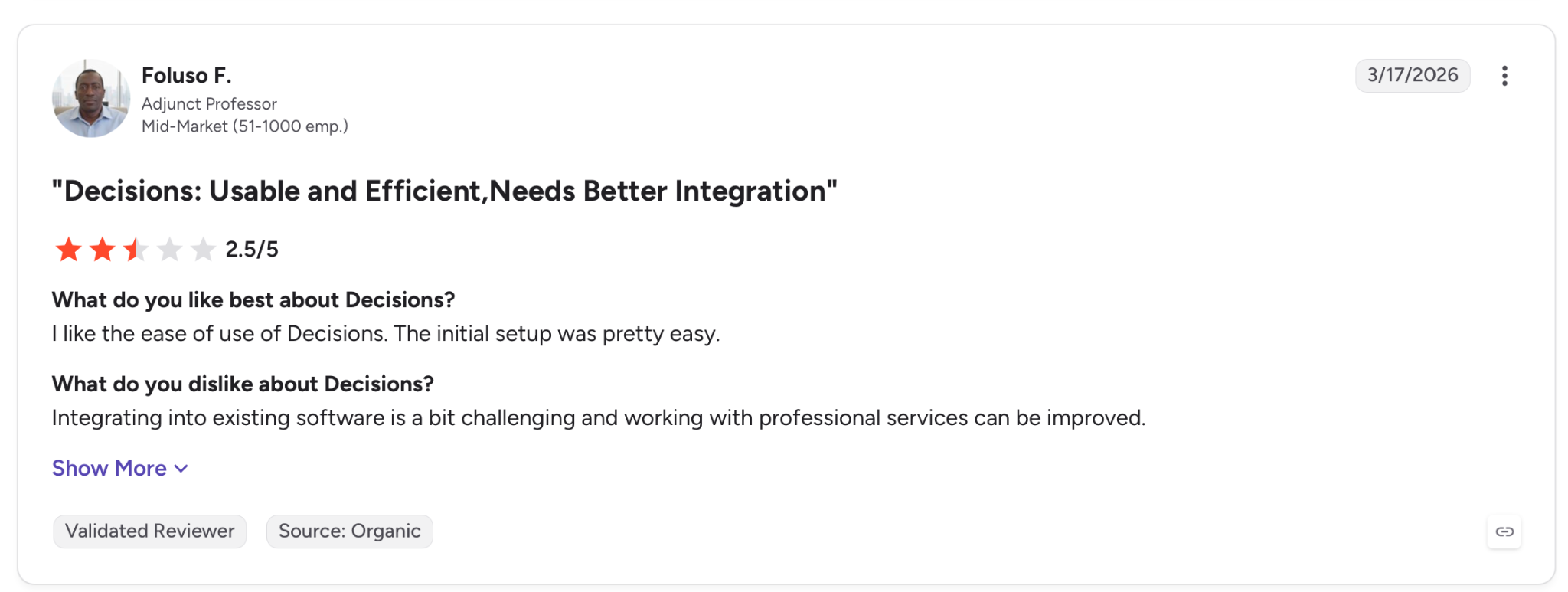
"Integrating into existing software is a bit challenging, and working with professional services can be improved." - Folufo F., G2.
Pricing
Decisions lists a Standard mid-market plan starting at $3,000 per month billed annually, with Foundation, Growth, and Enterprise tiers on custom quotes.
Bottom Line
For an enterprise whose approvals hinge on dense, rules-based decisions, Decisions gives you an engine the lighter tools here can't match. Small teams and anyone expecting the old ProcessMaker pricing will find it aimed at a larger buyer now.
7. Pipefy: Best for structured process pipelines
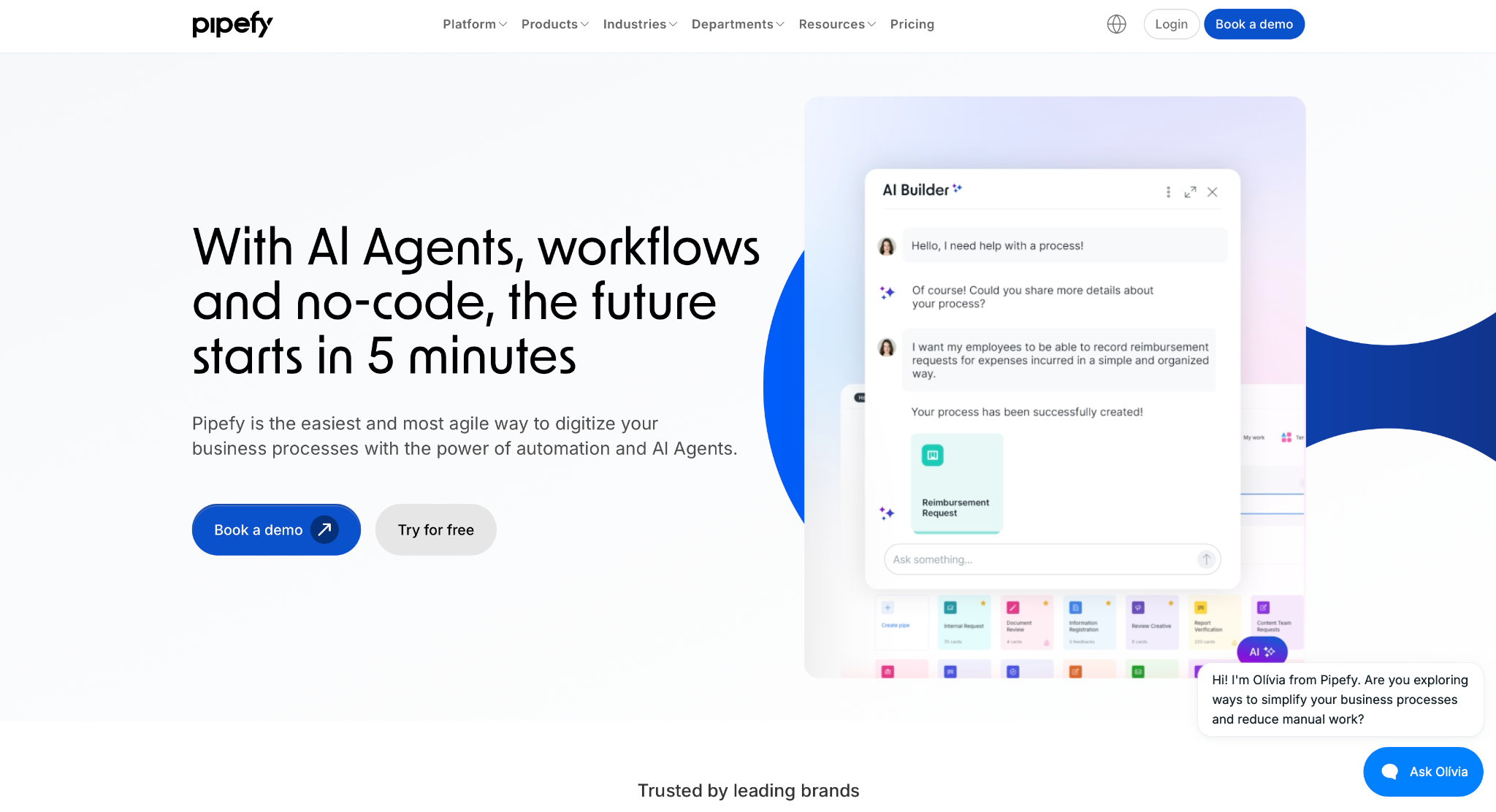
What it does: Pipefy is a no-code platform where teams build approval processes as structured workflows, with conditional logic, forms, and AI agents handling routing and analysis.
Best for: Operations teams that run high-volume, repeatable request pipelines and want structure without engineering help.
The workflow model made sense on the first build. Instead of a board or a document, my approval ran as a defined pipeline where each request moved through phases, and the conditional rules routed it by amount without any custom code.
The threshold skip and the two-approver chain both held on the first build. Beyond that basic routing, Pipefy leans on AI agents for the heavier work, with prebuilt agents for things like credit decisioning and claims.
Two limits hold it back, though. The free tier caps at 5 processes and 10 users, and the plans that open up room to grow sit behind a sales conversation rather than a public price.
Key Features
- Structured workflows: Run each approval as a defined pipeline with clear phases and stage rules.
- Conditional logic: Route requests by amount, type, or department with no-code business rules.
- AI agents: Apply prebuilt or custom agents to analysis-heavy approvals like credit or claims.
Pros and Cons
Pros:
✅ Pipeline structure keeps high-volume approvals consistent and easy to audit.
✅ No-code conditional routing handles thresholds and branching without a developer.
✅ Free tier to test a live process before paying.
Cons:
❌ Free plan caps at 5 processes and 10 users, so day-to-day use needs a paid tier.
❌ Scaling plans are quote-based, with no public price for Business or Enterprise.
What Users Say
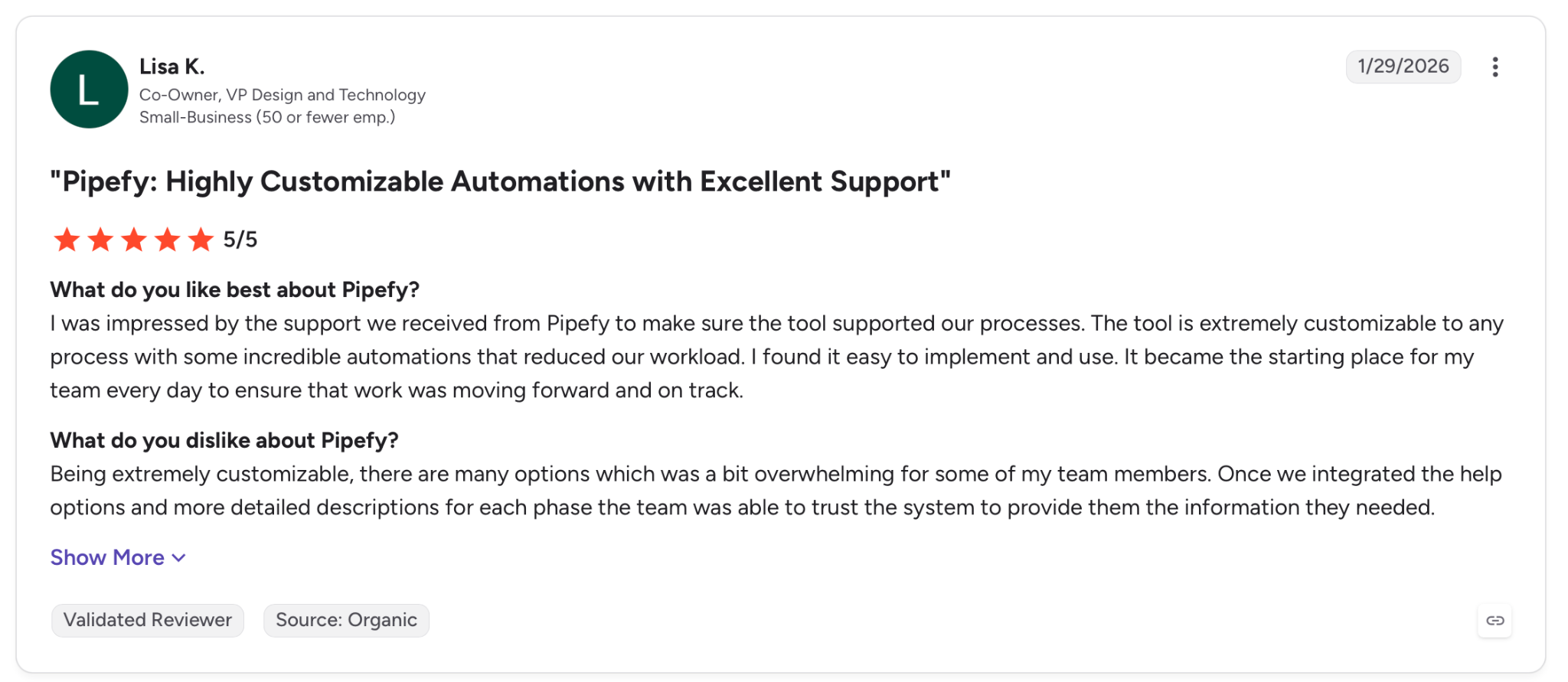
"The tool is extremely customizable to any process with some incredible automations that reduced our workload." - Lisa K., G2.
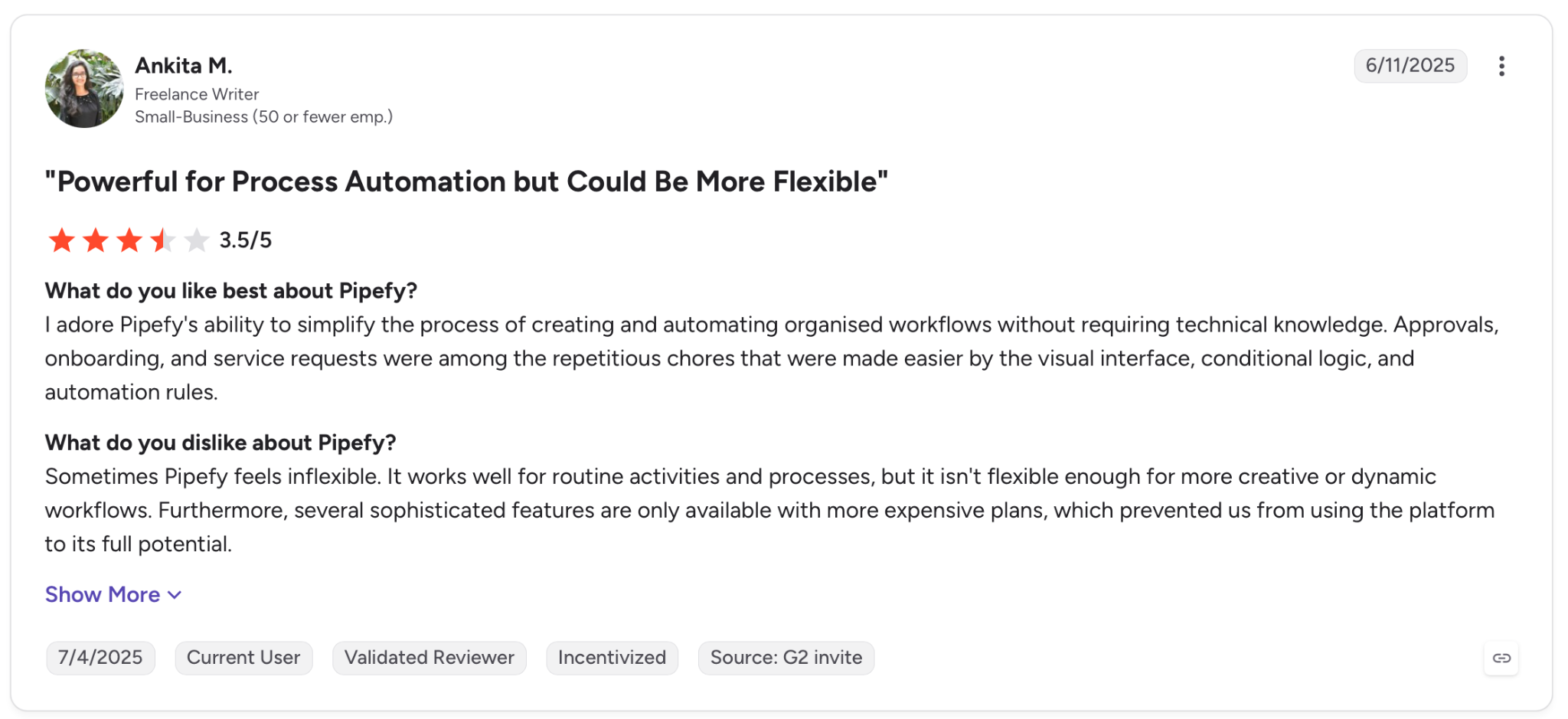
"Sometimes Pipefy feels inflexible. It works well for routine activities and processes, but it isn't flexible enough for more creative or dynamic workflows." - Ankita M., G2.
Pricing
Pipefy's Starter plan is free for up to 5 processes and 10 users, with Business and Enterprise plans on contact-sales pricing.
Bottom Line
For an ops team running structured, recurring approval pipelines, Pipefy gives you the guardrails without the code. Teams needing more than the free caps should budget for a sales-led quote on the paid tiers.
8. Retool: Best for connecting approvals to your data
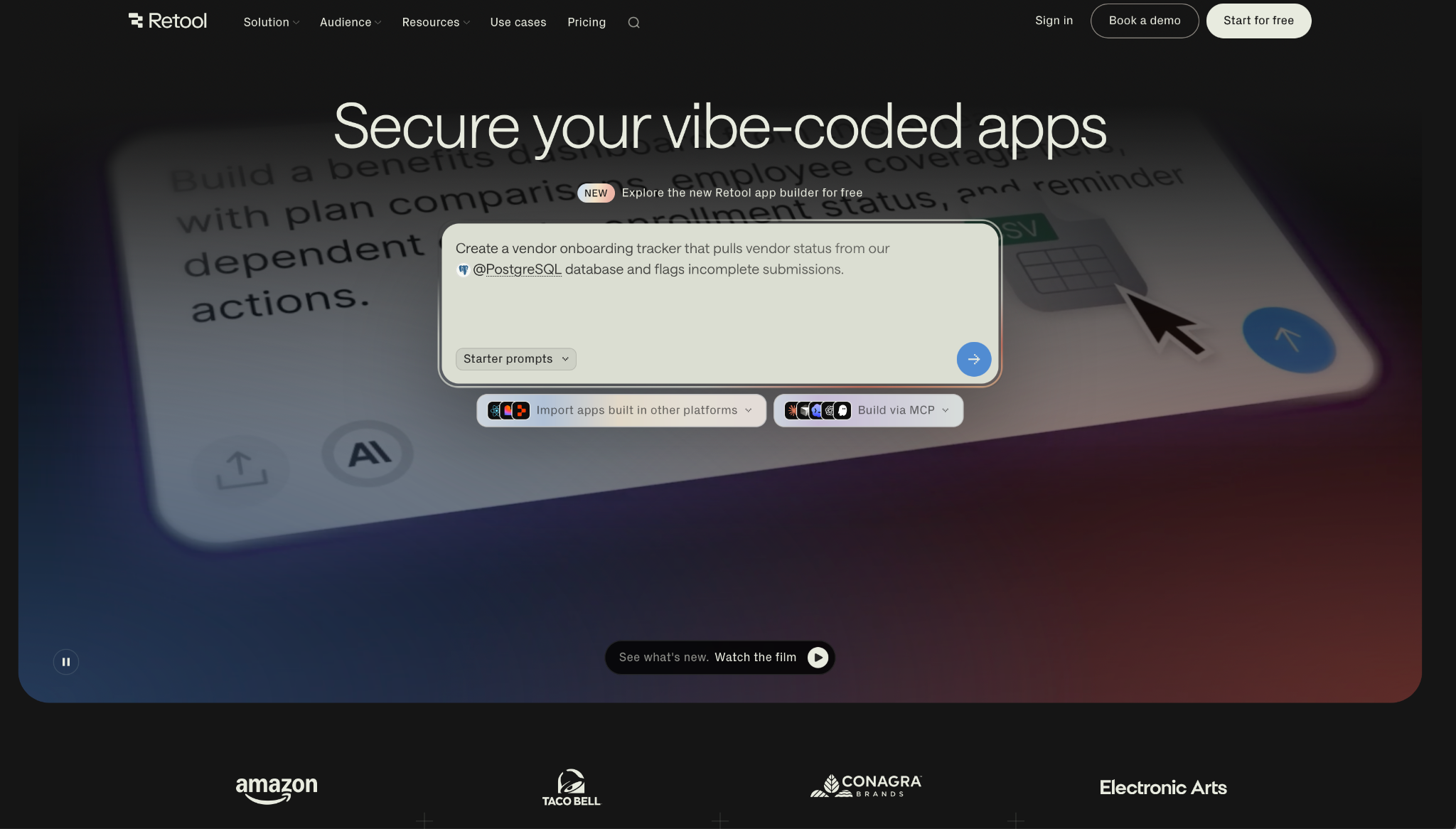
What it does: Retool is a platform for building internal apps, approvals included, with direct connections to production databases, APIs, and services, plus enterprise access controls and audit logging.
Best for: Engineering-adjacent teams that need approvals wired to live data across many systems.
Retool reads and writes your live data directly. I pointed the app at a database, dropped in components, and had the approval working on live records within minutes, with the routing tied to the data behind each request.
For a team with live systems to connect, that direct line to the data is what counts. Beyond the connection, governance holds up: built-in auth, role-based access, and audit logging on the enterprise side, plus self-hosting for teams that need it.
Costing Retool out takes some work. It bills per builder and per internal user, and both numbers climb as the team and the app footprint grow.
Key Features
- Direct data connectors: Wire approvals to production databases, APIs, and services out of the box.
- Component-based builder: Assemble approval UIs from prebuilt blocks, with AI generation to start.
- Access and audit: Role-based access controls, audit logging, and self-host options on higher tiers.
Pros and Cons
Pros:
✅ Direct connectors tie approvals to the production databases and APIs behind each request.
✅ Enterprise governance with RBAC, audit logs, and SOC 2 and ISO 27001 coverage.
✅ Self-hosting for teams with data-residency requirements.
Cons:
❌ Per-builder and per-user pricing compounds as the team grows.
❌ Component-first building begins steeper than a prompt-driven or form-first tool.
❌ Aimed at technical builders, so business users may need help to start.
What Users Say
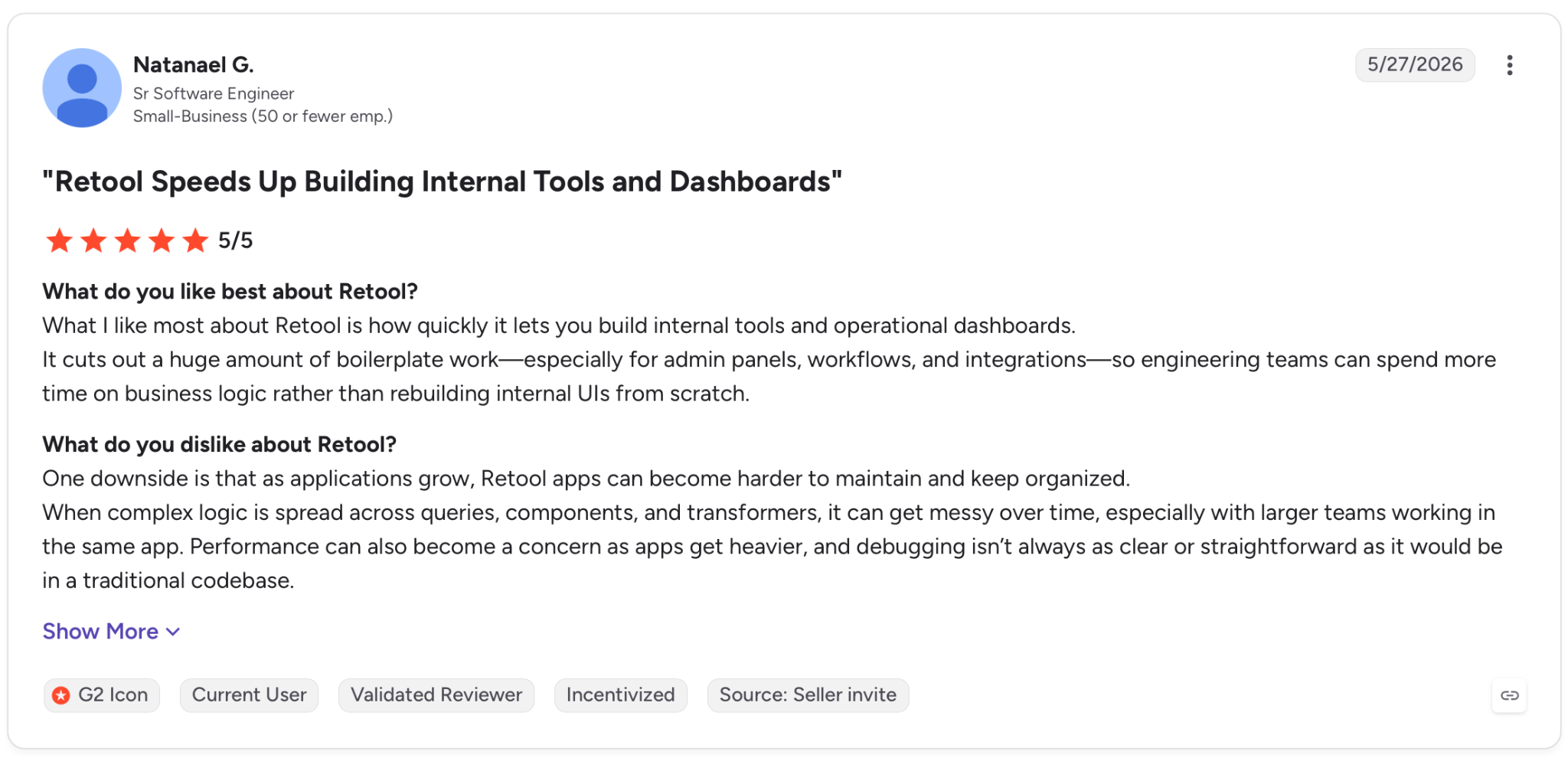
"What I like most about Retool is how quickly it lets you build internal tools and operational dashboards." - Natanael G., G2.
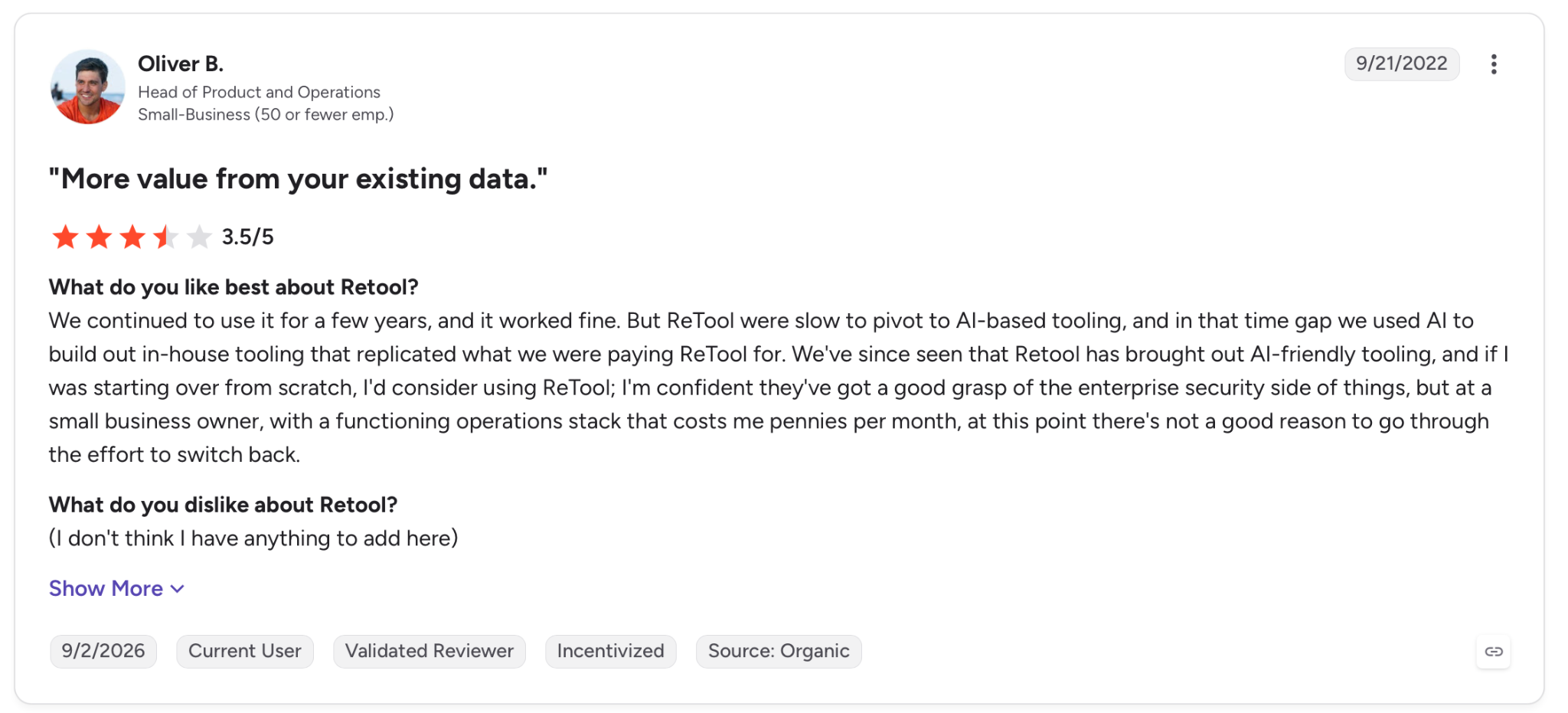
"We continued to use it for a few years, and it worked fine. But Retool was slow to pivot to AI-based tooling, and in that time gap we used AI to build out in-house tooling that replicated what we were paying Retool for." - Oliver B., G2.
Pricing
Retool's Team plan starts at $12 per builder per month plus $7 per internal user, with Business at $65 per builder plus $18 per user, and a free tier below both.
Bottom Line
For a team with the data skills to wire approvals into live systems, Retool connects directly to production databases, APIs, and services out of the box. Business users who want a form routed without touching a database will find lighter tools quicker to adopt.
9. Jotform Workflows: Best for form-triggered approvals on a budget
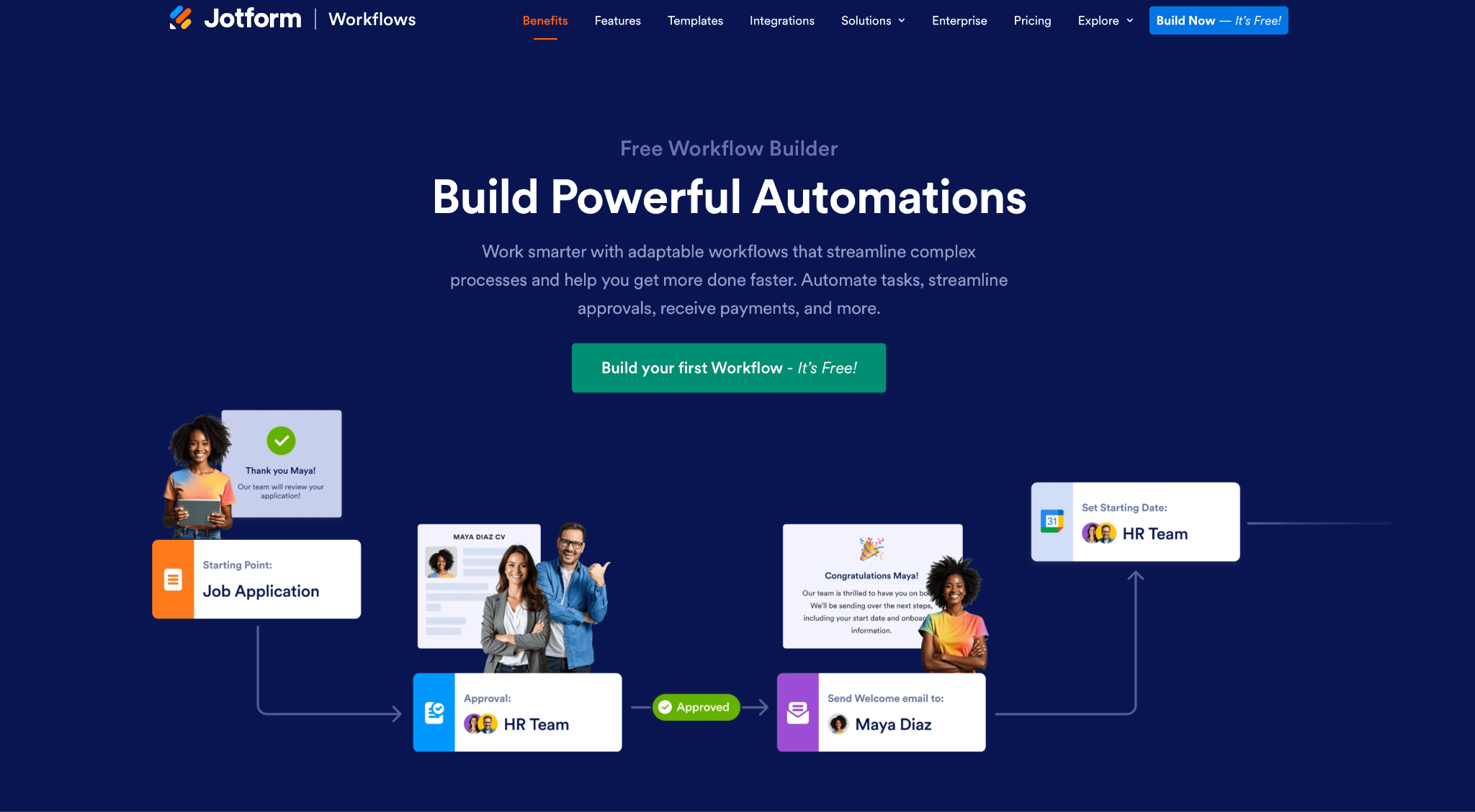
What it does: Jotform Workflows turns form submissions into approval flows, with drag-and-drop routing, conditional logic, and email notifications, all no-code.
Best for: Small teams that want form-based approvals running quickly without a large budget.
Approvals usually begin at a form, and that's exactly where Jotform starts. I set up the request form in minutes, connected it to an approval flow, and the submission routed straight to the first approver with no extra wiring. For a two-step approval, it was the fastest setup of the group.
The conditional logic handled my threshold skip cleanly, and email notifications kept approvers moving. Where Jotform runs out is depth, not price. Approver counts are capped by tier, and once a process needs dense branching or tight system integration, a form-first tool hits its edge.
Key Features
- Form-to-flow: Turn any form submission into a routed approval automatically.
- Conditional routing: Split or merge approval paths based on submission data.
- Notifications and e-sign: Email reminders for pending steps, plus signature requests inside the flow.
Pros and Cons
Pros:
✅ Fastest form-to-approval setup for a simple routed process.
✅ Low entry price relative to the enterprise tools on this list.
✅ No-code throughout, so a non-technical owner can build and change it.
Cons:
❌ Approver limits by tier, from 3 on free up to unlimited only on Enterprise.
❌ Form-first depth runs out on dense branching and deep integrations.
What Users Say
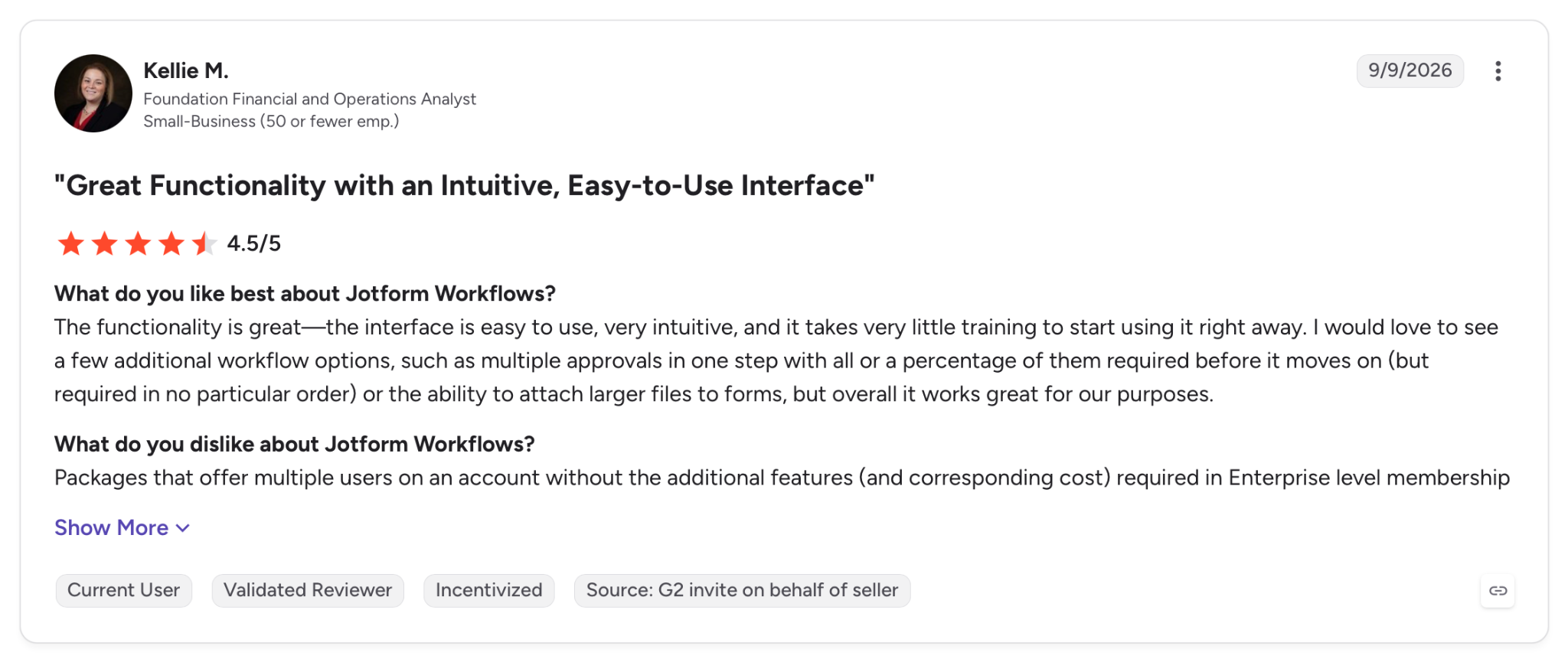
"The interface is easy to use, very intuitive, and it takes very little training to start using it right away." - Kellie M., G2.
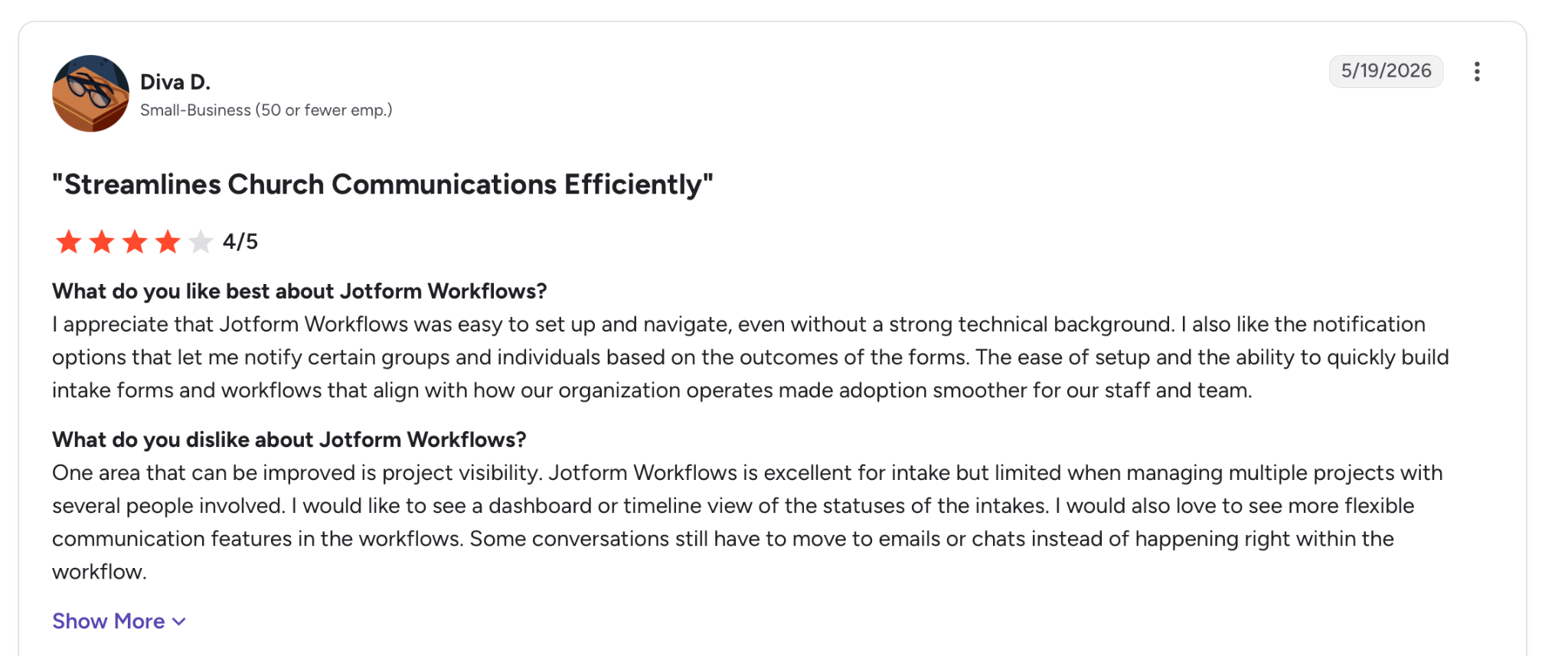
"One area that can be improved is project visibility. Jotform Workflows is excellent for intake but limited when managing multiple projects with several people involved." - Diva D., G2.
Pricing
Jotform's Bronze plan starts at $39/month, with Silver at $49/month and Gold at $129/month, plus a free Starter tier and custom Enterprise pricing.
Bottom Line
For a small team that wants form-driven approvals live today without a big spend, Jotform is the fastest form-to-approval setup of the group I tested. Processes with heavy branching or system dependencies will outgrow it.
10. Process Street: Best for approvals inside documented SOPs
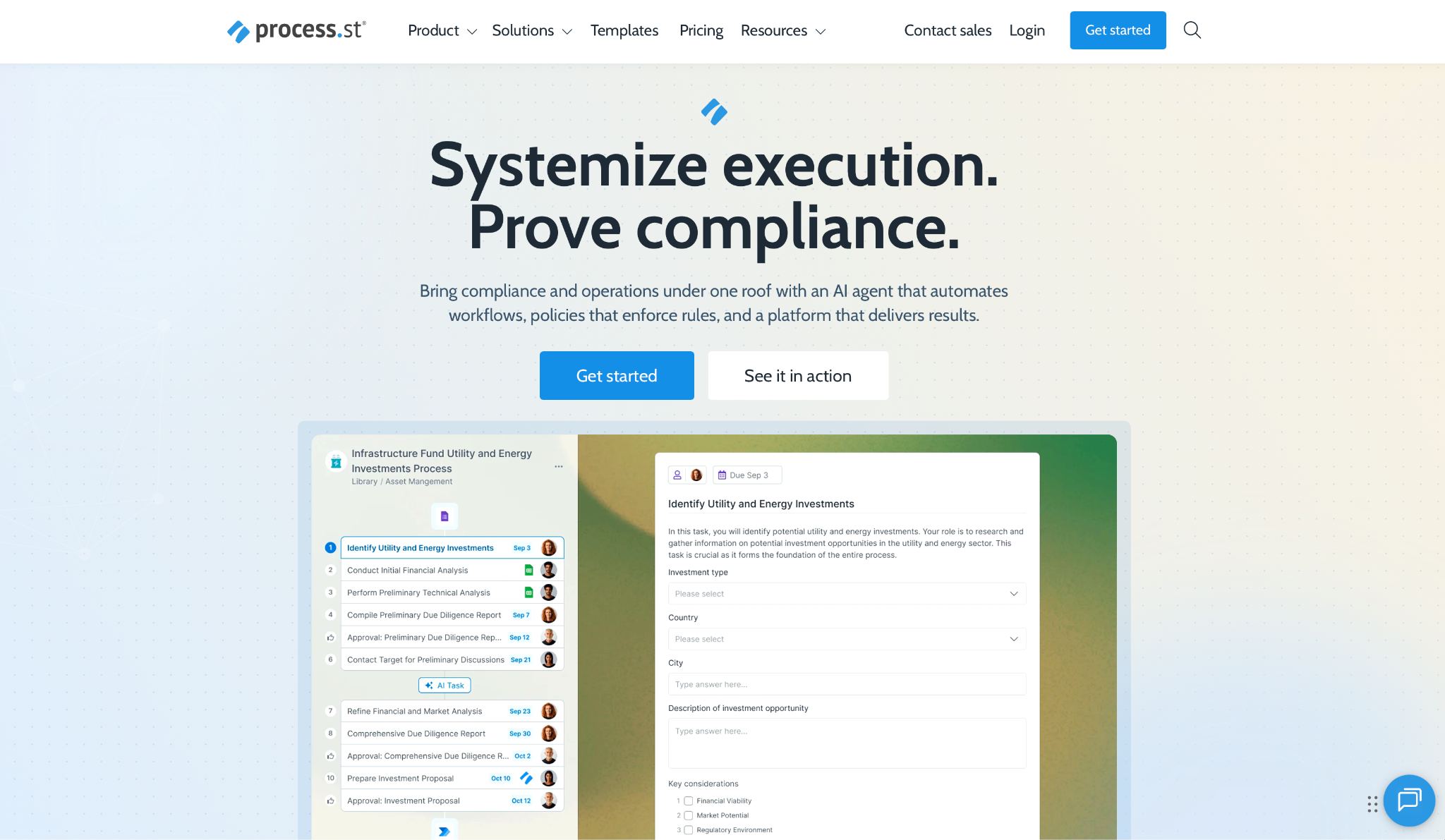
What it does: Process Street turns standard operating procedures into enforced workflows, with approval steps built into the documented process so sign-off happens where the work is defined.
Best for: Compliance-minded teams that want approvals tied to a repeatable, auditable procedure.
Process Street frames an approval as one enforced step in a documented process, and for teams that live by SOPs, that framing is what sells it. In my test, the approval ran as a workflow that couldn't be skipped, and the conditional logic routed the threshold case without issue.
Every step left a record. On audit, Process Street pulls ahead: its workflows keep documentation matched to ISO 9001, SOC 2, SOX, and FDA needs, and an AI compliance agent flags what's missing.
Where it asks for patience is pricing, since every tier routes through sales, so there's no public number to weigh before you talk to them.
Key Features
- Enforced workflows: Approvals run as mandatory steps inside a documented procedure, not optional add-ons.
- Conditional logic: Route and branch approval steps based on task data.
- Compliance tooling: Audit-ready records and an AI compliance agent for regulated processes.
Pros and Cons
Pros:
✅ Approvals live inside the SOP, so sign-off and the procedure stay in sync.
✅ Audit-ready by design for the major regulated contexts.
✅ Enforcement stops steps from being skipped under pressure.
Cons:
❌ All tiers are quote-based, with no public pricing to compare.
❌ Process-document framing fits teams that already run on SOPs better than ad-hoc approvers.
What Users Say
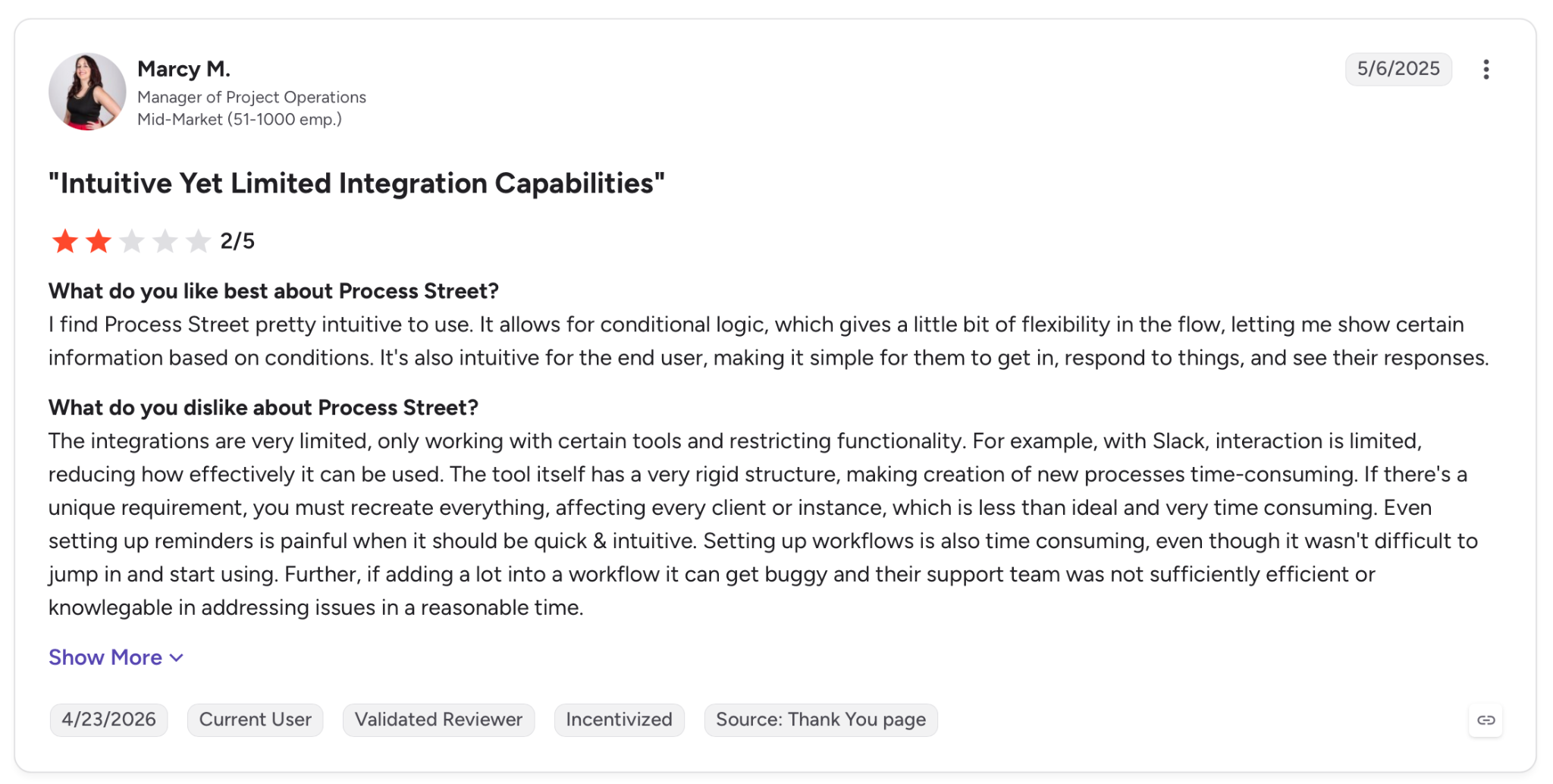
"I find Process Street pretty intuitive to use. It allows for conditional logic, which gives a little bit of flexibility in the flow, letting me show certain information based on conditions." - Marcy M., G2.
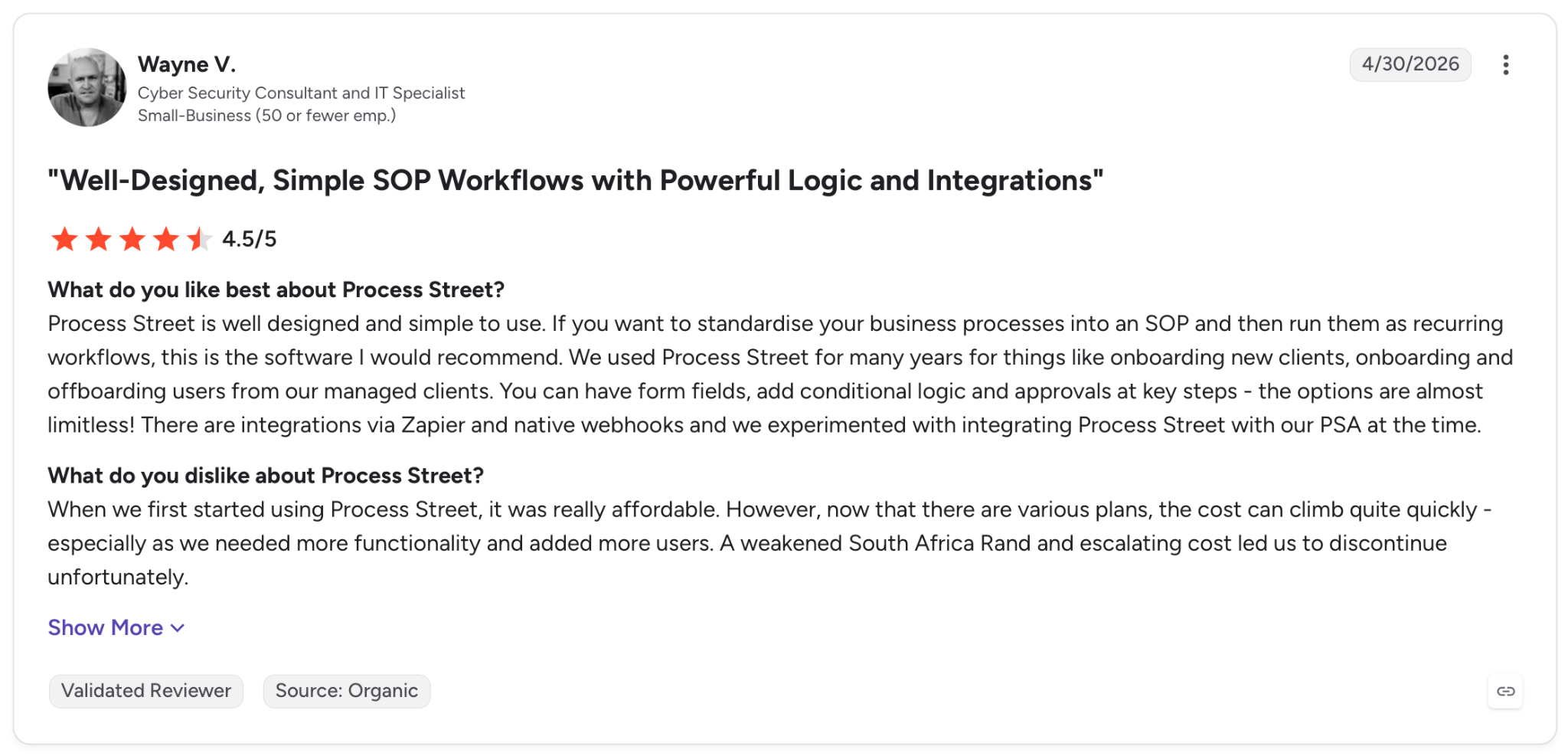
"The cost can climb quite quickly; especially as we needed more functionality and added more users.." - Wayne V., G2.
Pricing
Process Street lists Startup, Pro, and Enterprise plans, all on contact-sales pricing with no public numbers.
Bottom Line
For a team that runs on documented procedures and needs approvals enforced inside them, Process Street fits the discipline. Groups wanting a quick standalone approval, or a price up front, will look elsewhere.
11. Moxo: Best for approvals involving external parties
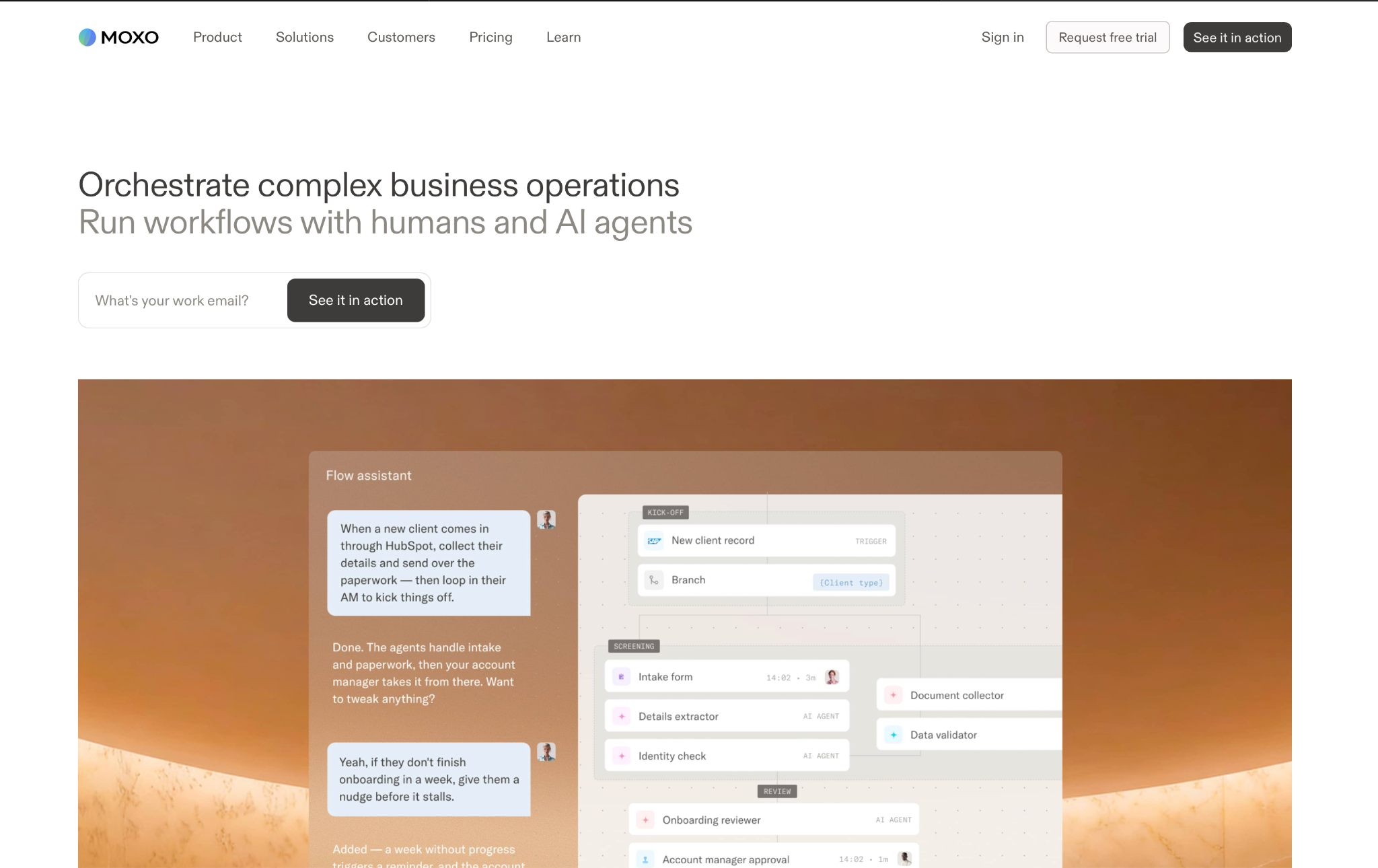
What it does: Moxo runs approval workflows that reach outside the company, giving clients, vendors, and partners their own portal to submit, review, and sign off without a login.
Best for: Teams whose approvals depend on people outside the organization, like clients or vendors.
Moxo is made for approvals that leave the building. The approver is a client or vendor rather than a colleague, and Moxo gives each outside party a direct way in, with no account setup and no email chain. My flow worked internally too, but that's not the case it was made for.
Alongside that external reach, Moxo makes human accountability a design choice: humans decide while AI executes, so agents can prepare an approval, but a person still signs off.
On the enterprise side, Moxo covers SOC 2 Type II, SAML SSO, role-based access, and full audit trails. What holds a smaller team back is the entry price, with the Team plan starting at $500 per month.
Key Features
- External portals: Clients and vendors submit and approve through their own interface, no login required.
- Human-in-the-loop: AI agents prepare work, but people hold the approval decision.
- Enterprise controls: SOC 2 Type II, SAML SSO, RBAC, and end-to-end audit trails.
Pros and Cons
Pros:
✅ Made for external approvals, so clients and vendors act without accounts or email threads.
✅ Accountability by design, keeping the sign-off decision with a person.
✅ Enterprise-grade controls for regulated, client-facing work.
Cons:
❌ Entry price starts high at $500 per month for the Team plan.
❌ External focus is more than an internal-only approval process needs.
❌ Higher tiers are quote-based, so scaling cost is not public.
What Users Say
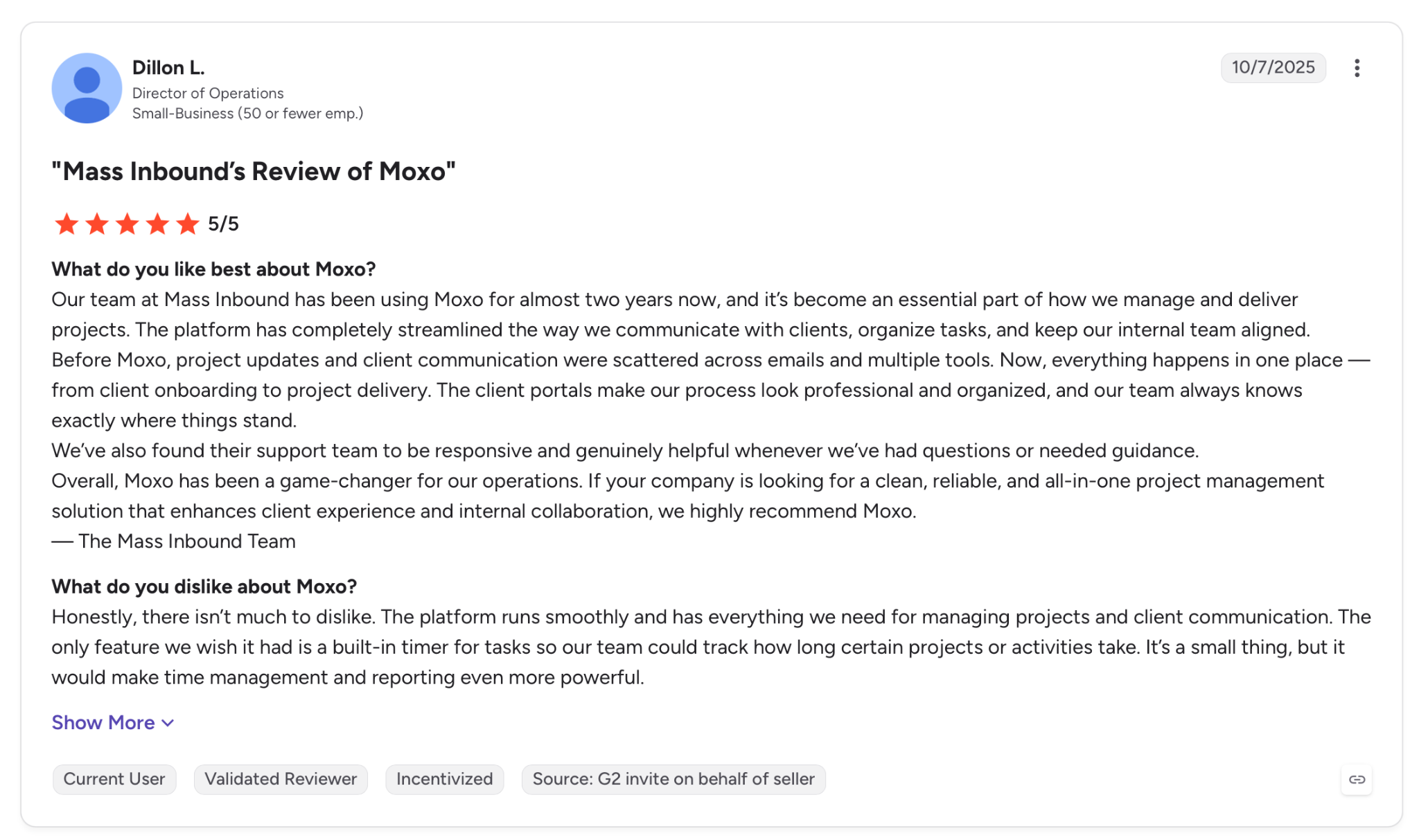
"Our team at Mass Inbound has been using Moxo for almost two years now, and it’s become an essential part of how we manage and deliver projects." - Dillon L., G2.
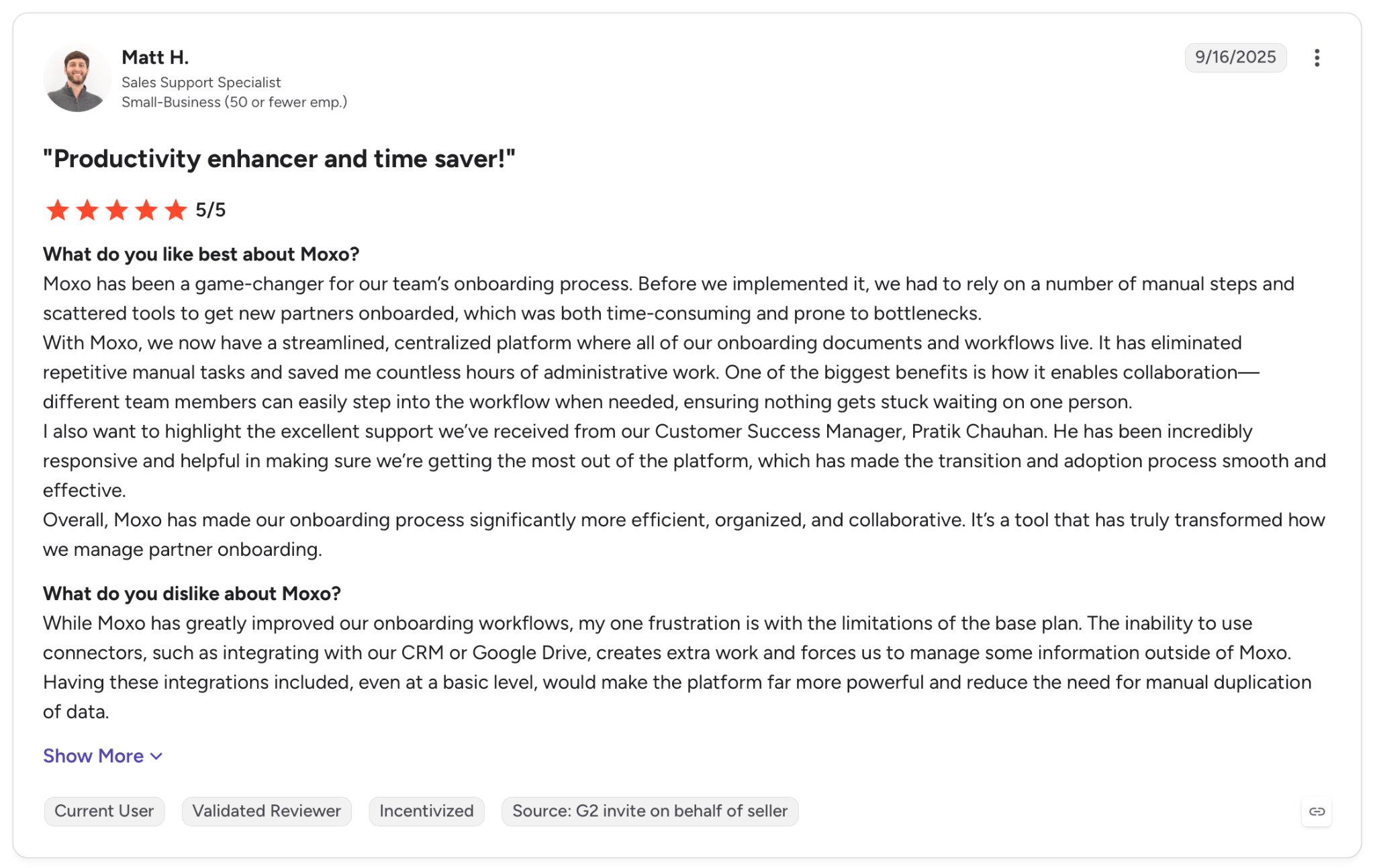
"While Moxo has greatly improved our onboarding workflows, my one frustration is with the limitations of the base plan." - Matt H., G2.
Pricing
Moxo's Team plan starts at $500 per month, with Scale and Enterprise on custom quotes.
Bottom Line
For a professional-services or client-facing team whose approvals involve people outside the company, Moxo handles the external side other tools ignore. For internal-only approvals, most of what you'd pay Moxo for goes unused.
12. ApprovalMax: Best for finance approvals over accounting platforms
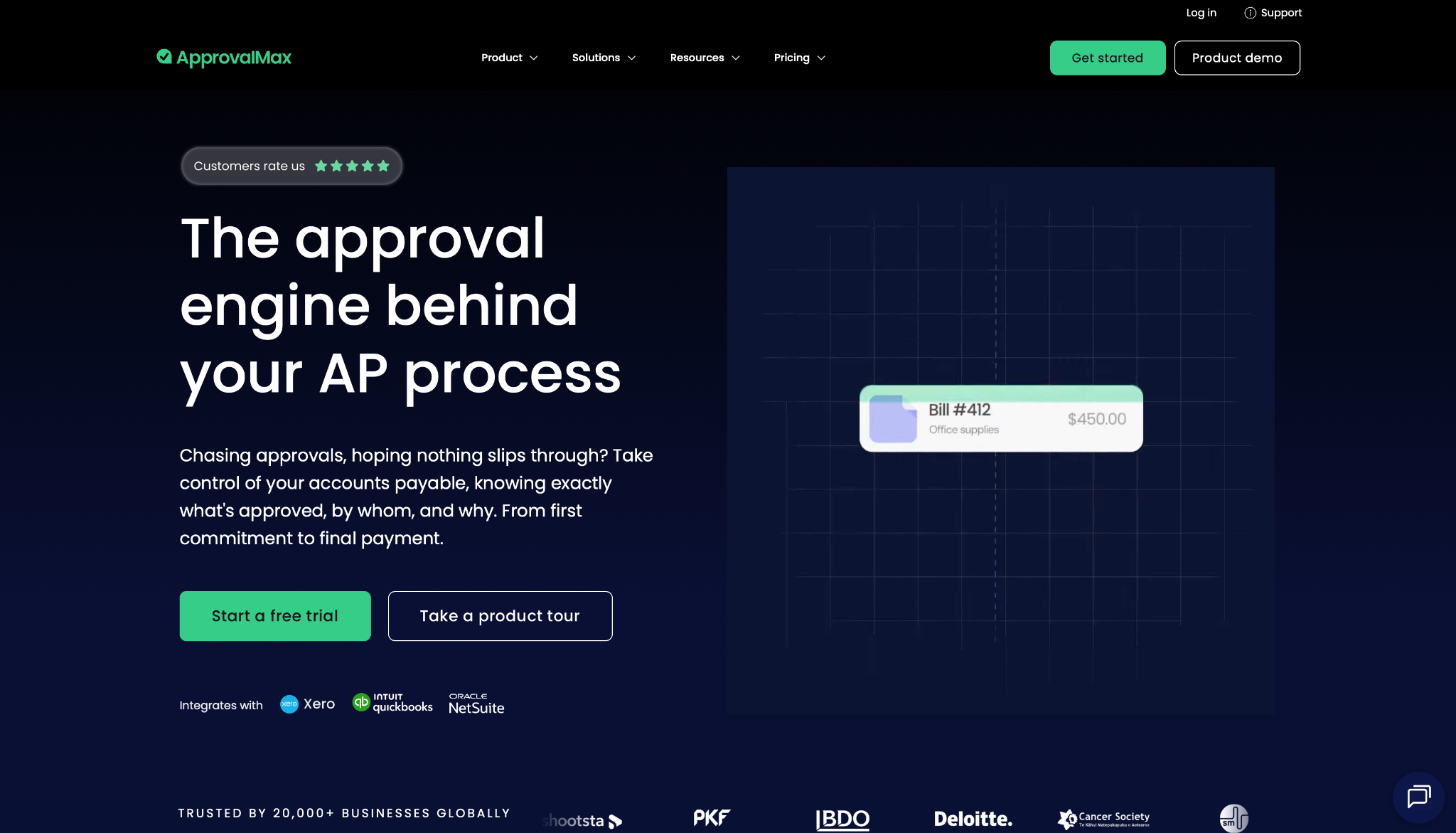
What it does: ApprovalMax automates finance approval workflows for bills, purchase orders, and expenses, sitting on top of Xero, QuickBooks Online, and Oracle NetSuite.
Best for: Finance teams that run their spend approvals over an existing accounting platform.
ApprovalMax is a finance control layer, scoped tightly to accounts payable. My flow modeled a purchase approval, and the multi-step routing, bill-to-PO matching, and segregation-of-duties rules are shaped for how accountants work. For accounts payable, that narrow focus is exactly the appeal.
The accounting sync is its strongest argument, pushing approved documents straight back to Xero or QuickBooks without re-keying. Pricing runs per organization rather than per user, which suits AP teams.
Its scope is the boundary, since anything outside finance approvals falls outside what ApprovalMax was made for.
Key Features
- Finance-specific approvals: Multi-step routing for bills, POs, expenses, and credit notes.
- Bill-to-PO matching: Verify invoices against purchase orders with segregation-of-duties controls.
- Accounting sync: Push approved documents back to Xero, QuickBooks Online, and NetSuite automatically.
Pros and Cons
Pros:
✅ Purpose-built for AP, with controls an accountant would recognize.
✅ Native accounting sync removes double entry into Xero or QuickBooks.
✅ Per-organization pricing with unlimited users and requests.
Cons:
❌ Finance-only scope, so non-spend approvals are out of range.
❌ Tied to supported accounting platforms, which shapes who it fits.
What Users Say
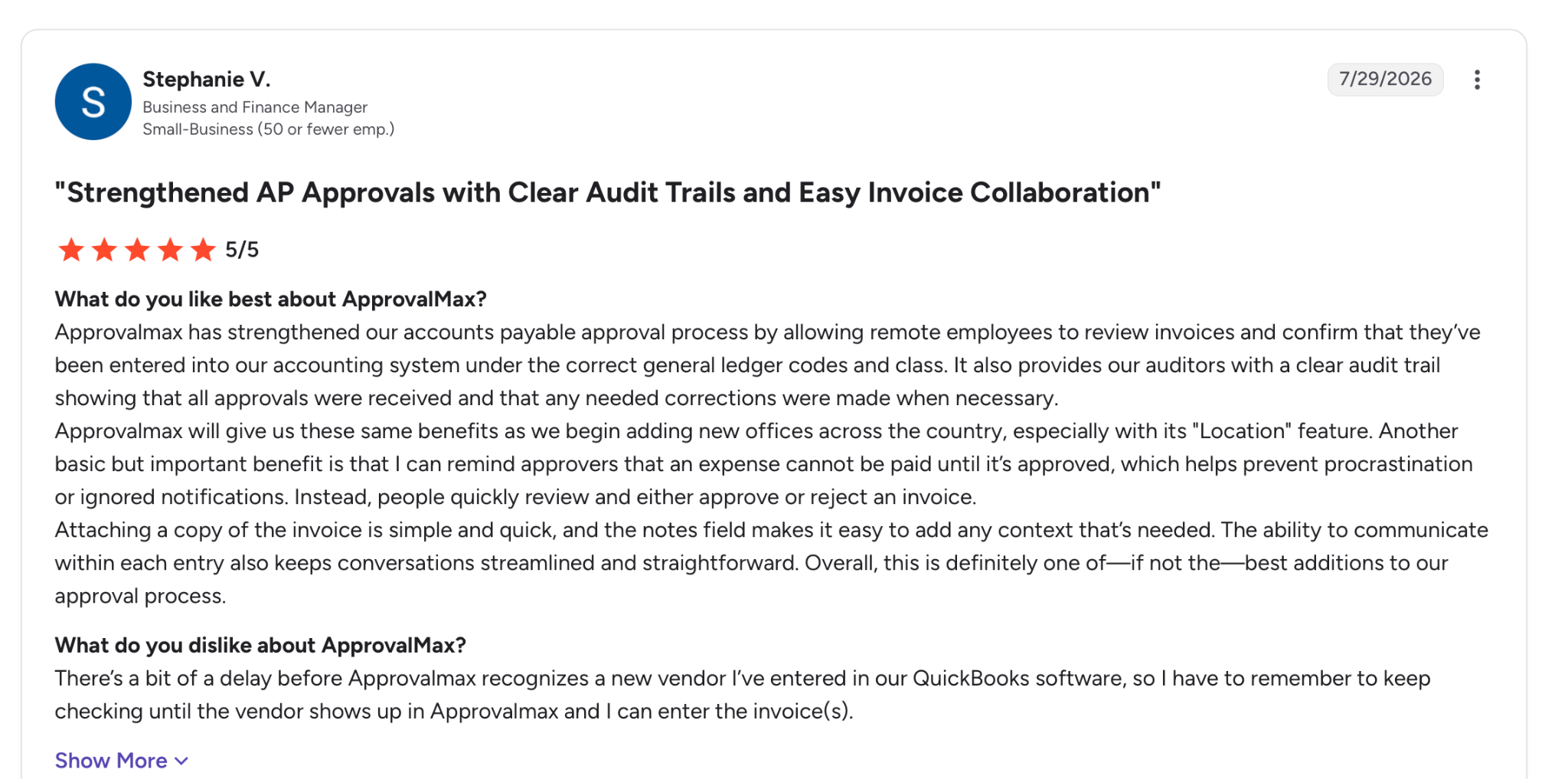
"ApprovalMax has strengthened our accounts payable approval process by allowing remote employees to review invoices and confirm that they’ve been entered into our accounting system under the correct general ledger codes and class." - Stephanie V., G2.
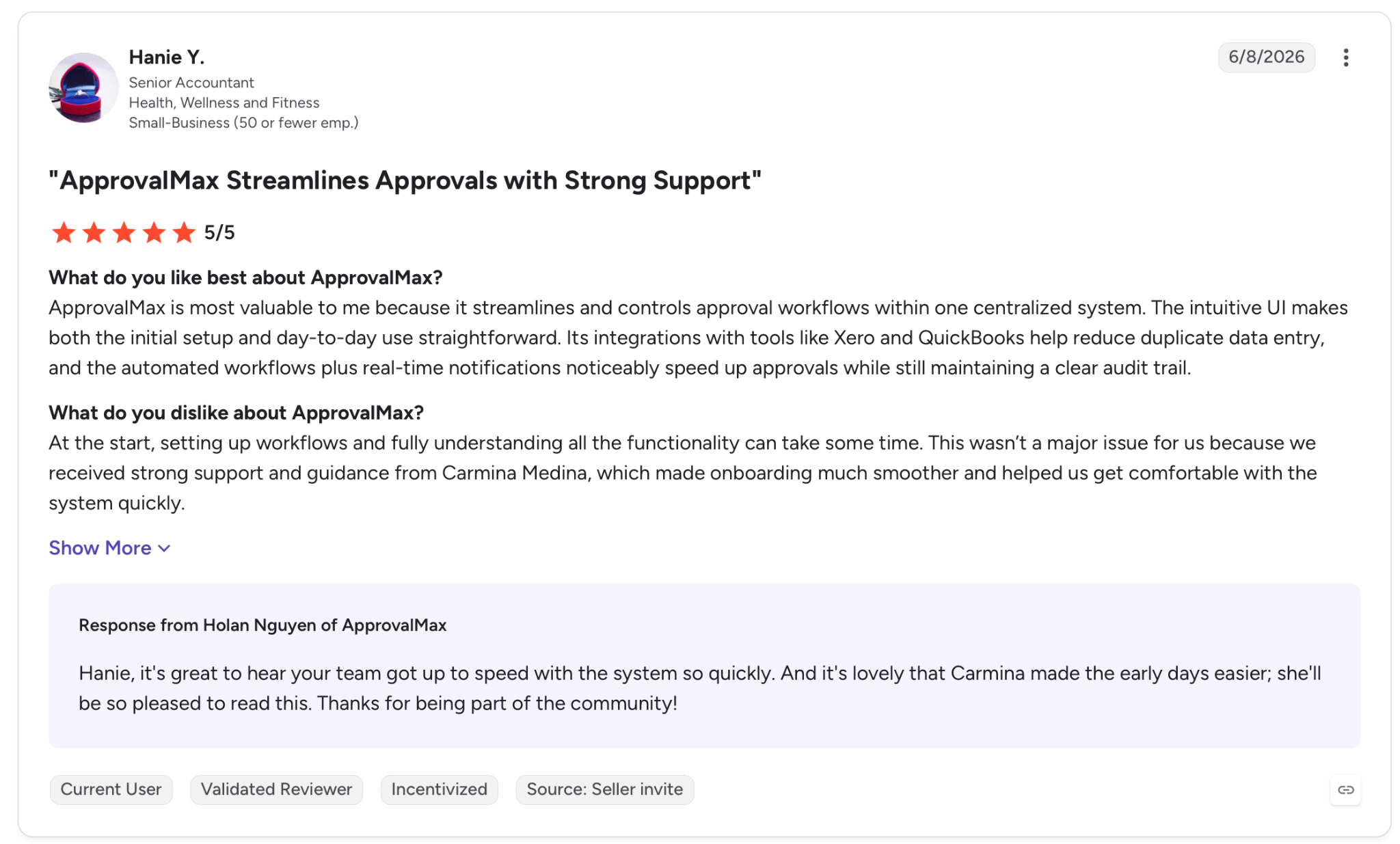
"At the start, setting up workflows and fully understanding all the functionality can take some time." - Hanie Y., G2.
Pricing
ApprovalMax's Standard plan starts at $59.40 per month per organization billed monthly, with Advanced at $95 and Premium at $133.10, all priced per organization with unlimited users.
Bottom Line
For a finance team approving spend over Xero or QuickBooks, ApprovalMax is the specialist made for exactly this. Step outside finance and you'll need a second tool next to it.
13. Power Automate: best for approvals inside Microsoft 365
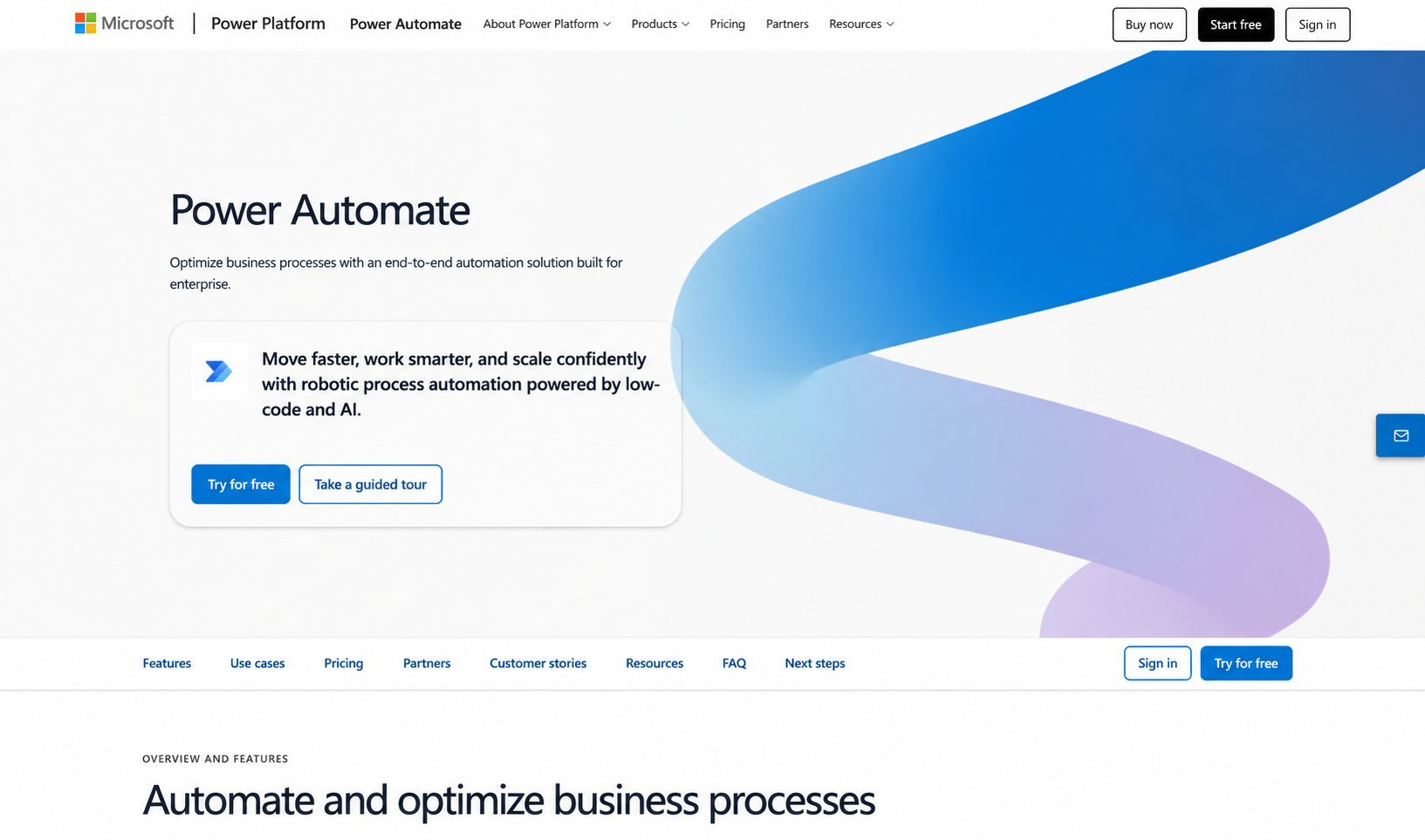
What it does: Power Automate is Microsoft's automation platform, with a built-in approvals capability that routes requests through Teams, Outlook, and the rest of Microsoft 365.
Best for: Organizations already standardized on Microsoft 365 that want approvals inside their existing stack.
If your company already runs on Microsoft 365, Power Automate handles approvals in the apps your people already use. My flow triggered from a form and routed the approval into Teams and Outlook, so approvers acted without leaving the apps they had open all day.
That native fit is the reason a Microsoft shop reaches for it, and it sits on top of a full automation engine, with cloud flows for the approval logic and desktop RPA for the steps around it.
Licensing is where it gets thorny. The Premium plan covers individual approval flows, but the per-user and per-bot structure tangles quickly, and matching your needs to the right SKU takes study.
Key Features
- Native 365 approvals: Route and action approvals directly in Teams and Outlook.
- Cloud flows: Build the approval logic with hundreds of connectors across Microsoft and beyond.
- Desktop RPA: Handle the surrounding steps with attended or unattended bots.
Pros and Cons
Pros:
✅ Approvals live in Microsoft 365, where 365 teams already spend the day.
✅ Deep connector library across Microsoft and third-party systems.
✅ May already be bundled in an existing Microsoft license.
Cons:
❌ Licensing gets tangled, with per-user and per-bot SKUs to work through.
❌ Best value inside Microsoft, so non-365 shops gain less from it.
What Users Say
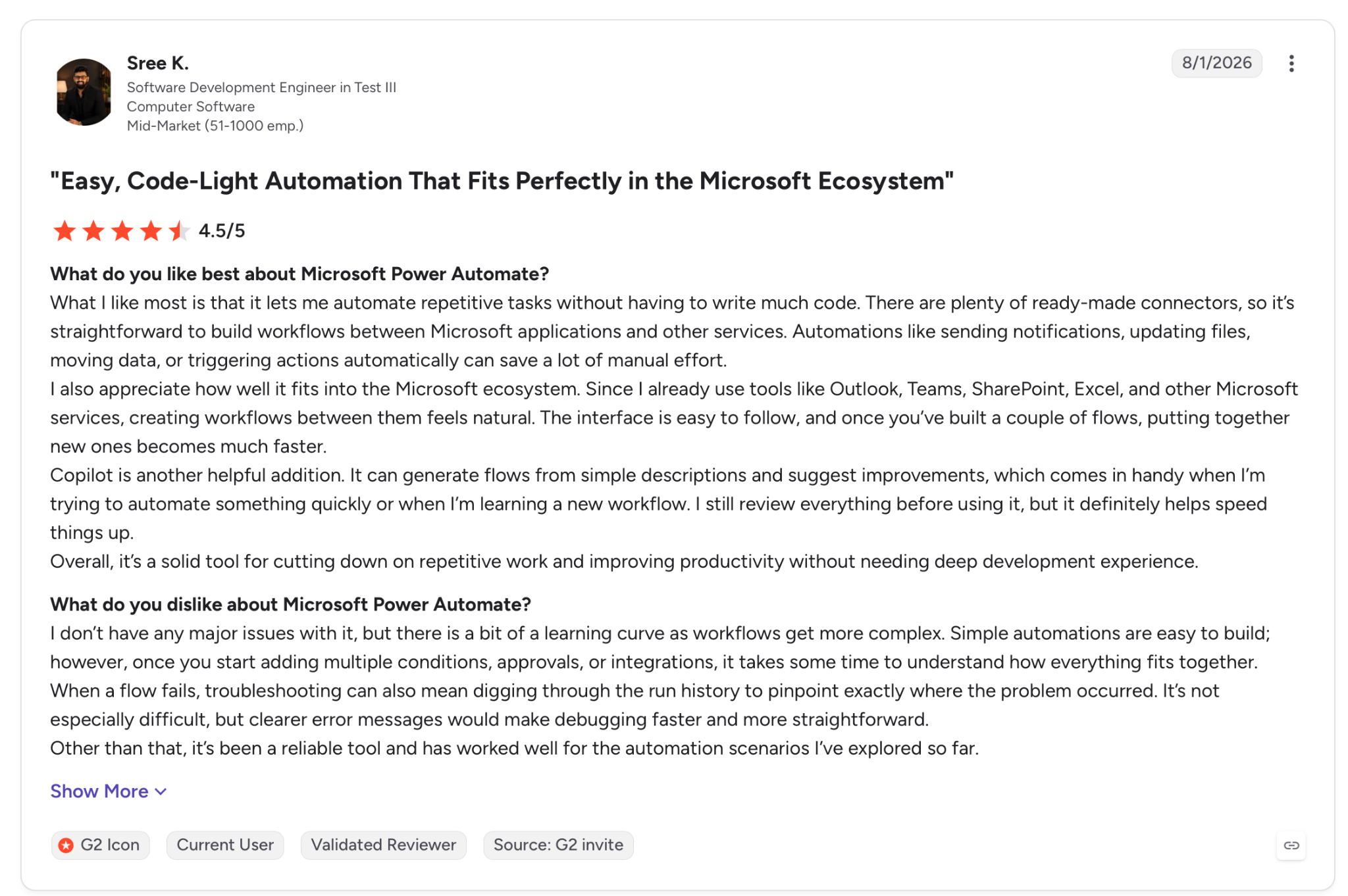
"What I like most is that it lets me automate repetitive tasks without having to write much code." - Sree K., G2.
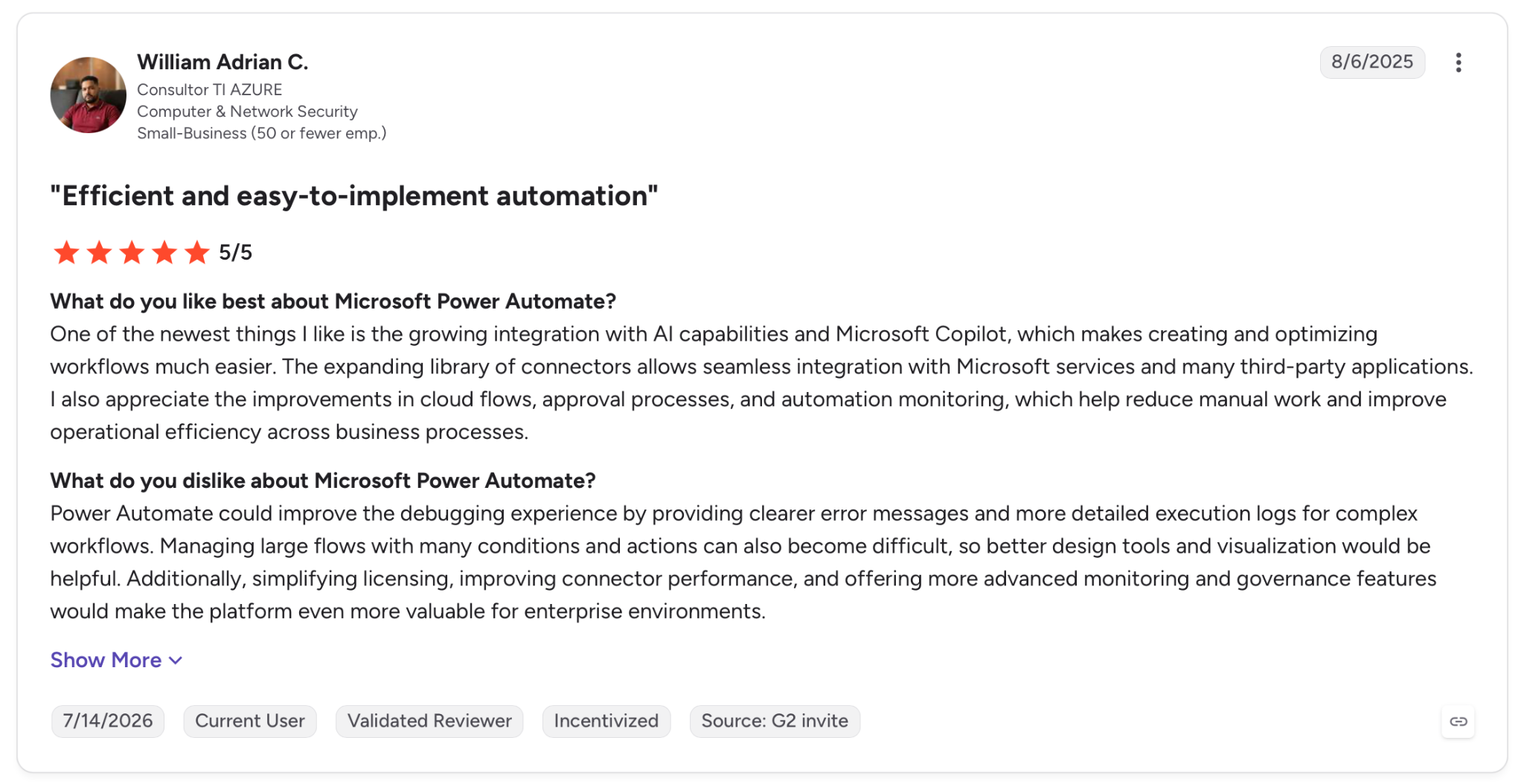
"Power Automate could improve the debugging experience by providing clearer error messages and more detailed execution logs for complex workflows." - William Adrian C., G2.
Pricing
Power Automate Premium starts at $15 per user per month billed yearly, with Process at $150 per bot and Hosted Process at $215 per bot, plus a free 30-day trial.
Bottom Line
For an organization standardized on Microsoft 365, Power Automate keeps approvals inside the tools people already use. Teams outside the Microsoft world will get less return and more licensing to decode.
Which approval workflow software should you choose?
What you choose depends on three things: who owns the process, how heavy the routing gets, and whether IT needs a say before it ships.
- Choose monday.com if you want approvals running next to the boards your team already tracks work on.
- Choose Kissflow if you're standardizing several business processes, not just one approval.
- Choose Nintex if you run enterprise processes where the approval sits alongside signatures and generated documents.
- Choose Wrike if the thing being approved is creative or project work you already manage there.
- Choose Superblocks if you need a custom approval app shaped to your own process, with IT keeping control of access, data, and audit from the start. It's the low-code automation platform built for operations automation and heavier workflow orchestration.
- Choose Decisions if your approvals hinge on a dense rules engine, and you have the enterprise budget.
- Choose Pipefy if you run high-volume, repeatable request pipelines and want structure without engineering help.
- Choose Retool if you have the data skills to wire approvals into live databases and APIs.
- Choose Jotform Workflows if you want form-driven approvals live fast on a limited budget.
- Choose Process Street if your approvals belong inside documented, enforced SOPs.
- Choose Moxo if your approvers are clients or vendors outside the company.
- Choose ApprovalMax if you approve finance spend over Xero, QuickBooks, or NetSuite.
- Choose Power Automate if your company already runs on Microsoft 365.
Skip this category if you have a one-off sign-off that a shared inbox or a single form already handles.
Final verdict
For a team standardizing approvals, Kissflow and Pipefy hit the balance of structure and speed without demanding a developer. Small teams on a budget get there fastest with Jotform, and creative teams keep sign-off in context with Wrike.
If IT needs control over access and data, the packaged tools stop short where Superblocks lets you build the exact approval app your process needs, with governance and audit standards from the start. Retool covers teams with the data skills to wire approvals into live systems.
What settles it is rarely the demo. It's what the tool records when a request escalates, who can see it, and whether the routing still holds once the rules get demanding.
Superblocks is made for that governed approach, and an approval flow is one of the low-code use cases it covers. You can generate an approval app in your own environment with a demo and see whether that fit matches how your team works.
Frequently Asked Questions
What is the best approval workflow software in 2026?
Which tool wins comes down to who owns the process. Kissflow and Pipefy lead for business teams standardizing several processes, Superblocks suits companies that need a governed custom app, and ApprovalMax suits finance approvals.
The deciding factor is usually how the tool handles routing and audit once the rules get demanding.
What is approval workflow software?
Approval workflow software routes a request to the people who sign off on it. Rules set who approves what, and in which order.
It replaces email and spreadsheet approvals with routing, conditional logic, escalation, and an audit trail of every decision.
How much does approval workflow software cost?
Approval workflow software usually starts between $12 and $60 a month at the entry paid tier, though enterprise platforms cost far more.
Jotform starts at $39/month, monday at $12/user, ApprovalMax at $59.40 per organization, and Superblocks at $125/month, while Kissflow, Nintex, and Decisions run on custom enterprise pricing.
What is the best approval workflow software for enterprise teams?
The best approval workflow software for enterprise teams pairs heavy routing with strong governance.
On that front, Superblocks suits teams building governed custom approval apps, Nintex and Decisions handle heavy end-to-end processes, and Kissflow standardizes many process types with the audit trails compliance requires.
Can approval workflow software integrate with our existing systems?
Yes, most approval workflow software connects to the systems where requests and records already live.
ApprovalMax syncs with Xero and QuickBooks, Power Automate runs inside Microsoft 365, and platforms like Superblocks and Retool connect directly to your databases and APIs, so approvals act on live data rather than copies.


Stay tuned for updates
Get the latest Superblocks news and internal tooling market insights.
Request early access
Step 1 of 2
Request early access
Step 2 of 2

You’ve been added to the waitlist!
Book a demo to skip the waitlist
Thank you for your interest!
A member of our team will be in touch soon to schedule a demo.
production apps built
days to build them
semi-technical builders
traditional developers
high-impact solutions shipped
training to get builders productive
SQL experience required
See the full Virgin Voyages customer story, including the apps they built and how their teams use them.

"Those tools are great for proof of concept. But they don't connect well to existing enterprise data sources, and they don't have the governance guardrails that IT requires for production use."
Table of Contents
%20(1).png)

Multiple authors
Deploy a v0 App to Production in 5 Steps (2026)
Deploy a v0 app to production with Publish, GitHub pull requests, and the Vercel settings that decide what's public, what's secret, and what breaks.
%20(1).png)
%20(1).png)