
Power Apps is a capable low-code platform, but its per-user licensing, Dataverse capacity limits, and tight coupling with the Microsoft stack push many teams to look elsewhere.
If you're evaluating a switch, the strongest options right now are OutSystems for mission-critical enterprise apps, Retool for developer-built internal tools, and Zoho Creator for straightforward, affordable app building.
I compared 13 Power Apps alternatives across the factors that drive a switch: licensing model, customization ceiling, governance depth, and how far you can go outside the Microsoft stack.
I checked each against a common reference case, an internal approval workflow with a database and role-based access, and verified every price directly against the vendor.
Here's the ranked list: what each platform does well, honest pros and cons, current pricing, and who it's built for.
The right fit depends heavily on whether you need enterprise-scale governance, developer flexibility, or a fast, affordable way to get non-technical teams building.
13 best Power Apps alternatives: TL;DR
Here's the shortlist, with what each one does best:
- OutSystems: Best for mission-critical enterprise applications.
- Mendix: Best for model-driven development beyond Microsoft.
- Appian: Best for process automation and case management.
- Retool: Best for developer-built internal tools.
- Superblocks: Best for building governed, AI-native apps.
- Zoho Creator: Best affordable option for straightforward apps.
- Quickbase: Best for complex, relational data management.
- Betty Blocks: Best for AI-generated app models with governance.
- Airtable: Best for spreadsheet-style databases with light app layers.
- Bubble: Best for customer-facing web apps.
- AppSheet: Best for teams already inside Google Workspace.
- Budibase: Best for free, open-source self-hosting.
- ToolJet: Best open-source alternative for developer-first teams.
Why look for Power Apps alternatives?
Power Apps is a strong platform for teams already deep in Microsoft 365, with native SharePoint and Teams integration that's hard to replicate elsewhere. A few recurring pain points still prompt teams to look for alternatives.
Licensing that scales awkwardly. Premium runs $20/user/month, and every person who touches an app needs a license, even if they only view it occasionally.
Costs climb fast as adoption spreads beyond a pilot team. Our full PowerApps pricing breakdown covers the hidden costs in more depth.
Limited Dataverse capacity. The included database allowance is thin, and teams doing anything data-heavy quickly hit overage charges or need a costly capacity add-on.
Weak fit outside Microsoft. Value drops sharply for organizations not standardized on Microsoft 365 and Azure, since the platform's deepest advantages are specific to that stack.
A real customization ceiling. Complex business logic, custom UI, or anything beyond standard forms and galleries pushes teams into workarounds or a different platform entirely.
Which Power Apps alternative should you choose?
Here's the quick version before the deep dives:
- Choose OutSystems or Mendix if you need enterprise-scale, mission-critical applications and can absorb a serious licensing investment, though both carry a steep learning curve.
- Choose Retool or Superblocks if you want developer-built internal tools with real governance, less ideal if your builders are entirely non-technical.
- Choose Zoho Creator or AppSheet if you want an affordable, straightforward builder, though neither offers the depth of Power Apps for complex enterprise logic.
- Choose Budibase or ToolJet if you want to avoid per-seat licensing entirely through open-source self-hosting.
- Stick with Power Apps if you are fully standardized on Microsoft 365 and need native SharePoint and Teams integration more than flexibility or lower cost.
13 best Power Apps alternatives: at a glance
Here's how the 13 compare on strengths and starting price:
Pricing correct as of Septmeber 2026. Verify with vendor.
The 13 best Power Apps alternatives
1. OutSystems
OutSystems is the best Power Apps alternative for mission-critical enterprise applications that need to scale.
It's a professional-grade, high-performance platform built for large, complex apps with heavy integration and lifecycle management needs, positioning it well above Power Apps for the most demanding builds.
Key features
- AI-augmented development: Generative tooling accelerates screens, logic, and integrations.
- Enterprise lifecycle management: Built-in versioning, testing, and deployment pipelines.
- Deep integration capabilities: Connects cleanly to complex, multi-system enterprise architectures.
Pros
- ✅ Handles mission-critical, high-performance apps.
- ✅ Strong lifecycle management for large development teams.
- ✅ Proven at enterprise scale across complex industries.
Cons
- ❌ Among the most expensive platforms in this category.
- ❌ Steep learning curve for teams used to simpler no-code tools.
Best for
- Large enterprises building complex, high-performance applications.
- Teams with dedicated development resources and budget.
Pricing
OutSystems is custom-priced, with historical entry points around $36,300/year (roughly $3,025/month) scaling with app complexity, users, and infrastructure.
See the OutSystems pricing page for a quote.
2. Mendix
For model-driven development that extends well beyond the Microsoft stack, Mendix is the strongest Power Apps alternative here.
Its AI co-developer, Maia, assists with app generation and best-practice suggestions, and one-click deployment covers both cloud and on-premises environments, giving it real flexibility that Power Apps lacks.
Key features
- Maia AI assistance: AI co-developer for generation, suggestions, and workflow design.
- Model-driven architecture: Visual models generate working application logic.
- Flexible deployment: One-click deployment to cloud or on-premises infrastructure.
Pros
- ✅ Free tier to start building, with no credit card required.
- ✅ Broader application types than Power Apps supports.
- ✅ Strong AI-assisted development tooling.
Cons
- ❌ Enterprise pricing climbs quickly beyond the entry tier.
- ❌ Best suited to teams with some development experience.
Best for
- Teams building diverse application types outside Microsoft.
- Organizations wanting AI-assisted, model-driven development.
Pricing
Mendix is free to start. Standard starts at $1,090/month; Premium is custom-quoted.
See Mendix's pricing for details.
3. Appian
Appian is the best Power Apps alternative for process automation and case management at enterprise scale.
It's a Gartner Leader in both Enterprise Low-Code Application Platforms and Business Orchestration, built specifically around complex workflows, human tasks, and long-running processes that Power Apps isn't designed for.
Key features
- Process automation and BPM: Purpose-built for complex, multi-step business processes.
- Case management: Strong support for tracking work across long-running cases.
- Intelligent document processing: Extracts structured data from unstructured documents.
Pros
- ✅ Deep strength in process automation and case management.
- ✅ Recognized enterprise leader with proven track record.
- ✅ Handles complex, long-running workflows well.
Cons
- ❌ Pricing is entirely custom with nothing public.
- ❌ Overkill for teams needing simple, single-purpose apps.
Best for
- Enterprises automating complex business processes.
- Teams needing strong case management capabilities.
Pricing
Appian is custom, quote-based pricing, with typical standard-user rates cited around $75/user/month.
See Appian's site for a quote.
4. Retool
Developer-built internal tools with real code access are where Retool pulls ahead of Power Apps.
Its combination of a visual builder with genuine code-level flexibility makes it a natural fit for engineering teams who find Power Apps too constrained for real application logic.
Key features
- Code-friendly building: JavaScript and SQL access alongside visual components.
- Broad database and API connectors: Direct connections to most common enterprise data sources.
- Version control integration: Git-based workflows for reviewing changes.
Pros
- ✅ Real code access, well beyond visual configuration.
- ✅ Large, active developer community.
- ✅ Strong fit for internal tools built by engineers.
Cons
- ❌ Less accessible for fully non-technical builders.
- ❌ Per-end-user costs stack up alongside builder seats.
Best for
- Engineering teams building internal tools.
- Organizations wanting open, code-friendly extensibility.
Pricing
Retool's Team plan starts at $12/builder/month plus $7/month per internal user, Business runs $65/builder/month plus $18/month per internal user, and Enterprise is custom-priced.
See Retool's pricing for details.
5. Superblocks
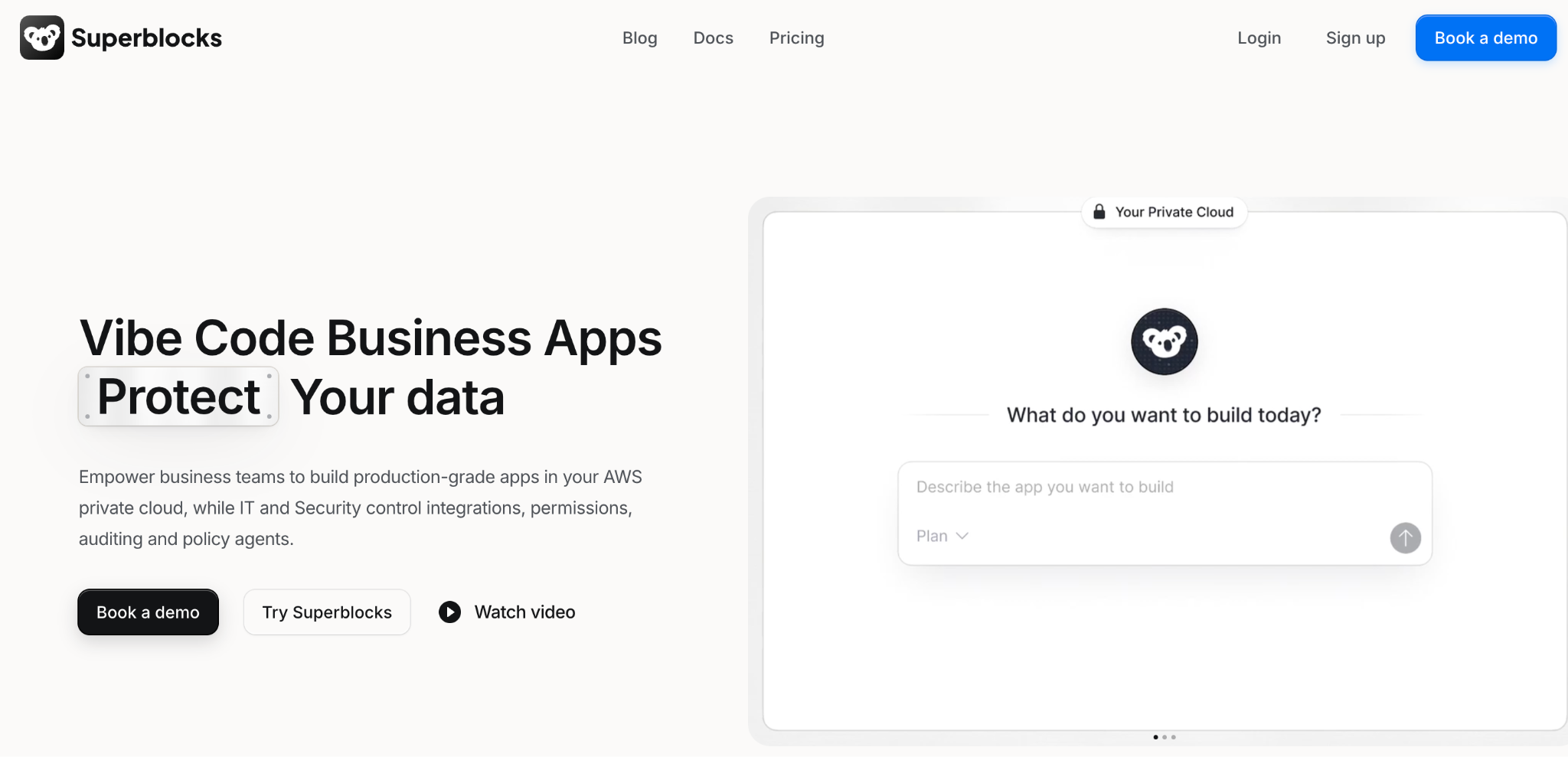
Superblocks is the best Power Apps alternative for teams that want AI-native app building with built-in enterprise governance.
Its Clark AI generates internal apps from natural language with role-based access applied automatically.
SSO and audit logging are available on the Enterprise tier, combining the accessibility Power Apps offers with governance depth it doesn't.
Key features
- 🤖 Clark AI generation: Turns prompts into full internal apps under existing governance.
- 🔧 Code export: Apps export as React to edit or extend in your own IDE.
- 🛡️ Hybrid deployment (Enterprise): An on-premises agent keeps data in your VPC.
Pros
- ✅ AI-native building with role-based access applied from the start.
- ✅ Code export avoids the vendor lock-in Power Apps carries.
- ✅ Not tied to the Microsoft stack for its core value.
Cons
- ❌ Smaller template and community base than Microsoft's.
- ❌ Less brand recognition than the established enterprise players.
Best for
- Teams wanting AI-generated apps with governance from day one.
- Organizations outside the Microsoft stack needing similar depth.
Pricing
Superblocks Teams starts at $125/month with role-based access included. Enterprise pricing is custom and includes SSO, audit logs, and VPC deployment.
See Superblocks pricing or book a demo.
6. Zoho Creator
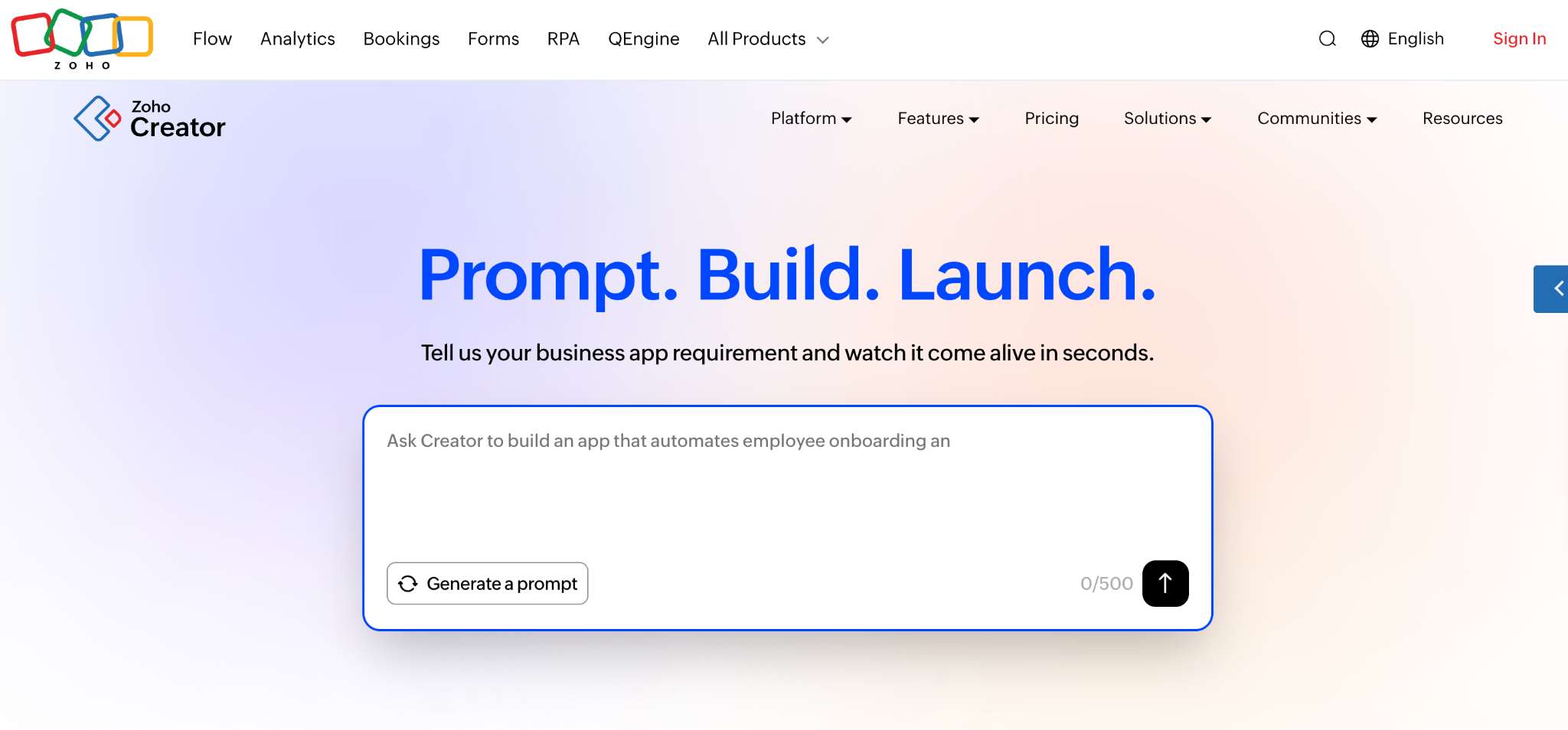
For straightforward application needs on a tight budget, Zoho Creator is the affordable alternative to Power Apps.
It's the most budget-friendly option on this list, with a capable drag-and-drop builder designed for internal tools rather than complex, mission-critical systems.
Key features
- Drag-and-drop builder: Fast app creation with pre-built templates.
- Multi-experience deployment: Apps run across web, mobile, and tablet from one build.
- Zoho suite integration: Deep connection to Zoho's broader suite of business apps.
Pros
- ✅ Lowest entry price in this comparison.
- ✅ Easy to learn for non-technical builders.
- ✅ Strong value if already using other Zoho products.
Cons
- ❌ Less depth for complex, multi-system enterprise logic.
- ❌ Full value depends on adopting the rest of Zoho's suite.
Best for
- Small to mid-size teams wanting affordable app building.
- Organizations already using Zoho's other products.
Pricing
Zoho Creator's Standard plan starts at $12/user/month, with Professional at $30/user/month and Enterprise at $37/user/month; Flex is available only on a yearly plan, priced by contacting sales.
See Zoho Creator's pricing for higher tiers.
7. Quickbase
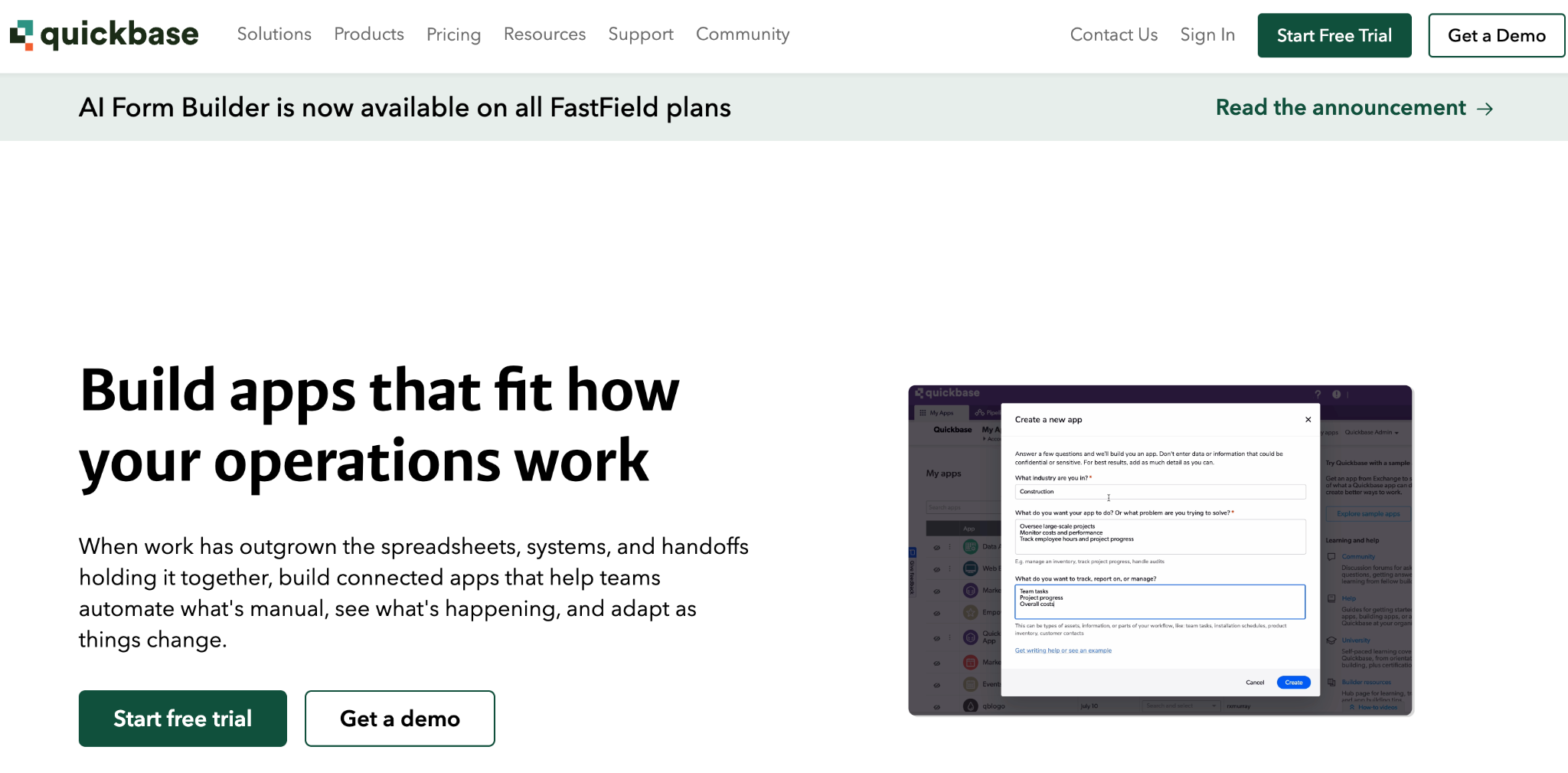
Quickbase is the best Power Apps alternative for teams managing complex, relational data.
Its strength is centralizing data across systems with strong reporting and automation, suited to organizations whose real bottleneck is disorganized, disconnected data over app design specifically.
Key features
- Relational data management: Handles complex relationships across tables cleanly.
- Workflow automation: Automates processes that are directly tied to underlying data.
- Reporting and dashboards: Strong built-in analytics without extra tooling.
Pros
- ✅ Excellent for centralizing and relating complex data.
- ✅ Strong reporting without third-party add-ons.
- ✅ Proven at scale across data-heavy industries.
Cons
- ❌ Mobile experience lags behind the web version.
- ❌ Per-user pricing scales directly with adoption.
Best for
- Teams needing strong data centralization and reporting.
- Organizations with complex, interrelated datasets.
Pricing
Quickbase's Team plan starts at $35/user/month, with Business at $55/user/month, both priced annually, and Enterprise custom-priced.
See Quickbase's pricing for details.
8. Betty Blocks
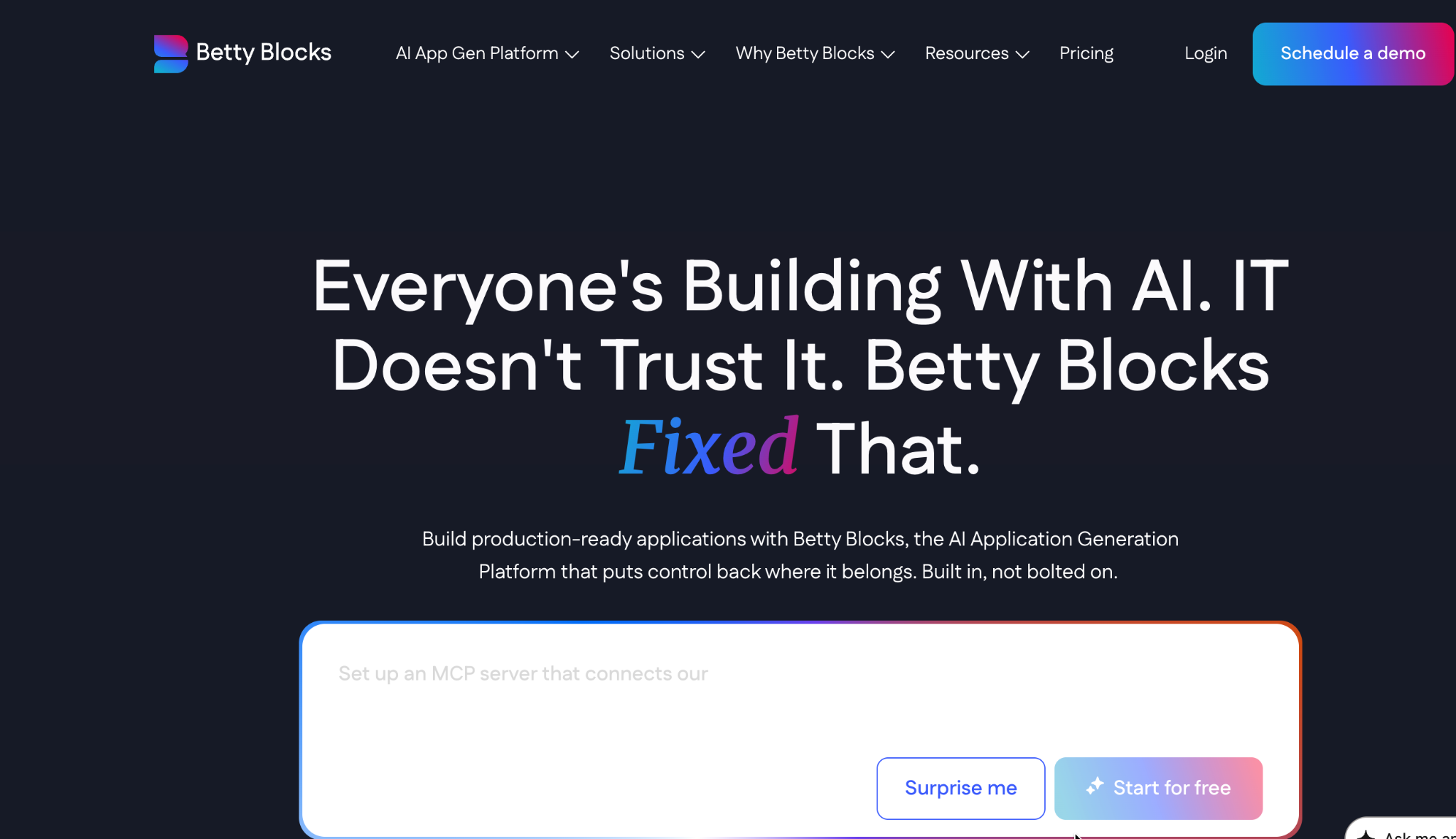
AI-generated application models with governance for citizen developers; that combination is Betty Blocks' edge over Power Apps.
It uses AI to generate structural app models directly, pairs that with native ERP connectors to SAP, Workday, and Dynamics, and includes exportable code to avoid the lock-in some no-code platforms carry.
Key features
- AI-generated app models: Structural models generated directly from requirements.
- Native ERP connectors: Direct connections to SAP, Workday, and Dynamics.
- Exportable, portable code: Reduces the vendor lock-in risk common in no-code platforms.
Pros
- ✅ Strong governance for citizen developer programs.
- ✅ Genuine ERP connectivity out of the box.
- ✅ Code portability most no-code platforms don't offer.
Cons
- ❌ Highest fixed price in this comparison, with no free trial.
- ❌ Overkill for teams without genuine ERP integration needs.
Best for
- Enterprises running citizen development programs at scale.
- Teams needing native ERP connectivity.
Pricing
Betty Blocks has two published plans: Create at €1,500/month and Scale at €3,500/month, with Enterprise custom-priced.
See Betty Blocks' pricing for details.
9. Airtable
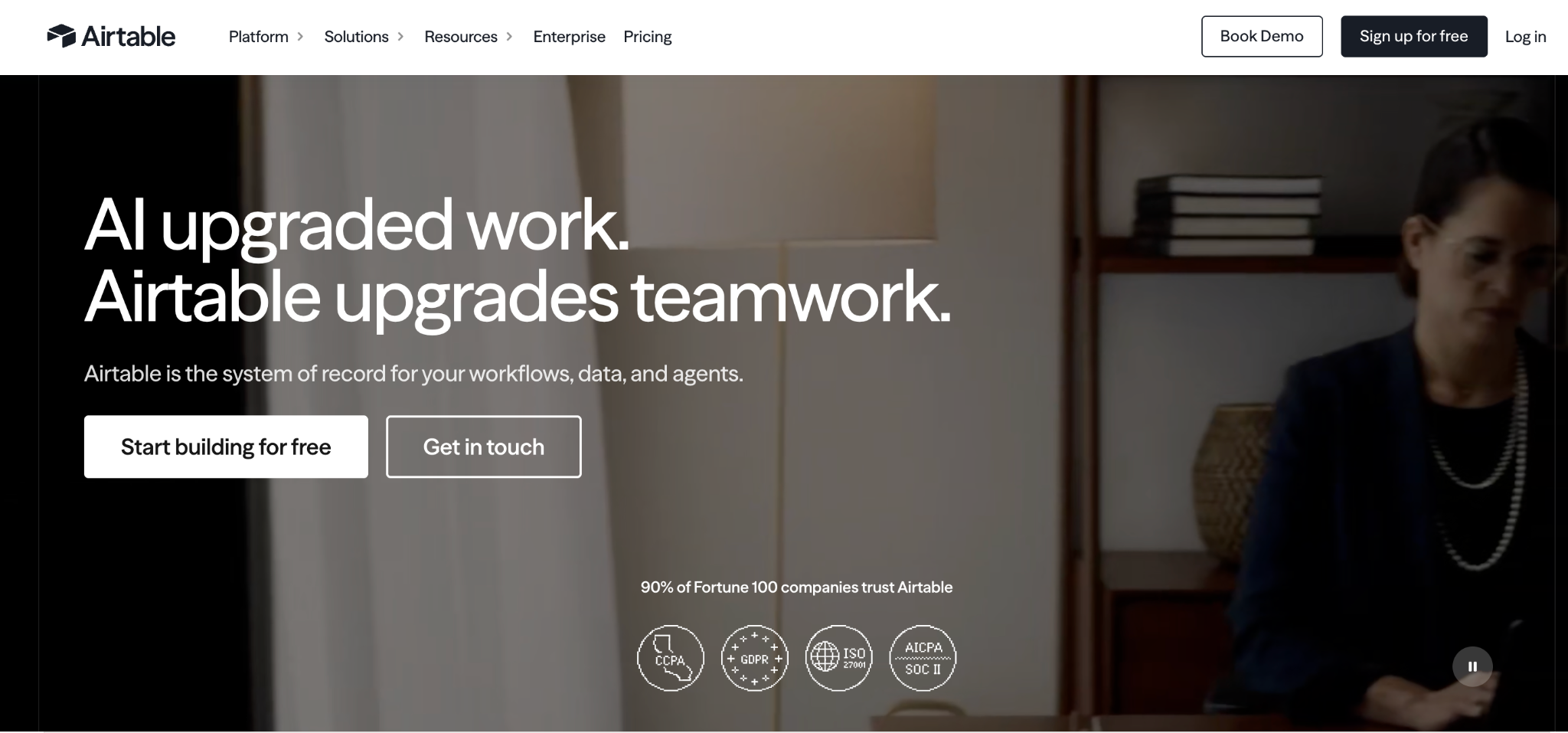
Airtable is the best Power Apps alternative for teams that want a flexible database with a light app layer on top.
Its spreadsheet-style interface makes it approachable for non-technical users, and Interfaces let you build simple internal views directly on your data. It's a database first and an app builder second.
Key features
- Relational database core: Spreadsheet-familiar interface backed by real relational data.
- Interfaces: Lightweight, code-free views for internal dashboards.
- Automations: Built-in triggers and actions across bases.
Pros
- ✅ Extremely approachable for non-technical teams.
- ✅ Strong as a flexible data layer for other tools.
- ✅ Generous free tier for small teams.
Cons
- ❌ Interfaces are functional but limited for real app design.
- ❌ Bending Spoons' August 2026 agreement to acquire Airtable introduces pricing uncertainty, given the acquirer's history of raising prices following prior deals.
Best for
- Teams wanting a flexible database with light internal views.
- Non-technical users who think in spreadsheets.
Pricing
Airtable is free for up to 5 editors. Team costs $24/seat/month, Business costs $54/seat/month, and Enterprise Scale is custom-priced.
See Airtable's pricing for Enterprise details.
10. Bubble
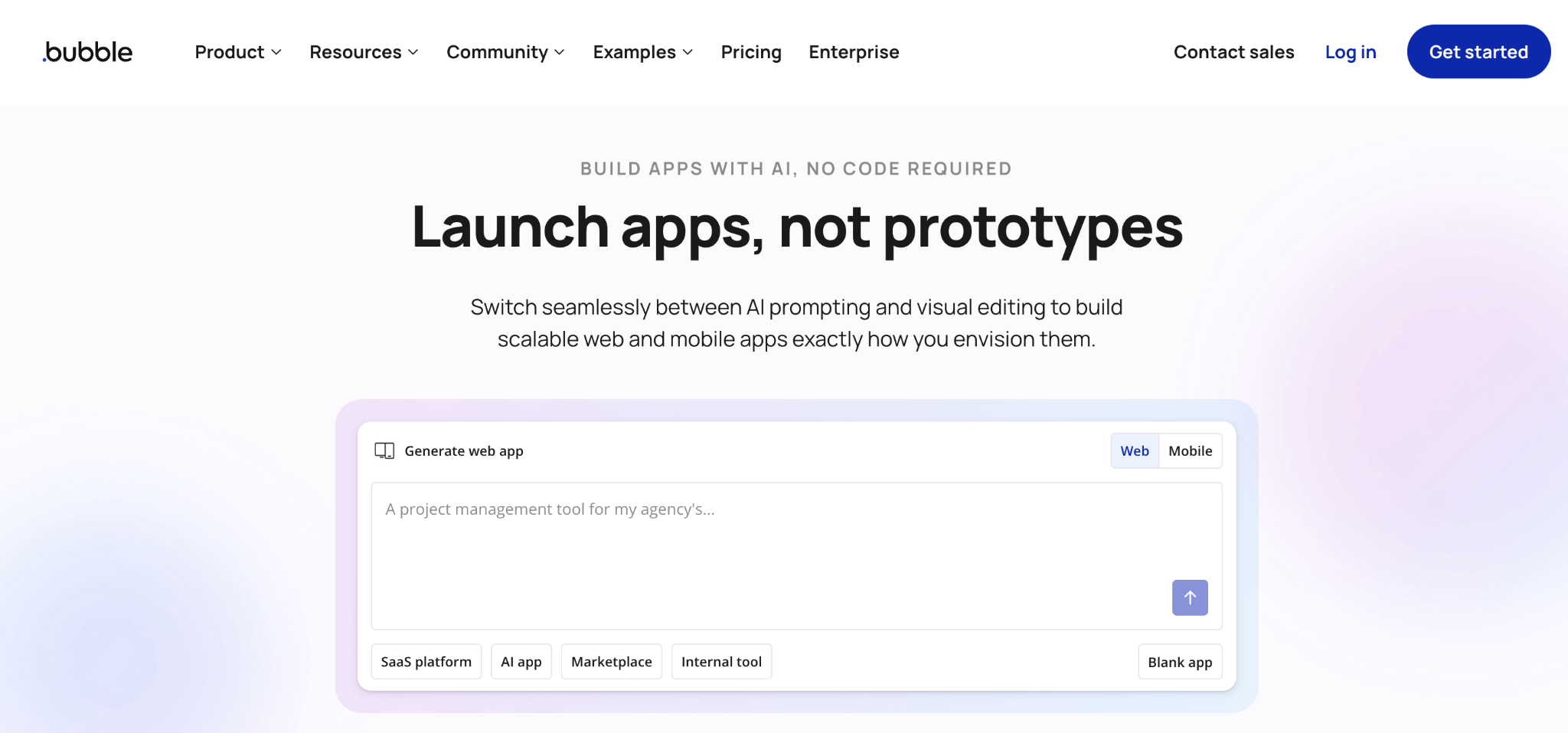
Building customer-facing web applications, not internal tools, is where Bubble pulls ahead of Power Apps.
Where Power Apps targets internal business apps, Bubble is purpose-built for public-facing products, with authentication, payments, and hosting included.
Key features
- Visual programming: Full application logic through drag-and-drop workflows.
- Customer-facing focus: Built-in auth and payment processing for public products.
- Plugin marketplace: Large library extending core functionality.
Pros
- ✅ Purpose-built for public-facing applications.
- ✅ Mature platform with a large community.
- ✅ All-in-one hosting, database, and user management.
Cons
- ❌ Steep learning curve despite being no-code.
- ❌ Not designed for internal, Microsoft-integrated workflows.
Best for
- Founders and teams building customer-facing products.
- Non-technical builders needing a complete web app stack.
Pricing
Bubble's free tier is available for projects under construction, with Starter at $69/month, Growth at $249/month, Team at $649/month, and Enterprise custom-priced.
See Bubble's pricing for details.
11. AppSheet
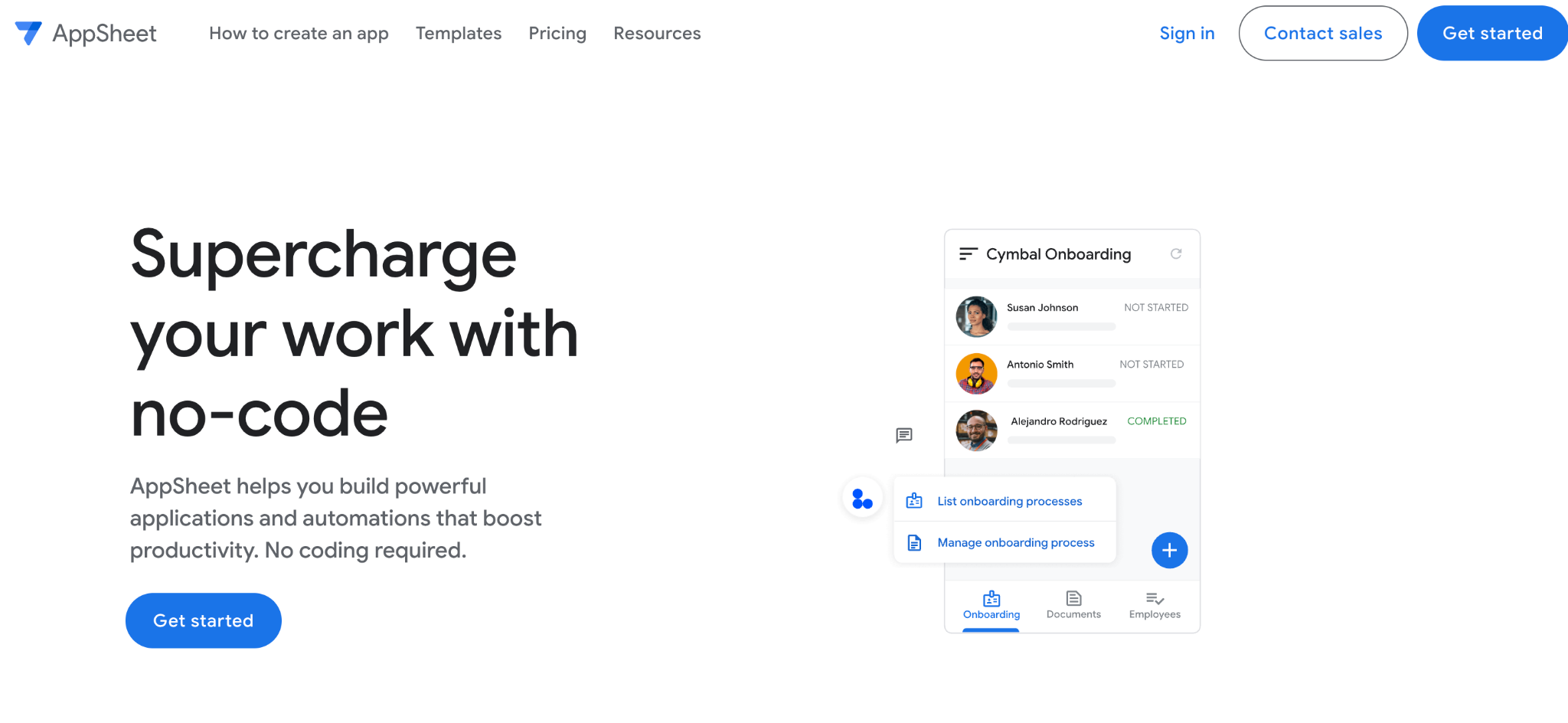
AppSheet is the best Power Apps alternative for teams already living inside Google Workspace.
It's a no-code, mobile-first builder that reads directly from Google Sheets and other Workspace sources, making it the natural Power Apps counterpart for Google-centric organizations.
Key features
- Native Google Sheets integration: Builds apps directly from existing spreadsheet data.
- Mobile-first design: Apps work cleanly on phones and tablets by default.
- Workspace-native security: Role-based access tied to Google identity.
Pros
- ✅ Deep, natural fit for Google Workspace organizations.
- ✅ Cheapest per-user entry point in this comparison.
- ✅ Fast to build simple, data-driven apps.
Cons
- ❌ Less capable than Power Apps for complex, non-Google logic.
- ❌ Free tier is a 10-user prototyping cap, short of a production plan.
Best for
- Google Workspace organizations wanting a Power Apps equivalent.
- Teams building simple, spreadsheet-backed apps.
Pricing
AppSheet is free to prototype with up to 10 users. Starter costs $5/user/month, Core costs $10/user/month, and Enterprise Plus costs $20/user/month.
See AppSheet's pricing for details.
12. Budibase
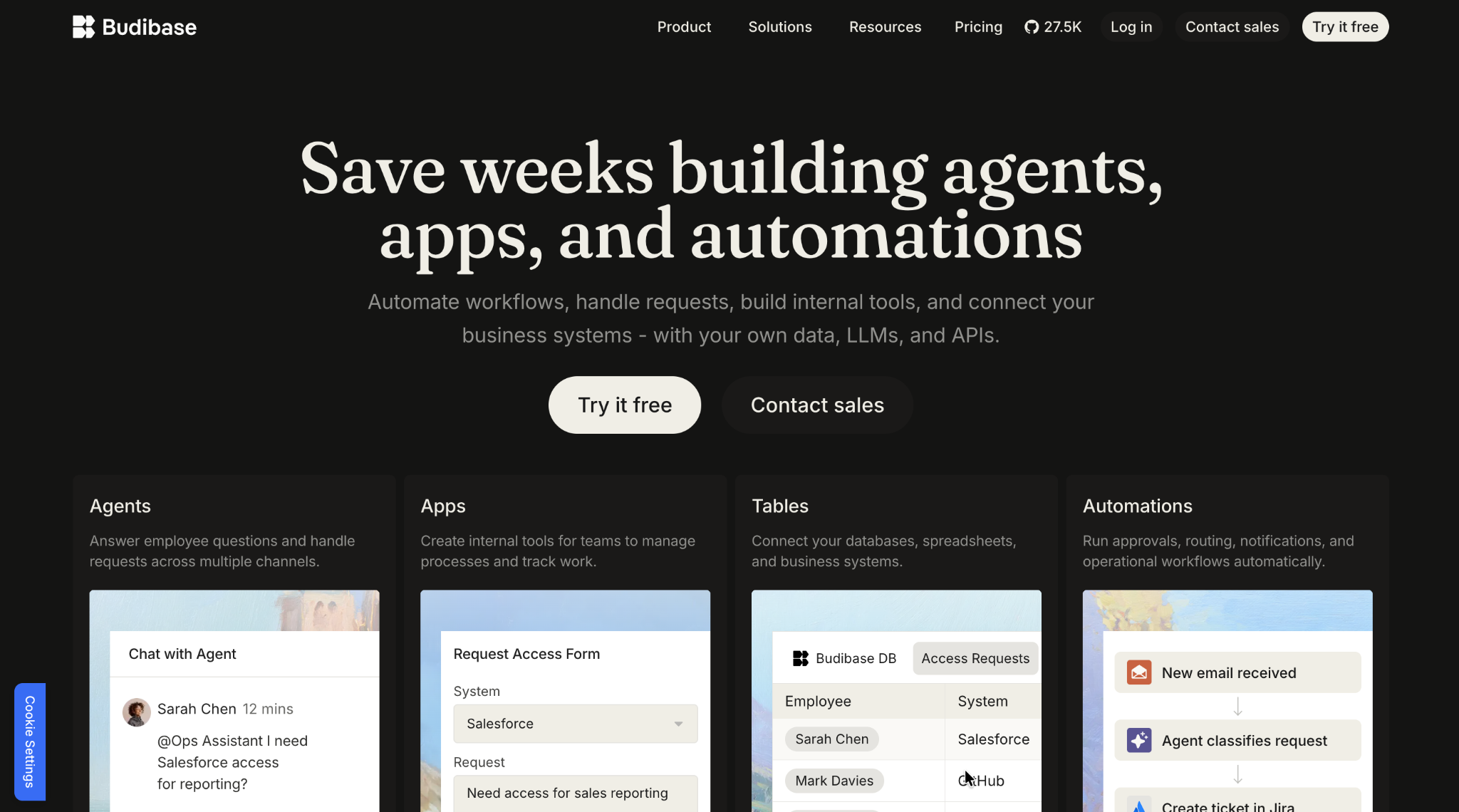
Avoiding per-seat licensing entirely is Budibase's whole pitch as a Power Apps alternative.
It's open-source and free to self-host for up to 20 users, pairing a clean visual builder with a built-in database, making it a genuine no-license alternative for budget-conscious teams.
Key features
- Built-in database: Bundled data store alongside external connectors.
- Generous free self-hosting: 20 users included at no cost, more than most competitors offer.
- Open-source flexibility: Full access to modify and extend the platform.
Pros
- ✅ Free for meaningful team sizes, up to 20 self-hosted users.
- ✅ Full data sovereignty through self-hosting.
- ✅ Active open-source community and plugin library.
Cons
- ❌ Fewer templates and prebuilt components than commercial platforms.
- ❌ No native streaming or complex enterprise integrations.
Best for
- Budget-conscious teams wanting to self-host.
- Organizations prioritizing data sovereignty.
Pricing
Budibase is free for up to 20 self-hosted users. Paid cloud plans start at $23/month (Pro), with Premium at $59/month, Business at $359/month, and Enterprise custom-priced.
See Budibase's pricing for details.
13. ToolJet
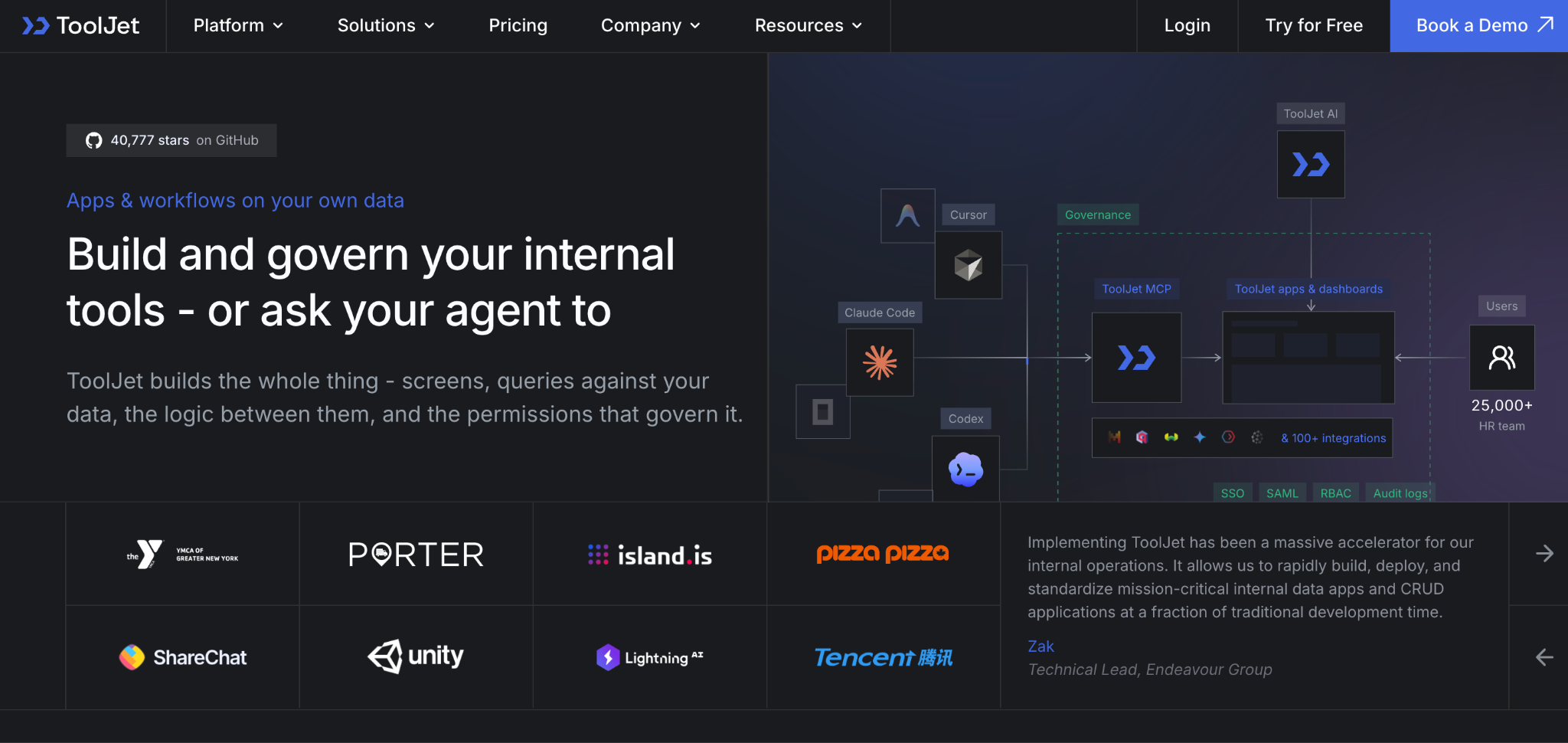
ToolJet is the best open-source Power Apps alternative for developer-first teams.
It takes a code-friendly approach with SQL, JavaScript, and structured data at its core, giving engineering teams more control over infrastructure and data than most no-code platforms allow.
Key features
- Developer-first building: SQL and JavaScript access alongside visual components.
- Self-hosting options: Full control over infrastructure and deployment.
- Broad connector library: 80-plus database and API integrations.
Pros
- ✅ Free and open-source to self-host.
- ✅ Strong fit for engineering-led teams.
- ✅ No per-end-user licensing model.
Cons
- ❌ Less approachable for fully non-technical builders.
- ❌ Smaller footprint than Microsoft's Power Platform.
Best for
- Developer-led teams wanting infrastructure control.
- Organizations wanting open-source with no per-seat cost.
Pricing
ToolJet is free and open-source to self-host, with ToolJet Cloud plans starting at $99/builder/month (Pro), Team at $249/builder/month, and Enterprise starting at $3,000/month.
See ToolJet's pricing for details.
How to evaluate Power Apps alternatives
The right choice comes down to matching a platform to your real constraints, not the biggest name on the list:
- How complex is your logic? OutSystems, Mendix, and Appian handle the most complex, mission-critical applications, covered in our enterprise low-code guide. Zoho Creator and AppSheet are well-suited to simpler builds.
- Who's building? Retool, Superblocks, and ToolJet are designed for developer-led teams, while Zoho Creator, AppSheet, and Bubble are built for non-technical citizen developers.
- How does pricing scale? Per-user models like Power Apps, Quickbase, and Appian get expensive as adoption grows, while fixed-rate or open-source options avoid that curve entirely.
- Do you need to leave the Microsoft stack? If your organization isn't Microsoft-centric, platforms like Superblocks, Airtable, or Retool avoid paying for integration depth you won't use.
- What governance do you need? Enterprises needing RBAC, audit logs, and SSO should weigh Superblocks, OutSystems, or Betty Blocks over lighter no-code tools that add these later, if at all.
Stop paying for Microsoft you don't use
Power Apps earns its price for organizations deeply embedded in Microsoft 365, but its licensing model and platform lock-in push many teams toward alternatives that better fit how they build.
Enterprise platforms win on scale and process depth; open-source options win on cost; and AI-native platforms are closing the gap on accessibility without giving up governance.
Shadow AI is the new shadow IT, and governed AI-native building is how you avoid adding to it.
Matthews Real Estate uses Superblocks so business teams can ship internal apps while IT keeps full visibility. Their VP of Product Innovation, Ryan Casey, put it plainly: "We don't have any shadow IT work happening".
If you want AI-generated internal apps with enterprise governance built in from the start, Superblocks is worth a look. See how it compares in our guide to the best low-code platforms.
If you're also reassessing Power Automate, our Power Automate alternatives guide covers that companion decision.
To try governed app building for yourself, start with the Superblocks Quickstart Guide.
Or book a demo to see Clark AI generating governed apps in your own environment.
Frequently asked questions
What is the best Power Apps alternative?
The best Power Apps alternative depends on your use case. OutSystems and Mendix lead in mission-critical enterprise apps, Retool and Superblocks for developer-built internal tools, and Zoho Creator for affordable app development.
Is there a free alternative to Power Apps?
Yes, several Power Apps alternatives have meaningful free tiers. Budibase and ToolJet are free and open-source for self-hosting; Mendix and Airtable offer usable free tiers; and AppSheet is free to prototype with up to 10 users.
Why do companies move away from Power Apps?
Companies move away from Power Apps mainly due to licensing costs and platform lock-in. Every user needs a license, even for occasional access; Dataverse capacity is limited before add-on charges kick in, and value drops outside Microsoft 365.
What is the cheapest Power Apps alternative?
The cheapest Power Apps alternatives are Budibase and ToolJet, both free to self-host with no per-seat cost, and AppSheet, which starts at $5/user/month. Zoho Creator is the cheapest fully-hosted option at $12/user/month.
Which Power Apps alternative is best for enterprises?
The best Power Apps alternative for enterprises depends on the need. OutSystems and Mendix suit mission-critical applications; Appian leads in process automation; and Superblocks fits AI-native building with governance built in.
Can I migrate my existing Power Apps to another platform?
Migrating Power Apps to another platform generally requires rebuilding rather than a direct import, since most alternatives use different data models. Superblocks or Betty Blocks, with code export, make the app easier to keep up to date.
At Virgin Voyages, non-technical teams now build their own AI apps, with IT governance fully intact. The result: 15+ production apps, seven departments onboard, and zero dedicated frontend engineers.
At Matthews, a marketing manager with zero coding background built an app that auto-generates offering memorandums, cutting turnaround from days to hours. See how the brokerage is putting AI builders on every team, with full governance intact.


Stay tuned for updates
Get the latest Superblocks news and internal tooling market insights.
Request early access
Step 1 of 2
Request early access
Step 2 of 2

You’ve been added to the waitlist!
Book a demo to skip the waitlist
Thank you for your interest!
A member of our team will be in touch soon to schedule a demo.
production apps built
days to build them
semi-technical builders
traditional developers
high-impact solutions shipped
training to get builders productive
SQL experience required
See the full Virgin Voyages customer story, including the apps they built and how their teams use them.

"Those tools are great for proof of concept. But they don't connect well to existing enterprise data sources, and they don't have the governance guardrails that IT requires for production use."
Table of Contents
%20(1).png)

Multiple authors
What Is Enterprise AI Deployment? A Complete Guide for 2026
Enterprise AI deployment is the process of moving AI from pilot to production at scale. Here's why most projects stall and how to actually ship.
%20(1).png)
%20(1).png)