Power Automate's premium connector tax and silent failures push teams toward Power Automate alternatives. Your best pick depends on whether you need workflow automation, AI-native tools, RPA, or apps with embedded workflows.
11 best Power Automate alternatives at a glance
The platforms below were ranked based on how each delivers on integrations, pricing transparency, governance, AI maturity, and RPA where it matters.
Pricing correct as of June 2026. Verify with the vendor before purchasing.
Why look for Power Automate alternatives
Microsoft Power Automate is a serious workflow automation platform with broad reach across Microsoft 365, Dynamics 365, and premium connectors.
Inside a Microsoft shop, it's hard to beat for cross-app workflows that touch Outlook, SharePoint, Teams, and Excel.
The trouble starts when your workflows reach beyond the Microsoft stack or when the cost model starts to bite.
Pricing complexity adds up fast
Power Automate uses a mix of per-user, per-flow, and "premium connector" pricing tiers that can be hard to predict.
A workflow that touches Salesforce, SAP, or any non-Microsoft enterprise tool often requires the Premium plan ($15/user/month) or per-flow plans starting around $100/month.
Premium connector gatekeeping
Many of the connectors people actually need (Salesforce, ServiceNow, Workday, AWS) are flagged as "Premium," forcing teams onto higher-cost tiers even for basic integrations.
Standard Zapier or Make plans typically include these at no extra charge.
Steep learning curve beyond simple flows
Power Automate is sold as low-code, but anything beyond simple flows requires comfort with expressions, dynamic content, and platform-specific error handling.
Reddit threads are full of users frustrated by the gap between the demo and real-world flows.
Reliability complaints keep surfacing
Silent failures, slow execution, and "flow turned off due to errors" emails are common pain points in user reviews.
For business-critical automation, those reliability issues become deal-breakers.
Microsoft ecosystem lock-in
Power Automate works beautifully with Microsoft tools and adequately with everything else.
Teams operating across Google Workspace, Slack, AWS, or modern SaaS often find the integration depth uneven.
Which Power Automate alternative should you choose
If you only have time for the short answer, here it is.
- Choose Zapier if you want the broadest integration library and the lowest learning curve for non-technical teams. Not the best for heavy enterprise governance.
- Choose Make if you need visual workflow design with branching, error handling, and complex logic without writing code. Not the best for teams that want minimal setup.
- Choose n8n if you want open-source automation; you can self-host and own the end-to-end process. Not the best for non-technical builders.
- Choose Workato if you're a large enterprise that needs iPaaS-level governance and complex multi-system integrations. Not the best if pricing transparency matters to you.
- Choose Tray.io if you're a mid-market team that wants iPaaS power without Workato's enterprise overhead. Not the best for tiny teams or simple two-app workflows.
- Choose Activepieces if you want a modern open-source Zapier alternative with a cleaner UI than n8n. Not the best for teams that need an enormous connector library.
- Choose Superblocks if your real need is internal apps with embedded automation, not pure workflow automation. Not the best if you want a Zapier-style point-and-click experience.
- Choose Pipedream if your team is developer-heavy and prefers code-first workflows with first-class API support. Not the best for business-team automation.
- Choose Gumloop if you want AI-native automation built around LLM workflows from day one. Not the best if your workflows don't involve AI.
- Choose UiPath if you're replacing Power Automate Desktop and need real RPA for legacy systems. Not the best for cloud-only SaaS workflows.
- Choose Bardeen if your team automates repetitive browser-based tasks such as web scraping, prospecting, or research. Not the best for backend or API-heavy automation.
- Stick with Power Automate if you're a Microsoft 365 E5 or E3 shop with no significant non-Microsoft integration needs and your workflows stay within the Microsoft ecosystem.
1. Zapier
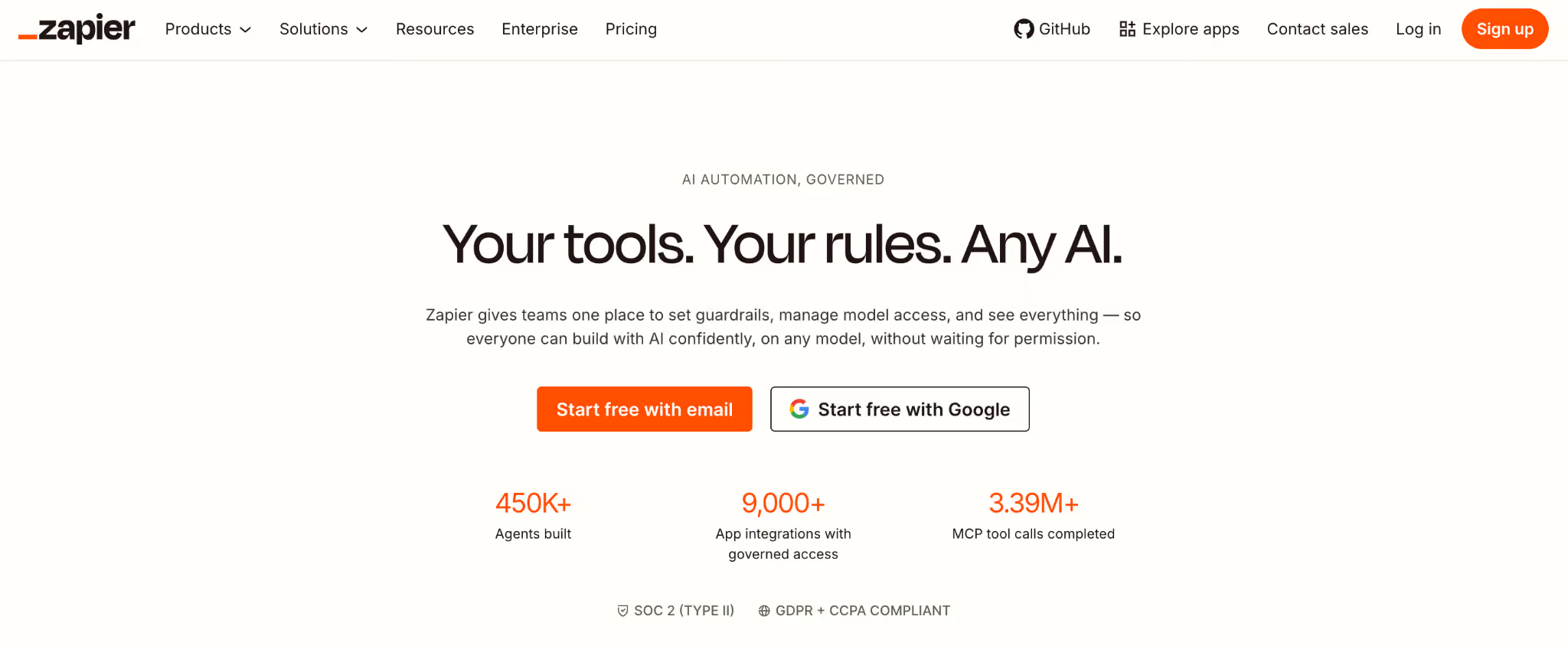
Zapier is the most established workflow automation platform on the market, with the broadest integration library and the lowest barrier to entry for non-technical teams.
Over 7,000 app integrations cover almost every SaaS tool you've heard of and many you haven't.
In testing, Zapier was the fastest to spin up a working workflow. The Zap editor is approachable, and the AI-powered Zap Builder scaffolds a first draft from a plain-English prompt.
Key features
- 7,000+ app integrations: the largest connector library of any platform tested.
- AI-powered Zap Builder: describe your workflow in plain English, and Zapier generates the first draft.
- Multi-step Zaps with filters and paths: branching logic without writing code.
- Tables and Interfaces: lightweight database and form-building capabilities for end-to-end workflows.
- Built-in error handling and retries: workflow reliability features baked in.
Pros
- ✅ Broadest integration library of any tool I tested.
- ✅ Gentlest learning curve for non-technical users among the platforms tested.
- ✅ Mature platform with years of operating history at scale.
Cons
- ❌ Costs scale quickly once you move into multi-step workflows and high task volumes.
- ❌ Complex logic and conditional branching can feel constrained.
- ❌ Premium features (Tables, Interfaces, advanced AI) drive pricing higher.
Best for
- Marketing, sales, and operations teams automating cross-app workflows.
- Small to mid-sized businesses with 5-50 active workflows.
- Teams that prioritize ease of use over flexibility.
Pricing
Free tier with 100 tasks/month; Professional $29.99/month; Team $103.50/month. See Zapier pricing for current plans.
2. Make
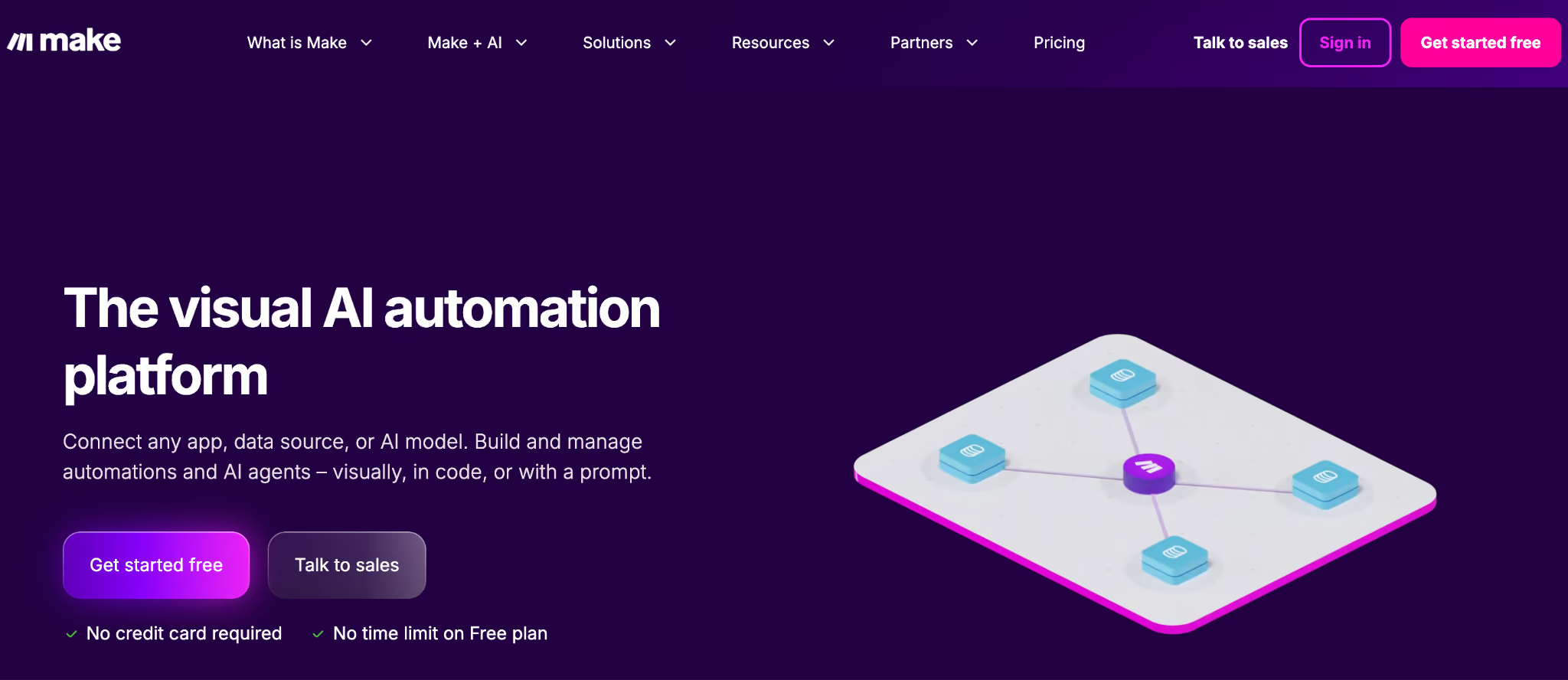
Make (formerly Integromat) is the most flexible visual workflow builder I tested, with branching, iteration, and error handling that goes far beyond Zapier out of the box.
The scenario builder shows your data flow visually, which makes complex workflows easier to debug.
Make handles the kind of workflow Power Automate users hit walls on: looping through arrays, conditional routing, and multi-path error handling. The trade-off is a steeper learning curve.
Key features
- Visual scenario builder: see your data flow across every step.
- Iterator and aggregator modules: loop through arrays and recombine results, which is hard in Zapier.
- Advanced error handling: route errors to alternative paths, retry with delays.
- 1,800+ app integrations: smaller library than Zapier, but covers most major SaaS.
- Custom HTTP and webhook modules: integrate with any API, even without a native connector.
Pros
- ✅ More powerful workflow logic than Zapier at a lower price point.
- ✅ Visual debugger makes troubleshooting faster than text-based platforms.
- ✅ Operations-based pricing rewards high-step, low-frequency workflows.
Cons
- ❌ The learning curve is steeper than Zapier, especially for non-technical users.
- ❌ Smaller native connector library than Zapier.
- ❌ Operations pricing can be confusing to forecast versus task-based models.
Best for
- Ops and tech-savvy business teams building complex workflows.
- Teams replacing Power Automate flows that hit Microsoft's logic limits.
- Workflows that involve heavy data transformation, looping, or branching.
Pricing
Free tier with 1,000 operations/month, then Core $16/month, Pro $28/month, Teams $51/month, with Enterprise custom. See Make pricing for current plans.
3. n8n
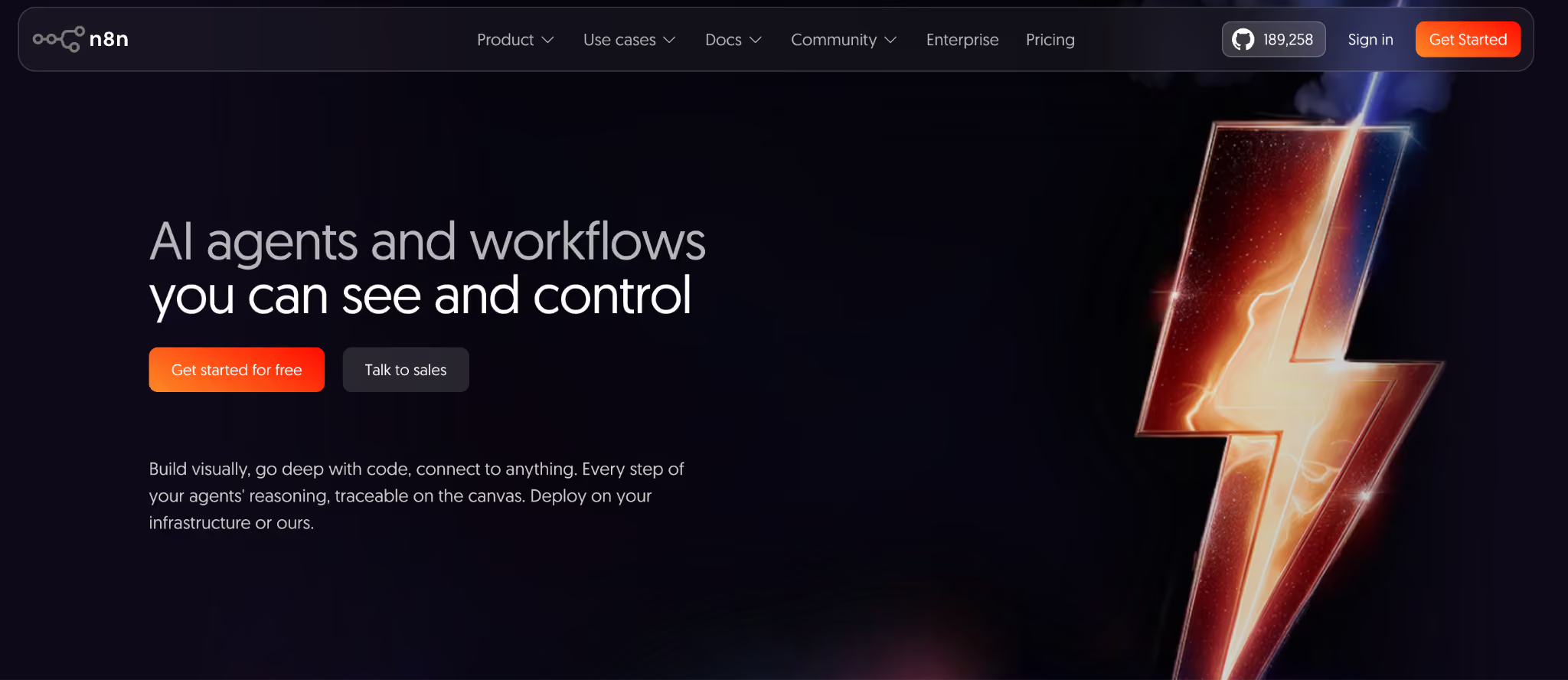
n8n is the leading open-source workflow automation platform, with both self-hosted and managed cloud options that give technical teams full control.
It's the Power Automate alternative most often recommended on Reddit threads for developers and platform teams.
The platform is node-based with a visual editor, but every node can be extended with JavaScript or Python code. That makes n8n the closest thing to Zapier-meets-Pipedream.
Key features
- Self-hosted option: run n8n inside your own infrastructure with zero data leaving your network.
- Code nodes: drop into JavaScript or Python anywhere in a workflow.
- 400+ built-in integrations: plus easy custom node creation for anything not covered.
- Fair-code license: open-source-compatible with sustainable commercial terms.
- AI nodes and LangChain support: native support for building AI-driven workflows.
Pros
- ✅ Self-hosting gives you complete data sovereignty (which is huge for regulated industries).
- ✅ Strong developer experience with code-when-you-need-it flexibility.
- ✅ Active open-source community and rapidly growing connector library.
Cons
- ❌ Self-hosting overhead is real if you don't already operate cloud infrastructure.
- ❌ Smaller community and connector library than Zapier.
- ❌ Less polished for non-technical business users than Zapier or Make.
Best for
- Engineering teams that prefer open source and self-hosting.
- Regulated industries that need data sovereignty in their automation layer.
- Teams building AI-driven workflows with custom logic.
Pricing
Self-hosted Community Edition is free forever. n8n Cloud Starter from $24/month and Pro $60/month, with Enterprise custom. See n8n pricing for current plans.
4. Workato
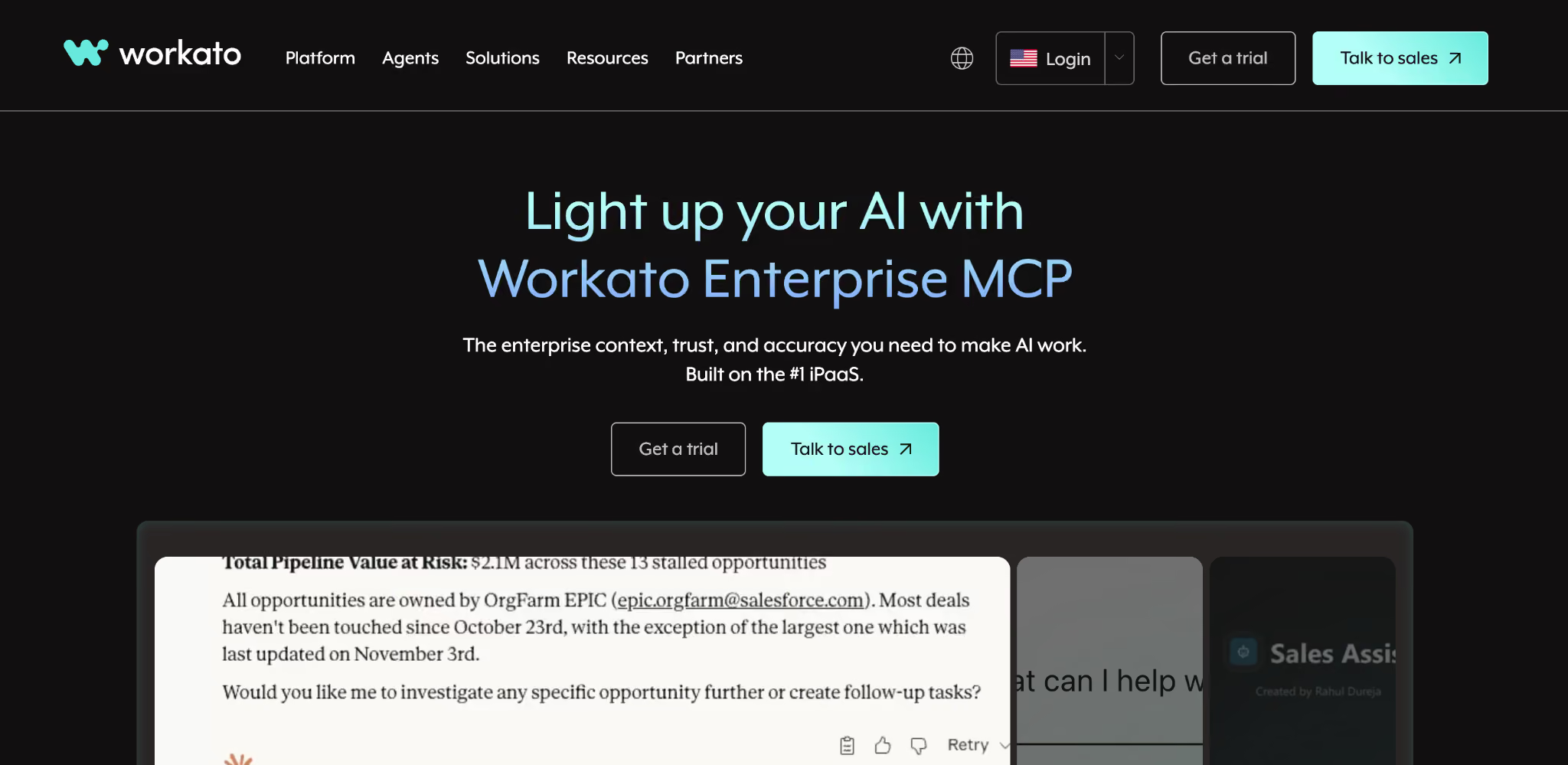
Workato is the enterprise iPaaS that competes with Power Automate for the same Fortune 500 buyers who need governance, RBAC, audit logs, and complex multi-system integrations.
It's the most enterprise-grade platform on this list, with pricing to match.
Workato's recipe-based model is approachable, the governance layer is mature, and the connector library covers deep enterprise systems (SAP, Oracle, Workday, Salesforce) that Power Automate Premium charges extra for.
Key features
- 1,200+ connectors: especially strong for enterprise SaaS and legacy systems.
- Workbot: Slack and Teams-based conversational automation.
- Enterprise governance: RBAC, SSO, SCIM, full audit logs, and environments.
- AI-powered Copilot: generate recipes from natural language descriptions.
- Embedded automation: white-label Workato inside your own product.
Pros
- ✅ Best enterprise governance and compliance posture of the platforms tested.
- ✅ Strong support for complex multi-system integrations.
- ✅ Mature platform with reference customers across regulated industries.
Cons
- ❌ Custom enterprise pricing with no transparent published rates.
- ❌ Overkill for small teams or single-department use cases.
- ❌ Implementation can require professional services or a dedicated automation engineer.
Best for
- Large enterprises replacing Power Automate at scale.
- Teams that need iPaaS-level governance and audit defensibility.
- Complex integrations spanning Salesforce, SAP, Workday, and similar systems.
Pricing
Workato uses custom enterprise pricing, typically starting around $10,000/year for the smallest deployments and scaling into 6 and 7-figure deployments. See Workato pricing for details.
5. Tray.io
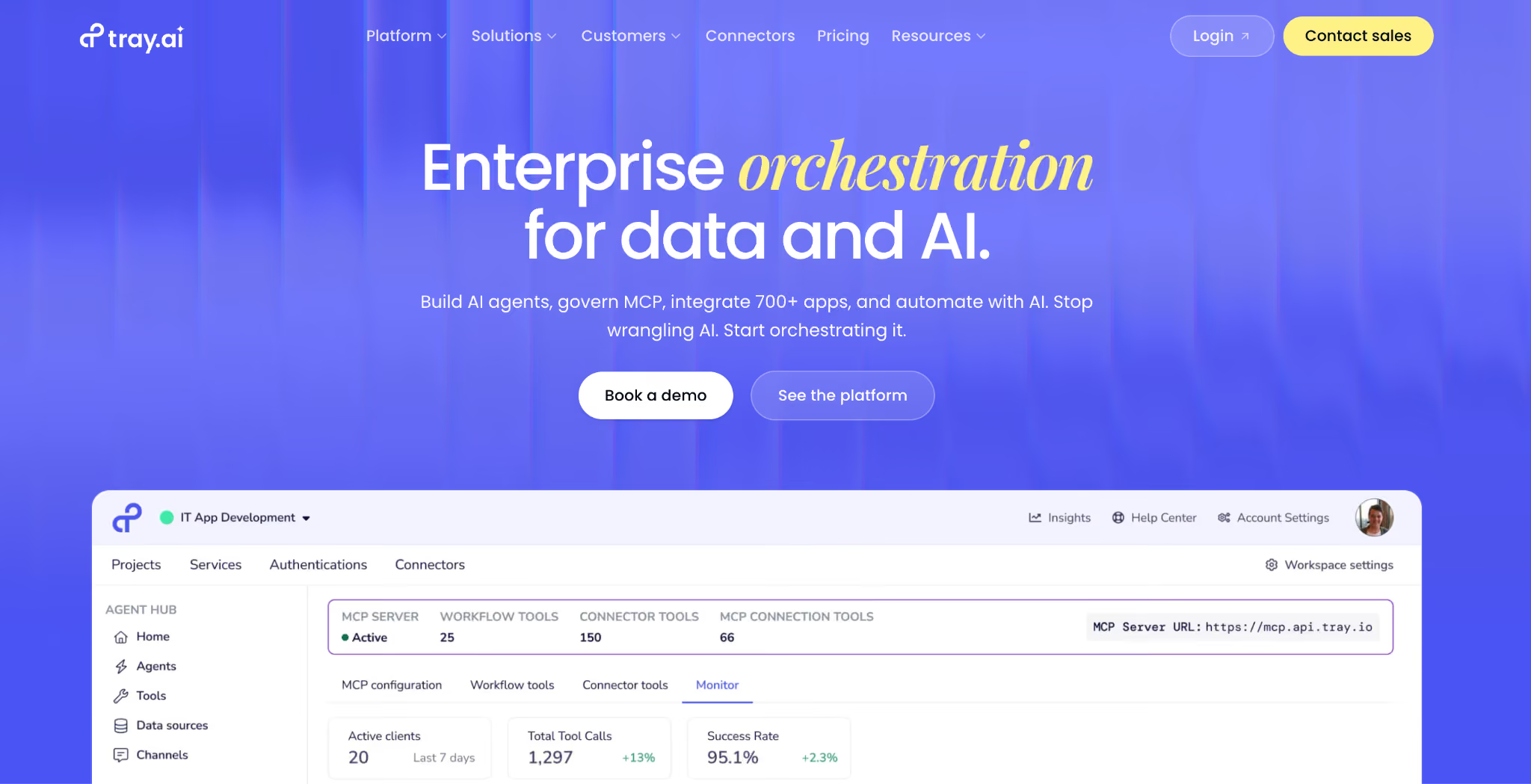
Tray.io is the mid-market iPaaS that sits between Zapier and Workato, with strong AI integration through Merlin AI for natural-language workflow building.
It's the platform I'd evaluate alongside Workato if your team is 100-2,000 employees rather than 10,000+.
The Tray Universal Automation Cloud and Merlin AI agents have repositioned the platform from "integration tool" to "AI workflow platform" over the past two years.
Key features
- Visual workflow builder: drag-and-drop with deep configuration options.
- Merlin AI: build and modify workflows from natural-language descriptions.
- 700+ connectors: strong coverage of mid-market SaaS and enterprise systems.
- API-first architecture: treat any HTTP endpoint as a workflow input or output.
- Enterprise governance: RBAC, SSO, audit logs, environments.
Pros
- ✅ Strong middle ground between Zapier's simplicity and Workato's enterprise complexity.
- ✅ Merlin AI integration is more mature than most AI features on competing iPaaS platforms.
- ✅ Flexible pricing makes it viable for teams that find Workato too heavy.
Cons
- ❌ Custom pricing makes evaluation harder than transparently priced platforms.
- ❌ Smaller community and analyst coverage than Workato or Zapier.
- ❌ Less polished for non-technical builders than Zapier.
Best for
- Mid-market teams (100-2,000 employees) replacing Power Automate at scale.
- Teams that want AI-native iPaaS capabilities without Workato's complexity.
- Operations and RevOps teams building cross-system workflows.
Pricing
Tray.io uses custom pricing tiered by usage and features. See Tray.io pricing for details.
6. Activepieces
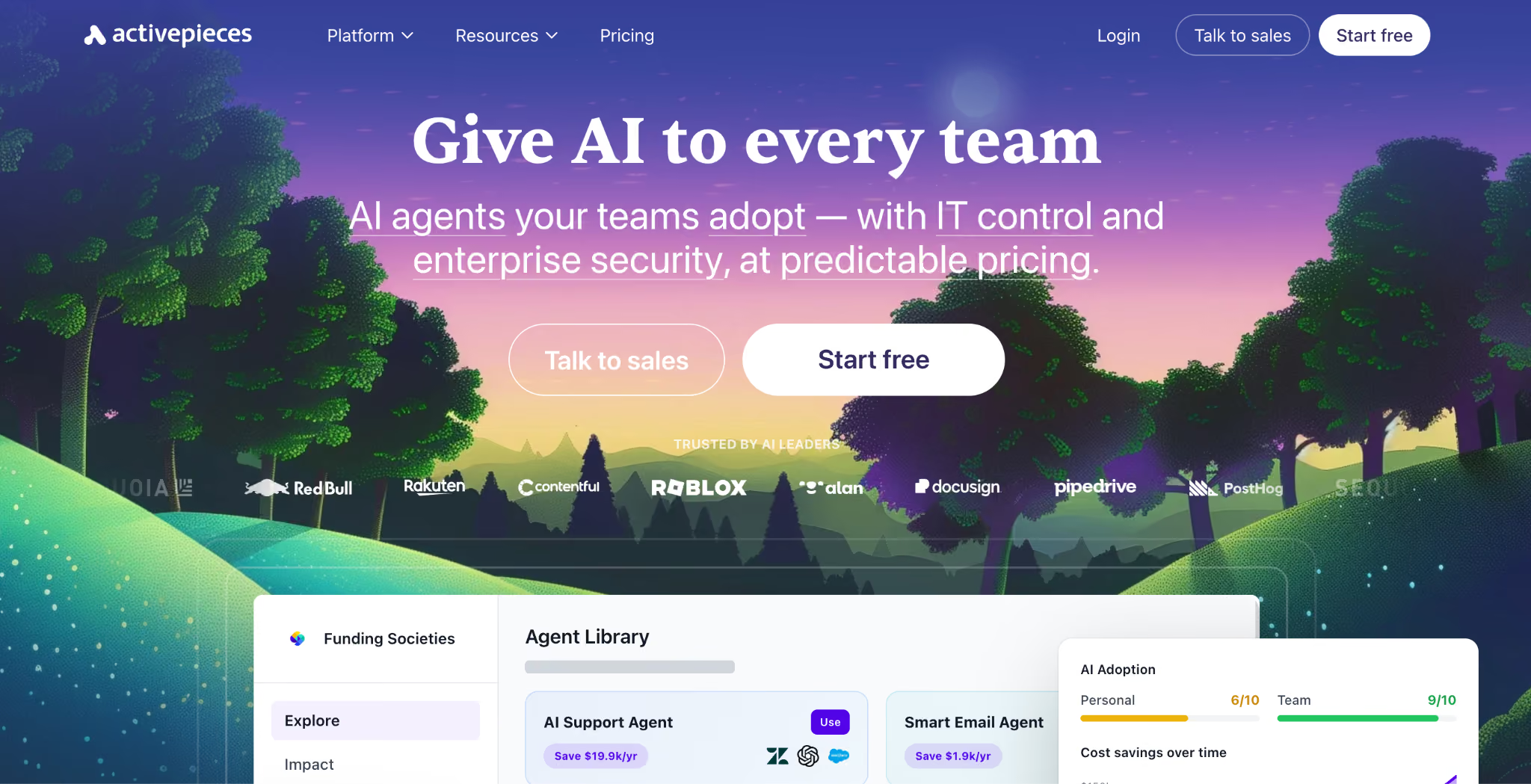
Activepieces is the newest serious open-source Zapier alternative, with a modern UI and a fair-code license that lets teams self-host.
It's quickly emerged as a Power Automate alternative for teams that want open-source without n8n's learning curve.
Activepieces is the platform I'd recommend to teams who like the idea of n8n but want something more polished and approachable for non-developers.
Key features
- 200+ open-source connectors: community-driven and growing fast.
- Self-hosted Community Edition: free forever, full feature parity with cloud.
- AI-powered Copilot: generate workflows from natural language.
- Branching and looping: matches Make's logical capabilities in most scenarios.
- Modern UX: cleaner than n8n, more familiar to Zapier users.
Pros
- ✅ Modern, polished UI that beats n8n for non-developers.
- ✅ Generous self-hosted Community Edition with no artificial limits.
- ✅ Fast-growing connector library.
Cons
- ❌ Smaller connector library than Zapier or Make.
- ❌ Newer platform with less analyst coverage than legacy iPaaS.
- ❌ Enterprise governance features are less mature than Workato or Power Automate.
Best for
- Teams that want open-source flexibility without n8n's developer focus.
- Companies replacing Power Automate where data sovereignty matters.
- Startups and mid-market teams that need both cloud and self-hosted options.
Pricing
Activepieces also uses custom pricing tiered by usage and features. See Activepieces pricing for details.
7. Superblocks
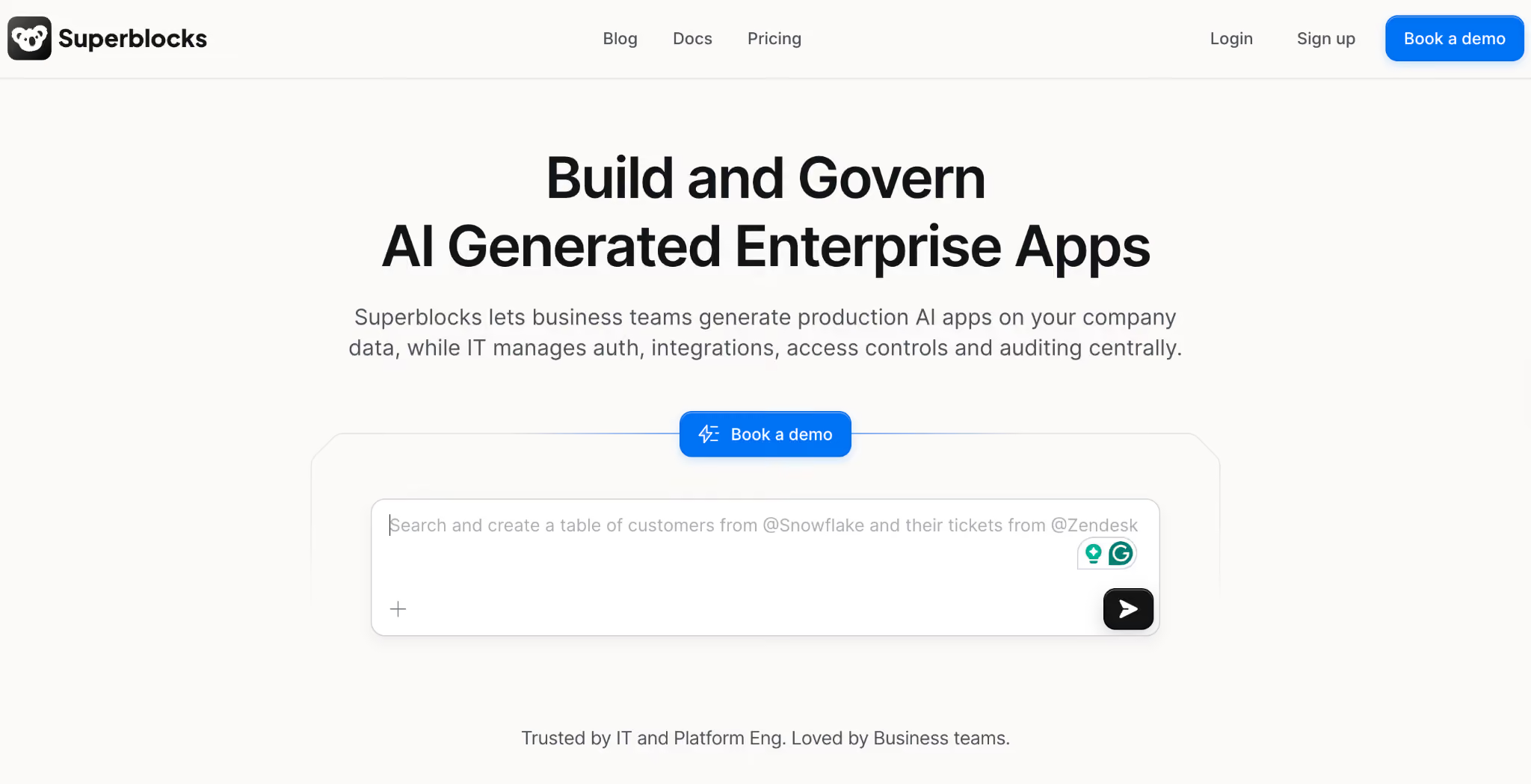
Superblocks is the AI-native enterprise platform for building internal apps with embedded workflow automation, with built-in governance for IT teams managing AI app sprawl from tools like Replit and Lovable.
It's the only platform on this list that pairs workflow automation with a full app builder.
Superblocks is the right answer when your "automation" need is actually "we need an internal app that does this workflow with a UI and security controls."
Key features
- Headless workflows and scheduled jobs: API-driven automation with the same governance as Superblocks apps.
- Clark AI: Clark AI generates workflows and apps from natural language with deterministic guardrails.
- 60+ integrations: databases, APIs, SaaS tools, including REST, gRPC, GraphQL, OpenAPI.
- Enterprise governance: RBAC, SSO, SCIM, audit logs, BYO inference, on-prem agent option.
- Code export: every workflow and app exports as standard React/TypeScript code.
Pros
- ✅ One of the few platforms tested that combines workflows with a full app builder under shared governance.
- ✅ Strongest governance posture among AI-native automation platforms.
- ✅ Code export removes vendor lock-in concerns that block enterprise deals.
Cons
- ❌ Overkill if you only need pure workflow automation between SaaS apps.
- ❌ Smaller connector library than Zapier, Make, or Pipedream.
- ❌ Newer in the automation conversation than purpose-built workflow platforms.
Best for
- Enterprise IT teams replacing both Power Automate and shadow vibe coding apps.
- Teams whose "workflow" really needs a UI and security controls (approvals, dashboards, internal tools).
- Regulated industries that need governance and audit on AI-driven automation.
Pricing
Superblocks offers a 14-day free trial, then Teams at $125 per AI Builder per month (billed monthly). Enterprise pricing is custom. See Superblocks pricing for current plans.
8. Pipedream
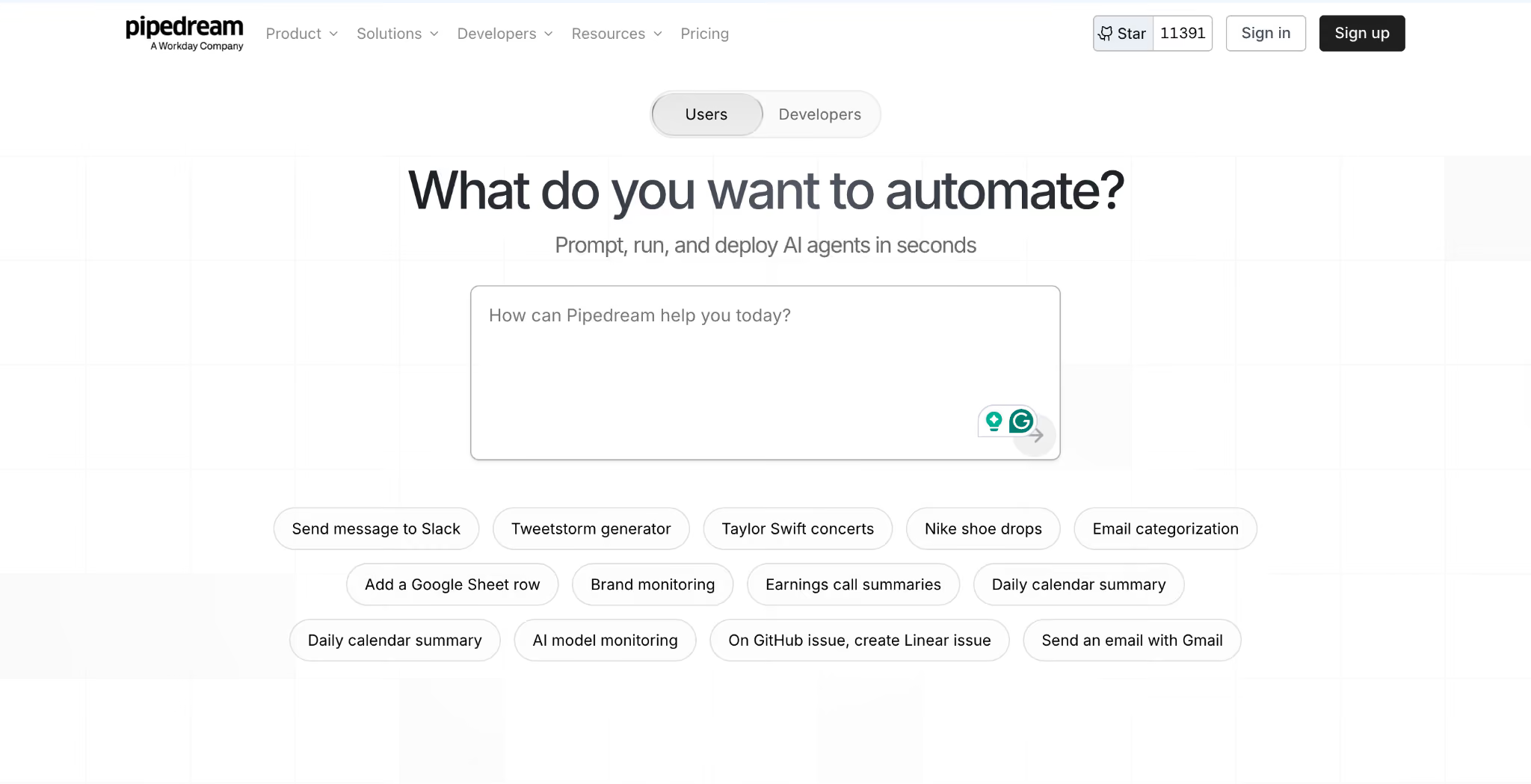
Pipedream is the developer-first workflow automation platform that treats workflows as code by default, with a generous free tier and 3,000+ pre-built API integrations
Workday agreed to acquire Pipedream in late January 2026, adding enterprise backing but leaving roadmap questions for buyers evaluating a long-term automation bet.
Where Zapier hides the code, Pipedream puts it front and center.
Every workflow step can run in JavaScript, Python, Go, or Bash, making Pipedream the natural choice for engineering teams who find Zapier's visual abstractions limiting.
Key features
- Code steps in 4 languages: JavaScript, Python, Go, Bash.
- 3,000+ pre-built API integrations: broader than Make or n8n.
- Persistent state and event sources: real-time triggers from APIs, webhooks, and schedules.
- Version control and rollback: workflows are versioned by default.
Pros
- ✅ Best developer experience of any platform tested.
- ✅ Free tier covers API prototyping and lightweight workflows out of the box.
- ✅ Native code support removes the workarounds developers hit in Zapier.
Cons
- ❌ Steep learning curve for non-developers.
- ❌ Visual building experience is more limited than with Make or Activepieces.
- ❌ Smaller community and reference customer base than older platforms.
Best for
- Developer-led teams replacing custom scripts with managed workflow infrastructure.
- Engineering teams that want code-first workflows with API-grade reliability.
- Internal tools teams that prefer Pipedream over building from scratch.
Pricing
Free tier with 1M AI tokens, then Basic $45/month, Advanced $74/month, and Connect $150/month. See Pipedream pricing for current plans.
9. Gumloop
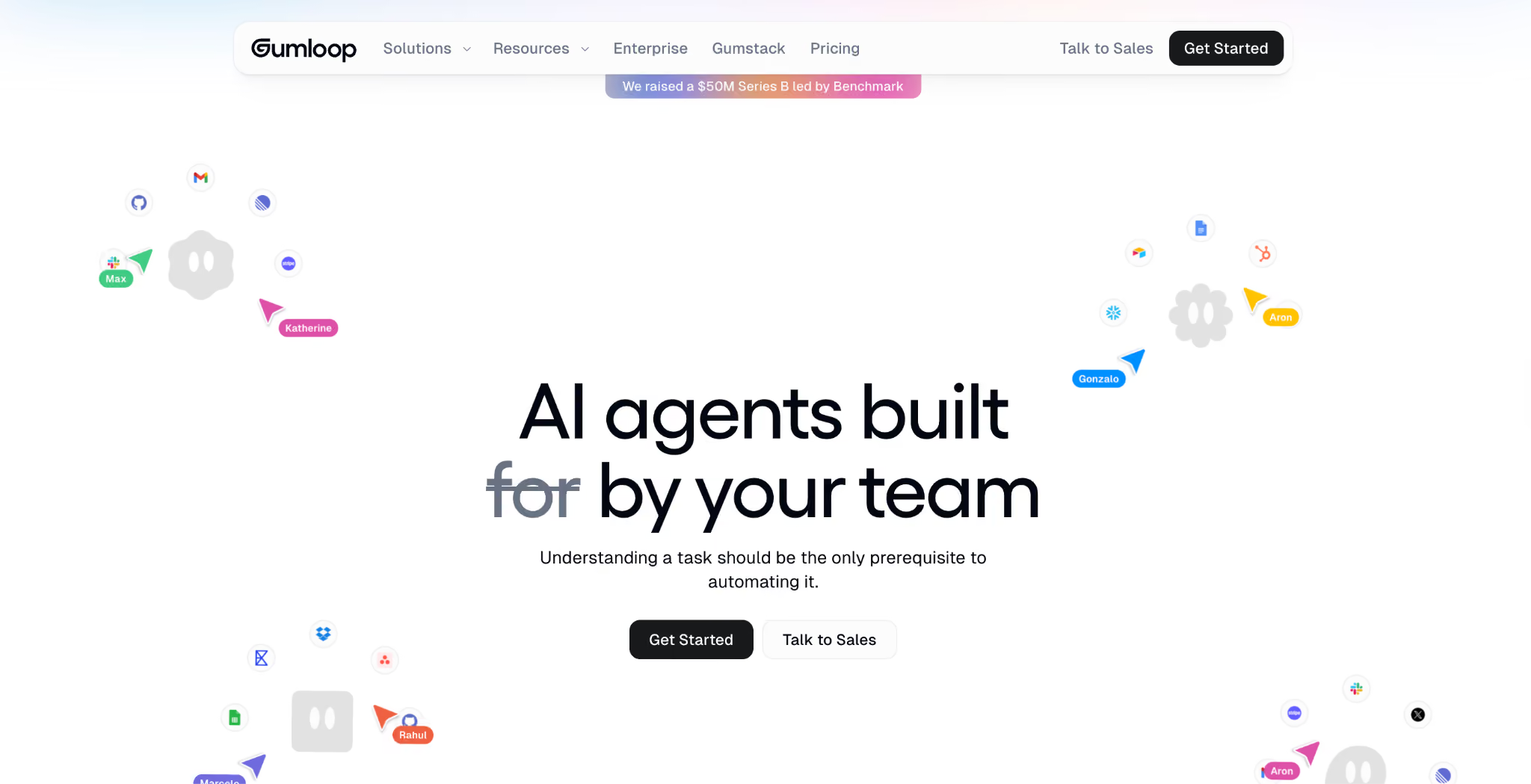
Gumloop is an AI-native workflow automation platform built around LLM-powered nodes from day one, with a no-code canvas for research, content generation, and data extraction.
It's the platform that emerged fastest in the past 18 months as AI workflows became their own category.
Where Zapier and Make added AI features to existing automation platforms, Gumloop was built AI-first. The result is a smoother experience for AI-heavy workflows.
Key features
- AI-first node library: LLM nodes (GPT, Claude, Gemini), web scraping, document parsing built in.
- Visual flow canvas: drag-and-drop with AI nodes as first-class citizens.
- AI agent capabilities: chain LLM calls with logic and tool use.
- API and webhook triggers: integrate Gumloop into broader workflow stacks.
- Workflow templates: pre-built AI workflows for common use cases.
Pros
- ✅ AI workflows feel native, not bolted on.
- ✅ Faster to prototype LLM-driven automation than retrofitted platforms.
- ✅ Growing template library covers common AI use cases out of the box.
Cons
- ❌ Limited traditional SaaS integration library compared to Zapier or Make.
- ❌ Pricing skews higher than basic workflow automation platforms.
- ❌ Newer platform with less mature governance than enterprise iPaaS.
Best for
- Marketing, sales, and operations teams running AI-driven content or research workflows.
- Teams building agentic automation that chains LLM calls with logic.
- Startups that want AI-native automation without retrofit baggage.
Pricing
Free tier with limited runs, then Pro $37/month, with Enterprise custom. See Gumloop pricing for current plans.
10. UiPath

UiPath is the global leader in RPA, with strong cloud and on-prem options and deep AI integration through Document Understanding and Communications Mining.
It's the direct replacement for Power Automate Desktop, not Power Automate cloud.
If you're replacing Power Automate Desktop because of licensing changes or Microsoft's roadmap shifting away from RPA, UiPath is the strongest alternative I tested for legacy app automation, document processing, and virtual desktop work.
Key features
- Attended and unattended RPA: automate desktop and server processes with or without human supervision.
- Document Understanding: AI-powered extraction from invoices, forms, and contracts.
- Communications Mining: automatically classify and route emails.
- Cloud and on-prem deployment: flexible deployment for regulated industries.
- AI agents: combine LLMs with deterministic RPA for end-to-end automation.
Pros
- ✅ Most mature RPA platform of the platforms tested, with deep industry adoption.
- ✅ Strong AI capabilities for document and communication processing.
- ✅ Replaces Power Automate Desktop with a more capable platform.
Cons
- ❌ RPA is a different category from cloud workflow automation, so not a direct replacement for Zapier or Make.
- ❌ Steeper learning curve and higher implementation cost than cloud-only platforms.
- ❌ Licensing can be complex with named-user, bot, and attended/unattended models.
Best for
- Teams replacing Power Automate Desktop for legacy app and desktop automation.
- Document-heavy industries (finance, insurance, healthcare) automating intake processes.
- Enterprises that need RPA alongside cloud workflow automation.
Pricing
Basic from $25/month for small teams, with Enterprise custom scaling into six figures. See UiPath pricing for current plans.
11. Bardeen
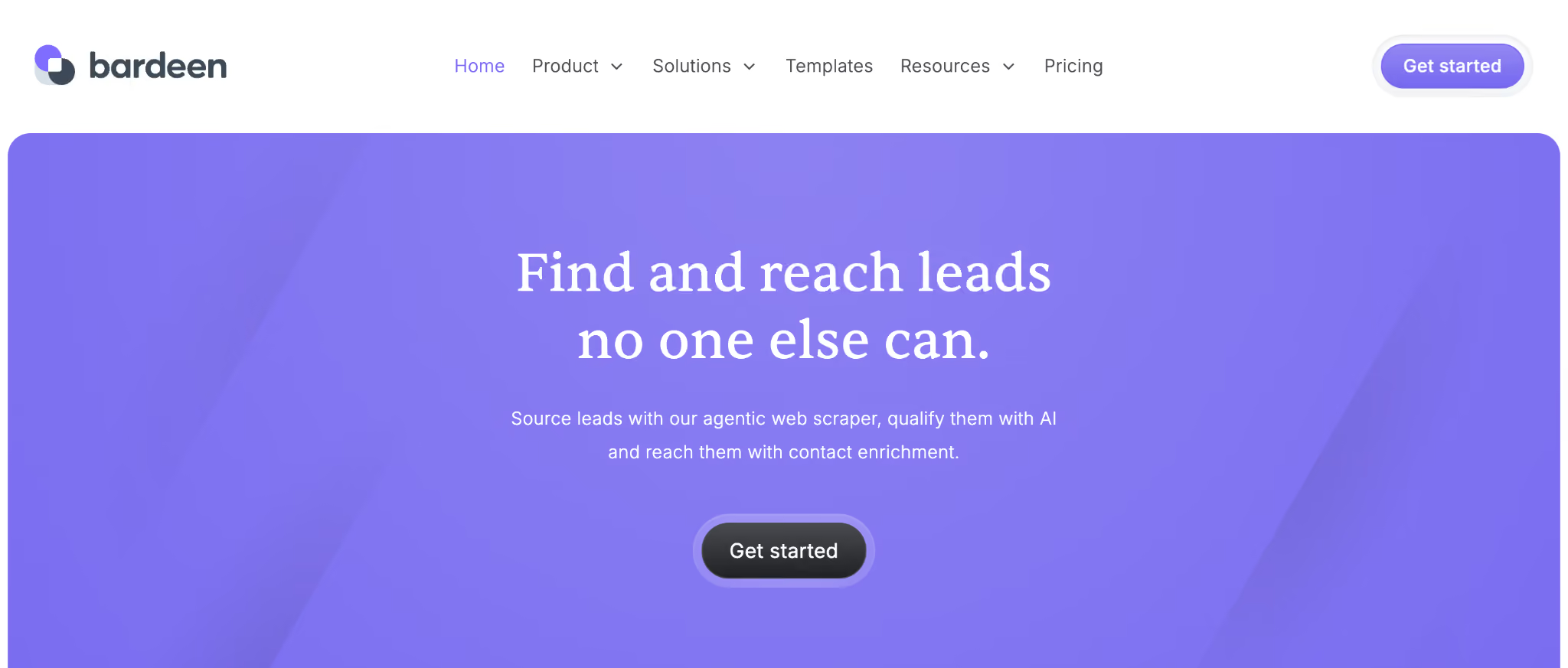
Bardeen is an AI-driven automation platform built around browser tasks, with a Chrome extension that lets users scrape web data, automate prospecting, and run AI workflows directly from the pages they're working in.
It's the alternative I'd pick for sales, marketing, and research teams whose automation lives in the browser.
Bardeen treats the browser as a first-class workflow surface. The platform's MagicBox feature generates automation playbooks from plain-English prompts.
Key features
- Browser-native automation: a Chrome extension that automates tasks directly in your tabs.
- MagicBox AI: generate playbooks from natural-language descriptions.
- Web scraping: structured data extraction from any web page.
- 150+ integrations: strong coverage of sales, marketing, and research tools.
- AI agents for sales: prospect enrichment, outreach automation, CRM sync.
Pros
- ✅ Best browser-native automation experience I tested.
- ✅ Strong fit for sales and marketing teams whose work happens in browser tabs.
- ✅ Fast time to first automation, especially for web-based workflows.
Cons
- ❌ Limited to backend or API-heavy automation outside the browser.
- ❌ Smaller team and operational maturity than legacy platforms.
- ❌ Chrome-centric, with limited support for other browsers and platforms.
Best for
- Sales teams automating prospecting, outreach, and CRM sync.
- Marketing teams running competitor research, content sourcing, and data enrichment.
- Researchers and analysts who do most of their work in browser tabs.
Pricing
Free tier with 100 credits/month; then Basic at $10/month and Premium at $50/month, with Enterprise custom. See Bardeen pricing for current plans.
How to evaluate Power Automate alternatives
The right tool depends on which questions you can answer cleanly today. These are the criteria I'd push hardest on during a replacement.
1. Integration depth where you actually need it. Does the platform have native, non-premium connectors for your top 10 SaaS tools? Premium-connector gatekeeping is one of the biggest reasons teams leave Power Automate.
2. Pricing model alignment with your workflow shape. Task-based pricing (Zapier) suits simple workflows, operations-based (Make) suits complex ones, and invocation-based (Pipedream) suits lightweight, high-volume runs.
3. Governance, RBAC, and audit logs. If you have SOC 2, HIPAA, or EU AI Act exposure, this is non-negotiable. Many platforms only deliver real governance at the Enterprise tier.
4. Data residency and sovereignty. Some teams cannot send prompts, customer records, or financial data through a third-party SaaS automation layer. Self-hosted options or BYO inference become non-negotiable.
5. AI and RPA scope. Most platforms now offer AI workflow building, but few cover RPA (UiPath) or AI-native automation (Gumloop, Bardeen). Decide what you need before shortlisting.
6. Lock-in cost on the way out. Workflows are operational infrastructure. Once you have 200 of them, leaving any platform is expensive. Open-source and code-exportable platforms reduce that exit cost.
Workflow automation alone may not be the right answer
The 11 platforms above cover the workflow automation category well, but a growing share of "Power Automate replacement" conversations end somewhere different.
Teams realize they don't actually need workflow automation between SaaS tools. They need an internal app that includes a workflow alongside a UI, permissions, and a real database.
If that's where your evaluation lands, you're not really replacing Power Automate with Zapier. You're replacing it with an internal app platform that handles workflows as one capability among several.
That's where Superblocks fits, and it's a different conversation from most "Power Automate alternative" lists.
To see how Superblocks pairs workflow automation with a full app builder under shared governance, see our introduction to Superblocks, or book a demo to test it with your own stack.
Frequently asked questions
What is the best alternative to Microsoft Power Automate?
The best alternative to Microsoft Power Automate depends on your use case: Zapier for non-technical teams, Make for complex visual workflows, n8n for open-source, self-hosted automation, and Workato for enterprise-grade iPaaS.
Is there a free alternative to Power Automate?
Yes, several free alternatives to Power Automate exist. Zapier (100 free tasks/month), Make (1,000 free operations/month), Pipedream (100 free credits/day), and self-hosted options like n8n and Activepieces Community Editions.
What is the difference between Zapier and Power Automate?
The main difference between Zapier and Power Automate is that Zapier has 7,000+ integrations and a simpler learning curve, while Power Automate is more deeply integrated with Microsoft 365 and Dynamics 365 and includes RPA desktop automation that Zapier lacks.
Can n8n replace Power Automate?
Yes, n8n can replace Power Automate for most cloud workflow use cases, with the added benefits of self-hosting and full data sovereignty, but it lacks desktop RPA automation, so Power Automate Desktop users will need a separate tool like UiPath.
Why are people switching from Power Automate to alternatives?
People are switching from Power Automate to alternatives mainly because of pricing complexity, premium connector gatekeeping, reliability issues with silent flow failures, and the steep learning curve that emerges once flows go beyond simple use cases.
Which Power Automate alternative is best for enterprises?
The best Power Automate alternative for enterprises is Workato for traditional workflow automation at scale, while Superblocks is best for enterprises whose "automation" needs are primarily internal apps with embedded workflows, governance, and AI app building.
At Virgin Voyages, non-technical teams now build their own AI apps, with IT governance fully intact. The result: 15+ production apps, seven departments onboard, and zero dedicated frontend engineers.
At Matthews, a marketing manager with zero coding background built an app that auto-generates offering memorandums, cutting turnaround from days to hours. See how the brokerage is putting AI builders on every team, with full governance intact.


Stay tuned for updates
Get the latest Superblocks news and internal tooling market insights.
Request early access
Step 1 of 2
Request early access
Step 2 of 2

You’ve been added to the waitlist!
Book a demo to skip the waitlist
Thank you for your interest!
A member of our team will be in touch soon to schedule a demo.
production apps built
days to build them
semi-technical builders
traditional developers
high-impact solutions shipped
training to get builders productive
SQL experience required
See the full Virgin Voyages customer story, including the apps they built and how their teams use them.

"Those tools are great for proof of concept. But they don't connect well to existing enterprise data sources, and they don't have the governance guardrails that IT requires for production use."
Table of Contents

Multiple authors
Power Apps vs Power Automate vs Superblocks: Key Differences
Power Apps and Power Automate work well for Microsoft-centric teams, but Superblocks offers more flexibility. Check key features and pricing to choose wisely.
.png)