
Appian's steep learning curve, per-user pricing, and vendor lock-in lead many teams to look elsewhere. We tested 7 top Appian alternatives on flexibility, governance, and AI, covering what each does well, where it falls short, and who it's built for.
7 best Appian alternatives: at a glance
Pricing correct as of July 2026. Verify with vendor.
Why look for an Appian alternative?
Appian is a mature low-code BPM platform, strong in case management and process automation for regulated industries like finance and government. A few recurring pain points drive buyers to look for alternatives. Here they are:
- Steep learning curve: Complex workflows require developers with expertise in Appian's proprietary approach. Buyers report a real ramp-up cost to get productive.
- Expensive, opaque pricing: Appian is priced per user, per app, per month, starting at around $75 per user per month at the Standard tier, with AI, RPA, and process mining often costing extra. Quotes require a sales call.
- Vendor lock-in: Apps are built in Appian's ecosystem with no way to export the underlying code, so leaving usually means rebuilding from scratch.
- Limited customization: Teams with specific UX standards often hit the limits of what Appian's templates allow and then need extra development to get there.
TL;DR: Which Appian alternative should you choose?
Here's the quick version before the deep dives:
- Choose Pega if you need large-scale, sophisticated case management and have the budget and team to run it.
- Choose OutSystems if you build full-stack customer-facing apps at enterprise scale.
- Choose Superblocks if you want AI-native internal app building with full code ownership and enterprise governance.
- Choose Power Apps if you're already deep in the Microsoft ecosystem.
- Stick with Appian if your core need is mature, out-of-the-box BPM and RPA for complex regulated processes, and budget isn't the constraint.
1. Pega: Best for large-scale case management
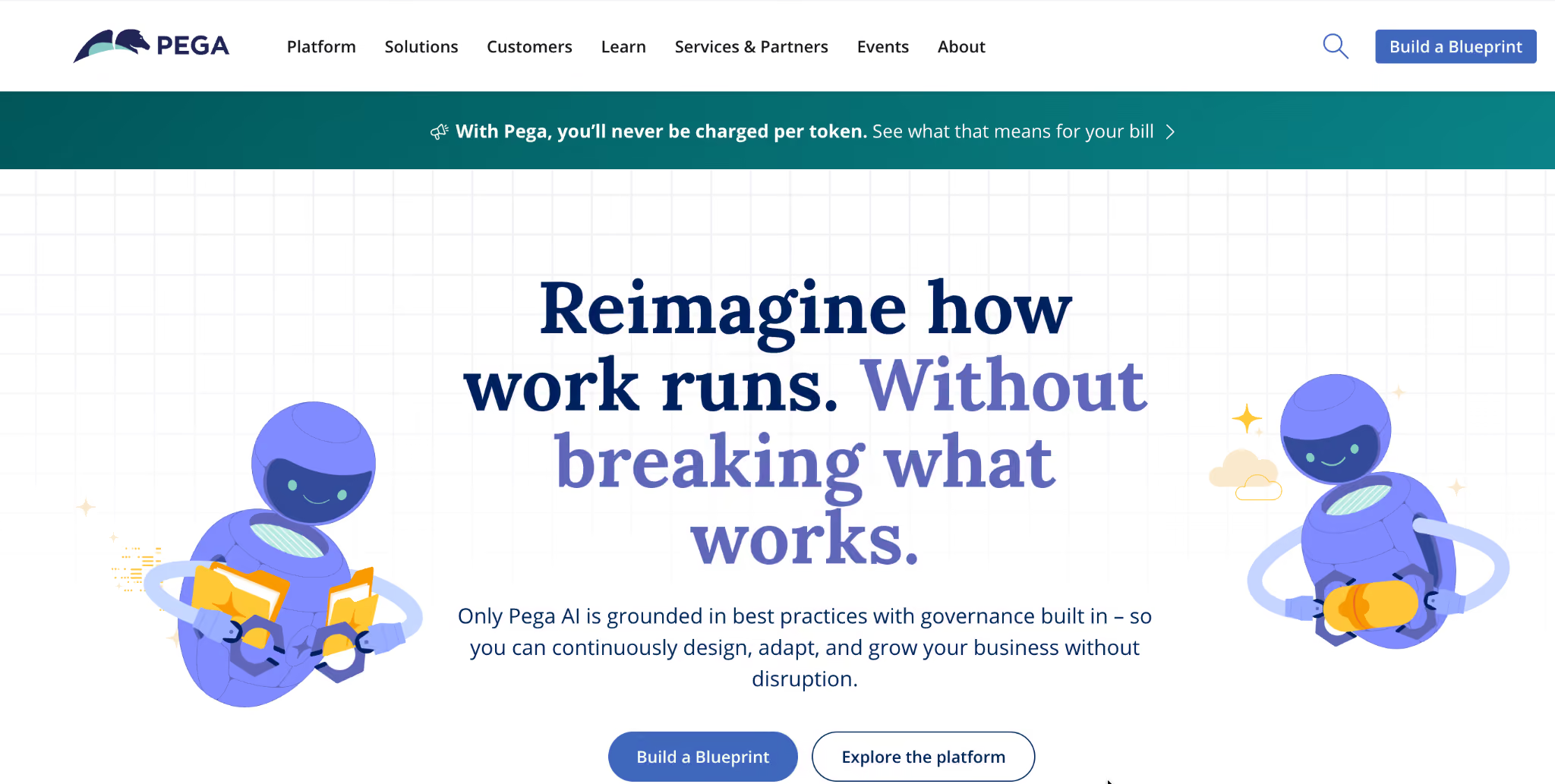
Pega is an enterprise-grade platform built for sophisticated case management and large-scale business process automation.
It's the closest like-for-like to Appian in raw BPM power and is favored by large financial and government organizations running complex, high-volume processes.
Key features
- Case management: Deep, mature tooling for complex case-based workflows.
- Decisioning engine: Real-time AI-driven decisioning for customer processes.
- Process automation: Powerful BPM and workflow orchestration at scale.
Pros
- ✅ Extremely capable of complex enterprise case management.
- ✅ Strong AI-driven decisioning.
Cons
- ❌ Steep learning curve, often steeper than Appian's.
- ❌ High cost and heavy implementation effort.
Best for
- Large enterprises with complex case management needs.
- Teams with the budget and developers to run a heavy platform.
Pricing
Custom quote only; roughly $50 per user per month in some comparisons, though enterprise deployments are negotiated. See the Pega platform page for more.
2. OutSystems: Best for full-stack enterprise apps
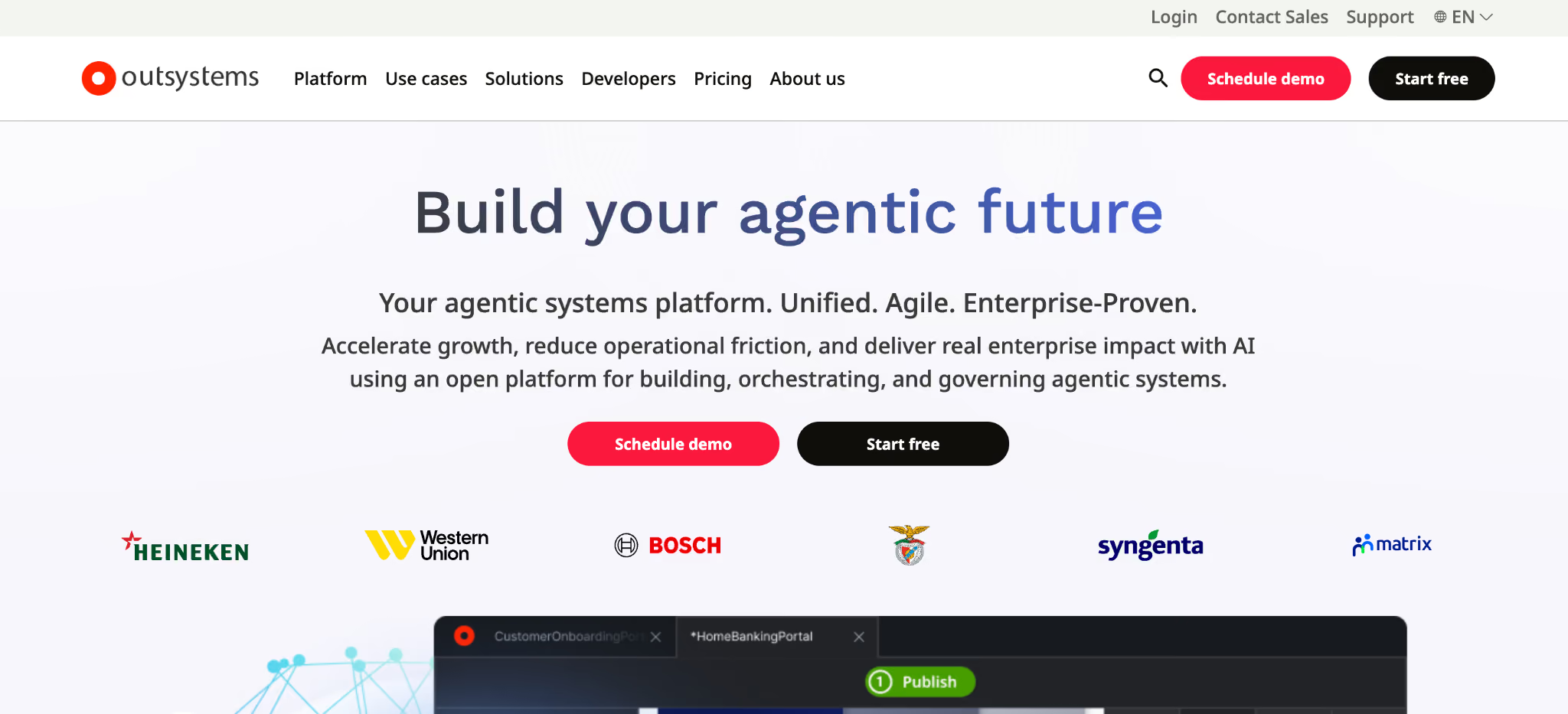
OutSystems is a full-stack low-code platform for building and scaling complex, customer-facing enterprise applications.
It handles enterprise-scale apps well and offers broad integration and AI development tools, sized for large enterprise teams.
Key features
- Full-stack development: Build web and mobile apps end to end.
- AI development tools: AI-assisted building and performance optimization.
- Scalability: Handles high-complexity, high-volume applications.
Pros
- ✅ Powerful for large-scale, customer-facing apps.
- ✅ Broad integration support.
Cons
- ❌ Pricing and complexity are suited to large teams.
- ❌ Meaningful learning curve for full-stack features.
Best for
- Large enterprises building customer-facing apps.
- Teams needing full-stack scale and performance.
Pricing
Custom quote only, with a limited free tier for a single small app. See OutSystems pricing for tier details.
3. Superblocks: Best for AI-native enterprise app building
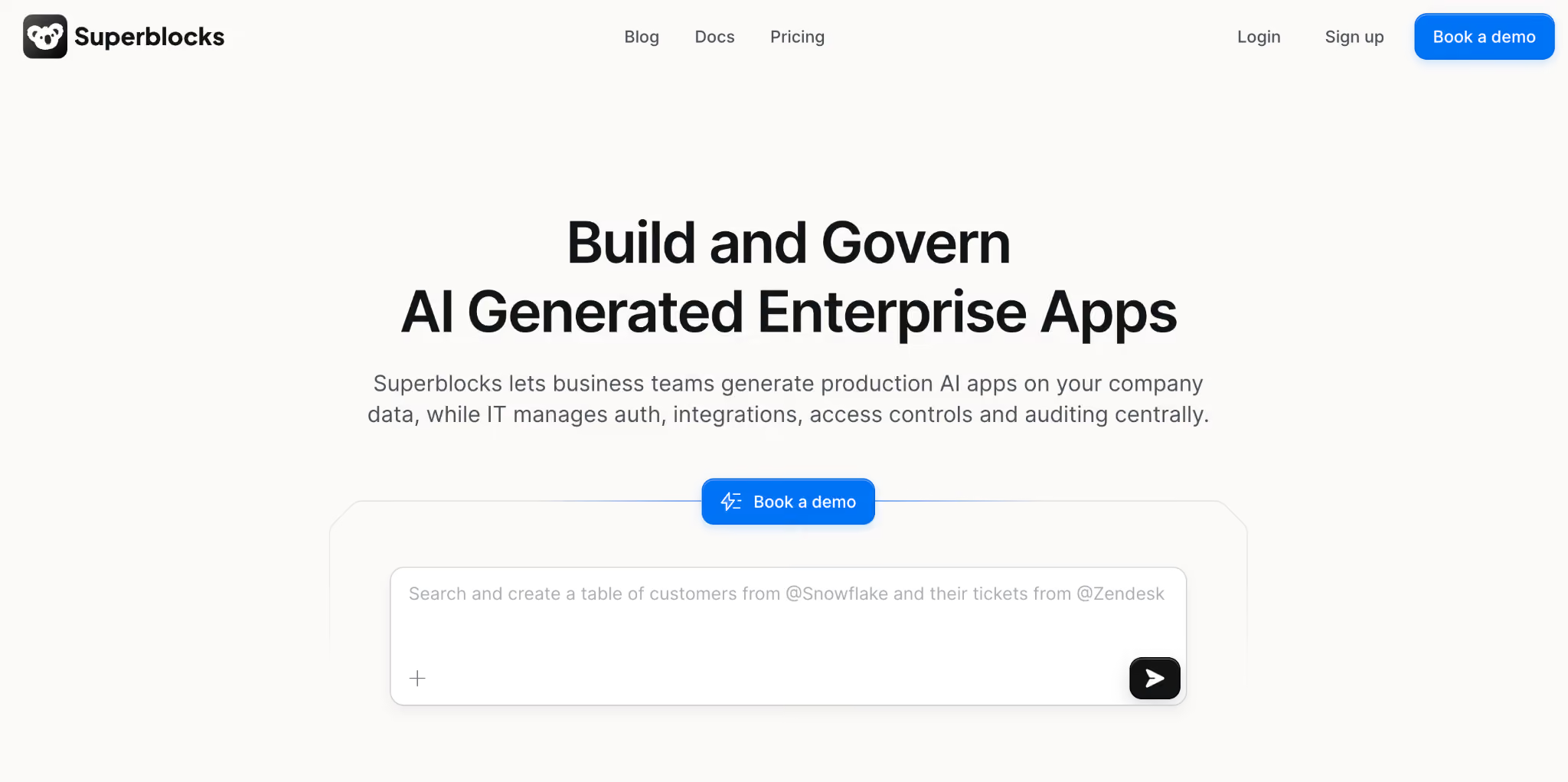
Superblocks is a governed enterprise-vibe coding platform, built for teams that want to build apps with AI while maintaining full control over code, security, and governance.
Superblocks generates real React and TypeScript you can export and host anywhere. Business teams build with AI, and IT configures the guardrails once.
At Matthews Real Estate, a team rejected an $850,000 vendor quote and built the replacement themselves, now used daily by 800+ agents.
Key features
- 🤖 Clark AI builder: Generate apps in natural language, then refine visually or in code, so non-engineers and developers work on the same platform.
- 🔒 Centralized governance: RBAC, SSO, audit logs, and granular permissions from one place, on a SOC 2 and HIPAA-aligned foundation.
- 🔌 Full code ownership: Export apps as React, with no proprietary lock-in.
- 🏢 On-Prem Agent: Keep data in-network while Superblocks manages the platform.
Pros
- ✅ AI-native from the ground up.
- ✅ No vendor lock-in; export and host your own code.
- ✅ Transparent, published pricing.
Cons
- ❌ Scoped to internal tools and app building; heavy BPM case management sits outside its focus.
- ❌ Newer than the legacy players, with a smaller template library.
Best for
- Teams replacing legacy low-code with AI-native building.
- Enterprises that want governance built into the platform.
- Organizations that want to own and export their code.
Pricing
The Teams plan is $125/month per AI Builder, billed monthly, with a 14-day free trial. Enterprise pricing is custom. See Superblocks pricing for all plan details.
4. Mendix: Best for business-IT collaboration
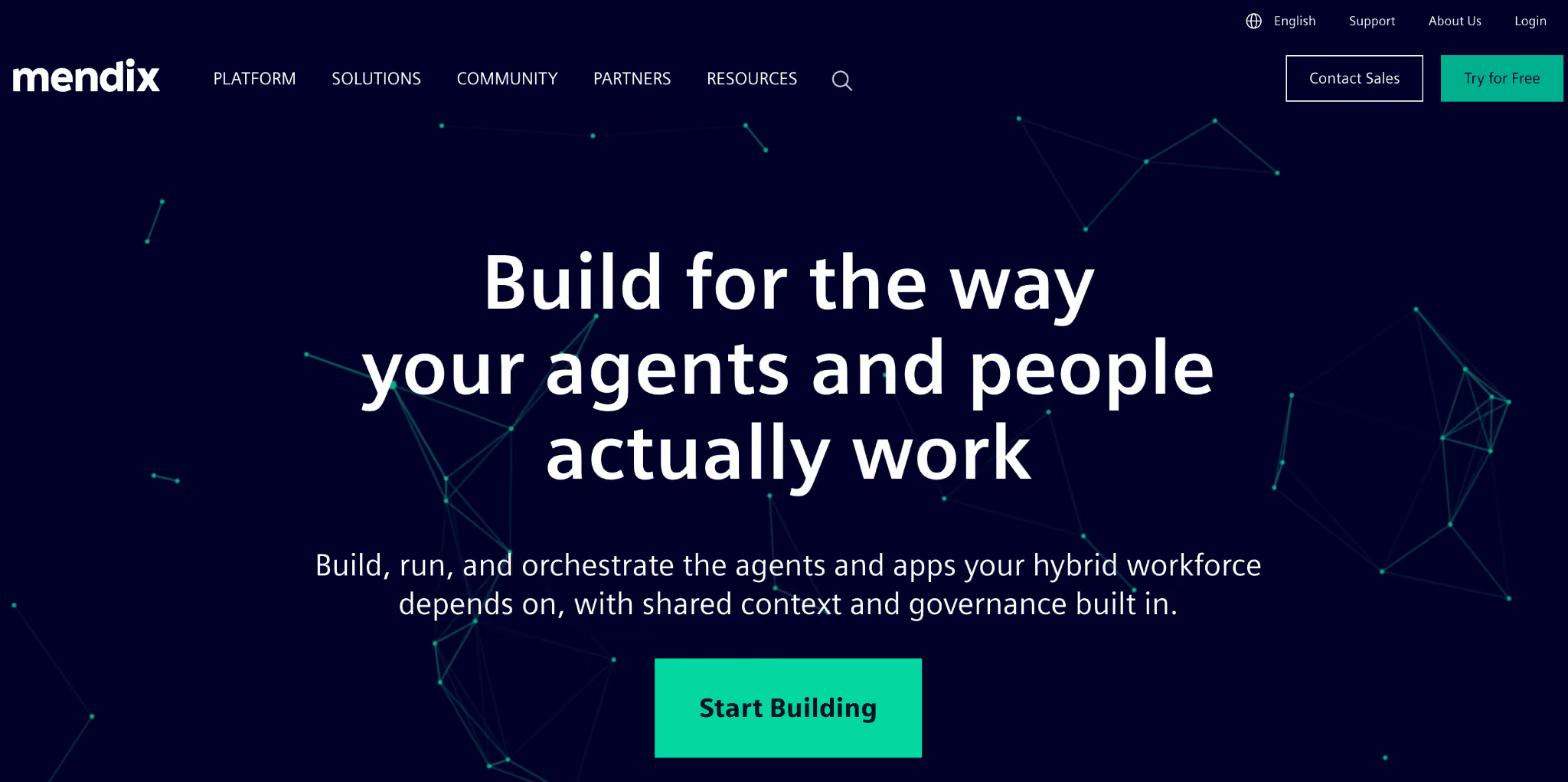
Mendix is a low-code platform built to help business and IT teams collaborate on mid-sized to large applications.
Owned by Siemens, it emphasizes collaborative development, React-based UI customization, and the connection of external data through visual configuration.
Key features
- Collaborative development: Shared tooling for business and professional developers.
- React UI customization: Advanced interface control with React components.
- Data integration: Connect APIs and databases through visual configuration.
Pros
- ✅ Strong business-IT collaboration model.
- ✅ Flexible UI customization.
Cons
- ❌ Full capability still requires developer skills.
- ❌ Can get costly as apps and users scale.
Best for
- Mid-sized to large companies building B2B or mobile apps.
- Teams that want business and IT to build together.
Pricing
The Standard (One App) plan starts at $963 per month per app, with Free and Premium tiers on either side. See Mendix pricing for all tiers.
5. Microsoft Power Apps: Best for Microsoft-centric shops
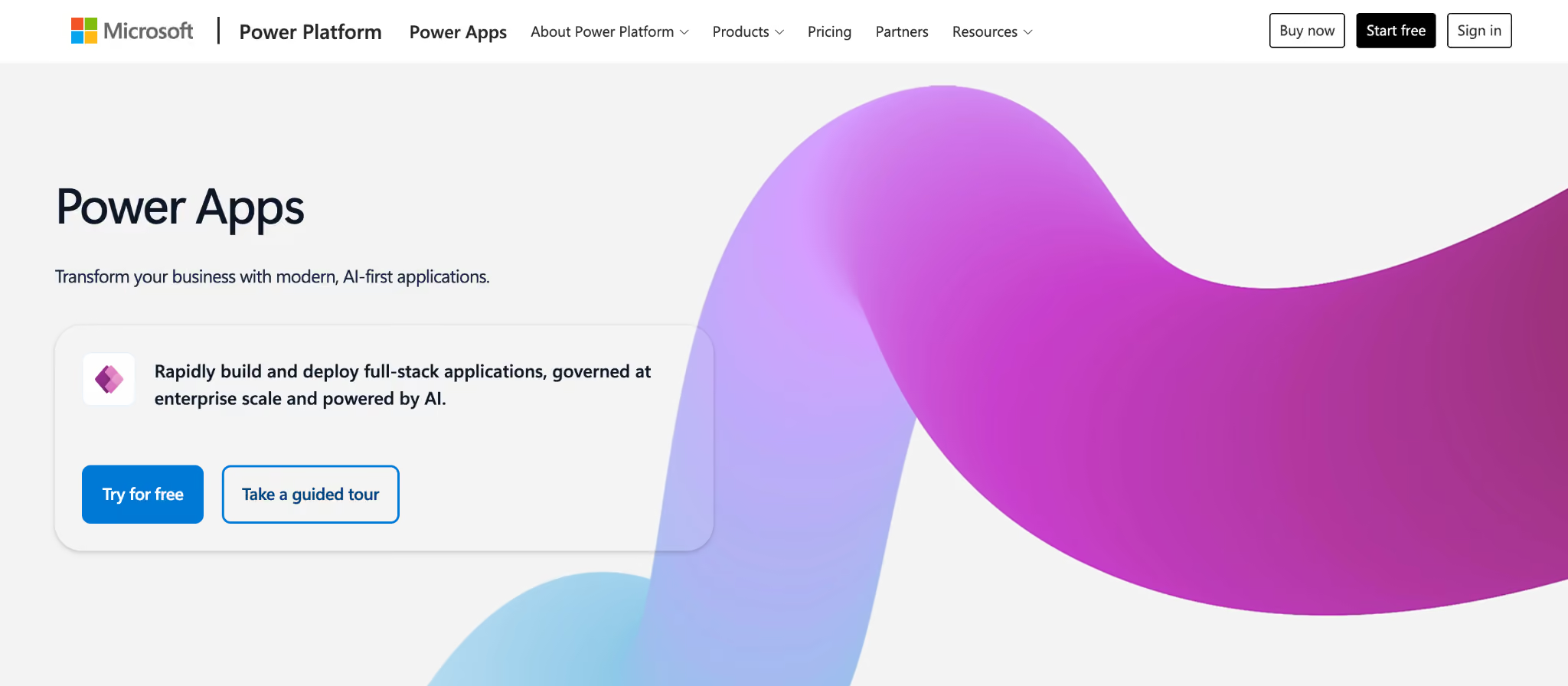
Microsoft Power Apps is a low-code platform for building business apps inside the Microsoft ecosystem.
If your organization already runs Microsoft 365 and Azure, Power Apps offers an accessible entry point and native integration with tools you already use.
Key features
- Microsoft integration: Native connection to 365, Azure, and Dataverse.
- Templates and connectors: Prebuilt components for common business apps.
- Accessible entry point: Lower starting cost than most enterprise low-code.
Pros
- ✅ Cost-effective for Microsoft-centric orgs.
- ✅ Familiar to teams already in the Microsoft stack.
Cons
- ❌ Value drops sharply outside the Microsoft ecosystem.
- ❌ Complex apps can hit governance and licensing snags.
Best for
- Organizations invested in Microsoft 365 and Azure.
- Teams building straightforward internal business apps.
Pricing
The Premium plan is $20 per user monthly, with per-app options. See Power Apps pricing for plan details.
6. Bizagi: Best for process-first automation
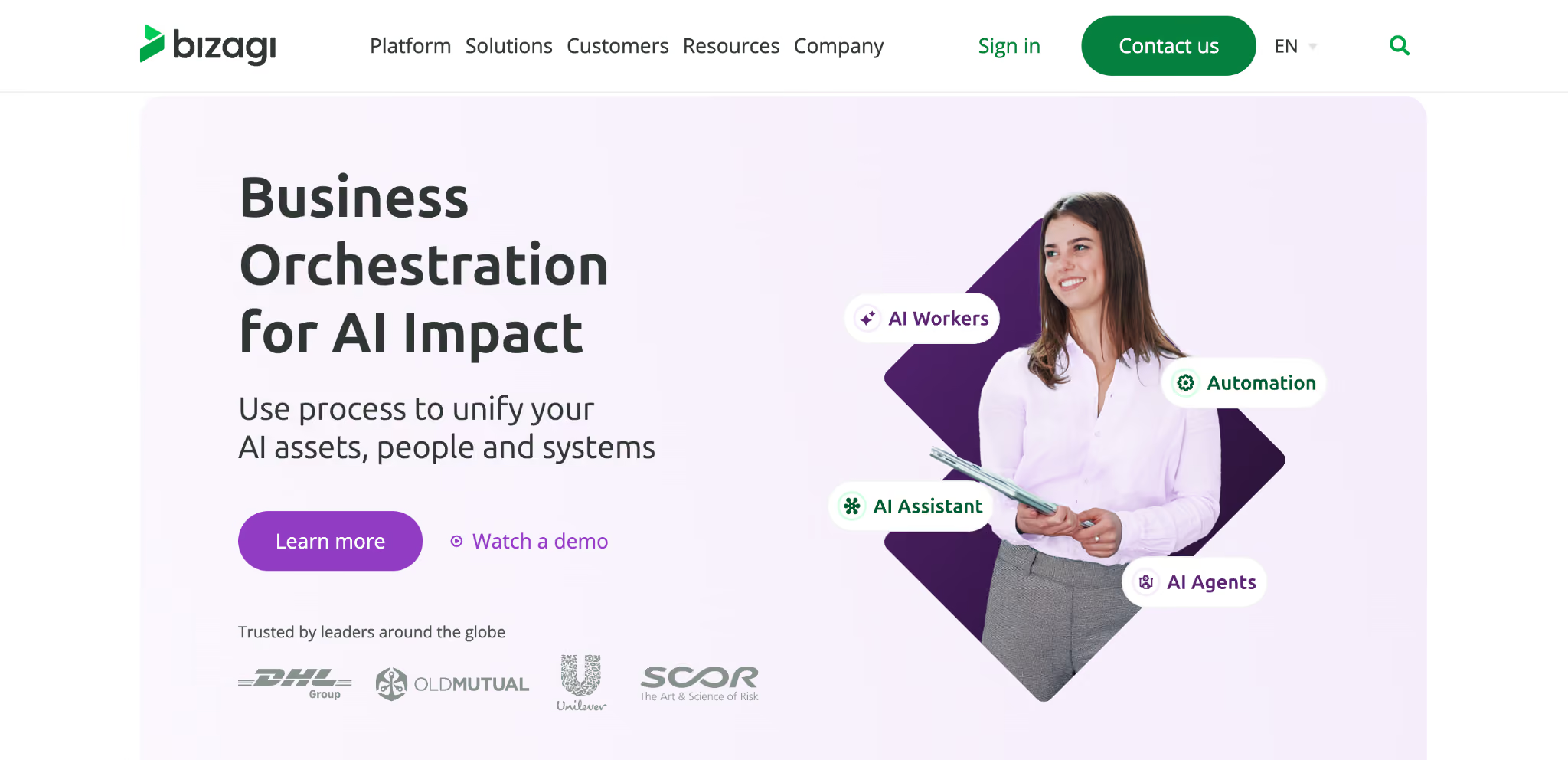
Bizagi is a process-first low-code platform focused on orchestrating business processes with built-in AI.
It's often described as intuitive and business-friendly, aimed at fostering collaboration between business and IT teams to achieve quicker process automation results.
Key features
- Process orchestration: Model and automate complex business processes.
- Business-friendly design: Approachable for non-developers.
- Built-in AI: AI capabilities layered into process automation.
Pros
- ✅ Intuitive, business-friendly interface.
- ✅ Strong at process modeling and orchestration.
Cons
- ❌ Less suited to full custom app development.
- ❌ Pricing requires a sales conversation.
Best for
- Teams whose primary need is process automation.
- Business and IT collaborating on workflow projects.
Pricing
Custom quote: a free modeling tool is available. See Bizagi pricing for details.
7. Creatio: Best for no-code workflows and CRM
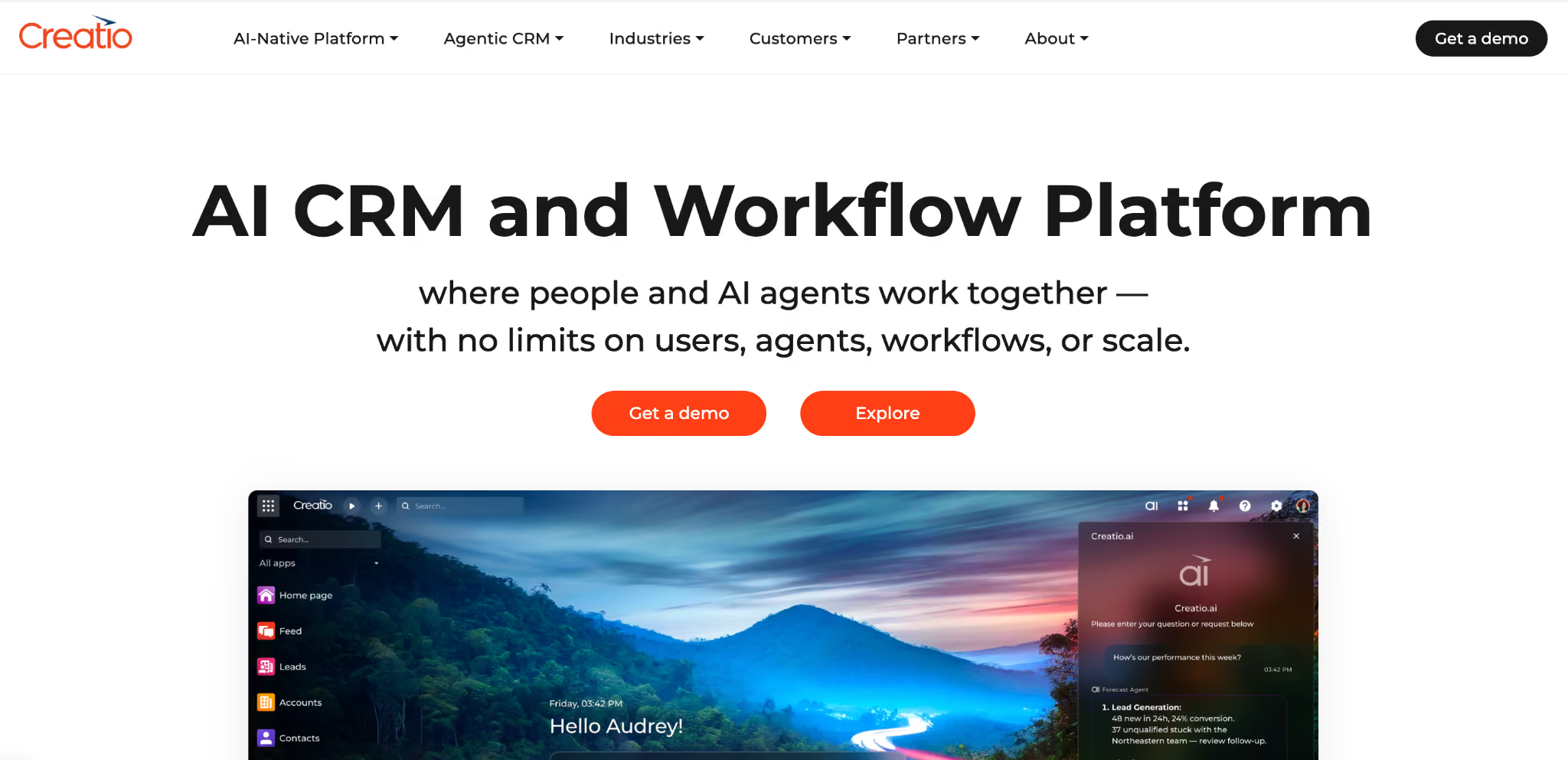
Creatio is a no-code platform pairing workflow automation with a built-in CRM and AI agents.
It targets teams that want to build apps and automate processes with natural-language and visual designers, with CRM capabilities baked in.
Key features
- No-code studio: Build apps and agents with visual and natural-language tools.
- Built-in CRM: Marketing, sales, and service modules included.
- AI agents: Embedded AI across the platform.
Pros
- ✅ Strong no-code experience for business users.
- ✅ CRM and workflow in one platform.
Cons
- ❌ Less depth for complex, code-heavy custom apps.
- ❌ CRM focus may not suit pure app-building needs.
Best for
- Teams wanting workflow automation plus CRM.
- Business users building without code.
Pricing
The Growth plan is $40 per user per month, with Enterprise at $75 per user per month and a $10,000/year new-customer minimum. See Creatio pricing for all tiers.
How to evaluate Appian alternatives
The right choice comes down to matching a platform to your real constraints. A few questions to work through:
- How technical is your team? Some platforms need developers who know a proprietary language; others let business users build with AI or visually. Be honest about who will actually build.
- Do you need code ownership? If avoiding vendor lock-in matters, prioritize platforms that export standard code you can host yourself.
- What's your real use case? Heavy BPM case management points one way; internal tools and app building point another. Match the platform to the actual job.
- How does pricing scale? Per-user-per-app models get expensive fast. Model your costs at real user counts, including AI and automation add-ons.
- What are your governance needs? Regulated industries need RBAC, audit logs, and deployment control built in from day one.
Stop paying for complexity you don't need
Appian's cost, learning curve, and lock-in push many teams toward alternatives that fit how they actually work. The modern trend is toward AI-native platforms that enable more people to build while preserving governance and code ownership.
To go deeper into governed AI-native app building, see our AI agent governance guide.
Want to see how Superblocks compares in your own workflow? Start with the Superblocks Quickstart Guide.
Book a demo to walk through your Appian migration path.
Frequently asked questions
What is the best Appian alternative?
The best Appian alternative depends on your use case. Pega and OutSystems suit large-scale enterprise BPM; Power Apps fits Microsoft-centric teams; Superblocks is strong for AI-native internal app building with full code ownership.
Why do companies switch from Appian?
Companies switch from Appian mainly due to cost, complexity, and lock-in. Per-user-per-app pricing gets expensive, complex workflows need specialized developers, and apps can't be exported as code.
Is there a cheaper alternative to Appian?
Yes, several alternatives cost less than Appian's roughly $75-per-user-per-month Standard tier. Microsoft Power Apps starts at $20 per user monthly, and Creatio Growth starts at $40 per user monthly.
What is the difference between Appian and Superblocks?
The main difference between Appian and Superblocks is that Appian is a proprietary BPM platform with per-app licensing, while Superblocks is an AI-native platform that generates exportable React code for governed internal apps.
Which Appian alternative is best for avoiding vendor lock-in?
The best Appian alternative for avoiding vendor lock-in is one that exports standard code. Superblocks generates React and TypeScript that you can host anywhere, so you keep control of your apps.
At Virgin Voyages, non-technical teams now build their own AI apps, with IT governance fully intact. The result: 15+ production apps, seven departments onboard, and zero dedicated frontend engineers.
At Matthews, a marketing manager with zero coding background built an app that auto-generates offering memorandums, cutting turnaround from days to hours. See how the brokerage is putting AI builders on every team, with full governance intact.


Stay tuned for updates
Get the latest Superblocks news and internal tooling market insights.
Request early access
Step 1 of 2
Request early access
Step 2 of 2

You’ve been added to the waitlist!
Book a demo to skip the waitlist
Thank you for your interest!
A member of our team will be in touch soon to schedule a demo.
production apps built
days to build them
semi-technical builders
traditional developers
high-impact solutions shipped
training to get builders productive
SQL experience required
See the full Virgin Voyages customer story, including the apps they built and how their teams use them.

"Those tools are great for proof of concept. But they don't connect well to existing enterprise data sources, and they don't have the governance guardrails that IT requires for production use."
Table of Contents
%20(1).png)

Multiple authors
12 AI Agent Deployment Best Practices [2026]
AI agent deployment best practices that move an agent from offline evals to full traffic in stages, with scoped tools and a way to revoke it mid-task.
%20(1).png)
%20(1).png)