
The Retool vs Bubble question usually skips the one fact that settles it: they build different things. Retool builds internal tools for your team. Bubble builds products for your customers. They rarely serve the same job.
I went through the pricing pages, product docs, and feature sets for all three. Then I lined them up on the three questions that decide a purchase: what you can build, what governance you get, what it costs.
Retool and Bubble anchor the comparison, and Superblocks adds a third angle: the governed enterprise vibe coding lane, where the AI question lands in 2026.
Here's Retool vs Bubble vs Superblocks on use case, features, pricing, and user feedback, plus who each one suits.
Retool vs Bubble vs Superblocks: TL;DR
- Choose Retool if: you build internal tools, admin panels, and dashboards on top of your existing databases and want a mature component library.
- Choose Bubble if: you ship customer-facing web and mobile apps with full design control and no code.
- Choose Superblocks if: your business teams build internal apps with AI and IT needs to govern what gets created and on what data.
Meet the contenders
Retool: the internal tool builder for developers
Retool is a low-code platform for building internal apps fast, like admin panels, CRMs, and operational dashboards. You drag in components, wire them to your data with SQL and JavaScript, and connect to backends like Postgres and Databricks against your live schema.
Its strength is depth on in-house use cases. After years of building out components and connectors, much of what an admin panel needs is already there. The tradeoff is a steeper learning curve for non-developers.
Bubble: the no-code builder for customer-facing apps
Bubble is a fully no-code platform for customer-facing apps, built for production web and mobile without writing code. It has been used to build and scale more than 4 million applications, from startup MVPs to marketplaces and SaaS products, with design, database, and logic hosted in one place.
Its strength is versatility and design control for public products. Bubble AI now builds a working app from a prompt, and its plugin marketplace fills integration gaps. The tradeoff is a learning curve and reliance on plugins for some backend needs.
Superblocks: governed enterprise vibe coding
Superblocks is the governed enterprise vibe coding platform. Business teams build apps with AI, IT configures the guardrails once, and the Superblocks MCP turns every app, builder, and integration into a queryable system of record.
Its strength is governance that ships from day one. Clark, its AI builder, generates apps in plain language while IT keeps visibility over what gets shipped. The tradeoff is a younger product with a smaller template library than Retool.
Retool vs Bubble vs Superblocks: at a glance
Pricing correct as of July 2026. Verify with vendor.
Retool vs Bubble vs Superblocks: feature-by-feature
App type and use case
Start with who uses the app you build. That one answer tells you a lot.
Retool targets internal apps like admin panels, CRMs, and the dashboards your team runs on. It scaffolds tools against your live schema, which is why operations teams reach for it.
Bubble lives at the opposite end. It builds customer-facing web and mobile apps with user accounts and payments, the product your users touch.
Superblocks sits with Retool on internal apps, but leads with AI generation for business teams inside guardrails IT sets. It targets internal tools that non-engineers build and IT governs.
Winner: Tie. Retool and Superblocks lead on internal tools, Bubble on customer-facing products.
Design and components
Component depth splits them along the internal-versus-external line.
Retool ships 100+ UI components tuned for tables, forms, and dashboards, so internal screens come together quickly.
Bubble gives you a blank canvas with full design control and a responsive engine, better for branded, pixel-level UX on public apps.
Superblocks offers a visual builder plus React components, and Clark generates the first draft of the UI from a prompt, so builders start from something working.
Winner: Depends on the goal. Bubble for custom customer UX, Retool for ready-made internal layouts.
Data and integrations
All three connect to data. The defaults are what set them apart.
Retool brings 50+ native integrations plus REST, GraphQL, and gRPC, connecting straight to Postgres, Snowflake, and Databricks.
Bubble includes its own built-in database and an API Connector, with a plugin store filling gaps, though some integrations lean on third-party plugins.
Superblocks ships 60+ integrations with identity pass-through, so builders inherit permissions IT already approved.
Winner: Retool, for its 50+ native database connectors out of the box.
AI app building
Everyone added AI. The difference is where each one started.
Retool layers Agents in Retool onto its low-code core. They reason over live data and respect SSO and RBAC.
Bubble added the Bubble AI Agent, which builds UI, database, and logic from a single prompt, aimed at non-technical founders.
Superblocks grew up AI-native around Clark, powered by Claude. The AI builder and the governance layer were designed together, as one platform.
Winner: Superblocks, for pairing AI and governance in a single system.
Governance and code ownership
Once you ship at scale, governance is what decides it.
Retool offers audit logging and permission controls, with audit logs on its Business tier and code you can export.
Bubble runs your app on its own platform, which speeds launch. Per its docs, there is no way to export your app as code, so leaving means a rebuild.
Superblocks logs every build, query, and integration access, and the Superblocks MCP lets IT query who created what, on what data, and when it ran.
Winner: Superblocks, for its audit trail and MCP visibility into AI-generated apps.
What users say
Feedback below is drawn from verified G2 reviews.
Retool
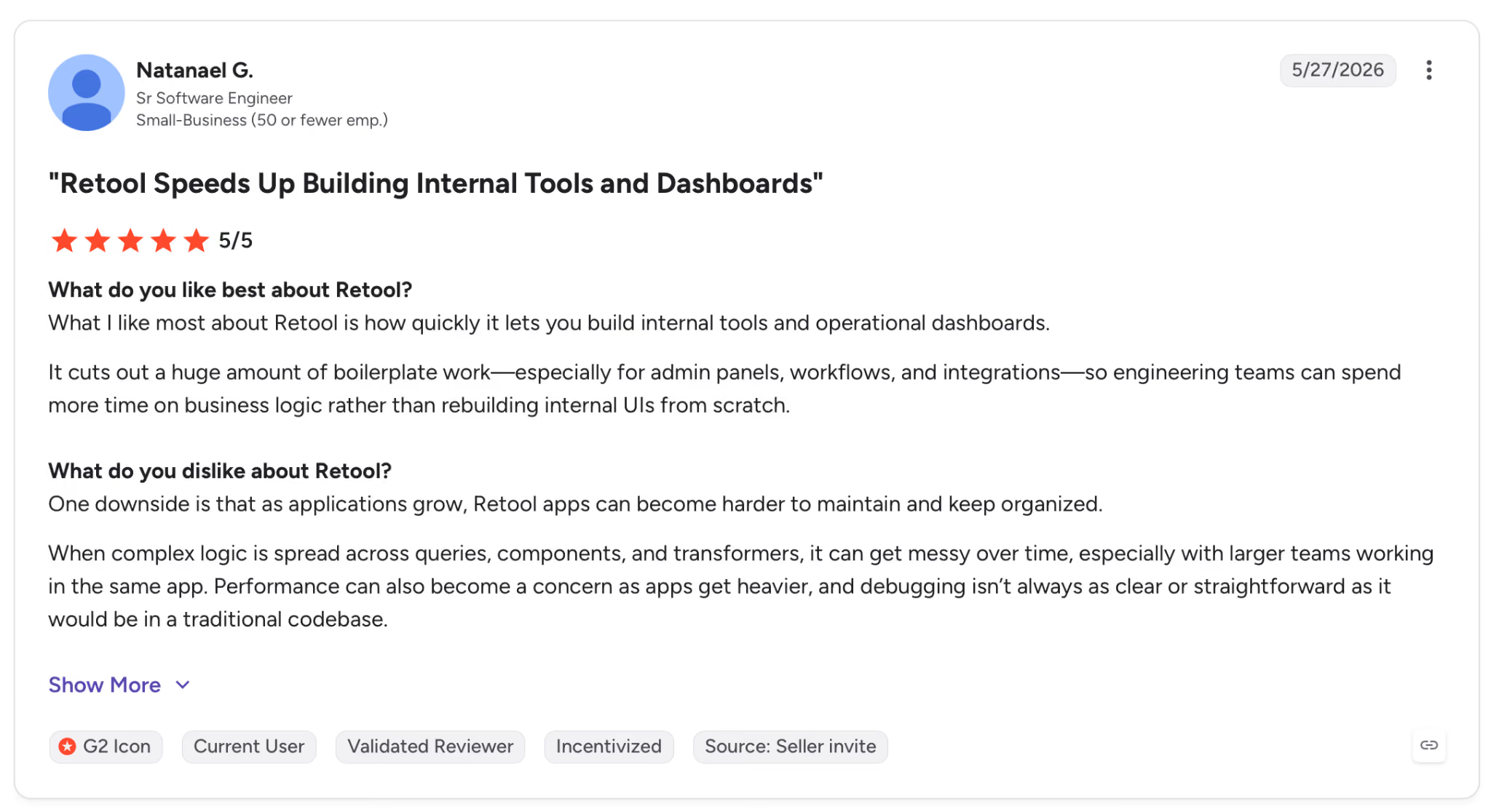
"What I like most about Retool is how quickly it lets you build internal tools and operational dashboards." Natanael G., G2
Pros: Reviewers point to how fast Retool lets them stand up internal tools and operational dashboards.
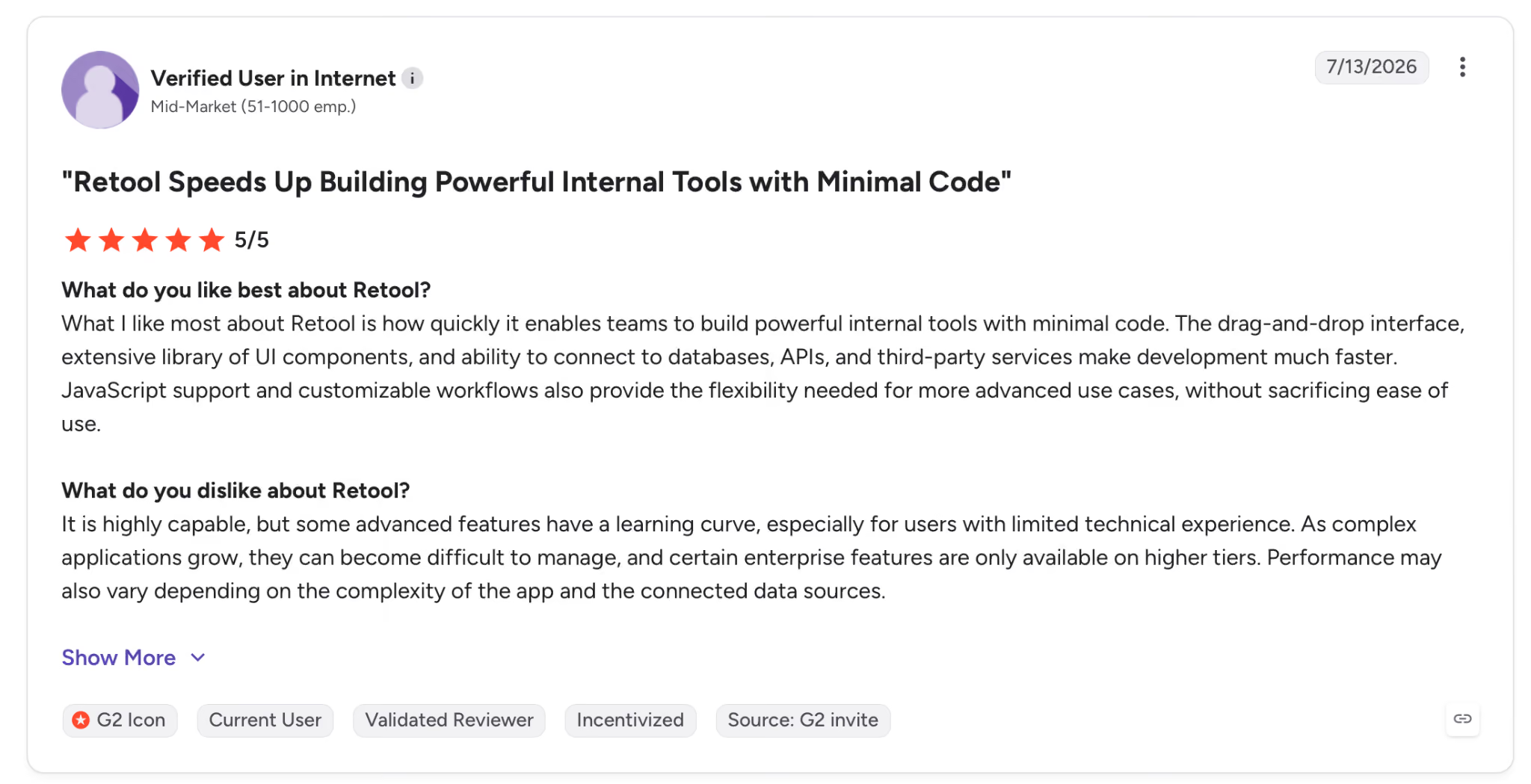
"It is highly capable, but some advanced features have a learning curve, especially for users with limited technical experience." Verified User, G2
Cons: The advanced features carry a learning curve that non-technical users feel first.
Bubble
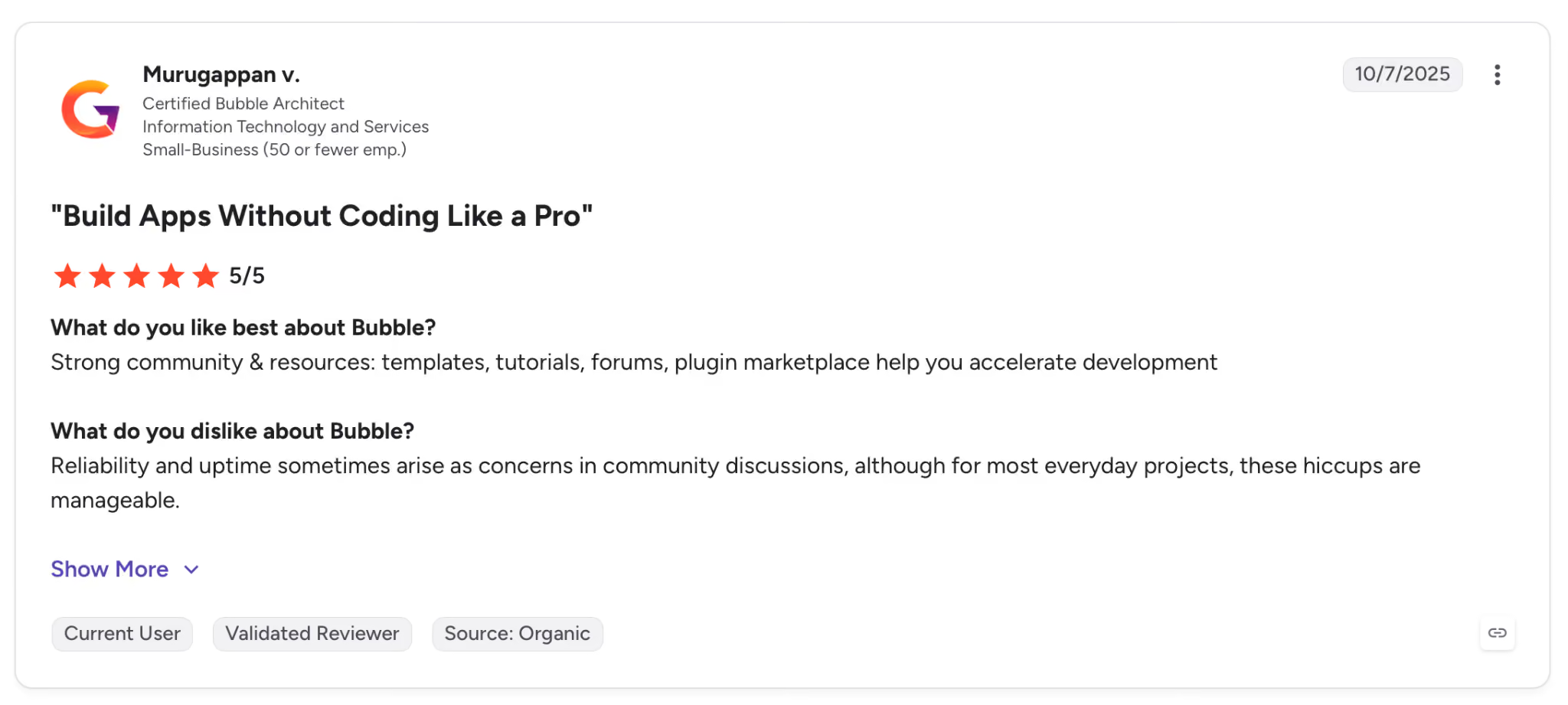
"Strong community & resources: templates, tutorials, forums, plugin marketplace help you accelerate development." Murugappan V., G2
Pros: Users credit the community, templates, and plugin marketplace with speeding up their builds.
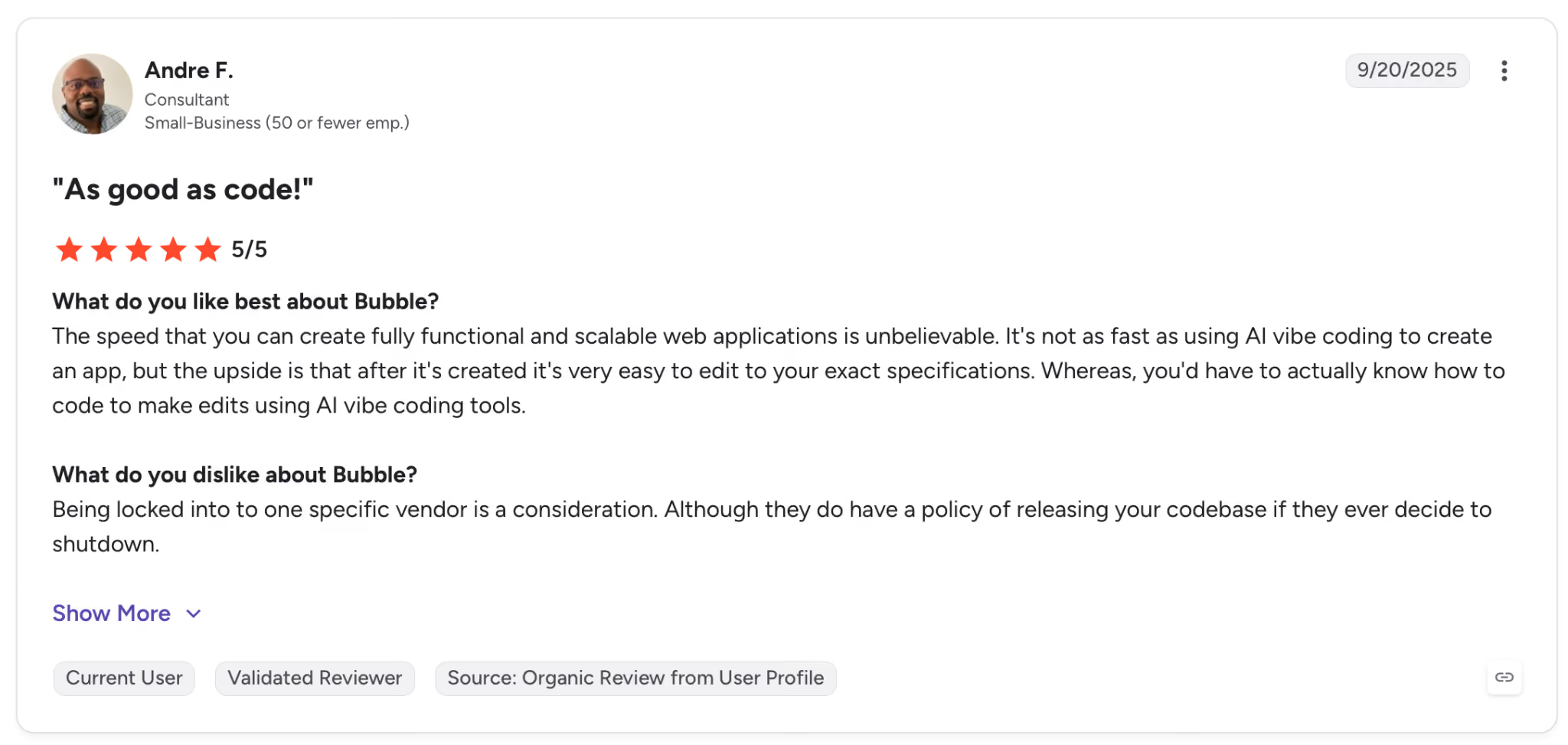
"Being locked into one specific vendor is a consideration. Although they do have a policy of releasing your codebase if they ever decide to shut down." Andre F., G2
Cons: Vendor lock-in worries some builders, even with Bubble's codebase-release policy.
Superblocks
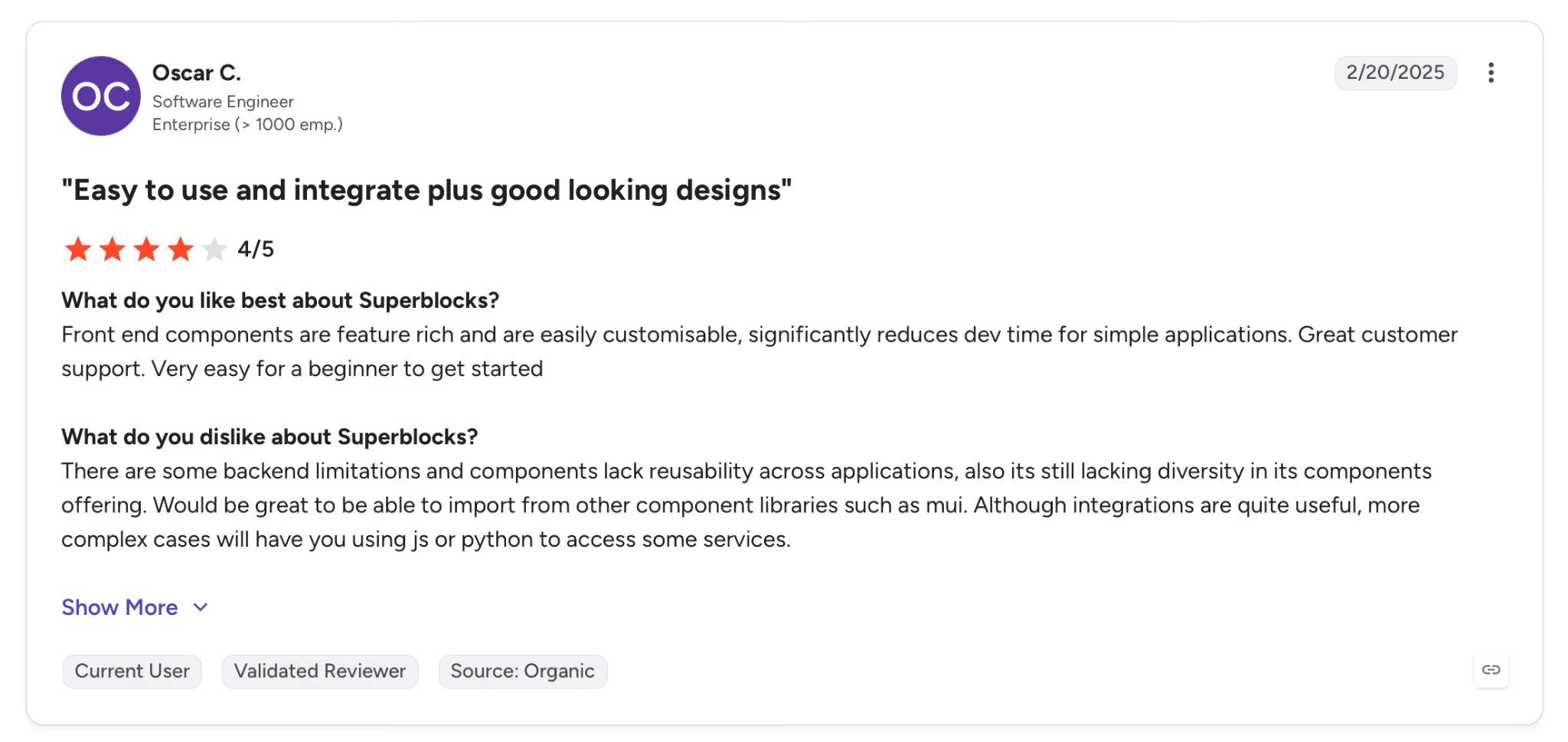
"Front-end components are feature-rich and are easily customizable, significantly reducing dev time for simple applications." Oscar C., G2
Pros: Builders find the front-end components rich and easy to customize, cutting dev time on straightforward apps.
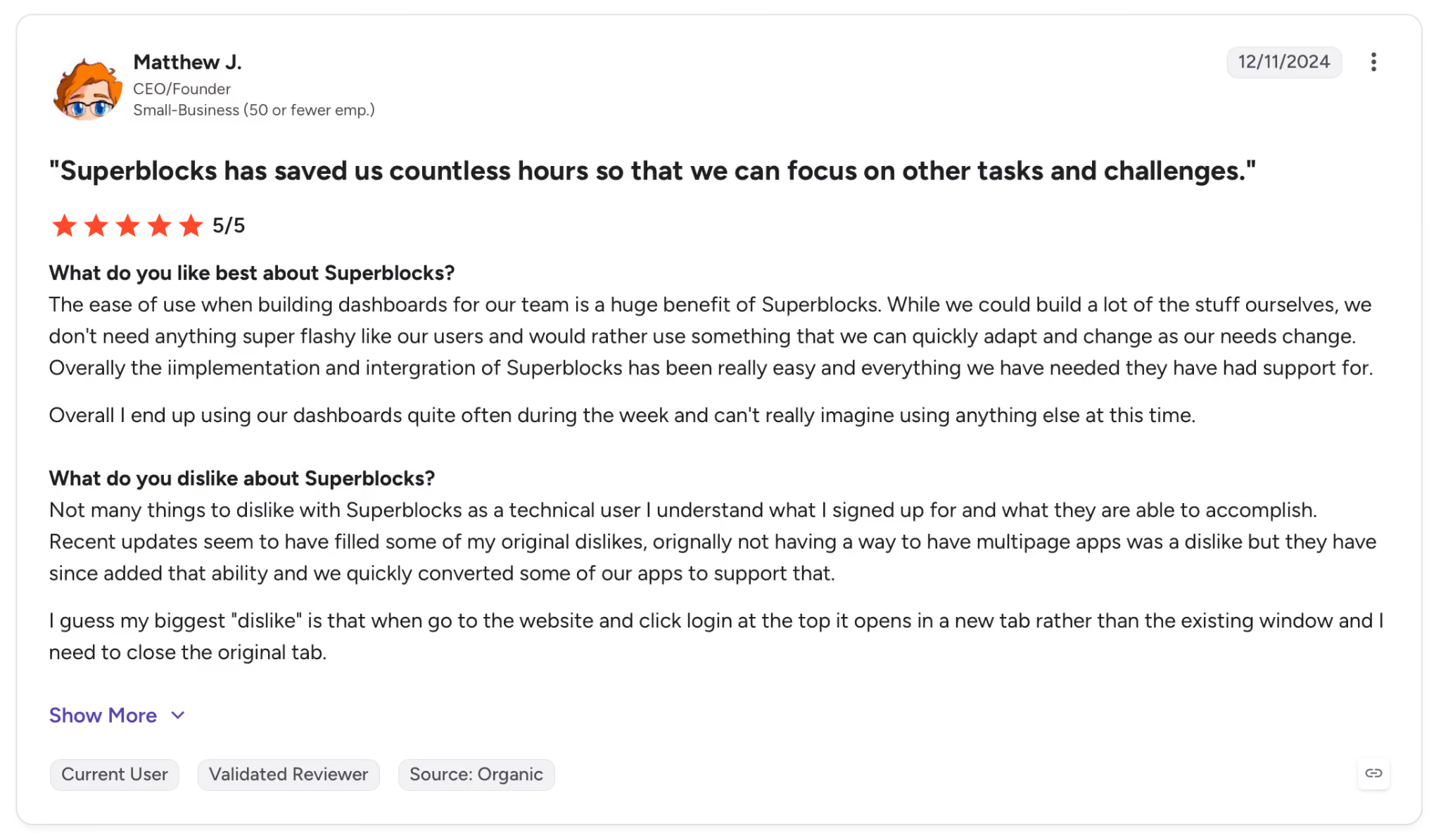
"Not many things to dislike with Superblocks as a technical user; I understand what I signed up for and what they are able to accomplish." Matthew J., G2
Cons: Technical users report few gripes, though the platform assumes you know what you signed up for.
Which tool should you choose?
All three are strong, and none wins outright because they solve different problems. Retool leads on internal-tool depth, Bubble on customer-facing design, and Superblocks on governed AI development.
Retool is better for:
- Developer teams that need admin panels and dashboards on existing databases.
- Ops teams that want a mature component library and native data connectors.
- Companies comfortable with a per-seat model as usage grows.
Bubble is better for:
- Founders shipping a customer-facing product without engineers.
- Teams that need full design control over public web and mobile apps.
- Projects where a single flat plan is easier to reason about than per-seat.
Superblocks is better for:
- Business teams building internal apps with AI while IT sets the guardrails.
- Security leaders who need an audit trail for every AI-generated app.
- Enterprises standardizing how apps get shipped and deployed.
My verdict
For internal tools on a mature stack, Retool is the dependable choice. For a public product with no code, Bubble covers more ground.
If the question is how to let more people build internal apps with AI without losing control, Superblocks was designed around that exact problem.
Where app building stops, and governance begins
Retool and Bubble both help you ship apps faster. A different question shows up once AI puts app building in everyone's hands: who governs what gets shipped, and on what data.
That is the layer Superblocks sits in. It is the governed enterprise vibe coding platform, running on a SOC 2 and HIPAA-aligned foundation. Business teams build internal apps with AI, inside guardrails IT configures once.
Clark, powered by Claude, operates within each builder's existing permissions across systems like Postgres, Snowflake, and Salesforce, so it only touches data that person is already allowed to see.
That control pays off in practice. Matthews Real Estate turned down an $850,000 vendor quote and made the replacement itself, with more than 800 agents using it daily while IT kept full visibility.
Shadow AI is the new shadow IT. If your question is which builder ships apps fastest, the comparison above answers it. If it is how to let more people build safely, that is a different platform.
The Superblocks Quickstart Guide walks through how governed AI app building works in practice.
Frequently asked questions
What is the difference between Retool and Bubble?
The main difference between Retool and Bubble is what they build. Retool is a low-code platform for internal tools like dashboards and admin panels, while Bubble is a no-code platform for customer-facing web and mobile apps. Retool suits developer teams; Bubble suits non-technical founders.
Is Bubble better than Retool?
It depends on the app. Bubble is better than Retool for customer-facing products that need custom design, while Retool is better for internal tools running on existing databases. They rarely compete for the same project.
Can Retool build customer-facing apps?
Retool can technically build customer-facing apps, but it is tuned for internal tools, so its components and layouts suit dashboards and admin panels more than polished public products. For external apps with custom branding, Bubble is the stronger choice.
How is Superblocks different from Retool and Bubble?
Superblocks is different because it grew up AI-native around governance. Business teams build internal apps with Clark, its AI builder, while IT gets audit logs and control over what gets shipped and on what data. Retool and Bubble added AI onto platforms that came before it.
Do Retool, Bubble, and Superblocks have free plans?
Retool and Bubble both offer free plans, and Superblocks starts at $125 per month, or $100 per month on annual billing, with a 14-day free trial. Retool's paid plans begin at $12 per builder per month, and Bubble's at $69 per month.
At Virgin Voyages, non-technical teams now build their own AI apps, with IT governance fully intact. The result: 15+ production apps, seven departments onboard, and zero dedicated frontend engineers.
At Matthews, a marketing manager with zero coding background built an app that auto-generates offering memorandums, cutting turnaround from days to hours. See how the brokerage is putting AI builders on every team, with full governance intact.


Stay tuned for updates
Get the latest Superblocks news and internal tooling market insights.
Request early access
Step 1 of 2
Request early access
Step 2 of 2

You’ve been added to the waitlist!
Book a demo to skip the waitlist
Thank you for your interest!
A member of our team will be in touch soon to schedule a demo.
production apps built
days to build them
semi-technical builders
traditional developers
high-impact solutions shipped
training to get builders productive
SQL experience required
See the full Virgin Voyages customer story, including the apps they built and how their teams use them.

"Those tools are great for proof of concept. But they don't connect well to existing enterprise data sources, and they don't have the governance guardrails that IT requires for production use."
Table of Contents
%20(1).png)

Multiple authors
What Is Enterprise AI Deployment? A Complete Guide for 2026
Enterprise AI deployment is the process of moving AI from pilot to production at scale. Here's why most projects stall and how to actually ship.
%20(1).png)
%20(1).png)