Digital transformation software is the set of tools a company uses to modernize how it works by automating workflows, connecting systems, and replacing legacy tools. Vendors also call it a digital transformation platform.
I assessed a wider field of platforms on documentation, official pricing pages, and how each one handles governance, integration, and custom apps, then narrowed it to the nine below.
Superblocks is on this list and ranks first for building custom internal apps. I held it to the same criteria as every other pick and listed its limits too, so you can make your own call.
9 best digital transformation software platforms: TL;DR
Here's the shortlist, with what each one does best:
- Superblocks: Best for building custom internal apps on top of your existing systems.
- ServiceNow: Best for enterprise IT service and workflow management.
- Microsoft Power Platform: Best for organizations standardized on Microsoft 365.
- Salesforce Platform: Best for teams building on top of CRM data.
- Appian: Best for process automation and case management.
- SAP BTP: Best for extending and integrating SAP ERP systems.
- Pega: Best for decisioning-heavy work in regulated industries.
- Workato: Best for integrating and automating across SaaS apps.
- Zapier: Best for quick no-code automations at smaller scale.
What is digital transformation software?
IBM defines digital transformation as a business strategy initiative that incorporates digital technology across all areas of an organization. Digital transformation software is the tooling that does that work.
IBM lists five domains as targets or levers for transformation: business and operating models, processes, products, employee experience, and customer experience. The platforms below target the processes and employee experience domains.
In a McKinsey comparison of global banks, digital leaders averaged about 65% higher annual total shareholder returns than laggards between 2018 and 2022. Our enterprise architecture strategy guide covers how these tools fit into the wider IT plan.
The 5 types of digital transformation software
No single product covers every category. Pair one core platform with specialized tools, and start with the category that matches your biggest bottleneck.
The five categories at a glance:
| 🧩 Category | 🎯 What it does | 🛠️ Examples on this list |
|---|---|---|
| Workflow automation | Automates repeated steps and approvals | Zapier, Appian, Pega |
| Integration | Moves data between systems and apps | Workato, SAP BTP |
| Analytics | Turns data into dashboards and reports | Power BI (in Power Platform) |
| ITSM and CRM | Runs service requests and customer data | ServiceNow, Salesforce |
| Internal app development | Builds custom tools on existing systems | Superblocks, Power Apps |
Our guide to internal tools covers internal app development in depth.
How I evaluated these tools
I scored each platform against five criteria, and the ranking follows. The order reflects how well each platform modernizes internal operations on top of systems you already run.
If your company runs on SAP or Salesforce, that vendor's native platform may be your best first move, regardless of where it ranks here.
Here are the five criteria:
| 📋 Criterion | 🔍 What to check | ⚖️ Weight (your call) |
|---|---|---|
| Fit for your core job | Does it solve your biggest bottleneck directly? | ___ |
| Integration with existing systems | Connectors, APIs, and legacy support | ___ |
| Governance and security | RBAC, SSO, audit logs, compliance certifications | ___ |
| Time to first working app or workflow | How quickly a team can ship a working version | ___ |
| Total cost at your scale | Licenses, implementation, and admin time | ___ |
Score each platform from 1 to 5 on each criterion, multiply by your weights, and add up the totals. If regulated data is involved, give governance the highest weight.
Measuring ROI
IBM advises companies to create a digital transformation framework and track key performance indicators to monitor improvements. Pick two or three baseline metrics before rollout, such as cycle time for one target process, manual hours per week, and error or rework rate.
Re-measure at 90 days and compare the gain against total cost, including implementation and admin time. Our guide to AI in the enterprise covers the benefits and risks of adding AI to these programs.
9 best digital transformation software platforms: quick comparison
Here's how the nine compare:
| 💻 Platform | ⚡ Strengths | 💰 Starting price (monthly) |
|---|---|---|
| Superblocks | AI-built apps with governance built in | $125/month |
| ServiceNow | Workflows across IT, HR, and security | Custom |
| Power Platform | Low-code apps, automation, and BI | $12/user/month |
| Salesforce Platform | Apps on CRM data | $25/user/month |
| Appian | Process automation, case management | Custom |
| SAP BTP | Integration and extension for SAP | Consumption-based |
| Pega | Case management, decisioning | Custom |
| Workato | Enterprise integration and automation | Custom |
| Zapier | Simple, fast no-code automation | $29.99/month |
Prices are shown per month and checked in October 2026. Power Platform and Salesforce bill yearly.
1. Superblocks: Best for building custom internal apps on top of your existing systems
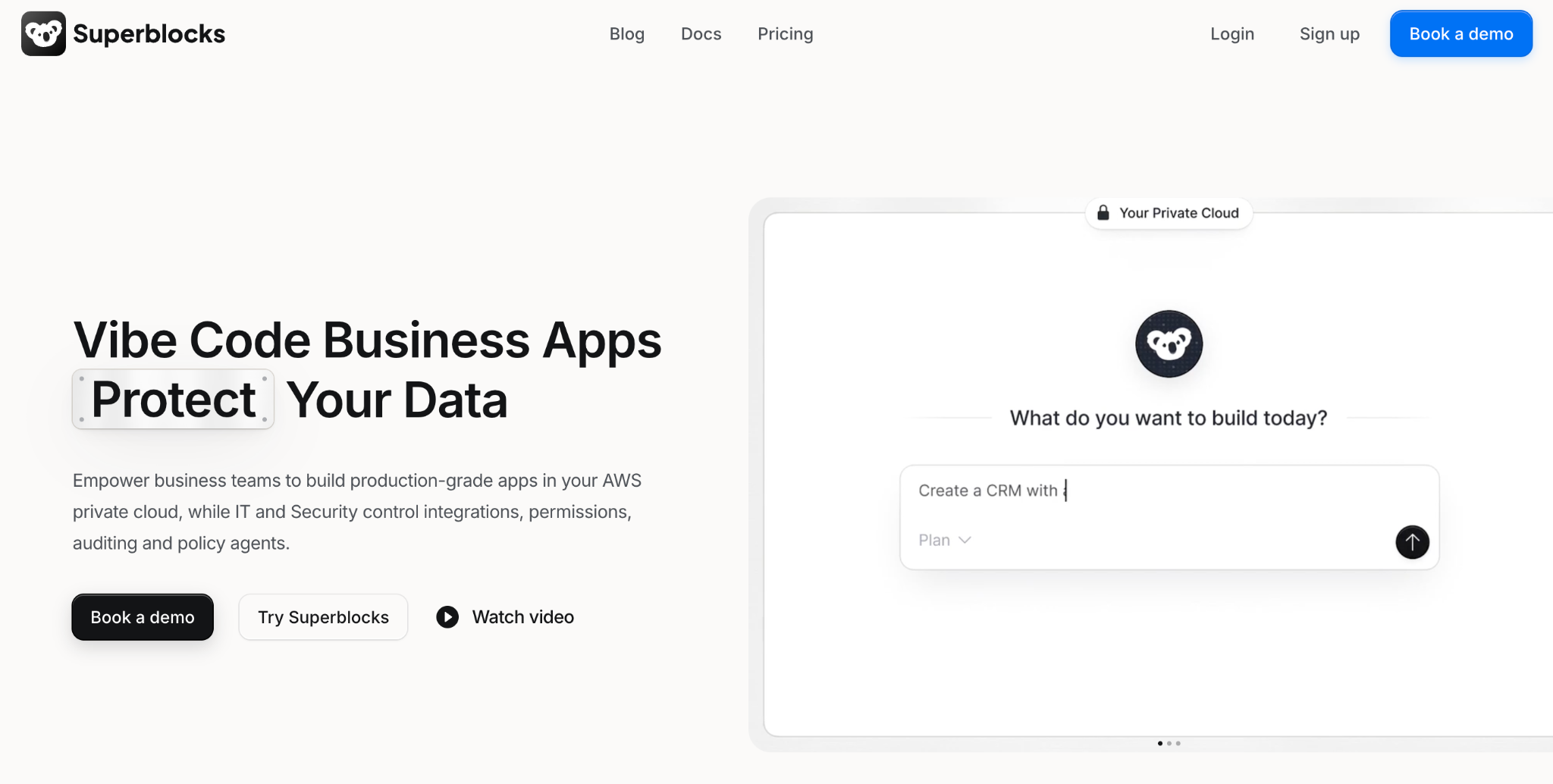
What it does: Superblocks is a governed enterprise vibe coding platform for building internal apps and workflows on the data and systems you already have. Builders describe what they want to Clark, the Superblocks AI agent, then refine the result visually or in code.
Best for: Teams modernizing internal tools and legacy workflows without replacing the systems underneath them.
Key features
- Inherited access controls: Superblocks inherits existing access controls and enforces row-level permissions, so builders and end users see only the data they are meant to see.
- Git integration: Each app connects to one repository on GitHub, GitLab, Bitbucket, or Azure DevOps, and source control is an Enterprise feature.
- Flexible deployment: Superblocks hosts everything by default. Hybrid deployment, an Enterprise feature, keeps the data plane in your own AWS, GCP, or Azure account, and Cloud-Prem runs the full platform in your AWS account.
- Compliance baseline: Superblocks is SOC 2 Type II certified and HIPAA compliant, according to its Trust Center.
Pros
✅ Imports from AI tools such as Claude, Lovable, and Replit, so apps built elsewhere can move onto the platform.
✅ Works on existing systems such as Postgres, Snowflake, and Databricks, with no data migration.
✅ Two build modes let non-technical and technical builders share one platform, through a visual editor and full code access.
Cons
❌ Internal software only, so CRM, ERP, and customer-facing products need other tools.
❌ Key controls need Enterprise, which adds SSO, audit logs, and hybrid or VPC deployment, while Teams caps at 15 builders.
❌ Smaller partner network, since Microsoft and Salesforce both have larger ones.
What users say
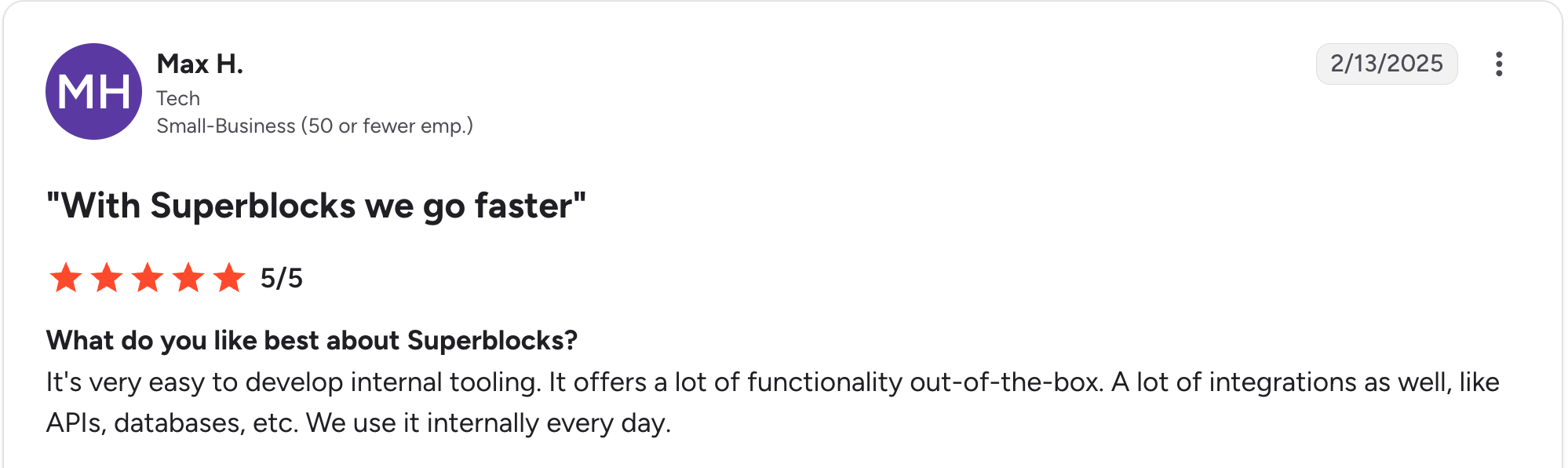
“It's very easy to develop internal tooling. It offers a lot of functionality out of the box.” Max H, G2

“There are some backend limitations, and components lack reusability across applications; also, it's still lacking diversity in its components offering.” Oscar C, G2
Pricing
Teams is the entry plan at $125/month, billed monthly, for up to 15 builders. It includes 100 Governed Agent Units per month and one hosted app. Each additional app is $10/month. Annual billing lowers Teams to $100/month. Enterprise is custom-priced. See the Superblocks pricing page.
Bottom line
Superblocks is the right pick when the bottleneck is internal tools and workflows that still run on spreadsheets or aging systems.
At NHS Royal Surrey, a designer with no engineering background built the app that replaced Workday HR. Superblocks says the app is deploying to more than 100,000 users and calls the app SOC 2 and GDPR compliant.
For more tools in this category, see our rapid application development tools roundup.
2. ServiceNow: Best for enterprise IT service and workflow management
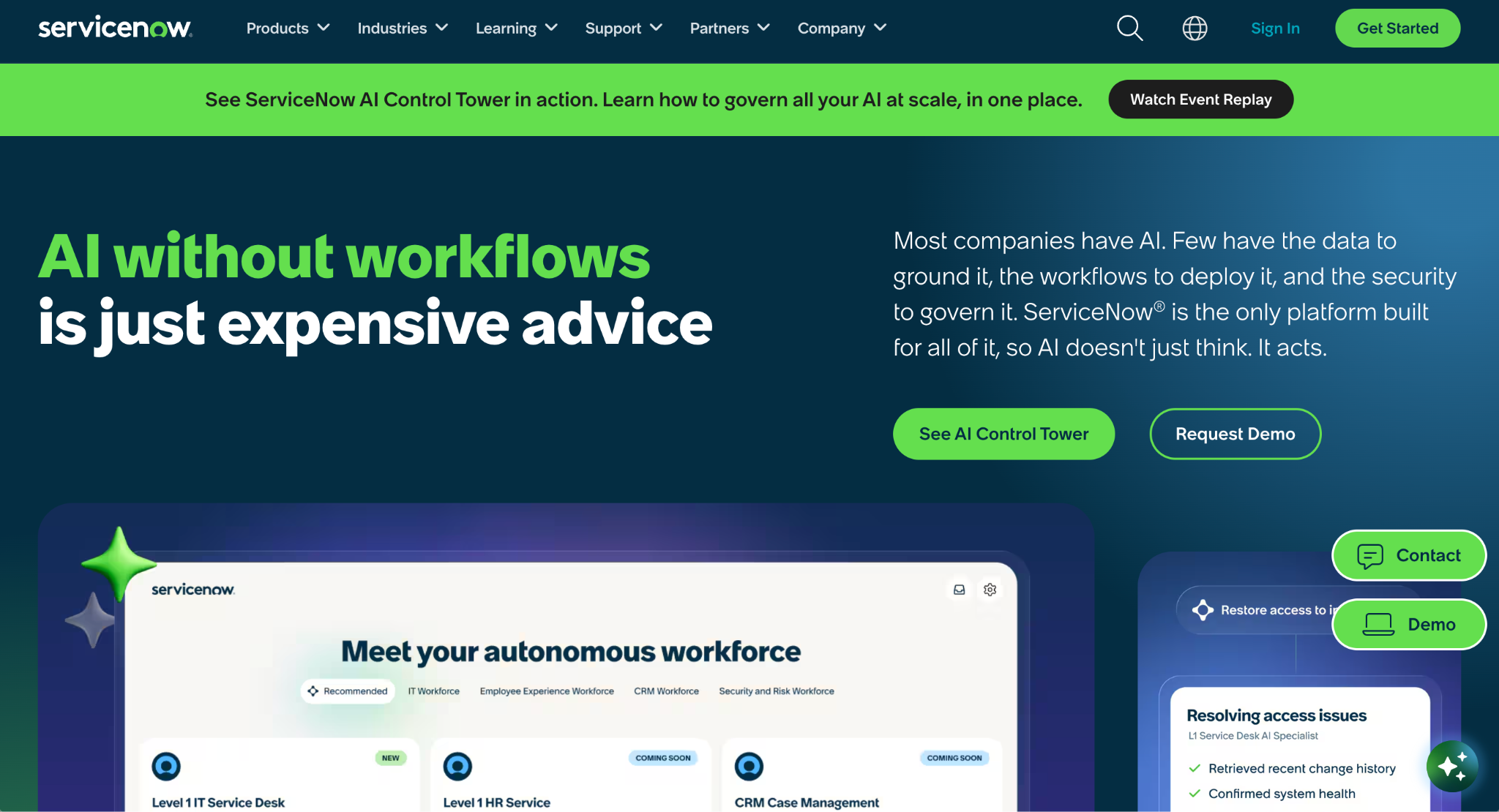
What it does: ServiceNow's Now Platform runs workflows for IT service management, HR, customer service, and security.
Best for: Large enterprises that want one system for internal requests and approvals.
Key features
- Cross-department workflows: One platform for IT, HR, customer service, and security requests.
- App building on governed workflows: App Engine builds custom workflow apps that run on the same governed platform as ServiceNow's core workflows.
- Built-in governance: ServiceNow says governance is built into every app, and its App Engine Management Center lets platform teams set guardrails and automate reviews.
Pros
✅ Strong ITSM fit when IT service management is already your main system.
✅ Stepped packages let you start with ITSM Foundation and move up, since each package builds on the one before it.
✅ Fewer separate tools are needed when IT, HR, and security requests share one platform.
Cons
❌ No published prices, because ServiceNow sells its ITSM packages by custom quote.
❌ Table and record limits rise with each ITSM package, from 10 tables in Foundation to 50 in Prime.
What users say
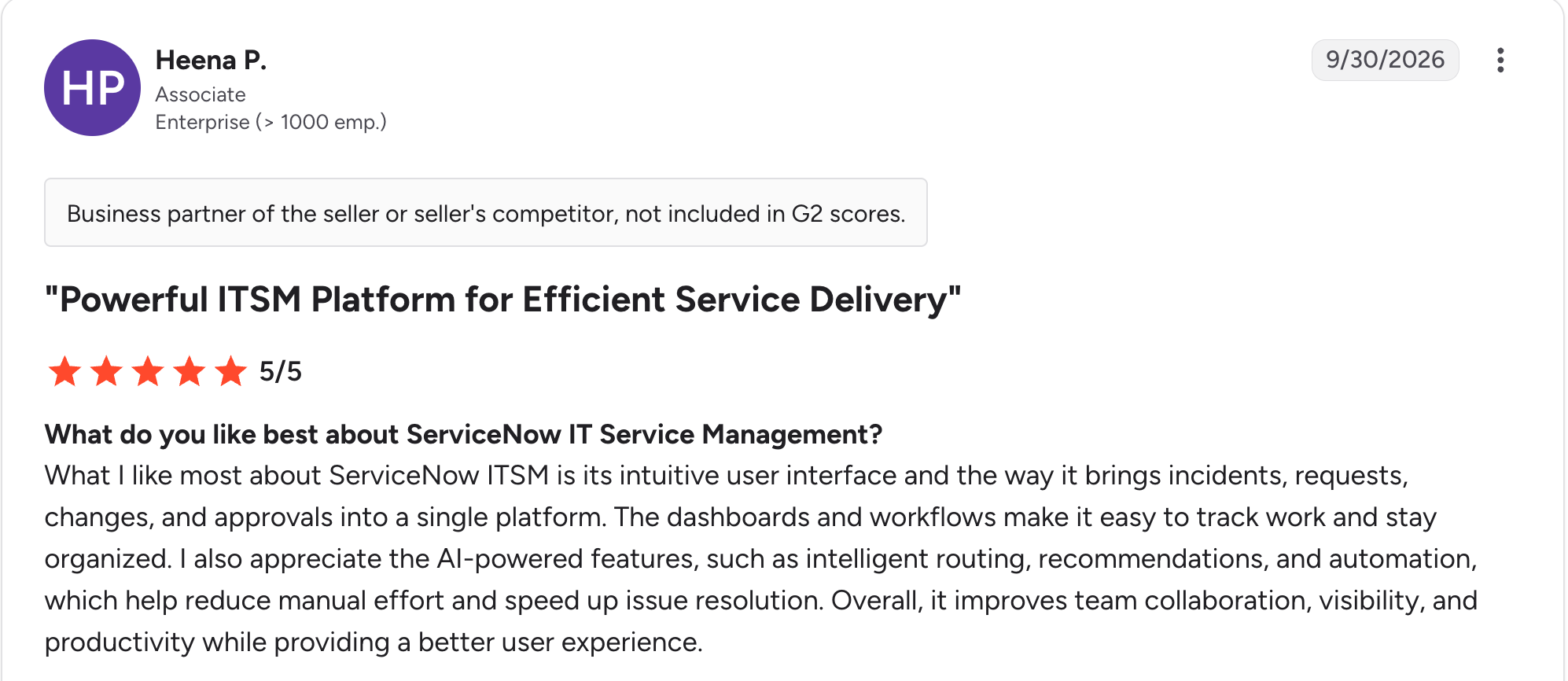
“What I like most about ServiceNow ITSM is its intuitive user interface and the way it brings incidents, requests, changes, and approvals into a single platform.” Heena P, G2

“The biggest challenge with ServiceNow ITSM is the complexity involved in advanced customization and administration.” Venkatesh K, G2
Pricing
ServiceNow sells ITSM in three packages, Foundation, Advanced, and Prime, and each builds on the one before it. The site lists no prices, and every package requires a custom quote. See the ServiceNow ITSM pricing page.
Bottom line
ServiceNow suits organizations where IT service management drives the transformation and custom apps should run on the same governed platform. Expect a sales conversation before you see a price.
3. Microsoft Power Platform: Best for organizations standardized on Microsoft 365
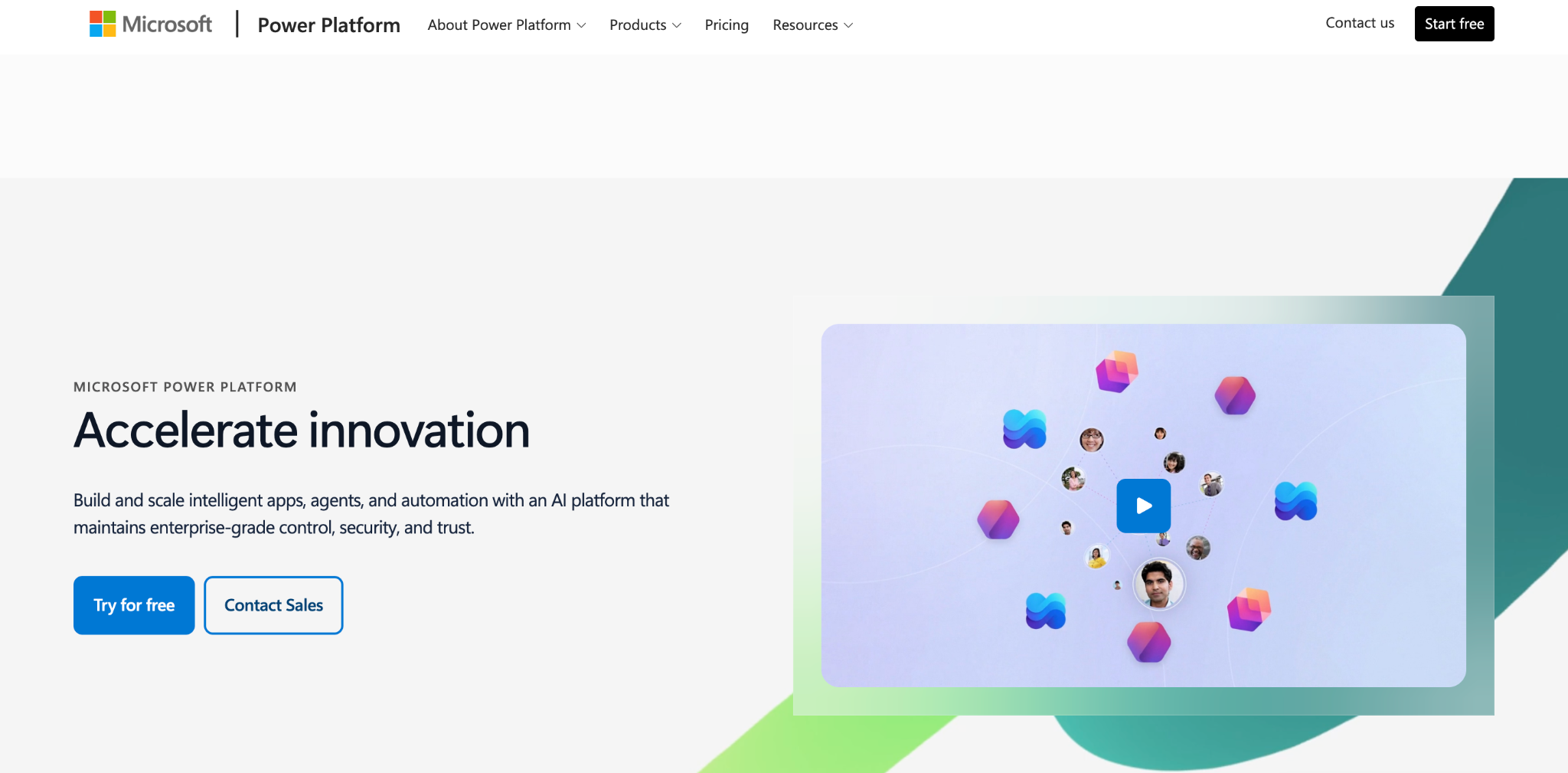
What it does: Power Apps, Power Automate, Power BI, and Copilot Studio give Microsoft 365 companies low-code apps, automation, and reporting from one vendor.
Best for: Organizations already signing in with Microsoft accounts and storing work in SharePoint and Teams.
Key features
- Low-code apps: Canvas and model-driven apps built from components and formulas.
- Automation and BI: Power Automate handles workflows and Power BI handles dashboards.
- Native Microsoft integration: Direct connections to SharePoint, Teams, and Dynamics 365.
Pros
✅ Fast adoption inside organizations that already run Microsoft 365.
✅ Apps, automation, and analytics come from one vendor.
✅ A free Developer plan covers non-production apps.
Cons
❌ Separate pricing applies to Power Automate and Power BI, so the total cost combines several price lists.
❌ Governance needs setup before many makers start publishing apps.
What users say
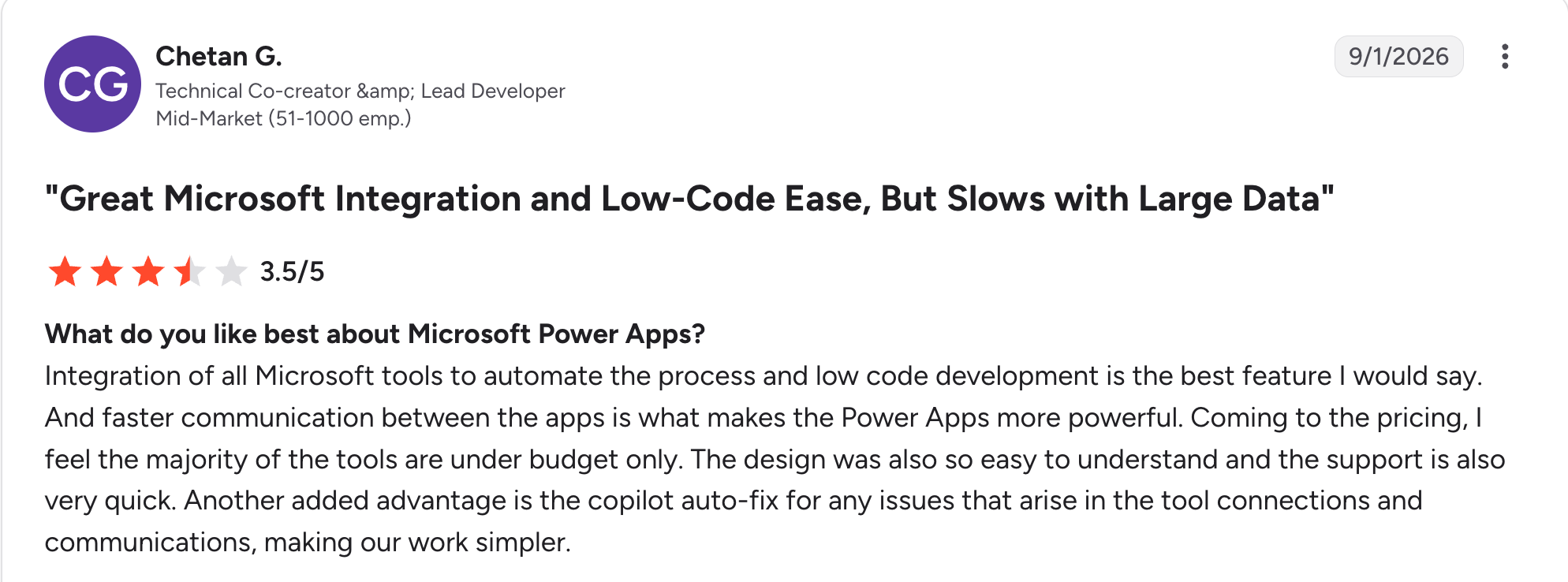
“Integration of all Microsoft tools to automate the process and [low-code] development is the best feature I would say.” Chetan G, G2

“A few things can be improved: Performance can be slow with large data sets or complex formulas, and error messages.” Jeet S, G2
Pricing
Power Apps has a free Developer plan for non-production use. Power Apps Premium is $12/user/month (with a 2,000-seat minimum), billed yearly, with no monthly option. Power Apps Premium is $20/user/month. Microsoft announced an increase to $22/user/month effective January 1, 2027. See the Power Apps pricing page.
Bottom line
Power Platform is the natural extension for organizations that already run Microsoft 365, because it connects to those tools directly. Outside Microsoft 365, the platform offers less.
4. Salesforce Platform: Best for teams building on top of CRM data
What it does: Salesforce lets you build apps and automations on top of your CRM data with Flow and Apex.
Best for: Companies where Salesforce already runs sales and service.
Key features
- Lightning App Builder: Visual app construction on Salesforce data.
- Flow and Apex: Declarative automation plus code for custom logic.
- AppExchange: A marketplace of prebuilt components and integrations.
Pros
✅ Native CRM data access lets apps use the records your teams already keep.
✅ Prebuilt components on AppExchange cover many common needs.
✅ A published starting price sets it apart from the custom-quoted platforms here.
Cons
❌ Per-user pricing rises from $25/user/month on Platform Starter to $100/user/month on Platform Plus.
❌ Starter allows 10 custom objects.
What users say
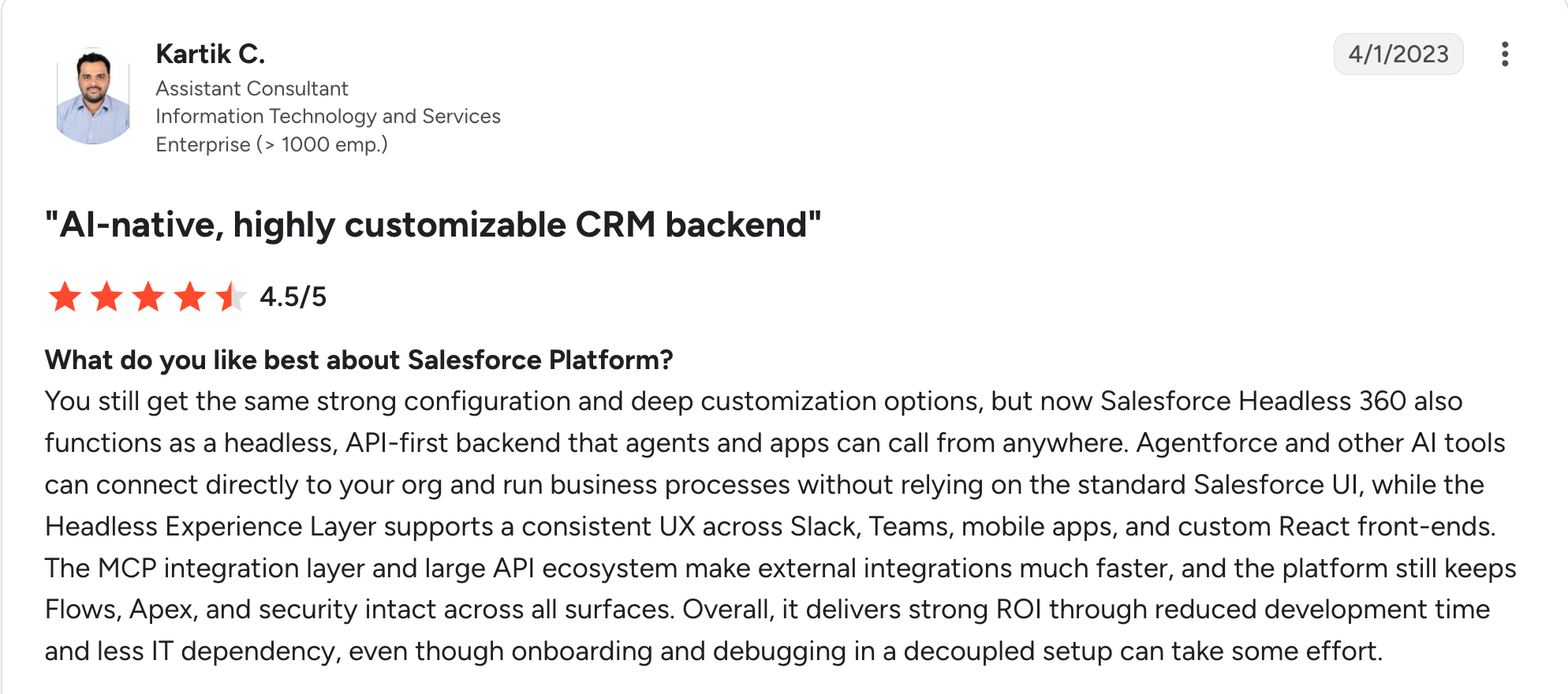
“Agentforce and other AI tools can connect directly to your org and run business processes without relying on the standard Salesforce UI.” Kartik C, G2
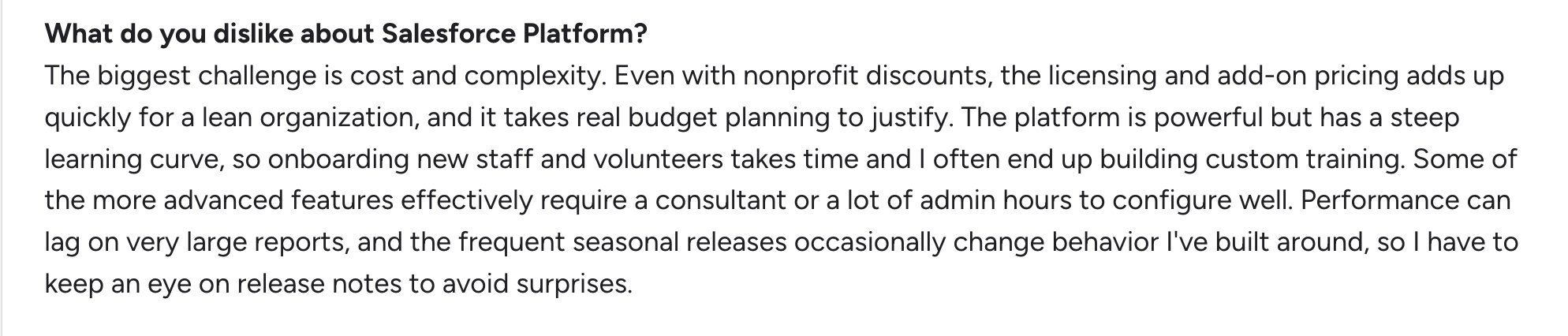
“The biggest challenge is cost and complexity.” Andrew R, G2
Pricing
Platform Starter is $25/user/month, billed annually, and includes 10 custom objects. Platform Plus is $100/user/month, billed annually. Platform Login & Dev Credits cost $1,000 per 10,000 credits, enough for 200 logins. See the Salesforce pricing page.
Bottom line
Salesforce Platform suits teams that already run Salesforce CRM. Teams without Salesforce have little reason to choose it.
5. Appian: Best for process automation and case management
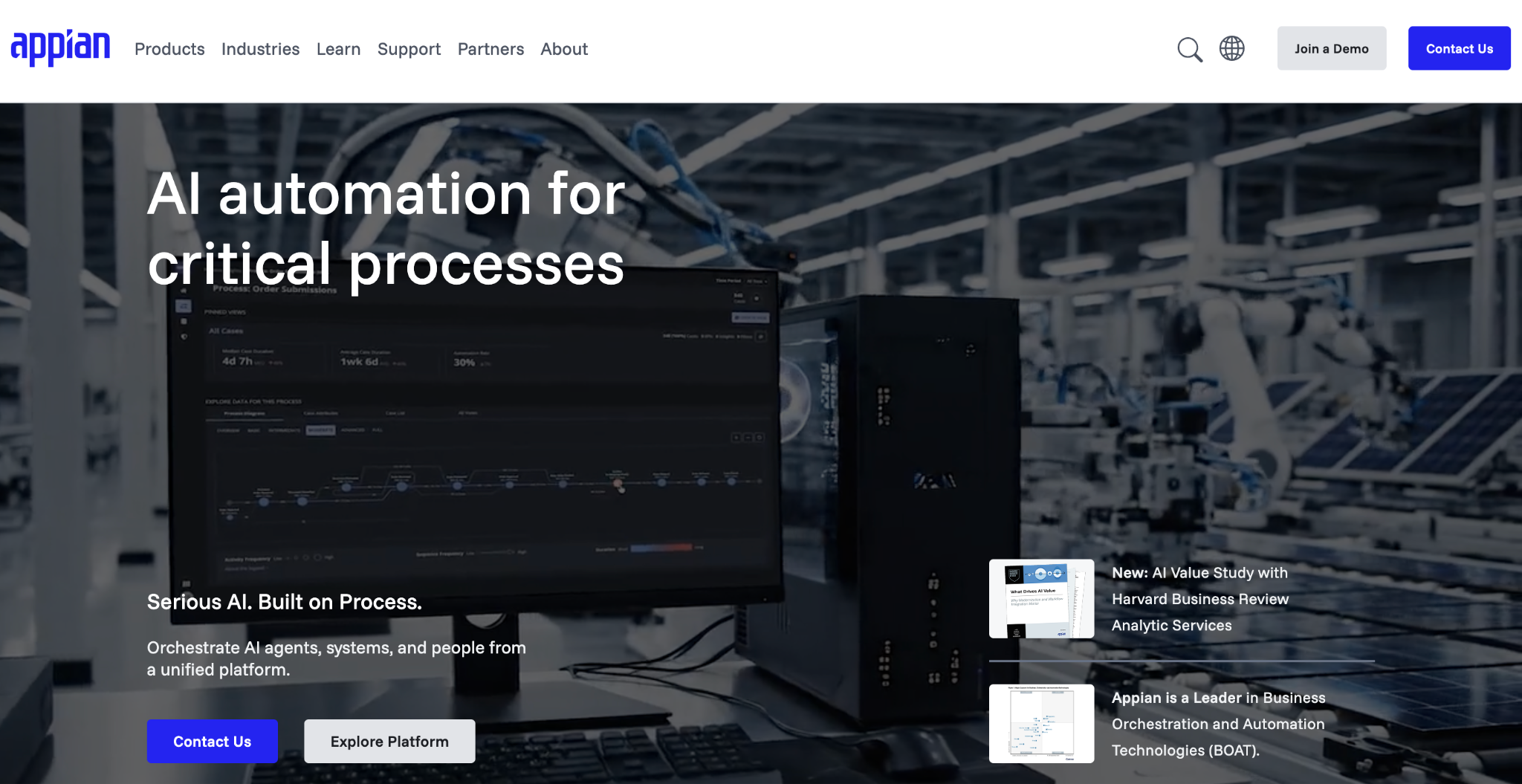
What it does: Appian is a low-code platform for process automation and case management, with built-in RPA and AI services.
Best for: Enterprises automating complex, rules-based processes with compliance requirements.
Key features
- Visual process modeler: Build workflows and rules visually.
- Case management: Case Management Studio builds modular apps for complex casework.
- Native RPA: Robotic process automation handles repetitive tasks across legacy and modern systems.
Pros
✅ End-to-end automation combines RPA, AI, document processing, and API integrations in one platform.
✅ A free Community Edition gives you a dedicated Appian instance to explore.
✅ Long-running work stays in one case from start to finish.
Cons
❌ Dollar figures are unpublished, and Appian's page gives a pricing basis of per user, per month, per app.
❌ Standard tier limits include 5 RPA bots and 200K AI Actions per month.
What users say
“What I love most is how expressive SAIL is, especially when it’s paired with the breadth of the platform.” Gaurav S, G2

“A language selection tab would be helpful for non-English speakers, making the platform more familiar.” Menezes F, G2
Pricing
Appian offers a free Community Edition. Paid plans come in three tiers, Standard, Advanced, and Premium, priced per user, per month, per app. Appian lists no dollar figures, so ask its sales team for an estimate. See the Appian pricing page.
Bottom line
Appian is a strong pick when your work is organized around processes and cases.
6. SAP BTP: Best for extending and integrating SAP ERP systems
What it does: SAP Business Technology Platform lets SAP customers build clean-core extensions and integrations around their ERP. It includes prebuilt integrations through SAP Integration Suite, app development frameworks, and Joule Studio for AI agents.
Best for: Companies running SAP that need custom apps and integrations around it.
Key features
- Clean-core extensions: Build around SAP systems and keep the ERP core unmodified.
- Integration services: SAP Integration Suite offers prebuilt integrations that connect SAP with other systems.
- Free tier: A separate commercial account with no time limit gives access to free and paid plans, and a 90-day non-commercial trial is also available.
Pros
✅ Built for SAP customers, so extensions follow SAP's own clean-core approach.
✅ A pay-as-you-go option requires no upfront commitment.
✅ Integration and app building come from the same platform.
Cons
❌ Most value needs SAP, since the platform is built around SAP systems.
❌ Overages bill at list price under an enterprise agreement, so usage needs monitoring.
What users say
“I like SAP Business Technology Platform's strong integration capabilities for connecting SAP and non-SAP applications.” Navin M, G2

“During integration or workflow issues, troubleshooting can sometimes be complex and time-consuming for new users due to limited error clarity and multiple service dependencies.” Abhishek A, G2
Pricing
SAP BTP has a free tier with no time limit. The SAP BTP Enterprise Agreement is consumption-based, and overages are invoiced monthly at list price. Pay-As-You-Go has no upfront commitment and is billed one month in arrears. See the SAP BTP pricing page.
Bottom line
SAP BTP is the extension and integration platform for companies that run SAP. Without SAP systems, look at the other platforms here.
7. Pega: Best for decisioning-heavy work in regulated industries
What it does: Pega is a case management and decisioning platform for complex business processes.
Best for: Banks, insurers, and government agencies running high-stakes, rules-heavy processes.
Key features
- Case management: Cases run from start to resolution, combining human actions with digital automation.
- Real-time decisioning: Next Best Action and predictive AI support decisions as cases move.
- Low-code design: Pega describes collaborative, AI-infused workflow design for building case workflows.
Pros
✅ Decisioning tools include Next Best Action and predictive AI.
✅ Industry coverage spans financial services, insurance, healthcare, and government.
✅ Case management handles dynamic or unpredictable workflows.
Cons
❌ Cost visibility is limited to a quote and an AI token calculator.
❌ Narrow fit, since its strengths are case management and decisioning.
What users say
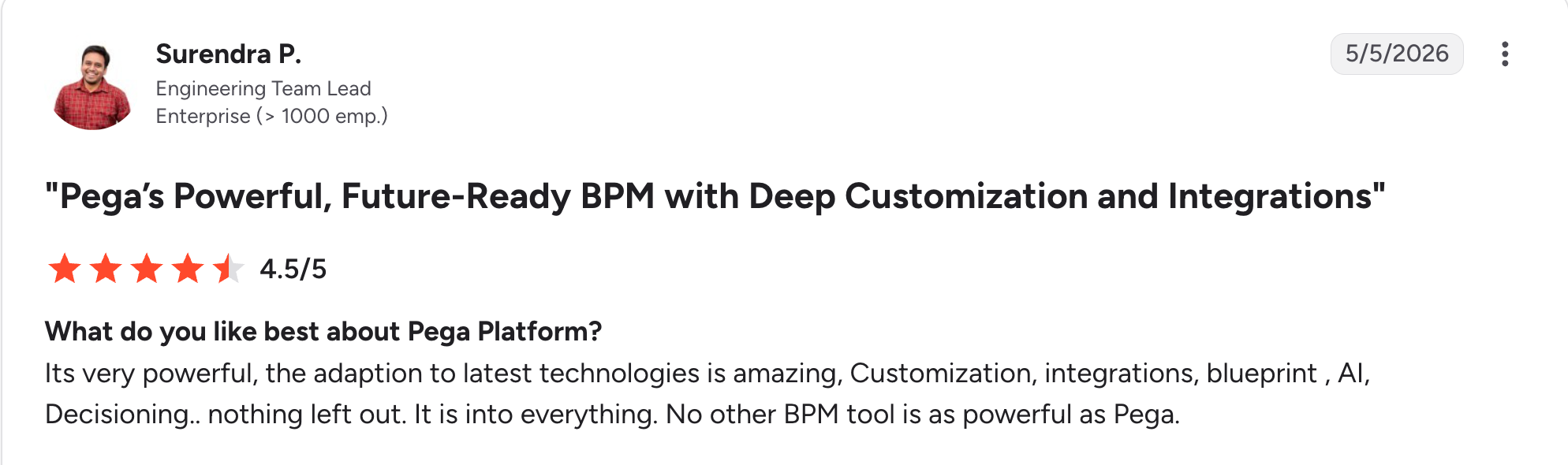
“It's very powerful; the [adaptation] to latest technologies is amazing, Customization, integrations, blueprint, AI, [decisioning]...nothing left out.” Surendra P, G2

“The customization of the UI in the Cosmos system of design is infuriatingly strict.” Carine O, G2
Pricing
Pega lists no pricing, so every deal is custom-quoted. Its site links to an AI token calculator for estimating AI usage costs. Contact Pega sales for a quote. See the Pega website.
Bottom line
Pega suits regulated organizations whose cases follow strict rules and need automated decisions. Teams building simpler internal apps can choose a lighter tool.
8. Workato: Best for integrating and automating across SaaS apps
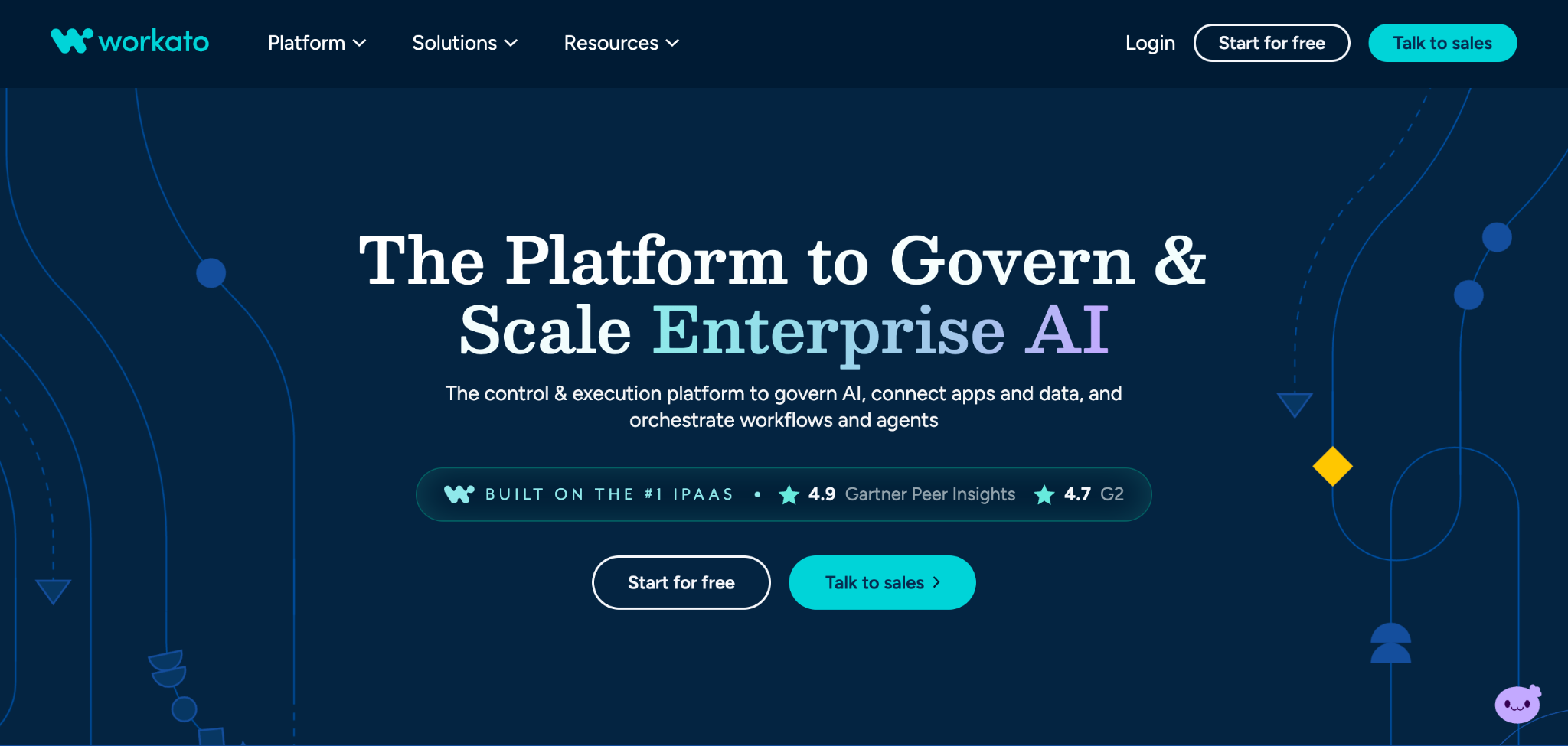
What it does: Workato is an enterprise integration and automation platform that connects apps, data, workflows, and AI agents through visual workflows called recipes.
Best for: SaaS-heavy companies that need governed automation across many systems.
Key features
- Recipe-based workflows: Build integrations and automations as recipes.
- Governance controls: Workato lists centralized identity, policy, approvals, security, observability, and cost controls.
- Broad connectivity: Workato says it reaches 17,000+ apps, APIs, databases, files, and MCP servers.
Pros
✅ Policy and approval controls apply to automations, according to Workato.
✅ Workflows span apps, APIs, databases, and files.
✅ AI agents and integrations run on one enterprise platform.
Cons
❌ Budgeting needs sales input, since Workato lists no dollar figures.
❌ Heavier setup than lightweight tools such as Zapier.
What users say
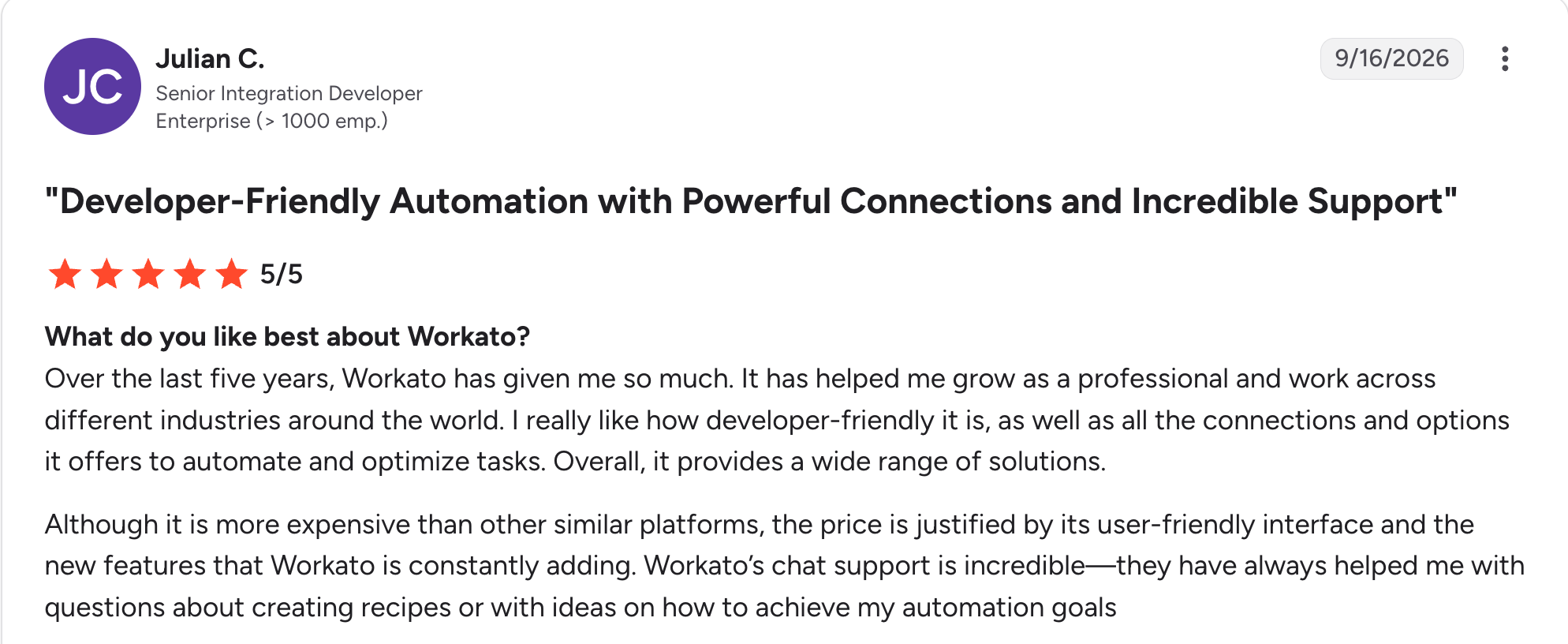
“It has helped me grow as a professional and work across different industries around the world.” Julian C, G2

“I would say the logging is sometimes lacking, especially in loops, where you only see the last iteration instead of all the iterations.” Joelle J, G2
Pricing
Workato publishes no dollar figures, so pricing is quote-based. Its site offers a Start for free option and a Talk to sales option. See the Workato pricing page.
Bottom line
Workato suits teams whose bottleneck is integration and who need governance over automations. Small teams may find Zapier enough.
9. Zapier: Best for quick no-code automations at smaller scale
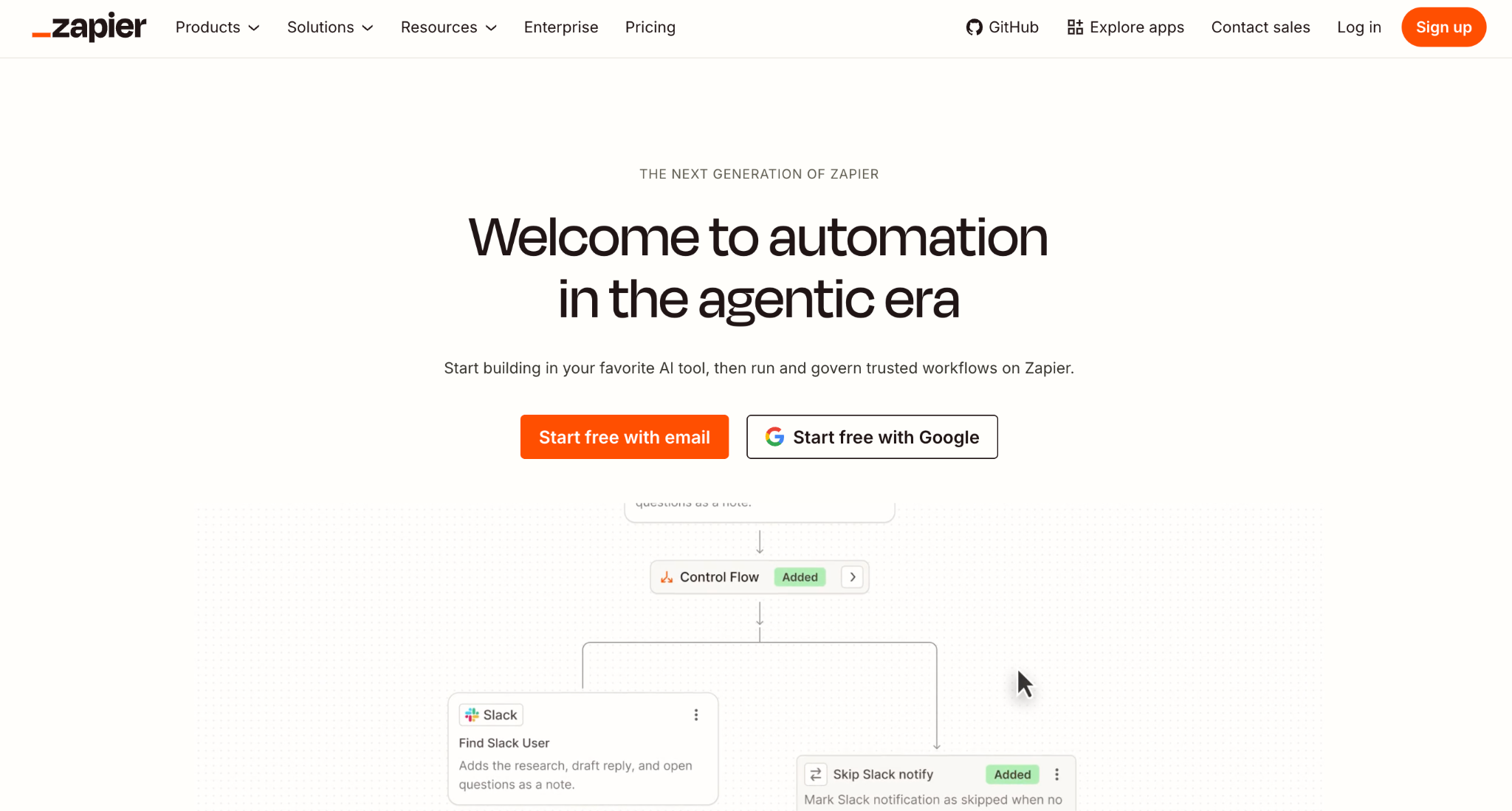
What it does: Zapier connects apps through trigger-and-action workflows called Zaps.
Best for: Small teams that want to automate repetitive tasks this week.
Key features
- No-code builder: Set a trigger and its actions without writing code.
- Large app library: More than 9,000 supported apps.
- Free plan: 100 tasks monthly to test ideas.
Pros
✅ Quick to start with a trigger and a few actions.
✅ A usable free tier covers 100 tasks per month.
✅ Published prices cover every self-serve plan.
Cons
❌ Costs rise with task volume, and Team starts at $103.50/month compared with $29.99/month for Professional.
❌ Limited fit for complex logic or enterprise governance.
What users say
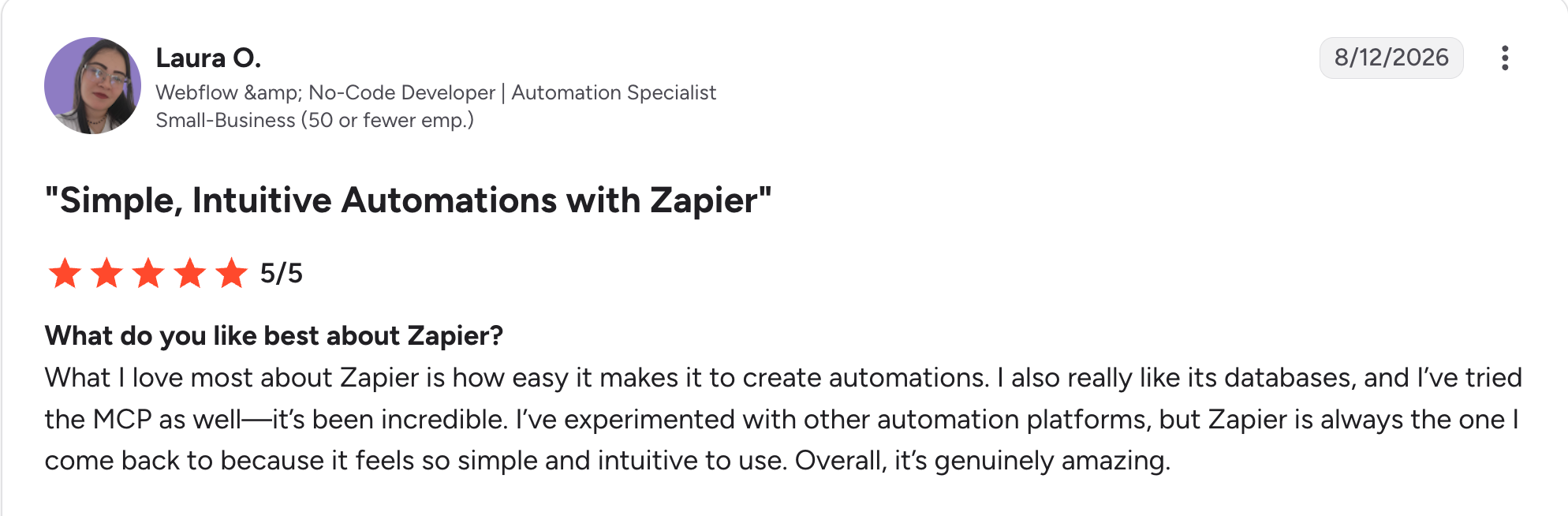
“What I love most about Zapier is how easy it makes it to create automations.” Laura O, G2

“It took a bit longer than expected to learn how the whole automation tasks actually work, but overall I caught on quicker than if I didn't have Zapier.” Thomas N, G2
Pricing
Zapier is free for 100 tasks per month. Professional starts at $29.99/month, billed monthly. Team starts at $103.50/month, billed monthly. Yearly billing saves 33%. See the Zapier pricing page.
Bottom line
Zapier is the quickest way to automate small, simple processes. Larger programs need a platform with more governance.
Which digital transformation software should you choose?
Match the platform to your biggest bottleneck, since these nine solve different problems. Our guide to enterprise application architecture covers how platforms fit together.
Choose Superblocks if you:
- Need custom internal apps built on top of existing systems.
- Want governance and permissions built into AI-generated apps.
Choose ServiceNow, Appian, or Pega if you:
- Run complex, process-heavy or service-driven operations.
- Can budget for custom-quoted pricing and a sales-led purchase.
Choose Power Platform, Salesforce, or SAP BTP if you:
- Already run that vendor's core system and want to build around it.
Choose Workato or Zapier if you:
- Need to connect SaaS apps and automate between them.
Skip a platform for now if you:
- Can't name the one process you're transforming first. Pick the bottleneck, then pick the category.
Final verdict
Of the nine digital transformation software platforms here, Superblocks is my pick for custom internal apps on top of systems you already run, with the limits listed above. When CRM, ERP, or service management is your core system, start with the native platform from Salesforce, SAP, or ServiceNow.
No single product covers every category. Start with one bottleneck, measure the result at 90 days, and add tools only when the data shows you need them.
Get started with the Superblocks Quickstart Guide to see how a governed internal app comes together.
Or book a demo to see how Superblocks fits into your digital transformation program.
Frequently asked questions
What is digital transformation in software?
Digital transformation in software means using digital technology to modernize how a business works, replacing manual processes and legacy tools with connected systems. The software involved includes automation, integration, analytics, and app-building platforms.
What are the four types of digital transformation?
The four types of digital transformation are process, business model, domain, and cultural or organizational transformation. TechTarget adds cloud transformation as a fifth type, and IBM groups the work into five domains instead.
How do you measure the ROI of digital transformation software?
You measure the ROI of digital transformation software by picking two or three baseline metrics before rollout, such as cycle time, manual hours, and error rate. Re-measure at 90 days and compare the gain against total cost, including licenses, implementation, and admin time.
Can digital transformation software integrate with legacy systems?
Yes, digital transformation software can integrate with legacy systems. The platforms on this list offer prebuilt connectors and API support, and Appian adds RPA for systems without APIs. Superblocks connects to existing databases and SaaS tools without migrating data.
What tool builds custom internal apps for digital transformation?
Superblocks builds custom internal apps for digital transformation on top of existing systems, with Clark generating the apps. Dedicated ITSM, CRM, and integration platforms remain the right choice for those specific jobs.
What are the top digital transformation companies?
The top digital transformation software companies are Superblocks, ServiceNow, Microsoft Power Platform, Salesforce, Appian, SAP BTP, Pega, Workato, and Zapier, compared above by category, governance, and price. Specialist consulting firms also run transformation programs, but this guide focuses on the software you’ll operate.


Stay tuned for updates
Get the latest Superblocks news and internal tooling market insights.
Request early access
Step 1 of 2
Request early access
Step 2 of 2

You’ve been added to the waitlist!
Book a demo to skip the waitlist
Thank you for your interest!
A member of our team will be in touch soon to schedule a demo.
production apps built
days to build them
semi-technical builders
traditional developers
high-impact solutions shipped
training to get builders productive
SQL experience required
See the full Virgin Voyages customer story, including the apps they built and how their teams use them.

"Those tools are great for proof of concept. But they don't connect well to existing enterprise data sources, and they don't have the governance guardrails that IT requires for production use."
Table of Contents

Multiple authors
11 Best Secure Code Review Tools in 2026, Ranked With Pricing
Secure code review tools compared on coverage, noise, and price, plus the scanner and AI reviewer pair I'd use to catch flaws in AI-written code.