
Weighing Windsurf vs Claude Code and finding they seem built for different jobs? That's because they are. Windsurf is a full agent-first IDE you open and work inside, while Claude Code is a terminal-native agent that runs where you already work.
Note that Windsurf now ships as Devin Desktop after Cognition's 2026 rebrand, though most developers still search for it by name.
I've used both across real project work, from IDE-based feature builds to terminal-driven refactors, and checked the benchmark data. Here's how Windsurf and Claude Code compare on interface, autonomy, models, code quality, and pricing, plus who each one fits.
Windsurf vs Claude Code: what's the difference?
Windsurf is an agent-first IDE, a VS Code-style editor with the Cascade agent baked into every interaction and visual diffs for approval.
Claude Code is a terminal-native coding agent from Anthropic that reads your codebase, edits files, runs commands, and self-corrects across many steps on its own.
Choose Windsurf if: you want an all-in-one visual IDE with AI in every interaction and autocomplete as you type.
Choose Claude Code if: you want deep, autonomous, multi-file execution driven by Claude's reasoning from the terminal.
Meet Windsurf: features and highlights
Windsurf, built by Codeium and now part of the Windsurf and Devin family under Cognition, is an AI-native IDE. It's a VS Code-style editor where the Cascade agent plans and executes multi-step tasks, presenting diffs for your approval at each stage.
Its strength is flow inside a familiar surface. Autocomplete, inline suggestions, and Cascade edits keep you in the editor; VS Code extensions and keybindings carry over, and it's beginner-friendly. It offers cloud, hybrid, and self-hosted deployment for teams that need it.
Meet Claude Code: features and highlights
Claude Code, from Anthropic, is a terminal-native agent built on Claude models. You give it a prompt, and it reads your codebase, plans changes, edits files, runs tests, and commits, iterating autonomously across dozens of steps.
Its strength is autonomous depth. It spawns sub-agents, connects to external services via MCP, fires hooks at lifecycle events, and maintains state across sessions.
Its default model, Claude Opus 5, posts 96.0% on SWE-bench Verified, which is why developers trust it on complex, correctness-critical work. For costs, see our Claude Code pricing guide.
Windsurf vs Claude Code: at a glance
Pricing correct as of July 2026. Verify with vendor.
Windsurf vs Claude Code: feature-by-feature comparison
Interface and workflow
The core split is IDE versus agent.
Windsurf replaces your editor. You open it, load a project, and write code with Cascade and autocomplete in a familiar VS Code-style surface. That visual environment suits developers who want AI in every interaction and stay in the editor throughout.
Claude Code runs in your terminal, reading and editing across files as an agent you delegate to. It meets you where command-line work already happens, which is powerful but assumes comfort with the terminal.
Winner: Tie. Windsurf for visual flow, Claude Code for terminal-native delegation.
Ease of use for beginners
Windsurf wins clearly for newcomers.
Windsurf offers a familiar VS Code-like interface with visual feedback, guided Cascade workflows, and autocomplete as you type. A developer new to AI coding gets productive quickly on conventions they already know.
Claude Code requires comfort with the terminal and command-line workflows. It's approachable once you learn it, and the first hour is steeper than opening a visual IDE.
Winner: Windsurf.
Autonomy and agentic depth
Claude Code runs deeper on autonomous work.
Claude Code's agentic loop executes shell commands, calls tools, iterates on test output, and self-corrects across dozens of steps without you hovering. Sub-agents let it fan out, one renaming an API surface while another updates callers.
Windsurf's Cascade is multi-step but more supervised, presenting diffs for approval at each stage. It keeps changes coherent across files and collaborates with you at each step.
Winner: Claude Code.
Model flexibility
Windsurf offers more model choice.
Windsurf lets you switch between GPT, Claude, and Codeium's own SWE model depending on your plan, so you can match a model to a task or pick a cheaper one for simple work.
Claude Code runs exclusively on Anthropic's Claude models. That's a strength for consistency and deep optimization, and community reports note Claude often performs better when run natively here, though it means no routing to other providers.
Winner: Windsurf for breadth, Claude Code for native depth.
Code quality and complex tasks
Claude Code leads on hard, multi-file work.
Claude Code's default model scores 96.0% on SWE-bench Verified, reflecting higher-quality output on complex tasks, and it has a slight edge on backend work like database migrations and API design, where the terminal matches how the work is done.
Windsurf is comparable on everyday code quality and often faster for routine edits inside the IDE. On sprawling architectural refactors, Claude Code's depth pulls ahead.
Winner: Claude Code for complex work, Windsurf for routine edits.
Pricing
Pricing models differ, which changes the math by usage.
Windsurf uses simple per-seat subscriptions: $20/month Pro and $80/month plus $40 per seat for Teams, which is simple to budget. Claude Code rides Claude subscriptions from $20/month, with Max tiers at $100 and $200, plus pay-as-you-go API pricing.
Both tools meter usage and bill overages at API rates once you pass your plan's quota, so neither is purely fixed. Windsurf's per-seat base sets a firmer monthly floor, while Claude Code's lighter subscriptions can run cheaper on light days and higher on heavy sessions.
Winner: Tie. Both pair a per-seat base with metered usage and API-priced overages, so the cheaper option comes down to how you work: Windsurf's clean per-head model suits teams budgeting by seat, while Claude Code's higher individual ceilings and pay-as-you-go API suit solo power users and programmatic scaling.
What real users are saying
Feedback below comes from verified G2 reviews.
Windsurf
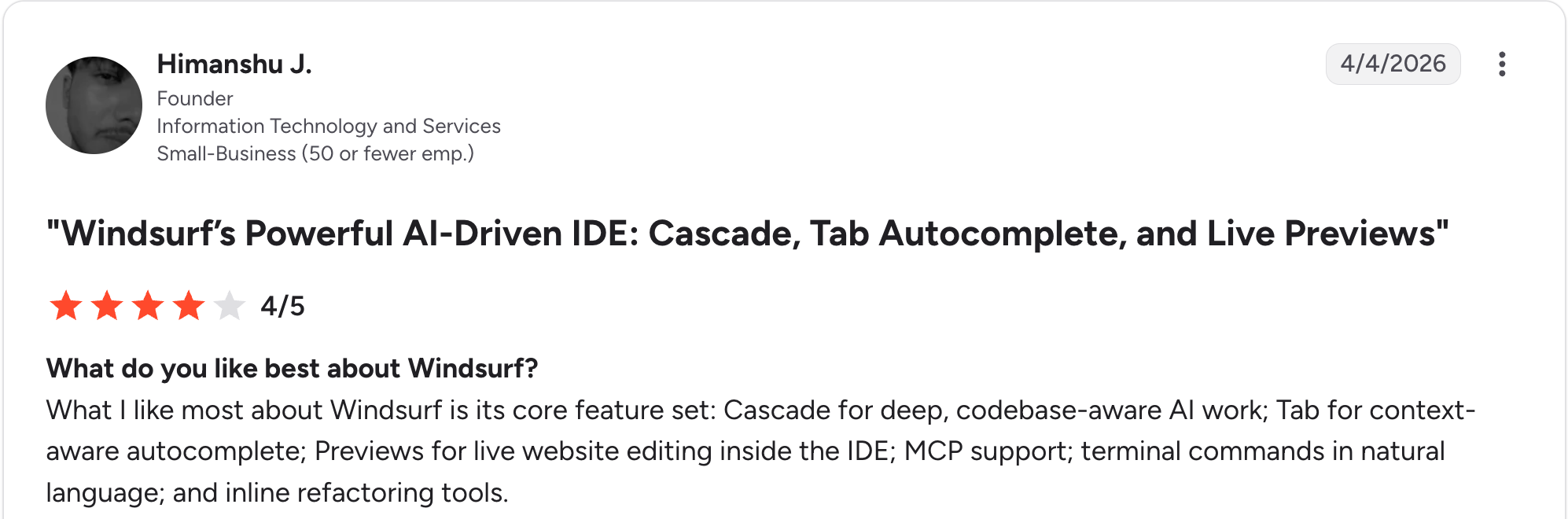
“What I like most about Windsurf is its core feature set: Cascade for deep, codebase-aware AI work; Tab for context-aware autocomplete; Previews for live website editing inside the IDE.” Himanshu J, G2
Pros: A Founder on G2 praised the core feature set, highlighting Cascade for deep, codebase-aware AI work, Tab for context-aware autocomplete, live website previews inside the IDE, MCP support, and inline refactoring.

“Sometimes it is a bit slow, and the suggestions are not always accurate.” Jojo P, G2
Cons: Another reviewer noted it can run slow at times, with suggestions that are not always accurate. The June 2026 rebrand to Devin Desktop also caused documentation churn.
Claude Code
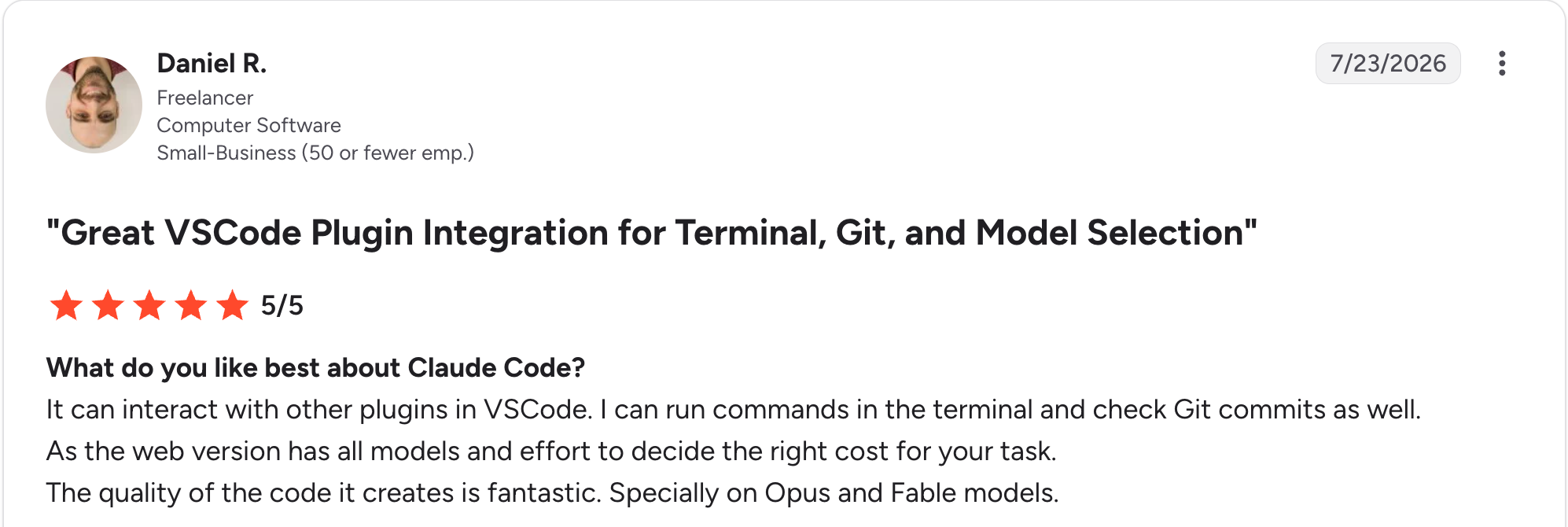
“It can interact with other plugins in VSCode. I can run commands in the terminal and check Git commits as well.” Daniel R, G2
Pros: A Freelancer on G2 said, "the quality of the code it creates is fantastic," especially on Opus and Fable models, and valued the ability to run terminal commands and check Git commits within the VSCode plugin.

“Just its context window; if using higher-grade models, its context gets full very easily, though it can auto-compact but then chances of hallucination are more.” Vipul G, G2
Cons: Another reviewer found that the context window fills quickly on higher-grade models, where auto-compaction increases the risk of hallucination, and flagged the 1M-token model as pricey. The terminal-first workflow also carries a learning curve.
How to make your choice
Both are excellent, and the common conclusion is that they're complementary. Windsurf wins on visual IDE flow, beginner ease, and model choice, while Claude Code wins on autonomous depth and complex code quality.
Many developers run both, using Windsurf for in-editor building and delegating heavy refactors to Claude Code.
Windsurf is better for:
- Developers who want a visual IDE with AI in every interaction
- Beginners who want autocomplete and guided workflows
- Teams wanting fixed, predictable per-seat pricing
Claude Code is better for:
- Complex, multi-file refactors and backend-heavy work
- Developers comfortable delegating to a terminal agent
- Correctness-critical tasks where benchmark quality matters
My verdict
For visual, in-editor building with a gentle learning curve, Windsurf is the one I'd open daily. For autonomous, correctness-critical refactors, Claude Code does more with less supervision.
If you're weighing the wider field, our guides on Cursor competitors and GitHub Copilot alternatives cover other contenders.
Where a coding tool stops and governance begins
Windsurf and Claude Code both make individual developers faster. Once teams ship AI-built apps at work, a different question arises: who governs what gets built, on what data, and with what access? Shadow AI is the new shadow IT, and neither coding tool answers for it.
That's a separate layer from either tool. Superblocks is the governed enterprise vibe coding platform, built on a SOC 2- and HIPAA-aligned foundation, where teams build internal apps with AI within IT-defined guardrails, with RBAC, audit logs, and code export.
For the broader category, see our guides to the best enterprise vibe coding tools and enterprise AI app-generation platforms.
If your question is which AI coding tool writes code faster, the comparison above answers it. If it's how to let a whole company build internal tools safely, that's a different tool.
To try governed app building with a code path back to your IDE, start with the Superblocks Quickstart Guide.
Or book a demo to see Clark AI generating governed apps in your own environment.
Frequently asked questions
Is Windsurf or Claude Code better?
Windsurf is better for developers who want a visual AI IDE with beginner-friendly workflows and model choice, while Claude Code is better for autonomous, terminal-native work on complex codebases. Claude Code scores higher on SWE-bench, and Windsurf is faster for routine coding.
What is the main difference between Windsurf and Claude Code?
The main difference between Windsurf and Claude Code lies in their interface paradigms. Windsurf is a full agent-first IDE you open and work inside, while Claude Code is a terminal-native agent that runs where you already work, editing files and self-correcting across many steps.
Is Windsurf now Devin Desktop?
Windsurf now ships as Devin Desktop following Cognition's rebranding in June 2026. It keeps the Cascade agent and VS Code-style interface, adding an Agent Command Center. Most developers still search for it as Windsurf, and the underlying tool is the same.
Is Windsurf or Claude Code cheaper?
Windsurf and Claude Code both start at $20 per month. Both also meter usage and bill overages at API rates, so the cheaper option depends on your workload. Windsurf's per-seat base suits steady team budgeting, while Claude Code's pay-as-you-go suits variable solo use.
Can you use Windsurf and Claude Code together?
You can use Windsurf and Claude Code together, and many developers do. A common pattern uses Windsurf for visual, in-editor building while delegating heavy multi-file refactors to Claude Code in the terminal, often at a combined cost of $40 to $60 per month.
At Virgin Voyages, non-technical teams now build their own AI apps, with IT governance fully intact. The result: 15+ production apps, seven departments onboard, and zero dedicated frontend engineers.
At Matthews, a marketing manager with zero coding background built an app that auto-generates offering memorandums, cutting turnaround from days to hours. See how the brokerage is putting AI builders on every team, with full governance intact.


Stay tuned for updates
Get the latest Superblocks news and internal tooling market insights.
Request early access
Step 1 of 2
Request early access
Step 2 of 2

You’ve been added to the waitlist!
Book a demo to skip the waitlist
Thank you for your interest!
A member of our team will be in touch soon to schedule a demo.
production apps built
days to build them
semi-technical builders
traditional developers
high-impact solutions shipped
training to get builders productive
SQL experience required
See the full Virgin Voyages customer story, including the apps they built and how their teams use them.

"Those tools are great for proof of concept. But they don't connect well to existing enterprise data sources, and they don't have the governance guardrails that IT requires for production use."
Table of Contents
%20(1).png)

Multiple authors
Vibe Coding Best Practices: 9 Guardrails for 2026
Vibe coding best practices only work with a review behind every prompt. These practices keep AI-generated code secure and auditable before it ships
%20(1).png)
.png)