After testing dozens of app-building platforms, here are the 12 best FileMaker alternatives for teams that need more integrations and support for complex apps.
What is FileMaker?
FileMaker started as a DOS application before being developed into a Mac-based database application in 1985. In 1988, Apple subsidiary Claris acquired it, rebranded it as FileMaker Pro, and expanded support to Windows and web-based applications.
Over the years, FileMaker became a go-to low-code platform for building internal tools and managing databases. It provides a full suite of tools for app development, database management, hosting, and integration.
These tools include:
- FileMaker Pro used for building, editing, and managing custom apps.
- FileMaker Server used by orgs to host FileMaker apps on their own servers.
- FileMaker Cloud for cloud-based hosting.
- FileMaker Go for running custom apps on mobile devices.
- FileMaker WebDirect for browser-based access.
Businesses commonly use these tools for:
- Business process automation: Streamlining workflows, managing data, and reducing manual tasks.
- Internal database management: Organizing and storing business data for teams and departments.
- App development: Building custom applications for desktop, web, and mobile use.
- Reporting and analytics: Generating insights from structured business data.
- Integrations and automation: Connecting databases with other tools to automate tasks.
The 12 best FileMaker alternatives for 2026: TL;DR
Before we dive into the details, here’s a quick rundown of the top alternatives to FileMaker:
- Superblocks: An AI-native enterprise platform that generates production-grade internal tools while maintaining your governance requirements over integrations, access, and data security.
- Airtable: A no-code platform for building spreadsheet-like databases, lightweight UIs, and workflows on top of data.
- Zoho Creator: A business-focused low-code platform with pre-built industry-specific apps and workflow automation tools.
- Caspio: A point-and-click app builder for creating multi-user data-driven apps. It offers unlimited user pricing for both internal and external users.
- Knack: A no-code platform that simplifies the creation of database-driven web apps with a drag-and-drop interface.
- Retool: A low-code platform for building internal tools with a wide selection of UI templates and integrations.
- Power Apps: A Microsoft-native low-code suite that integrates deeply with Azure, Office 365, and Dynamics 365.
- AppSheet: A no-code mobile and web app builder that turns Google Sheets and databases into functional web and mobile apps.
- Ninox: A low-code relational database platform that allows users to create highly customized workflows and data manipulations using its built-in formula language. It runs on multiple platforms, including web, iOS, and macOS.
- Budibase: An open-source low-code platform that gives teams full control over hosting.
- Quickbase: A low-code enterprise workflow automation platform specializing in process optimization, reporting, and compliance tracking.
- TrackVia: A workflow automation and database management tool tailored for field operations, logistics, and compliance teams. It puts an emphasis on mobile accessibility and process automation.
1. Superblocks
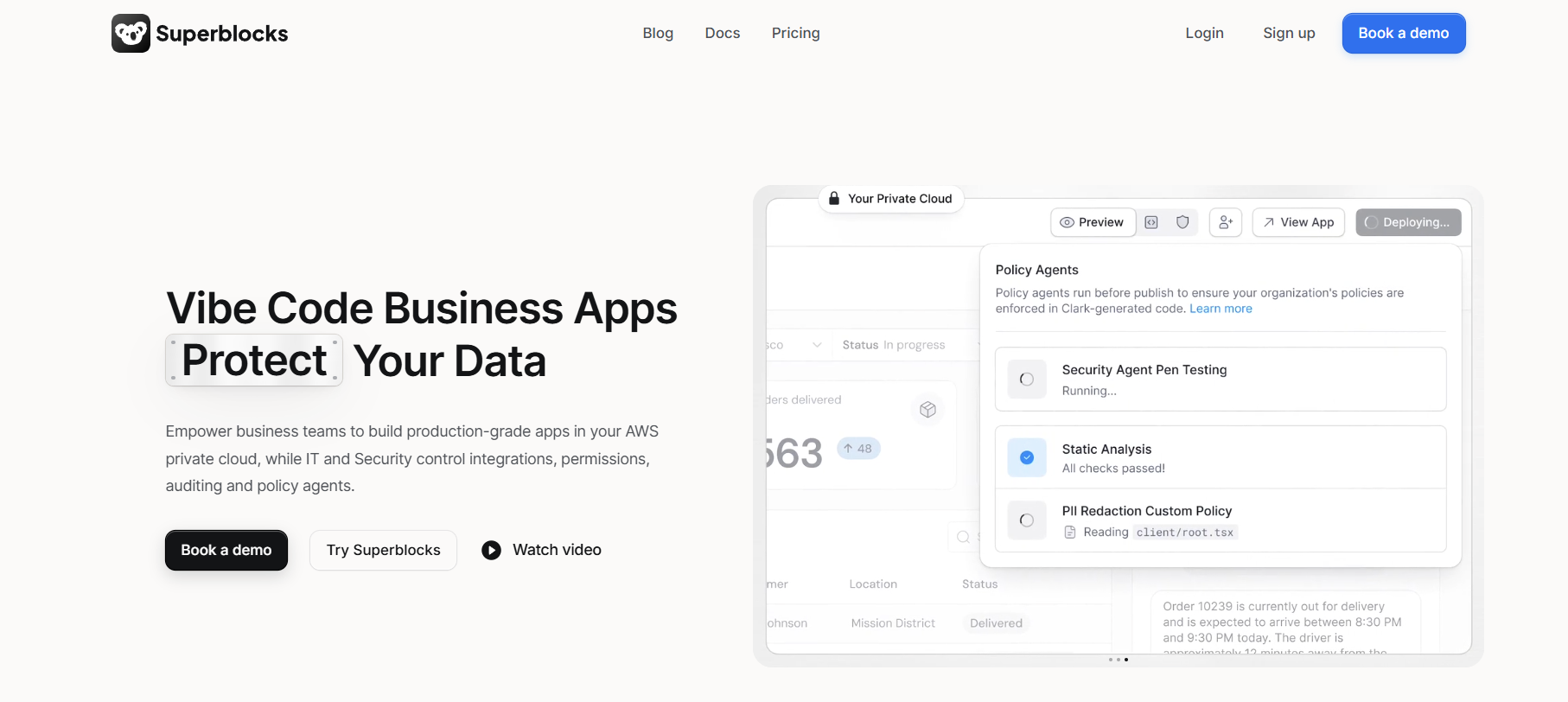
Superblocks is an enterprise AI vibe coding platform for internal tools. It lets teams generate production-ready business apps on top of private company data while IT and security keep full control over integrations, access, and auditing.
Unlike FileMaker's scripting-heavy approach, builders can prompt Clark, Superblocks AI agent, to generate apps, refine with follow-up prompts, or edit UI elements visually. If you code, you can extend apps by editing the underlying React code in your IDE. Changes you make locally sync back to Superblocks.
Key advantages over FileMaker
- AI-native app development: Superblocks lets you describe what you want to build in plain English. Clark turns that prompt into a working internal app that integrates with your data. You get a production-ready starting point without weeks of setup.
- Centralized governance: It gives admins a central dashboard to manage integrations, control access across dev/staging/prod environments, and enforce SSO roles from Okta or Entra.
- Deployment flexibility: Run on Superblocks Cloud, or use the hybrid option to keep production data in your VPC so it never leaves your network. You can also run the entire platform in your cloud with Cloud-Prem, so data and AI processing stay within your infrastructure. FileMaker doesn’t offer these options.
Ideal users
- Companies with lots of internal tool requests and not enough engineering bandwidth to build them all.
- Enterprises in regulated industries (finance, healthcare) need to build tools that work within their compliance obligations.
- Teams that want to deploy apps directly within Databricks as a Databricks app.
Pricing
Superblocks uses custom pricing based on the number of creators, internal users, external users, and deployment model. Contact sales for a quote.
The bottom line
If you want to let more non-technical or semi-technical members of your team build internal tools without creating security headaches for IT, Superblocks is worth evaluating. The AI approach flattens the learning curve, and centralized governance controls provide IT with full visibility.
2. Airtable
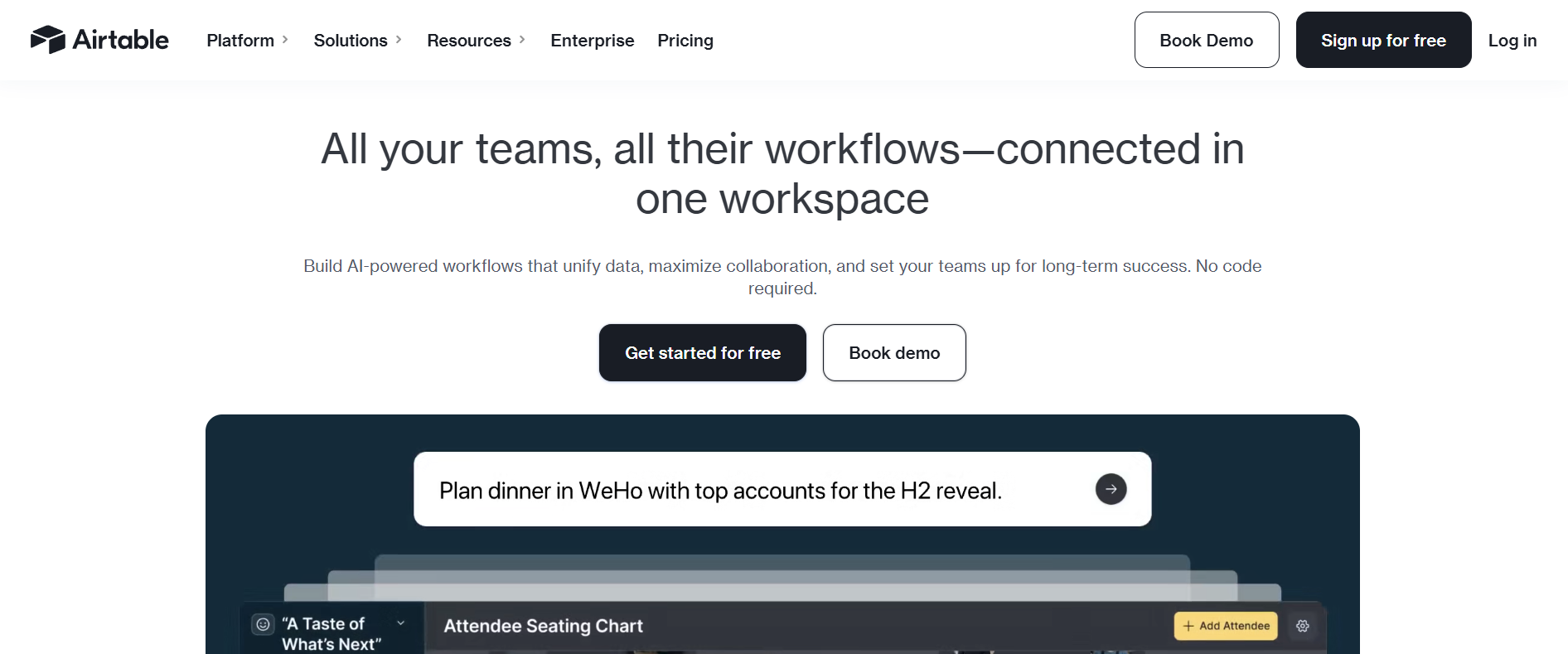
Airtable is a cloud-based database platform that blends the simplicity of spreadsheets with the power of relational databases.
Advantages over FileMaker
- More intuitive and user-friendly: Airtable’s spreadsheet-like interface is much easier to navigate than FileMaker’s traditional database builder.
- Better collaboration tools: Supports multi-user editing, commenting, and permissions management, making it ideal for teams.
- Built-in automation and integrations: Airtable natively connects with Slack, Google Drive, Zapier, and over 1,000 other apps.
Ideal users
- Small to medium-sized businesses looking for an easy-to-use database without technical expertise.
- Marketing, project management, and operations teams need a collaborative, spreadsheet-style database.
Pricing
Airtable has a free version that includes basic collaboration tools and up to 1,000 records per base. Paid plans range from $20 to $45 per user per month and offer more storage, automation, and advanced integrations.
The bottom line
Airtable is the best FileMaker alternative for teams that need a cloud-based database with better collaboration features and deeper integrations.
3. Zoho Creator
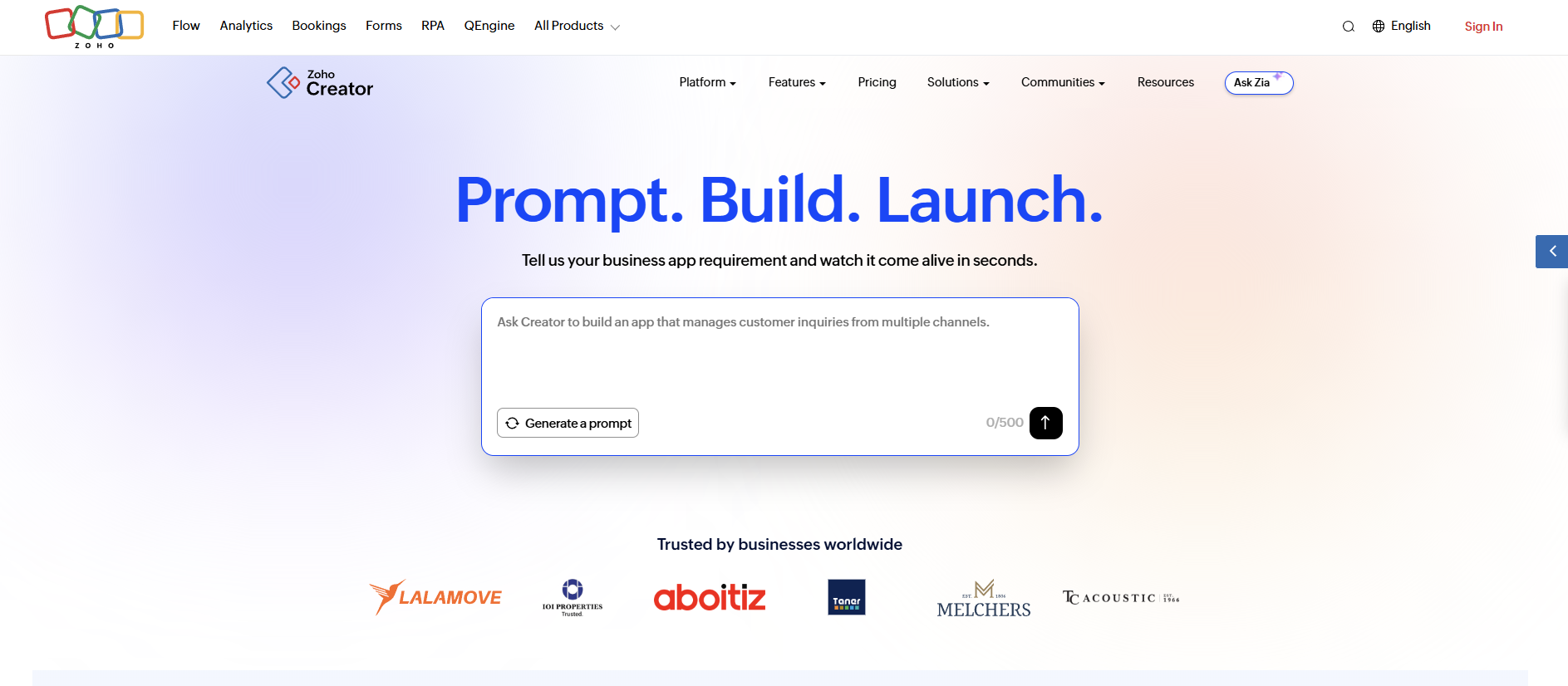
Zoho Creator is a low-code app development platform that enables businesses to build custom applications, automate workflows, and manage databases without requiring deep technical expertise.
It easily integrates with Zoho’s ecosystem, including Zoho CRM, Zoho Books, and other Zoho apps, making it a natural choice for teams already using Zoho products.
Advantages over FileMaker
- More affordable: Zoho Creator offers a low-cost entry point.
- Easier to use: A no-code visual builder makes it easier to create apps and workflows without technical expertise.
- Better automation tools: Built-in workflow automation, scripting, and AI-powered insights for business processes.
Ideal users
- Small businesses that need an affordable, cloud-based app builder.
- Companies already using Zoho apps that want easier integration across their tools.
Pricing
Zoho Creator pricing starts at $8/user/month and goes up to $25/user/month for the enterprise plan, depending on the data sources, number of apps, and other features.
The bottom line
If you need to build apps that integrate with other Zoho apps you’re using, Zoho Creator is a natural alternative.
4. Caspio
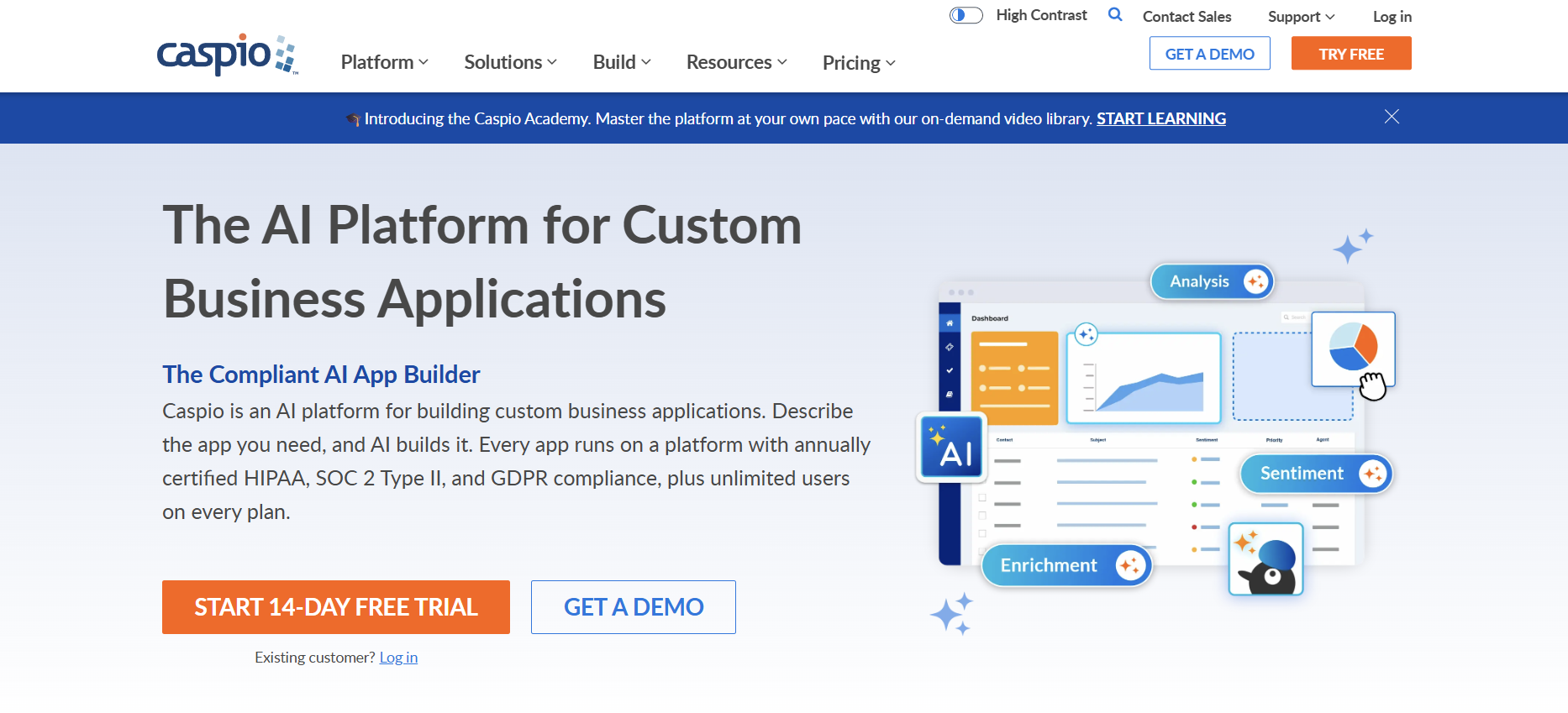
Caspio is a low-code cloud database platform that allows businesses to build applications, manage data, and automate workflows — all without needing to maintain complex infrastructure.
Unlike FileMaker, which has limited cloud support and requires additional setup for online accessibility, Caspio is a fully cloud-native platform with built-in security, scalability, and compliance features.
Advantages over FileMaker
- Stronger compliance and security: HIPAA, GDPR, and SOC 2 compliance make it ideal for regulated industries.
- Embedded applications: Allows users to embed database-driven applications into websites and customer portals without requiring complex deployments.
- Better reporting and analytics: Built-in dashboards and custom reporting tools provide deeper insights.
Ideal users
- Businesses managing large datasets. Caspio offers higher data storage limits.
- Non-technical teams that want a no-code platform for database management and automation.
Pricing
Caspio has a unique pricing structure that allows unlimited users across all tiers. However, it does not offer a free plan. Pricing starts at $100 per month for the Lite plan and goes up to $600 per month for the Business plan, with costs varying based on log retention limits, data record capacity, and file storage size.
The bottom line
If your business needs a scalable, cloud-based platform with enterprise security and unlimited users without the hefty price tag, Caspio is a strong alternative to FileMaker.
5. Knack
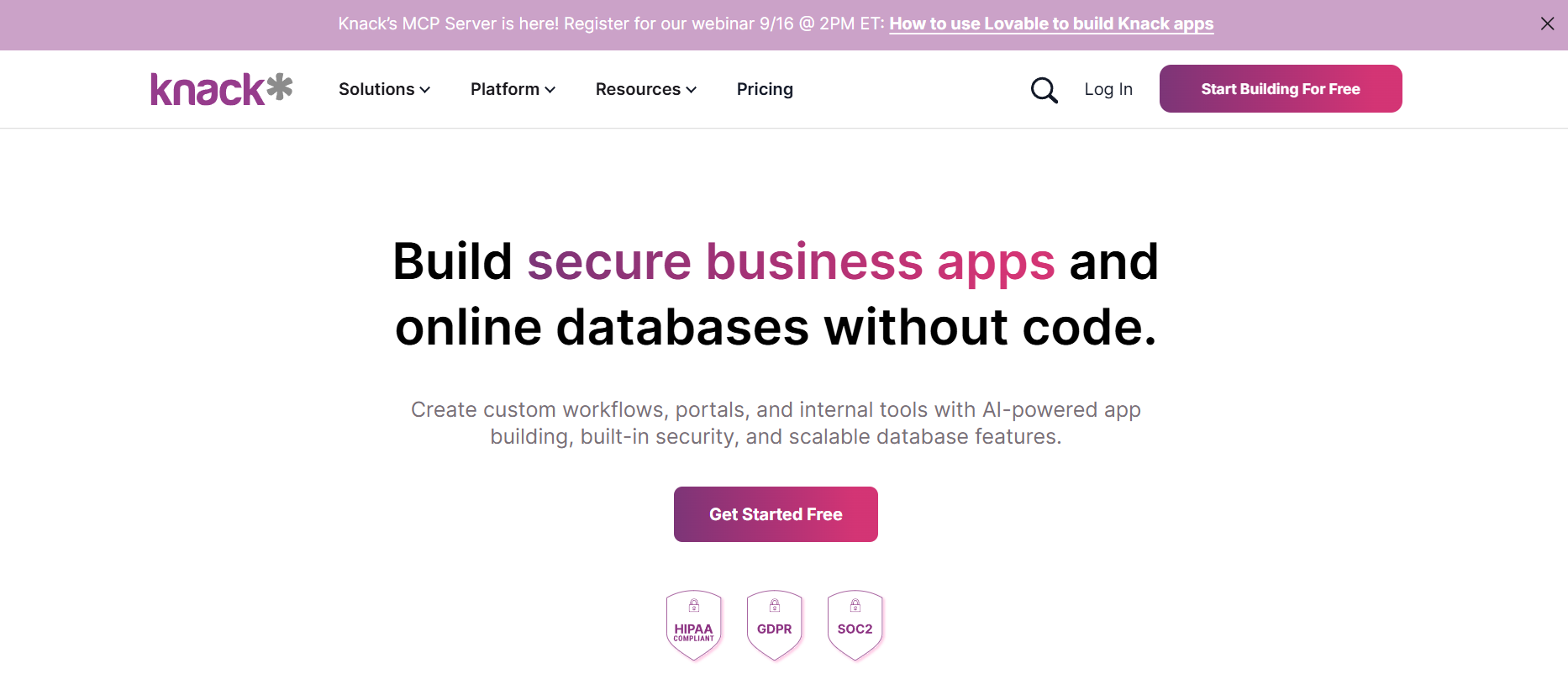
Knack is a no-code database platform that helps businesses build custom applications without technical expertise.
Advantages over FileMaker
- Easier to use: Provides a drag-and-drop interface, pre-built templates, and cloud hosting, making it one of the most user-friendly alternatives.
- Better collaboration: Built for multi-user collaboration, with role-based access control (RBAC) for managing permissions.
- Strong API and integration support: Connects with popular apps like Zapier, QuickBooks, and Google Drive.
Ideal users
- Teams that need an easy way to manage data, projects, people, and docs without code.
- Businesses looking for a flexible cloud-based database with automation features.
Pricing
Knack offers a 14-day free trial for businesses to test its features. Paid plans start at $59 per month for unlimited users. For more storage, longer retention periods for logs, and SSO, you have to upgrade.
The bottom line
For teams needing a no-code alternative to FileMaker with relational database functionality, automation, and unlimited user pricing, Knack offers a simple, cloud-based solution.
6. Retool
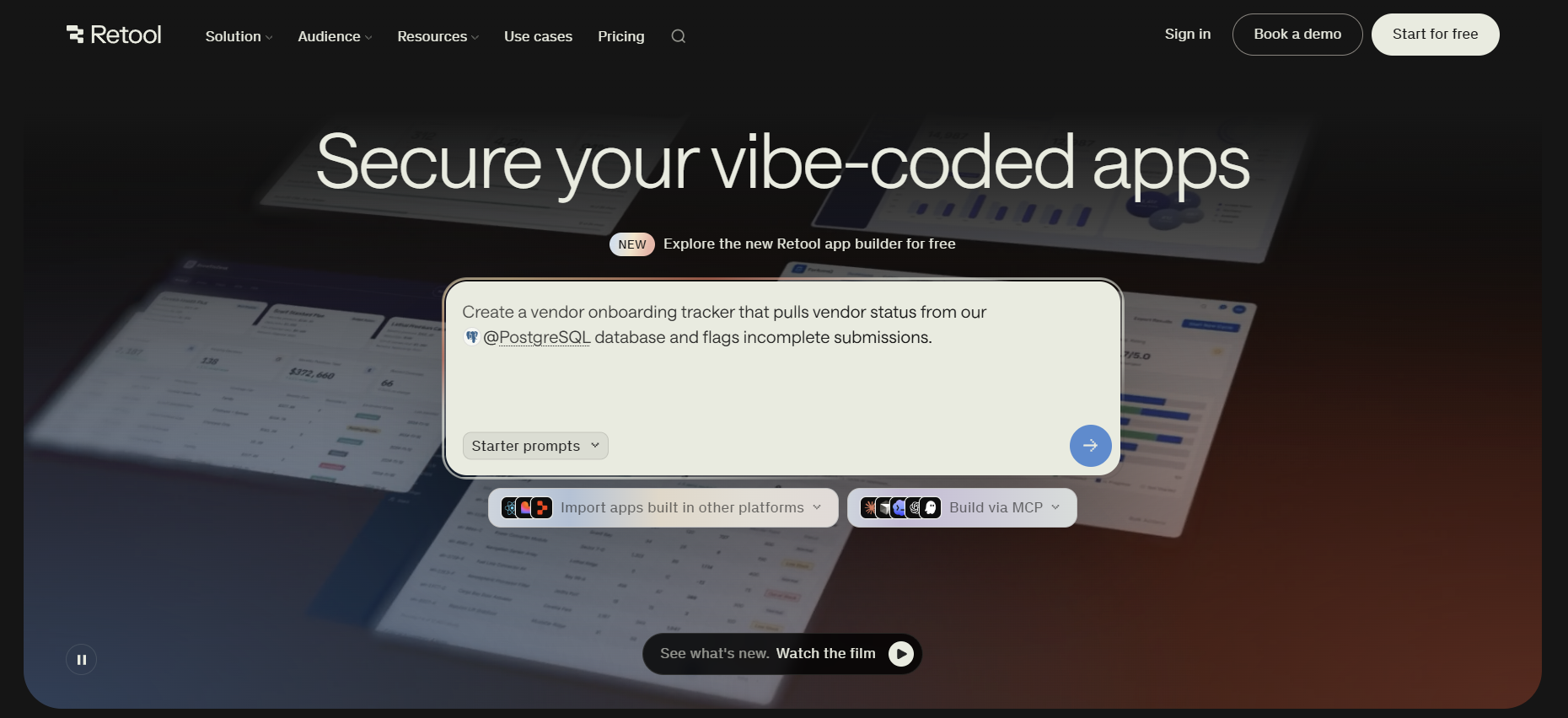
Retool is a low-code development platform designed to help teams quickly build internal tools by integrating with databases, APIs, and third-party services. It prioritizes a visual-first approach but offers some code flexibility, though not as extensive as developer-first platforms.
Advantages over FileMaker
- Strong visual development: Provides a drag-and-drop UI builder, UI components, and a wide selection of UI templates.
- More out-of-the-box integrations: Offers native connectors for databases as well as third-party apps.
- Self-hosting available: Supports on-premise deployment, though it lacks hybrid deployment options for cloud/on-prem flexibility.
Ideal users
- Teams that want to empower non-technical users to build internal tools without writing much code.
- Businesses looking for an internal tool builder with lots of database and API integrations.
Pricing
Retool offers a free plan for small teams, while paid plans range from $5 to $50 per user per month. Enterprise plans include self-hosting, SSO, and audit logging with custom pricing.
The bottom line
Retool is the best FileMaker alternative for businesses that prioritize visual development and don't mind not having code-level control over their apps.
7. Microsoft Power Apps
Microsoft Power Apps is a low-code development platform that allows businesses to build custom applications, automate workflows, and connect with Microsoft services like Azure, SharePoint, and Dynamics 365.
Advantages over FileMaker
- Direct Microsoft integration: Natively connects with Excel, SharePoint, Teams, and Azure, unlike FileMaker, which requires third-party connectors.
- Better cloud scalability: Runs on Microsoft’s cloud infrastructure, providing better security and scalability than FileMaker’s cloud hosting options.
- AI and automation capabilities: Includes AI Builder and Power Automate for enhanced workflow automation.
Ideal users
- Enterprises using Microsoft 365, Azure, or Dynamics 365 looking for a seamless, integrated development platform.
- IT and operations teams that need low-code automation with enterprise security features.
Pricing
Power Apps offers a free developer plan for building and testing applications. For unlimited app development, paid plans start at $20 per user per month, with a discounted rate of $12 per user per month for organizations with a minimum of 2,000 seats.
The bottom line
Power Apps is the best FileMaker alternative for enterprises already invested in Microsoft’s ecosystem.
8. AppSheet
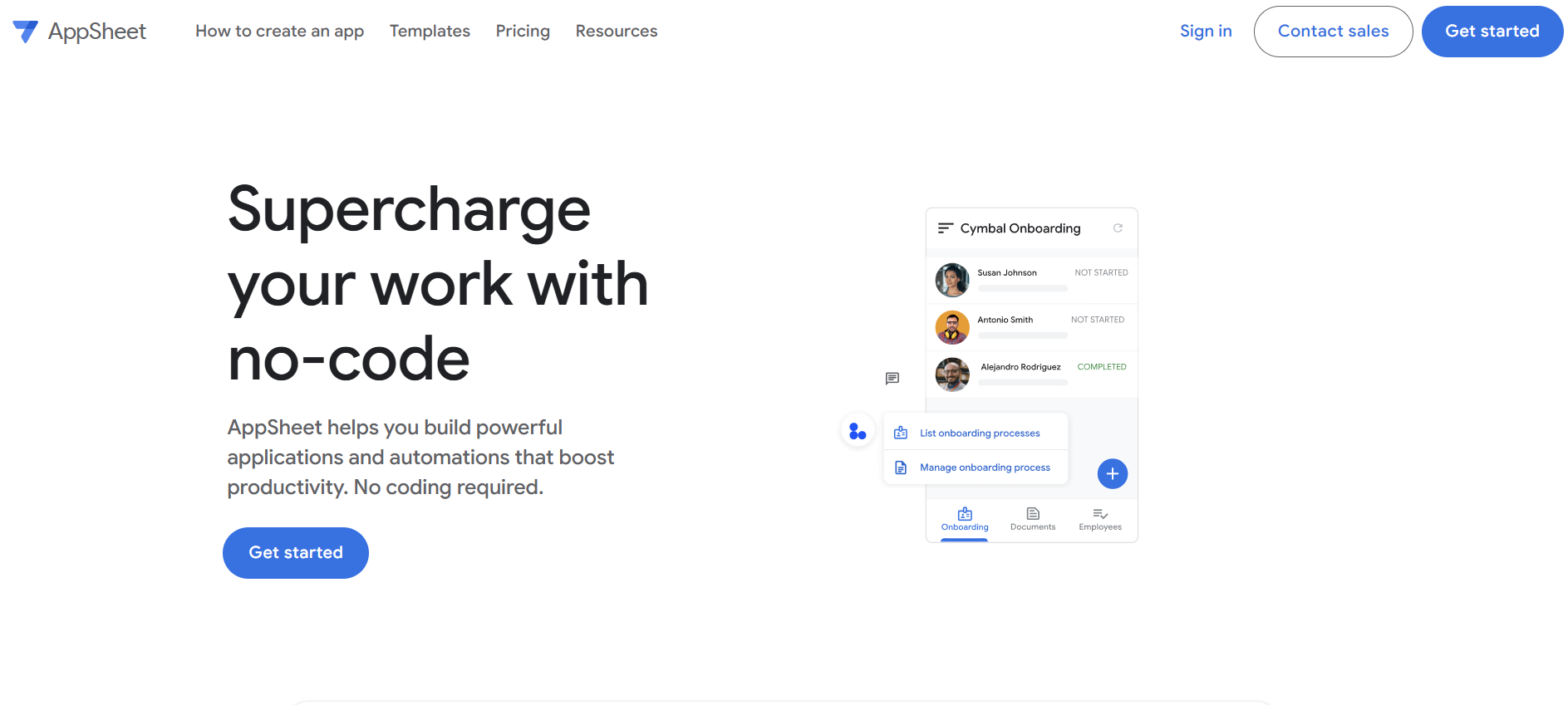
AppSheet is a no-code app development platform owned by Google. It allows users to build mobile and web applications directly from their databases and spreadsheets.
Advantages over FileMaker
- Stronger mobile and web app capabilities: Unlike FileMaker, which has limited mobile customization, AppSheet is built for mobile-first development.
- No coding required: Uses Google Sheets, Excel, SQL, and other databases as a foundation to create apps without technical expertise.
- AI-powered automation: Includes machine learning and workflow automation to enhance app functionality.
Ideal users
- Non-technical business users looking for an easy-to-use app builder with workflow automation.
- Businesses using Google Workspace that want easy, direct integration with Google Cloud services.
Pricing
AppSheet has a free plan for personal use and basic app development.
Paid plans start at $5 per user per month, with higher tiers providing advanced automation and enhanced security controls.
The bottom line
If mobile accessibility and Google Cloud integration are top priorities, AppSheet is a better choice than FileMaker.
9. Ninox
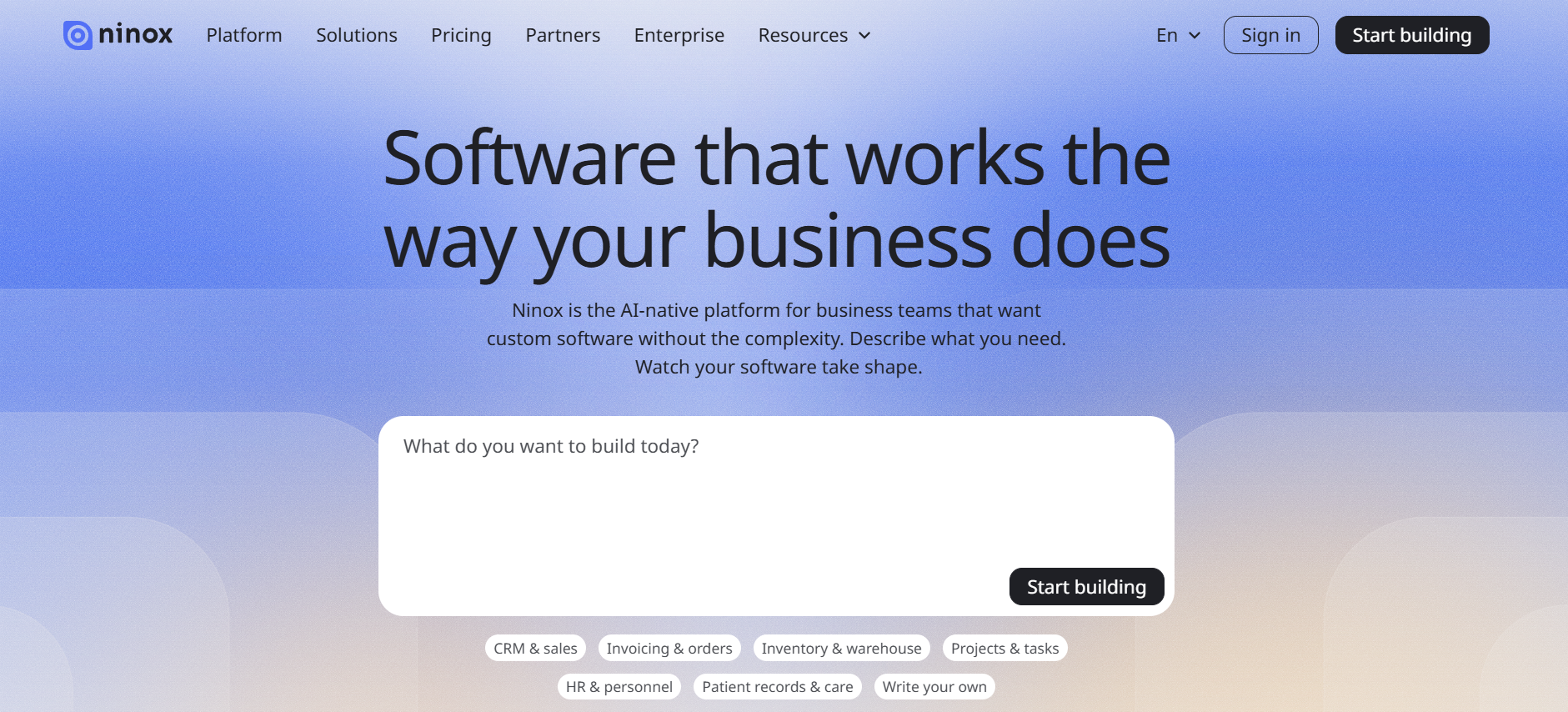
Ninox is a low-code relational database platform designed for teams and businesses that need custom database-driven apps.
Advantages over FileMaker
- Formula-driven logic & custom workflows: Supports complex calculations and automation through its built-in formula language.
- Cross-platform accessibility: Allows access from various devices and operating systems, including web browsers, iOS, and Android.
- Better offline functionality: Allows users to edit and sync databases without an internet connection.
- Team collaboration features: Includes multi-user access, real-time syncing, and role-based permissions.
Ideal users
- Teams needing an offline-accessible database with collaboration features.
- Small businesses and freelancers looking for a more affordable alternative to FileMaker.
Pricing
Ninox offers a 30-day free trial. After that, you’re billed at $12 and $24 per user per month for the Starter and Professional plans, respectively. The starter plan offers the basic features you need to build business apps, while the professional plan includes email support and access control. Enterprise pricing is available for larger teams.
The bottom line
Ninox is the best FileMaker alternative for users who need a lightweight, flexible database with offline capabilities.
10. Budibase
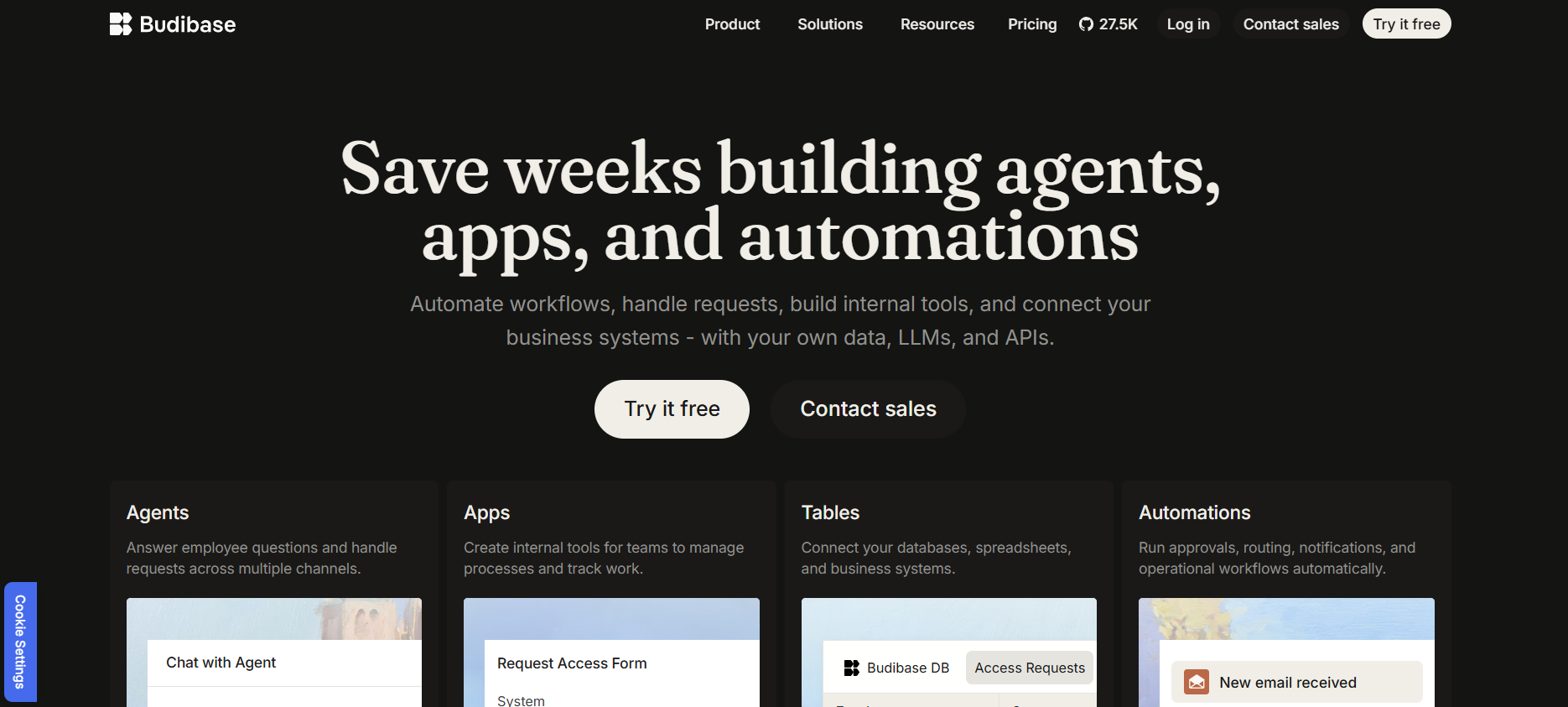
Budibase is an open-source, low-code platform that allows businesses to build custom internal tools and databases.
Advantages over FileMaker
- Open-source & self-hostable: Allows teams to deploy on their own infrastructure for greater control over data and security.
- Built-in automation: Supports custom workflows, triggers, and database actions without complex scripting.
- Multi-database support: Works with PostgreSQL, MySQL, Airtable, and more, unlike FileMaker’s proprietary database format.
- Stronger developer flexibility: Developers can modify the source code and extend functionality as needed.
Ideal users
- Tech-savvy teams that want an open-source alternative to FileMaker.
- Businesses needing complete control over data storage, security, and application customization.
Pricing
Budibase offers a free open-source plan with unlimited apps, data sources, and automations, but it comes with user limits. To unlock unlimited users, you'll need to upgrade to the premium $50 per app creator/month + $5 per app user/month tier or the custom enterprise tier.
The bottom line
Budibase is the best open-source alternative for businesses that need to build internal tools based on a wide range of integrations.
11. Quickbase
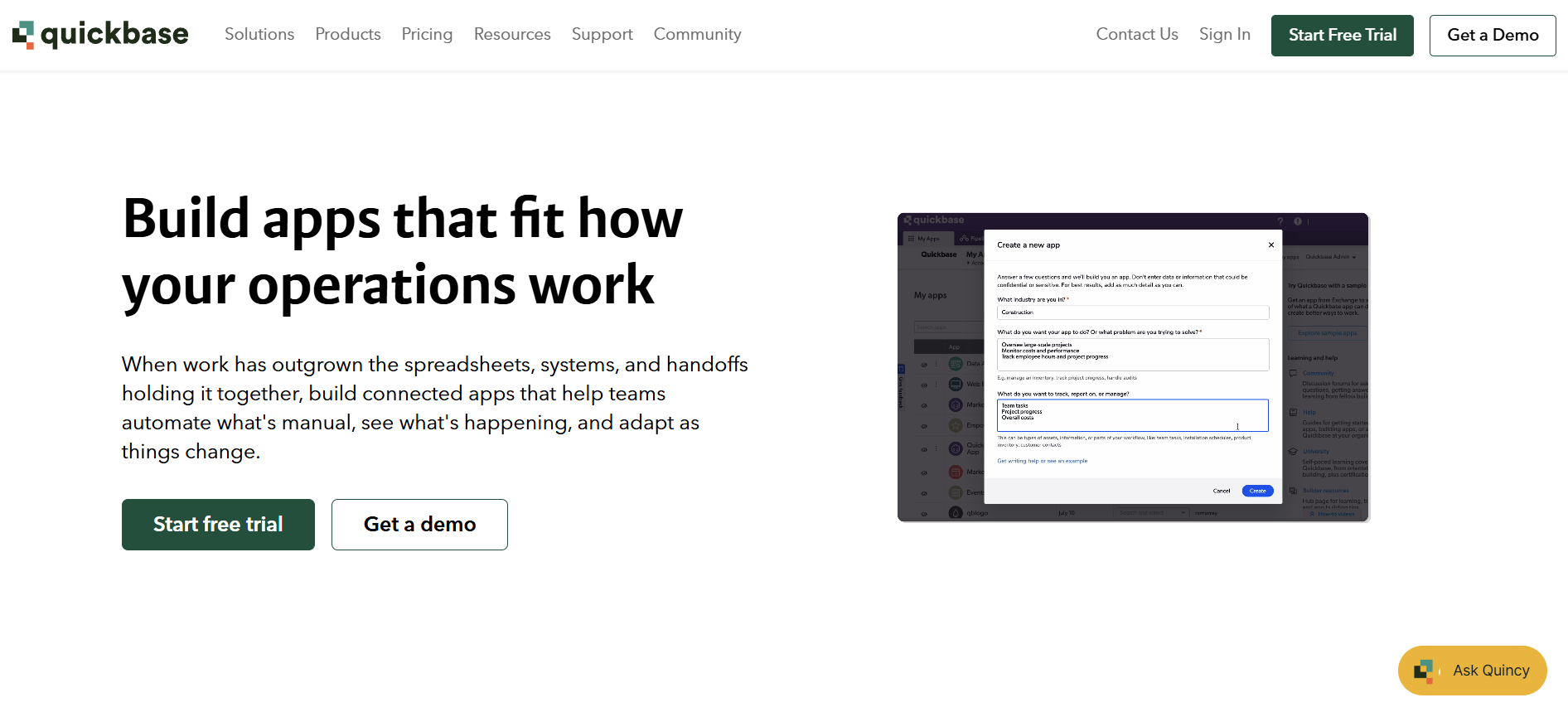
Quickbase is a low-code platform for workflow automation and process management. It helps businesses streamline operations, track data, and automate workflows.
Advantages over FileMaker
- Stronger workflow automation: Automates business processes, approvals, and reporting more effectively than FileMaker.
- Faster deployment: Pre-built templates and automation tools allow teams to build apps without coding delays.
- Advanced permissions and governance: Supports role-based access, audit logs, and compliance features for security-conscious businesses.
Ideal users
- Mid-to-large businesses needing automated workflows that scale.
- Operations teams that require real-time tracking and process management.
Pricing
Quickbase offers a 30-day free trial for new users. Paid plans start at $35 per user per month for a minimum of 20 users. It comes with advanced automation, security controls, and audit logs. Enterprise pricing is available for larger teams with custom governance and compliance needs.
The bottom line
Quickbase is the best FileMaker alternative for businesses that need powerful workflow automation and process management.
12. TrackVia
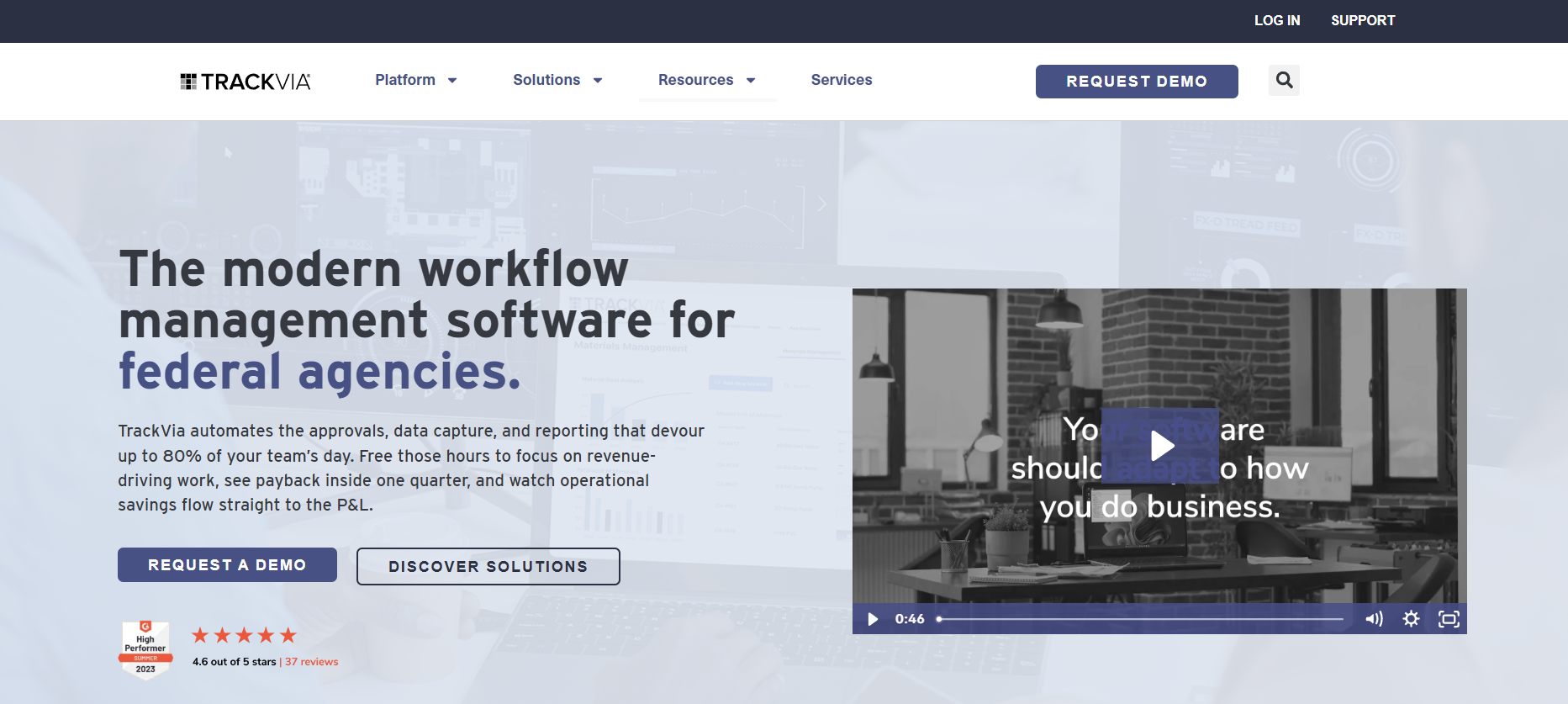
TrackVia is a low-code workflow automation and database management platform designed for operations teams that need real-time tracking, mobile accessibility, and process automation. It helps businesses digitize workflows, collect field data, and manage compliance processes without complex coding.
Advantages over FileMaker
- Stronger real-time data tracking: Enables teams to track operations in real-time, with custom dashboards and automated notifications.
- Better workflow automation: Supports custom workflows, approvals, and notifications without complex scripting.
- Offline mobile access: Allows users to capture and sync data without an internet connection.
Ideal users
- Operations, manufacturing, and logistics teams that need real-time data tracking and process automation.
- Field teams and mobile users who require offline access and instant data synchronization.
Pricing
TrackVia offers a free trial and a free demo for new users. After that, you can contact sales for pricing.
The bottom line
TrackVia is the best FileMaker alternative for businesses needing real-time data tracking and workflow automation.
Why users seek a FileMaker alternative
Despite the above capabilities, FileMaker still struggles to match the flexibility, ease of use, and integration support of modern alternatives. As a result, many users seek other solutions.
Here are the most common reasons why:
High pricing for teams
FileMaker’s pricing model can be expensive for individuals or small businesses with a team of fewer than five. The FileMaker Cloud Essentials plan is billed at $22 per user per month, billed annually. While seemingly affordable at a per-user cost, the 3 apps limit and 2GB of data storage per user/per year limit what users can build.
If affordability is a concern, cloud-based database tools like Airtable and Zoho Creator offer more flexible pricing models with free tiers and scalable plans.
And if your requirements extend to building complex internal tools and workflows, Superblocks offers an enterprise-grade development environment with a pricing model that’s tailored to your organization’s needs.
Limited UI features
FileMaker allows for some customization in terms of layouts and forms, but it's still quite rigid compared to modern app-building platforms. It doesn’t allow deep customization of UI elements without additional scripting or third-party add-ons.
Platforms like Superblocks and Retool provide a more flexible visual builder with a rich library of customizable components.
Steep learning curve for non-technical users
FileMaker requires a certain level of technical expertise to build and maintain applications. Non-technical users often struggle with its scripting language, database management, and layout design.
No-code platforms like Airtable and AppSheet make it easier for non-technical users to create applications without needing advanced database knowledge.
Limited native integrations with modern tools
FileMaker's direct, native integrations are not as extensive as most newer platforms.
Alternatives like Superblocks and Retool provide more native integrations for popular business tools, APIs, and databases.
Restricted mobile and web app development
Mobile and web capabilities in FileMaker are limited. It doesn’t have tools to test web performance and lacks native Android support. Quickbase offers stronger support for mobile and web apps.
How we chose the best FileMaker alternatives
We didn’t just throw together a list of random tools. We evaluated FileMaker competitors based on several key factors:
- Ease of use: We prioritized alternatives that offer intuitive, visual interfaces, pre-built templates, and low-code capabilities to make database and app development accessible to all users.
- Cloud-based and scalable: We selected platforms that support cloud hosting, multi-user collaboration, and real-time updates to accommodate growing teams and businesses.
- Affordability and pricing transparency: We focused on platforms that offer flexible pricing, transparent cost structures, and free tiers.
- Integration capabilities: We chose alternatives that provide native integrations, API access, and automation features to easily connect with CRMs, accounting software, and productivity apps.
Other factors we considered:
- Mobile-friendliness: Support for web and mobile app development, including responsive UIs.
- Security and compliance: Built-in encryption, role-based access control, and industry-standard compliance (GDPR, HIPAA, etc.).
- Customization flexibility: The ability to modify workflows, database structures, and app functionality visually or with code.
Final verdict: Choosing the best FileMaker alternative
The best FileMaker alternative depends on your specific needs, whether it's ease of use, affordability, scalability, or developer control.
Here’s a quick guide to help you decide:
- Choose Superblocks if you want to build internal tools with AI without violating any of your security and governance policies.
- Choose Retool if you want to build internal tools and are comfortable writing code.
- Choose Airtable if you need a simple cloud-based database and want to build light interfaces on top of that data.
- Choose Zoho Creator if you want an affordable, flexible app builder that directly integrates with other Zoho apps.
- Choose Power Apps if you already use Microsoft 365 and want to integrate with tools like SharePoint and Azure.
- Choose Quickbase or TrackVia for large-scale process automation.
The best FileMaker alternative for enterprise teams
FileMaker works for small teams who need structured databases with basic automation. But once you hit a certain scale, performance degrades.
Superblocks is purpose-built for governed internal apps, so it’s often a better fit for enterprise teams than FileMaker. You tell Clark what you want, and it builds apps that respect all the guardrails you have in place.
We’ve touched on the features that enable this, but just to recap:
- Accessible to semi‑technical and non‑technical users: You don’t have to know how to code. Just describe it in plain English and watch Clark build it.
- AI guardrails: Clark only operates within the permissions you've already approved. It connects to your systems (Postgres, Salesforce, Snowflake, Databricks, internal APIs) and can inspect schemas and read data, all within the builder's existing permissions.
- Centralized permissions: Admins centrally configure integrations, access controls, app-level permissions, and audit logs. All your apps and builders stay aligned with IT and compliance policies.
- Databricks-native hosting: Superblocks can deploy production-grade apps directly within Databricks as a Databricks app.
- Fits your existing engineering workflow: Superblocks apps plug into your Git provider (GitHub, GitLab, Bitbucket, Azure DevOps). You can keep using code review, automated tests, and security scanners before production deploys.
- Flexible deployment options: Run Superblocks in Cloud, Hybrid, or Cloud-Prem. With hybrid deployments, your data remains in your VPC. With Cloud-Prem, the full platform runs inside your cloud environment, so customer data and AI processing stay within your infrastructure. Superblocks has no access to production data.
Book a demo with one of our product experts to see Superblocks’ AI-native builder and Cloud-Prem deployment (runs inside your cloud/VPC) in action.
Frequently asked questions
What are the disadvantages of FileMaker?
The main disadvantages of FileMaker are its dated scripting language, limited native integrations, and missing native Android support.
What's the best FileMaker alternative?
Superblocks is the best FileMaker alternative for enterprises that want AI-powered app building with IT governance. Airtable works for simple spreadsheet-style databases, while Power Apps fits teams already on Microsoft 365.
Is FileMaker still owned by Apple?
No, FileMaker is no longer owned by Apple. Apple sold its subsidiary Claris (which owned FileMaker) to an investment group in 2019. FileMaker now operates independently.
How much does FileMaker cost?
FileMaker Cloud Essentials costs $22 per user per month (billed annually) with a 3-app limit and 2GB storage per user. FileMaker Server (for self-hosting) costs $17.50 per user per month (billed annually).
At Virgin Voyages, non-technical teams now build their own AI apps, with IT governance fully intact. The result: 15+ production apps, seven departments onboard, and zero dedicated frontend engineers.
At Matthews, a marketing manager with zero coding background built an app that auto-generates offering memorandums, cutting turnaround from days to hours. See how the brokerage is putting AI builders on every team, with full governance intact.


Stay tuned for updates
Get the latest Superblocks news and internal tooling market insights.
Request early access
Step 1 of 2
Request early access
Step 2 of 2

You’ve been added to the waitlist!
Book a demo to skip the waitlist
Thank you for your interest!
A member of our team will be in touch soon to schedule a demo.
production apps built
days to build them
semi-technical builders
traditional developers
high-impact solutions shipped
training to get builders productive
SQL experience required
See the full Virgin Voyages customer story, including the apps they built and how their teams use them.

"Those tools are great for proof of concept. But they don't connect well to existing enterprise data sources, and they don't have the governance guardrails that IT requires for production use."
Table of Contents

Multiple authors
Power Apps vs Power Automate vs Superblocks: Key Differences
Power Apps and Power Automate work well for Microsoft-centric teams, but Superblocks offers more flexibility. Check key features and pricing to choose wisely.
.png)