
I’ve been using a lot of AI app generation tools over the past two years, and honestly, most of them overpromise and underdeliver. However, after testing 10+ platforms, here are 5 that I found genuinely live up to their claims. Need governance, SSO, and permissions? See our list of enterprise AI app builders.
5 Best AI app generation tools: TL;DR
If you're short on time, here's the quick breakdown of what each tool does best:
| Tool | Best for | Starting price (billed annually) | Key strength |
|---|---|---|---|
| Superblocks | Enterprise internal tools | Custom pricing | Governance & scalability at scale |
| Replit | Collaborative cloud IDE with AI | $20/month | Multiple programming language support |
| Bolt | React-based web and mobile apps | $18/month | Fast UI and backend scaffolding |
| v0 by Vercel | Next.js apps and components | $20/month | React/Tailwind components on Vercel |
| Lovable | Full-stack MVPs | $21/month | One-prompt full-stack builds (frontend & backend) |
1. Superblocks
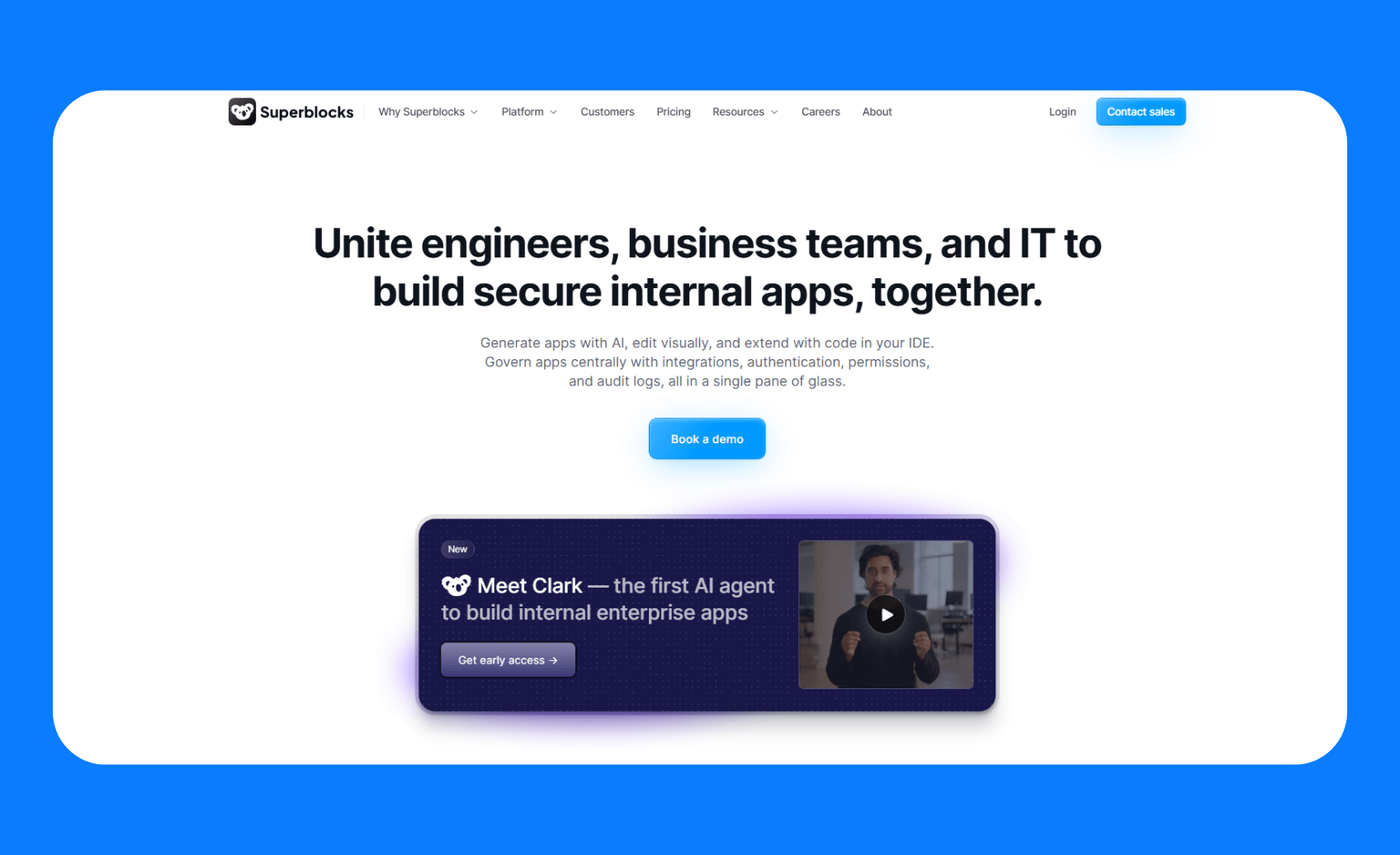
What it does: Superblocks tackles shadow IT and clogged engineering backlogs with a secure, centrally governed environment.
Who it’s for: Operationally heavy enterprises that are tired of waiting on engineers to deliver internal apps. Business teams can build their own tooling, but IT maintains control.
Key features
- Three ways to build: Start by describing what you need in plain English, switch to drag-and-drop editing when you want visual control, or jump into your preferred IDE to write custom React components.
- Enterprise security baked in: Every app automatically includes your company's SSO setup, role-based permissions, and audit logging. No more scrambling to add security after building.
- Connects to everything: It integrates with almost any API or database and plugs into your SDLC processes, including Git-based workflows.
- AI that follows your rules: Clark is aware of your design system, coding standards, and security policies. So the apps it builds look and behave like they belong in your organization.
Pros
- Every generated app includes enterprise security by default
- Prevents shadow IT by giving teams a governed platform to build on
- AI follows your organization's coding standards and design systems
- Scales from single apps to organization-wide app libraries
Cons
- Built specifically for internal tools, not consumer-facing apps
Pricing
Custom pricing based on the number of creators, end users, and deployment requirements.
Bottom line
If your company struggles with slow internal app delivery or wants to rein in shadow IT, I’d personally go with Superblocks. You can hand it to both a business analyst and an engineer and trust that IT won’t have to worry about security gaps.
2. Replit
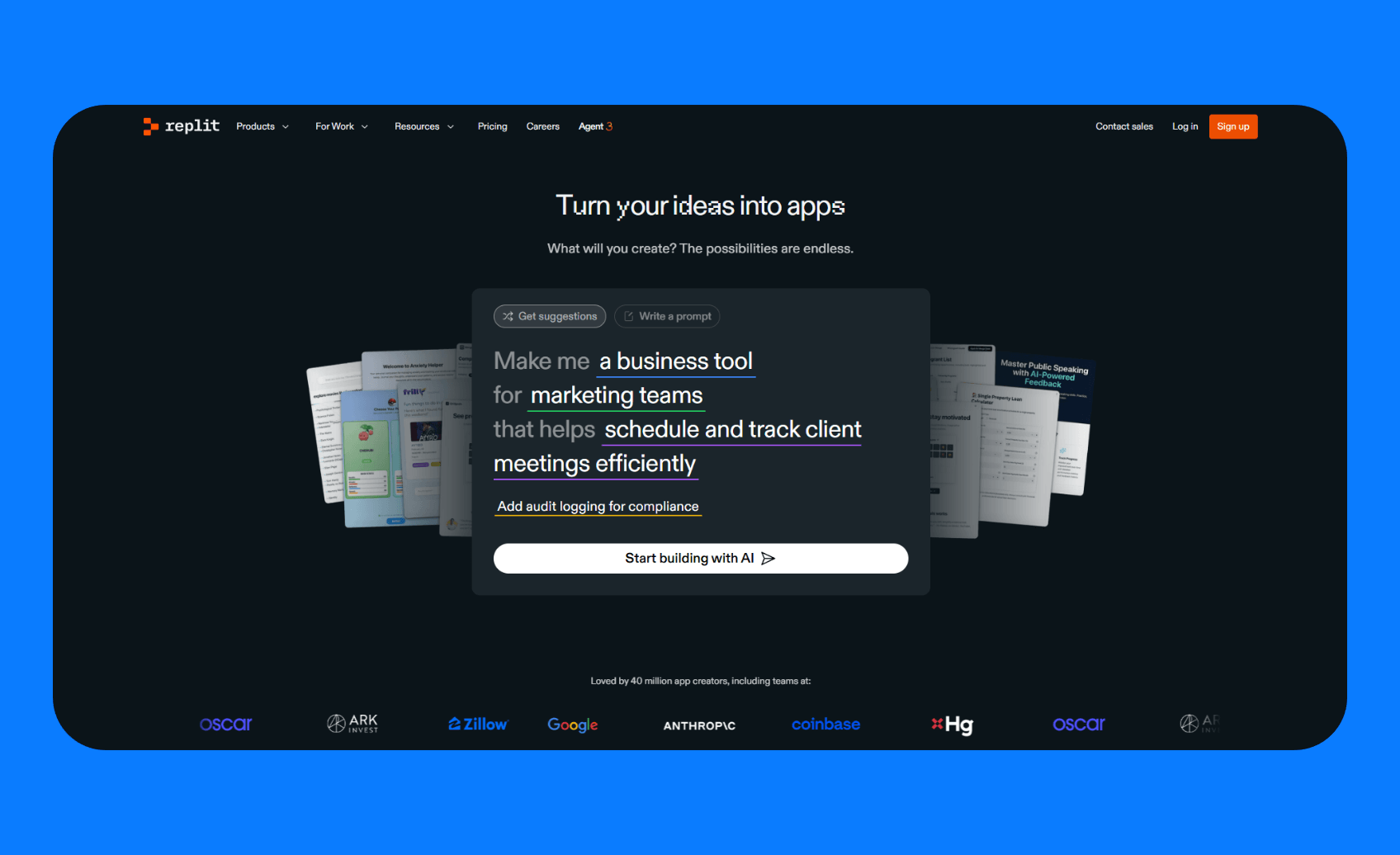
What it does: Replit is a widely used browser-based IDE that now comes with an integrated AI coding assistant for generating apps and automations from prompts.
Who it's for: Developers, students, and teams who want flexibility beyond JavaScript web apps.
Key features
- 50+ programming languages: Build web apps in JavaScript, data analysis tools in Python, or system utilities in C++. Most platforms force you into their preferred stack. Replit lets you work with whatever makes sense for your project.
- Complete development environment: It supports database storage, file management, package installation, and deployments on the platform.
- Real-time collaboration: Share your workspace link and code together instantly. Perfect for pair programming, getting help from colleagues, or teaching someone a new concept without screen-sharing hassles.
- Import from anywhere: Pull in GitHub repos, Figma designs, or projects from Bolt or Lovable and keep working on them. Your code isn't trapped in Replit's ecosystem.
Pros
- Most versatile platform for different types of applications
- Built-in infrastructure eliminates deployment complexity
- SSH integration bridges cloud and local development
Cons
- AI agent usage can get expensive quickly
- The agent sometimes makes changes you didn't request
Pricing
Replit is free for 10 apps in development, plus a trial for the Replit agent. For full access to the agent, you need Replit core, which costs $20 per month, billed annually.
Bottom line
If you need more than just web apps or want to experiment with different programming approaches, consider Replit. Use it as a cloud IDE for code-level development or as an AI builder for quick prototypes.
3. Bolt
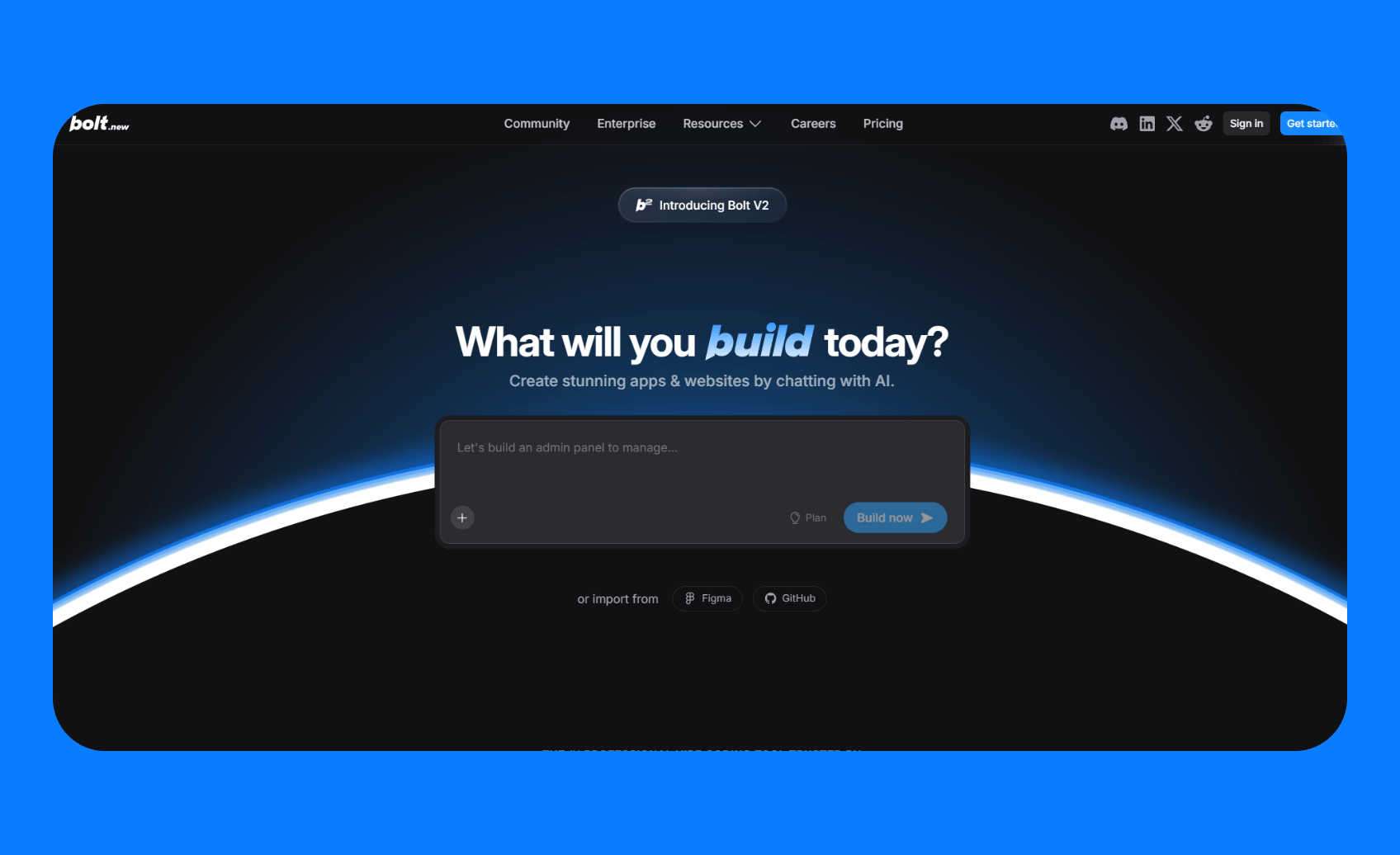
What it does: Bolt generates frontend and backend code from prompts or designs. It runs a complete Node.js development environment in your browser.
Who it's for: Developers who want rapid prototyping without losing visibility into the generated code.
Key features
- See everything it builds: Bolt lets you see and edit every line of code, so you always understand what’s happening in your app and can fix any issues fast.
- Live preview with instant updates: Change a component and watch it update in real-time. No build steps or waiting, just immediate feedback as you refine the generated code.
- Multiplayer coding sessions: Share a workspace URL, and multiple people can edit, debug, or review code simultaneously. Great for mentoring junior developers or getting quick feedback.
Pros
- Full transparency into the generated code
- No local development environment required
- React Native mobile apps support with the Expo integration
Cons
- Browser limitations affect performance with large projects
- No built-in database or authentication services
- Requires external services like Netlify or Vercel for production deployment
Pricing
On the free plan, you get 300,000 tokens per day and 1 million per month for AI prompts, which is enough for experimenting with the platform. For heavier usage, paid pro plans start at $18/month, which give higher token allowances of 10M tokens/month.
Bottom line
I'd recommend Bolt to any developer starting a new project. Use it to get a functional app ASAP, then focus on optimizing it later.
4. v0 by Vercel
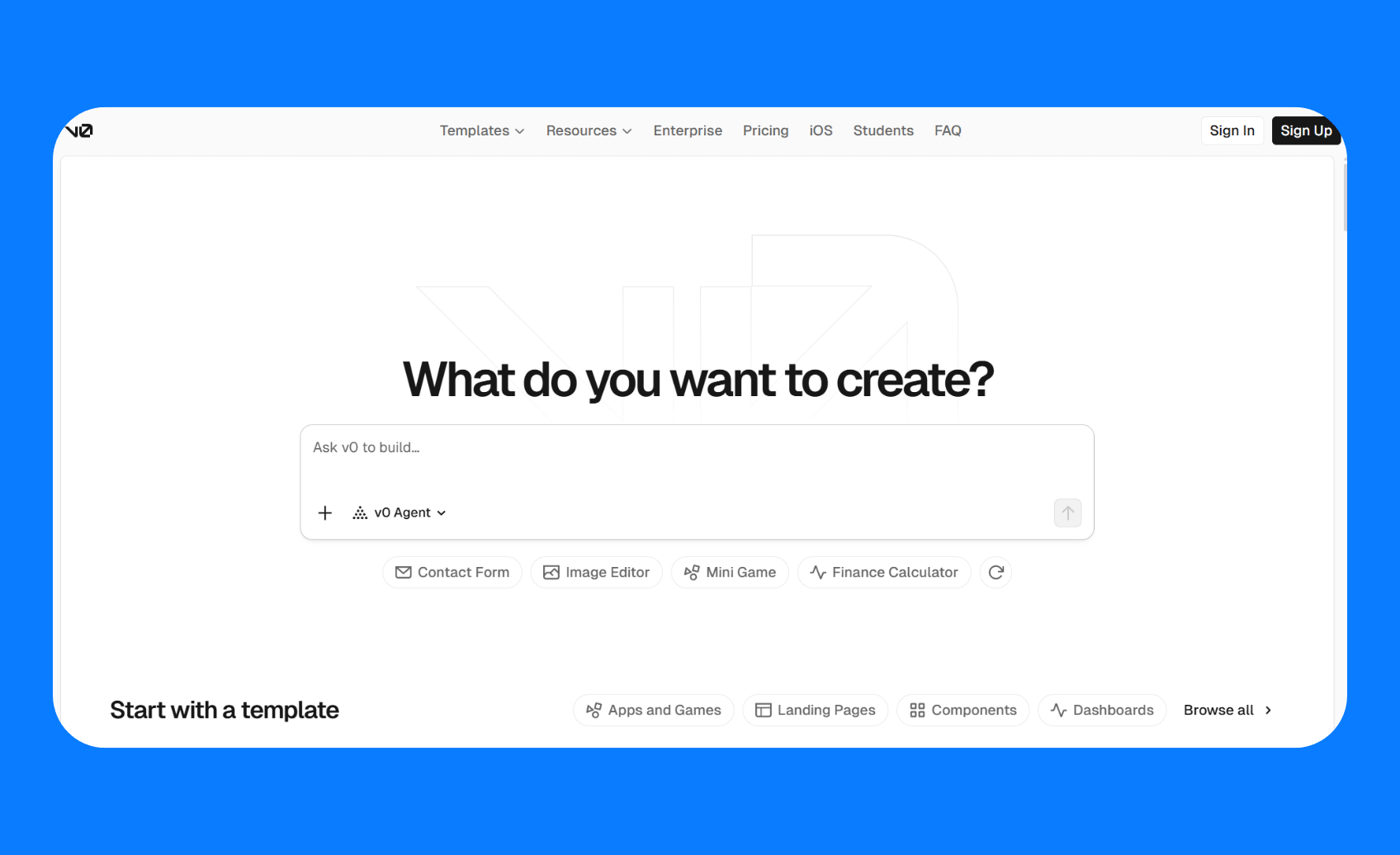
What it does: V0 generates Next.js applications and React components with a focus on design quality and Vercel platform integration.
Who it's for: Product managers, designers, and developers working in the Next.js ecosystem who prioritize polished user interfaces.
Key features
- Import your existing designs: Drop in Figma files or upload screenshots, and v0 will recreate them as working React components.
- Security checks included: Automatically follows Next.js security best practices for authentication, data validation, and API routes.
- One-click deployment: Since it's built by Vercel, everything deploys instantly to their platform with proper caching, CDN, and performance optimization already configured.
Pros
- Direct integration with Vercel's ecosystem
- Creates genuinely attractive interfaces that don't immediately scream Bootstrap template
- Generated code follows production-ready patterns
Cons
- Limited to Next.js and React applications
- Backend capabilities are basic compared to other platforms
Pricing
There’s a Free tier ($0/month) that includes about $5 worth of AI credits each month. It’s enough to build components or small web apps that won’t need a lot of iterations. The Premium plan at $20/month gives $20 in credits (so effectively your subscription is returned as usage), 5x limits on file attachments, and the option to import designs from Figma.
Bottom line
I’d highly recommend v0 for teams building Next.js apps. It will slot right into your workflow and likely save you a lot of time on UI development. The output quality is high enough that you can use it as a starting point in production projects, not just throwaway prototypes.
5. Lovable
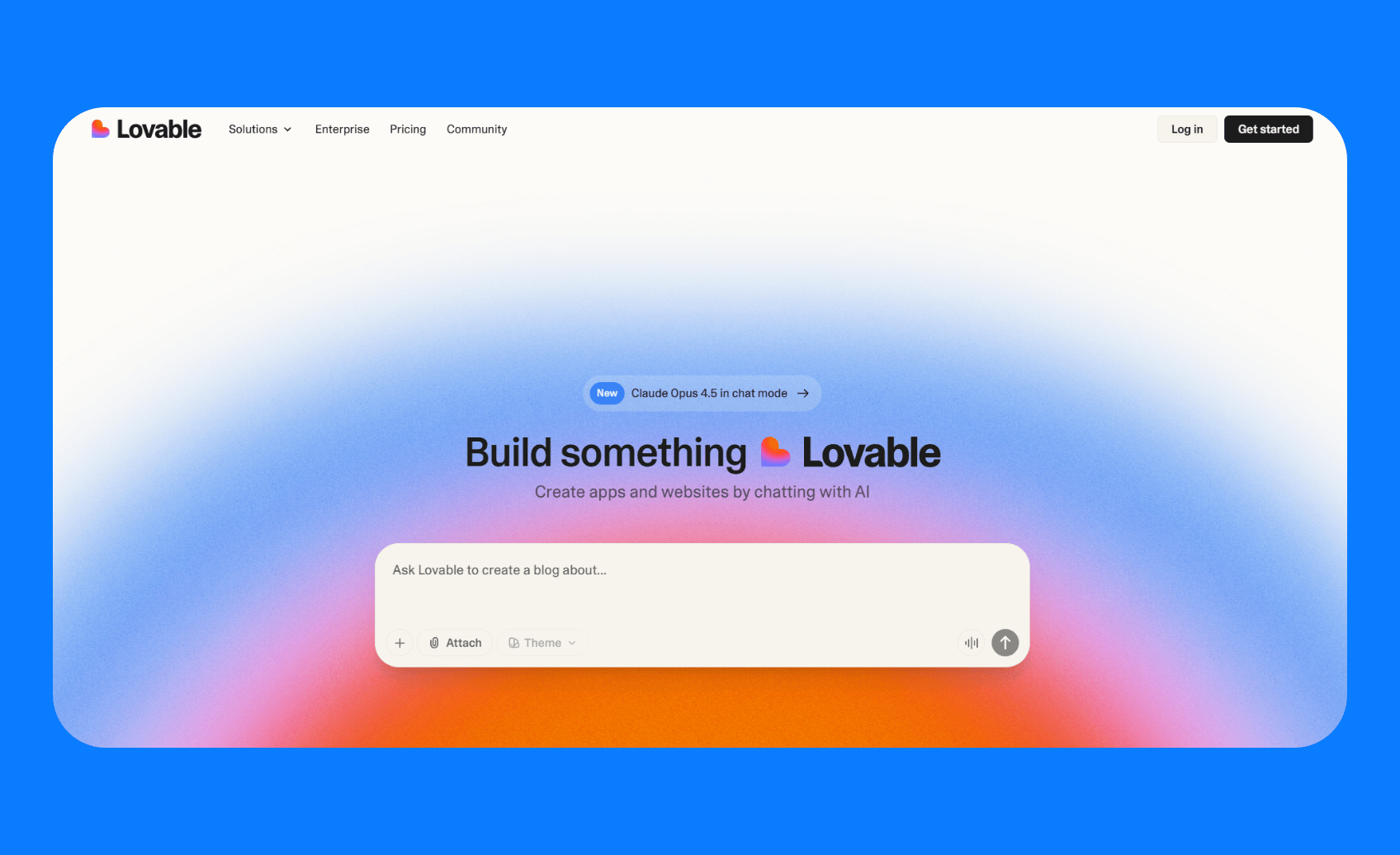
What it does: Lovable generates complete web apps from natural language descriptions and handles frontend, backend, database, and deployment.
Who it's for: Non-technical founders, product managers, and entrepreneurs who need working MVPs without writing code.
Key features
- Complete app from one prompt: Describe your idea and get a working application with frontend, database, user accounts, and live hosting.
- No technical setup required: It generates database schemas, API endpoints, and authentication flows automatically via Supabase integration. You don't need to understand backend architecture to get a functional app.
- Visual editing for tweaks: Adjust layouts, colors, and content by selecting an element and visually making the change. Perfect for when the AI gets it almost right, but you need to fix that one button placement.
- Export to GitHub: Download the complete codebase when you're ready to hire developers or migrate to custom hosting. Your project isn't trapped in Lovable's platform.
Pros
- No technical knowledge required
- Integrated stack eliminates configuration complexity
- Export option prevents vendor lock-in
Cons
- Output quality depends heavily on prompt clarity
- Pixel-perfect designs often require manual coding
Pricing
Lovable has a Free tier at $0/month, which gives you 5 AI credits per day (up to 30 per month). Great for generating the initial app, then 2-3 iterations. For more serious use, the Pro plan is $21/month. It gives you 100 AI credits per month, allows private projects, custom domains, and role-based access control for users.
Bottom line
Unbeatable for rapid MVP development and idea validation. Non-technical founders will find this invaluable for building proof-of-concepts before investing in custom development.
How I tested these AI app builders
Rather than relying on marketing demos, I built a Team Task Manager with user authentication, task creation forms, and a display dashboard. This gave me real experience with each tool's strengths and limitations.
What I looked for:
- Speed and simplicity: How long did it take from initial prompt to working apps? Do I need to spend hours iterating with prompts?
- Code quality: When I inspected the generated code, was it readable, well-structured, and maintainable? Or would it become a nightmare for future developers?
- Customization flexibility: Could I modify the initial output? And what were my options?
- Production readiness: Would I actually deploy this in a business environment, or is it just an impressive demo?
- Real-world integration: How well does it connect to my databases, APIs, and development workflows?
- Support & community: How good are the docs for each? Is there an active community or Discord where you can ask questions?
Which AI app builder should you choose?
When you’re choosing a builder, match the tool to your specific needs and constraints.
Here are my guidelines:
- Choose Superblocks if: You're building internal tools for a company that requires security, compliance, and governance.
- Pick Replit if: You want maximum flexibility across programming languages and don't mind monitoring usage costs
- Select v0 if: You're working in the Next.js ecosystem and prioritize design quality and Vercel integration.
- Try Lovable or Bolt if: You're a non-technical founder who needs an MVP quickly for validation or investor demos.
- Avoid all of these if: You're building an intricate system with tons of custom logic, these AI builders aren’t there yet.
My personal recommendation
After plenty of hands-on testing, Superblocks stands out as the most complete solution for internal apps. The fact that I could generate an app and immediately have all the enterprise trimmings (security, integrations, audit logs) gave me confidence that those apps could actually be used in a business setting.
Build secure, governed internal apps with Superblocks
If you’re testing an idea or building a quick side project, Lovable, Replit, or Bolt will get you moving fast. But if you need to build internal tools that actually follow your company’s security standards and coding best practices, go with Superblocks. It’s built for enterprises that care about speed and control.
We’ve touched on some of the features that enable this, but just to recap:
- Flexible ways to build: Teams can use Clark to generate apps from natural language prompts, design visually with the drag-and-drop editor, or extend in full code in your preferred IDE. Superblocks automatically syncs updates between code and the visual editor, so everything stays in sync no matter how you build.
- Built-in AI guardrails: Every app generated with Clark follows your organization’s data security, permission, and compliance standards. This addresses the major LLM risks of ungoverned shadow AI app generation.
- Centralized governance layer: Get full visibility and control with RBAC, SSO, and detailed audit logs, all managed from a single pane of glass. It also connects to your existing secret managers for secure credentials handling.
- Keep data on-prem: Deploy the Superblocks on-prem agent within your VPC to keep sensitive data in-network and maintain complete control over where it lives and runs.
- Extensive integrations: Connect to any API, data source, or database, plus all the tools in your software development lifecycle from Git workflows to CI/CD pipelines, so your apps fit naturally into your existing stack.
Ready to build secure and scalable internal apps? Book a demo with one of our product experts.
Frequently asked questions
How do AI app builders actually work?
AI app builders work by using large language models trained on millions of code samples to translate plain-language prompts into working applications.
Are AI-generated apps secure for business use?
AI-generated apps are secure for business use if the platform includes enterprise-grade guardrails like SSO, RBAC, and audit logging.
What's the difference between AI app builders and traditional low-code platforms?
Traditional low-code platforms rely on drag-and-drop interfaces and visual workflows, while AI app builders create apps directly from natural language prompts.
How much does it cost to build an AI-generated app?
The cost to build an AI-generated app typically ranges from free for simple prototypes to paid tiers starting around $20 to $25 per month for individual users. On a tight budget? See our list of free app builders.
Will AI app builders replace software developers?
AI app builders are changing what developers focus on, rather than replacing them entirely. Instead of writing repetitive boilerplate code, developers can concentrate on complex business logic, system architecture, and user experience design.
At Virgin Voyages, non-technical teams now build their own AI apps, with IT governance fully intact. The result: 15+ production apps, seven departments onboard, and zero dedicated frontend engineers.
At Matthews, a marketing manager with zero coding background built an app that auto-generates offering memorandums, cutting turnaround from days to hours. See how the brokerage is putting AI builders on every team, with full governance intact.


Stay tuned for updates
Get the latest Superblocks news and internal tooling market insights.
Request early access
Step 1 of 2
Request early access
Step 2 of 2

You’ve been added to the waitlist!
Book a demo to skip the waitlist
Thank you for your interest!
A member of our team will be in touch soon to schedule a demo.
production apps built
days to build them
semi-technical builders
traditional developers
high-impact solutions shipped
training to get builders productive
SQL experience required
See the full Virgin Voyages customer story, including the apps they built and how their teams use them.

"Those tools are great for proof of concept. But they don't connect well to existing enterprise data sources, and they don't have the governance guardrails that IT requires for production use."
Table of Contents
%20(1).png)

Multiple authors
12 AI Agent Deployment Best Practices [2026]
AI agent deployment best practices that move an agent from offline evals to full traffic in stages, with scoped tools and a way to revoke it mid-task.
%20(1).png)
%20(1).png)